Circuitry - 3D Circuit Builder
Engineering made simple
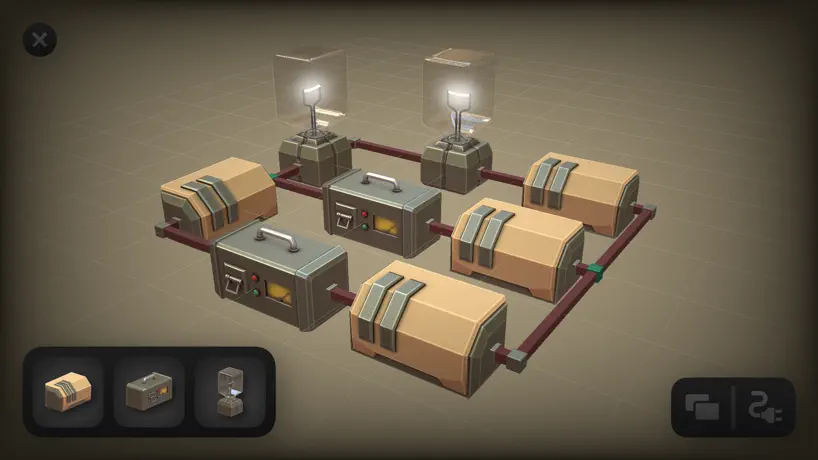
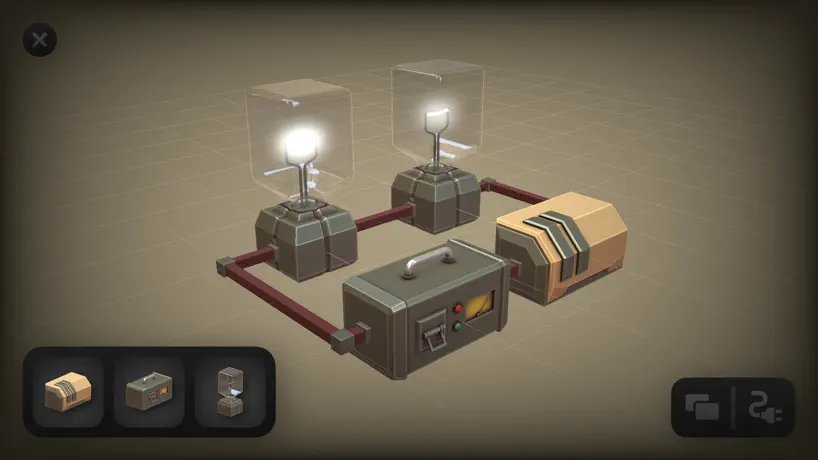
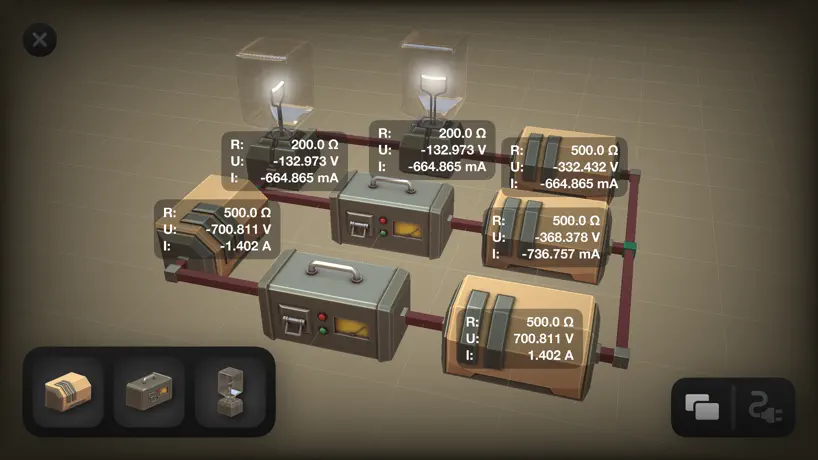
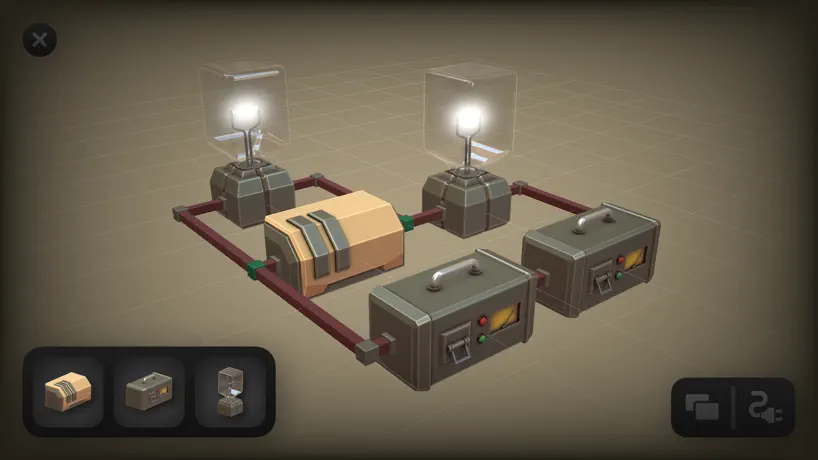
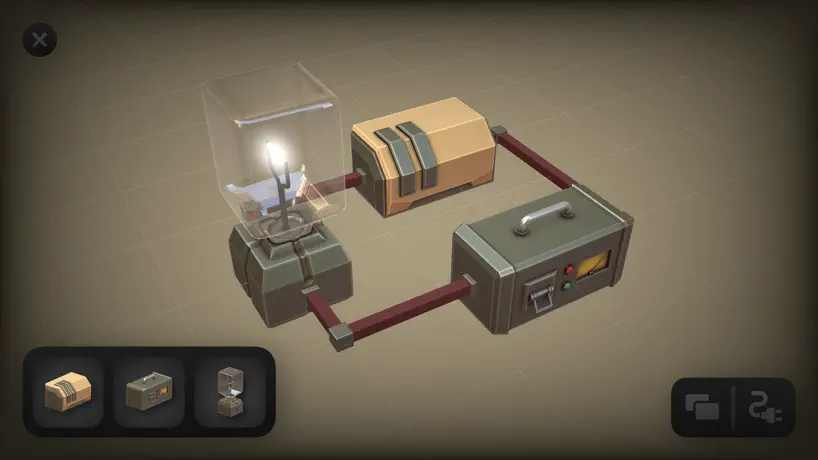
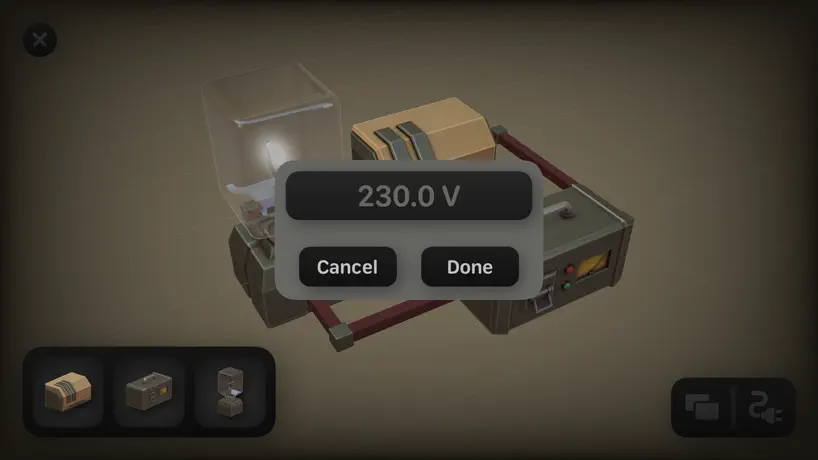
How much does Circuitry - 3D Circuit Builder cost?
Prices are current as of 14 Nov 2026.
Circuitry - 3D Circuit Builder has no in-app products on record in the United States.
10+ alternatives to Circuitry - 3D Circuit Builder
| Circuitry - 3D Circuit Builder | 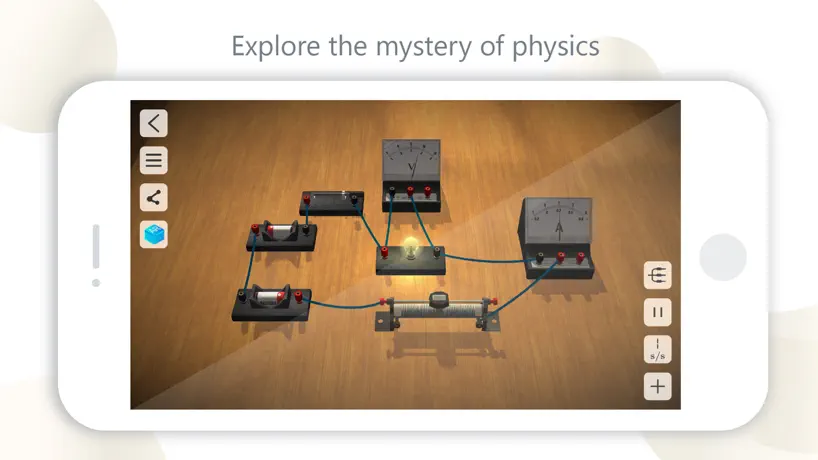  Physics Lab AR |   Electrician Handbook — Basics |   EE ToolKit |   Electrical Wiring Simulator | 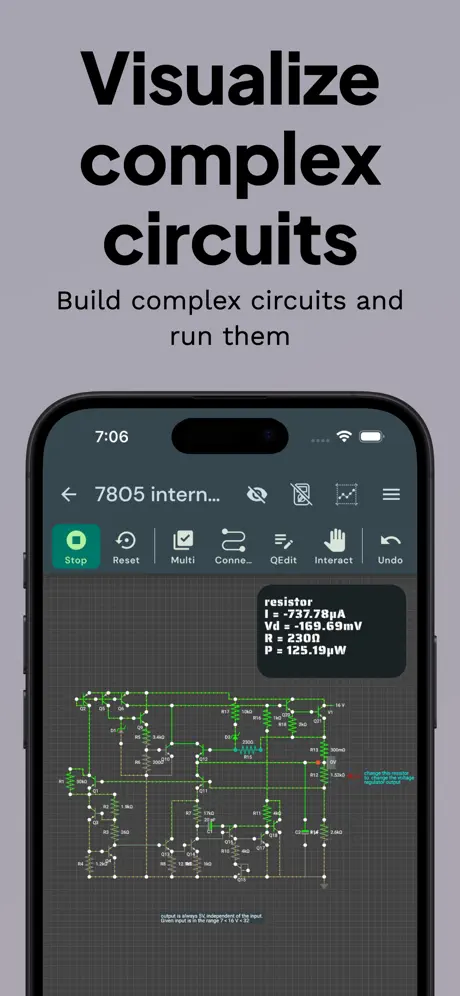  Circuit Simulator - VoltSim | 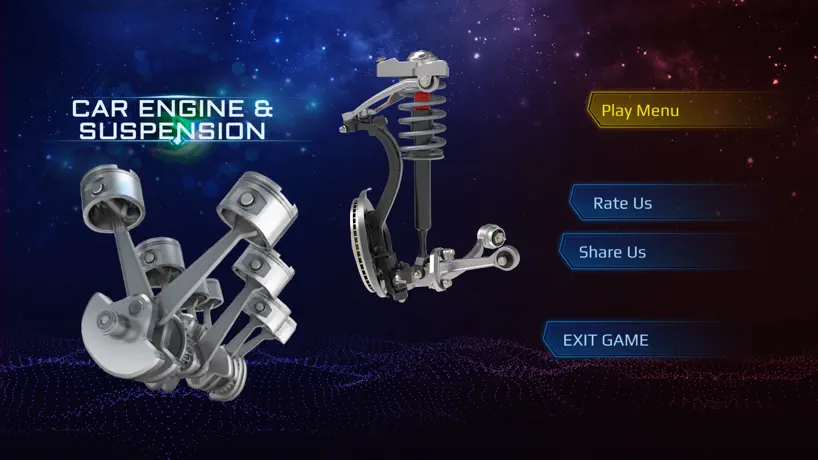  Car Engine and Suspension |   ElectroSim: Electrical Wiring | 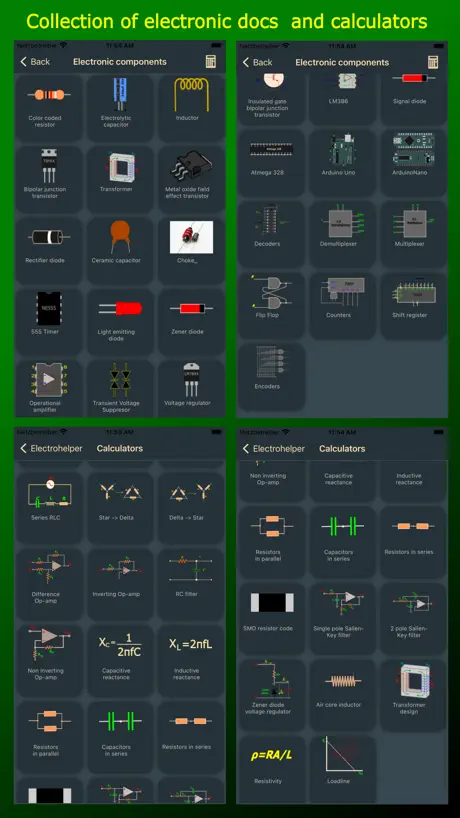  Electronics Tools & Calculator |   Electrical Troubleshooting MS |   Circuit-Design | |
|---|---|---|---|---|---|---|---|---|---|---|---|
| Rating / 5 | 3.8 | 4.8 | 4.7 | 4.7 | 4.6 | 4.6 | 4.4 | 4.4 | 4.4 | 4.7 | 2.3 |
| Reviews | 291 | 164K | 8.9K | 4.7K | 1.1K | 532 | 304 | 258 | 190 | 142 | 3 |
| Released | 2019 | 2017 | 2022 | 2010 | 2022 | 2025 | 2023 | 2025 | 2021 | 2021 | 2022 |
| Monthly price | — | $1.49 | — | — | $12.99 | $0.99 | — | $12.99 | — | — | — |
| One-time price | — | $1.99 | $6.99 | $14.99 | $49.99 | $3.99 | — | $99.99 | $5.99 | — | — |
The going rate for each plan in United States, in its own currency, shaded from the cheapest price on the row to the dearest. Plans fewer than four in ten of the priced apps sell are left out.
Circuitry - 3D Circuit Builder reviews
3.8 out of 5, based on 291 reviews.
What people like
- Beautiful and clean 3D visuals
- Easy to understand for students
- Developer is helpful and responsive
What they complain about
- App crashes or shows blank screen
- No tutorial or instructions included
- Components lack clear labels
- Too few component types available
Fun way to learn electronics!
As the version gets higher I hope that more components will be available like capacitors, Inductors etc.
What is this?
It’s not even a complete app if you would even call it that. No instructions. No tutorial. No labels. Only 3 components. The app does not label anything so you have no clue what each of the 3 items are. How to connect them is very confusing m. The resistor does not work. It’s the worst app I think I have ever downloaded.
Cool but some stuff is missing
The game idea is really cool, but it missing a lot of stuff and maybe could add names for the components so we know what we are placing down.
Mid.
Wokwi offers literal Arduino sims for free and then there's this.
Cute, but not useful
This is a really cute/fun user interface, but with only three types of components, I can’t simulate any circuits that are relevant to the type of work I do. And I can’t see it being particularly useful to the majority of others who might download it.
This game is awesome
This game is very fun and simple. Also this game is very exciting for someone who wants to learn electrical engineer like myself.
Huh?
I’m sorry, maybe I missed something, but did you really make an app with literally four things you can do and advertise it as a circuitry app? Categorized as educational? I really hope I missed something. If I didn’t, you really should consider taking this app down, because the only thing this app has been able to do for as long as it’s been around-if I’m correct-is create a light source that requires a battery AND some other thing to work. Not a battery and a light bulb, no, a battery, some other thing, and a light bulb. That is not how electricity works. Please tell me I’m wrong, and that I just don’t know how to find the speakers, the microphones, the capacitors, the resistors, the switches, the transistors, the LEDs, the displays, the transformers, and all the other stuff that literally any other platform has. Please.
Casi perfecto
Sería perfecto si también tuviera intensidad y voltaje de los cables pero de ahí en mas esta muy bien
Will not open ?
Very strange. I tried downloading App twice and each time only a folder appears in my iPhone ‘files’. Going to home screen to find and click app icon takes you back to file folder, but nothing happens in either case. This is why I’m giving it two stars for now. Maybe someone can tell me what’s going on
Doesn’t display on iPad mini 4 but looks amazing on XR
Wanted an app like this, and it’s executed well I think. Hope more can be added though or at least include a couple samples though for accessibility I’d say. But experiment and things make a bit of sense I guess.
Potential
Hübsch aussehende App mit viel Potential. Bisher aber eher eine Spielerei als ein „Digital Circuit“. Im Moment gibt es noch sehr wenige Bauteile und auch das Aussehen der Bauteile könnte noch etwas verändert werden. Wenn man nicht wüsste, dass der Resistor ein Resistor ist, würde man ihn nicht als solchen erkennen. Außerdem habe ich oft Probleme Stromkreise zu schließen, also die Kabel richtig zu verlegen. In meine Augen ist der Stromkreis geschlossen, aber es fließt kein Strom. Ich bin gespannt was aus der App wird. Für den Funktionsumfang zu dem Preis aber erstmal nur drei von fünf Sternen.
Can’t even play/
I opened it, doesn’t work, restarts it, doe sent work, why?
I like the idea
Fun to create stuff too. Keep up the good work.
Not quite there yet
Has a lot of potential and love the 3D style but I could figure out how to draw connections between the components
Easy to use and perfect 3 D
High professional 3D App for circuits. Easy doing, great "look and feel", clear and user-friendly. Now long tutorials required. Perfect for students in lectures and seminars at university. Highly recommendable.
Aamir Hinton
When I do it the lights won’t turn on
Could be great!
Please add more components and allow for DC and AC circuits and allow us to use different virtual meters to test circuits at different points. Please continue development! I will pay money for this app if it becomes more useful.
Tutorial?
It’s a good start! but to help it be more accessible to everyone it needs a tutorial
Downloaded crashes
***Update*** 2020-02-02 Today is Opposite Day - 2020. 0202 Anyway, i’m going to update my review. When I wrote the review, I was not aware that my iPad was too old to run it. I can’t update my iOS past version 11.xx. I got a new iPhone yesterday and tried it. It worked fine. The only thing I would request is a YouTube video or something that can help me understand how to get started. The dev contacted me and was very willing to help me out and I think that says a lot. Many devs just wont bother now days so I will give this 5 stars because the app works, very well done, and most importantly, the dev cares enough to help out his customers and is a good person from the discussion we had. Thank you. 2020-01-28 I downloaded the app, run it, tap the + sign to create a new whatever and it starts to launch, shows the grid, show 3 items in the bottom left and crashes. I’m giving it 3 stars right now. With my next update, it will either go up or down. I’ll give it a bit to see if there is an update.
Broken
Blank screen, nothing works, don’t bother downloading.
So much potential
I am an electrical engineering major at my school and I can see this being so helpful to me. We have a program at school that called multisim and it basically does what this app does on a way bigger scale with so many more components. My professor says if we multisim our homework problems we get bonus points. The only down side is that the program is all the way in the lab on the lab computers because it cost money to download on our laptops. This would be perfect for me especially when I’m struggling on a homework problem. Please continue to work on this and add more components. This has so much potential. Also labeling things would be grate too!
Nice job
It’s good, just needs a more intuitive UI. Good work
If doesn’t work is the goal they nailed it
How do you work this thing?
High Potential!
Really cool app, fun and intuitive. I enjoy the drag and drop aspect of each piece. Would be nice to know more about what each piece does, power source - resistor - (obviously) bulb? Also an undo/redo buttons would be nice for quick fixes. Looking forward to updates!
Very Helpful!
As a physics student myself, the ability to see the circuits in 3D allows for much easier understanding. The UI is very simple and can be used without a tutorial, and the ability to easily change the voltage and resistance allows the user to experiment easily. I would recommend this app to anyone who is trying to get to grips with electrical engineering. The only thing that I would say, is that more components need to be added so that the app has a lot more functionality.
Not much…☹️
I don’t like the fact that there aren’t much things… Well yeah there are student sources, batteries/generators and light bulbs but seriously?! That is not enough so add more please.
Cool idea, looking forward to updates
Ideas for improvement: Labels for components (with clear polarity) Tutorial Ability to move a component after placement. Graph versus time and other transient things like a scope would show
Great potential
The app is cool, it has got a great potential, so I hope for future upgrades
doesn’t seem to be able to do arbitrary circuits
This is a toy. It should not require skill to use.
Good Start!
This is a neat app that I'd like to see developed more. Right now it's pretty limited, but I see lots of potential. A list of things that I think are needed or would be helpful: *Being able to move placed components. *Component labels. *More components. *Graphical representation of current flow direction. *Basic export of a 2D schematic. Please keep working on this, I'd like to see where it can go!
App broken
Download is broken! Both platforms.
Serious potential, watch this space!
While a little limited in terms of the available components as it stands, this app has real potential to help teach the basics of circuitry in a beautifully visual and interactive way
iOS 13 support?
Doesn’t seem to work for me. I get a blank white screen after I try to open a file.
Great project, needs polish
Really cool idea but I don’t know what most of the components are because they aren’t labeled. A tutorial would be good too
Circuitry - 3D Circuit Builder FAQ
- Is Circuitry - 3D Circuit Builder free?
- Yes. The app is free, in all 175 countries it sells in, and it sells nothing inside it.
- Does Circuitry - 3D Circuit Builder have a free trial?
- No. None of its offers (US) come with a free trial.
- What are the best alternatives to Circuitry - 3D Circuit Builder?
- Physics Lab AR (4.8 from 164,034 reviews, premium from $0.99), Electrician Handbook — Basics (4.7 from 8,885 reviews, premium from $6.99) and EE ToolKit (4.7 from 4,738 reviews, premium from $14.99).
Circuitry - 3D Circuit Builder download
Last updated 3 years ago.
Circuitry - 3D Circuit Builder sells in 175 countries. It was released 7 years and 2 months ago, on 10 Sept 2019. It holds a 3.8 rating from 291 reviews.
Supports 1 language: English.
How much does Circuitry - 3D Circuit Builder make?
Third-party estimates for the last 30 days, worldwide — not the store's own figures, which Apple publishes for nobody.