
Esperanta Klavaro
How much does Esperanta Klavaro cost?
Prices are current as of 25 Oct 2026.
Esperanta Klavaro has no in-app products on record in the United States.
10+ alternatives to Esperanta Klavaro
| Esperanta Klavaro | 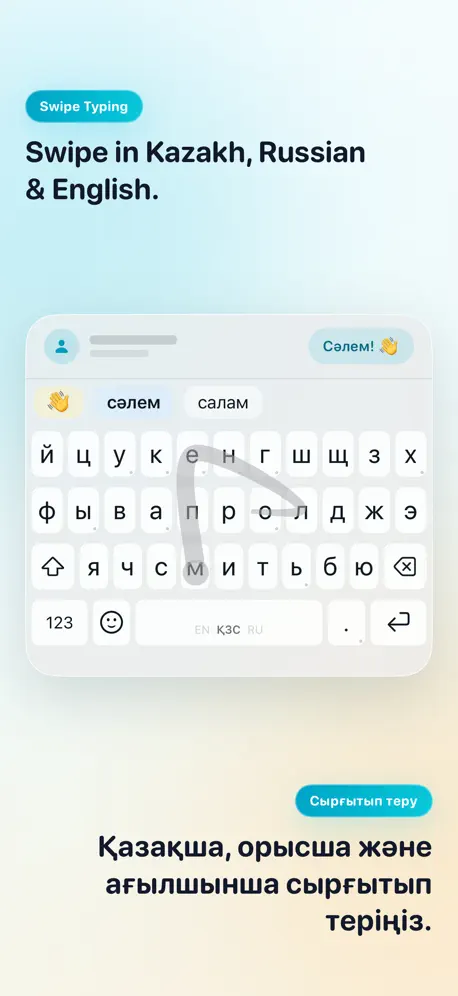  KazKey — Kazakh Keyboard | 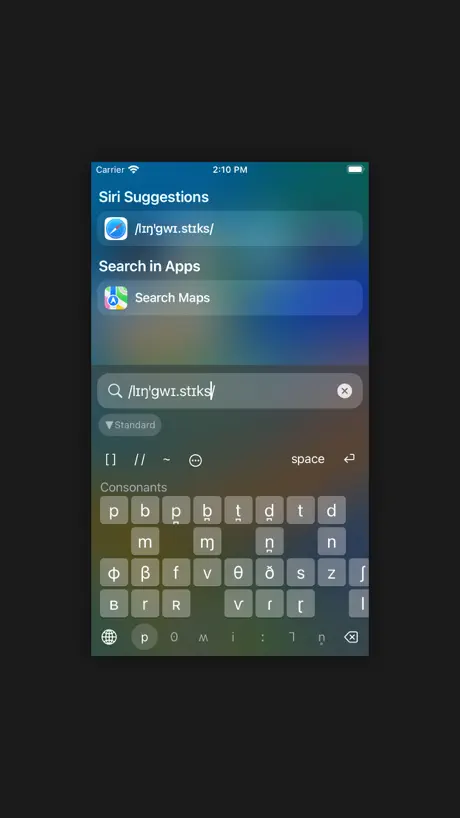  IPA Phonetic Keyboard | 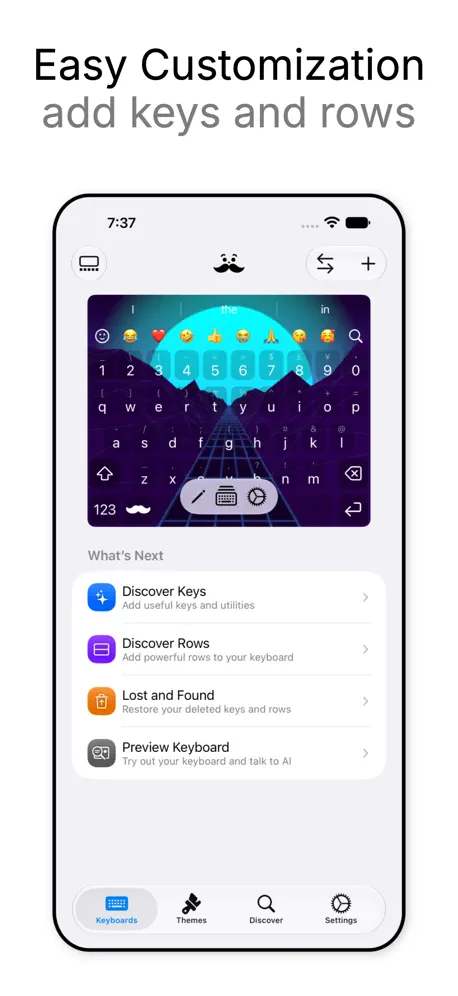  Mister Keyboard |   xKeyboard - Custom Keyboard |   Yoruba Keyboard |   Coptic Keyboard |   @Beat: Internet time |   Keyboard Africa |   ShavKey |   Latin Keyboard | Latīna | |
|---|---|---|---|---|---|---|---|---|---|---|---|
| Rating / 5 | 4.5 | 4.7 | 4.7 | 4.3 | 3.3 | 4.5 | 4.5 | 4.7 | 4.2 | 4.1 | 5.0 |
| Reviews | 140 | 3.2K | 733 | 327 | 319 | 211 | 45 | 41 | 18 | 18 | 6 |
| Released | 2015 | 2017 | 2018 | 2025 | 2019 | 2015 | 2020 | 2021 | 2021 | 2024 | 2026 |
| Monthly price | — | — | — | $5.99 | $0.29 | — | — | — | — | — | — |
| Annual price | — | — | — | $16.99 | $2.99 | — | — | — | — | — | — |
| One-time price | — | $4.99 | $5.99 | $99.99 | $8.99 | — | — | — | — | — | — |
The going rate for each plan in United States, in its own currency, shaded from the cheapest price on the row to the dearest. Plans fewer than four in ten of the priced apps sell are left out.
Esperanta Klavaro reviews
4.5 out of 5, based on 140 reviews.
What people like
- It works well for typing in Esperanto.
- You can use it anywhere on your phone.
- It is completely free to download.
What they complain about
- The app crashes frequently and randomly.
- The backspace key is too small to hit easily.
- Basic punctuation marks are hard to find.
Excellent app
This keyboard is everything you need to interface on your phone in Esperanto. Take the (relatively few) criticisms in this thread with a grain of salt; no, it’s neither smaller nor significantly more crowded than other keyboards. (Yes, the developer might have won back space by using tap-and-hold instead of placing the supersignaj characters on the main keyboard, but this is minor indeed.) Bottom line: it works well. And it’s even free. Now I’m communicating with Esperantujo from my phone.
Settings Doesn't Work
I tried changing the settings, but it doesn't change anything. I can't get the typing suggestions to turn on.
Great
This keyboard is perfect for typing Esperanto. But it would be better if you upgrade the keyboard to iOS 26 style and add “&” and “§”, the missing symbols in the keyboard. And please add QWERTY, AZERTY, QWERTZ layouts. Thanks for developing this keyboard. I’m learning Esperanto especially for reading and writing.
Ĉesis bone funcii post ĝisdatigxo de posxtelefono
Mi ĝisdatigis mian poŝtelefono el iOS 17.13.1 kaj ekde tiam la klavaro hazarde fermigxas.
Really good but crashes often
Really love the keyboard and its layout. However lately, sometimes I press on certain characters (a, and ŭ) the keyboard closes and will continue to do so until I reopen the app. If that gets fixed the app is perfect.
the best option by far!
i have tried all the other esperanto keyboards i could find, and all of the other ones either costed money or were buggy. this one is great! the only problems i’ve encountered are: the keys are relatively small, which makes things like hitting backspace hard and i often hit “s” instead of “a”. the default settings are a little weird on some apps, dark theme doesn’t work properly, but i can deal with that. if you need an esperanto keyboard, this is the one!
It doesn't work
It doesnt work on iPhone 11
Almost Perfect!!
Saluton! like other reviews claim this Esperanto keyboard works great, however its GUI of the keyboard is slightly larger than the height of the stock IOS keyboard. otherwise clear and concise app. its hard to complain when I can do THIS! Ŝĝĉĥĵŭŝĥĉĵŭ
Too buggy
I have been learning Esperanto on Duolingo so need an Esperanto keyboard. This crashes all the time. I have never gotten through a lesson without it crashing.
New version wonky
The latest version doesn’t change the keyboard display when you change from caps to lowercase and back. They always display in upper case.
Ĝi funkcias bone
Klavaro estas tre utila sed mi volas havi interpunkcion en la unua paĝo.
Can't add keyboard
I already have 3rd party keyboards so I know how to add them, but this one does not show up in settings.
Apple needs to get with it!
I’m surprised to switch to iPhone and not have access to an Esperanto keyboard. My android did. I’ve tried this keyboard for awhile. I really like it. Too bad I can’t make it look better than my other keyboards. I really like it. I just want it to look not so dull. I like something different with each language I know. I like a keyboard to look a certain way flashy to remember. I like that type of difference in language. Writing a language reflects how you think and feel about the people that speak that language. I don’t hate Esperanto speakers so I don’t want my keyboard to look like my English keyboard.
Cumbersome and missing symbols.
I love the ability to type Esperanto characters anywhere, and this is probably the best Esperanto keyboard app out there at the moment. But it has a few problems. First, I have to go to the symbols menu for question marks, exclamation points, and even commas and periods. It slows me down A LOT when I'm typing. I would definitely prefer it to have the same functionality as the default Apple keyboard in regards to the punctuation. Second, it's missing a couple characters. The characters ~ and & aren't on the keyboard anywhere, and it doesn't have the spesmilo character (the one special symbol I would expect out of an Esperanto keyboard). It's a good app, but it needs a few revisions before I would consider it an effective keyboard.
Works great with Duolingo
This keyboard sure made it easier to get into the Duolingo Esperanto course. Personally, I like the design choice, as on this keyboard, where are the diacritical letters are on separate and easily accessible keys. For learning, at least, I find this easier than press and hold. I do wish the spaceto key would act as a directional touchpad, when pressed and held, as the space at does on the standard iOS keyboard. But maybe Apple doesn’t expose that feature to third-party keyboards?
Really useful
The only problem I have is that I click “ĥ” like 6 times before I’m able to click the backspace button. I think it would be beneficial to make the backspace key a tad bit larger. Other than that I see no issues
Um...
Please add a feature that allows us to disable the small letter display. I just find it really disturbing.
Bona Klavaro
Tre bona kaj uzebla klavaro
Alright but could use some sprucing
I think letters with accents should be replaced with their original letters that you hold down and then the accent pops up. Also the backspace button is so small so you end up typing a bunch of random letters instead. Otherwise glad for the auto complete in Esperanto. It does the job it just needs some sprucing up.
Ĝi rehavebliĝis! It’s available again!
Sendube la plej bona iPhone-a klavaro por Esperanto. Mia nura propono estus la aldonado de reĝimo kiu eblus ĉapeligi la antaŭan literon (same kiel la programo Tajpi de Vindozo). Lastatempe sufiĉe bona parolrekonilo de Esperanto aperis (far Vosk); aldonado de ankaŭ tio estus malaĉege. Without a doubt the best iPhone keyboard for Esperanto. My only suggestion would be adding a mode where you could press a button to put a hat on the previous letter (just like the Windows program Tajpi). Recently a pretty good speech-to-text system came out (made by Vosk); adding that as well would be super cool.
it works
Dankon!
Necessary for Esperantists!
Thank you for developing the Esperanto Keyboard. Works great!
Almost perfect
This is by far the best Esperanto keyboard I have found. Others work alright, but can't be accessed as a normal keyboard to be used anywhere I want; this one allows you to do that. The reason I leave off one star is because I think it would be better if, instead of moving four letters to the area normally reserved for numbers, you had it set up so I could hold down the c and have ĉ appear above it as an option. Many existing keyboards for natlangs allow for this, like English and Vietnamese. It would allow for slightly larger keys as the ones now are a bit small and I make more mistakes this way. It's hard to backspace too so I end up typing ĥĥĥĥĥĥĥ at the end of what I'm trying to fix. Lastly, it would be nice if other parts of it reacted to your current keyboard settings, so you could turn the suggestions and clicks off if you wanted. If these were changed, I would say this is the absolute best app you could use for Esperanto!
Can’t study esparto without it
I couldn’t study esparto without it. While the keys are a bit small, on the iPhone SE, they are ALL small.
Mi ŝatas! Dankon!!
Mi tre ŝatas ĉi tiu klavaro, sed ĝi havas problemoj. Ĉi tiu klavaro estas tre malrapida, kaj la vortaro ne enhavas pluraj komuna vortoj.
Tre bona klavaro!
Ĝi funkcias tre bone! Karan dankon al la kreinto. Eble en la estonteco ni povas havi aŭtomat-plibonigilo? Ankaŭ, ŝajnas al mi ke la super klavaraj sugestoj enhavus la alternajn vort-finojn por ĵuselektitaj vortoj. Ekzemple, se mi tajpas "enh.." mi vidas "enhavo", "enhavas", kaj "enhavis". Se mi elektis "enhavo", eble poste oni povus vidi "enhavon," "enhavoj," kaj "enhavojn" ktp.
Just the little things
As someone who types quickly and sometimes makes minor mistakes it would be helpful to include an autocorrect. I'm very excited to be able to use the keyboard in Duolingo to keep fresh when it releases Esperanto in about a month. Perhaps the app developers could partner with Duolingo course providers and beta users of the course to offer a predictive text option.
La plej bona klavaro
Ĉi tiu klavaro funkcias perfekte! Ĝi tre plaĉas al mi, dankon!
Great app!!
This keyboard does everything as advertised. It is simple to set up and simple to use. Finally, the app all Esperantists have been waiting for. I have found a few small, irritating problems with it, however, that keep me from giving it 5 stars. Ironically, the first problem I noticed was that I was unable to use the keyboard to write this review because the review screen went blank when I switched to the Esperanto Klavaro. Secondly, the keyboard click sound does not function. This is not a major flaw on the iPad, because the screen is large enough so that it is easy to see when a letter appears. However, on the iPhone, it is difficult to know whether a letter is typed or not. The above problem is compounded by the fact that the keyboard also gives no visual clues as to which letter was pressed on the iPhone other than a color change which occurs on the pressed keys, and no enlarged letter appears as on the regular iPhone keyboard. My fingers are large enough that I cannot see the color change which occurs on the keys on the iPhone. Consequently, it is hard to notice typing errors as they occur on the iPhone. The final problem I have noticed is that the screen does not automatically scroll upward when the typed letters appear "behind" the keyboard screen. You have to manually scroll the screen upward to see what you are typing. None of these flaws are insurmountable and are really only minor irritants compared to the huge convenience of having a true Esperanto keyboard that doesn't allow spellcheck to underline and try to change every other word.
Esperanta Klavaro FAQ
- Is Esperanta Klavaro free?
- Yes. The app is free, in all 175 countries it sells in, and it sells nothing inside it.
- Does Esperanta Klavaro have a free trial?
- No. None of its offers (US) come with a free trial.
- What are the best alternatives to Esperanta Klavaro?
- KazKey — Kazakh Keyboard (4.7 from 3,205 reviews, premium from $0.99), IPA Phonetic Keyboard (4.7 from 733 reviews, premium from $2.99) and Mister Keyboard (4.3 from 327 reviews, premium from $1.99).
Esperanta Klavaro download
Last updated 4 months ago.
Esperanta Klavaro sells in 175 countries. It was released 11 years and 10 months ago, on 21 Jan 2015. It holds a 4.5 rating from 140 reviews.
Supports 1 language: English.
How much does Esperanta Klavaro make?
Third-party estimates for the last 30 days, worldwide — not the store's own figures, which Apple publishes for nobody.