Copper CRM
CRM for Google Workspace
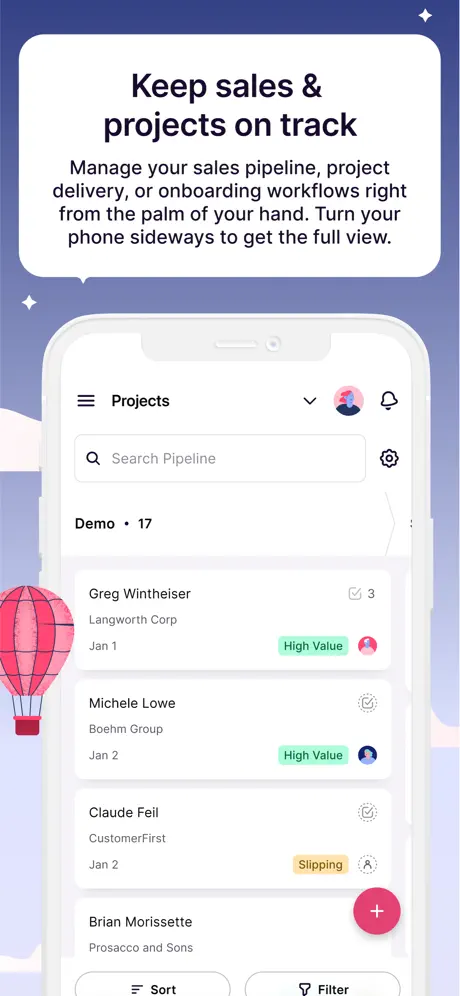
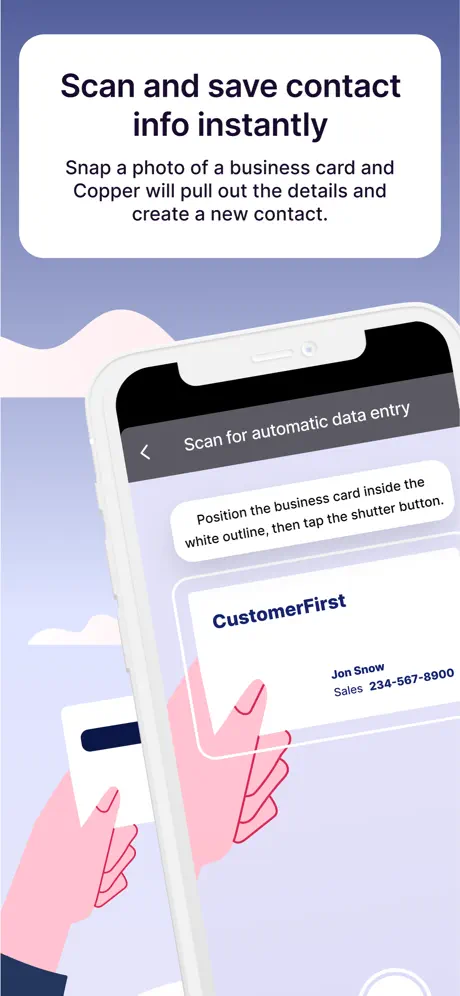
How much does Copper CRM cost?
Prices are current as of 12 Nov 2026.
Copper CRM has no in-app products on record in the United States.
10+ alternatives to Copper CRM
| Copper CRM | 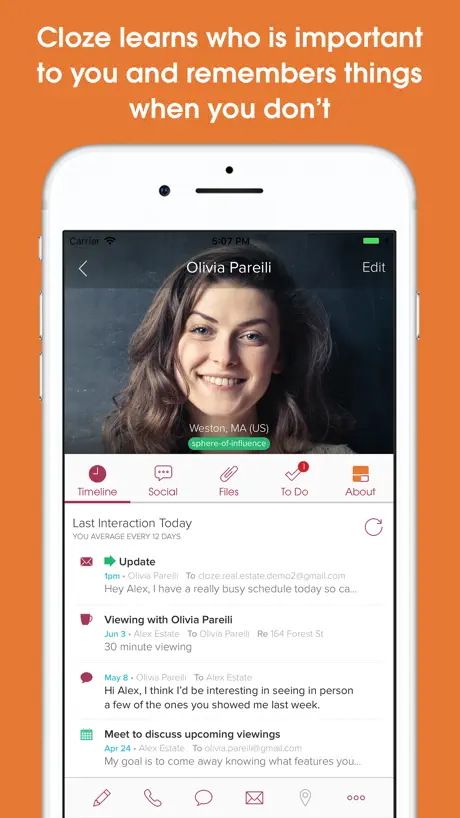  Cloze Relationship Management | 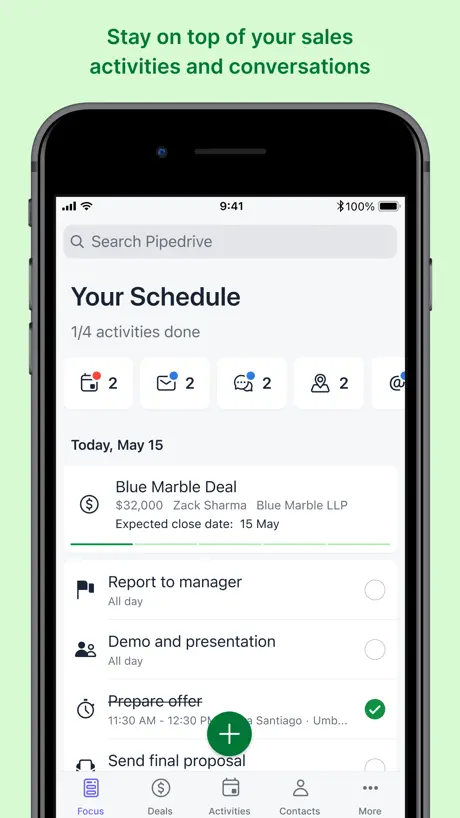  Pipedrive – Sales CRM | 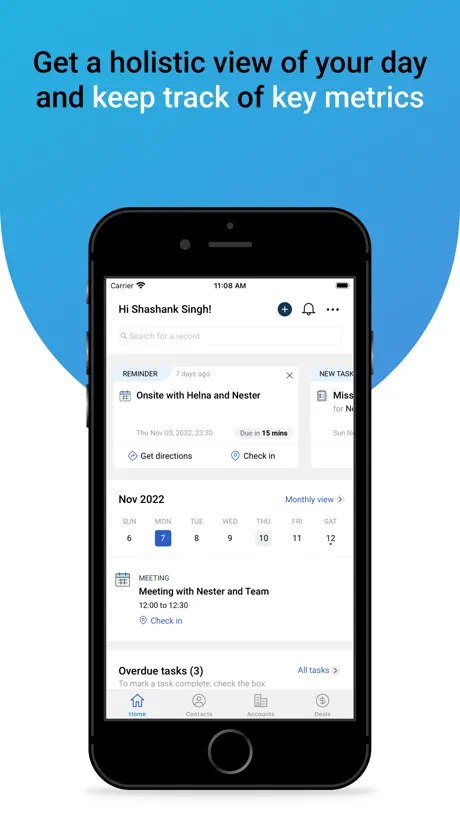  Freshsales | 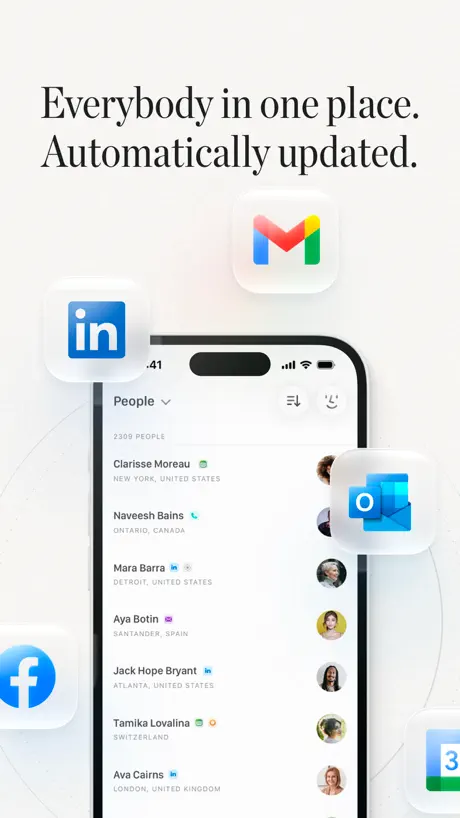  Mesh: Contacts + CRM |   OnePageCRM - Simple CRM System |   Insightly CRM |   Dex - Rolodex and Personal CRM |   Streak - CRM for Gmail |   Capsule CRM |   Nutshell – Small Business CRM | |
|---|---|---|---|---|---|---|---|---|---|---|---|
| Rating / 5 | 4.6 | 4.6 | 4.1 | 4.5 | 4.4 | 4.7 | 4.2 | 4.3 | 4.2 | 4.3 | 3.2 |
| Reviews | 759 | 3.3K | 2.7K | 1.6K | 1.2K | 798 | 542 | 490 | 256 | 179 | 143 |
| Released | 2015 | 2013 | 2014 | 2016 | 2019 | 2013 | 2012 | 2021 | 2013 | 2013 | 2010 |
| Monthly price | — | $24.99 | — | — | $19.99 | — | — | $34.99 | — | — | — |
| Annual price | — | $249.99 | — | — | $119.99 | — | — | $239.99 | — | — | — |
The going rate for each plan in United States, in its own currency, shaded from the cheapest price on the row to the dearest. Plans fewer than four in ten of the priced apps sell are left out.
Copper CRM reviews
4.6 out of 5, based on 759 reviews.
What people like
- Integrates seamlessly with Google Suite apps
- Clean design makes it easy to use
- Good value for small business owners
What they complain about
- Mobile app is slow and buggy
- Syncing issues cause frustration for users
- Support ignores complaints and doesn't help
Keeps me on track
Love Copper. It’s so easy to organise and stay on top of my contacts. A lot of cool new features in the app in recent releases as well! Keep them coming!
A horrible app
Our sales guy picked Copper and the mobile app is terrible. It’s so clearly a web app! I couldn’t even send an email without it constantly presenting the paste popup. Please rebuild the app using a native UI toolkit and not some terrible web tech.
Basically good CRM especially for Gsuite users
Still a few quirks in the iOS app but overall very solid. I am writing the review in hopes that the app will not ask me for the 1000th time if I am enjoying using it. OK fine so I enjoy it now lets hope I don’t have to see it on the home screen every time I launch the app. They are very proud of the system which can capture contact info from inbound emails but its unreliable. Unfortunate as that’s a major selling point. App also logs you off whenever it seems to feel like it. A little annoying when you have to log on again on the iOS app. If I am looking up a contact I don’t need to be bogged down with logging on again. I asked them Devs. about it and they said its normal. I asked why but haven’t received a response yet. I am using both Copper and Zendesk Sell which used to be Base CRM. Zendesk sell has the better interface for mobile. It synchronizes to the phone so if you are out and about with no internet then you can still find a number. So; four stars for Copper and hopefully the program won’t keep asking me if I like it. :)
Cheap and not good
Lots of bugs, limited features. Issues never get followed up or resolved
There’s no way to email multiple leads on mobile
It seems like you can only email one at a time
So easy to use!
Finally, a CRM that is EASY TO USE! My employees and I actually keep track of our sales, client notes and more with this easy to use...not to mention....affordable platform. Keep up the good work Copper!
Warning Before Use
Copper is a decent product. It allows you to manually log all of your calls, texts and so forth and it tracks your emails. Nothing that should come as a surprise as the vast majority of CRM’s do this today. What is unique is their billing and cancellation policy. If you sign up for 1 month you are being locked into one year without any notice or notification. Even though I spoke with a representative named Oliver who said they would let me get out of my agreement, copper continues to bill me. If you try to cancel or request support… there is none… As a military veteran, I am very disappointed that a product that claims to look after people would do such a thing. If the situation changes I will update my review
Solid CRM
Copper’s functionality isn’t too distinct from other CRMs I’ve used, but it’s #1 value is the seamless integration with G Suite. Only improvement I’d like to see is create an option for individual users as part of small group to implement certain features. For example, I’d like to use the automated tasks, but my two other colleagues wouldn’t use that functionality. We have to purchase upgrade for entire team. May be a pipe dream request, but thought I’d make it.
Come on guys...still no iPad version?
It must have been 12 months or more now since an iOS version was made available and still no iPad version? Any progress?
On the right track
This app is on the right track to be one of the best. Still lacking some key features that are available on other platforms. Simple and easy to use!
Does the job
The CRM does everything I need it to for a small business. I like the upgrades that keep coming and the minimal cost involved in running my day to day operation.
Careful
Copper will keep charging you after you cancel, will not send you a legitimate confirmation.
Does most everything you’d want
There are a couple things that are annoying where you have to use additional integrations or pay extra for something simple like recurring tasks but overall a great CRM for the money!
Horrible mobile interface
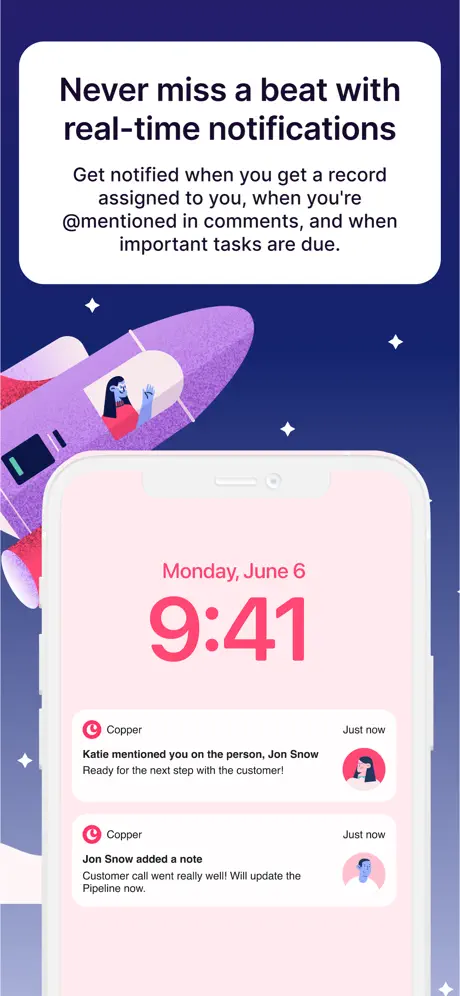
I recently switched from capsule crm to copper because of the features it does really well on the computer. Well, the mobile interface is SO bad I almost want to switch back to capsule. The app doesn’t update or sync well, lots of redundant filters, and notifications that never go away!!!! Let me delete them!! Adding notes is literally impossible on a phone as it glitches over and over with just typing. Try moving the curser around on your notes to type or edit and see what happens. That’s also fun chore in copper as it makes it a “to do” instead of just a note. Why is a note called a “to do”? The task lists can’t be customized and you can only use pre-set categories. The tasks all look the similar, so no customization where it really matters. Oh and don’t forget to assign the task to a person or company (which should be automatic if you’re creating a task within a company). If you do forget to assign it, it’s not going to sync or show up correctly. There’s also no way to see what you’ve done throughout the day to reference anything. I shouldn’t have to spend days trying to navigate a mobile app just to use basic features. All the filters and settings are so backwards that if they aren’t set exactly right, you’re going to end up with problems. Sticking with a touch screen or laptop to use copper for now. I’ll pass on this app till some developer with some sense fixes this nonsense. Please for the love of god someone at copper go look at other crm mobile apps and take notes. Just don’t take notes within copper ;) 9/27 update: I’m giving this a slightly better review only because the computer version of this program is amazing. It’s so good that I can’t even fathom not using it. That being said, the mobile version still has clunky issues. When typing notes, the keyboard blocks your notes as you’re typing! This is basic stuff guys. I shouldn’t have to do 3 or more steps to figure out where the notes are, and I should be able to see what I’m typing. Also, PLEASE let me delete notifications. I’ve re-set it multiple times in my account and they still show up and you can never get rid of them. Why?? Here’s the good stuff: The call, message and email buttons are great when working with a contact, and I love now that in gmail mobile you even have a widget in there. Great stuff! 10/17 update This app is literally the most frustrating thing ever. Cant even convert leads into prospects. It literally doesn’t work. Then try saving tasks within the notes section. Doesn’t work. Guys, how is this even something that is released? This is what i would expect from a beta test app. I STRONGLY do not recommend this app at all. The computer version is amazing and I hope people realize the difference and try it out cus it’s great. This app is almost borderline useless. I’m having to just bring a laptop along so i can update things online rather than use this app.
Great app
Has all the features I am looking for. Does what it says it does. All my info in one place.
App lacks functionality - making it useless
I’m using the app on iPad and cannot change the sort order for people. In the browser I sort by Last contacted date. In the app it only shows people sorted alphabetically. Because of this I’m using Prosperworks in the browser - which also doesn’t work because I can’t see the entire screen; and there’s no way to scroll to the truncate part of the screen on the right. I’m (once again!) left wondering why the hell I’m even using Prosperworks :/
Terrific! Except…
Copper has proven a very useful CRM for me as a one man show food garden support business. I hope people grow their groceries and raise beds, and as you can imagine, I am often on the go. The app has integrated with the desktop in other ways I need. Just one major flaw: in order to get prosper works to integrate with Google contacts which is it’s a big sales pitch-that it integrates seamlessly with google-you have to subscribe to a third-party synchronization software.
Still No iPhone X Support
App works faster than before, but still needs to be even faster. Seems to have no caching - it’s always polling online. Also no iPhone X support so I’m looking at a teeny screen. Not great. Functional, but not great.
Finally, PROPER CRM software
Copper as a whole has impressed me every step of the way: from it’s workflow setup, email integration, mobile app, and staffed support - it’s truly the best. Great for many types of businesses! 👍
Sync doesn't work well.
The web app is very good. The mobile app is very frustrating. It doesn't sync well at all. Sadly the mobile app is unusable.
CRM is 5 stars, app is 3
Love the CRM. Searched hard for the right CRM to use with Google Apps and have loved working with PW. The mobile app is good but misses some needed workflows, like creating new tasks once a task is complete. For instance: TASK: Write proposal and send ... done. Sent. Check off task Then create a new task for “Follow up on proposal in x days” Although that could be automated with Opportunity Stage triggers. But generally workflow is limited.
Essential CRM for G Suite users
The intuition and integration with Google makes this app a five star offering among CRM choices. The mobile app is also excellent...particularly love the ease of entering information on the run.
Great Web App -- Very Poor Mobile Experience
Takes at least 30 seconds for a page to load. We are a team of developers and have attempted to troubleshoot every step to no avail. If your business is on the go - don't expect the mobile app to be reliable.
Overall great experience and great customer service
I’m very pleased after working with a number of CRM‘s. I only wish that my clients addresses would show up in a map locating software as I drive around to different meetings. How cool would it be if an alert for pop-up could help me navigate my day better
Good product
This is a crucial part of my daily sales workflow. Copper is a fantastic tool if you’re a small business owner and work with the G Suite like myself.
Can't create account
You can't even create an account from the app
Strong and Intuitive
I’m doing a trial of ProsperWorks and find it intuitive and easily navigable. These are, in my opinion, two of the most important things I look for when working with any software. Its clean interface and straightforward design make it all the less intimidating. The only thing I find tricky is exporting Contacts from Apple Contacts into ProsperWorks. If you are a person who is fully integrated into the Google Suite of Apps, then this is a home run.
Best CRM that I have worked with!
Very easy and intuitive in regards to daily use and on the fly use. It is MOST important that a CRM may be easy to use with my iPhone...and this one works very well! Nice and recommended for anyone. Works well to organize personal and biz projects/tasks. Well done!
Excellent app
Excellent app!
All the Right Stuff In All the Right Places
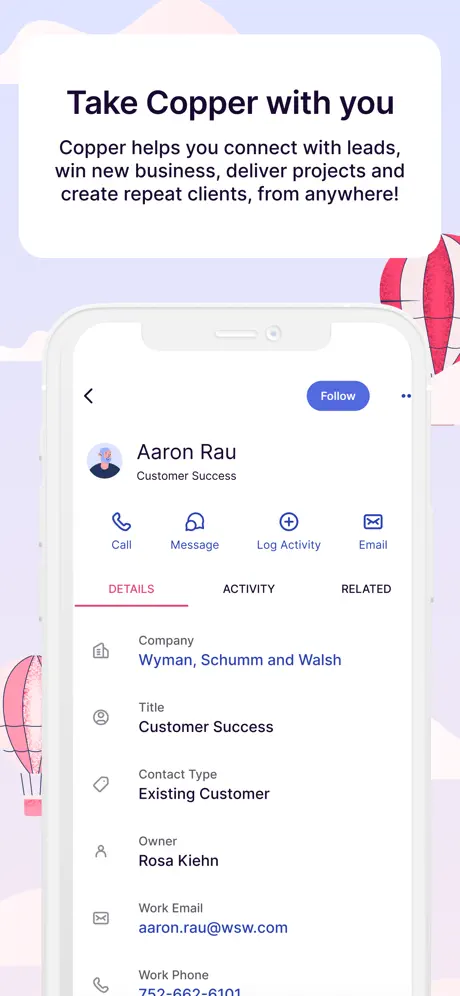
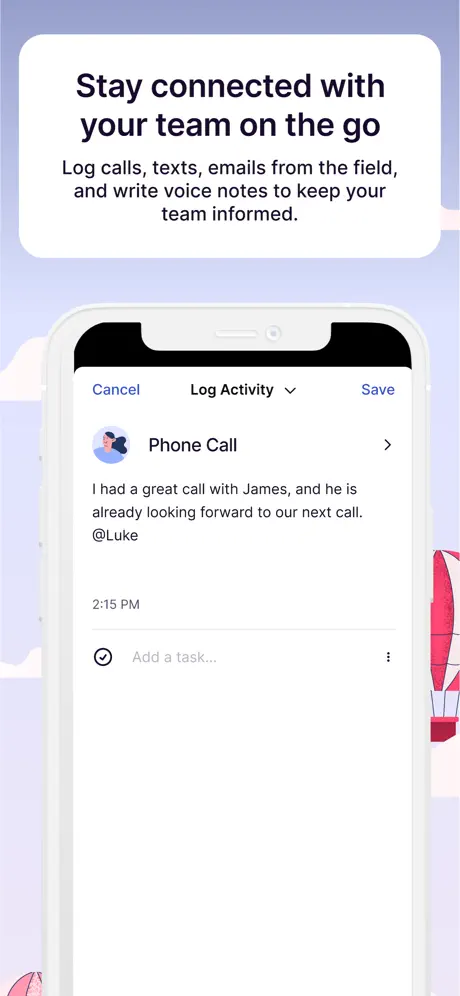
Couldn’t be happier with Copper. I’ve used for about 2 months now and maintain it is a wonderful tool that looks great and just simply works. Tried several others that also integrate with G-suite and they just seem clunky without a good flow. Copper is very intuitive and smart... whether it’s adding leads, contacts, companies or updating activities. Everything is very well organized with a super clean design. The mobile app allows to make calls and send messages from within it, so when you hang up, the log activity page comes up to make notes. It’s been a game changer for someone who struggled with following up and keeping track of tasks! Highly recommend!
Great program. Simplifies our business follow ups.
We love this program as it is easy to use and helps us keep track of all of customers and prospects. We can see all of our conversations and know exactly when our next contact is. We use it in conjunction with Google Voice.
Great stuff
After demo’ing lots of CRMs (Salesforce, Insightly, Streak, Zoho), I was blow away by Copper. It’s the first CRM that seems to actually put intention into the UX and manages to make the functionality simple yet powerful. I’m using the system solo for now but looking to scale as my company does - highly recommend if you’re looking for something that’s usable almost immediately and can grow with your relationships.
Nice
Really like the app
Copper CRM FAQ
- Is Copper CRM free?
- Yes. The app is free, in all 175 countries it sells in, and it sells nothing inside it.
- Does Copper CRM have a free trial?
- No. None of its offers (US) come with a free trial.
- What are the best alternatives to Copper CRM?
- Cloze Relationship Management (4.6 from 3,326 reviews, premium from $19.99), Pipedrive – Sales CRM (4.1 from 2,651 reviews) and Freshsales (4.5 from 1,587 reviews).
Copper CRM download
Last updated 1 month ago.
Copper CRM sells in 175 countries. It was released 11 years and 10 months ago, on 9 Jan 2015. It holds a 4.6 rating from 759 reviews.
Supports 6 languages: English, Dutch, French, German, Italian, Spanish.
How much does Copper CRM make?
Third-party estimates for the last 30 days, worldwide — not the store's own figures, which Apple publishes for nobody.