jCalc – Scientific Calculator
How much does jCalc – Scientific Calculator cost?
Prices are current as of 12 Nov 2026.
jCalc – Scientific Calculator has no in-app products on record in the United States.
10+ alternatives to jCalc – Scientific Calculator
| jCalc – Scientific Calculator | 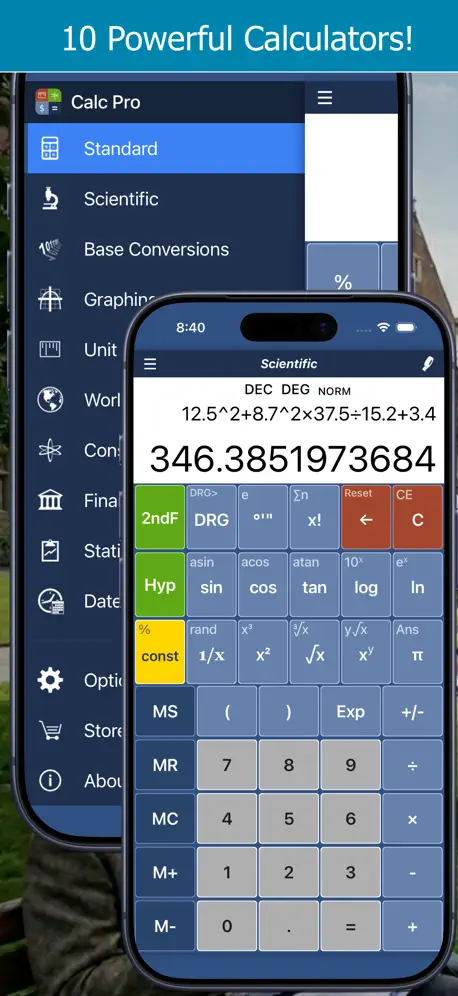  Calc Pro - The Best Calculator |   Calculator + | 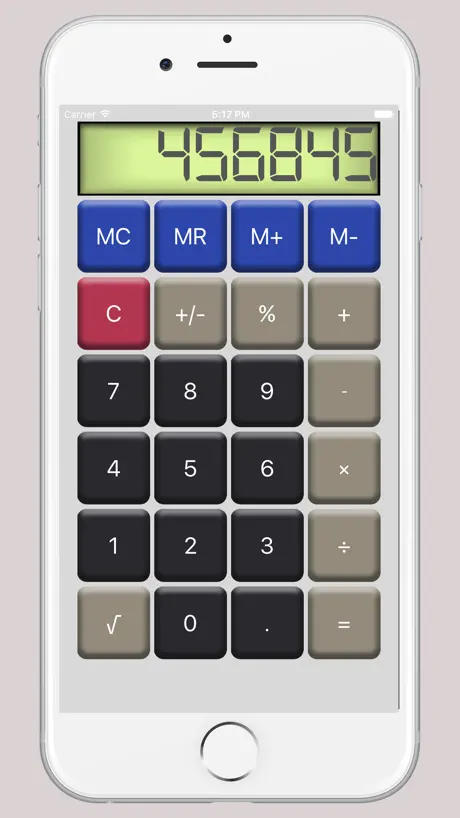  Calculator⁻ |   Calculus doodlus | 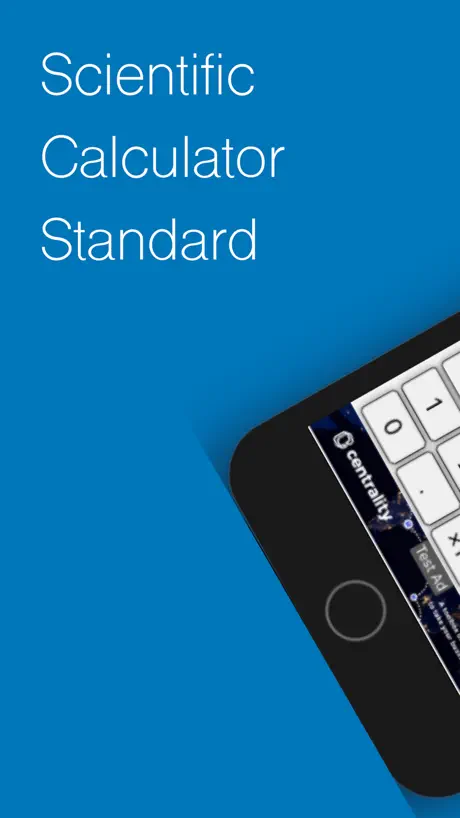  Scientific Calculator Standard | 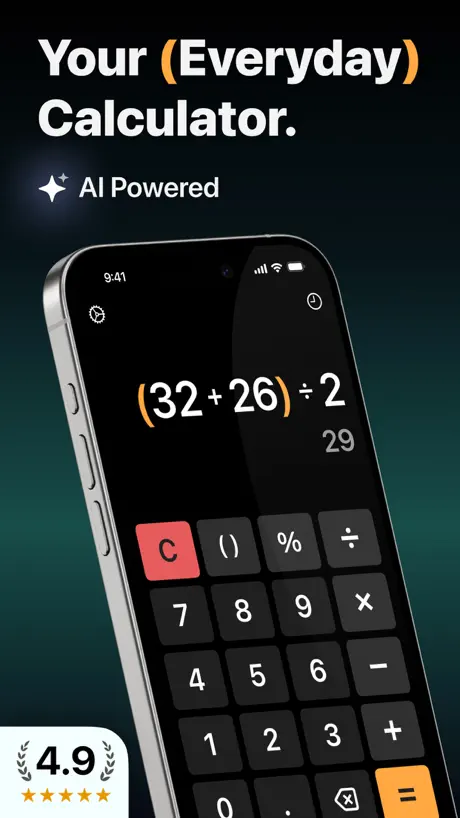  Calculator & AI Math Solver | 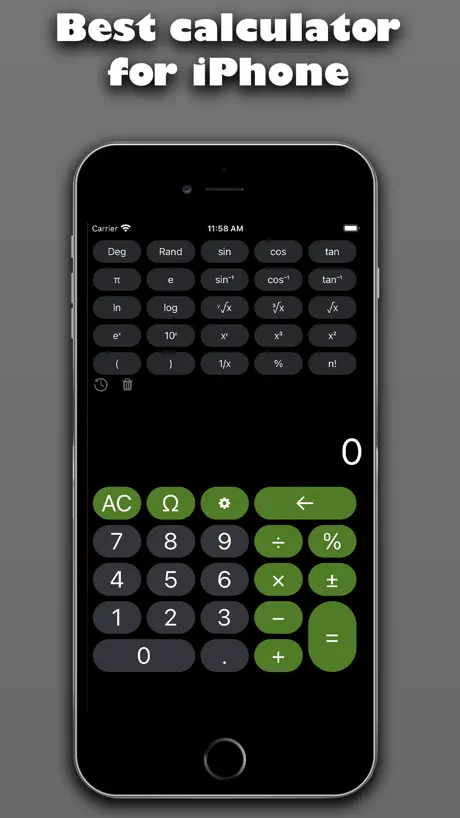  Calculator ⁺⁻ | 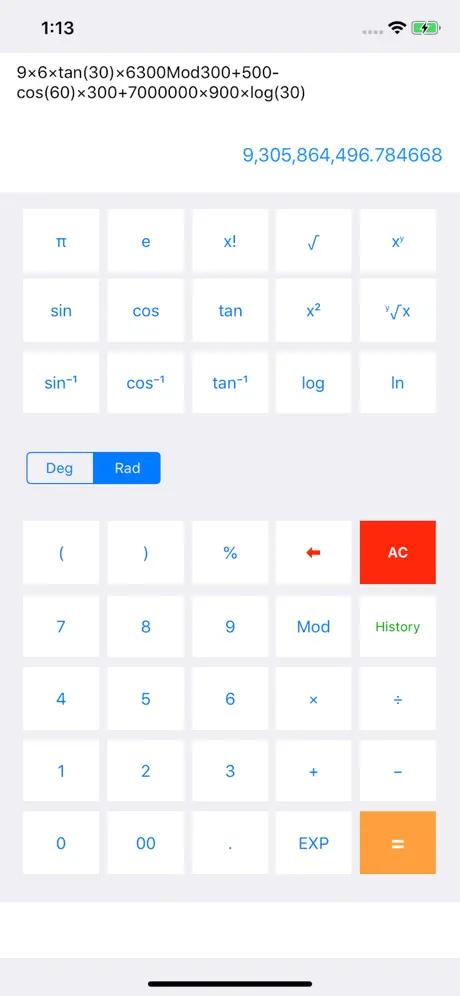  U Scientific calculator |   UniCount scientific calculator |  Calculator Pro 100% | |
|---|---|---|---|---|---|---|---|---|---|---|---|
| Rating / 5 | 4.5 | 4.6 | 4.6 | 4.3 | 4.8 | 4.5 | 4.7 | 4.4 | 4.5 | 4.4 | 2.9 |
| Reviews | 1.4K | 26K | 19K | 11K | 11K | 597 | 488 | 369 | 263 | 221 | 27 |
| Released | 2014 | 2011 | 2010 | 2018 | 2011 | 2019 | 2023 | 2022 | 2017 | 2015 | 2022 |
| Monthly price | — | — | $4.99 | — | — | — | $9.09 | — | — | — | — |
| Annual price | — | — | $39.99 | — | $4.99 | — | $34.99 | — | — | — | — |
| One-time price | — | $0.99 | $3.99 | — | — | — | — | — | — | $5.99 | — |
The going rate for each plan in United States, in its own currency, shaded from the cheapest price on the row to the dearest. Plans fewer than four in ten of the priced apps sell are left out.
jCalc – Scientific Calculator reviews
4.5 out of 5, based on 1,384 reviews.
What people like
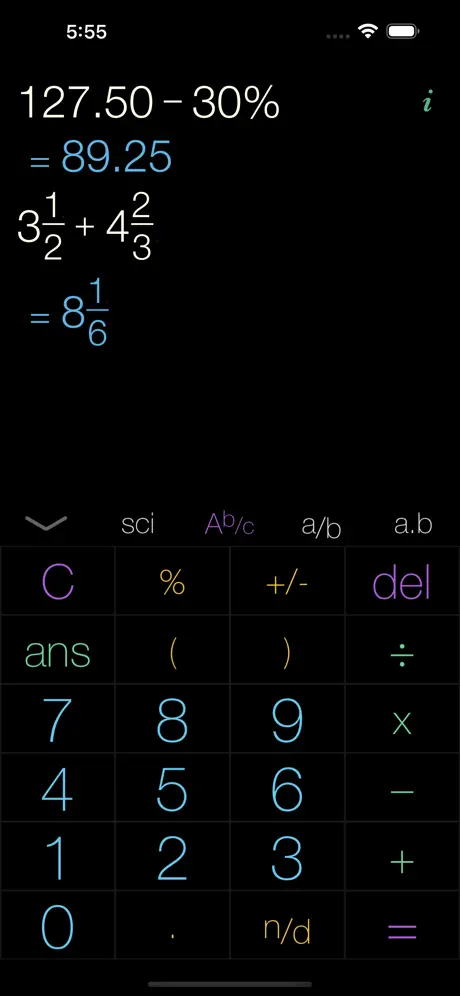
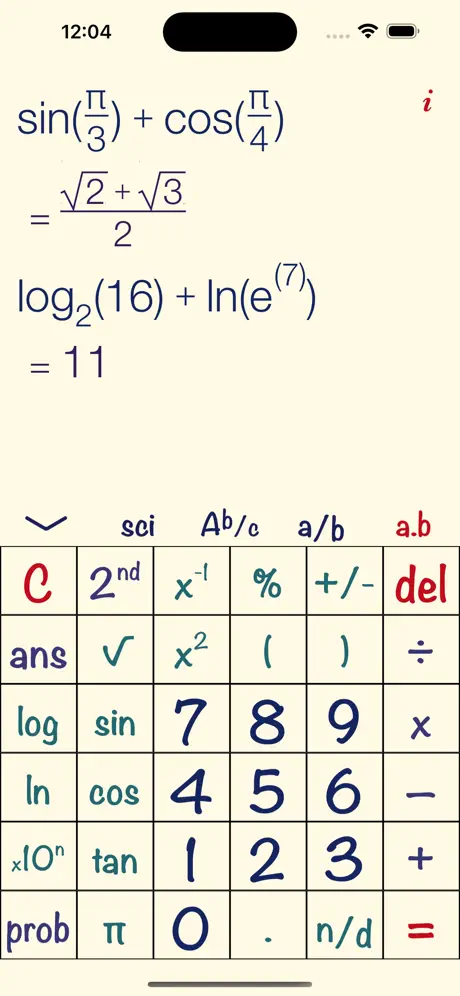
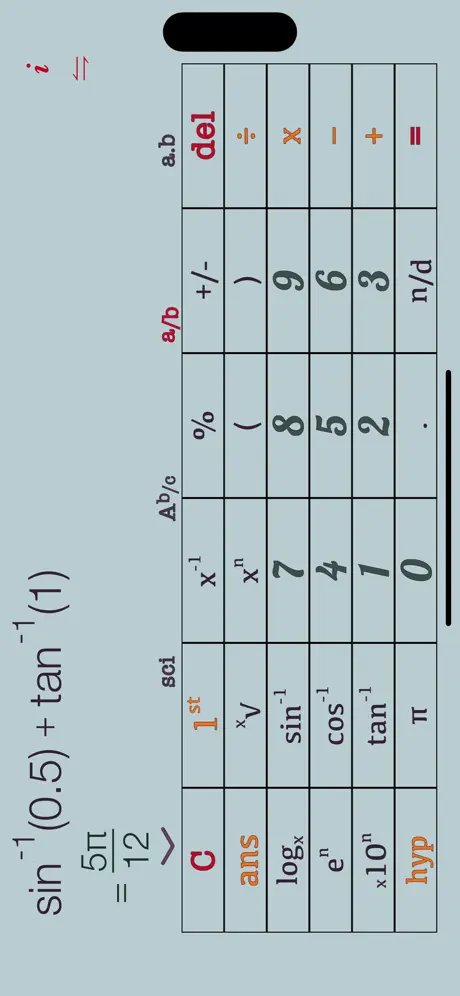
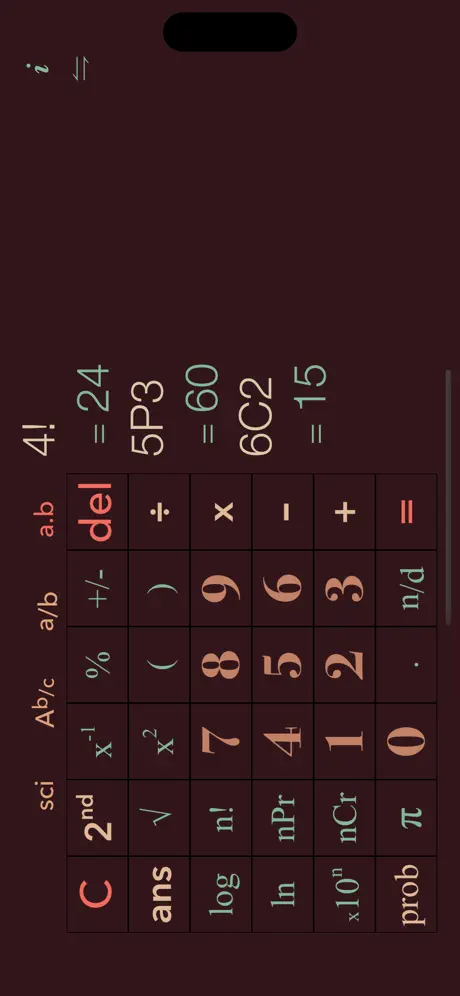
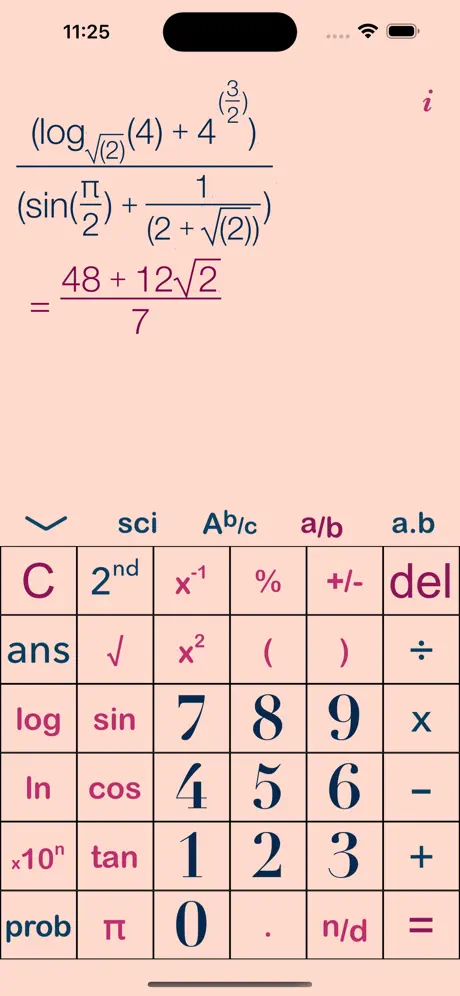
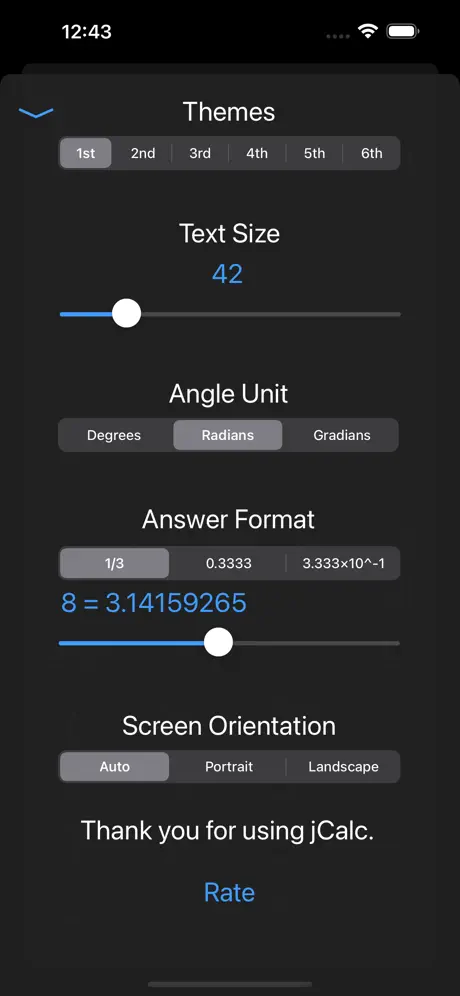
- Beautiful themes and easy-to-read colorful interface.
- Simple layout with large buttons is great.
- Perfect for students passing algebra and precalc.
What they complain about
- Ads interrupt you constantly and annoy users.
- Interface breaks or displays wrong after iOS updates.
- Missing basic functions like memory or square roots.
Calculadora
Excelente Calculadora
bedienungsunfreundlich
Nichts ist intuitiv, Löschen unbekannt, keine Verwendung
Good App, but wrong calculation with%
App: 50+50% = 75 Correct is: 50 + 50% = 50,5 50% means per definition 50/100
Geht schon
Könnte ein Lösungsweg mit dabei sein
touches trop petite
les touches sont trop petit pour les grands doigts
Very nice app + Suggestion
I reallly like the app. It has cool designs and everything about it is very nice. It would be cool if I had a widget since I enjoy this more than the Apple calculator and would like a widget to replace the Apple one. (This is a student from 4th period AP precalc this year)
Malfunzionamento
Nonostante sia presente il tasto che volevo utilizzare,non funziona.Ho provato svariate volte ma la situazione non cambia.
好
不错,不错
Taschenrechner jCalk
Der Rechner ist O.K, er rechnet. Aber das er die ganze Ipadseite benutzt und ich ihn nicht in ein kleineres Format einstellen kann ist nicht gut.
?
どこで履歴見れるのか分からない
Every good
Very good
Ist ok
nervt halt oft
schon sehr guter Rechner!
Es gibt viele unbrauchbare Rechner-Aps für das iPad. Dieser hier ist einer von den Guten. Das Fenstersystem ist sehr praktisch, auch wenn ich etwas Schwierigkeiten mit den „Rauswischen“ habe, klappt übrigens am linken Rand besser als am rechten. Was mich an der App aber wirklich stört ist die Schriftart! Obwohl einige Styls vorhanden sind, ist keiner „normal“. Ich hätte gerne eine dickere Schrift und vor allem normale Taschrechner-Zeichen für Division und Multiplikation!
Joli 2
Nouvelle version avec fond noir et couleur très bien Mais la pub c’est insupportable donc j’ai pas envie de l’utiliser
Banner
This is a large ad banner at the top, otherwise it seems to do the job. Not a fan of the different style proposed, there should be a least one looking more conventional, less distracting. And why is there no Memory function?
Really good calculator, even better teacher
Has everything i need to pass my algebra 2 class. Thanks Mr. Ericksen!
Plötzlich mit Werbung!?!?!
Toller Rechner, bisher. Seit kurzem habe ich immer ein Werbebanner im oberen Bereich. Sehr störend, kein Hinweis darüber im App Store. Nichts! Auch keine Möglichkeit zum Kauf einer Vollversion. Sehr schade. Daher muss die App nun gelöscht werden. Trifft jetzt leider auch viele Schüler, da Werbung in Schule einfach nicht vertretbar ist.
很不錯請持續改進
1.希望按鍵大小可以調整 2.希望可以購買無廣告版
Top
Tiptop
YOU SHOULD DOWNLOAD
Very good for my school and it helped all of my friends and I
Fonctionne plus
Pas de mise à jour du développeur, ça fonctionne plus !
Impeccable jusqu’à ios14...
J’adorai cette calculatrice ... mais depuis le passage en iOS 14, les chiffres sont illisible à l’ouverture de l’application. Dommage pas de mise a jour dispo.
Demande de mise à jour
Bonjour, je ne peux plus utiliser cette application car elle demande une mise à jour et je n’arrive pas à l’obtenir.
Best calculator
Best calculator for all math problems. Creator seems to be a good app developer.
Incompatible with iOS 14.6
Doesn‘t start - error message says that the developer needs to update the app.
My go calculator
This is my favorite calculator. I’ve tried many but always go back to this one. It just works well for me. Thanks for the update to iOS 11.
わー
使いやすいけど根号も入れて欲しい。
Great, easy to use
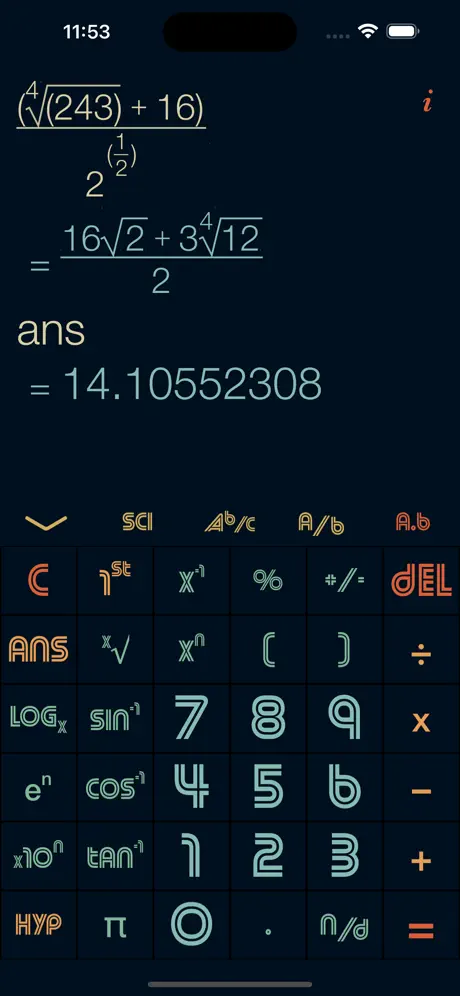
Love the dark theme and easy to read interface.
TROPPI SEGNI CHE CONFONDONO
ho scaricato questa app perché a colpo d'occhio era semplicissima Ora con il nuovo aggiornamento sotto Ogni simbolo è stato Aggiunto un segno una linea che serve solo A CONFONDERE Sotto il meno ci sono così 2 linee uguali sotto il segno uguale risultano 3 linee e così via per tutti i simboli ORRIBILE non più intuitiva, se non correggono eliminerò l app sicuramente.
esthétique et utile
très bonne calculatrice esthétique et agréable. je l'utilise sur ipad pro. Manque juste la possibilité de l avoir en partage d' écran, ce qui la rendrai au top, utiliser une calculatrice sans passer d' une app á une autre. avis aux concepteur ! et hop une étoile en plus en vue !...
Good app
I think that this app was very useful although I would have liked to see some other tools. I wish that they would have had tools such as sin, cosin, and tangent. Also it good have used a squaring tool and a square root.
Amazing and powerful calculator app!
Love the different options for outputs and the variety of themes! Has a very nice interface and is very easy to use. Definitely the best calculator app I have ever installed.
Display No Longer Works
Loved this app until the latest iOS update. When you open the app, the display is not working correctly. About 1/4 of all characters on the page are displayed. If you tap them one by one, they display correctly.
Simple is good
I actually like the fact that there are only the basic keys because it means bigger buttons. I like the running tape feature too. I only wish it had the option of locking into each of the layouts. I need to use my phone calc strapped to my wrist at work but the only way to lock the screen is in portrait mode. Locking landscape mode would give this calc a feature that would set it well above the others. It's still great for what I do with it but it would be a dream come true with its large keys and a locking landscape mode.
Pretty Good Calculator
jCalc is a pretty standard calculator. It works well and I like hat is is colorful and you can change the theme. Also the i button is very informative for those who aren't sure they are correctly using a calculator. However, the fraction, decimal, and percentage buttons don't work, so that should be fixed. Overall, it is a pretty good calculator app.
Calculator
Excellent!
答えが間違っている。逆数や、a/bの意味を分かっているのか
(・`□´・)ふざけんなよっ。
Jcalc
This app is very useful and easy to use And very artistic. There are many settings with different types of calculators with different colors. Another thing i like is in the settings is it gives you answers to mixed numbers and converted numbers.
It was okay
It's like a normal calculator. It's helped but I just didn't like that fact that it doesn't have all the signs and buttons I need
Amazing
Great colors, great formatting, amazing options
Serious bug in the iPhone version
The concept is good and the iPad version is fine but the iPhone version landscape mode does not work at all. The calculator pad does not rotate and the split view that is supposed to show the calculations does not appear.
Genial
Una forma amigable para hacer cálculos 👍👍👍👍👍👍👍👍👍👍👍👍👍👍
Ok
ᔕᕼOᑌᒪᗪ ᗷE ᗩ ᔕᑕIEᑎTIᖴIᑕ ᑕᗩᒪᑕᑌᒪᗩTOᖇ Iᖴ TᑌᖇᑎEᗪ
jCalc – Scientific Calculator FAQ
- Is jCalc – Scientific Calculator free?
- Yes. The app is free, in all 175 countries it sells in, and it sells nothing inside it.
- Does jCalc – Scientific Calculator have a free trial?
- No. None of its offers (US) come with a free trial.
- What are the best alternatives to jCalc – Scientific Calculator?
- Calc Pro - The Best Calculator (4.6 from 25,579 reviews, premium from $0.99), Calculator + (4.6 from 18,507 reviews, premium from $2.99) and Calculator⁻ (4.3 from 11,171 reviews).
jCalc – Scientific Calculator download
Last updated 1 year ago.
jCalc – Scientific Calculator sells in 175 countries. It was released 12 years and 4 months ago, on 25 Jun 2014. It holds a 4.5 rating from 1,384 reviews.
Supports 30 languages: English, Catalan, Croatian, Czech, Danish, Dutch, Finnish, French, German, Greek, Hindi, Hungarian, Indonesian, Italian, Japanese, Korean, Malay, Norwegian Bokmål, Polish, Portuguese, Romanian, Russian, Chinese, Slovak, Spanish, Swedish, Thai, Turkish, Ukrainian, Vietnamese.
How much does jCalc – Scientific Calculator make?
Third-party estimates for the last 30 days, worldwide — not the store's own figures, which Apple publishes for nobody.