
PIXPRO Remote Viewer
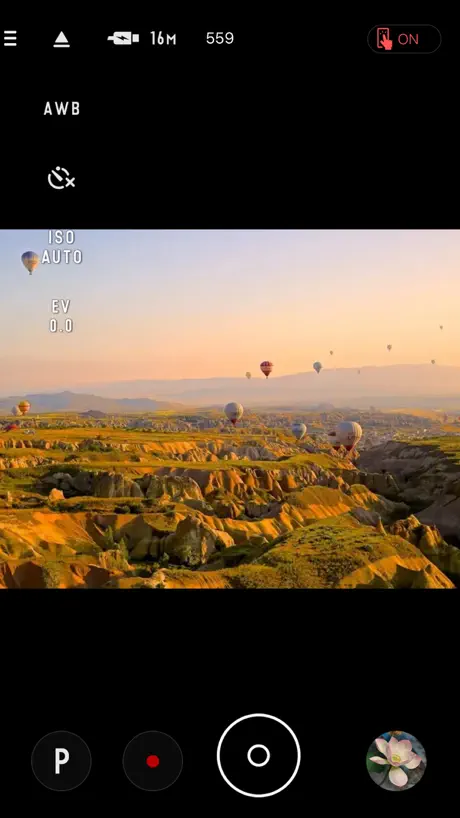



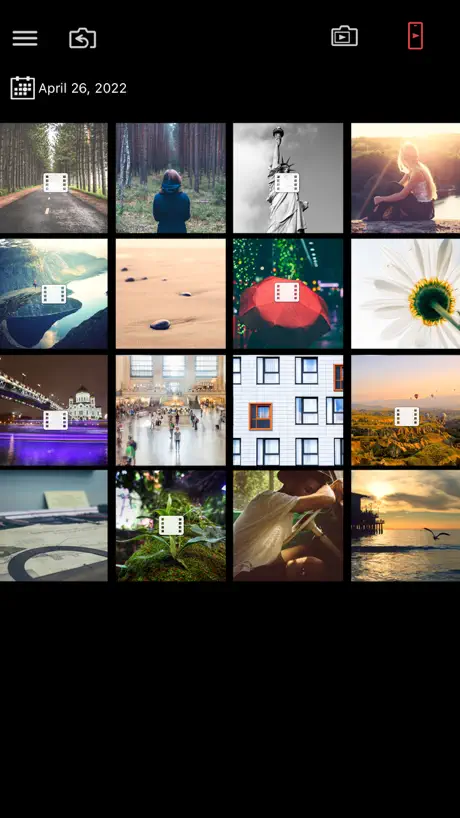
How much does PIXPRO Remote Viewer cost?
Prices are current as of 8 Nov 2026.
PIXPRO Remote Viewer has no in-app products on record in the United States.
10+ alternatives to PIXPRO Remote Viewer
| PIXPRO Remote Viewer | 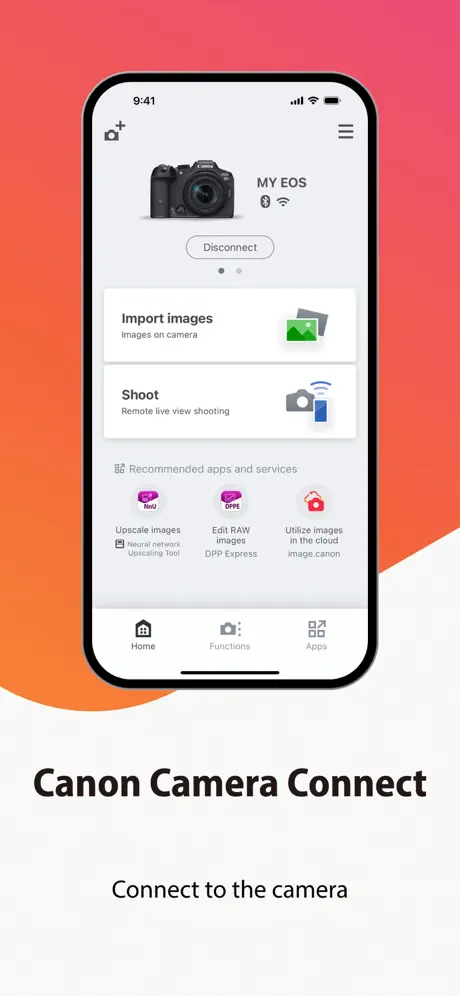  Canon Camera Connect |   KODAK Photo Printer | 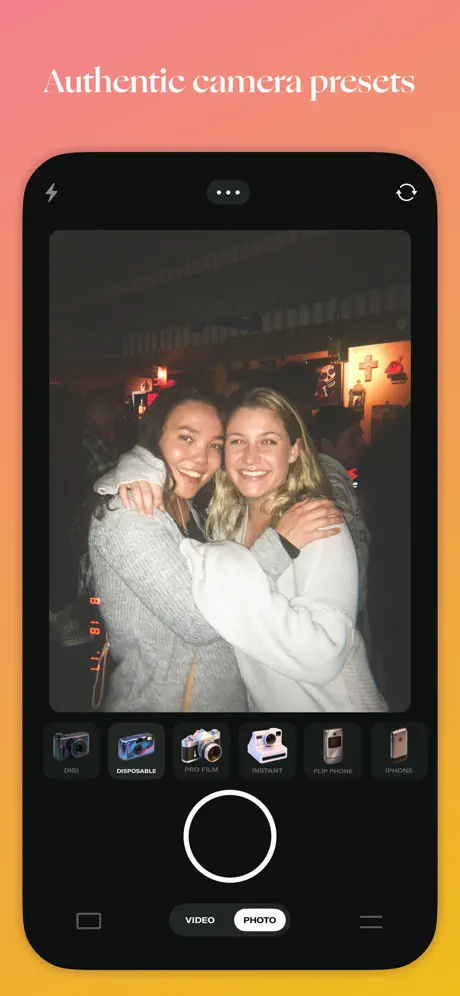  DAZE CAM - Vintage Camera | 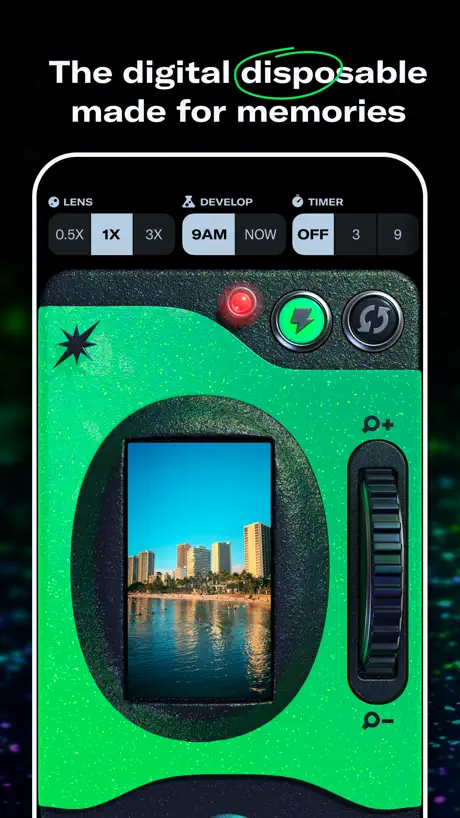  Dispo: Retro Disposable Camera |   WayShot:Aesthetic Photo Editor |   Phlow: Film & RAW Pro Camera |   Pecra: G7X Digital Camera |   KODAK SMILE | 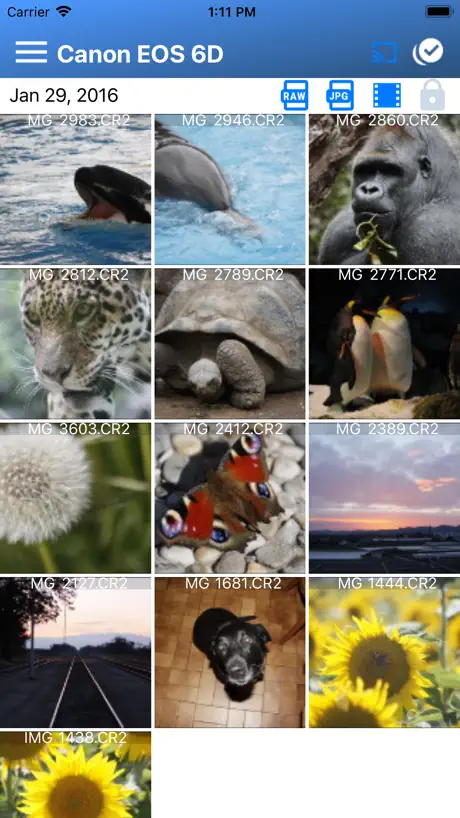  Camera Connect & Control |   image.canon | |
|---|---|---|---|---|---|---|---|---|---|---|---|
| Rating / 5 | 2.0 | 4.8 | 4.8 | 4.7 | 4.3 | 4.6 | 4.8 | 4.4 | 4.6 | 4.0 | 2.2 |
| Reviews | 661 | 781K | 173K | 22K | 15K | 13K | 4.6K | 4.1K | 3.3K | 2K | 1.1K |
| Released | 2014 | 2015 | 2021 | 2019 | 2019 | 2025 | 2024 | 2026 | 2019 | 2019 | 2020 |
| Weekly price | — | — | — | — | — | $9.99 | $1.89 | $8.99 | — | — | — |
| Monthly price | — | — | — | $3.99 | $1.99 | — | $7.99 | $14.99 | — | $4.99 | — |
| Annual price | — | — | — | $19.99 | $39.99 | $69.99 | $49.99 | $89.99 | — | $19.99 | — |
| One-time price | — | — | — | $5.99 | $0.99 | $9.99 | — | — | — | $24.99 | — |
The going rate for each plan in United States, in its own currency, shaded from the cheapest price on the row to the dearest.
PIXPRO Remote Viewer reviews
2.0 out of 5, based on 661 reviews.
What people like
- Great for remote camera control
- Easy to transfer photos once connected
- Useful for underwater or selfie shots
What they complain about
- Connection fails constantly despite instructions
- App crashes when downloading photos
- Setup is confusing and difficult
Amazing
Im using their KODAK PIXPRO WPZ2 and it’s amazing and I love how fast it works with the app
Terrible
This app is terrible. Never connects. Extremely upset.
Good app
I’ve read a lot of negative reviews of this app and it seems the biggest complaint is not being able to connect the camera with one’s phone. The simple fix is to put your phone in airplane mode first. Then connect to the camera via its WiFi. Works for me every time.
DIRECTIONS TO WORK
like other reviews have said, after connecting to the camera you have to be in airplane mode with wifi enabled for this to work. Instructions very unclear, only reviews helped.
这个更新不太对吧
最近更新的这个版本有问题 自从自动更新了这个版本就不能成功连接WiFi使用APP了 不能连接就个古董机一样 使用感很差
Connection
I know it’s frustrating when you try to connect and it doesn't work. Simple solution: before connecting to the camera, turn off your mobile data and Bluetooth, then connect your phone via Wi-Fi 🙌🏽🙌🏽
😔
It won’t connect to my camera
Solution for those having connection issues.
Hi everyone! I used to have this problem: I would connect my iPhone to the camera's Wi-Fi network and it would say it was connected, but as soon as I opened the app, it would disconnect. This went on for a long time, but I decided to give it one more opportunity.😭 What I did was put my phone in airplane mode and then turn on *only* the Wi-Fi, connecting exclusively to the camera's network—and that way, I was able to access it! Even though I found a workaround to get the app running properly, it used to work perfectly at first without needing airplane mode. I hope the developers can fix these connection issues, because it really is a great app that makes taking photos and downloading them to your phone much easier! I hope my experience helps anyone who is still trying to establish a successful connection between their camera and phone.
DUH.
I use this app for my photography business. It works until I have the most important shoot EVER.
Bom
Gostei mas é lento
素晴らしい
リモート操作もできるし便利です。しかも撮った写真を保存できるのも素晴らしいです。ただもう少しuiをわかりやすくしてほしいです
:/
It only worked when I first got the camera, know I’ve been struggling because it is connected but in the app it’s refusing to connect.
2026 App Troubleshooting w/Add. Tips
I just got this camera/app in 2026 and I’ve seen that a lot of people in the comments are struggling and I did too. When I first got the app, I couldn’t get any of the photos to pop up on the app, and I tried all the techniques that people online and in the reviews recommended (such as turning on airplane mode and turning off cellular data). None of those worked out, but after a lot of pain, I’ve finally been able to make it work by changing a couple more specific settings. To share the love in case this helps anyone else out: 1. Make sure airplane mode is on or your cellular data is turned off when trying to connect to the camera Wi-Fi. 2. Ensure “auto switch” or “Wi-Fi assist” in your cellular data settings is turned off 3. Ensure “local network” is turned on in the pixpro app setting
Camera won’t connect!
This app was just updated and my camera still won’t connect! I got this camera so I could use an app instead of having to transfer my pictures to a computer!! I hook my phone to the wireless my camera gives but the app tells me I’m not connected! Fix it!!!
最近优化了
好像横拍摄又有问题了?触摸对焦失灵,触摸拍照时效
WiFi does not connect
Got my camera yesterday and tried the WiFI feature, the camera screen displayed wifi connected to phone but the App never connects. Tried three times.
Wi-Fi sucks
Plain old doesn’t work. Not worth the hassle.
Read instructions!
I read the reviews before attempting to use the app which suggested to turn off mobile data and read the manual. The camera manual tells you how to turn on the camera wi fi (there’s a specific manual for each camera model). The pixpro manual has the app instructions. I followed the instructions and had no problems connecting to the camera and using software. The software might not be as intuitive and user friendly as iOS, but it’s as good as a lot of the industrial software that I use at work. My advice is to read the instructions first. PS I was using a KODAK WPZ2 camera with an iPad with mobile data turned off.
Update terrible
The new update has caused problems and now the app won’t connect to the camera’s WiFi and we can’t see the latest pictures.
Instructions not clear
Took me half an hour to figure this out. The only reason I got it was because of someone’s review. Basically you have to 1.Put you camera on WiFi mode, 2.Put your device on airplane mode and go to WiFi in settings on your device, 3. Find your cameras name (should be on camera screen) and connect to it, 4. Put in the password given to you on your camera (aka the second number sequence they give you). Your camera should say it’s connected, 5. Then you have to go to the app, you camera should say it’s connected to the app. (If this doesn’t work then try to connect to the camera before putting on airplane mode, then after connected unconnect and reconnect on airplane mode). Hope this helps
It’s fine
I have found this app to work just fine, especially for its intended target market. The app works with the Kodak cameras I have and gets pictures onto my phone without any hassle. Is this a professional level app? No. Does it do what it needs to do? Yes.
Stopped working.
the app does not work. It keeps saying it cannot find my phone even after I connect my camera.
Tech tip
When connecting phone to camera through WiFi you must turn off cellular service while using phone as remote or phone will not connect
Confusing to Use
So a lot of the reviews state the obvious. That it doesn’t connect to the camera. I as well had the same issue UNTIL I read a review that said to turn phone to Airplane mode. Once I did that and reopened the app I was able to successfully select and transfer photos from my camera to my phone through the app. Here are the steps 1) Download App 2) Enable Camera Wi-Fi: Rotate the mode dial to the Wi-Fi icon. Connect Phone: 3) Go to your phone's Wi-Fi settings and connect to the network named PIXPRO AZ528_XXXX. Enter the password shown on the camera's screen. 4) Turn phone on Airplane Mode 5) Open the App to browse the photos, and select the images to download to your phone Good Luck!
L’apps iPhone ne marche pas, celle de l’iPad un peu plus
Je ne comprends pas, tout est connecté, l’appareil lui même le dis, l’iPhone est connecté en wifi à l’appareil mais une fois arrivé dans l’application rien ne marche. C’est très frustrant d’acheter un appareil, qui va notamment sous l’eau et dont nous ne pouvons pas avoir l’accès au photos comme nous le souhaitons quand ceci a été une prise de décision pour l’achat.
Great!
A little bit difficult setting up with the Wi-Fi connecting, however I can easily transfer images from my camera to my iPad
It doesn’t work
I followed ALL troubleshooting steps and it still won’t work. There’s no way to get support either.
It does work
Struggled to get the app to connect to the phone. In the end I figured out that if the phone’s mobile data is turned off it will connect to the camera via WiFi.
Needs update
Worked great until recently. App is crashing after downloading a picture each time.
まあまあ
リモート撮影で自動になっているのに気づかず発光してしまうのは注意ですが、それ以外は◎
Tout fonctionne parfaitement
Contrairement aux autre commentaires que j’ai pu voir , pour moi tout fonctionne parfaitement, connexion rapide et très fonctionnel
jit
worst app ive genuinely ever used. cannot connect even tho it says im connected???
Suggerimenti per alcuni miglioramenti
Sto usando la Kodak Smart Lens SL5 e vorrei fare tre appunti. 1) Nei formati di ripresa non è disponibile il formato fotografico 3:2 (dato che si tratta di un semplice ritaglio della superficie di ripresa credo si possa introdurre con un aggiornamento dell'App). 2) Non sono presenti tutte le modalità preimpostate che si trovano in tutte le fotocamere compatte Kodak (anche questo credo si possa aggiungere con un aggiornamento dell'App). 3) Non è presente il preflash per evitare gli occhi rossi (questo forse tramite App non si può aggiungere ma probabilmente si può fare tramite aggiornamento del firmware). Spero possiate girare ai team di sviluppo queste mie osservazioni nella speranza che magari in futuro queste opzioni possano diventare disponibili 😊
Can’t connect
Won’t connect to my phone only my bf’s (his is 15 mines 16. Always having issues connecting to its “wifi” please fix
BUG是否解决?
想入手买这个相机,不知道知此版本的BUG是否已解决,软件是否还卡顿,哪位大神给个反馈。
So quick after first connection
This app makes downloading your picture so easy! The first time is a little tricky but after you connect the camera to the phone the first time the phone will remember the WiFi and it will show up anytime when the camera is in WiFi mode. To connect the camera to your phone the first time you need to put the camera in WiFi mode and then go on your phone and go on settings and click WiFi then go to the network section that shows all the WiFi’s and click “other’s” then type the name of the Kodak WiFi and the password that shows up on the camera screen. After that the camera will be connected. Then later times when you turn the camera on WiFi mode the WiFi will be suggested and you just click on it and it will be connected. It’s so easy after the first connection. And when the phone is connected you can see what the camera sees from your phone and take pictures from your phone. Genuinely love this app!
Terrible
I just lost 90 minutes of my life attempting to connect the app to my iPad. Camera said CONNECTED. In my dreams.
instructions not clear
it took me almost an hour to figure out the instructions. If I didn’t read that your phone has to go on airplane mode while it’s connected to the cameras Wi-Fi. I would’ve never figured it out. Thanks to the reviews.
不稳定
卡,而且拍照拍摄或是查看相片和视频经常会出现内存不足的字样,结果必须彻底关闭退出程序。很麻烦!
Fantastic
Disregard the reviews that say this app is useless - just read the instructions to connect carefully and you’ll be fine. You can use the app to remotely preview and control the camera (great for selfies or underwater if using a stick) and you can easily and quickly import photos straight to the phone camera roll.
Connecting
It used to work fine, but its begun to refuse to connect to my iphone no mayter what i try. Itll connect to android just fine but refuses my phone.
For the people struggling to connect.
Struggled forever to get it to connect. Finally did by: Restarting the wifi connection (new password and connect) AND disconnecting mobile data!!! Apparently there can be some interference when mobile data is on. Hope this helps :)
希望再次优化,改进!
不是很好用,有点卡,如果相片上能显示日期就好了
Très bonne application
Fonctionne très bien avec un Kodak AZ526 depuis mon iphone XS. Live view très fluide, rien à dire. Les contrôles à distance fonctionnent également très bien. Idéal pour ce que je veux en faire 😉
.
i’ve been using this app for a year when i got the camera and now it decides it suddenly doesn’t wanna work anymore, i’ve been trying to connect it for the past 3 hours now, i ordered an sd card reader cs i really need these photos
Connection issues
The app connected fine with my camera for about a year, now it will not connect or display any new photos, have read reviews seems to be an app problem that needs updating asap. I’m now unable to use my camera properly and it is a few days out of its year warranty. It’s a shame as the camera itself is great.
Bien, mais...
Très bonne application complète mais lorsqu'on veut télécharger une centaine de photos l'application se ferme à corriger pour une prochaine màj
PIXPRO Remote Viewer FAQ
- Is PIXPRO Remote Viewer free?
- Yes. The app is free, in all 175 countries it sells in, and it sells nothing inside it.
- Does PIXPRO Remote Viewer have a free trial?
- No. None of its offers (US) come with a free trial.
- What are the best alternatives to PIXPRO Remote Viewer?
- Canon Camera Connect (4.8 from 781,332 reviews), KODAK Photo Printer (4.8 from 173,185 reviews) and DAZE CAM - Vintage Camera (4.7 from 21,667 reviews, premium from $3.99).
PIXPRO Remote Viewer download
Last updated 2 months ago.
PIXPRO Remote Viewer sells in 175 countries. It was released 12 years and 8 months ago, on 18 Mar 2014. It holds a 2.0 rating from 661 reviews.
Supports 25 languages: English, Arabic, Croatian, Czech, Danish, Dutch, French, German, Greek, Hindi, Hungarian, Indonesian, Italian, Japanese, Korean, Norwegian Bokmål, Polish, Portuguese, Russian, Chinese, Spanish, Swedish, Thai, Turkish, Vietnamese.