
Moonfin
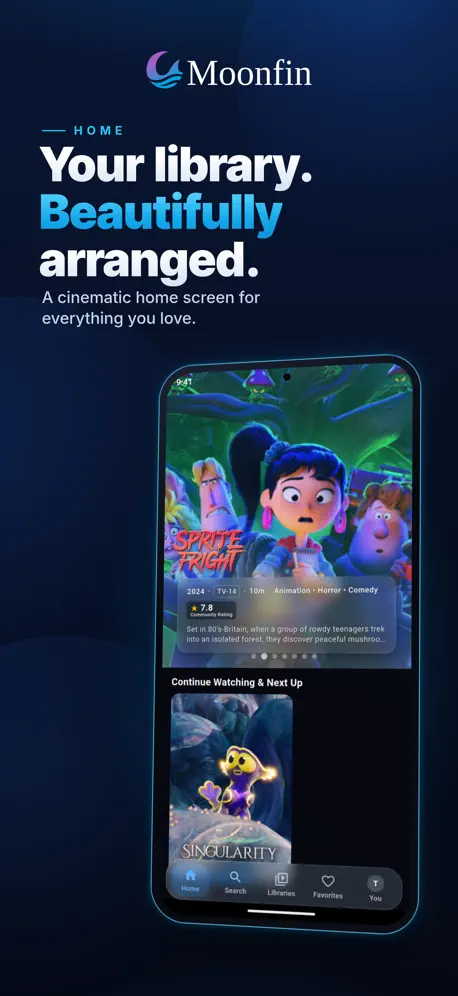
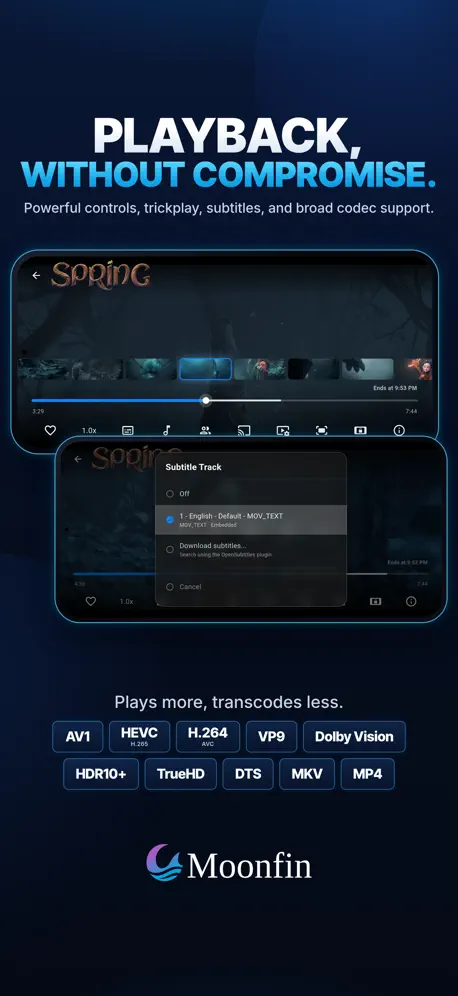
A premium client for Jellyfin
How much does Moonfin cost?
Prices are current as of 16 Nov 2026.
Moonfin has no in-app products on record in the United States.
10+ alternatives to Moonfin
| Moonfin |   SenPlayer - Media Player |   Ruddarr |   Jellyfin Mobile |   Swiftfin | 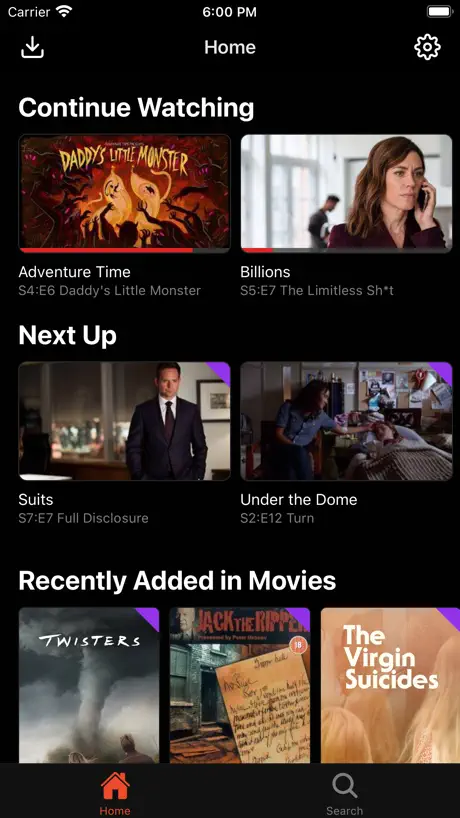  Streamyfin | 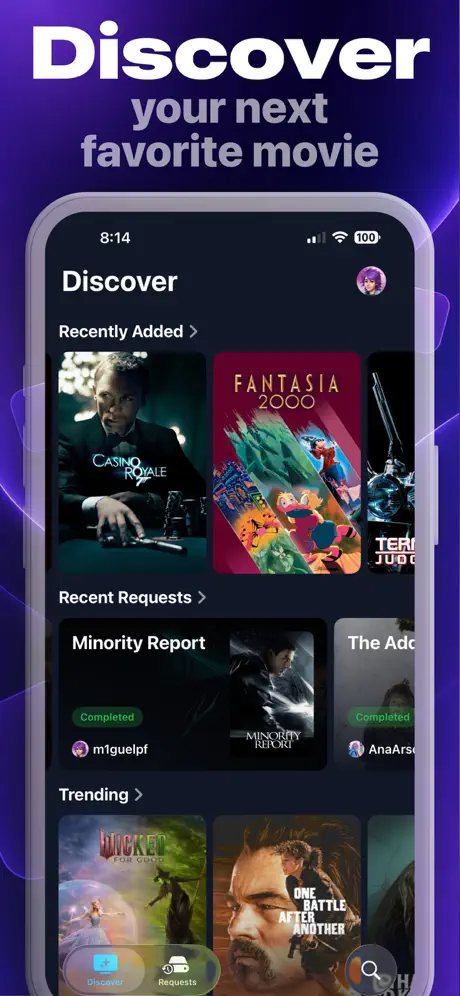  Pocket for Seerr | 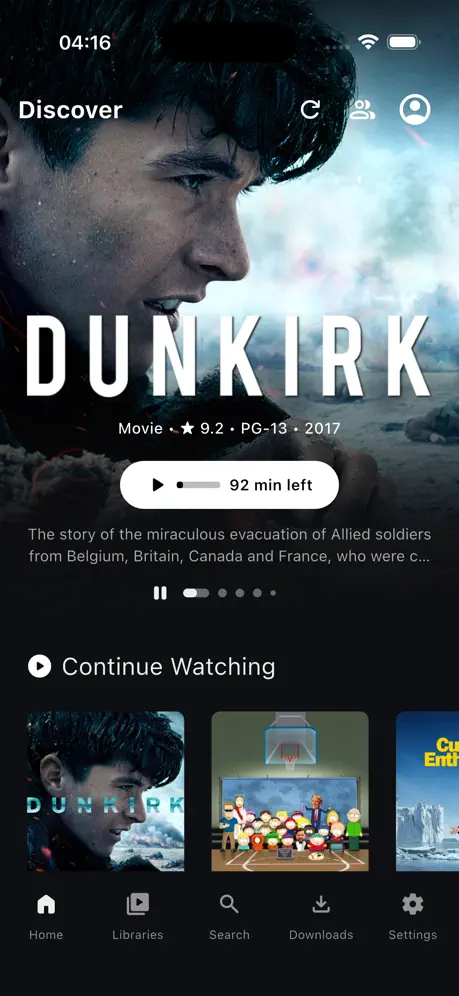  Plezy: Media Server Client |   JellyTV |   LiquidFin |   AirTV: Plex + Jellyfin + IPTV | |
|---|---|---|---|---|---|---|---|---|---|---|---|
| Rating / 5 | 4.4 | 4.7 | 4.9 | 4.1 | 4.1 | 4.4 | 4.9 | 4.6 | 4.4 | 3.2 | 3.1 |
| Reviews | 235 | 8.3K | 2.1K | 1.8K | 1.2K | 729 | 548 | 306 | 156 | 22 | 7 |
| Released | 2026 | 2022 | 2024 | 2020 | 2022 | 2024 | 2025 | 2025 | 2026 | 2026 | 2026 |
| Annual price | — | — | $5.99 | — | — | — | — | — | $17.99 | — | — |
| One-time price | — | $9.99 | — | — | — | — | — | $3.99 | $19.99 | — | — |
The going rate for each plan in United States, in its own currency, shaded from the cheapest price on the row to the dearest. Plans fewer than four in ten of the priced apps sell are left out.
Moonfin reviews
4.4 out of 5, based on 235 reviews.
What people like
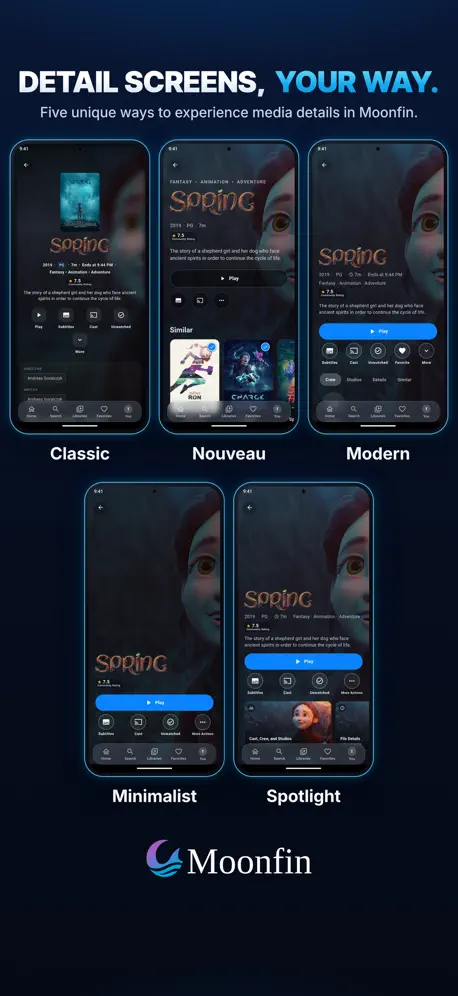
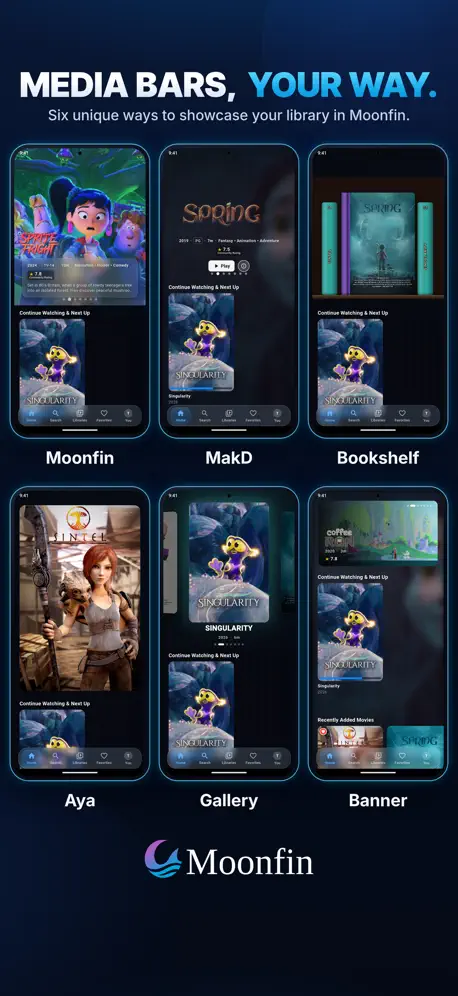
- Beautiful interface with great customization
- Developers are active and helpful
- Plays media smoothly on Apple TV
What they complain about
- UI feels broken and unpolished
- Updates often break existing features
- Navigation can be confusing and buggy
Multi-device support
The multi device support and dedicated development team are what sold me on this player. By far the best option, and completely free!
Schlechtester Jellyfin Client
Ich habe Moonfin auf Apple TV und Android TV getestet, auf beiden Clients so viele Bugs dass es überraschend ist, dass die App nicht nur per TestFlight verfügbar ist, auf Apple TV funktioniert die Bedienung teilweise gar nicht, Tastendrücke werden teils gar nicht erkannt und dann wieder einzelne Klicks als 5. Die Oberfläche ist komplett überladen und die Navigation wenig intuitiv
Great but upgrades cause havoc
When it works it’s great. But I found upgrades make massive changes, and sometimes saved media gets lost or storage isn’t freed up correctly requiring a reinstall. Definitely turn off auto updates, and have a backup plan like VLC when on the go.
Bewertung für Apple TV
Die App läuft aufm Apple TV nicht flüssig.
Looks promising, but
Subtitles are not loading. The are listed, I can select and deselect them, but they don’t appear. I just read in another review that this is due to a recent update. I hope it gets a fix soon!
U
Been loving it way better then jellyfin I dint know on Apple devices jellyfin is so trash it constantly buffered so I switched to this one and now have no issues
No soft by last episode air date :(
How does an app like this not support listing/showing TV shows by the last episode air date. Native Jellyfin supports it, this should as well!
So far so good
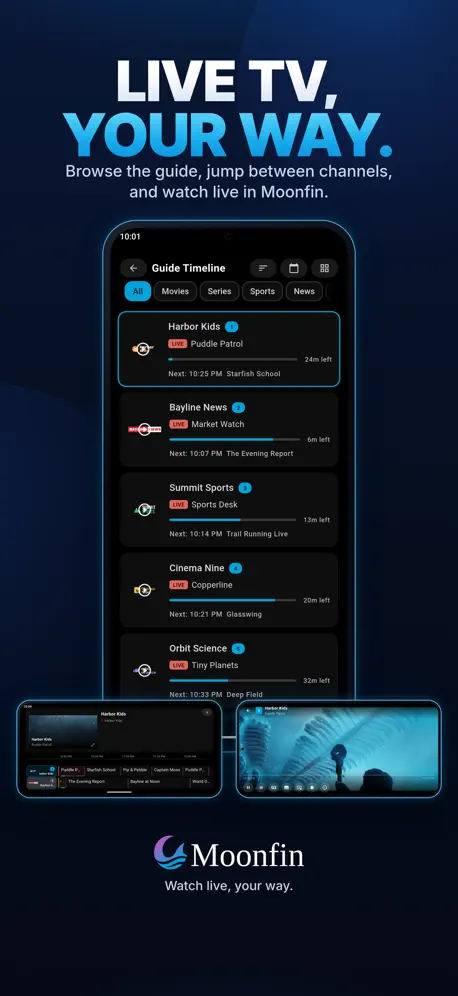
I think this is probably the best Jellyfin client for iOS. Offers a good amount of customization, though UI feels a bit clunky at times. While I have a few nit picks, I’m definitely staying for now. It would be nice if the media bar on TvOS could be resized and the ability to hide the “On Now” section for IPTV. Also, the IPTV guide prevents you from selecting back to the channel after highlighting a program again on TvOS. A last wish would be adding Apple’s Liquid Glass navigation bar and player.
Mittlerweile eher unbrauchbar
Ich war bis vor einem Monat ziemlich begeistert, weil die App sehr viele Funktionen hat. Mittlerweile ist sie aber unbrauchbar geworden, sie läd unglaublich langsam, dazu kommt, dass sie sich nicht mehr meekt, wenn man einen Film bis zu einer Stelle angesehen hat. Schade, die App war richtig gut
Very good Jellyfin player but
Newest update broke user and password entry. Please go back to default system keyboard, I cannot paste from my computer using phone entry since you are using a proprietary keyboard
The Best Jellyfin client
Super smooth and lots of features. The appletv app is also amazing.
Still unable to connect to my Jellyfin server
Connect to server option does not work. It needs a Quick Connect option. I have Moonfin on other devices where it connects just fine. Please fix the MacOS version
Does everything you need expect live tv correctly
iPhone/tvOS app works fine for all VOD content. No issues, but as soon as you introduce live tv using an m3u resource an odd thing happens. If you select your channel and let the spinning circle timeout, no channel will be displayed, just a black screen. If you then select the guide without quitting the video window, you’ll see the live TV in the Preview window. From that Preview window you can then expand it to see it full screen. This is both the same for the iPhone and tvOS.
Lots of promise, but basics aren’t there
Super unreliable navigation made this unusable for me. I had to use swipes, which I kind of hate. It does look nice, and they got an extra star for an option to hide episode descriptions. Would be even better to be able to hide only unseen episode descriptions.
Emby Connect not Working
Just used the same creds from logging into Emby on the web as I did on the app and the app is telling me it’s invalid
Too Good to Ignore.
Simply put this client is one of the best and it’s only getting better. Been using this client for over a month now and I have to say it’s one of the best. Used infuse prior to this one and it’s a breathe of fresh air when it comes to UI.
Stürzt direkt ab
Leider stürzt die App direkt beim Start ab. In dem CrashLog steht irgendwas von PDFium ist nicht installiert
App is Great & Well Designed and close to being a masterpiece but needs a few Updates
The app is much improved and almost my go to Jellyfin client for me to recommend, but it’s missing a few expected gestures like being able to swipe from off the left side of the screen towards the right onto to the screen in order to trigger a gesture to go back to the previous screen. Also the back button location is in different locations throughout the UI, with a lot of inconsistency. Settings to select things are not sporting properly in “Media Bar > Media Sources.” Also the navigation tray should have a slot for downloads, and send downloads there so that a download does not take up 15% of the screen real-estate. Also Please implement the gesture to touch the top of the iOS bar (where the time and WiFi signals are) in order to scroll to the top of the screen. Also can it would be a huge benefit if when scrolling through media libraries that it show a little indicator (near where the scroll wheel would normally be) that shows what letter/number/symbol the first letter begins with while scrolling through media in order to better know where you approximately are when scrolling quickly. Additionally there should be a way to delete individual downloads, without having to select, “Delete All Downloads” button (personally I would also love a gesture to swipe right-to-left to prompt to delete a download).
Used to be my go-to
Pros: Will play pretty much any kind of file without a sweat on Apple TV 4K 3rd gen. Because of this it used to be my go-to app over any of the alternatives for tvOS. Cons: Ever since the last update contrast/colorspace has been broken, causing blacks to appear washed-out. This issue affects all video files regardless of codec, original colorspace etc. Sadly I can no longer use this app unless I want the experience of watching movies on a cheap LED TV on my OLED. Multiple issues have been posted to the GitHub about this and I’m yet to see dev input on any of them, so I’m not sure if this is something that will be fixed anytime soon.
Simply the best out there
Does everything you want and more. Literally perfect. Even has some customization options, and it seems every other jellyfin client (even official one and swiftfin) is missing something like PiP. This thing does it all, actually awesome
Never works.
Enter my server, and always “Unable to connect”. No matter how you enter it
Almost perfect.
If I could view collections that I’ve put inside other collections this would be the perfect app. For instance, if someone grouped two movies together in a collection, and wanted to add this to another collection that encompasses the entire franchise, they couldn’t. However, this app It’s the closest to the official app by a long shot.
Great jellyfin client, needs just a couple tweaks!
Love the UI concept, love the built in features, truly great work! However the Apple TV UI definitely needs some tweaking, especially with the font size… also please consider replacing the logo on the stream loading screen with a more simple one! (Or just a normal circle loading icon!). One more suggestion: try making the actual logo smaller to give it some more padding so it looks nicer!
Amazing App
This app has been super amazing from the beginning. It gets better and better each release. I am glad I have been here to use the app and can't wait to see the future of it. BingBong is such an amazing person.
Less than 1
Another AI media player. App is completely broken in appleTV. DV profile 7 support in the notes makes no sense since the appetv doesnt support and it also explains my my dv 7 items look absolutely terrible instead of falling back to hdr. The menu is bloated and has too many gaps. Elements kn the home page take far too long to load, menus looks like I’m using a phone, not a AppleTV app. Don’t get the hype around this. It’s the worst jellyfin client current available. No idea who zach is. Dev and his fans are weird and like to attack and bully those who don’t like the app online. Tried reporting issues. Got mocked by users and dev. Really weird behaviour.
Great Jellyfin client
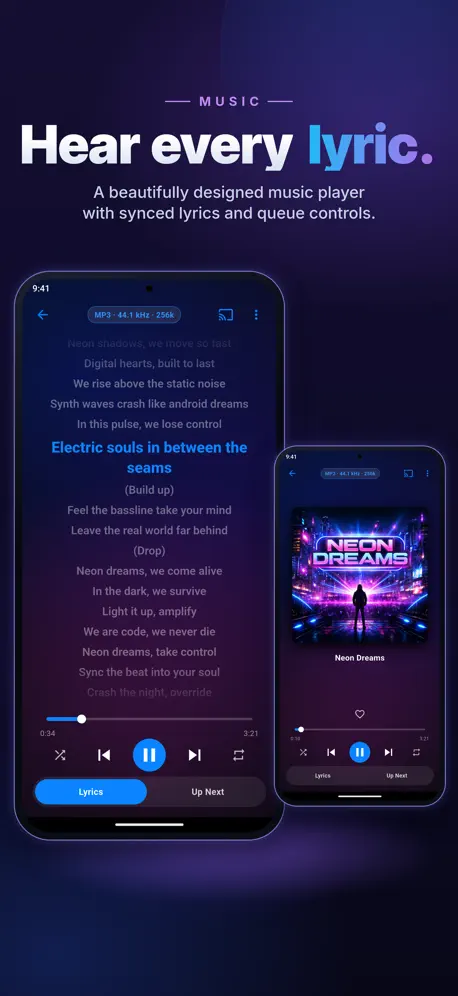
Latest update is nice but when playing my music library the current song does not show up on the lock screen or on CarPlay like it used to. Just a little fix and we’re good to go.
Video stuttering
The video stutters during 4K Hevc playback. The same video doesn’t stutter in swiftfin or streamyfin
Must-Have App
This is the companion app that Jellyfin has wanted for a very long time! I just wonder how many developers are working on it, because they seem to be making big progress at a fast pace!
Buggy mess on AppleTV
The previous version was a bit clunky but it worked, this new version is basically unusable on AppleTV. Folder browsing is broken. Lots of strange pauses and lag. I had it bring up the user switch screen when I was just trying to navigate to a new page. The Apple Remote is way too sensitive in the app, making very difficult to enter passwords or navigate. I really don’t want to go back to Infuse, but until they get this fixed up, not much choice.
Great client, but missing some basics
I really like this client, but it’s very busy and has some missing basic functionality that keep it from being 5-star. 1. There’s no way to get back to home, or even get out of, the Saved Media screen. It’s a complete dead end. The only way to get back to home is to completely close out the app and start it fresh. 2. There’s no ‘Downloaded’ group or area in My Media, so no way to see what you’ve downloaded, which is a bit odd. If you travel/fly and want to bring some of your library with you, you want to go right to what you downloaded. This is the only client i’ve seen that doesn’t have that. Other than those, Moonfin is phenomenal. The playback is amazing, love being able to download original or a mobile version, the shuffling is a feature I never knew I wanted or needed, but love… please keep making Moonfin better!
Best streaming App Hands Down
This is the best app I’ve used for streaming your media I’ve used hands down. Full of features, ability to customize to your hearts content, and great support from the developer! 10 stars Would download again!
Every update worse than the last
Last time you broke i18n, this time you broke subtitles. For the love of god please stop updating
nice but…
overall is a good app. looks good. feels good. however my phone gets really hot when watching with it. like abnormally hot. this is on a 17e so i’m not using old hardware. so just an fyi.
Must have for all Jellyfin users
Finally a client that does it all: can direct play your media, native seerr integration, extensive customization options, and settings that follow you across devices. On top of all that, it is free. This is the final client you will ever need and the devs are consistently pushing improvements and updates. Bravo to the devs and thank you for your service
This is FAR from premium
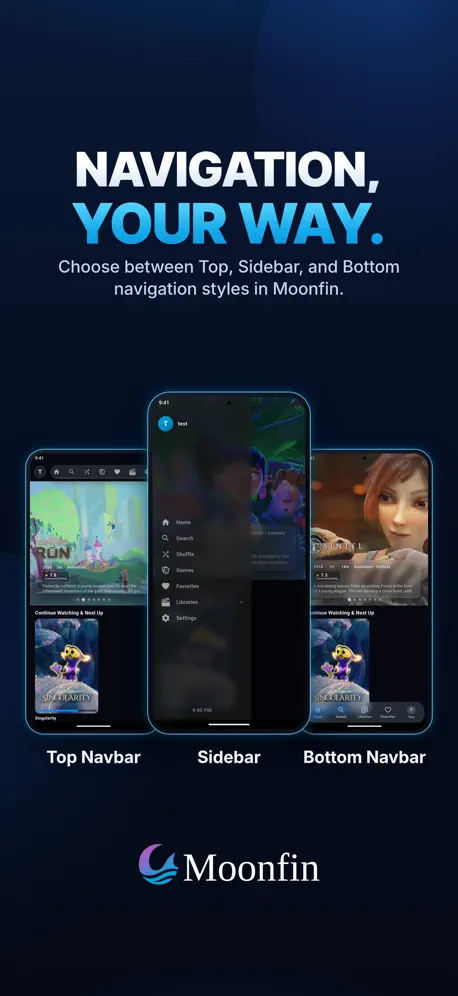
Every single thing a dev should NOT do, UX and UI wise has been done in this “premium app”! Add server has zero feedback or progress, it just freezes the UI. The auto discover is pointless. But then you get to the horrid login…do a quick connect and then 🤢🤢🤢🤮🤮🤮🤮 Tab bar at the top?! What?! Why?! Auto selected carousel?! Why?! UI cut off out of the screen everywhere. Back button at the very top left?! What is this? iOS 13?! 2015?! This is amateur hour not premium. I knew when I saw the icon I was going for a very non iOS wild and wacky ride… No pride at all. No iOS knowledge at all. I’m this harsh because I have never been so offended using such a bad app…even if free!!!
Not perfect, but good enough
It seems like every Jellyfin client has at least one major issue that prevents it from being the only one installed on my phone, but this looks to be the first to have all the features I care about while actually being reliable. That’s not to say this still doesn’t have its issues (media not being recognized as now playing is a pretty big one), but compared to all your other choices, this is a very solid one.
Amazing Jellyfin Client
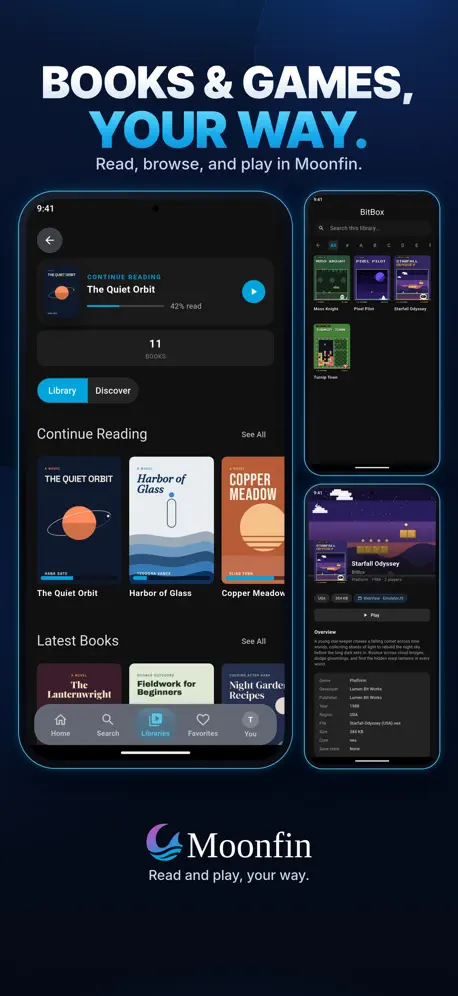
Very responsive UI, a lot of customization, and an overall clean look makes this one of my favorite clients to recommend to anyone. It also has things like emulation support! The plugin really supercharges the client and lets you dig deep into user defaults and more. The devs are very active and responsive to feature requests and bug reports, both on github and discord. Definitely give this client a try, it won’t hurt a bit :)
Mild Nuances
Love the ui and overall look, downloads play only audio and no video so it’s not the best for offline viewing.
Moonfin FAQ
- Is Moonfin free?
- Yes. The app is free, in all 175 countries it sells in, and it sells nothing inside it.
- Does Moonfin have a free trial?
- No. None of its offers (US) come with a free trial.
- What are the best alternatives to Moonfin?
- SenPlayer - Media Player (4.7 from 8,265 reviews, premium from $6.99), Ruddarr (4.9 from 2,055 reviews, premium from $5.99) and Jellyfin Mobile (4.1 from 1,842 reviews).
Moonfin download
Last updated 9 days ago.
Moonfin sells in 175 countries. It was released 7 months ago, on 2 Apr 2026. It holds a 4.4 rating from 235 reviews.
Supports 1 language: English.