
Bangor Savings Bank
How much does Bangor Savings Bank cost?
Prices are current as of 12 Nov 2026.
Bangor Savings Bank has no in-app products on record in the United States.
10+ alternatives to Bangor Savings Bank
| Bangor Savings Bank |   St. Mary's Bank Mobile Banking |   Camden National Bank |   FNB Maine |   Maine State Credit Union |   UCU's Mobile Banking |   Lighthouse Credit Union |   cPort Credit Union |   Downeast CU |   Maine Savings |   County MoGO Mobile Banking | |
|---|---|---|---|---|---|---|---|---|---|---|---|
| Rating / 5 | 4.2 | 4.9 | 4.6 | 4.8 | 4.8 | 4.8 | 4.3 | 4.8 | 4.7 | 4.7 | 4.2 |
| Reviews | 4K | 8.6K | 4.4K | 3.9K | 3.6K | 2.2K | 2.1K | 1.6K | 950 | 614 | 17 |
| Released | 2026 | 2014 | 2011 | 2022 | 2012 | 2012 | 2014 | 2016 | 2020 | 2012 | 2013 |
Bangor Savings Bank reviews
4.2 out of 5, based on 3,987 reviews.
What people like
- New app is excellent with small learning curve
- Dark mode works well throughout the menus
- Bank staff helped figure out the new system
What they complain about
- Check deposit now requires manual entry
- Hard to transfer between business and personal accounts
- Account balances do not update in real time
- Old home screen widgets are gone
New App
New app is excellent! Small learning curve but I’m very happy with the update.
Transfer nightmare
The old way was extremely convenient for transferring this way is a nightmare not to mention you can no longer transfer from business accounts to personal accounts.
Bangor
Bangor rolled out a new computer system with no inservice on how to use it. Fortunately, our banker, Craig Gage, spent over two hours with us figuring it out.
Incredibly worse :(
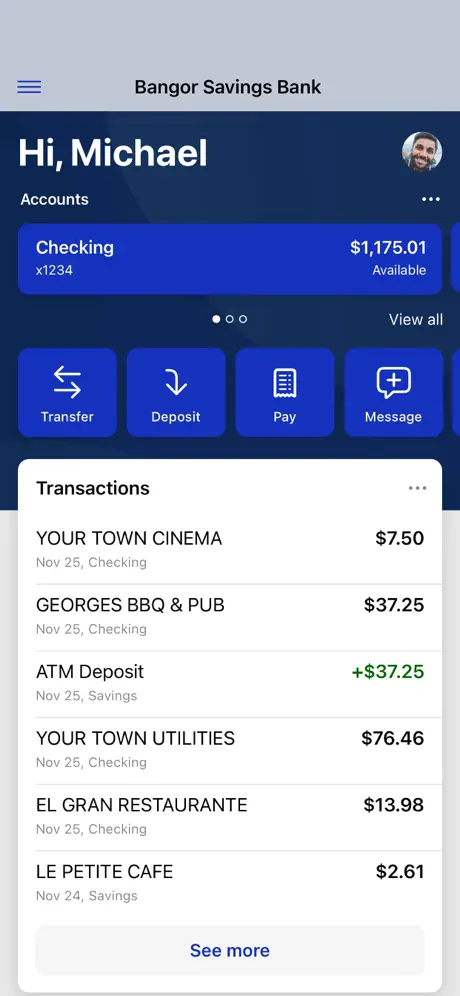
Update: After a month of using the new app I need to reduce my rating as my naive hope things would improve and wrinkles would be ironed out has not materialized, and this app has made normal daily tasks much more time consuming than the previous iteration. I have unfortunately confirmed with multiple staff that the business and personal accounts will never be simultaneously visible again, with only the ‘switch profile’ button to toggle between them. I deeply miss being able to see all of my accounts at a single glance. Despite the biz/personal account separation my business’s line of credit is on my personal account and not showing up on the business account at all (?) BSB staff informed me that is expected behaviour when I asked about it. I find it incredibly cumbersome to transfer cash between my business and personal accounts with the new system. Pending transactions are VERY slow to show up on both my and my wife’s accounts to the point where I am at times uncertain what my true available balance is in a given account as I will have paid a bill 2 days prior and it still isn’t showing as a pending charge, when the exact same bill used to show up as pending same day — heck, the same hour — it was paid in the previous app/online banking system. As other reviewers have noted, it now takes multiple taps to view the transactions of an account when it used to require only one, and the first tap onto a given account reveals the full routing and account number uncensored so I don’t like to check my transaction history in public view anymore if someone can possibly see my phone screen. So far the only thing I enjoy is that dark mode is respected throughout the menus. Original review: The new interface is pretty clean-looking, but widgets are gone so you can’t get a quick balance without fully launching the app. I used the widget daily and am really missing it. The layout to me is less intuitive than the previous app but my eyes appreciate that it isn’t blinding white on my otherwise dark-mode phone. Mobile check deposit thankfully is still there just not where previous app had it (it is now a blue button that says, simply, “deposit”). I miss being able to see business and personal accounts together at a glance but after chatting with staff it seems that will be possible soon so maybe that’s just on my end as my accounts migrate over. I expect after the initial growing pains this app will get a lot better but for right now it’s mediocre.
New dashboard
The new layout and account dashboards are over designed and overly complicated. No one involved in the redesign process thought about customer experience or time management.
Hate this app
This app has me looking in to other banks.
Logging out
It was very hard to find the log out spot. Now I know where it is, but jeez…. Also, some features didn’t need to change such as the transferring of money. And that message at the beginning - just log me on.
Not as good as the old app
I find this app harder to use and with fewer useful features in the previous app, so I’m not sure why the grade was made if it does not feel like an upgrade.
Meh
I prefer the old system. It was easier to navigate.
Terrible app updates for business owners
In the previous app your business accounts and personal accounts showed up on the same screen. You could quickly transfer money for capital infusion or for owners draw. This new design takes a day and there are multiple steps to complete everything. I’ll be switching banks for January (for tax purposes). This app is designed for people who don’t utilize their mobile app frequently.
New app lost features old app had.
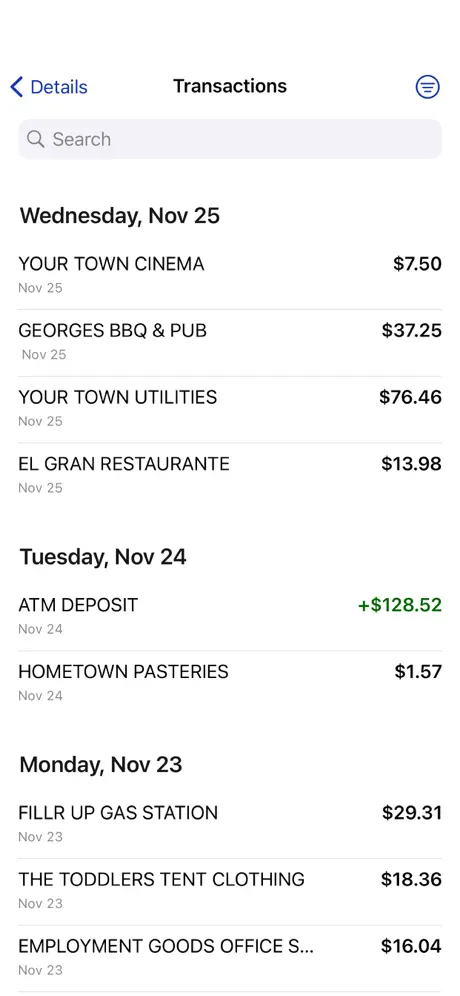
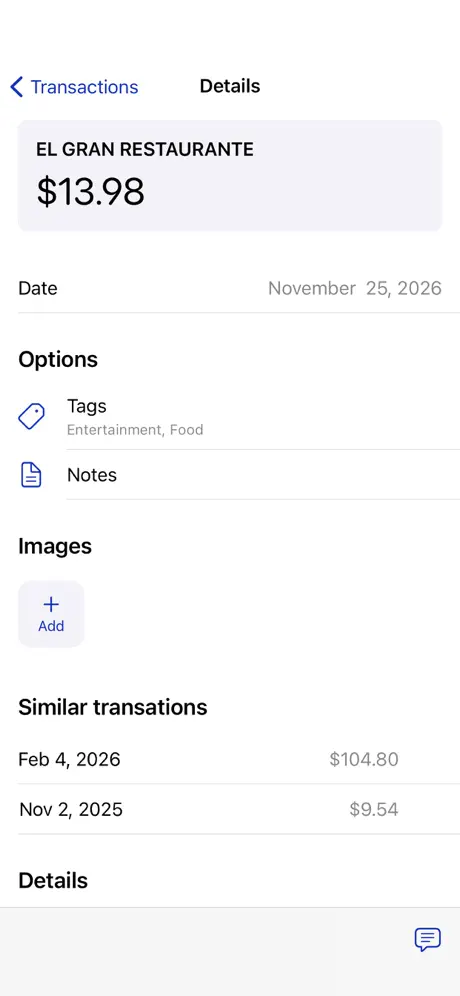
My biggest gripe has to be that in order to view the transactions on an account you now need to click through two buttons, one being a plain text button that does not stand out. Clicking on my account on the apps home screen should show me my current balance, past 4 of the account number and name. Everything else I do not access frequently and don’t need to see every time I check that account. Why do would I want to see every time; the full routing/account number, account holder name, date opened, or the last statement date and amount. All that information is not time sensitive ,but wanting to check at the store if a transaction has posted yet so I know if my balance is accurate or not is pretty time sensitive and should not require multiple hard to see buttons. If the developers are reading this, the app Home Screen widget that shows the transaction log does not cut it. You either need to make it so I can add a transaction widget for each individual account in its own unique one or fix the issue above. Preferably both. I’m sure there is some people who like it the way it currently is, you could even add a setting to change what each thing does. Final gripe is that the old app let me have a widget on my phones home screen. Did not even have to open the app to check my balance and even took the app off my home screen and used the widget to open the app. Fantastic. It’s gone now and I have to deal with this frustrating UI to check things. These issues are making me seriously consider changing banks considering 80-95% of my bank account management I do through the app and if it does not work the way I need it to than I can go somewhere else.
USER EXPERIENCE: THE NEW APP IS LIKE GOING BACKWARDS IN TIME
Regarding the check deposit feature: you now need to input the check amount. This used to be input automatically based upon check scan. Also, there used to be field to make a notation about the check. The note field is no longer present. The process seems more clumsy than it once was.
Is this the actual app…?
I can’t set up my account for the first time. It says it has said it’s been rejected. I am uncomfortable, I put in my social and account number. I don’t trust this bank/app
Mobile Deposit Needs Improvement
The camera on mobile deposit doesn’t capture the check image well anymore. Despite lining everything up in the box, the image captured is much more than just the check. I’m on an iPhone 17Pro - maybe other phones are fine. Waiting for an update to fix it.
Why?
They used to have a pretty functional app, but this thing, what a mess. I love this company too. I’m so sad that they chose to change something that was easy to use to system that’s antiquated and sadly not consistent with the current technological landscape.
Bank account balance
Account balance does not update in real time. Frustrating when making a number of purchases and balance does not reflect the amount in the account.
Not compatible with older phones
My phone isn’t even that old and I had to install the newest software update just to deposit a measly check. Now my phone doesn’t work. Please make this app work for everyone.
Still Can’t Log into Business
Customer service has tried helping, but I still can’t log into my business account on a regular basis. When I do I can’t do what is needed. I hope things improve quickly. I can log in now, but as a small business operator this app doesn’t cut it. Support is fizzling out. I am afraid they are just as confused. Been with Bangor Savings all my life, please don’t make me leave.
New App
This new app is terrible.
Terrible app
Garbage app. Garbage company.
Terrible for business accounts
The old app made things far easier to make a transfer from a business account to a personal account. I’m unsure why transferring from a BSB business account to a BSB personal account is an external transfer needing a debit card. Why would my account information not be acceptable to make this transfer. In addition, the home page of the app is not user friendly. I had to add transactions to the homepage because it was not automatically listed for any of my accounts. The old app also used to be able to read a check to know the amount for a mobile deposit and now I have to type it in. Small detail, but annoying nonetheless. Not happy with this app at all.
Bangor Savings Bank FAQ
- Is Bangor Savings Bank free?
- Yes. The app is free, in all 98 countries it sells in, and it sells nothing inside it.
- Does Bangor Savings Bank have a free trial?
- No. None of its offers (US) come with a free trial.
- What are the best alternatives to Bangor Savings Bank?
- St. Mary's Bank Mobile Banking (4.9 from 8,644 reviews), Camden National Bank (4.6 from 4,394 reviews) and FNB Maine (4.8 from 3,932 reviews).
Bangor Savings Bank download
Last updated 22 days ago.
Bangor Savings Bank sells in 98 countries. It was released 2 months ago, on 13 Sept 2026. It holds a 4.2 rating from 3,987 reviews.
Supports 2 languages: English, Spanish.
How much does Bangor Savings Bank make?
Third-party estimates for the last 30 days, worldwide — not the store's own figures, which Apple publishes for nobody.