
Skipton by invite
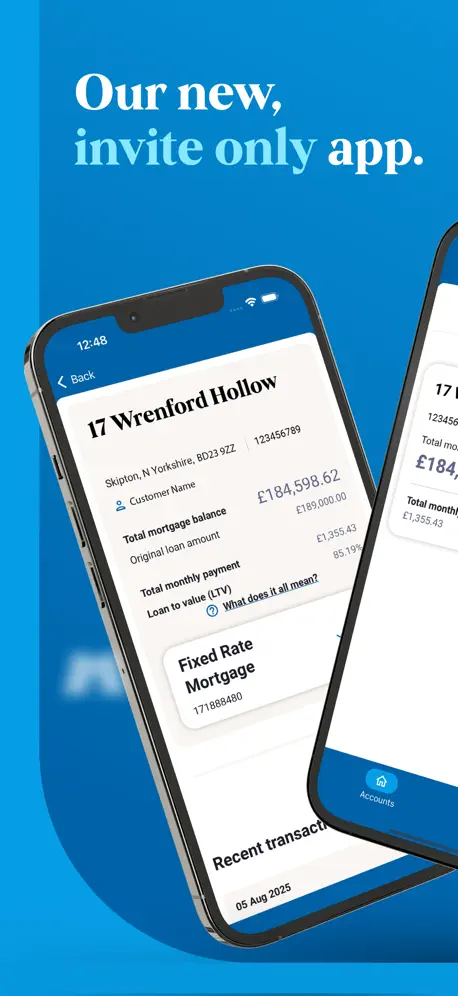
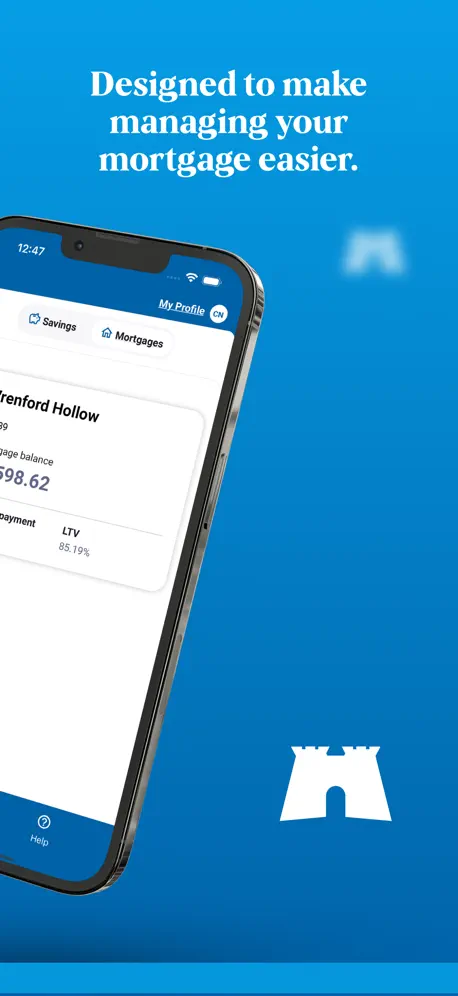
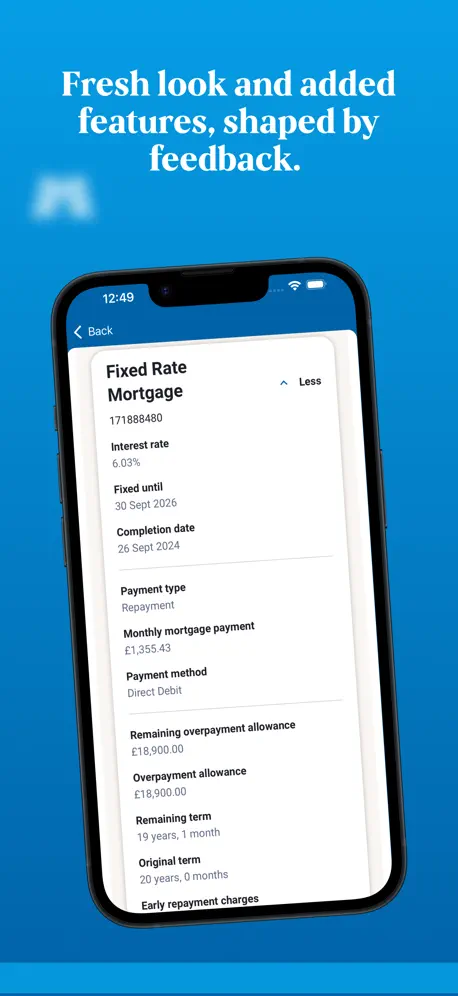
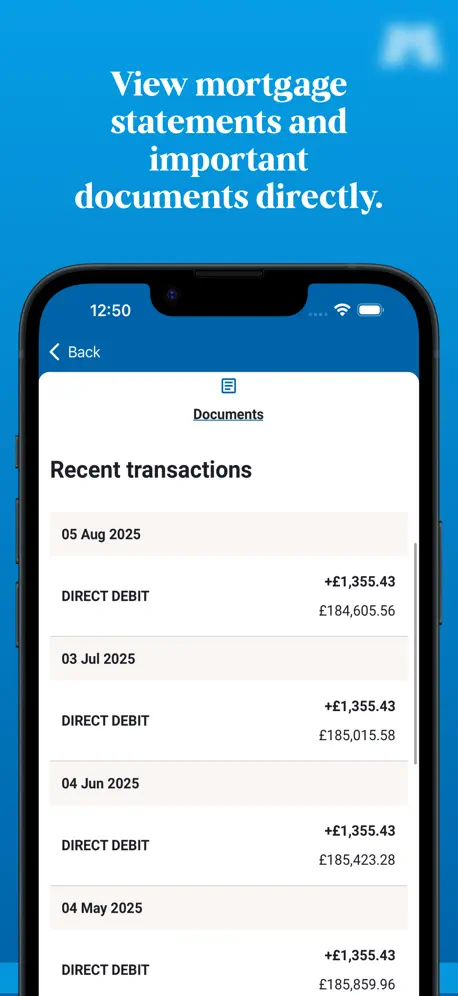
How much does Skipton by invite cost?
Prices are current as of 9 Oct 2026.
Skipton by invite has no in-app products on record in the United States.
10+ alternatives to Skipton by invite
| Skipton by invite |   MoneySavingExpert MoneySavingExpert |   Monument Bank Monument Bank |   Sprive - Mortgage Free, Faster Sprive - Mortgage Free, Faster | 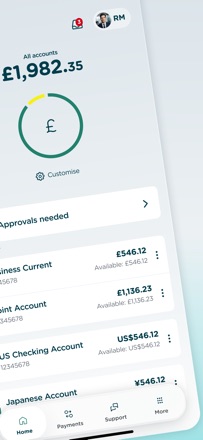  Cynergy Bank Mobile Banking Cynergy Bank Mobile Banking | |
|---|---|---|---|---|---|
| Rating / 5 | 4.3 | 4.9 | 4.9 | 4.8 | 3.8 |
| Reviews | 2.3K | 148K | 16K | 8.4K | 32 |
| Released | 2025 | 2022 | 2021 | 2021 | 2024 |
Skipton by invite reviews
4.3 out of 5, based on 2,316 reviews.
What people like
- Much faster and better than before.
- Clean interface that is easy to use.
- Helpful advice improves savings management.
What they complain about
- Terrible experience on iPad screens.
- Missing basic features from old app.
- Slow transaction processing times frustrate users.
Prompted withdrawal
Your advice on electronic transactions prompted me to tidy up the savings account mentioned and I moved it to my current account. I'll see how long it takes you to advise me of this transaction. I did receive in the past an email about an account I had closed a number of months earlier.
A downgrade
I have never had the desire to write a review for an iPhone app before even though I have had an iPhone for over 16 years. The updated skipton by invite app is a big step backwards from the previous app. A lot of the functionality of the previous app had been lost. I’m not sure why they changed the app but you can no longer do many of the tasks you could before.
OK app but silly name
The app seems to work fine and it was easy enough to get logged in. However the screen icon name “SBS by invite” doesn’t exactly leap out at from a crowded screen to give you a clear idea what it is. The old app “Skipton” was a bit more obvious.
Review
The pages don’t fit on my screen. I have to scroll up or down to see the rest of the page. Why?
Unnecessary move to a new app
It creates more complexity
New App
The new app is clean, straightforward and quick
Much worse than the old app
Extremely slow, with loading screens often taking over 10 seconds. Hugely excessive whitespace padding (especially vertically) and unnecessary secondary information on main accounts overview screen, and use of ridiculously large icons means excessive scrolling is required: clearly not designed for or tested on smaller phones. Does not use standard iOS date picker to select withdrawal dates. Feels like a clunky new website backend with only a very thin wrapper around it.
Much better and quicker
Much better and quicker compare to the old app. Only thing I can’t find is the security code. The website was asking for it but couldn’t find it anywhere!
Wish I hadn’t been invited
The screen feels like it hasn’t been sized properly and you have to scroll both up and down AND left to right to see everything. It feels clunky. The process to move was smooth, but now I have lost access to both the old app that was fine and to the website until that is sorted. I hope both the app and the website are sorted soon. I will be minimising my contact with Skipton until that happens.
Frustratingly withdrawals only happen on a week day!
When you are sitting trying to catch up on admin and moving money around it is so frustrating that all my other banks and savings accounts move money instantly but with the Skipton you have to wait for then to process it on a week day, completely holding you up!
Easy to navigate
Found this app very informative and easy to use
New app
The new app is way worse than the old one plus the website instructions still relate to the old app and not the new one. Please sort this out asap.
Disappointed
What a disappointment, after the hype I expected the new app to be improved and enhanced. No, it was a step backwards, small screen like a letterbox, you can enlarge it a little but does not fill the screen. I use an iPad, not a phone, you would think the developer would know all this. After all my banking app does the job full screen etc so why is skipton going backwards. Makes you feel like why should I bother to use it. Marilyn.
Not so great on an iPad
Unlike the old app, the new app isn’t designed for an iPad which is disappointing. Yes you can expand the size easily but still in 2026 you shouldn’t need too! Other than that it was easy to migrate to the new app.
Easy and secure
Great Bank to deal with just don’t lose your pin
Poor App
Wish I hadn’t been invited. Terrible on iPad and sometimes just freezes at the loading screen on iPhone.
Not great for IPads
App doesn’t fill the screen on my iPad which I use for all my online banking tasks. It’s very annoying not being able to see all my savings accounts on one page. The old app was much easier to read. Obviously designed for phones, but don’t understand why the old app worked on tablets but this one has a restricted viewing area.
Poor design for iPad
The app functions as it should but the new design doesn’t work well on an iPad.
Nominated Accounts Added
Finally they have added the above crucial feature - and in a pleasant ux wrapper. Not sure I’m a fan of the legoland jumbo scale font but that’s the trend so be it.
Can’t get money out
Apparently my accounts no longer have a nominated account (even though they’re paying monthly interest to it) so I tried to set one up. The website requires you to open the mobile app and set a secure passcode. The new app doesn’t have this option so I’ll have to visit a branch instead. This is the latest in a long line of IT issues I’ve experienced with Skipton and will be moving my funds elsewhere when they eventually allow to access my own money!
Bring back landscape
I’m sure this app works well for 20 somethings, with perfect eyesight, on their phones, but for older folk using an iPad it’s far too small. Please bring in a landscape edition for your many customers who use iPads.
Update
More details about house value based on market price will be great feature for this app.
.
.
Not good for iPad
Just downloaded the new app, what have they done? Awful for the iPad, display is terrible, not full screen. Wish I hadn’t done the update.
Clumsy
You must’ve spent a lot setting this up, too bad it is so difficult and non-intuitive
&£?:”plume”
The new app doesn’t have a clear summary of all the accounts on one page. It is more confusing to have to scroll back and forth. The maturity end date is welcome. An opening account date would help too. Also it should be possible to easily link to the main features and the terms and conditions for each account. This is missing. Would avoid lots of calls to the head office. Especially now there is no chat facility in app.
SKIPTON by invite
Initially didn’t work & I couldn’t transfer to the new app. However, it now appears to have corrected itself.
I wish I hadn’t changed
I use the app primarily on my iPad and this app is dreadful. I much preferred the original 😔
Very disappointing.
I really wish I’d not followed the invitation link. I was perfectly happy and comfortable with the Skipton app as it was. Everything was clear and easy to navigate. Even the opening welcome by name felt reassuring. This, on the other hand is poorly designed and amateurish in implementation. It seems like ‘invitation’ status is effectively using customers and their finances as beta testers for a not fit for purpose app.
Don’t offer me products I can’t have
Your “featured product” shows me a Regular Saver which I can’t have because I already have a Regular Saver with you. The app should be smart enough to exclude products I can’t apply for
Best design
Good UI and fast
Rubbish on iPad
So, reviews back in June complained about it not fitting iPad. I wish I had read that before agreeing to the switch. 3 months later and still very poor on the iPad. How can such shoddy apps be released by a large firm if they’re inadequate and need development. Don’t rush it. Get it right before releasing. Disappointed.
Missing a lot of functions
The app is great idea but they are missing many functions… it is any posibility to integrate the address change on the app. Also, you can not use the Liquid Glass IU toolkit for app design, the app is new, so let’s do it as modern as possible
Awful on iPad
Really awful on the iPad. Wish I had the old app back. It’s like they didn’t test it on an iPad. Very amateurish.
Add description
So much better if you can add a description every time you transfer mo etc to make tracking money transfers for my accounts please
Doesn’t work so far
I have tried installing this three times and it keeps getting stuck on the welcome to Skipton screen, not happy
Skipton by invite FAQ
- Is Skipton by invite free?
- Yes. The app is free, in all 174 countries it sells in, and it sells nothing inside it.
- Does Skipton by invite have a free trial?
- No. None of its offers (US) come with a free trial.
- What are the best alternatives to Skipton by invite?
- MoneySavingExpert (4.9 from 147,919 reviews), Monument Bank (4.9 from 15,828 reviews) and Sprive - Mortgage Free, Faster (4.8 from 8,378 reviews).
Skipton by invite download
Last updated 2 days ago.
Skipton by invite sells in 174 countries. It was released 11 months ago, on 20 Oct 2025. It holds a 4.3 rating from 2,316 reviews.
Supports 1 language: English.
How much does Skipton by invite make?
Third-party estimates for the last 30 days, worldwide — not the store's own figures, which Apple publishes for nobody.