Strong Motion Monitor Viewer
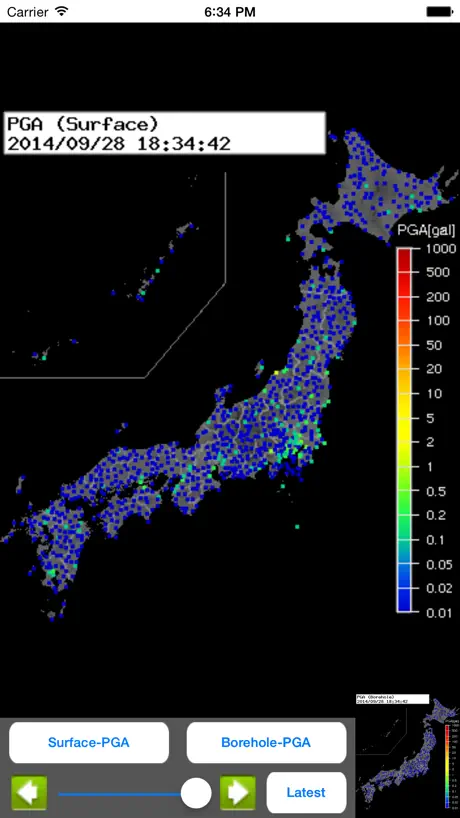
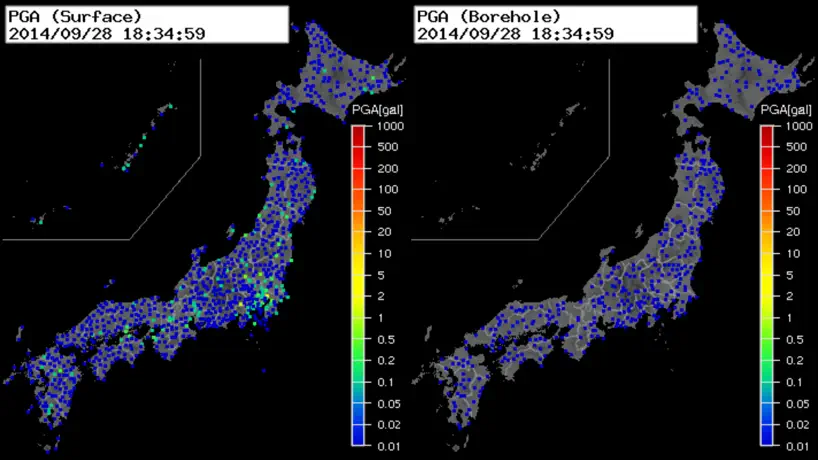
How much does Strong Motion Monitor Viewer cost?
Prices are current as of 12 Sept 2026.
Strong Motion Monitor Viewer has no in-app products on record in the United States.
10+ alternatives to Strong Motion Monitor Viewer
| Strong Motion Monitor Viewer |   アメフリ アメフリ | 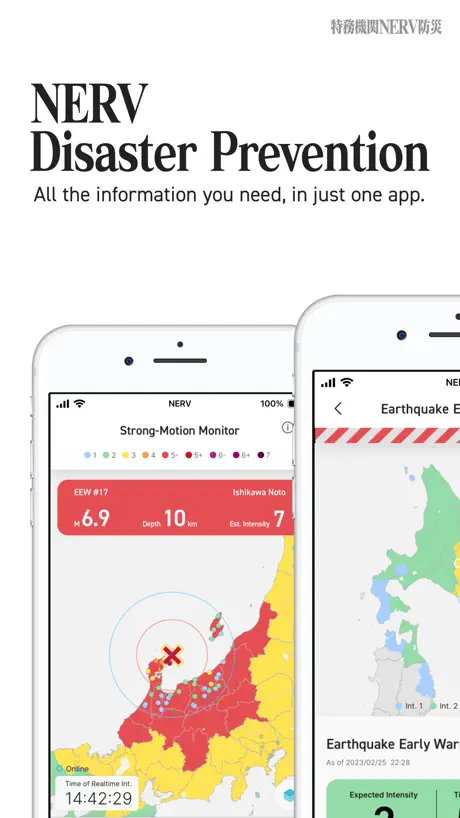  NERV Disaster Prevention NERV Disaster Prevention | 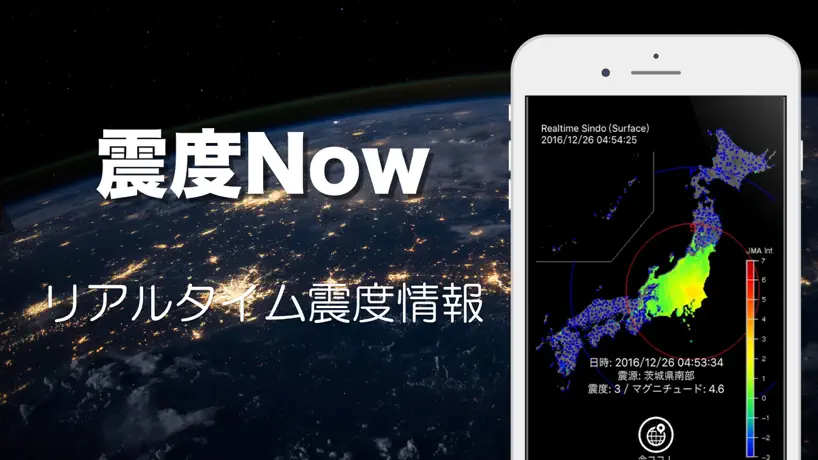  震度Now! - 地震速報 震度Now! - 地震速報 | 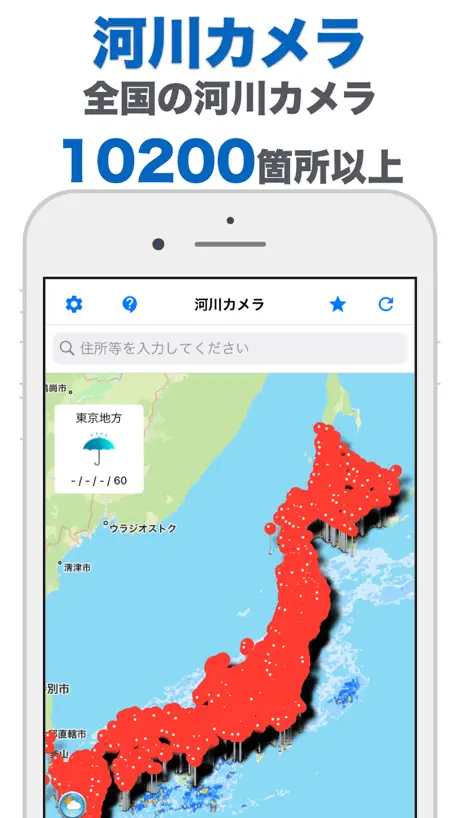  河川カメラ - River 河川カメラ - River | 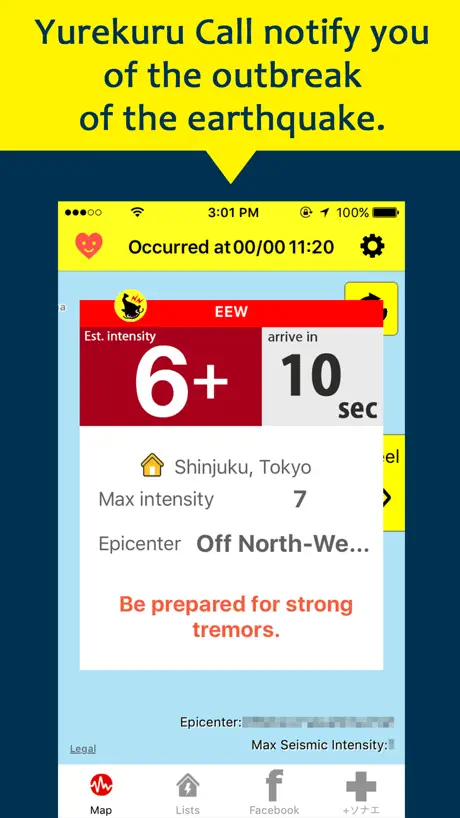  ゆれくるコール ゆれくるコール |   PREP(プレップ) - 総合防災アプリ PREP(プレップ) - 総合防災アプリ |   EQMonitor 地震速報 EQMonitor 地震速報 |   全国避難所ガイド 全国避難所ガイド |   P2P地震情報 モバイル P2P地震情報 モバイル | |
|---|---|---|---|---|---|---|---|---|---|---|
| Rating / 5 | 3.8 | 4.4 | 4.6 | 4.2 | 4.2 | 4.1 | 2.3 | 4.6 | 2.7 | 4.0 |
| Reviews | 560 | 17K | 9.2K | 2.5K | 1.4K | 683 | 518 | 224 | 127 | 67 |
| Released | 2013 | 2014 | 2019 | 2017 | 2021 | 2021 | 2010 | 2023 | 2011 | 2019 |
| Monthly price | — | $0.99 | $2.49 | $2.99 | — | $0.99 | $0.99 | — | — | — |
| One-time price | — | — | — | $1.99 | $1.99 | — | — | $1.99 | — | — |
The going rate for each plan in United States, in its own currency, shaded from the cheapest price on the row to the dearest.
Strong Motion Monitor Viewer reviews
3.8 out of 5, based on 560 reviews.
What people like
- Alerts arrive faster than TV
- Visual wave data is helpful
- Great for tracking distant quakes
- Shows real P and S waves
What they complain about
- App freezes and spins constantly
- Notifications trigger for tiny shakes
- Welcome screen blocks quick info
- Updates break notification functionality
直った!
アプリを削除して入れ直したら治りました。
見れない
クルクルして開かなくなった。
完璧
日付を選んで遡る機能が欲しい、それ以外は完璧
クルクルして動かなくなる
最近地震状況を見ようとアプリを開くと、読み込み中のクルクルが回って固まります。以前はこんな事無かったのに。凄く良いアプリなのに残念です。改善を期待しています。
頻繁にクルクルする
最近モニタを見ている時にクルクルして、画面がなかなか更新してくれないことが多いです。特に地震が起きた時は5秒に1回は3-5秒くらいクルクルしているので、少し不便だなと思います。
素早い
これが1番だよ!
nothing showed
Keep loading file and nothing showed.
便利
どこよりも情報が早く、すごく重宝しています。 私だけかもしれないのですが、最近、地震発生直後にアプリを開いてS波・P波を見ていると、すぐに読み込み中表示が出て、画面が固まるようになりました。 ご確認お願いします。
最近はちょっと…
随分と長く利用させていただいていますし、頼りにしているのですが、最近は利用する方が増えたのか、理由は分かりませんが、地震が起きると、画面の表示が読み込み中でクルクルしたままで、表示が進まず、S波の動きが見れなくて困っています。
ラグい
タイムリーじゃなくなって不便!!
Exactly what I wanted
iOS is having trouble viewing this data on their website, and not only does this app easily present you this information-rich data better than Yahoo or JMA, it also adds notifications and recent reviews - both things that make this the best way to view the website. I hope the dev adds custom notification sounds, so we can set a unique sound for these EQ notifications.
鬱陶しいです
関係ない地域の深度1までいちいち通知が来ます。データを拾ってくるだけの能無しアプリで広告を表示して儲けようという魂胆があさましい。
心強い
地震波が伝わって来るのが目視出来るので 心構えができて助かります。他の人の声にもありますが 全ての発生の通知が来ると慣れてしまうので 通知震度が設定できると 有難いです
広告
アダルトな広告出てウザい
自分のスマホだけかもしれませんが...
いいんです、アプリ自体は とてもいいアプリなんです でも、自分のスマホだけかもしれませんがずーっとずーっと止まったり動いたりを繰り返しています。 なんで???? どうにか改善できませんかね
通知がありがたい
事情があって在住地以外の地震も知りたいので、履歴と通知がありがたい 通知の震度設定を6弱以上か未満かだけでなく、速報が出ない震度2以下だけオフに切替られるとありがたい
大地震の時に固まる
震度1から3ほどの地震では問題なく使用出来ているのですが、震度5などになってくると、アクセスが集中してしまうのか画面が固まってしまいます。 これだといつ、どのくらいの大きさ地震が来るのかがわからず非常に不便です。 改善お願いします。
通知設定させてほしい
長年このアプリを利用しています。たった1秒でも気持ちに余裕が作れるので非常に助かっています。ただ遠方の微弱な揺れまで通知されるので、地域や震度4以上のみ通知する等の設定ができるようにしてください。よろしくお願いします。
起動時の言葉を消してほしい
起動時の言葉がなければ文句はありません。
不具合?
まだ改善されないです 2026/04/02 リアルタイムで見れるのでこれがいちばん落ち着けて安心します。 ただ最近不具合でずっとグルグルしてるので改善されて欲しい
神!!でも………
地震の履歴が残ってマグニチュード、モーメントマグニチュードもある!そして何よりS波とP波が輪によってリアルに再現されている! めちゃくちゃいいアプリです! でも、GBがめちゃくちゃかかるんで気をつけて下さい
未だにアップデート
1、6? 通知は来るけど、地震は起きてない! 余りにも多すぎ💦 使えないので削除します。
通知が来ない
今日から緊急地震速報の通知が来なくなりました。
あれ?
今まで通知来てたのに一切通知来なくなった
通知と履歴がストップ
数日前から履歴が古いまま更新されず、それに伴ってか今日も地震があったのに通知が来ませんでした。改善してほしいです。
iso18への対応をお願いします。
いつもありがとうございます。 ios18にアプデしたら通知が来ません。 バージョンアップお願いします。
音声も欲しいなぁ〜
アプリ開いているときだけでも、オン・オフボタン有りで「ピ、ピ、地中カウント増加 愛知県〇〇市」ってやつ欲しい。 あれを聴きながら寝るとぐっすり眠れる。
起動時の謝辞は必要?
使い勝手は他の地震アプリよりはるかに使いやすく助かってますが、他の皆さんが書いているように起動時の謝辞は必要でしょうか? アプリの性質上1番必要のない機能かと思います。百歩譲って、もし必要であれば表示を邪魔しないような配慮があって然るべきかと思います。 皆さん知りたいのは自分のところにいつ地震が来るかであって、このアプリの出どころや謝辞は我々ユーザーには直接は関係ないのですから。 今の状況ですと画面が出た時にはもうS波は到着していることがほとんどです。 これだけユーザーの声が多いのに改善されていないということは事情があってのことかと思いますが、そこがすごく残念です。
このところ誤報が続く..
2025年8月18日 ひと月ほど前からちょっとおかしい。きょうも東海方面で、実際の震度が1なのに4超と2件のアラートを出すものだから、慌てて連絡とったりで迷惑。元データの分析に問題が出てる? いくつか入れている他の防災アプリもテレビもなにも発報はなかったから、このアプリに問題が生じているのは確か かなり前から使っていたけどしばらく外れてもらう。
速い、確実
信頼性が高い、速い。 しかし、2、3日前から、なんか変になってしまった。稼働はしているが、震度記録が7月6日以降記録されていないようでもある 使える情報アプリだけにもったいない
アプリはいいのにもったいない
24年1月の地震直後からインストールしています。地震発生から素早い通知で重宝していますが起動時の謝辞が邪魔で今すぐ確認したい地震到達予想が全く確認できないです。それだけがこのアプリの良さを台無しにしているのが気になります。
重くなった?
読み込みの回数が多く、あまり使えていないような気がする。
アプリ自体はいいけど、、、
アプリ自体はいいけど、どこでも地震がないのに通知が来るのと使い方を見れるようにして欲しい
シンプルがよき
指定場所の情報を知りたい方向けではありませんが、地震が起きた際の色の変化・広がる様子を見続けていると津波が伴うのか否かがだんだん分かってきます。我が家は遠く離れて暮らす家族や沿岸で勤務する家族がいますので、このシンプルな情報が大変役立っています。欲を言えばアイコンを作って頂けると嬉しいです。
通知について
随分前から、使わせて頂いています。 通知がどのアプリより早く、凄く重宝しています。 一つお願いが有ります。 他のアプリではありますが、震度により通知を制限する機能が有れば最高だと思います。 震度の低い場合は。通知なしとかあると良いと思います。 要望です。 よろしくお願いします。
動かなくなりました
ずっとお世話になっておりましたが2025/03/12から急に使えなくなりました。 ずっとくるくるしています。 デカい地震の前兆でなければいいのですが…
このアプリは本当に優秀です。
地震発生時はテレビ速報よりも早く正確に通知してくれます。 余震の頻発時期はずっと通知されますが。 子供のタブレットにもインストールしてます。 緊急地震速報より早いかも知れません。
音量の調整したい
大変便利で、長いことお世話になっています。 一点だけ気になっているのは、アラームのボリューム調整ができないこと。これができたら言う事なしです。
お知らせが、操作無しですぐ消えてしまいます。
タップして消えるようにしてもらいたいです。全部読むことができません。 アプリはとても素晴らしいく満足しています。ありがとうございます。
非常に有用です
このアプリの何が凄いのかと言うと、この地震はこのまま収まるのか更に激しくなるのか観測点の状況からユーザーが予測可能であることだ思います 未来がわかるというかこんなの他にないんじゃないでしょうか?私の避難行動に大きな影響を与えています
改良してほしい
地震の情報、震度、場所を素早く把握出来るので重宝してます。ただ全く関係無いエリアや震度1でも通知が来るのが難点。 エリアと震度の設定が出来たらいいのになぁ
震度による通知制限を切望
大変重宝しておりますが、1点だけ機能を追加していただきたいのが、震度によっては通知しない選択をお願いします。震度1や震度2を通知しないとか、通知する震度を選択できるようにするとか設定出来るようにしてください。
Strong Motion Monitor Viewer FAQ
- Is Strong Motion Monitor Viewer free?
- Yes. The app is free, in all 133 countries it sells in, and it sells nothing inside it.
- Does Strong Motion Monitor Viewer have a free trial?
- No. None of its offers (US) come with a free trial.
- What are the best alternatives to Strong Motion Monitor Viewer?
- アメフリ (4.4 from 16,528 reviews, premium from $0.99), NERV Disaster Prevention (4.6 from 9,160 reviews, premium from $2.49) and 震度Now! - 地震速報 (4.2 from 2,533 reviews, premium from $0.49).
Strong Motion Monitor Viewer download
Last updated 6 months ago.
Strong Motion Monitor Viewer sells in 133 countries. It was released 13 years and 2 months ago, on 22 Jul 2013. It holds a 3.8 rating from 560 reviews.
Supports 2 languages: English, Japanese.
How much does Strong Motion Monitor Viewer make?
Third-party estimates for the last 30 days, worldwide — not the store's own figures, which Apple publishes for nobody.