
Razer PC Remote Play
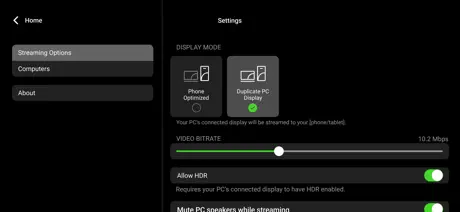
How much does Razer PC Remote Play cost?
Prices are current as of 11 Nov 2026.
Razer PC Remote Play has no in-app products on record in the United States.
10+ alternatives to Razer PC Remote Play
| Razer PC Remote Play | 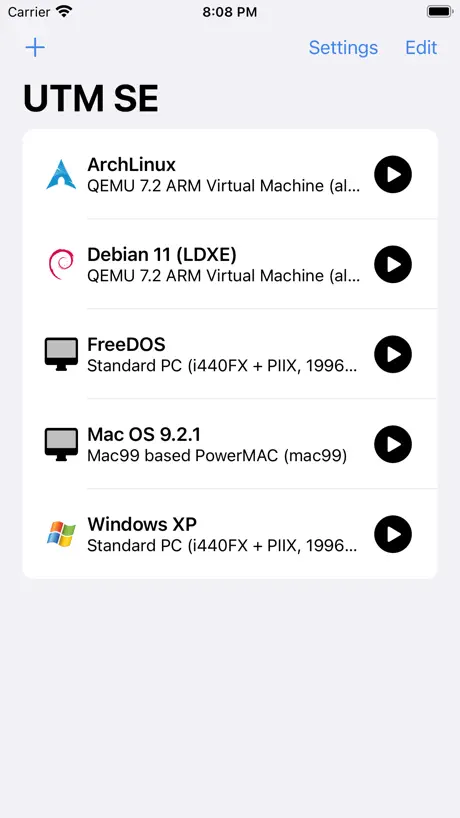  UTM SE: Retro PC emulator |   PXPlay: Remote Play | 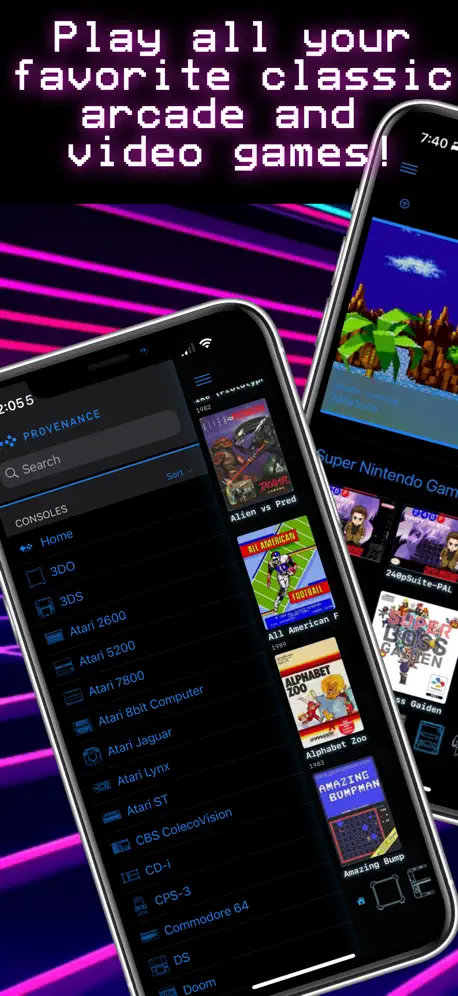  Provenance App | 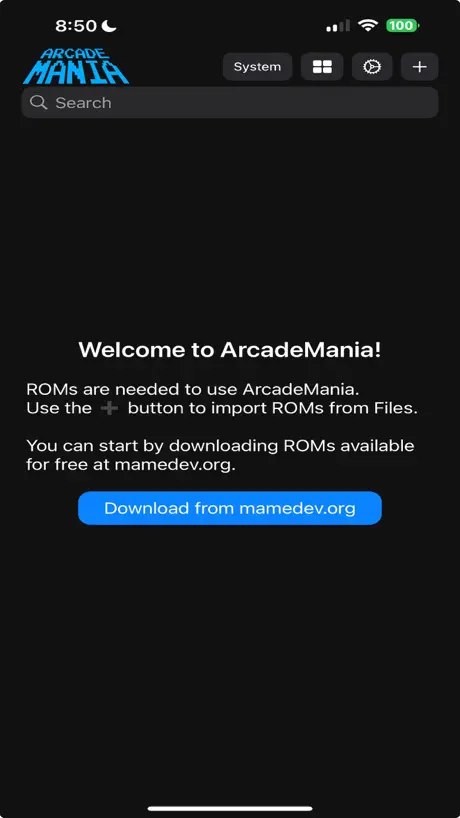  ArcadeMania | 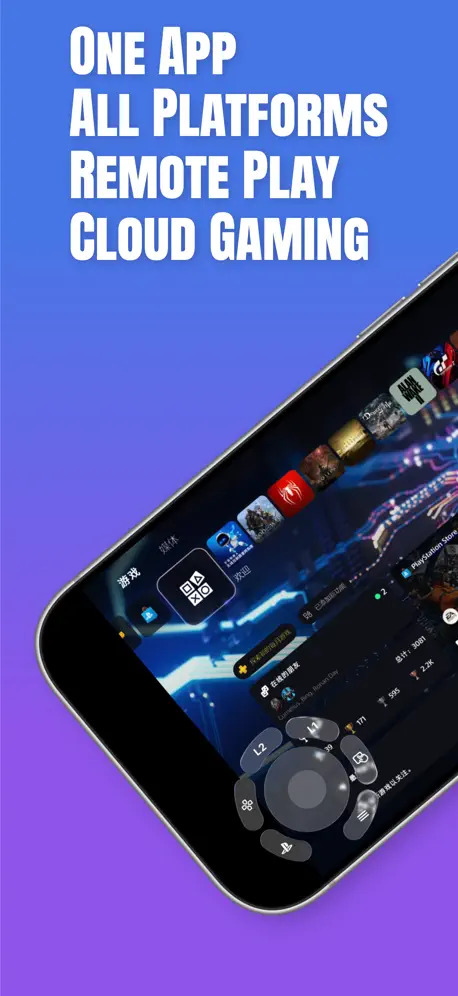  Portal: Remote Play | 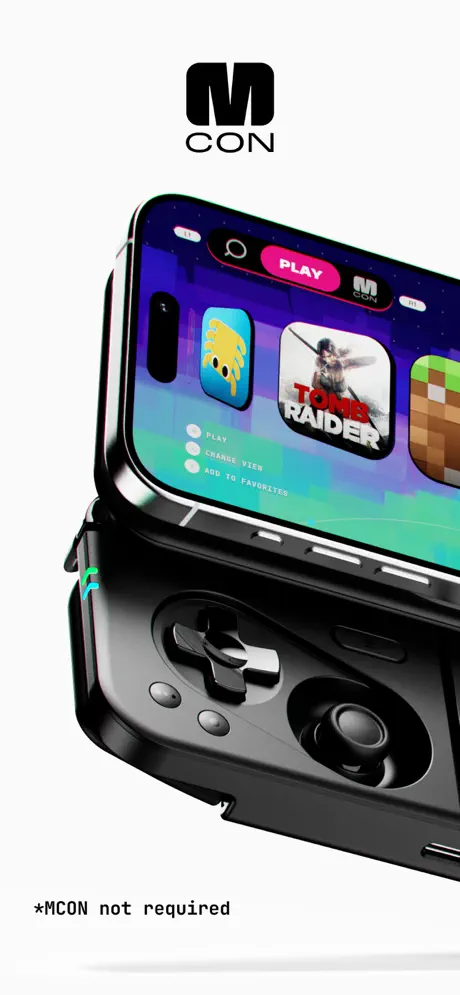  Ohsnap MCON |   Afterplay: Retro Games |   CRKD |   SCUF Nomad Companion App |   Midori: Remote Play | |
|---|---|---|---|---|---|---|---|---|---|---|---|
| Rating / 5 | 4.5 | 3.9 | 4.2 | 3.3 | 4.3 | 4.1 | 4.5 | 3.4 | 3.0 | 3.4 | 4.2 |
| Reviews | 614 | 3K | 2K | 1.7K | 397 | 189 | 109 | 98 | 91 | 87 | 51 |
| Released | 2025 | 2024 | 2023 | 2025 | 2025 | 2024 | 2026 | 2025 | 2023 | 2024 | 2026 |
| Monthly price | — | — | — | $3.99 | — | $5.99 | — | — | — | — | — |
| Annual price | — | — | — | $39.99 | — | $19.99 | — | — | — | — | — |
| One-time price | — | $4.99 | $6.99 | $99.99 | — | $199.99 | — | — | — | — | — |
The going rate for each plan in United States, in its own currency, shaded from the cheapest price on the row to the dearest. Plans fewer than four in ten of the priced apps sell are left out.
Razer PC Remote Play reviews
4.5 out of 5, based on 614 reviews.
What people like
- Works great with Xbox controller via USB-C
- Game vibrations work on iOS devices
- Much easier to set up than competitors
- Plays games at high resolution smoothly
What they complain about
- Screen won't rotate for side-plugged controllers
- iPad connects but shows no games
- Controller input stops working after connecting
- Audio stutters badly on local network
Easiest iPad/Vision Pro Virtual Display
Title pretty much says it.
iphone和ipad都连不上
连不上
One thing missing
I can’t rotate the app 180 digress so that it will work with my game pad
Buggy on M4 iPad Pro
I recently purchased a Kishi V3 Pro XL to use with this app. It stuttery and has many phantom inputs. Very disappointed. Basically unusable.
功能缺陷
链接上了打不开,安卓就可以,现在是直接用不了
希望能够增加屏幕旋转功能
软件非常棒!可以全屏游玩,但是有的非蓝牙手柄接口在左边,插上以后游戏屏幕是倒置的,无法正常使用,希望能够增加屏幕旋转功能!
Screen rotation issue!!
Please fix the screen rotation issue or at least give user to choose which screen rotation they want. Cannot rotate phone screen accordingly with the controller side.
配对成功没有反应
发现ios手机端配对成功了 点击远程畅玩app的启动器没有反应 看不到电脑上的游戏 看网上大部分ios手机都有这个问题
Needs Apple TV version
Needs a Apple TV version right away
Aktuelle Version buggt
Eigentlich eine richtig tolle App mit super Funktionen. Leider sind seit neustem der Mauszeiger auf meinem I Pad im Stream nicht mehr mit dem des Gaming PC synchron. Bitte updaten.
麻烦添加一个软件允许旋转屏幕
现在锁定了屏幕方向,不允许旋转屏幕,锁定的方向导致跟我用的手柄有冲突,没法严丝合缝的使用,麻烦更新下软件让他允许旋转屏幕
Unable to rotate on landscape
Works great and smooth the problem is I use a GameSir x5 lite controller that has the usb c to the left side and with the app not being able to rotate I’m stuck on and upside down streaming please fix this now
请求支援识别ipv6地址功能
请求支援识别ipv6地址功能,app端只能填写ipv4
配對後不知為何無法連接電腦
ipad版本好像有問題 配對後無法連接電腦 我的Android其他設備能正常連接 只有ipad無法連接希望能趕快修復
Missing mouse support
Great app - your optimizations are perfect. Sadly though, the mouse support is currently worse than moonlight. Please add some sort of ability to connect a mouse in a reliable way! Also, side note: if it’s possible to make a build for intel based Macs, I’d appreciate it.
Easy and good!
It’s a simple and user friendly version of Sunshine + Moonlight. And it just works!
iPad无法连接
安卓手机可以,iPad无法连接,绝了……继续用网易uu玩游戏吧
Great! but needs app on tvOS
This app is pretty good - works great with making it simple to use right away without messing with settings to resolution correct on another device. Please add this to Apple tvOS!
Mac Version fehlt
Mac Version fehlt, iPad-Mac Version zeigt den Bildschirm nur klein an
Audio issues
Was very excited for this because there is no Artemis client for iOS yet. It starts great, you can see the PC display turn off as the video starts on iOS devices. However, there is an awful audio stutter with the Razer client that I don’t get with Steam Link, or Moonlight. This happens in the latest iPad mini.
Amazing replaced moonlight and steam link
Best remote play app I’ve tried also the easiest. If they can add a few more qol features and customization it will be perfect ALSO PLEASE ADD ADD THIS TO APPLETV
iPadOS input bug
This app was amazing till last weeks update. Whenever I’m using remote play on my iPad Pro it constantly is trying to switch back to keyboard and mouse when I have a controller connected to it and it never happened before. I thought it was my iPad but it doesn’t happen when I play through steam link. Please have this fixed because I love this software. It helps so much coming from a dad haha :)
Five Stars for HDR
Solid, effortless performance on a local network, please add HDR support. This would slay on Vision Pro (so at least leave the iPad version available).
화면 회전이 안됨
미니5사용중입니다 유선으로 연결하는 게임패드 연결시에는 화면 회전이 불가능해서 사용 불가능하네요 다음 버전에서는 고쳐지길 바래봅니다 / 설정도 간단해서 moonlight에서 바꿔보려했는데 아쉽네요
Amazing service! Runs like butter
This iOS app has haptics/vibrations in streamed games!!!! Can’t believe it. Neither steam link or GFN (that’s still stuck as browser app) support haptics. This does. Insane service ! And it’s free. Hard to believe. Well done Razer!
不能用啊
iOS完全点不开,安卓就可以就是这个不行。花了一千多买了手柄,这下iPad不能用亏死,准备发帖告诉大家别买
Coming from moonlight
I think this app is cool. I’ve used moonlight for over a year for my primary way to play games. This is cool because changing resolutions from device to device (especially phones) is so annoying. This made it pretty painless. I did have some crashing issues on games because the resolutions got a bit wonky but honestly, so far it’s pretty good. I would use this again. Some more settings would be nice.
Easy to use
I’ve used multiple streaming apps to play games from any room in the house. This is the easiest to use ABs get working correctly. Highly recommended. Please add this to Apple TV.
ios点击电脑无法连接服务端
其他安卓客户端都能连上服务端,ios,ipados的客户端都连接不上服务端
かなりイイです
Moonlight+Sunshineを使っていると言う事で、非常に使い勝手が良いと感じています。ただし、それがゆえに気になる点がいくつかあります。特に、PC側のサーバーソフト「Sunshine」に関連する問題があるようです。 メリット 1.スマホ画面をフル活用 スマホの画面全体にゲーム画面が表示されるため、迫力があります。大画面でのプレイを楽しみたい方には最適です。 2.各種ステータス表示機能 FPSやCPU使用率を表示できるのは非常に便利です。ゲーム中のパフォーマンス確認に役立ちます。 デメリット 1.PCスリープ復帰後の不具合 PCがスリープから復帰すると、PC側のサーバーソフトが停止してしまいます。これが改善されると非常に助かります。 2.画面白飛びの問題 「画面の解像度を安全なエリアに制限する」をオンにしてリモート接続すると、明るさやコントラストが異常に高くなり、画面が白飛びした状態になります。 3.CPU使用率表示の不正確さ CPU使用率が100%を超える表示になる点が気になります。GPUの表示についても、内蔵GPUなど複数のGPUがある場合にどれを参照しているか分からないため、選択可能になると便利です。 4.プレイ時間が表示されない プレイ時間が機能せず、常に「0」のままになっています。この点も改善が必要です。 5.FPS表示の不正確さ 私の環境だけかもしれませんが、フレームレートの表示が常に19になっています。 改善点を修正いただければ、さらに満足度の高いアプリになると感じています。
Nearly perfect
this is definitely five stars if you fix the optimized display mode, it doesn’t work properly when a host pc use multiple monitors.
Wrong orientation
Cant use this because it doesnt support controllers woth usb port on the left. Stuck on one orientation with rotation lock off.
Plz fix
Plz to fix the issue of being unable to connect remotely when using mobile data and DDNS
Saved me money!!!
I was going to buy a rog ally so I could play games in the family room away from my pc, but I don’t need to anymore. I’m shocked how well this just…works. I have played ratchet and clank rift apart at my iPhone 15 pro max’s native res at 120hz and it looks fantastic, and the latency is quite manageable. It stutters slightly here and there but I’ve been able to comfortably play the renegade legend difficulty no prob. I also love that I plugged in my Xbox controller troller via usb c to my iPhone and it works great, no setup needed. Really fantastic app. My WiFi is 100mbs with Ethernet to my my pc. computer specs: 5700x3d Rtx 3080 10gb 32gb ram 3200 B550i
Remote play doesn’t work on iPhone 16 max plus
I took the right steps on, downloading the software on my computer to try to get it to connect to. My phone was unable to establish connection through phone to computer to play remote play with the library I have on the razor app On my desk top made more than one attempts to establish connection. If possible, can we get a standard for a idea of how to set up remote play from my phone to any razor apps as the main reason I bought the product Razer
Automatic resolution change is very handy
But it would sometime choose the incorrect resolution (setting the resolution of the first registered device rather than the current device) on first connection or mid-stream, and require a reconnect to correct it.
Makes streaming from your PC painless
Great app! Please consider bringing this to tvOS (and maybe VisionOS) as well.
Maybe a bad update?
I can use the controller on with my iPad to remote into my desktop, but as soon after that only touch controls work. No controller input works, even when my computer’s razor app is in handheld mode. Steam’s remote play app works fine, so it’s an issue with your app
Razer PC Remote Play FAQ
- Is Razer PC Remote Play free?
- Yes. The app is free, in all 175 countries it sells in, and it sells nothing inside it.
- Does Razer PC Remote Play have a free trial?
- No. None of its offers (US) come with a free trial.
- What are the best alternatives to Razer PC Remote Play?
- UTM SE: Retro PC emulator (3.9 from 3,000 reviews, premium from $0.99), PXPlay: Remote Play (4.2 from 2,009 reviews, premium from $6.99) and Provenance App (3.3 from 1,686 reviews, premium from $3.99).
Razer PC Remote Play download
Last updated 2 months ago.
Razer PC Remote Play sells in 175 countries. It was released 1 year and 10 months ago, on 5 Jan 2025. It holds a 4.5 rating from 614 reviews.
Supports 11 languages: English, Danish, French, German, Italian, Japanese, Korean, Portuguese, Chinese, Spanish, Swedish.