
Panasonic LUMIX Lab
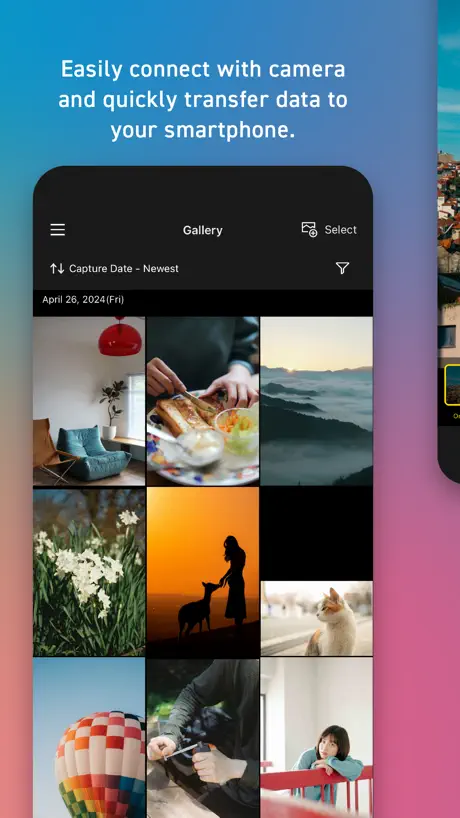
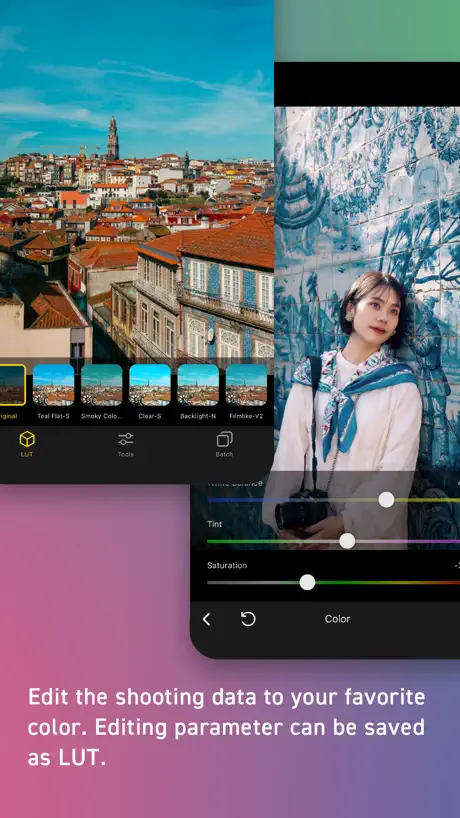
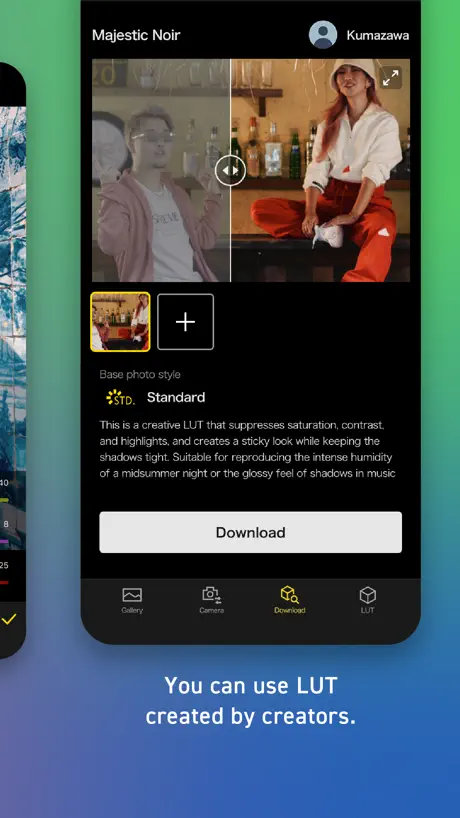
How much does Panasonic LUMIX Lab cost?
Prices are current as of 12 Sept 2026.
Panasonic LUMIX Lab has no in-app products on record in the United States.
10+ alternatives to Panasonic LUMIX Lab
| Panasonic LUMIX Lab |   StormCam - Cinematic Log Video StormCam - Cinematic Log Video | 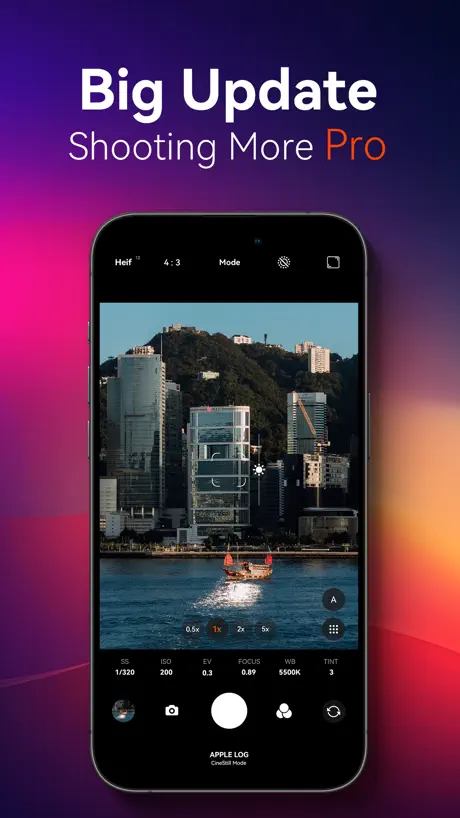  FotorGear - Camera in Pocket FotorGear - Camera in Pocket | 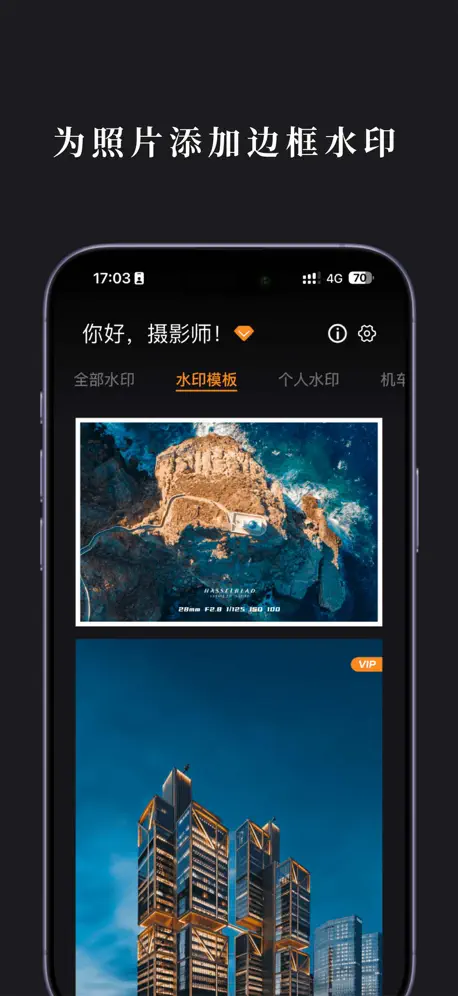  边框水印大师-一键添加相框水印 边框水印大师-一键添加相框水印 |   Panasonic Image App Panasonic Image App | 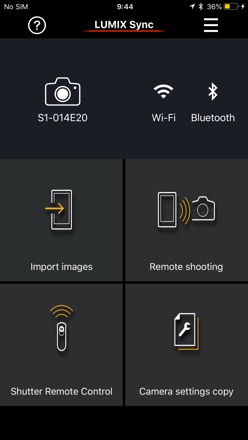  Panasonic LUMIX Sync Panasonic LUMIX Sync |   Capture One Capture One |   PGYTECH PGYTECH | |
|---|---|---|---|---|---|---|---|---|
| Rating / 5 | 3.8 | 4.8 | 4.8 | 4.8 | 4.1 | 4.4 | 3.3 | 4.0 |
| Reviews | 1.9K | 55K | 48K | 28K | 21K | 7.9K | 1.5K | 547 |
| Released | 2024 | 2025 | 2020 | 2023 | 2013 | 2019 | 2022 | 2025 |
| Monthly price | — | — | — | $1.99 | — | — | $10.99 | — |
| Annual price | — | — | — | $19.99 | — | — | $109.00 | — |
The going rate for each plan in United States, in its own currency, shaded from the cheapest price on the row to the dearest. Plans fewer than four in ten of the priced apps sell are left out.
Panasonic LUMIX Lab reviews
3.8 out of 5, based on 1,870 reviews.
What people like
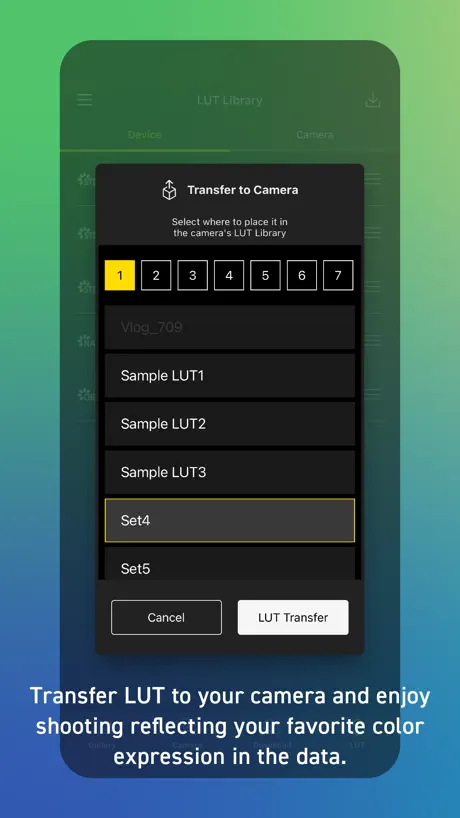
- Real-time LUTs save editing time.
- Easy transfer of photos to phone.
- Great for quick client deliveries.
What they complain about
- App crashes constantly and loses data.
- LUT downloads often fail or stall.
- Connection to camera is unreliable.
无法安装
为什么ipad无法安装
Poor software
The Japanese are wonderful at making beautiful hardware. But the software is stucked in the 90s. This app will not work with most Lumix cameras except a handful of them. Even if it works the interface is so painfully slow and crashes multiple times.
反馈一个闪退的bug
我在使用了某lut调整之后,在作品当中显示了这张照片。然后我后来把这个LUT给删了,打开App就闪退了
One LUT download ONLY
On my iPad: find a LUT, download the LUT, find another LUT, try to download the LUT, download never moves beyond 0%, eventually kill the entire app, restart the app, successfully download one LUT, hang at 0% on any other download, kill the app, restart the app, successfully download ONE lut, think about how charming Groundhog Day was but not this bug.
No landscape support
Rotating the iPad to landscape orientation causes the app to snap into portrait orientation. This makes the majority of the large iPad screen useless when using in landscape. On iPad Pro m5.
Solid and versatile
I enjoy working with Lumix Lab. It does not feel like an afterthought like some software interfaces. It always connects to my IPhone swiftly and offers a plethora of value for S9 users and beyond.
bug
相机s1r2,固件1.5,app版本2.0.3,可以蓝牙连接,但是照片和控制相机这些模块功能消失了,无法使用
相册权限问题
新版本为什么需要相册全部照片的权限,没有必要,而且全部导入之后并不方便使用移动端编辑导入的照片,老版本没有所有照片权限反而更方便整理,新版本频繁弹框提示,体验很不好
Can no longer add photos
I used to really like this app. It was very clunky on release but has been improved. But on release I was able to upload images I took with my phone and edit them with the luts and filters I had in the app. No it seems that the app is exclusive so your links photos and no longer accepts my iPhone pictures. Disappointing.
Sorting
Should be able to filter, sort: black and white, alphabetical, most downloaded, et al
Excelente
I loved it super complete, but it would be great if it was available for PC and iPad optimized for larger screens
差
编辑点复制后粘贴到新照片上的水印并不是保存水印模板的编辑点水印。同时多张照片导出还闪退。
Needs better search filter
Love this app, although it does crash sometimes. What it REALLY needs is to allow us to filter search the photo styles (Vlog, Standard, Vivid..etc). Sometimes I just wanna look for V-log LUTS, or specific LUTs that will work for whatever style I shot in.
Barely functional with a poor UI
This app was designed by someone who works with Linux and early-era Windows systems. Positively disgusting UI and the tacky app icon and font selection says it all. Utterly unprofessional and barely functional.
Works with iPhone SE 3 and now iPad a17 mini
Update 03/26/26 The auto connection does seem to work better so stars bumps back to 3. Update 11/27/25 Doesn’t pair with iPad anymore. I deleted the app and it works again. I wish i didn’t have to do that though. Update 5/23/25 : S9 pairs perfectly to iPad as well Thank you for the update. I look forward to this app’s growth. Not sure what the issue is, but I’d like to get the app working on my apple tablet. I agree to all the settings.
Very good
Very good
Always Crashes
You should be ashamed of yourselves for being such a big company but not able to create an app that doesn’t crash consistently. Fuji doesn't have this problem, Sony doesn't, just Lumix!!
đánh giá từ người dùng lumix s9
app cần cải thiện hơn độ ổn định trong khi dùng vì đôi khi đang sửa ảnh lại bị out ra khỏi app một cách khó hiểu !!
A little buggy but works
The app continuously crashes and edits have to redone multiple times. The feature work well with the camera. Just wish the app wouldn’t crash all the time.
Double exposure
Are you really making me say this out loud. What happened to “skip the edits”
Great ♥️
Works great 😊 I just love it.
So many problems
First the WiFi connection wasn’t working. Now I can’t download LUTs from the app to my phone. It says it’s downloaded and then gives me an error saying it cannot be downloaded. There’s no guide for what’s going on.
Decent. Lots of features
The update seems far more stable
I love it…when it works
I love the LUTs. I love how customizable it is. My issues are that the app crashes often, & loads slowly (takes forever to save an image or even swipe from one image to another), & quite often does not even save all of my edits or transfer the edits to my saved photos on my phone. Incredibly frustrating.
Глючит!
Почему приложение все время вылетает! Разработчики доработайте пожалуйста его. 🙏
The best camera to phone app
Listen, it’s not perfect. But it does something that no other camera manufacturer app does. I’ve shot paid gigs, dropped the best images to my phone, and then dropped them to client before leaving. That’s straight out of camera delivery with real time luts, and was not possible before this app. Transferring my favorite luts and finding new ones in the community is so underrated and simple and flexing images faster than anyone has ever seen is a game changer. Well done Lumix. Thank you!
Luts vanished with no explanation
Luts from the camera are gone. Along with the luts from the app.
Great but buggy
Downloading a LUT often causes the app to crash. If it doesn't crash, it usually fails to download, requiring multiple attempts. When you design your own LUT, what you see on the screen is not what you get when you use it to take a photo, at least not on my iPad Pro M4, so it's trial and error. On a positive note, I have no problem connecting to my S9 and S1IIE, though the process is a bit unintuitive.
Once it Crashes, It’ll Keep Crashing
So basically this app will work ok for a little while, but then will crash. Once it crashes, it will keep crashing no matter what you do unless you delete and reinstall the app. That’s normally not a big deal, except the app doesn’t save your settings or downloaded Luts so if you delete it you have to set it up all over again. It’s making a great part of the camera experience a pretty poor one. And by “it works ok” there’s definitely lag and crashing if you use the Raw file option so don’t even bother there.
Keeps crashing
I was so stoked for my camera in this app to be able to use the different filters and after one connection, I have not been able to use the app because it keeps crashing.
Groundbreaking
One time modern Sony, and Nikon Full Frame shooter that had given up and sold everything….but bought an S9 in 2025, and it’s largely because of this app and the post opportunity at applying the RTL / Real Time Lut, easily on the phone app. In camera or post. Download is seamless. Shoot the JPEGS because you’re wasting hours of your life for something that is done perfectly well without your effort. 100 25 year hobbyist and this app with a modern LUMIX camera makes shooting a real treat again
Can’t monitor camera anymore on iPhone 8 Plus
Can no longer monitor the camera on my iPhone 8 Plus… Can only transfer photos and video. App became useless overnight.
縦位置で撮影した写真が上下反転する
以前使っていたNikonのSnapbridgeと比べると安定性は今ひとつですが、その分出来ることは多いので、機能的には満足しています。 縦位置で撮影した写真をスマートフォンに取り込んだ際、上下反転して認識されてしまうので、修正希望です。(iPhone Air/ iOS 26.1)
App won’t open anymore
App won’t open since updating app today.
When it Works, it works…
Overall the app is great. I love the ease of getting pics and vids to my phone no problem. It’s super convenient! However, I’ve experienced a few issues. One was the app not connecting to my camera no matter how many times I restarted the app. At one one point I unpaired both devices and paired them again… the actual problem was that the app was not updated and couldn’t connect to the camera. After the update, it was perfect again. The other issue I’ve run into are LUTS not being able to be downloaded and the app crashing when trying to download a LUT. I don’t know what causes this but I hope it gets fixed soon. Other than that, the app is great and is a big help!
Great in theory
This app is awesome in theory. The concept of real time lut is great. However, every time I try to download a new lut the app crashes and disconnects from my s5iix. Wish it worked better.
Please fix the added noise effect not properly exporting! Also the app is constantly crashing!
This app crashes when doing a lot of things. One of them is editing photos. It would just crash. Now I can’t even open the app because it would just crash. Smh
Verbesserungsvorschlag:
Wenn man eine Langzeitbelichtung macht und über die Lab App den Auslöser aktiviert, werden KEINE Sekunden/Minuten angezeigt. Das wäre aber extrem hilfreich! Bitte verbessert das bald, ansonsten ist alles top
App continues to Crash
When it works, it works great. However, fairly often when adding media not shot on a lumix camera from the Phone Gallery, App with crash and be unable to open, unless deleted and reinstalled, causing loss of all saved data (luts, media, paired cameras).
Stop working
After updating to current 2.0.2 version, my phone can’t connect to my S9 anymore. It’s so annoying and frustrating. Please fix it ASAP.
Love This App
Easy to make beautiful pictures
Wtf
It crashes all the time.
慣れは必要
カメラとの接続に確かに癖はあるが、慣れるとそれなりに使える。特にYouTubeでライブ配信のためのUSBテザリングの設定がわかりにくく、誰でも使えるわけではなさそう。それでもs5IIxとの組み合わせでの高画質配信は唯一無二なので満足しています。最近YouTubeの縦型配信の流れが来ているので、縦型配信にも対応してもらえるとありがたい。
Doesn’t connect and crashes
Seems like the app won’t connect more often than it actually does connect. Both camera and app just have the spinning load icon. Shut off camera. Reload app. Completely hit or miss without any reason. Very frustrating considering this was supposed to be a selling point of the s9. App also crashes or gives error “cannot download” when trying to download LUTs
No longer connects
App is full of glitches and after the last firmware update, the app no longer connects to my phone. Did not update my iPad, and that still works. Please address.
A Must Have
I use this app constantly with my camera mainly for stills. I’m using the S5ii and the S9. It is handy to use with video, but I prefer to do most of my grading in post, but you have the option to color graded your films and videos through this app and send it right to your phone. Great for client work or personal use.
Crashes every time
App crashes before anything is pulled up
Great app
This is a great app. If it was possible, I would give 4.5 stars. It will be a 5 star app with the following changes: - Landscape mode for iPad - Ability to group LUTs into folders - Ability for mark LUTs as favourite
Lag, crashes
The option to not be able to select all images in the gallery is excruciating. On top of that, when deleting photos from the gallery, its difficult to check the boxes because it lags to the point where it becomes unresponsive for a few seconds and when highlighting too many photos for deletion, it'll crash. An option to select all photos in the gallery would be appreciated.
Needs improvement.
Connectivity is far better via Bluetooth to my S1RII than was the case with LUMIX Sync and S5, but try as I might I cannot get Clock Auto-sync to work reliably (essential for press work and when using two bodies). Whatever I try, the app thinks I’m in Europe even after I reset time zone to London. It’s an additional bit of fiddling I could do without, thanks. Apart from that, I like that it doesn’t insist on opening a wifi connection when all I need is Bluetooth.
Panasonic LUMIX Lab FAQ
- Is Panasonic LUMIX Lab free?
- Yes. The app is free, in all 174 countries it sells in, and it sells nothing inside it.
- Does Panasonic LUMIX Lab have a free trial?
- No. None of its offers (US) come with a free trial.
- What are the best alternatives to Panasonic LUMIX Lab?
- StormCam - Cinematic Log Video (4.8 from 55,119 reviews, premium from $2.99), FotorGear - Camera in Pocket (4.8 from 47,796 reviews) and 边框水印大师-一键添加相框水印 (4.8 from 27,685 reviews, premium from $0.99).
Panasonic LUMIX Lab download
Last updated 2 months ago.
Panasonic LUMIX Lab sells in 174 countries. It was released 2 years and 3 months ago, on 11 Jun 2024. It holds a 3.8 rating from 1,870 reviews.
Supports 10 languages: English, Dutch, French, German, Italian, Japanese, Korean, Russian, Chinese, Spanish.
How much does Panasonic LUMIX Lab make?
Third-party estimates for the last 30 days, worldwide — not the store's own figures, which Apple publishes for nobody.