UGREEN NAS
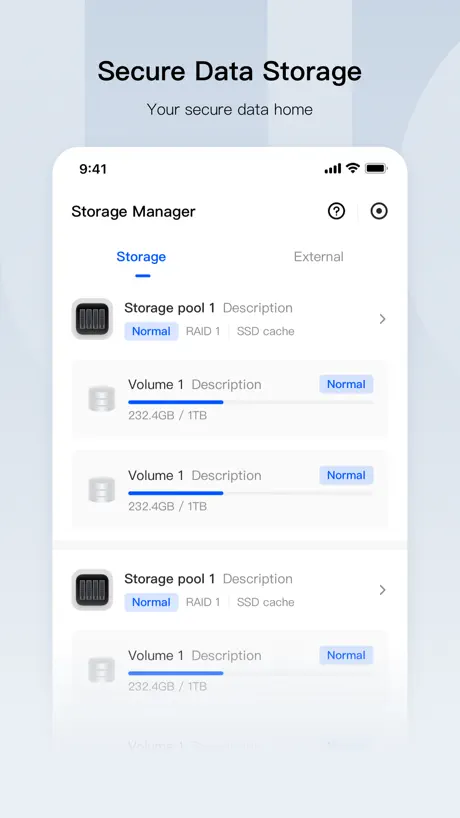
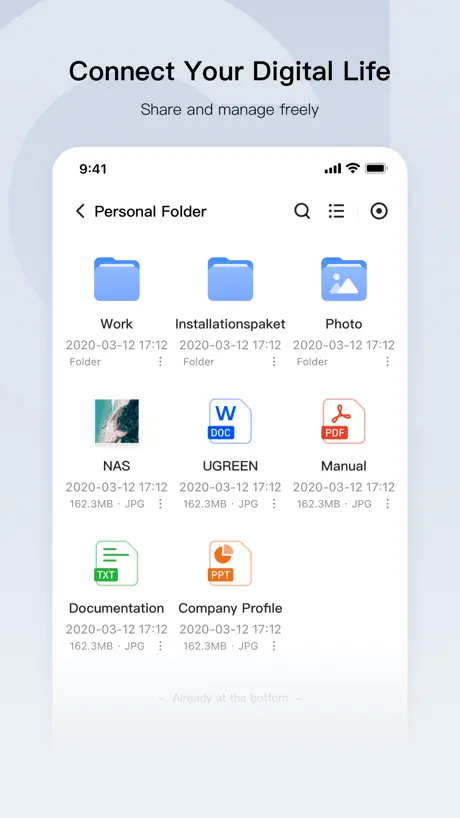
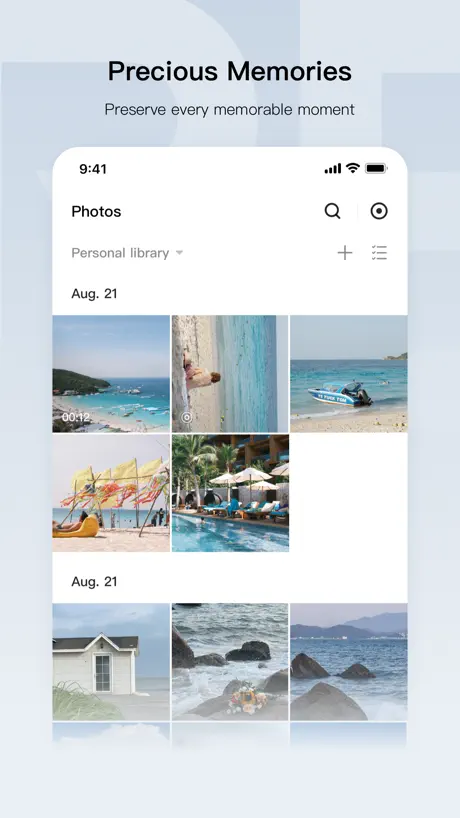
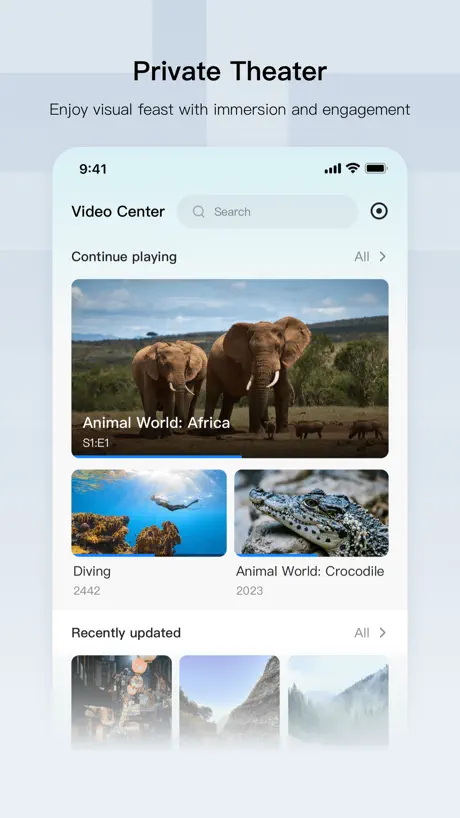
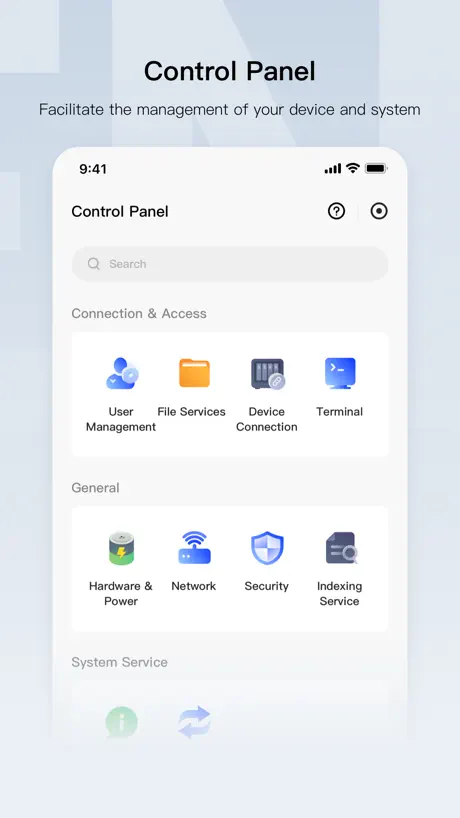
How much does UGREEN NAS cost?
Prices are current as of 14 Nov 2026.
UGREEN NAS has no in-app products on record in the United States.
10+ alternatives to UGREEN NAS
| UGREEN NAS |   Sidus Link |   DS finder |   Bark - Custom Notifications |   UGPhoto Backup |   DJI Home |   115 |   amaran | |
|---|---|---|---|---|---|---|---|---|
| Rating / 5 | 4.0 | 4.0 | 2.9 | 4.8 | 4.5 | 3.4 | 2.5 | 3.8 |
| Reviews | 2.7K | 1.3K | 1.2K | 825 | 348 | 309 | 213 | 113 |
| Released | 2024 | 2019 | 2011 | 2018 | 2025 | 2024 | 2024 | 2024 |
| Monthly price | — | — | — | — | $2.99 | — | $14.99 | — |
| Annual price | — | — | — | $2.69 | $12.99 | — | $69.99 | — |
| One-time price | — | — | — | $2.69 | $34.99 | — | $19.99 | — |
The going rate for each plan in United States, in its own currency, shaded from the cheapest price on the row to the dearest.
UGREEN NAS reviews
4.0 out of 5, based on 2,668 reviews.
What people like
- Support team responds super fast
- Easy to set up and use
- Great for storing family photos
What they complain about
- Drains your phone battery fast
- App crashes when watching videos
- Audio and video lag out
Fantastic Client
Love the device and the client as superb. I am finding the IOS widgets have issue when the iOS icons are set to glass. Photos can’t show. But otherwise awesome!!
App is BROKEN!
Sync & Backuo stopped working with the latest update and now when I enable Sync & Backup it’ll say “Scanning” then crash non-stop until I set my photos permissions to Limited or None. This was the whole reason I spent over $1K on this NAS and drives. I’m so disappointed in UGREEN for putting out an update that ruined everything.
Great app, but battery drain is insane
I love the app, love my NAS. Honestly everything is amazing HOWEVER photo backups DESTROY my battery. I can go to bed not on a charger at 90% and wake up with 5-15% left. It’s all background usage. I wish we had the ability to schedule backup times so this doesn’t happen
体验
用手机听个音乐都卡,越升级体验越差!
Packed with features but drains battery…
Packed with features but drains battery with background processes so I have to close it when I’m done using it…
Very promising - issues on macOS Tahoe 26.6.2
I was a Kickstarter support. I really like working with the NAS. The Software is ok - hast potential to get better but good enough to easily work with it. Currently I have issues with the macOS app on macOS Tahoe 26.6.2.
App crashes too much
App is constantly crashing. The only time it works is after deleting it and reinstalling. After one login, it starts crashing the next time.
Pinch to zoom
Great app but the photo app needs pinch to zoom on videos.
更新卡顿
App Store 内每次更新都卡在 60% 的位置不动
Decent app but only works with uglink
The app works okay overall, but has several shortcomings that can be dealbreakers depending on who you ask: - It forces remote access using uglink. Means you can’t use tailscale with it. Which means consequent security caveats - The folder management is still buggy - The UX is meh. A lot of good things taken from the apple playbook but a lot other which are downright anti patterns (back navigation) - Often outdated docs
太好用了
新版本的 ios 客户端设计的非常不错,简单好用绿联现在可以说家用成品 nas 一哥了,希望在商业上加把劲,加油!
Can’t share photos or files
Can’t share photos and file with iMessage . iMessage missing from sharing with APPS
Consistent updates promising
I was a kickstarter supporter long before this app/product was available in stores. One of the features I would love to see added to the Photos App is the ability to rate photos with a star-rating that translates in the metadata to 3rd party applications (light Lightroom, Davinci, etc). It would be so amazing for countless photographers/videographers. I don’t know how easily UGREEN could add that functionality, but it would absolutely be a game changer.
Good, but with massive battery drain issues!!
In short: good, but with massive battery drain issues!! I am new to UGREEN NAS, but I have been using other brands for many years. In general, a nice “all-in-one” app for your UGREEN NAS — regardless of whether you like the all-in-one approach. You can do a lot of things: browse your files, manage your photos, create albums, share files, set up users, etc. etc. And yes, of course there can be further optimizations to fix one thing or another. But there is one dramatic issue: → Massive battery drain in the background and while using the app. I have multiple thousand photos, all of which are already backed up. Nevertheless, the app consumes a lot of battery. In my test, with no further photo uploads, within 8h and 98% battery consumed, the app accounted for 67% of the battery usage — 42 minutes on screen, 5.5h in the background. Photo backup and photo management are among the most used features for standard consumers/prosumers. This is unfortunately a No-Go! Besides that: * please implement “photo sync while charging” * please implement Apple Files integration * please implement “edit Office documents” in the app or hand over to the OnlyOffice app * rethink if the “go to home” button should be a circle with a dot. If you want to continue with this approach, use a Home icon * think about separating “Photos” and potentially “Files” into separate apps. That way, not all other features need to be loaded every time you use one of the most frequently used functions. ** update: the app crashes repeatedly when using Fotos „in app App“. I assume ‚too many information‘. In addition partially not responding or very slow-reacting
Needs Optimization and More Functionality
Everything is very tiny on the MacOS and even when you first startup the app it is telling you about iOS widgets which makes me believe even more that they don’t actually have a dedicated MacOS app optimized for this display, they just piggybacked off of the iOS app and threw it into the MacOS App Store for download. Also, we really need a dedicated music app, theater app, etc. Just baking it all into one app or thinking we should take up valuable real estate on on phones with widgets isn’t the right approach. You should have the ability to open up a dedicated cinema app, just like an Emby, that is feature rich like an Emby, with all of your shows and movies, or open up a Music app that looks as beautiful/elegant as an Apple Music to search through your library and listen to songs. Step up your game UGreen, Synology has had these apps for years. You are good right now but you could be GREAT if you can catch up…it’s been years now we have been waiting for these improvements
Favorite app of all time
I started buying a Just answer NAS but eventually if become everything to me .. i manage my work business and my personal life with this.. And the best part is Ugreen responded any of my emails super fast that no other company did before.. It fulfilled all my needs ⭐️⭐️⭐️⭐️⭐️
Needs a password to delete items
It should come with a password feature for deletion of photos and albums
硬盘不休眠
我存储池是一块硬盘,外部挂了三块硬盘存储视频,之前不观看不扫库的时候三块外挂硬盘是休眠状态,这次更新后发现一直无法休眠。这三块盘里只有视频,没有别的,也查看了利用率,读取,写入都是0,为什么不能休眠呢?
闪退,故障,烧硬盘
新版app一进去就闪退,无法正常使用和备份相册,而且致使nas主机异常工作烧坏硬盘
ok
I hope the interface will change to something like total commander for pc
功能越来越完善
希望影视中心能和senplayer合作
iMessage sharing missing
Can’t share Photo or Video with iMessage from app please add sharing with iMessage .
Excellent Start
App is off to a great start, just keep up the pace of development and steadily improve!
Sometimes glitchy in connections
While I love the simplicity of this NAS, the software can be glitchy. - specifically when opening a new instance in OSX - the window will pop open but no UI is there. Its empty. I’ve connected in the past, and when this works, its quite decent.
Apple TV theatre
Can’t turn off subtitles for all. I have to go into everything I’m watching to select no subtitles. And select language if it’s in Italian to switch to English . We update for this be great. Or am I missing something. The ability to arrange In simple alphabetical orders be great with folders. Will give 5 stars when fixed.
家庭相册优先选择
数据存储很方便,对于有手机的内存释放是相当的方便,非常利于家庭的使用,操作也很方便,上手很快与手机操作逻辑相同
Offline mode bug
Offline videos cannot be played without connecting to the NAS, making this feature useless without internet connectivity
Theater app issues
The theater app works really well. However when you play videos at full 4K quality, the audio and video will lag behind unless you go to a lower quality and then toggle back to 4K. This is an inconvenience, but not a dealbreaker. It’s very possible that I have a setting that is incorrect although I’ve tried the software and hardware transcoding options. Perhaps a software update or something of that nature can remedy this.
为何TV端不能观看相册?
强烈希望下次升级时、除了能在TV端观看影视作品、还能播放相册!
It’s mid
It’s a pain to set up but once you have it ready it’s great
Love it!
I don’t understand why there are some low ratings. Bad reviews and it’s only 4.0 stars. I love my NAS and this app. They’re doing a great job and it’s always getting better. Keep up the good work! Edit: I did find an area of improvement. I was backing up a bunch of my photos into a folder, in the files explorer, and I noticed I couldn’t sort them by the date the photo itself was actually created. like, if I sort by creation time, it says all the photos were created at the same time and date but obviously my thousand photos were not created all at once. I know that’s the date/time that I copied them into the folder but that’s not how I want to sort them. I want to sort by the date the photo was taken like in my iPhone. I know it does that in the photos app but it would be great if it could do that in the files explorer too.
经常死机
动不动就无法登陆客户端,需要重启才能登陆。作为nas连登陆都有这么大的bug,也是垃圾到极致了。
Good except CarPlay
Several weeks in and I’m enjoying my Ugreen NAS and this app. Last night I realized that my vehicle wouldn’t allow me to switch my audio input away from my phone. I figured out that it was due to this Ugreen app being open in the background. I closed and opened the app multiple times to verify that the app was the cause of this issue. No other app does this to CarPlay. Why does it control the audio input in my vehicle? 🤔 Fyi, I chose to buy this NAS due to Synology’s lockdown of the NVME storage. I’m all in to help make this system better. The CarPlay issue does seem odd though.
Movies crashing. IOS ONLY
I’ve been using this for the past year and a half or probably more probably two years. I’ve never had any issues. It’s really great but recently this week shows in my theaters app it just all of a sudden just crashes the whole app in the middle of watching and it doesn’t happen on an android it doesn’t happen on PC or anything. The NAS is fine but just the iOS app it crashes when you are you watch videos now.
App crash
Privacy management tap - crashes app. No vault app for non-admin users.
A NAS that’s easy to work with
I have had my server for around 6 months and it works properly and give me the ability to share, store, and transmit data without a hitch.
Joke
The app says that my mobile device and my NAS are on different networks. EXCEPT! I only have 1 network. Does anyone know how to program any more?
Good device, bad mobile media player
the device runs well, server has run fantastic and overall have been very pleased, but the media player on mobile devices might be the worst thing i have ever tried to use. fix that and it would be perfect. the media player would pop up with a loading symbol repeatedly and pause my video after 3 seconds of use, if it didn’t have that problem it would be extremely choppy and repeat frames while distorting audio. other times the audio wouldn’t be in sync with the video, and would be 10 seconds behind.
Battery hog
App if auto backups are enabled drain your battery so fast
Not bad
Needs some UI/UX improvements. It would be nice if there was a separate Photos app that I could give my family to sync their photos/videos to the NAS.
New update
I like the new update, now I can play music on apple car play, much easier 👍🏾
Battery drainer
I am okay with some minor issues but as the used of many apps like amazon photos, etc I get irritated when my phone says UGREEN NAS used 10% of my battery over 24 hrs period due to background activities. 10% is a lot and app needs to be optimized to not drain the battery for users when it's running in background - not even uploading pics or videos.
Promising app, a few glitches
The app is overall very functional and well designed. One minor frustration is that the audio player is still “choppy” (even after the latest fix that supposedly fixed that), so that can be a bit frustrating as I use that a lot. But apart from that, the app works very well.
Can’t log in anymore!
Ever since the last update, I am unable to log into any of my ugreen NAS devices.
Álbum de fotos
Cuando intento ver fotos, sin importar la fecha de creación, no hay una imagen de referencia, solo tiene la leyenda “creación de…” y esto hace difícil buscar fotos.
Amazing NAS Admin Experience
Better than Synology
Hardware Glitch
Hardware has a glitch where you have to unplug the nas to make it work again.
the irony of this app
It’s a good app for storage, don’t get me wrong… cept when you run out of storage and you can’t update it cuz you have no storage. huh 😭. how am I supposed to get more storage if my storage app runs out of storage?? please fix this or smth
The Apple TV app should add the ability to view albums.
Imagine a family sitting in front of a 80-inch television, watching together photos and videos – what a wonderful feeling that would be.
卡在登录页面
经常卡在登录页面没有反应,人脸识别不动作,点人脸识别按钮也没有反应
UGREEN NAS FAQ
- Is UGREEN NAS free?
- Yes. The app is free, in all 94 countries it sells in, and it sells nothing inside it.
- Does UGREEN NAS have a free trial?
- No. None of its offers (US) come with a free trial.
- What are the best alternatives to UGREEN NAS?
- Sidus Link (4.0 from 1,322 reviews), DS finder (2.9 from 1,176 reviews) and Bark - Custom Notifications (4.8 from 825 reviews, premium from $2.69).
UGREEN NAS download
Last updated 19 days ago.
UGREEN NAS sells in 94 countries. It was released 2 years and 5 months ago, on 23 May 2024. It holds a 4.0 rating from 2,668 reviews.
Supports 10 languages: English, Dutch, French, German, Italian, Japanese, Korean, Portuguese, Chinese, Spanish.
How much does UGREEN NAS make?
Third-party estimates for the last 30 days, worldwide — not the store's own figures, which Apple publishes for nobody.