
Docuslice - Poster Printing
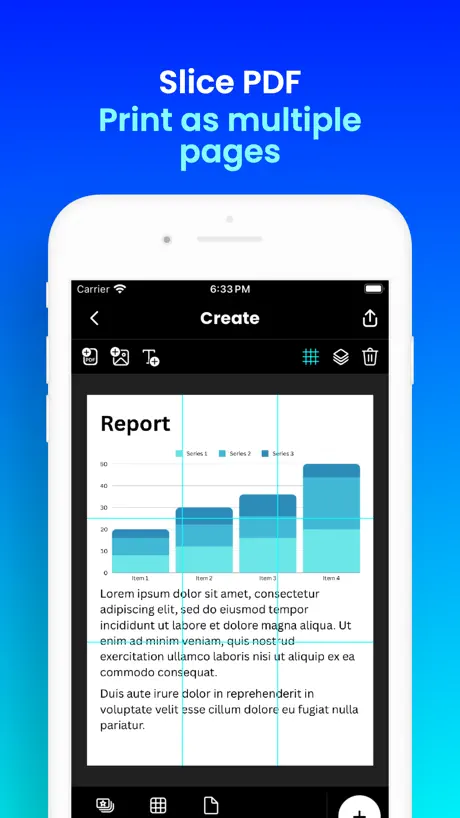
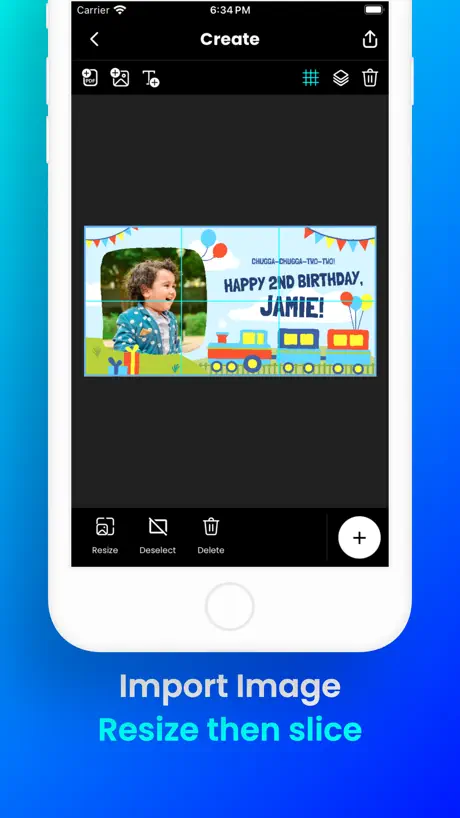
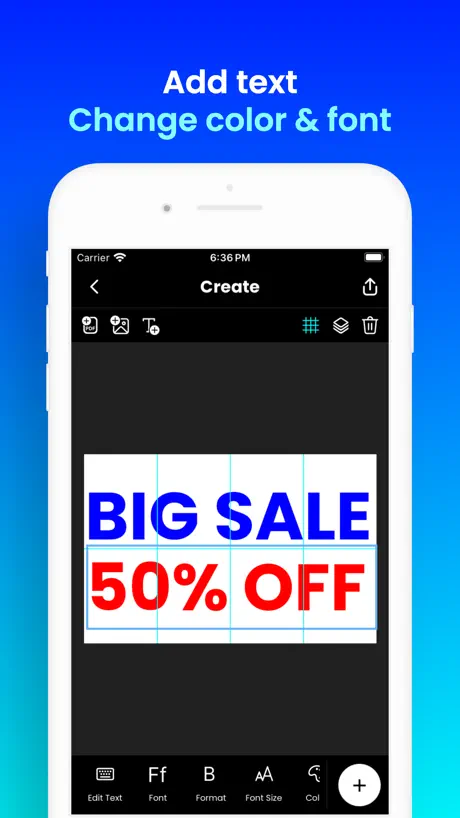
Tiled Printing | Block Poster


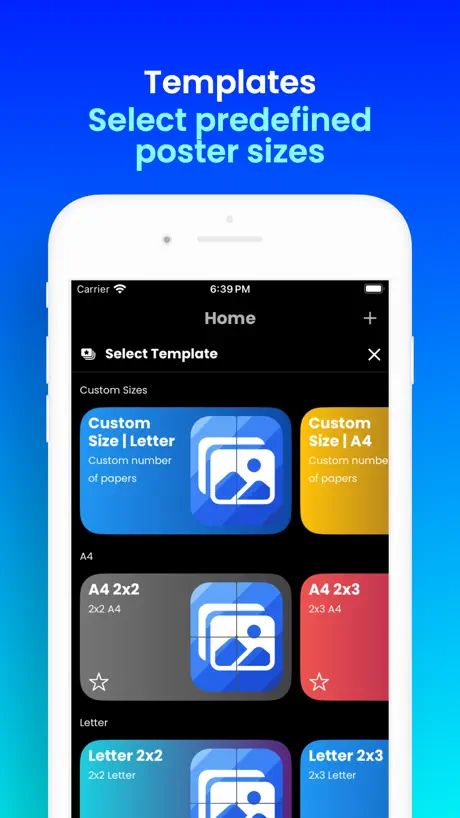
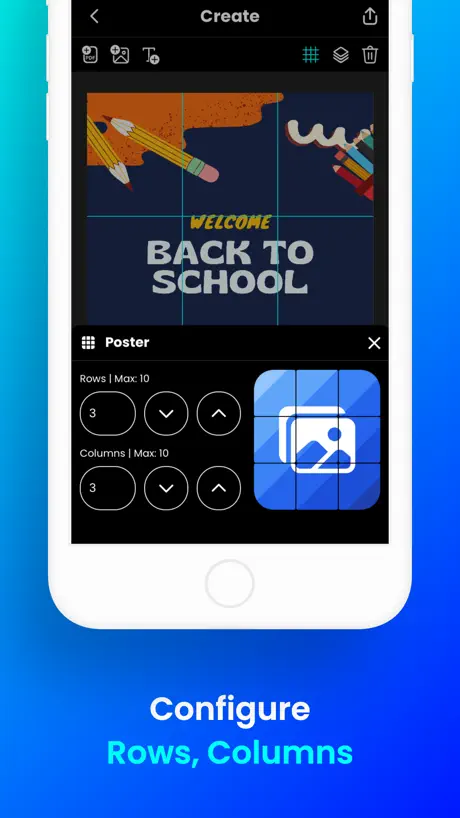
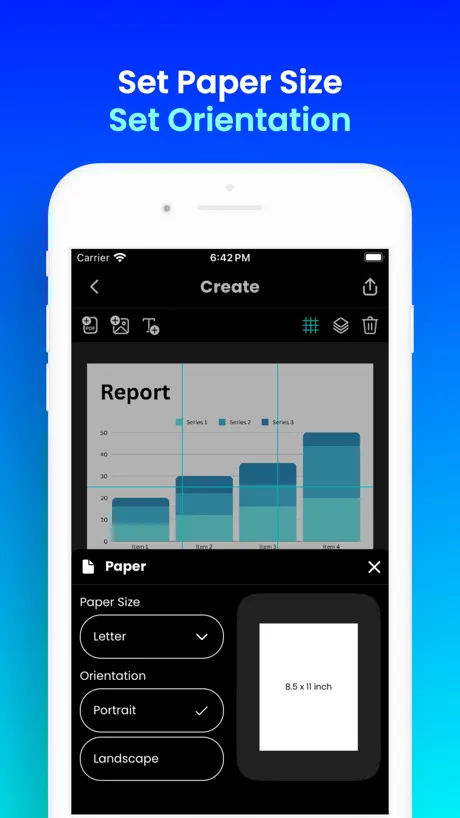
How much does Docuslice - Poster Printing cost?
Prices are current as of 5 Oct 2026.
2 one-time purchases from $9.99
In the United States, Docuslice - Poster Printing has 2 one-time purchases priced $9.99 – 14.99.
| Product | Price |
|---|---|
| Pro | $9.99 |
| Pro+ | $14.99 |
See what Docuslice - Poster Printing costs in all 175 countries →
10+ alternatives to Docuslice - Poster Printing
| Docuslice - Poster Printing |   Poster Maker + Flyer Creator Poster Maker + Flyer Creator |   Poster Maker, Flyer Maker Poster Maker, Flyer Maker |   Grid Post Pic Collage Maker Grid Post Pic Collage Maker |   Griddy: Split Photo Grid Posts Griddy: Split Photo Grid Posts |   Silhouette Go Silhouette Go |   Collora: DIY Battery Wallpaper Collora: DIY Battery Wallpaper |   SnapBG: Remove Background AI SnapBG: Remove Background AI |   GridArt - Drawing Grid GridArt - Drawing Grid |   SubPrinta Sublimation Designer SubPrinta Sublimation Designer |   HTVRONT HTVRONT | |
|---|---|---|---|---|---|---|---|---|---|---|---|
| Rating / 5 | 4.8 | 4.6 | 4.7 | 4.5 | 4.7 | 4.2 | 4.3 | 4.9 | 4.5 | 4.6 | 4.4 |
| Reviews | 1.5K | 74K | 43K | 43K | 25K | 9.5K | 5.8K | 2.7K | 1.4K | 970 | 444 |
| Released | 2023 | 2016 | 2018 | 2015 | 2016 | 2021 | 2025 | 2023 | 2023 | 2022 | 2023 |
| Weekly price | — | $5.99 | $3.99 | $1.99 | — | — | $5.99 | $4.99 | $3.99 | — | — |
| Monthly price | — | $9.99 | $7.99 | — | $6.99 | — | $19.99 | $9.99 | $12.99 | — | $11.99 |
| Annual price | — | $29.99 | $39.99 | $5.99 | $19.99 | — | $25.99 | $24.99 | — | — | $119.99 |
| One-time price | $9.99 | $1.99 | $3.99 | $19.99 | $4.99 | — | — | $99.99 | — | — | $2.99 |
The going rate for each plan in United States, in its own currency, shaded from the cheapest price on the row to the dearest. Plans fewer than four in ten of the priced apps sell are left out.
Docuslice - Poster Printing reviews
4.8 out of 5, based on 1,497 reviews.
Docuslice - Poster Printing price by country
A one-time purchase costs $5.57 in the Philippines and $15.08 in Colombia — 3× more for the same thing. Below is the going rate for each plan in every country that sells it — the middle price of what the app charges there, in the country's own currency with the dollar equivalent beneath it.
| Country | One-time |
|---|---|
| Afghanistan | $9.99 |
| Albania | $11.99 |
| Algeria | $9.99 |
| Angola | $9.99 |
| Anguilla | $9.99 |
| Antigua And Barbuda | $9.99 |
| Argentina | $9.99 |
| Armenia | $11.99 |
| Australia | A$14.99$10.41 |
| Austria | €9.99$11.24 |
| Azerbaijan | $11.99 |
| Bahamas | $9.99 |
| Bahrain | $9.99 |
| Barbados | $11.99 |
| Belarus | $11.99 |
| Belgium | €9.99$11.24 |
| Belize | $9.99 |
| Benin | $11.99 |
| Bermuda | $9.99 |
| Bhutan | $9.99 |
| Bolivia | $9.99 |
| Bosnia & Herzegovina | €9.99$11.24 |
| Botswana | $9.99 |
| Brazil | R$59.90$11.48 |
| British Virgin Islands | $9.99 |
| Brunei Darussalam | $9.99 |
| Bulgaria | €9.99$11.24 |
| Burkina Faso | $9.99 |
| Cambodia | $9.99 |
| Cameroon | $11.99 |
| Canada | CA$12.99$9.15 |
| Cape Verde | $9.99 |
| Cayman Islands | $9.99 |
| Chad | $9.99 |
| Chile | CLP 9,990$10.11 |
| China | CN¥68.00$10.13 |
| Colombia | COP 49,900$15.08 |
| Congo | $11.99 |
| Congo, Democratic Republic | $9.99 |
| Costa Rica | $9.99 |
| Cote Divoire | $11.99 |
| Croatia | €9.99$11.24 |
| Cyprus | €9.99$11.24 |
| Czech Republic | CZK 249.00$11.46 |
| Denmark | DKK 89.00$13.38 |
| Dominica | $9.99 |
| Dominican Republic | $9.99 |
| Ecuador | $9.99 |
| Egypt | EGP 499.99$9.57 |
| El Salvador | $9.99 |
| Estonia | €9.99$11.24 |
| Fiji | $9.99 |
| Finland | €9.99$11.24 |
| France | €9.99$11.24 |
| Gabon | $9.99 |
| Gambia | $9.99 |
| Georgia | $11.99 |
| Germany | €9.99$11.24 |
| Ghana | $11.99 |
| Greece | €9.99$11.24 |
| Grenada | $9.99 |
| Guatemala | $9.99 |
| Guinea-bissau | $9.99 |
| Guyana | $9.99 |
| Honduras | $9.99 |
| Hong Kong | HK$88.00$11.21 |
| Hungary | HUF 4,490$13.70 |
| Iceland | $11.99 |
| India | ₹999.00$10.36 |
| Indonesia | IDR 199,000$11.11 |
| Iraq | $9.99 |
| Ireland | €9.99$11.24 |
| Israel | ₪29.90$9.84 |
| Italy | €9.99$11.24 |
| Jamaica | $9.99 |
| Japan | ¥1,500$9.51 |
| Jordan | $9.99 |
| Kazakhstan | KZT 5,990.00$13.35 |
| Kenya | $11.99 |
| Kosovo | €9.99$11.24 |
| Kuwait | $9.99 |
| Kyrgyzstan | $9.99 |
| Lao Peoples Democratic Republic | $9.99 |
| Latvia | €9.99$11.24 |
| Lebanon | $9.99 |
| Liberia | $9.99 |
| Libya | $9.99 |
| Lithuania | €9.99$11.24 |
| Luxembourg | €9.99$11.24 |
| Macao | $9.99 |
| Macedonia | $9.99 |
| Madagascar | $9.99 |
| Malawi | $9.99 |
| Malaysia | MYR 49.90$12.23 |
| Maldives | $9.99 |
| Mali | $9.99 |
| Malta | €9.99$11.24 |
| Mauritania | $9.99 |
| Mauritius | $11.99 |
| Mexico | MX$199.00$10.94 |
| Micronesia | $9.99 |
| Moldova | $11.99 |
| Mongolia | $9.99 |
| Montenegro | €9.99$11.24 |
| Montserrat | $9.99 |
| Morocco | $11.99 |
| Mozambique | $9.99 |
| Myanmar | $9.99 |
| Namibia | $9.99 |
| Nauru | $9.99 |
| Nepal | $11.99 |
| Netherlands | €9.99$11.24 |
| New Zealand | NZ$19.99$11.23 |
| Nicaragua | $9.99 |
| Niger | $9.99 |
| Nigeria | NGN 14,900.00$11.19 |
| Norway | NOK 129.00$13.41 |
| Oman | $9.99 |
| Pakistan | PKR 2,900$10.45 |
| Palau | $9.99 |
| Panama | $9.99 |
| Papua New Guinea | $9.99 |
| Paraguay | $9.99 |
| Peru | PEN 44.90$13.40 |
| Philippines | ₱349.00$5.57 |
| Poland | PLN 49.99$12.82 |
| Portugal | €9.99$11.24 |
| Qatar | QAR 39.99$10.99 |
| Romania | RON 49.99$10.52 |
| Russia | RUB 899.00$10.73 |
| Rwanda | $9.99 |
| Sao Tome & Principe | $9.99 |
| Saudi Arabia | SAR 39.99$10.66 |
| Senegal | $11.99 |
| Serbia | €9.99$11.24 |
| Seychelles | $9.99 |
| Sierra Leone | $9.99 |
| Singapore | SGD 14.98$11.70 |
| Slovakia | €9.99$11.24 |
| Slovenia | €9.99$11.24 |
| Solomon Islands | $9.99 |
| South Africa | ZAR 199.99$12.00 |
| South Korea | ₩17,000$12.64 |
| Spain | €9.99$11.24 |
| Sri Lanka | $9.99 |
| St. Kitts and Nevis | $9.99 |
| St. Lucia | $9.99 |
| St. Vincent & The Grenadines | $9.99 |
| Suriname | $9.99 |
| Swaziland | $9.99 |
| Sweden | SEK 129.00$12.85 |
| Switzerland | CHF 9.00$10.87 |
| Taiwan | NT$320.00$10.04 |
| Tajikistan | $9.99 |
| Tanzania | TZS 29,900.00$11.29 |
| Thailand | THB 399.00$11.89 |
| Tonga | $9.99 |
| Trinidad and Tobago | $9.99 |
| Tunisia | $9.99 |
| Turkey | TRY 499.99$10.17 |
| Turkmenistan | $9.99 |
| Turks and Caicos | $9.99 |
| Uganda | $11.99 |
| Ukraine | $11.99 |
| United Arab Emirates | AED 39.99$10.90 |
| United Kingdom | £9.99$13.21 |
| United States | $9.99 |
| Uruguay | $9.99 |
| Uzbekistan | $9.99 |
| Vanuatu | $9.99 |
| Venezuela | $9.99 |
| Vietnam | ₫299,000$11.52 |
| Yemen | $9.99 |
| Zambia | $11.99 |
| Zimbabwe | $11.99 |
Docuslice - Poster Printing FAQ
- Is Docuslice - Poster Printing free?
- Yes. The app and its basic features are free, in all 175 countries it sells in. Premium features are paid: they start from $9.99 (US), across 2 one-time purchases.
- Does Docuslice - Poster Printing have a free trial?
- No. None of its offers (US) come with a free trial.
- Where is Docuslice - Poster Printing cheapest?
- A one-time purchase costs ₱349.00 (≈$5.57) in the Philippines and COP 49,900 (≈$15.08) in Colombia, its cheapest and dearest countries.
- What are the best alternatives to Docuslice - Poster Printing?
- Poster Maker + Flyer Creator (4.6 from 74,243 reviews, premium from $1.99), Poster Maker, Flyer Maker (4.7 from 43,451 reviews, premium from $3.99) and Grid Post Pic Collage Maker (4.5 from 43,353 reviews, premium from $1.99).
Docuslice - Poster Printing download
Last updated 9 days ago.
Docuslice - Poster Printing sells in 175 countries. It was released 3 years and 1 month ago, on 20 Aug 2023. It holds a 4.8 rating from 1,497 reviews.
Supports 1 language: English.
How much does Docuslice - Poster Printing make?
Third-party estimates for the last 30 days, worldwide — not the store's own figures, which Apple publishes for nobody.
Revenue by plan
- One-time 100%
Revenue by country
- United States 43%
- Philippines 10%
- Mexico 6%
- Brazil 5%