
Utilities
My Orange BE
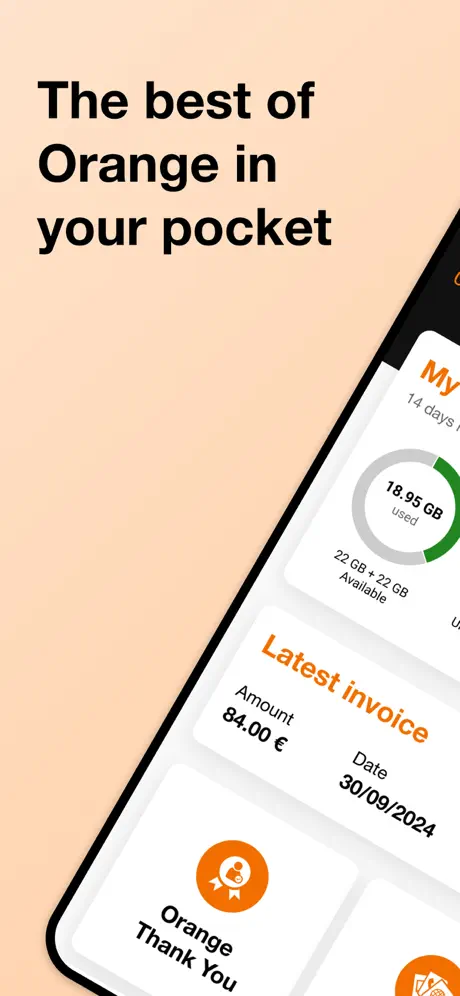
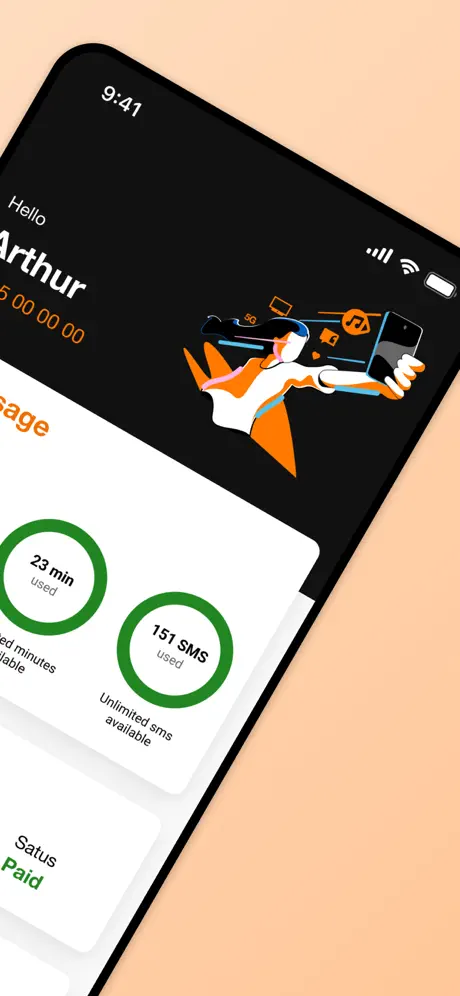
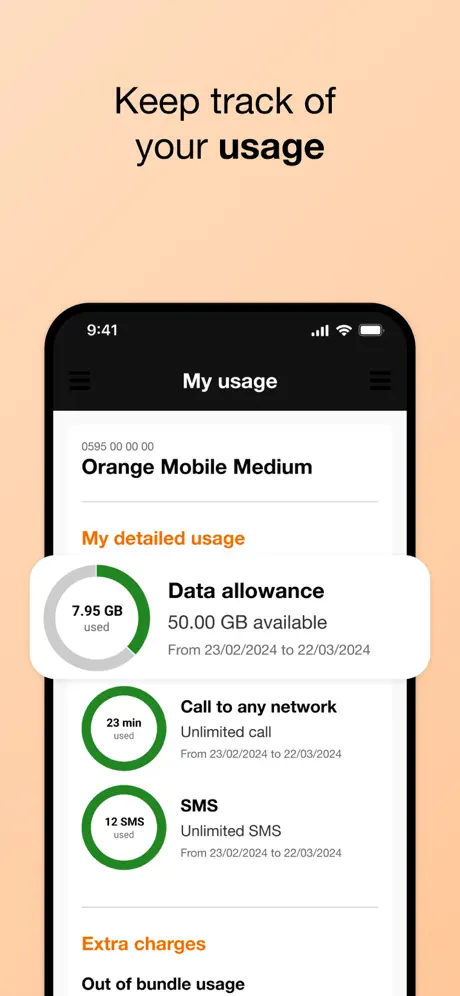
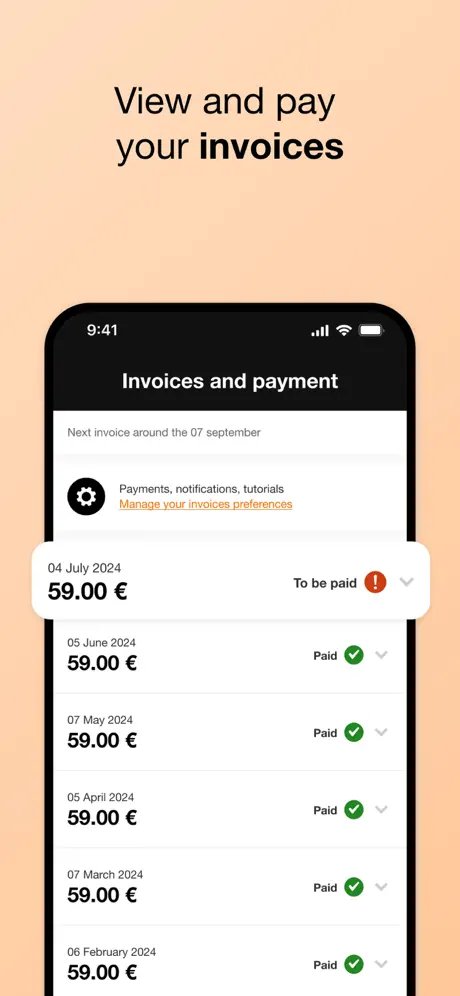
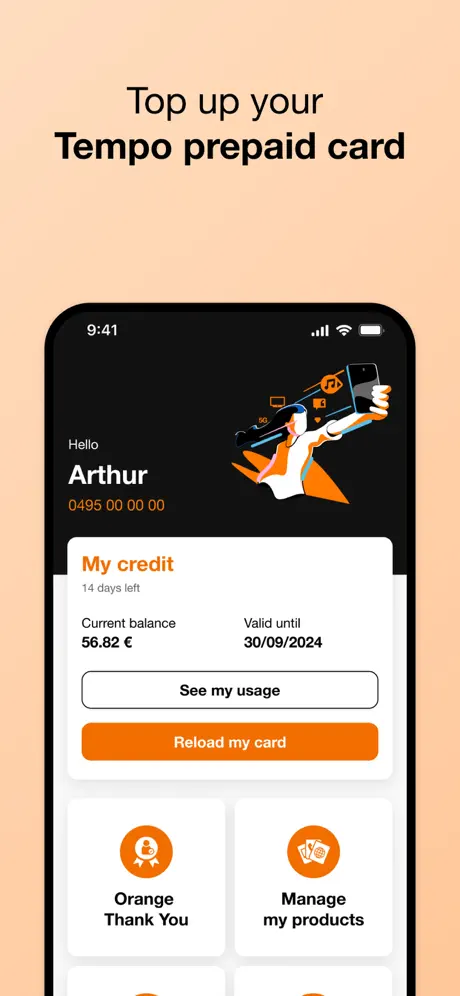
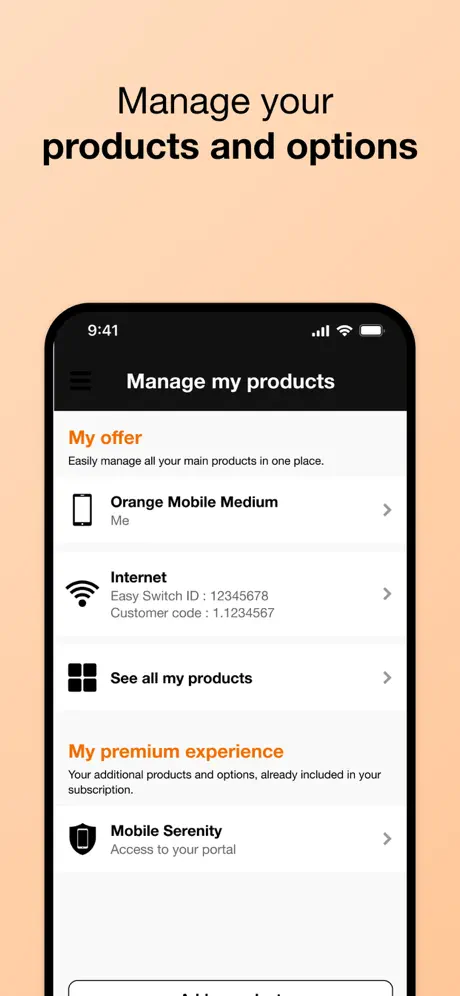
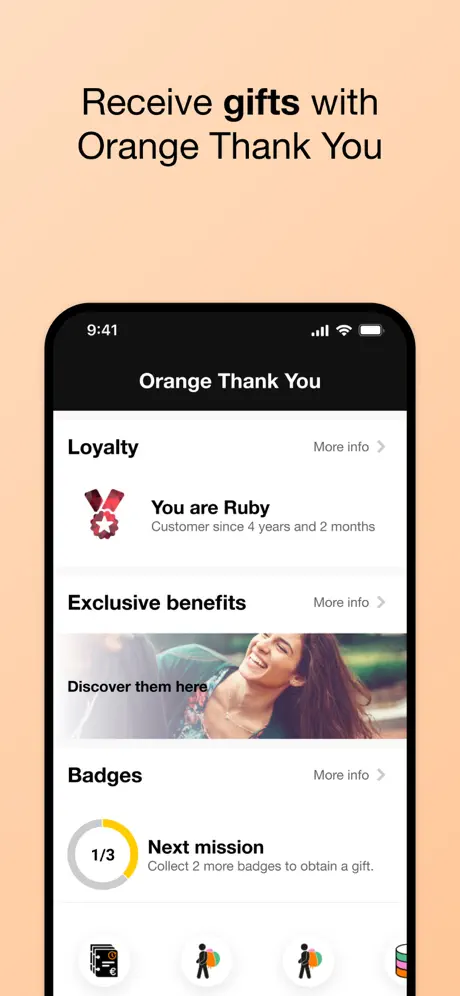
How much does My Orange BE cost?
Prices are current as of 11 Sept 2026.
My Orange BE has no in-app products on record in Belgium.
10+ alternatives to My Orange BE
| My Orange BE | 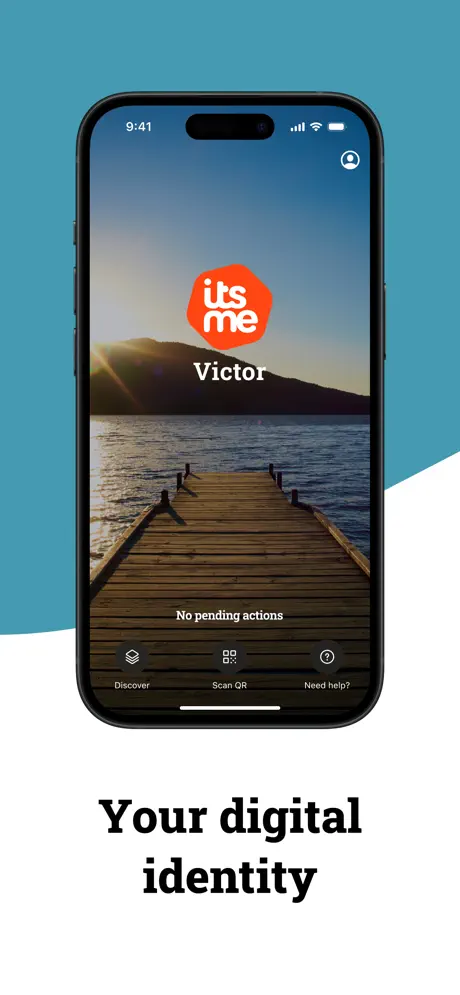  itsme itsme |   Proximus+: telecom and more Proximus+: telecom and more |   My bpost My bpost |   Pluxee BE Pluxee BE |   ENGIE Smart App ENGIE Smart App |   MyEdenred Belgium MyEdenred Belgium |   My BASE My BASE |   My Luminus My Luminus |   MyTelenet MyTelenet |   MyGov.be MyGov.be | |
|---|---|---|---|---|---|---|---|---|---|---|---|
| Rating / 5 | 3.4 | 4.8 | 4.1 | 4.6 | 4.5 | 4.5 | 4.6 | 4.7 | 4.2 | 4.3 | 3.1 |
| Reviews | 4.2K | 773K | 196K | 85K | 73K | 47K | 34K | 22K | 7.1K | 6.6K | 398 |
| Released | 2013 | 2017 | 2011 | 2018 | 2013 | 2021 | 2018 | 2014 | 2013 | 2018 | 2024 |
My Orange BE reviews
3.4 out of 5, based on 4,163 reviews.
My Orange BE FAQ
- Is My Orange BE free?
- Yes. The app is free, in all 8 countries it sells in, and it sells nothing inside it.
- Does My Orange BE have a free trial?
- No. None of its offers (BE) come with a free trial.
- What are the best alternatives to My Orange BE?
- itsme (4.8 from 772,936 reviews), Proximus+: telecom and more (4.1 from 196,248 reviews) and My bpost (4.6 from 85,456 reviews).
My Orange BE download
Last updated 2 months ago.
My Orange BE sells in 8 countries. It was released 13 years and 6 months ago, on 16 Apr 2013. It holds a 3.4 rating from 4,163 reviews.
Supports 4 languages: English, Dutch, French, German.
How much does My Orange BE make?
Third-party estimates for the last 30 days, worldwide — not the store's own figures, which Apple publishes for nobody.
Revenue < $5,000
Downloads 10K