
Finance
ABN AMRO


How much does ABN AMRO cost?
Prices are current as of 16 Aug 2026.
ABN AMRO has no in-app products on record in the United States.
10+ alternatives to ABN AMRO
 ABN AMRO ABN AMRO |   Rabobank Rabobank |   ING Netherlands ING Netherlands |   bunq bunq |   Knab Bankieren Knab Bankieren |   Ockto Ockto |   ABN AMRO Creditcard ABN AMRO Creditcard |   ICS Creditcard ICS Creditcard | 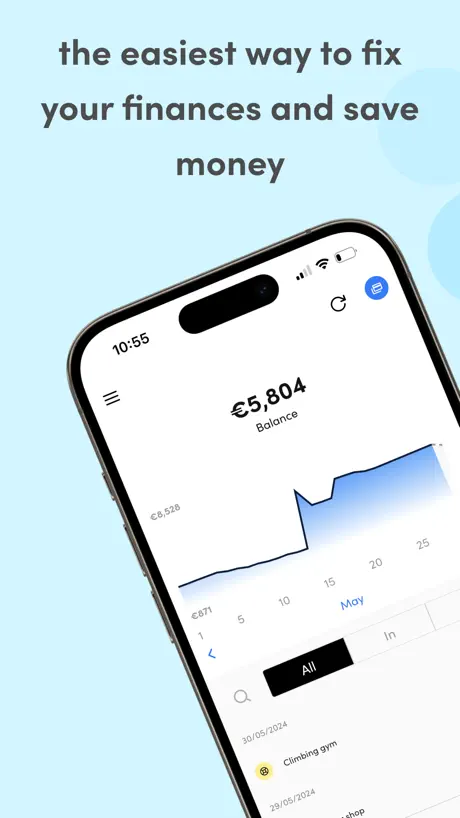  Dyme: Expenses, Budget & Save Dyme: Expenses, Budget & Save | |
|---|---|---|---|---|---|---|---|---|---|
| Rating / 5 | 4.6 | 4.6 | 4.6 | 4.5 | 4.7 | 4.5 | 4.8 | 4.7 | 4.7 |
| Reviews | 507K | 856K | 753K | 83K | 55K | 34K | 21K | 18K | 11K |
| Released | 2011 | 2010 | 2011 | 2015 | 2012 | 2016 | 2012 | 2012 | 2018 |
| Monthly price | — | — | — | — | — | — | — | — | $7.99 |
| 3-month price | — | — | — | — | — | — | — | — | $14.99 |
| Annual price | — | — | — | — | — | — | — | — | $49.99 |
The going rate for each plan in United States, in its own currency, shaded from the cheapest price on the row to the dearest.
ABN AMRO reviews
4.6 out of 5, based on 507,062 reviews.
ABN AMRO FAQ
- Is ABN AMRO free?
- Yes. The app is free, in all 175 countries it sells in, and it sells nothing inside it.
- Does ABN AMRO have a free trial?
- No. None of its offers (US) come with a free trial.
- What are the best alternatives to ABN AMRO?
- Rabobank (4.6 from 855,709 reviews), ING Netherlands (4.6 from 752,955 reviews) and bunq (4.5 from 83,276 reviews).
ABN AMRO download
Last updated 2 months ago.
ABN AMRO sells in 175 countries. It was released 15 years and 3 months ago, on 28 Jun 2011. It holds a 4.6 rating from 507,062 reviews.
Supports 2 languages: English, Dutch.
How much does ABN AMRO make?
Third-party estimates for the last 30 days, worldwide — not the store's own figures, which Apple publishes for nobody.
Revenue < $5,000
Downloads 20K