
xMatters
How much does xMatters cost?
Prices are current as of 17 Nov 2026.
xMatters has no in-app products on record in the United States.
10+ alternatives to xMatters
| xMatters |   Web - Workspace ONE |   Me@Campus |   ServiceNow Agent |   Zimperium MTD |   Island Enterprise Browser |   Tunnel - Workspace ONE |   CrowdStrike Falcon |   SwiftConnect Mobile |   Tunnel (new) - Workspace ONE |   CapRelo Companion | |
|---|---|---|---|---|---|---|---|---|---|---|---|
| Rating / 5 | 2.9 | 4.4 | 4.7 | 4.5 | 2.9 | 4.0 | 3.0 | 3.1 | 3.7 | 3.6 | 3.8 |
| Reviews | 129 | 51K | 7K | 5.7K | 402 | 270 | 158 | 59 | 24 | 8 | 6 |
| Released | 2010 | 2012 | 2023 | 2019 | 2015 | 2023 | 2017 | 2019 | 2022 | 2024 | 2022 |
xMatters reviews
2.9 out of 5, based on 129 reviews.
What people like
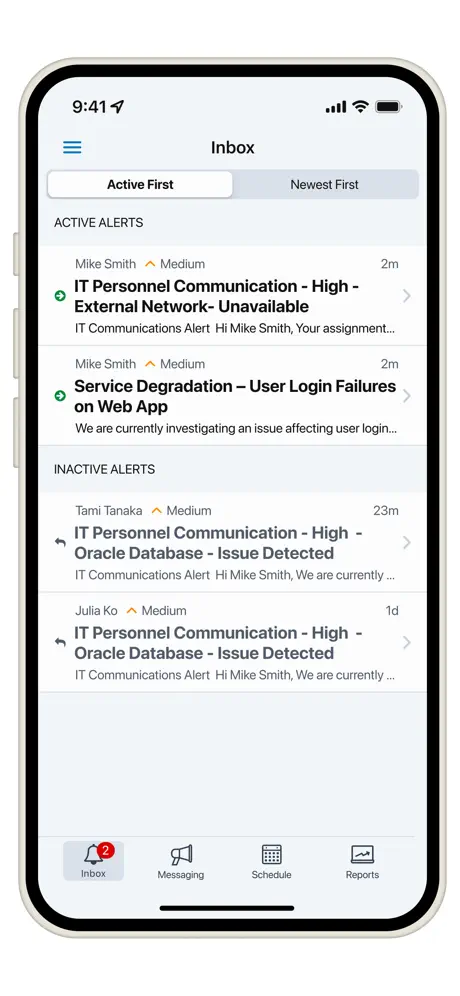
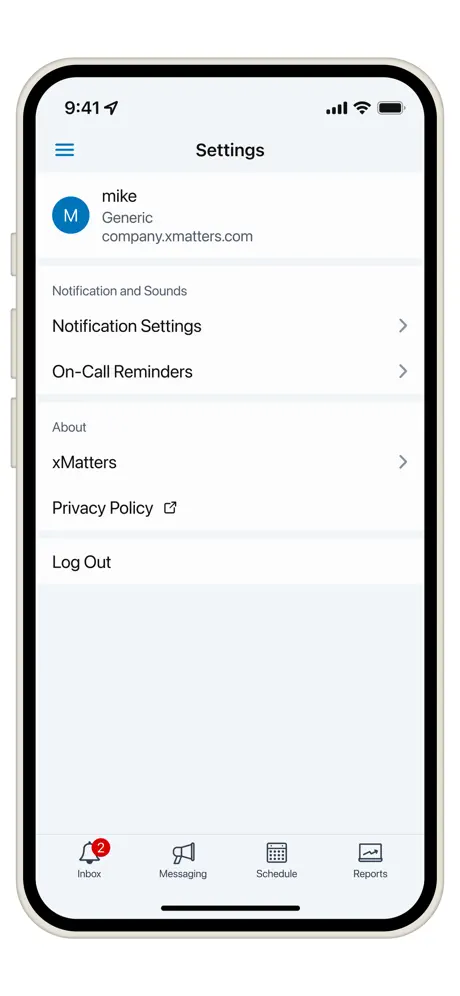
- Super easy to use with clean UI
- Fast conference call integration saves time
- Great real-time reporting and notifications
What they complain about
- Can't override silent mode for pages
- Crashes or fails setup often
- No custom alert sounds allowed
Awesome app
Helps to stay notified
No widgets
Please add widgets to phones and Apple Watch to see if I am on call at a glance
Overall great application
However, it does not rate a complete 5 stars because is missing one thing. Allow the ability to override silent features on the iPhone. Developers, please allow the ability to add override so if I want to place my iPhone as silent at night, xMatters would still make a paging sound if I get paged at night.
QR CODE scanning is not working
Not able to complete setup as QR code scanning is not working, kindly get it fixed on priority
Basic app
Very basic app and slow. Not able to acknowledge multiple active tickets at once. Have to open every ticket to acknowledge.
It does what it’s meant to
iPhone SE and app works a treat. Just make sure if you have any screen time settings you always allow xMatters.
Clunky
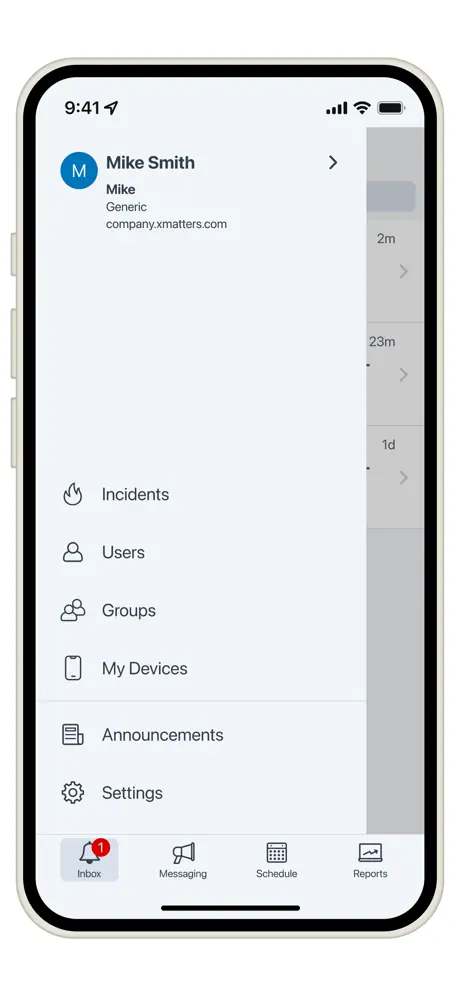
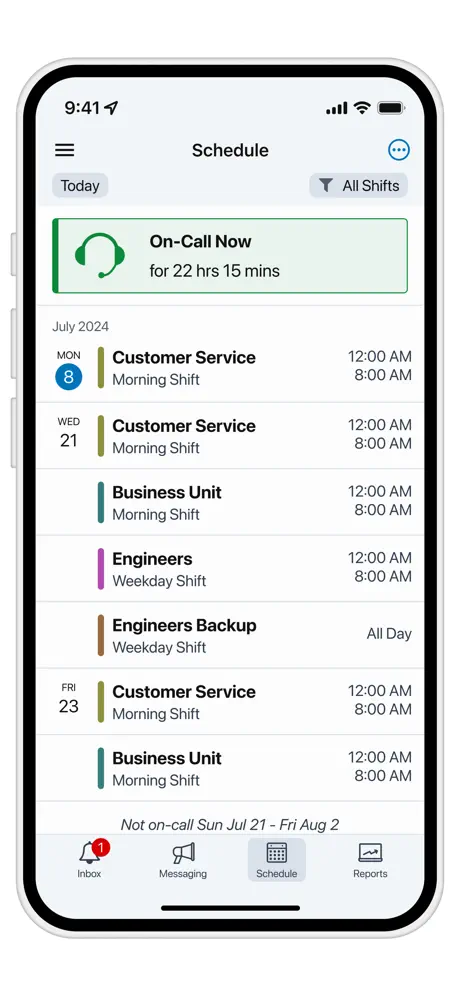
I’m part of multiple notification groups. When I look at schedule, I have no idea what group I’m scheduled for
5 stars if you guys would deploy support for iPhone X displays!
It’s been 7 months since the iPhone X came to market. What’s the ETA for updating the app to take advantage of the full screen?
Landscaped mode please
Please support landscaped mode in ipad. Quite hard to use with portraits mode in ipad. Thanks.
Much improved
The new QR code is great
Notifications not really custom
Custom notification sounds are only a set of xmatter sounds unlike it’s Android app counterpart that allows access to all your truly sounds. Android version made it easier to differentiate between properties.
Great app
The latest update has a few bugs but this is a great app and really convenient. It would be great if it had a widget that would display the time left on your primary on call shift.
UI could be improved
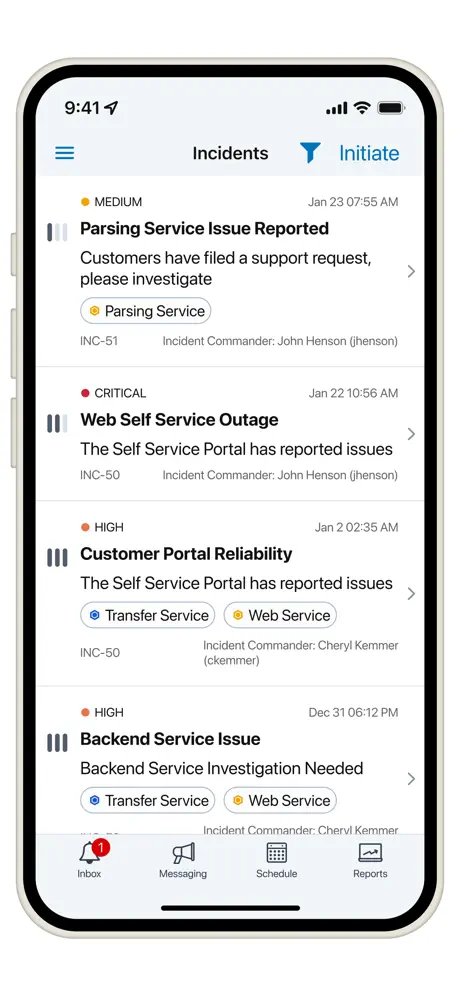
When you get a number of events, it’s a bit clunky to go into each one and respond. It doesn’t feel very native, not like its clicking iOS buttons, more like loading theme then web page. It would feel a lot slicker if you could do more iOS native feeling interactions, things like being able to select multiple events at once to respond to them together (after clicking a button at the top to go into select mode), or being able to swipe individual events left/right to quickly respond
It does send alerts but...
No way to override iOS DND but I suspect nothing they can do about that
Landscape Mode and better notification sounds
The app does what I need when I’m on call, but we truly need better notification sounds that can alert but won’t startle. We could also truly use a landscape mode on iPad. My sits in a Magic Keyboard all day long, so getting an alert and then having to take it out of the Magic Keyboard to interact with the content is a frustrating experience.
App works well....
App works well but could do with the functionality to add replacements to your shift group. (As per the web version)
Custom notifications - want to use my own sounds
It would be nice if we could choose our own alert sounds from what we have either purchased or have on our iPhone or other device. Only being allowed to use the ones that are included on the app is less than satisfying. It would also be good if we could choose different alert sounds based on either priority or on whether the message just informative so we know how critical it is for us to look at the notification.
Great product!
We use this product extensively and it scratches all the right itches. Well worth the cost.
i don’t like xMatter
because it means I need on call
Good Start
I like getting the push messages and also seeing my list. I hope there are more things coming.
UI needs update for iPhone X
UI has yet to be updated for iPhone X which makes navigation and look around the app difficult in some cases. Please update the UI to interact with newer devices using the full screen.
Great interface
Great user interface and reporting capabilities.
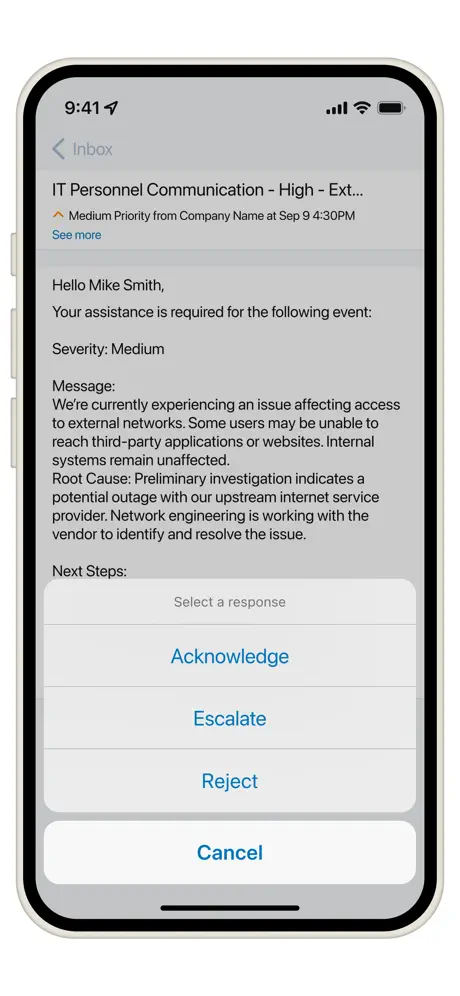
Clicking ACCEPT or REJECT from Lock Screen does nothing
I hate having to unlock and open the app just to accept a page. I always forget when I respond to an alert that in need to unlock before accepting the alert via the notification, otherwise responding does nothing. If you need to ensure it’s me that’s responding, prompt for biometric verification like other apps.
Used to be solid
Now now I cannot see my alerts. EDIT. It has gotten Better now.
Loving the new features
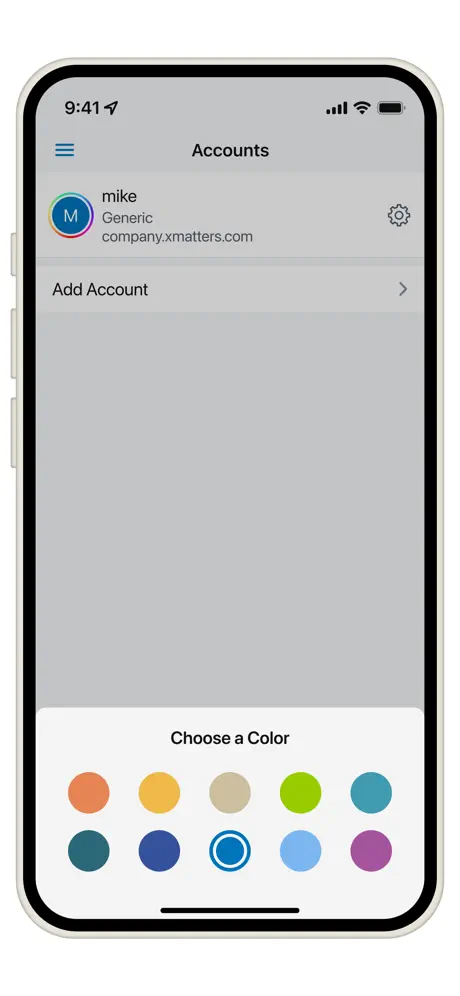
The new ability to see the real-time reports and lookup contact information from the app is very cool. Not to mention I can customize the app myself!
Edit message text area won’t scroll down despite 2000 characters
So basically get one line of message text. Can’t scroll the cursor down either. Typed several lines couldn’t finish. So had to select all and delete. Then start over. Bogus.
Feature Request
Would be nice to be able to tap on a shift and see details in the “My Schedule” screen.
Remotely kick off calls
Using xMatters on the desktop is great for kicking off some event notifications from time to time - and yes I do know there are integrations that can tie in automatic notifications to tousle tickets, monitoring, and other stuff in my environment. However, the ability to access my custom built communication panels is pretty cool! I just tried kicking off an automated conference call with 3 other teams - and it would pretty slick. I didn't have to know who was on call, I just selected the 3 groups I needed and added myself. The xMatters system looked up who is on call and pulled them all into the conference call with me. Two of the three people were on in about 30 seconds, and the third person was on in about a minute. This will save us a bunch of time. Can't wait to see the next new features.
Won't allow regiatration
Android app works but IOS app won't let you register with QR code.
I wish I could use it
How long before the "in house" xmatters app is available?
Review
Super easy to use, clean UI
Not working on iPhone
No use for me doesn't work on iPhone. Works on android though for my colleague
App crashing before login
The app is crashing every time I set the hostname and try to get into the login screen.
xMatters FAQ
- Is xMatters free?
- Yes. The app is free, in all 175 countries it sells in, and it sells nothing inside it.
- Does xMatters have a free trial?
- No. None of its offers (US) come with a free trial.
- What are the best alternatives to xMatters?
- Web - Workspace ONE (4.4 from 50,958 reviews), Me@Campus (4.7 from 7,018 reviews) and ServiceNow Agent (4.5 from 5,687 reviews).
xMatters download
Last updated 23 days ago.
xMatters sells in 175 countries. It was released 15 years and 10 months ago, on 31 Dec 2010. It holds a 2.9 rating from 129 reviews.
Supports 1 language: English.
How much does xMatters make?
Third-party estimates for the last 30 days, worldwide — not the store's own figures, which Apple publishes for nobody.