
Pulseway
Making IT Heroes
How much does Pulseway cost?
Prices are current as of 14 Nov 2026.
Pulseway has no in-app products on record in the United States.
10+ alternatives to Pulseway
| Pulseway | 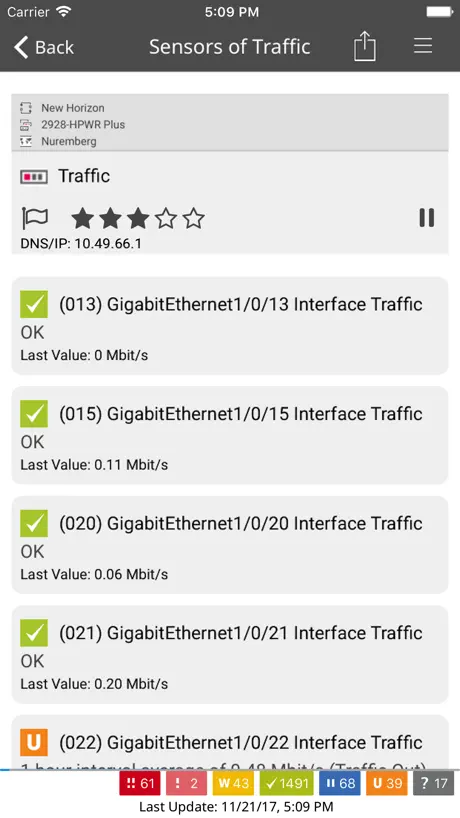  PRTG - Monitoring | 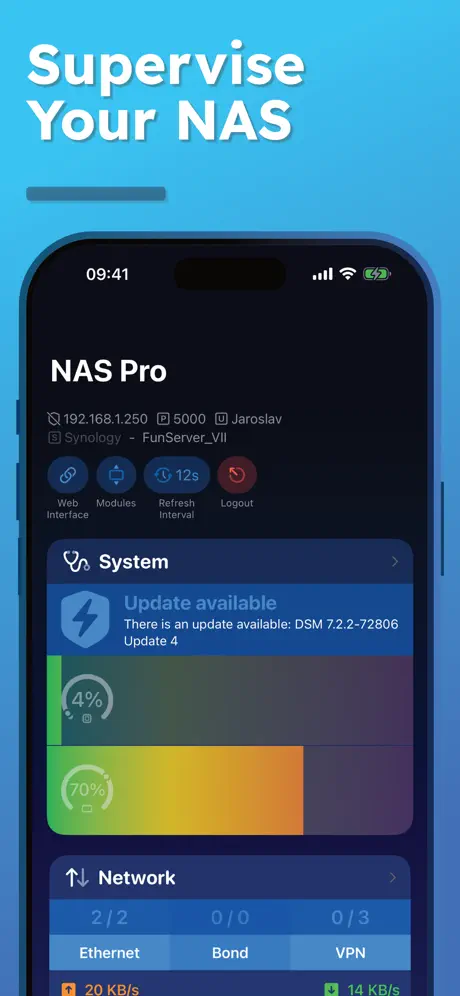  NAS Pro | 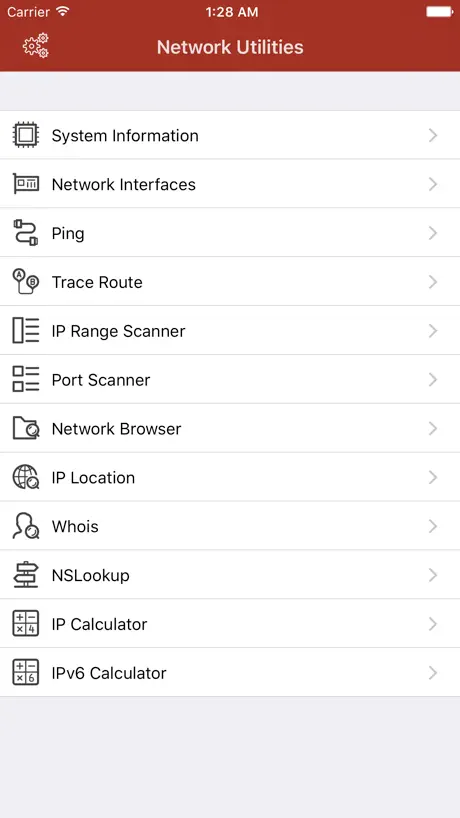  Network Utilities & Analyzer |   Ericsson NetCloud Mobile |   NinjaOne Mobile |   NinjaRMM Screenshare Utility |   IT Glue |   UniFi Design |   Hudu Mobile |   NinjaOne Assist | |
|---|---|---|---|---|---|---|---|---|---|---|---|
| Rating / 5 | 4.5 | 4.7 | 4.2 | 4.5 | 4.8 | 2.6 | 2.8 | 3.0 | 4.1 | 3.5 | 5.0 |
| Reviews | 1.5K | 11K | 958 | 877 | 640 | 139 | 34 | 19 | 17 | 11 | 7 |
| Released | 2010 | 2009 | 2019 | 2017 | 2019 | 2019 | 2021 | 2017 | 2024 | 2023 | 2024 |
| Monthly price | — | — | $2.49 | $0.99 | — | — | — | — | — | — | — |
| Annual price | — | — | $18.49 | $9.99 | — | — | — | — | — | — | — |
| One-time price | — | — | $1.99 | $2.99 | — | — | — | — | — | — | — |
The going rate for each plan in United States, in its own currency, shaded from the cheapest price on the row to the dearest.
Pulseway reviews
4.5 out of 5, based on 1,529 reviews.
What people like
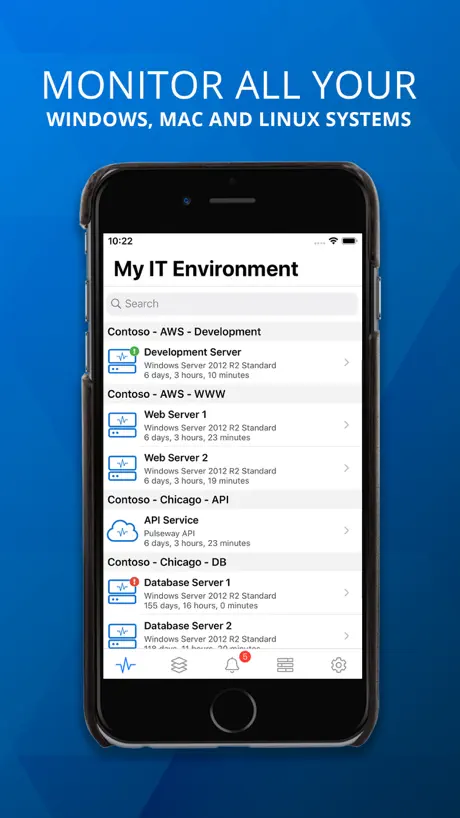
- Great for monitoring systems while away from desk
- Native mobile app works well without desktop login
- Very affordable for the features it provides
What they complain about
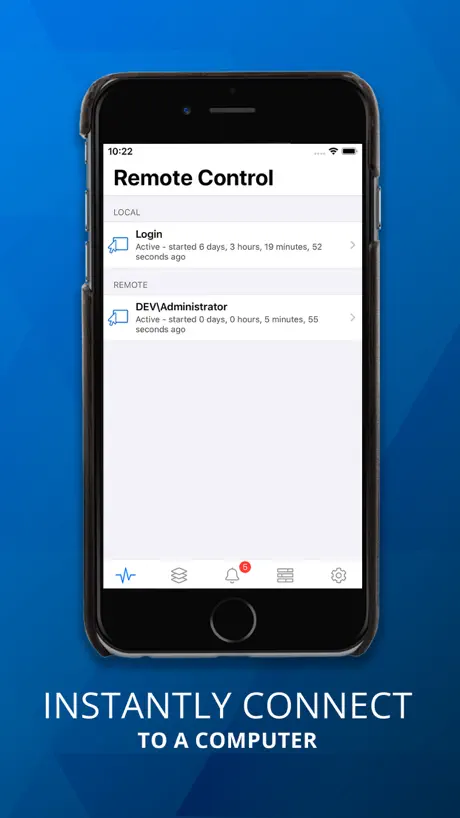
- Remote control is extremely slow and laggy
- App crashes or logs you out constantly
- Recent updates made the interface worse and confusing
Amazing RMM app with incredible features
Pulseway has been one of the best to uitilize the Mobile RMM apps as a true productivity tool! It is powerful, feature rich and so easy to use! I have used other RMMs that don’t offer a mobile app and I’m so glad it is a high priority for Pulseway. There are SO many times I need to help a client and I only have a mobile phone or a tablet and having a true app is vital! I appreciate that this isn’t a “screen scraper” type app where it’s just a shell for a website, great job!!! With all their latest announcements and updates most of them have been features for the client/web or integrations, I just hope they don’t forget about the mobile app and keep it as a high priority and focus with features and updates!
Help
You removed a feature!!! I can’t add members anymore within the Active Directory - group users.. only remove.. the plus sign is gone.. This is vital…
Output from scripts is not completely shown
I'm running the latest version and have created several scripts that have worked in the past. I can choose a script and it does run successfully. However, when I select the output to view, the app does not show the complete output. As an FYI, I reported this problem once before with the mobile app and it was fixed. Somehow in the latest version the problem has been re-introduced.
Awful updated interface
The new interface is absolutely horrible. What happened???
Pulseway app
Worked great until it no longer works. The app needs to save the login information.
Great app
As an iOS dev myself I appreciate the work that goes in to making a quality app like this one. I love the native iOS look and feel plus support for latest iOS system features like Widgets. I use it to monitor a handful of Linux servers. If I had any requests I’d say I would like to see the Linux agent get more features - it seems like Windows agents get most of the love (probably most of the user base) but for users like me with more Linux boxes than Windows it’d be nice to integrate things like remote control (VNC/X2go perhaps?).
Best app and support ever
I don't write reviews! But this app has really went down hill, I’ve been with the software since it was Call Mobile PC Monitor so for about 20 years and they keep taking features away, this time they updated the dashboard where it used to show me all machines uptime to where now I have to click on each machine to view its uptime, and it was working on my iPad and with this update it says I have no machines and isn’t working. I opened a support ticket and haven’t heard back anything and it’s been way over 20 hours. I will be moving away from Pulseway soon. Shame it was great resource for my MSP.
For companies only??
I'm trying to sign up but it seems that it requires a business email. There must be a huge market for gamers/miners who want to see stats on their phone when theyre in a game or dont want to go to the computer to see what temp their gpu is at. Is there a way a gamer could use this app?
Owner
Logs me out of the app all the time (this is new as of 2 months ago). Very frustrating when you are trying to do your job! Also stops working about every month or so. Memory hog.
Need update
The current app is no longer supported on current iOS 18
Proud User
I was requested to the developer to integrate the siri support. And they did it. I am very proud to have this app. Many thanks
Terrible update
Why did you make the app worse? Why increase the size and spacing of the system list? Now I have to scroll to see all my systems. And why did you remove the time since last restart and replace it with “online”? I don’t need text to tell me the machine is online! There was nothing wrong with either of these interface design choices before. Another classic example of software being changed for the worst for no reason.
Can anyone else turn their pc on?
I love this app but there’s one problem and I don’t know if this was intended- but I can’t turn my pc on with the app, is it supposed to be like that?
Pulseway issues
Over the past year, there have been a lot of updates but very buggy. Definitely worst since Kaseya bought them.
Siri commands always fail.
Otherwise a very good app.
Ex NINJARMM user
Got tired of Ninja jacking all my endpoints every 6 months or so, just tired of it, switched and never looked back
All tells me to update, but no update
Love Pulseway, been using it for many many years. But now the iPad app just says that it needs to be updated. But the App Store shows it’s current.
Extremely Awesome
I have been using this for about a month now and it's totally awesome. I do subscribe to their business model for access to numerous computers/servers but the amount of detail and usability it fine the user to monitor and report machines is awesome! Definitely suggest this to anyone needing to monitor machines or have remote options for maintenance when their not able to access the physical box. The only feature I wish was implemented is remote desktop from the app.
Can’t make an account without a buying a business domain
I was very interested in this by “Linus tech tips” But creating an account requires a business domain email. I wished to make an account for Home using my already made Gmail. Sadly you can only use a Business email, in which you have to go through a lot of trouble to purchase. I rate two stars.
Wake on Wan
I always use the wake on wan feature but suddenly it stops working, not sure if because of the update. Please confirm on this one. I love the app honestly.
Gaming PC Monitoring Software
I love using this for my gaming pc and to monitor if my Folding at Home is running (by seeing the GPU and CPU utilization and temps spike) and to see if game downloads are done (the internet speed slows once it’s donee because it’s not pulling data). Works well for monitoring your home pc while away for the day, gives enough data and info for free where I’m happy to use it to monitor the system, even though it doesn’t tell me directly if FaH and game downloads are done or running.
Pulseway is trash
Don’t buy it and don’t use it
inability to copy and paste password
On the desktop you can copy and paste your user name but cannot do the same for the password. The password is also hidden as you type. Once installed works pretty well. One feature request would be the ability to monitor GPU usage.
Decent management with horrible remote control
I've used Pulseway for years and the management aspect is decent enough. However the Remote Control function, at least from an iOS device to the server, is by far the absolute worse Remote Control program I have ever used. Normally you can judge an RC on frame rate and responsiveness, for Pulseway, when you connect the RC, you have a minute or two of 2-4 FPS, and relatively responsive to mouse movements. But when you go beyond two minutes, you now have to count the number of minutes between frames. And the responsive goes out the window, I can very specifically attempt to click and scroll a scrollbar, and nothing happens for 3-4 minutes, then suddenly every file in the folder is some how selected! Honestly it's not worth the hassle anymore, it's far quicker, easier, and more productive to drive 30 minutes across town, go through security/the building, access the server console to do the 3 minutes of work, then exit the building and drive 30 minutes back to your starting location. 1.5 hours to accomplish a 3 minute task? How is this worth paying for? And yes, I have tried multiple internet connections, multiple ios devices, reinstalled, re-image the whole server, everything. It's just a POS Remote Control
Being subscription based is just the first obstacle
I used to use this app on my previous ipads and it used to be a bit too notification friendly (i got about 30 a day) but thats the only bad thing about it i can remember. It used to be free and non company usage wasn't a problem till this version. It might not annoy people so much if the prices were displayed before you download the app, and, since when did company details need to be real when youre paying for the app??!!
Long time user
I have used this app far before it was called Pulseway. Works great and has saved me many times in a pinch. Request: Please add dark mode. The new UI is too light.
App is broke
App is broke and has been for weeks. Pulseway knows about it but doesn’t do anything to fix it. Any recommendations for a new RMM provider?
Great App, needs one feature
Surprised at how much data and features this app provides. Only needs to include the ability to control a machine remotely to be complete and get 5 stars. Love the ability to power on remote machines. But then have to go to another app to remote control them (RDP or dare I say VNC). Shows machines in and out of connection when they are online.
Username limited to 25 characters on I device
Bug
Simple, yet sophisticated.
This new must-have for computer management, monitoring, and diagnosing machines remotely. From one system to many, Pulseway will always be my first choice.
Broken
App is broken and no longer works until they decide to update it
Excellent management tool!
Brilliant piece of kit.
A great app
Pc monitor is a great app you can remotely shutdown a computer log off a user lock a computer and much more. I was trying to change my account name when I my ip address was blocked for many failed pass code attempts I do not know how long it will take to un block me but that is why I rated three stars.
App stopped working after last IOS update
Simply as that. Won’t load anything. Uninstalled and re-installed still nothing. Can’t see any of the equipments.
Terrible support!
The most annoying part is that if there is an incoming call while on a remote session, it gets disconnected. If you check your notification bar while on a remote session, it gets disconnected. Reported this over a year ago, but no one is listening 🤷🏻♂️
Great app but need updating to iOS 8
Great app really useful to monitor home server, also to us wake on lan or a remote shut down works well. Devs need to update the app though so it works with the iPhone 6 plus. Due to the size it tends to make the app look bigger and blurry.
Great for windows, average for mac
This tool has saved me a number of times with on site unresponsive pcs (teamviewer etc stopped responding and this was the only thing that could restart the computer remotely). However for mac it's only ok. One obvious feature is the ability to wake up (and keep awake) a sleeping mac. You can suspend one, but I then have to use Fring (or similar) to wake it back up again. What is also missing is a readynas plugin, that would save me a lot of hassle as I we have a number of readynas arm units in place for redundant storage backup, monitoring and controlling shutdown/wake events via this would be ideal.
Exactly what I needed!
I can take care of most tasks quickly without ever having to log in via a Remote Desktop session!
Push notification abuse
This company ignores section 4.5.4 of the App Store review guidelines and sends ads via push notifications with no means of opting out other than disabling notifications entirely which is not desirable in a server monitoring system.
Fantastic
This is an awesome app. I work in the industry and have used both the pay for version at work and free version at home and they work well for both needs. Only one issue, the lack of Active Directory features for a home server.
Works mostly well
PC Monitor works great on my Windows desktop and the iOS app is excellent. When running on my MacBook Air, however, the application takes up way too much CPU capacity. My idle battery life jumped from 4 hours to 13+ hours upon uninstalling the Mac application.
Excellent software and very affordable!!!!!!
Excellent software and very affordable!!!!!!
Latest update makes you login every time
Can’t stay logged in anymore. Re install didn’t solve.
Saves me a lot of time
Brilliant remote admin app and monitoring suite. Useful on both small and enterprise scale.
Gill_84
good and productive. I will give 5 stars when it gets updated and the supported file formats would be able to view and save on the idevice.
Pulseway FAQ
- Is Pulseway free?
- Yes. The app is free, in all 174 countries it sells in, and it sells nothing inside it.
- Does Pulseway have a free trial?
- No. None of its offers (US) come with a free trial.
- What are the best alternatives to Pulseway?
- PRTG - Monitoring (4.7 from 10,551 reviews), NAS Pro (4.2 from 958 reviews, premium from $1.99) and Network Utilities & Analyzer (4.5 from 877 reviews, premium from $0.99).
Pulseway download
Last updated 25 days ago.
Pulseway sells in 174 countries. It was released 15 years and 11 months ago, on 10 Dec 2010. It holds a 4.5 rating from 1,529 reviews.
Supports 2 languages: English, German.
How much does Pulseway make?
Third-party estimates for the last 30 days, worldwide — not the store's own figures, which Apple publishes for nobody.