
iPocket Draw Lite
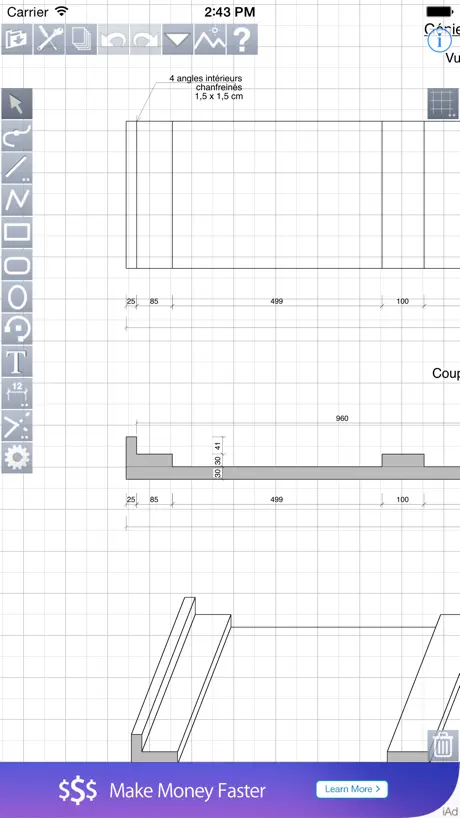
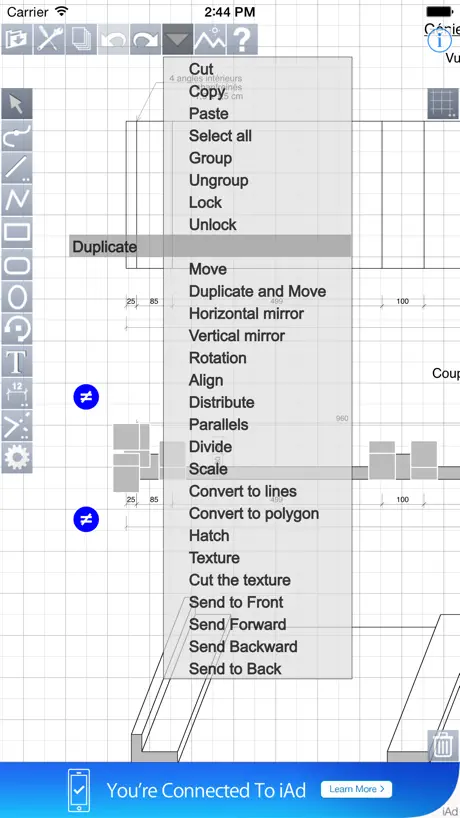
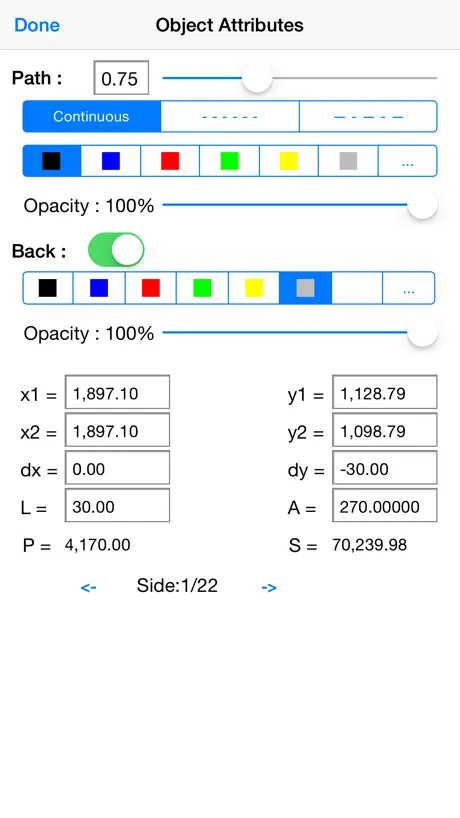
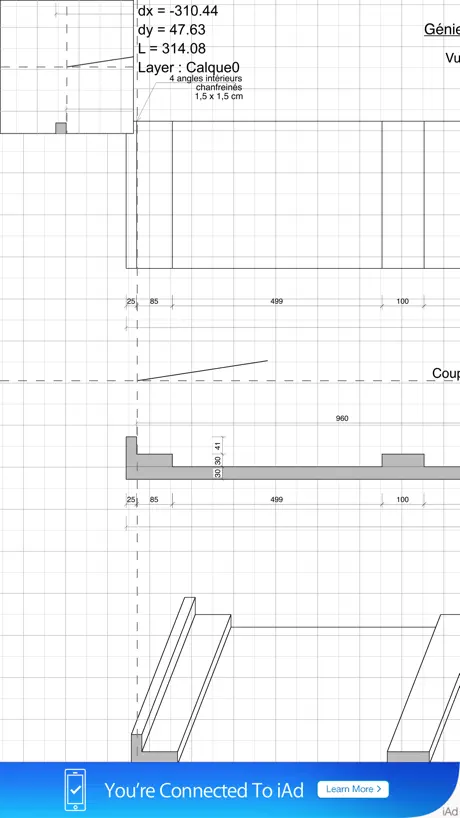
How much does iPocket Draw Lite cost?
Prices are current as of 14 Nov 2026.
iPocket Draw Lite has no in-app products on record in the United States.
10+ alternatives to iPocket Draw Lite
| iPocket Draw Lite |  ArchiTouch 3D - Home Design | 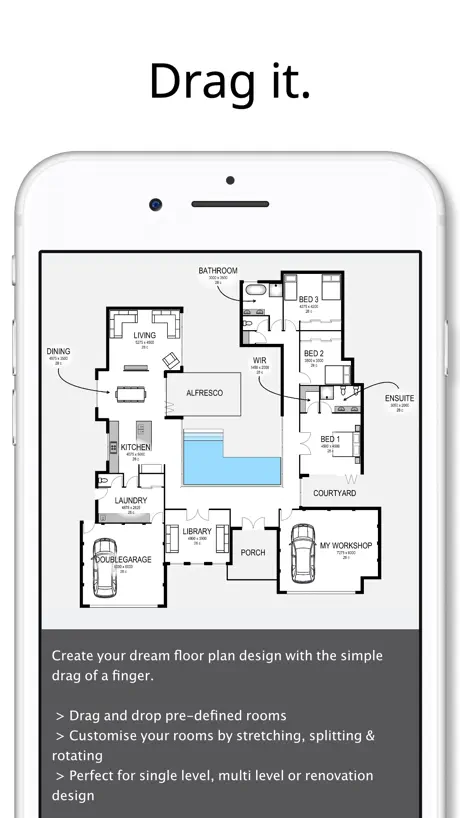  Planit2d Lite | 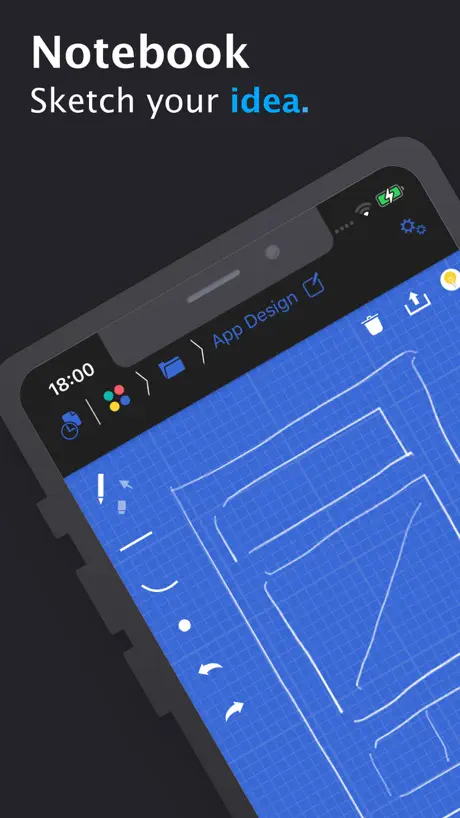  Blue Sketch - Handwritten note | 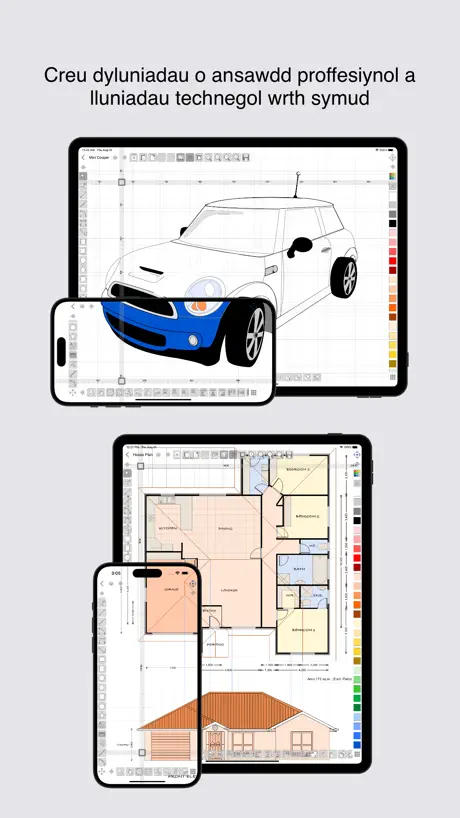  iDesign |  HomeCAD — Design your home | 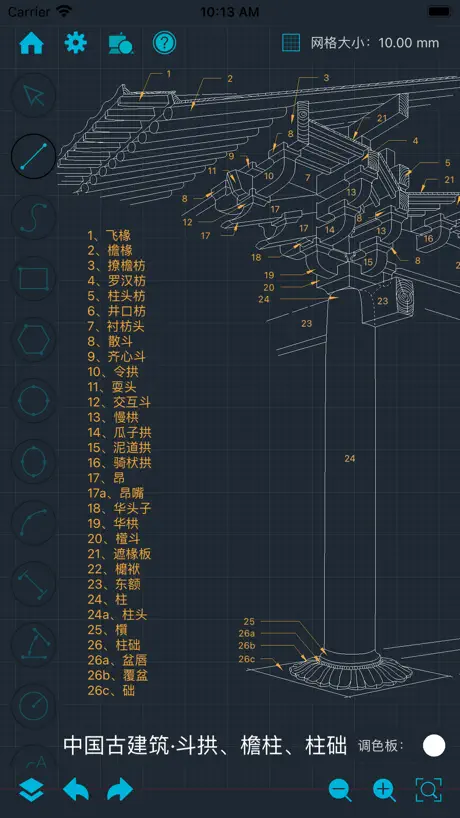  CADraw |   TouchDraw 2 |  Arrette Sketch drafting tools |   EazyDraw |   QuikCad | |
|---|---|---|---|---|---|---|---|---|---|---|---|
| Rating / 5 | 3.2 | 4.1 | 2.3 | 4.6 | 2.7 | 3.3 | 3.4 | 4.0 | 3.7 | 3.7 | 4.3 |
| Reviews | 132 | 2.1K | 505 | 498 | 388 | 269 | 167 | 54 | 30 | 27 | 3 |
| Released | 2009 | 2014 | 2014 | 2019 | 2010 | 2017 | 2020 | 2020 | 2014 | 2019 | 2026 |
| Monthly price | — | — | — | — | $6.99 | $12.99 | $1.39 | — | — | — | — |
| Annual price | — | — | — | — | $39.99 | $99.99 | $13.90 | — | — | — | — |
| One-time price | — | $49.99 | — | $0.99 | $79.99 | $0.99 | $69.99 | — | — | — | — |
The going rate for each plan in United States, in its own currency, shaded from the cheapest price on the row to the dearest.
iPocket Draw Lite reviews
3.2 out of 5, based on 132 reviews.
What people like
- Extremely small file size
- Great for simple technical drawings
- Powerful features for the price
- Easy to use interface
What they complain about
- App crashes frequently and loses work
- Ads interrupt you constantly
- Hard to learn without proper guides
- No eraser or trim tools
Works great!
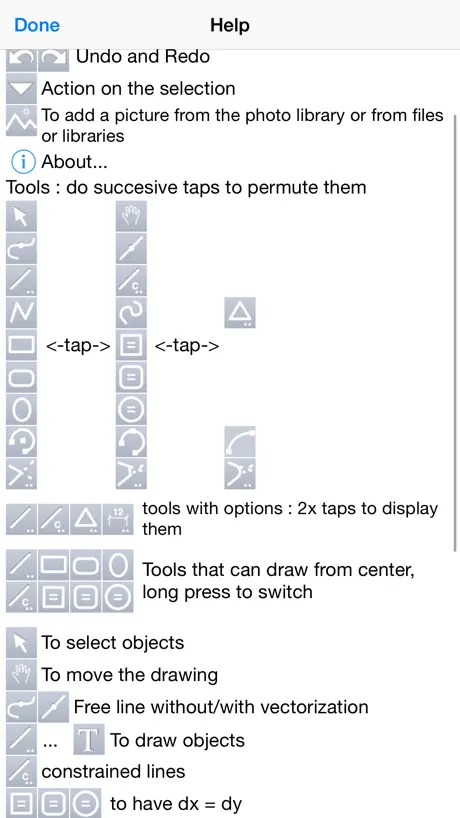
Works great on my iPhone 11 running iOS 18. I was able to draft up a router template for woodworking and able to print it to scale.
Does this work?
I can’t get any edit tools to do anything. No fillets or chamfers no trimming no anything. Why would anyone buy this?
Good 2d technical drawing
Good complement of tools executed in iOS using a magnified selection window (to see behind your pointing device, finger), indication of basic snap points, and a combination of tap, double tap, drag and long tap gestures. You can define a user library. The lite version interrupts with ads, but seems to have all the features of the full app. Read the manual on the website and watch the tutorials to understand the functions and appreciate the value. If you liked Claris Cad or Ashlar Vellum, and need it to work on iOS, you will like this. And, it is compatible with the Mac OS app Realcadd.
50 is your limit on the lite version
Played around with this app and initially reasonably pleased, created a few simple drawings and found the app relatively user friendly. Decided to use the app to draw a network schematic, spent a couple of hours creating my drawing, however when I came to save, you guessed it, sorry can’t save - max items 50. Opps. Perfect opportunity for the dev to make some money, I would have signed up straight away... but, all my work disappeared apart from the first 50 items. Okay my fault I should have twigged about the limited save function but to delete all my work without warning was pretty annoying. Will I now pay for the full version? No. Currently too frustrated to give money to the dev. Let this be a warning to others.
Keeps crashing
This app would be great if it didn't randomly crash after you're a good hour or so into your drawing and lose everything
Great app for our Young Engineers Club
I have tried, and paid for many apps for doing mechanical drawings, and this is absolutely the best. It has both powerful features for the professional, and simple usage for the novice. Also, the email support is fantastic. The only thing I would recommend is a more complete "help" section or the availability of a manual. Even with that short coming, the app still deserves five stars because of the powerful features for the pro, and simple usage for beginners.
What’s the point.. app freezes before even getting started
I am on an iPad Pro trying to plan out a 2D backyard garden.. when I set the measurements to Ft and Degrees THEN zoom out, the app freezes.
Great CAD app
I use PocketDraw for all my precision drawings. Snaps need more options, and trimming-extending tool can be tricky. Otherwise, I think it's one of the best drawing apps available so far.
Ad is in the way
Can't get rid of the ad
期待感のあるCAD
数分触った感じだと、将来性があるCAD AutoCAD WSだと大きいデータ(15MB未満のみ)はダメだしPCのAutoCADとのクラウドによるコラボなCADだし CARTOMAPだとかっちりした絵が補助点ありきで且つ相対点がなく空間の捉え方が難しく難しいお絵かきソフトだった。 こっちはインポートが出来ない事、出力はiTunesやcloudでは無くmailに添付という点。ここがちゃんとしないと使い物にならない。 説明文もフランス語なので読めないし....(困) drawingに関してはネイティブなiOSアプリと考える結構よくできている。 レイヤー毎にscale unitの変更もできるし。 パラメトリック変更が出来ない事、寸法と連動していない点、指定したサイズの図形が書けないなど致命的ではある。 しかし、上記のアプリよりはしっかりCADなので 今後に期待。
A really great app
Starting to work with this app, your first question will be "How such a powerful, sophisticated, complete app is less than 4MB?" For me, as a physics teacher, it is an essential tool. No other similar app has ever been comparable to this one.
Ridiculous App
No instruction or help Don't waste time
Brilliant
I cant believe how powerful this is. For 2D technical diagrams this is perfect. I had to watch the tutes and read the dummies guide but after that I was flying. Be aware on the lite version there is a limit on 50 objects. Once you have done a few small sketches you will know if you want to invest in the full version. Another gotcha is that decimal points have to be commas; full stops, or periods as our cousins say, are ignored! Other than that a real pleasure to use. Great work Mike 👍
Poor show
Was trying out to see if it's worth buying, was initially impressed, drawing was easy using a stylus. Software continuously crashed so I couldn't really try out all the features. Gave up after an hour and about 15 crashes. Never mind will keep searching for a good drawing program, if the light version crashes I bet the full one would too. pBullox
Looks good, BUT MAKE THE FULL VERSION WAY MORE AFFORDABLE!!!!
3 stars because it works well and accurately and is easy to use, but the full version is outrageously priced. Nobody is going to buy it if it is that expensive! I would be using this for s geometry class, and the price would huge if everyone got it. Lower the price, and it gets 5 stars.
Fantastic!
Who woulda thought there could be so much in such a wonderfully tiny package.
Needs a little more intuition built in or maybe documentation
I couldn't get it to do anything but draw a box. I tried to use the help feature but it wasn't very helpful either. I suppose if I were the guy who designed and built it, I'd know the tricks to make changes as well. How do you make a rhombus? I need to change the angle of one corner and have the adjacent and opposite sides change length. How is that done? I didn't get beyond that. I can only suppose the guy teaching physics is the same guy who made the app. He loves it and I can't make a trapezoid. You decide.
E-Rick
It's not a cheap apps and using It feels like the basic Autocad in terms of basic drawing tools and what these tools does. My wish lists would be to improve on champering, increased accuracy in snaps to mid, end, intersections. Saving it to other formats (jpg etc.) should allow compression in aspect ratio to give the right proportion once it's re written to other formats. This app is quite powerful for iPad and I hope you can add more functions to the menu similar to technical drawings or designs. Please keep it up.
I wanted to buy full ipad version but...
- there is no way to select mutiple objects - there is no way to join multiple lines - icons are too small - there is no hatches The app looks promising but as for now I hold on with buying it. Keep progressing.
R B
My first impression is that the app looks good. However, as I've not used anything of this type on my iPad I looked for a tutorial or guide. I found a number of tutorials by the author on U tube but was amazed that none of them had any sound content or commentary. It's a little like standing behind someone who's using a cad program at normal speed and expecting to absorb and learn at that speed. Please provide a little more guidance. Regards
Exceptional drawing app
I have tried many technical drawing apps they have all been too basic or too difficult to use without a lot of trial and error - this one is absolutely the best - and for a free app in such a small package it is exceptional. Give it a try you won't be disappointed.
App does not launch
Apple should remove this app from the store.
Very handy
Very simple and easy app. I have tried about 6 other blueprint / technical drawings apps, and I like this one best. For my usage, it is better than the autocad, and many other similar apps. The full version is a bit pricey for the service if you are a hobbyist and not a company but the free version is quite helpful for small projects/ evaluation, and hey, can't beat free. It could make use of a thorough guide on the tools (can't figure how to trim lines yet, etc...). The interface is easy also sometimes confusing (the layers tabs, etc...). With these easy fixes, it would get five stars! Oh yeah, and I could not make sense of how to grab individual move handles vs resize object handle... I lost about half of my time working around that.
I would have bought it, but...
I can not draw a line in a needed distance from another line.. For example, i need to draw 8 parallel lines in 38 cm each from another. How can i do it for 10 bucks? I do not even see any grid to measure the distance on the sheet. Can I get manually adjustable grid for 10 bucks? Add, please.
Response for Mark
Mark, Can you try to delete the app and reload it?
EWWW
NO ERASER... SUCH A BAD APP
Good one
I needed an urgent but simple CAD drawing and this could do it in no time. Worked very well.
Great App but watch out, your file can't be opened if you upgrade!
This is a great app and I ended up buying the full version as it's actually very useful. However, watch out... anything you create in the lite version won't be found by the full version! So, my advice to the author is make it so that if you do upgrade you can open the file that you created while using the lite version. i wrote a longer review for the full version - check that out
J
You have to put a direction pad that can turn and move lines to the desired position. It a great app but it lacks what I have mentioned above.
Crash
This app crashes too frequently.
Works well
I was able to make a small mechanical drawing after a few minutes of trial end error. It took a bit to get used to. I was going to upgrade to the full version, but it is more than I want to pay.
良いアプリです
地図製作の仕事をしているため 大事なメモとして使いたいと思っていますが、 タップする部分が小さすぎて使い辛いです。 また、地図記号や線なども種類を増やして頂けると助かります。
Great app
Great, easy to use
Great, but ...
The app reminds me of Corel Draw (circa 1995) with the potential to be so much more, since I need both the Corel ease combined with Cad-like features. However, the advertising makes for an annoying experience. It's just in the bloody way. Please place it at the top so I don't navigate to Zillow ever other second.
Pretty darn good.
Designing a CAD app you can use easily on something as small as a phone can't be easy, but this one seems to work quite well. I haven't really used it much yet, but so far I'm impressed. It hasn't crashed on my iphone4, and it has most of the features of a desktop 2D CAD program. The developers should utilize the retina display on iphone4/ipad2 and put text labels (or an option for it) on the tool buttons so its easier to learn whats what. I would like to be able to double tap an object to open its attributes and set them: Like how SolidWorks has the user free-draw entities and then set their attributes after creation. This menu could also include a checkbox (which would open a sub-menu) to add drafting features to that entity such as xdist/ydist, length, radius, etc. I think this would be the easiest way to add dimensions to a drawing on a touch-based system. This version is very good for creative design, but needs a little more work to be an efficient app for creating architectural or mechanical drawings.
Plutôt intéressant.
Pas mal mais je trouve que de nombreux bugs viennent gacher le tout. En passant il existe un autre petit software de dessin vectoriel a tester: MINIDRAW (lite).
Works for me!
So I've tried several other CAD like apps today and this one is the best for me. Why: 1. It has a functional grid with configurable size and snap. 2. Lines and shapes are objects on the screen that can be selected, adjusted, filled if that is appropriately a, etc. 3. It has a properties tool or pallet that allows the size and position of a selection to be adjusted. 4. The drawing tools are simple, easy to understand, and right there so you can get at them. It's basically just a normal drawing app that anyone with even basic PowerPoint experience will instantly get. I don't think it would be hard for a newbie to learn either.
Simplest thing hardest to find
Aside from making you ask questions through a forum that does not allow new members to sign up as of this posting, the simplest thing is hardest to do or at least figure out. That is to draw a line and then select it and dictate the lines length. I am sure it can do it but how is a mystery. what good is a drawing app if you cannot even tell it what length to make a given line?
Getting better all the time
I have been working with this for the past month. The newest version downloaded today (1.42) treats a group object very strangely (not sure if this is new or was also true with the earlier version). It appears that it ignores the group when aligning or scaling. The individual object selected to get the group is the only thing affected. Cannot scale a grouped object at all. Setting up the scale BEFORE doing any work is a must until the scaling issue can be fixed. I appreciate the ALIGN feature, esp. if the group thing is fixed. I figured out how to use the coordinates to align (clumsy but extremely accurate - a bit of yin and yang), and the Duplicate and Move function. I enjoy the app, and am getting it figured out - some different characteristics, but most of them can be figured out.
惜しい…
ちょうど、こんなアプリを探してたんだけど、残念なことに、UIがまずい。 操作しずらいです。 あと、オブジェクトをグループにまとめる機能が欲しいなぁ… アイコンも変えて欲しい。
Mr.
This is the one you want.
Don't say you weren't warned
It's cluttered crap. Pita to use. Crashes often, but at least saves work performed.
hmm
confusing but great!! cant scroll though
いいですね
結構使いやすいですが、「消しゴム」のような機能とかつけて欲しいですね。 あと、少し操作しづらいです;; なので★3つにしました。
iPocket Draw Lite FAQ
- Is iPocket Draw Lite free?
- Yes. The app is free, in all 175 countries it sells in, and it sells nothing inside it.
- Does iPocket Draw Lite have a free trial?
- No. None of its offers (US) come with a free trial.
- What are the best alternatives to iPocket Draw Lite?
- ArchiTouch 3D - Home Design (4.1 from 2,145 reviews, premium from $19.99), Planit2d Lite (2.3 from 505 reviews) and Blue Sketch - Handwritten note (4.6 from 498 reviews, premium from $0.99).
iPocket Draw Lite download
Last updated 17 days ago.
iPocket Draw Lite sells in 175 countries. It was released 17 years and 5 months ago, on 24 May 2009. It holds a 3.2 rating from 132 reviews.
Supports 3 languages: English, French, German.
How much does iPocket Draw Lite make?
Third-party estimates for the last 30 days, worldwide — not the store's own figures, which Apple publishes for nobody.