
Flashcards Deluxe Lite
How much does Flashcards Deluxe Lite cost?
Prices are current as of 8 Oct 2026.
Flashcards Deluxe Lite has no in-app products on record in the United States.
10+ alternatives to Flashcards Deluxe Lite
| Flashcards Deluxe Lite |   Flashcards by NKO: Flash Cards Flashcards by NKO: Flash Cards |   Spaced Repetition SmartCards+ Spaced Repetition SmartCards+ | 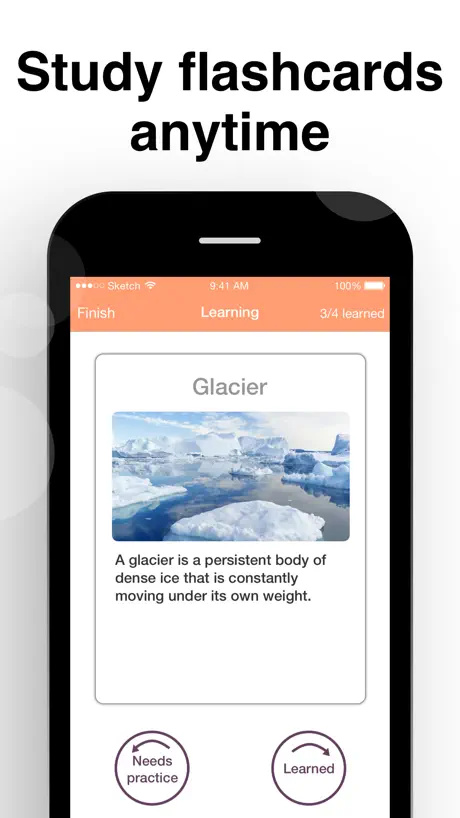  Flashcards maker - AI generate Flashcards maker - AI generate | 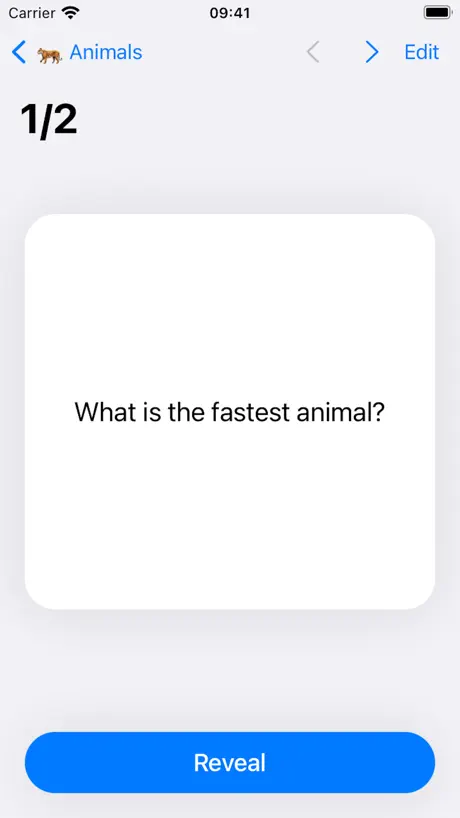  Amazing Flash Cards Amazing Flash Cards |   FlashCards - study flash cards FlashCards - study flash cards |   Plain Flashcards: AI & Study Plain Flashcards: AI & Study |   Mochi - Flashcards and notes Mochi - Flashcards and notes |   Cramly - create flashcards! Cramly - create flashcards! |   AI Flash Cards Maker: Studit AI Flash Cards Maker: Studit |   Flashcard Max Flashcard Max | |
|---|---|---|---|---|---|---|---|---|---|---|---|
| Rating / 5 | 3.5 | 4.8 | 4.6 | 4.6 | 4.7 | 4.7 | 4.5 | 4.7 | 4.3 | 4.5 | 4.3 |
| Reviews | 114 | 4.7K | 4.5K | 3.8K | 2.8K | 2.5K | 786 | 684 | 315 | 256 | 83 |
| Released | 2009 | 2011 | 2017 | 2017 | 2020 | 2019 | 2015 | 2020 | 2021 | 2022 | 2018 |
| Monthly price | — | $1.99 | $7.99 | $9.99 | $1.99 | — | $3.99 | — | $11.99 | $9.99 | — |
| Annual price | — | $14.99 | $29.99 | $39.99 | $9.99 | — | $17.99 | — | $49.99 | $59.99 | — |
| One-time price | — | $2.99 | $69.99 | $4.99 | $29.99 | $3.99 | $1.99 | — | — | $99.99 | — |
The going rate for each plan in United States, in its own currency, shaded from the cheapest price on the row to the dearest. Plans fewer than four in ten of the priced apps sell are left out.
Flashcards Deluxe Lite reviews
3.5 out of 5, based on 114 reviews.
What people like
- Excellent text-to-speech feature for audio studying
- Smart algorithms help you focus on wrong answers
- Highly customizable with many card types available
What they complain about
- Free version limits you to just four cards
- Steep learning curve makes it confusing at first
- Interface feels unintuitive and hard to navigate
Nice cards
I really enjoyed trying this out. The test deck gives an example of each type of card. My only suggestion is to put a link in it to the full version.
Horrible
It only let's you have 4 decks and a has 6 cards in it. Don't get it!!!
APP
It is ok. It could be better. Please try to make I more easier. It is hard to get used to.
Gute App. but
- why there is no RTL support? - Last view is not saved. - Few options for the list view: color, more display options, wide control if seperated and an option for flexible columns to show all contents without clicking the word.
구매내역삭제해주세요 ㅠㅠ
용량때문에 구매내역삭제부탁드립다
Good
Good for a free version, but you should buy the full version.
Pointless
Pointless unless you get the full version
Really?
This app is great but why $4 for the full version? Yes it's brilliant and deserves money but $4? Pricey.
popover
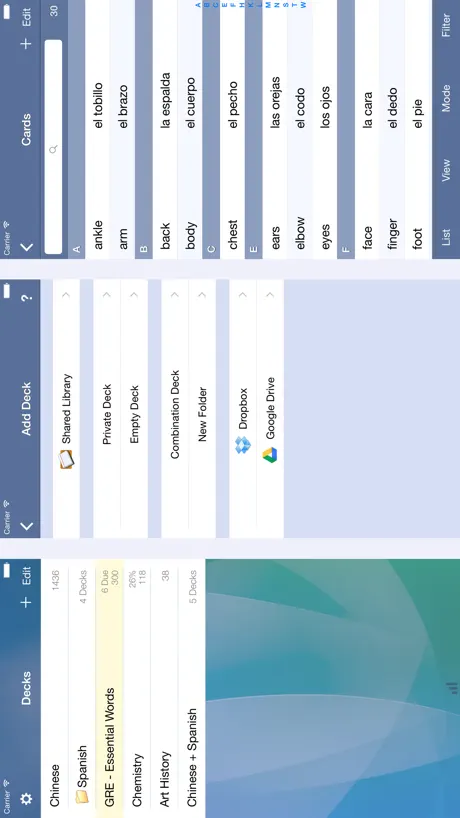
It crashs when I try to open the popover (Liste, Ansicht, Modus, Filter)...
Too much
This app is trying to do a lot. That being said it's more of a task to set up than I have cared to put into it....which is sad since I really want to move away from paper.
Wow!
Getting the paid version. Spectacular app. My only comment to the developer is to rename the rows when creating a card: text side 1, text side 2, etc.
Too Complicated & Long Registration
With this app, it's not possible to make your own flash cards. It's necessary to create an online account and create your flash cards online then download them onto device. There are other flash card apps that allow one to create cards immediately without the 10 min. registration.
One addition
This app is very good although I have not purchased the full version yet, the only thing that's keeping me from so is the ability to look up words (I am the Spanish language student) in some kind of online dictionary where translation would be added to other side of flashcard instead of typing it out. Please add this feature and you will gain one more satisfied customer of your wonderful app.
Free but very limited
Nice to be able to try it out on a lite version. Not sure if you can import your info, if you upgrade to paid version. Takes a bit to figure it out, but once you figure it out, is ok to use. However, I don't like the black on white version. This is an iPad, not traditional old-fashion cards. Disappointed that the iPad capabilities are not used. Can't customize this app very well. I tried to put data in a table, but it just scrambled it together. It does not allow for any different fonts, colors, bold, italic. Keeps putting a period after each word.
let's see
after this update I finally can start testing.
Very helpful for students
As a pre-nursing student I find this app very helpful in getting good grades.
Don't understand it.
The review said it would be simple, but it's not. I tried to make a flashcard but it just went to a page with lines. I tried the tutorial deck but I couldn't get to the second card. Don't get this app. It stinks. Good thing it's free. Right after I write this review I'm deleting it. does anyone know any better flash card apps? I hate studying but I think flash cards are better. guess what? This app doesn't help at all!!! If there was a 0 star choice, I'd definitely choose it. DONT GET THIS APP!!!!!!!!!
Only 4 decks with 4 cards each... T_T
So my friend recommended the full version, but since I'm a poor and starving med student I decided to get the free version to try it out. I have to admit, it is a pretty good app, so I decided I'd give my 2 cents. Of all the flashcard apps out there, this is by far the most customizable, most reliably lossless, that is true. It allows sounds, pictures, more 3 sides (which is impossible with paper notecards, take that whoever said printing it would do fine). On top of that, there is a website to copy and paste your spreadsheet and it does all the formatting for you, preserving the fidelity of the original formatting and even the symbols (trust me, my notes have arrows, Greek letters, mathematical operators, what have you for condensing my notes... I was worried that it'll all just show up as nonsense boxes, but it worked). Right now, I'm using gFlash+ (which is free) and it doesn't have the limitations of 4 decks with 4 cards each, and it's doing fine for me. To me, an app has to be perfect to warrant me forking over the $4 for the app. There are only a few things missing... Universal settings… you can change the settings on repetitions and what not with individual decks, but not for all the decks in general. So the default is the study mode will show the cards in order, and if you want it to be shuffled, you’ll have to change that setting for all the decks one at a time… which is a bother; same thing goes with fonts, color, everything. Also, allowing for smaller font sizes would be nice (the current minimum is still huge). Browse mode isn't really browsing since I still have to flip through the cards. I consider a true brouse mode is one I can see all sides of the card at once to review before I go back into study mode. Admittedly, the customizable-ness of the app does make it a little more confusing to use, so more user-friendly clues of what everything is would be great. No one would be able to memorize the huge instruction manual that comes with the app, nor is it really available to us all the time. Maybe simply having a pop-up balloon that explain what each setting is if you tap on the label would be sufficient. I'm big into intuitive design, but things like that are non-intuitive to design, and with all the different ways to customize, it may be near impossible to make all the settings intuitive. Overall, I am very impressed by the app. I am leaning towards buying it, but as with all things that has to do with money, I must think about it a lot more, even if it is only $4, especially since I have a free program that works for me now.
YOU GET WHAT YOU PAY FOR... and this one's free
Great concept but we wish the FREE version offered more that just 4 flash cards in each set. Very limiting and not very useful.
Zu wenig Wörter zum Testen. Sonst sehr gut.
Bei der Lite-Version handelt es sich um eine beschränkte Variante der Vollversion. Zum Ausprobieren ganz nett, um die Funktionalität kennen zu lernen, zum Lernen aber nicht zu gebrauchen. Schade, dass die Beschränkung bei 6 Einträgen pro Liste liegt. Das ist deutlich zu wenig, um die gesamte Funktionalität zu testen. Da hier 4 Verschiedene Lernmechanismen angewendet werden (Reihenfolge, Zufall, Schnelles Lernen, Langzeitlernen) sind nur 6 Vokabeln deutlich zu wenig, um den langfristigen Lerneffekt zu testen. 20 Wären da schon besser. Deshalb nur 3 Sterne für die Lite-Version. Die Vollversion sieht aber vielversprechend aus und wird extra bewertet.
Like this app
Helps me study my French. Use it all the time. Was worth more than four dollars. Did have to learn how to use it at first because I was used to using a different free app at the time. Now I can use it very easily and like it.
Don't Buy!
This app is confusing and hard to deal with. You can't even make your own deck! If anyone knows how to do so, please respond.
Japanese
Looking forward to using this to improve my Japanese. I would like to be able into import wordlist from other apps, like dictionaries etc. Will try to do that now.
Systems analyst
Love the concept of the app, but the interface isn't intuitive and the help is more of an overview.
Great
So helpful
Please, DON'T GET ( a must read)
This app is complicated. I got this to learn, not to waste time on the most stupidest app. Anyone can learn and study much quicker and easier. I am a teacher and none of this makes sense. Don't get unless you want too make yourself go crazy figuring it out.
Why are people complaining
It's a demo of the full version. That's how they lure us into buying it. There is a reason they put a limit on the cards. That's just how advertising works. It's cheaper than a deck so don't complain. Features are pretty awesome.
Kind of confusing
Good
How is $4 too pricey?
Some reviews have people asking how is the full version worth $4? A pack of 100 flash cards costs $1. Some flash card apps are free. But those flash cards can only be used once and those apps are crrrraaaaap. When you are looking for an app that you will DEPEND on to learn vocabulary, equations, languages, etc. this is going to be an app you will use for the entire life of your phone. Not to mention the creator gives major updates that somehow reinvent the (flashcard) wheel every few months. Angry Birds will only give you a month or two TOPS of fun for $1 and who cares about their updates. So if you are using this app on a daily basis or even a monthly basis, in the end this app will have cost you nothing in comparison to the four measely dollars you invested. I don't understand how people pay $5-$10 on Fifa games and Madden games every year when they give you nothing in return but a few afternoons and two plane trips of entertainment. This isn't just another flashcard app. This is the CREME DE LA CREME of flash card apps and Will always be one of my main 4 apps on my iphone.
Say What?!
When I first got this app, it told me i could only have 4 decks of 4 cards each! What the heck?!
Its pretty good.
Its okay, the layout isnt that appealing but it gets the job done. I just wish their was more of a quiz mode, test form and all. But I love the extensive reach to be able to download from Quizlet! @wickedskillz Just click the plus in the corner and select "empty deck"
Help
How do you use the spelling part
Good versus Bad
It's a great app, love the concept. And i personally find it easy to use. One problem, the limit is 4 cards per deck with the lite version and you can only create 4 decks. It really helps with bio, other sciences and other languages like Spanish and French!
The app is awsome
Ok so I was trying to make my deck and I accidently deleted the directions. How do I make my deck straight from my iPod?
A flashcards app for grownups!
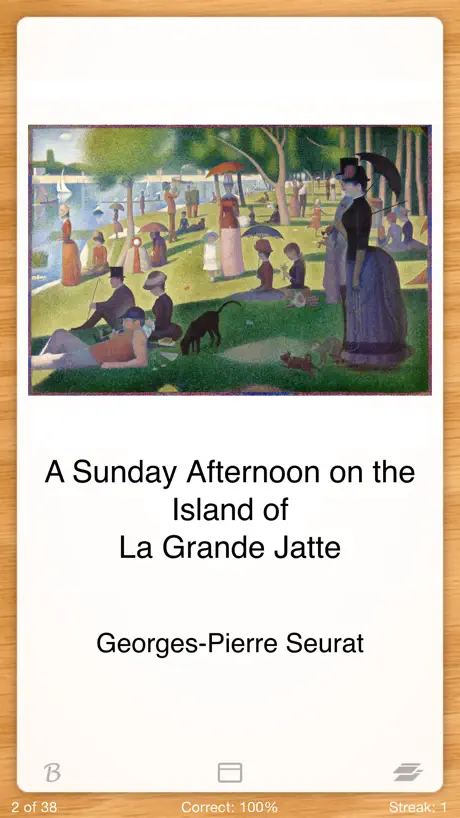
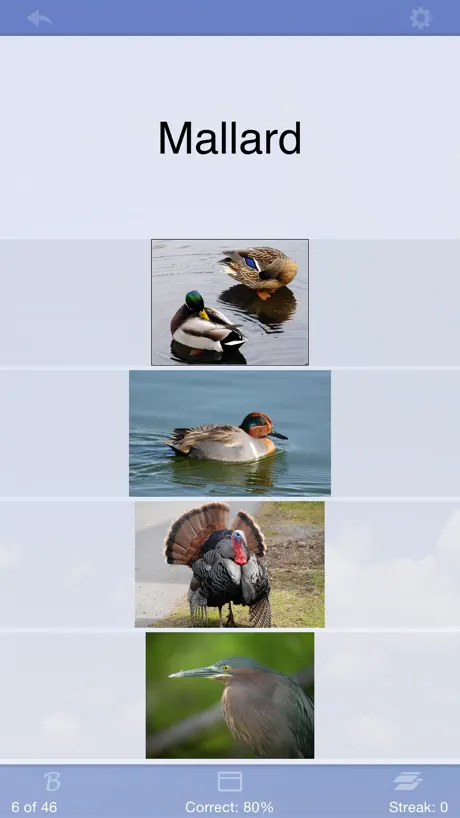
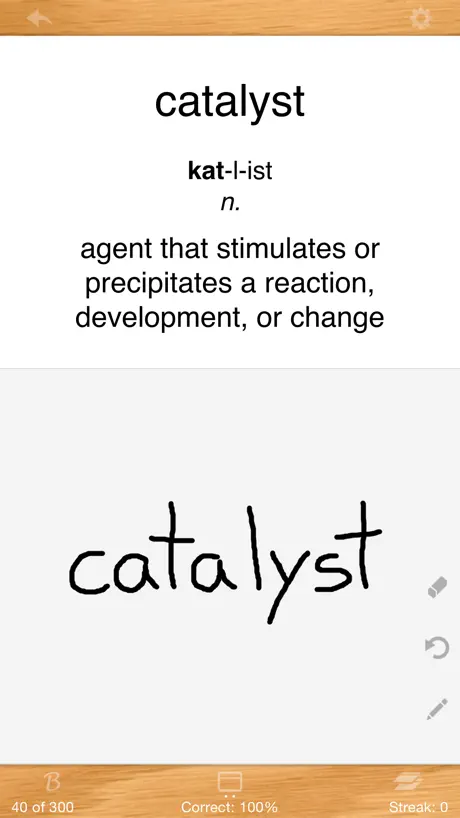
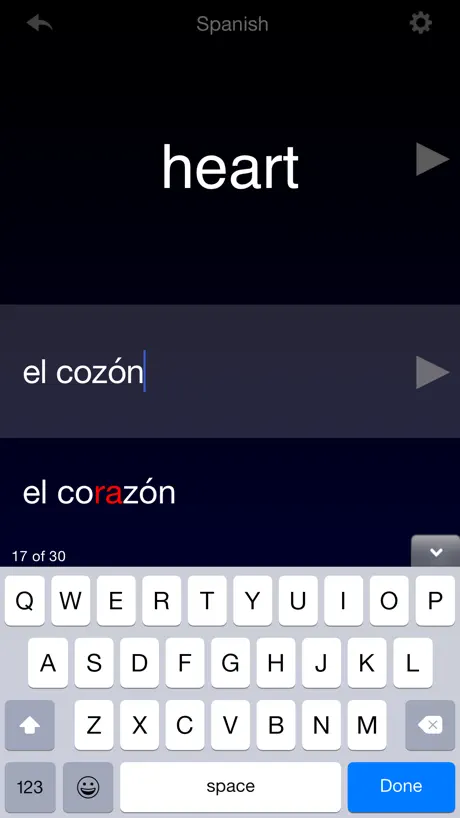
I have no clue why there are one star ratings for this app. Forget them! This app is not an app for your two year old to learn his alphabet. It's an incredibly advanced flashcard app for grownups. There are many features in the full version that absolutely blow my mind. Sure, it does the simple flashcard like all the other apps in the app store, but this one does so much more. There is a voice to text feature in the most common languages. There is an auto play that will run through your cards without having to manually advance them. You can change the color of either side of the cards and text, as well as the size and color of the font. You can have 2, 3, 4, or 5 sided cards. You can download from quizlet. You can upload to the app's own quizlet-like website. You can create cards right from the app, a spreadsheet, or google docs. You can use pictures, drawings, and illustrations. You can set up multiple choice cards. The list goes on and on. But what really got me sold were the two different ways the app can help you study more efficiently. By keeping track of what cards you have answered correctly VS incorrectly, the app will run through your card deck randomly, and show the cards you have most problems with more often than the others. One mode does this that's effective for when you have an upcoming exam and need to cram. The other mode is effective for long term recognition, automatically reminding you to run through certain cards in a day or two, or three, or longer, based on whether you answer right or wrong....automatically. It's just crazy! Another awesome feature is the ability to choose to use your finger to handwrite the answer...perfect if you need to know how to spell your responses, or if you have a formula you need to memorize. The app itself is written by someone studying a language. You can tell there are so many little added features that make this app incredible, probably added as the author needs surfaced. It's as if you are using an app and say to yourself, "Hey, wouldn't it be great if the app does this?" and poof...it's in there. There may be some people who find this app complicated, and I did at first, too. Everyone wants something easy to use with a low learning curve! But be patient and try it out. There are lots of help screens available that describe what each and every option on a certain page does. After using it for a while and getting more comfortable testing out different features, I've unlocked a plethora of features that makes this the absolute best flashcards app. One request I'd like to see is an easier way to type in mathematical formulas from within the app. I use lots of them in my electrical engineering studies. I use the drawing feature to write my answer, but rather than an illustration, I'd love a chance to set up a formula card within the app itself. Other than that, I can't say anything else other than get this!
why bother
just don't download this. I could only put 4 flashcards per deck.
Better than i first thought.
This app is very confusing at first. I could not make heads or tails out of it. I think i figured it out now and seems much better than originally thought.
Great Customer Service
I was looking for a specific feature in a flash card app that would let me create AUDIO flash cards. I want to be able to hear the study material as I work out/clean house, etc (without looking at the screen or having to "flip" cards). Well this app works beautifully! I thought I would have to record my own voice "saying" the material on the flashcards, BUT this app has a "text to speech" feature that does it for me!! Now I can even study via Bluetooth as I drive to work! Awesome! I say great customer service because I emailed the developer and he responded with my questions right away with a personal email. Check out his blog question and answers on-line too. Very helpful. I am def willing to pay $4 to someone who CARES about the app, WORKS on making it better, and RESPONDS to what people want in a study tool. May you make millions--here's my four bucks in the pot! ;) $$$k
THE WORST APP I EVER PURCHASED!
DONT GET IT! IT'S FOR UR OWN GOOD!
Good
This is a very well-thought out app. I like the wrong-kind of know-know approach. This is great for the questions that I really have to think about. Thanks!
Flashcards Deluxe Lite FAQ
- Is Flashcards Deluxe Lite free?
- Yes. The app is free, in all 175 countries it sells in, and it sells nothing inside it.
- Does Flashcards Deluxe Lite have a free trial?
- No. None of its offers (US) come with a free trial.
- What are the best alternatives to Flashcards Deluxe Lite?
- Flashcards by NKO: Flash Cards (4.8 from 4,739 reviews, premium from $0.99), Spaced Repetition SmartCards+ (4.6 from 4,531 reviews, premium from $7.99) and Flashcards maker - AI generate (4.6 from 3,815 reviews, premium from $4.99).
Flashcards Deluxe Lite download
Last updated 8 months ago.
Flashcards Deluxe Lite sells in 175 countries. It was released 17 years and 6 months ago, on 27 Mar 2009. It holds a 3.5 rating from 114 reviews.
Supports 3 languages: English, German, Korean.
How much does Flashcards Deluxe Lite make?
Third-party estimates for the last 30 days, worldwide — not the store's own figures, which Apple publishes for nobody.