
HomeBudget Lite (w/ Sync)
How much does HomeBudget Lite (w/ Sync) cost?
Prices are current as of 9 Sept 2026.
HomeBudget Lite (w/ Sync) has no in-app products on record in the United States.
10+ alternatives to HomeBudget Lite (w/ Sync)
| HomeBudget Lite (w/ Sync) |   Expense manager -Money tracker Expense manager -Money tracker | 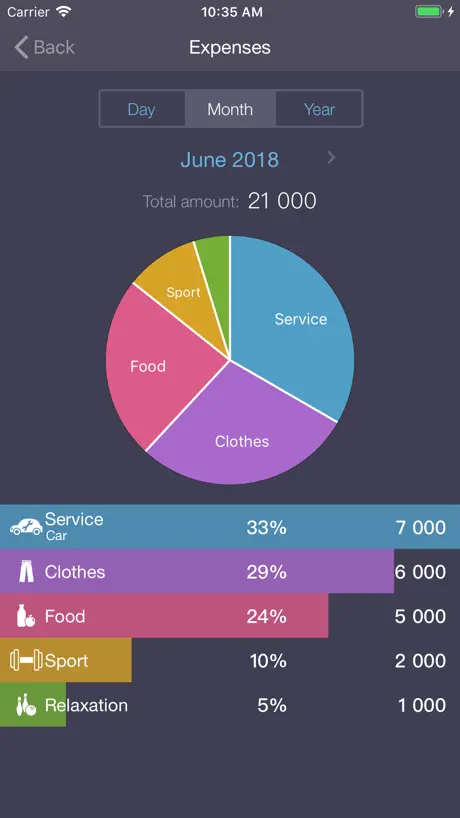  Expenses OK - expenses tracker Expenses OK - expenses tracker |   Monee - Budget Planner App Monee - Budget Planner App | 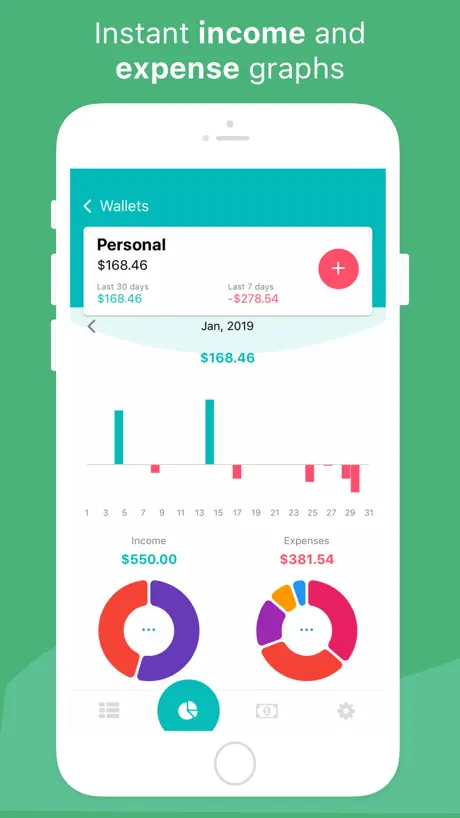  Budget App & Expense Tracker Budget App & Expense Tracker | 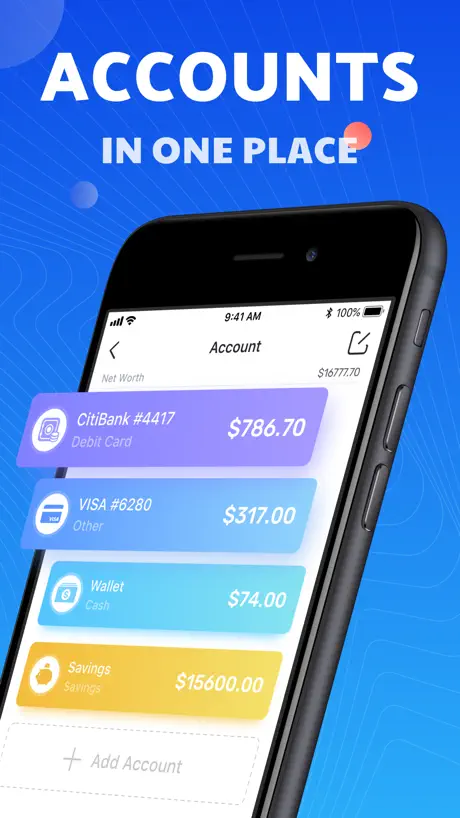  Pocket Expense 6 Pocket Expense 6 |   Pennies: Budget & Bill Tracker Pennies: Budget & Bill Tracker | 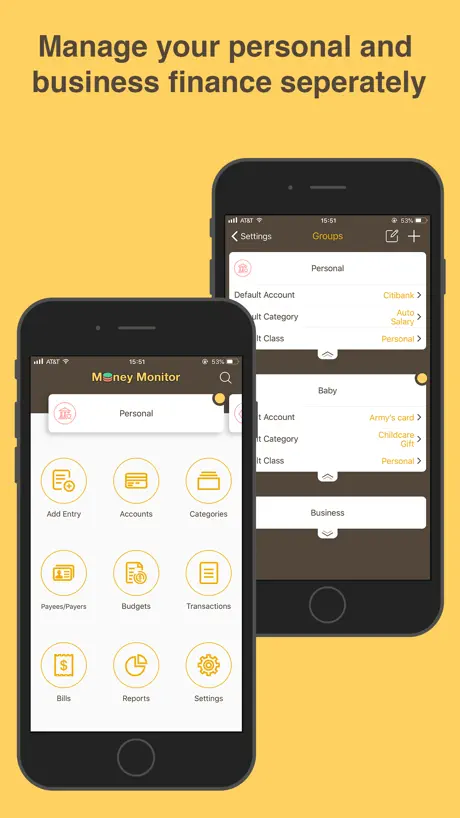  Money Monitor: Expense Tracker Money Monitor: Expense Tracker | 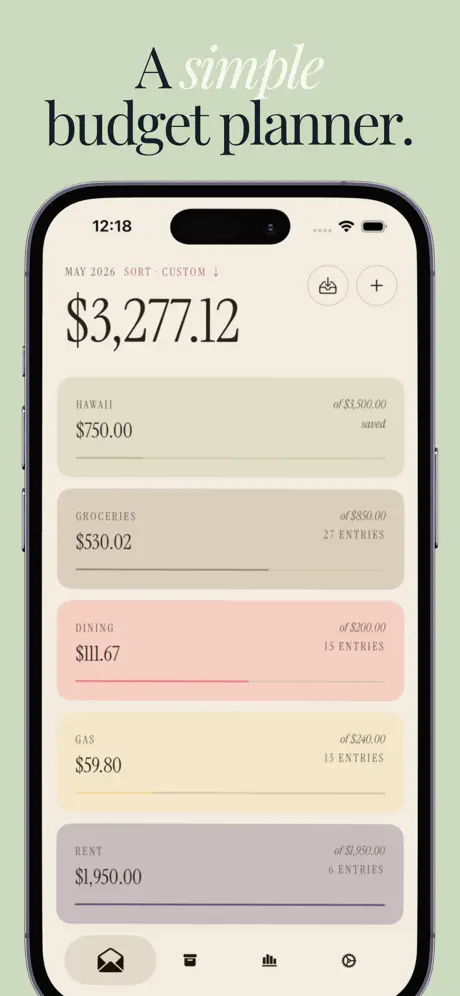  Envy: Envelope Budget Planner Envy: Envelope Budget Planner | 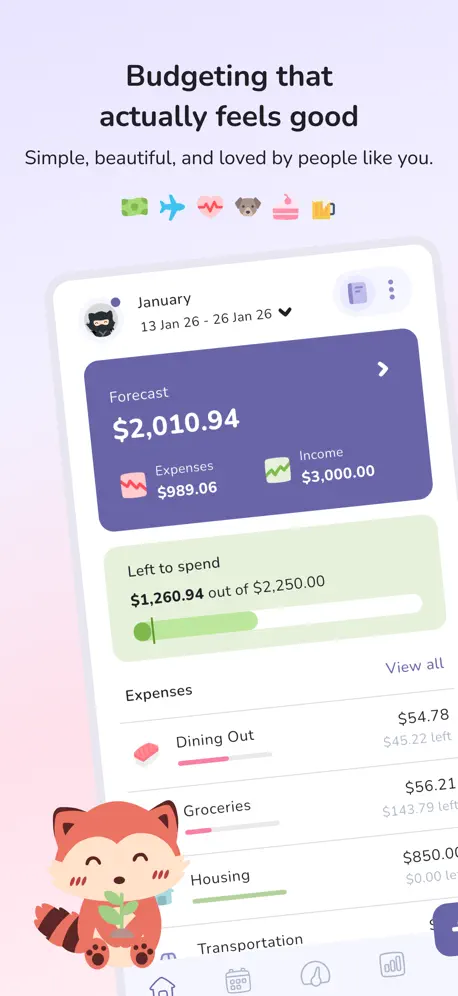  Budgeting App - Spend Tracker Budgeting App - Spend Tracker |   Best Budget Best Budget | |
|---|---|---|---|---|---|---|---|---|---|---|---|
| Rating / 5 | 3.5 | 4.6 | 4.8 | 4.9 | 4.8 | 4.1 | 4.5 | 4.3 | 4.8 | 4.8 | 4.1 |
| Reviews | 321 | 24K | 21K | 15K | 12K | 11K | 7.5K | 1.3K | 1.1K | 693 | 300 |
| Released | 2009 | 2016 | 2014 | 2022 | 2019 | 2011 | 2014 | 2012 | 2021 | 2022 | 2012 |
| Monthly price | — | — | — | $2.29 | $2.99 | $1.49 | $2.99 | — | — | $5.99 | — |
| Annual price | — | — | — | $13.49 | $23.99 | $8.99 | $29.99 | — | — | $26.49 | — |
| One-time price | — | — | — | $10.49 | — | $19.99 | $4.99 | — | $8.99 | $33.99 | — |
The going rate for each plan in United States, in its own currency, shaded from the cheapest price on the row to the dearest. Plans fewer than four in ten of the priced apps sell are left out.
HomeBudget Lite (w/ Sync) reviews
3.5 out of 5, based on 321 reviews.
What people like
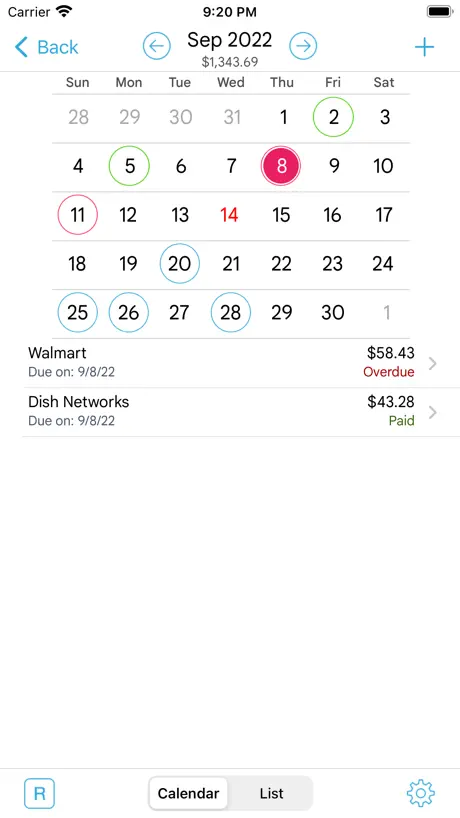
- Very intuitive and easy to use interface
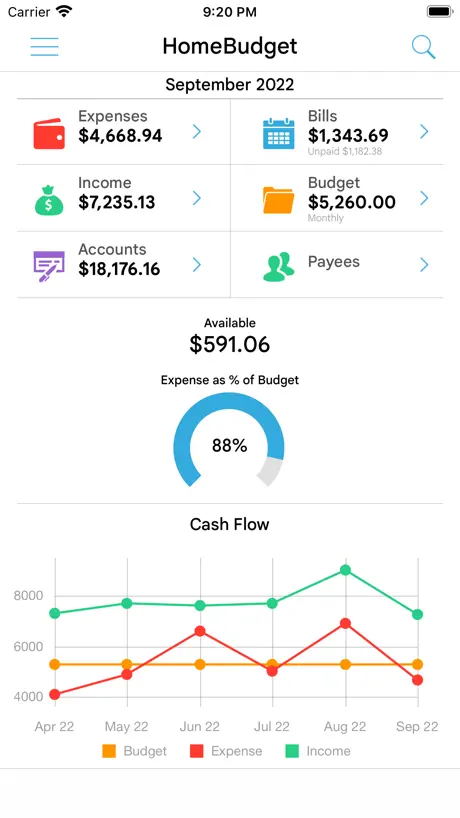
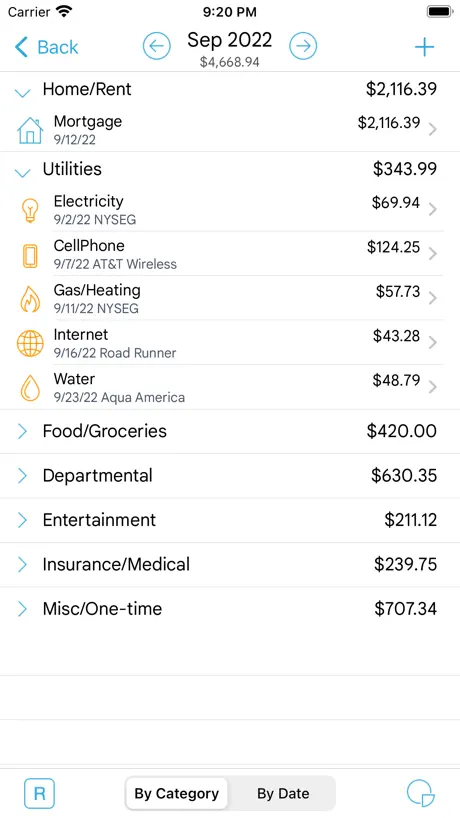
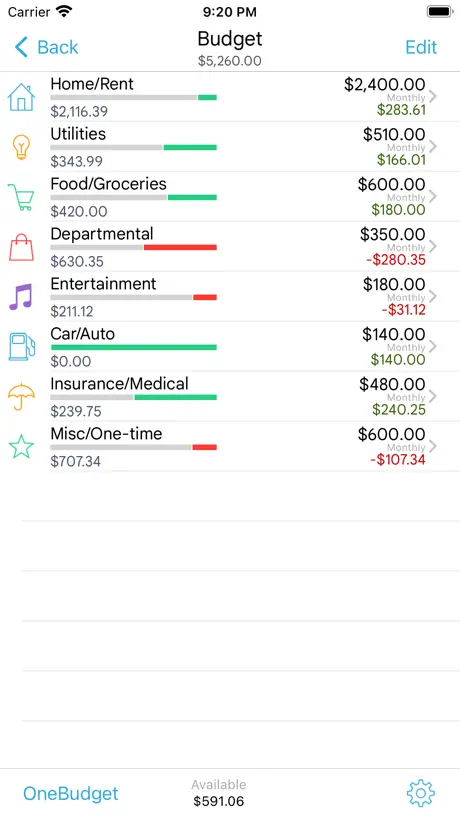
- Great for tracking expenses and budgets
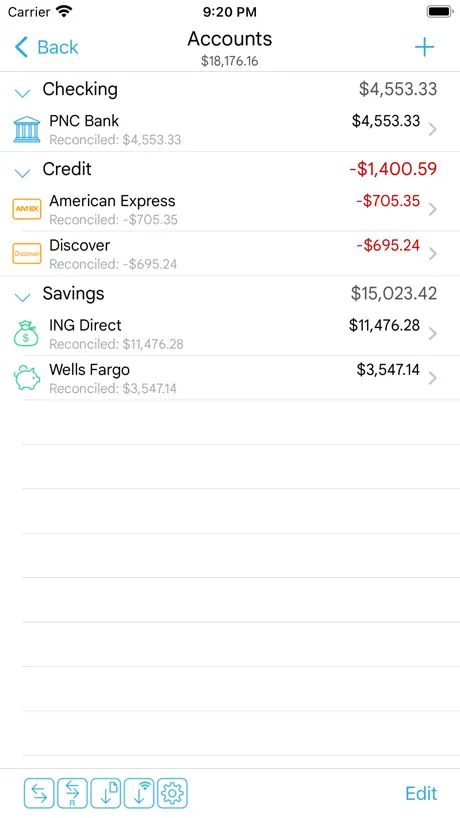
- Allows syncing with family members
What they complain about
- Free version limits you to ten entries
- Does not sync between iPhone and iPad
- Too complex without a tutorial or guide
Great app
The most versatile, complete and intuitive budget control app. Plus you can synchronize with family members to really keep your expenses up to date. It will be great if the automatic bank transactions synchronization works with banks outside the US
No es gratis
Sólo te permite ingresar 10 gastos y luego te pide comprar la versión completa.
Error
Hola, acabo de bajar el app y cuando quiero agregar mis incomes, dice q esta versión solo me acepta 10- pero solo he ingresado 2. Podrían corregir este error? Gracias
Bueno!
Es muy bueno y sencillo. Ojo la versión lite, solo acepta hasta diez entradas... Eso lo limita mucho.
Incompleto
Quizás si solo usas el iPhone esta bien, pero si quieres que la misma información esté en tu iPad tendrás que volverla a alimentar. Por esto considero que seria genial la posibilidad de sincronizar dispositivos. Por lo que hace a las opciones e interface me parece muy completa pero por lo dicho en un principio no he decidido comprar la versión completa.
Muy buena
Excelente, realmente buena la aplicación. No est´a nada confusa para los que se quejan de las limitantes, les recomiendo que la paguen, les será de mucha utilidad
Osh
Ta muy enredada esta bonita pero compleja de usar...
Bueno
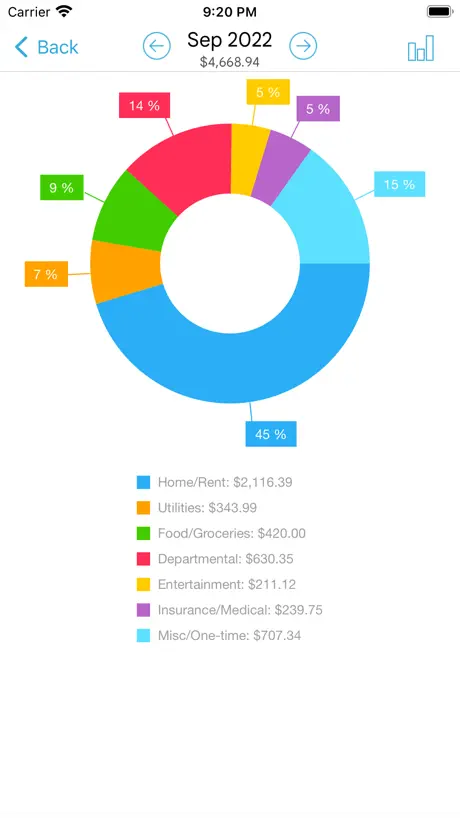
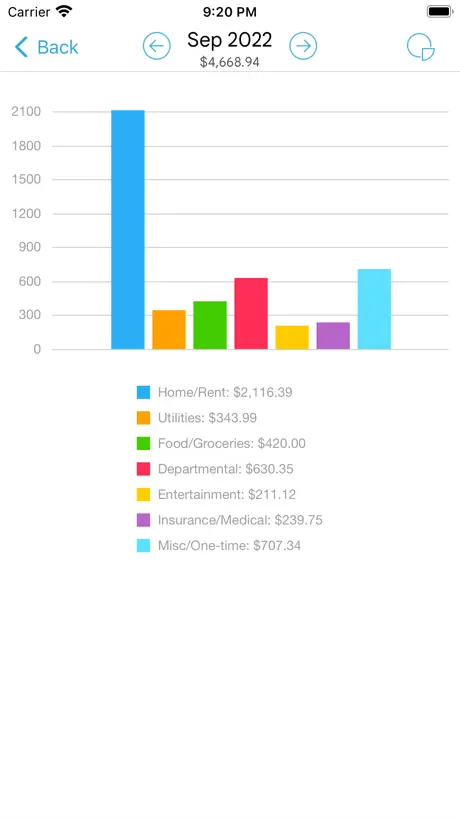
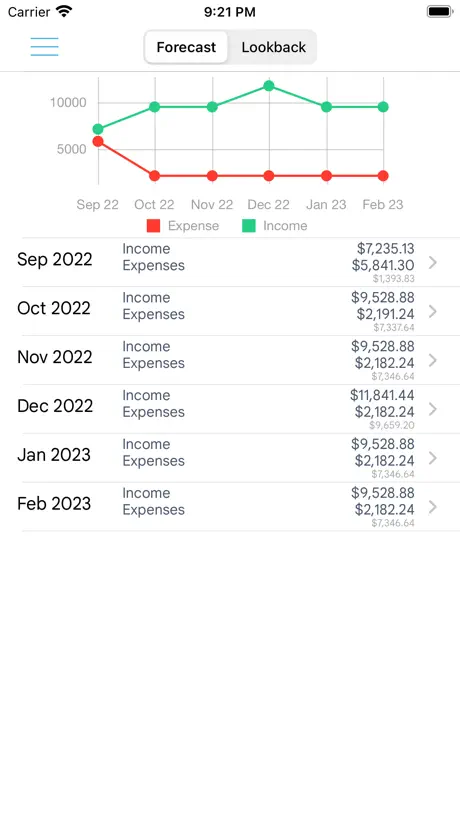
Me encanta como administro mis cuenta, cuanto es lo que he gastado, cuanto tengo de dinero en mi cuenta, graficos.
Ugly and hard to use
Slow, not intuitive, avoid.
Limitada
Es buena la aplicación pero solo limita a hacer díez entradas de gasto y cinco de dinero :( debes pagar para usarla más.
:/
esta muy bueno el programa, lo recomiendo ampliamente pero eso de q es gratis no sirve si lo quieres sincronizar cn la computadora. si tienes la compu y quieres q se sincronicen comprado!
Súper recomendable!!
Vale la pena está aplicación... Es muy sencilla y tiene diversidad de funciones para llevar un buen Control de tu presupuesto. Lo único que le falta es que puedas registrar la forma en que realizaste el gasto, ya sea en efectivo, TC, cheque, Vales, etc. No le pide nada a otras aplicaciones de su tipo.
El mas completo de lo disponible
Le daría 5 estrellas si no fuera confuso por ser tan completo. Deberia tener un archivo ejemplo, o explicaciones mas detalladas.
Impresionante. Buenísima.
Excelente app, tiene absolutamente TODO lo que necesitas. Súper accesible y fácil de utilizar. Recomendada.
Excelent app
Excelent idea que permitan realizar pruebas de manera gratuita, me encanto la funcionalidad, seguro voy a comprar la version completa
Excelente
Muy buena app y muy fácil de usar!!! Vale la pena comprarla
Excelente!!!
Me encanto esta app es muy intuitiva, lo malo es que solo puedes meter diez gastos, pero aun asi me ayudo bastante, es mejor que otras que he probado, lo mejor es que esta en español y puedes agregar mas iconos
Súper cometa
Cuando compre esta aplicación, no tenía tantas funciones, y solo disponible en ingles, ahora con las nuevas actualizaciones, est en español, y súper sencilla de manejar, he probado varias y esta la mejor
Muy bueno
Para empezar, es gratis. Es un programa muy completo que si te sirve para organizar tu vida. Checaloa
Muy buena
Es una excelente aplicación para controlar tu presupuesto, puedes llevar control de cada gasto que haces y en caso de haberlo hecho a varios pagos puedes hacer que se descuente de tu presupuesto cada mes/semana; puedes categorizar los gastos e incluso cargar iconos a la aplicación desde una PC para personalizarla más; puedes agragar una foto de cada recivo se pago a cada gasto y aunque el otro review dice que no, puedes agregar cuentas como debito, credito o efectivo (en las opciones) para seleccionar como hiciste el pago. Muy completa, lo malo es que nadamas puedes hacer 10 gastos y 5 pagos en la versión lite.
HomeBudget Lite (w/ Sync) FAQ
- Is HomeBudget Lite (w/ Sync) free?
- Yes. The app is free, in all 175 countries it sells in, and it sells nothing inside it.
- Does HomeBudget Lite (w/ Sync) have a free trial?
- No. None of its offers (US) come with a free trial.
- What are the best alternatives to HomeBudget Lite (w/ Sync)?
- Expense manager -Money tracker (4.6 from 23,594 reviews), Expenses OK - expenses tracker (4.8 from 20,623 reviews) and Monee - Budget Planner App (4.9 from 14,744 reviews, premium from $1.29).
HomeBudget Lite (w/ Sync) download
Last updated 2 months ago.
HomeBudget Lite (w/ Sync) sells in 175 countries. It was released 17 years and 6 months ago, on 27 Mar 2009. It holds a 3.5 rating from 321 reviews.
Supports 10 languages: English, French, German, Italian, Japanese, Romanian, Russian, Chinese, Spanish, Swedish.
How much does HomeBudget Lite (w/ Sync) make?
Third-party estimates for the last 30 days, worldwide — not the store's own figures, which Apple publishes for nobody.