Solitaire City (Ad Free)
All Your Fave Solitaire Games!
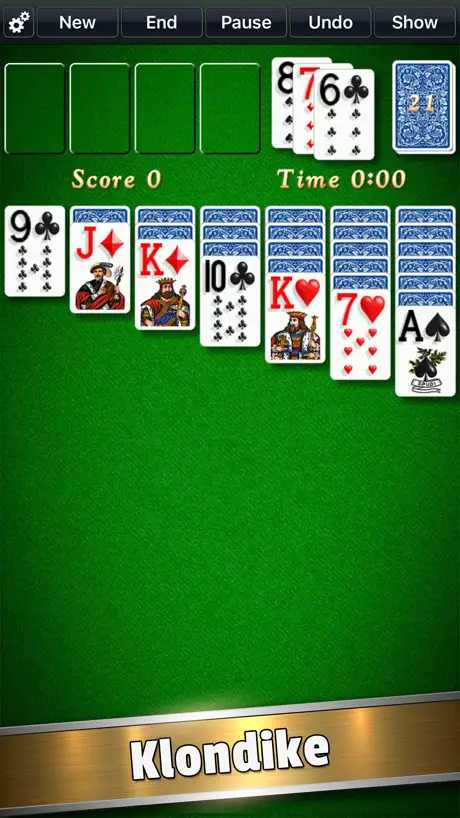
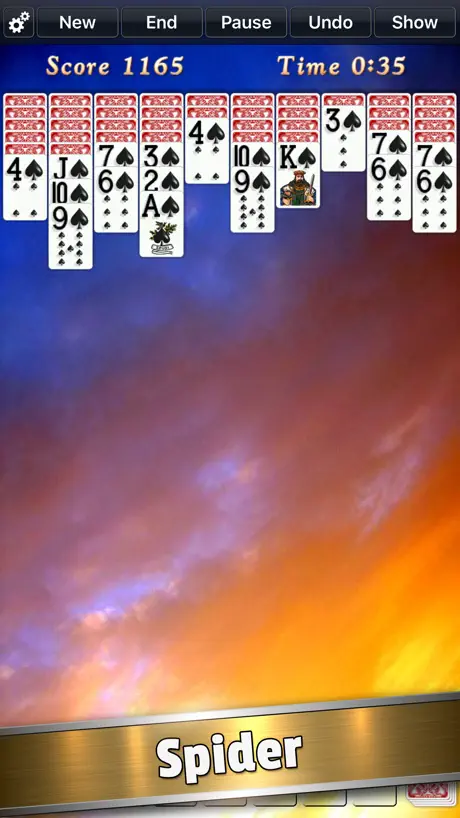
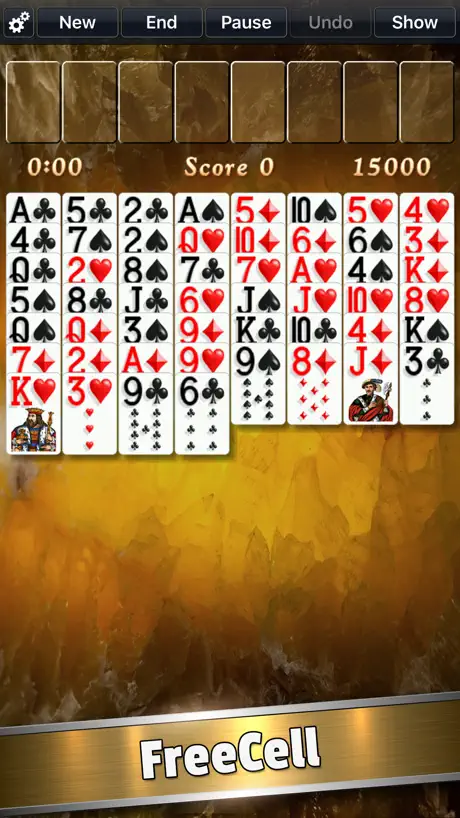
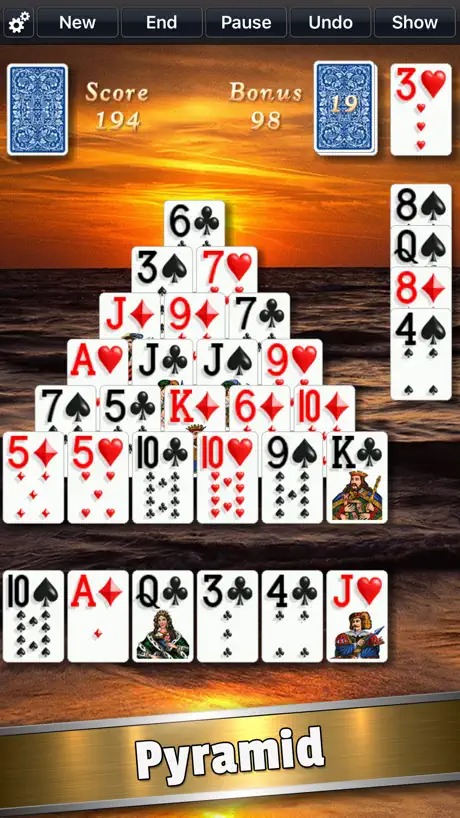
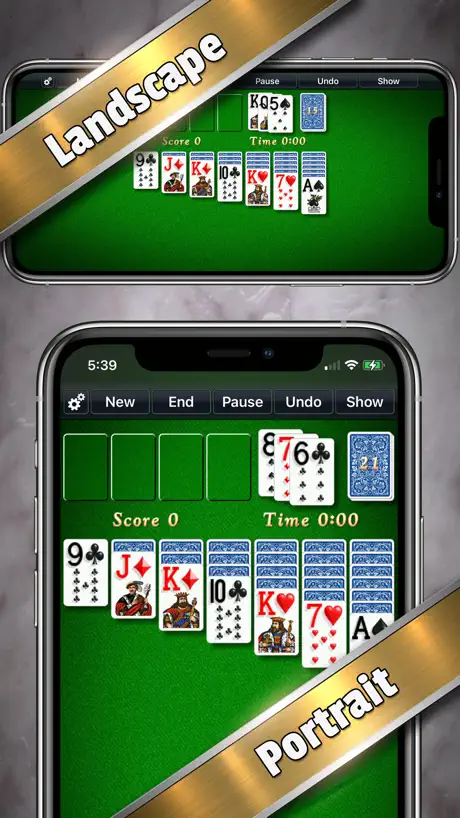
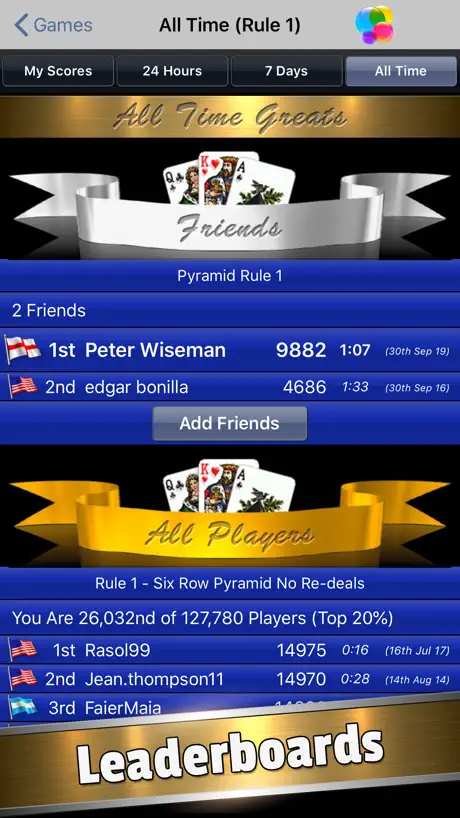
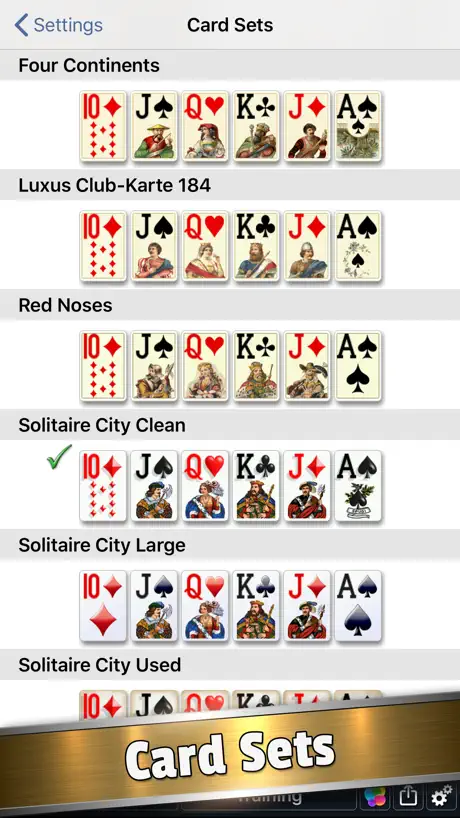
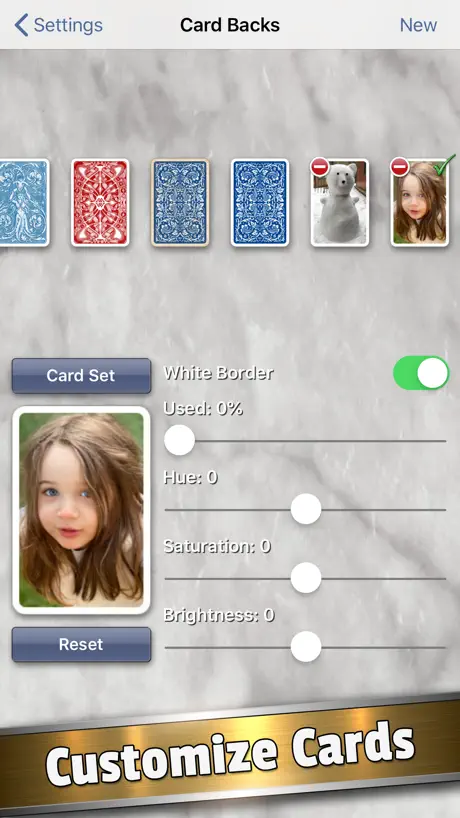
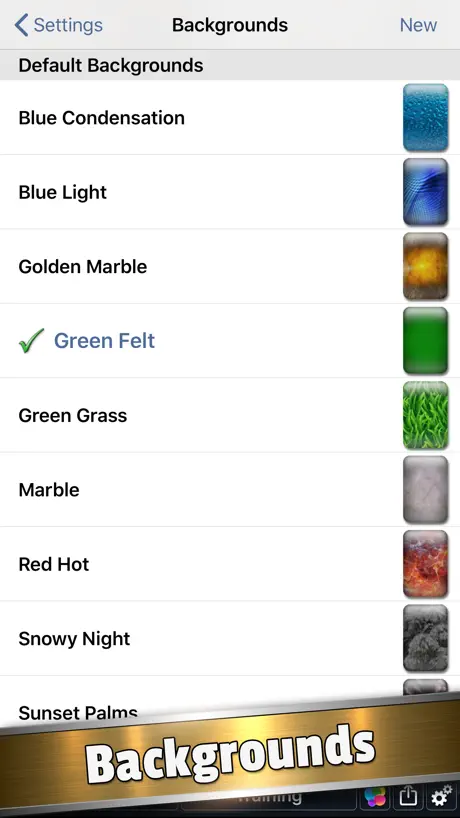
How much does Solitaire City (Ad Free) cost?
Prices are current as of 9 Sept 2026.
Solitaire City (Ad Free) has no in-app products on record in the United States.
Solitaire City (Ad Free) download price by country
| Country | Price |
|---|---|
| United States | $4.99 |
| Germany | €5.99 |
| United Kingdom | £4.99 |
| Canada | CA$6.99 |
| France | €5.99 |
| Australia | A$7.99 |
| Japan | ¥800 |
| Switzerland | CHF 4.00 |
| Italy | €5.99 |
| Netherlands | €5.99 |
| Spain | €5.99 |
| Austria | €5.99 |
| Mexico | MX$99.00 |
| Russia | RUB 449.00 |
| Sweden | SEK 69.00 |
| Norway | NOK 59.00 |
| Belgium | €5.99 |
| New Zealand | NZ$9.99 |
| Denmark | DKK 39.00 |
| Greece | €5.99 |
| Brazil | R$29.90 |
| Portugal | €5.99 |
| Poland | PLN 24.99 |
| Hungary | HUF 1,990 |
| Turkey | TRY 249.99 |
| Czech Republic | CZK 129.00 |
| Luxembourg | €5.99 |
| Chile | CLP 5,990 |
| Argentina | $4.99 |
| Ireland | €5.99 |
| Israel | ₪17.90 |
| India | ₹499.00 |
| Thailand | THB 199.00 |
| Kuwait | $4.99 |
| Romania | RON 29.99 |
| Slovakia | €5.99 |
| Colombia | COP 24,900 |
| Hong Kong | HK$38.00 |
| Saudi Arabia | SAR 19.99 |
| Ukraine | $5.99 |
| United Arab Emirates | AED 19.99 |
| Finland | €5.99 |
| South Africa | ZAR 99.99 |
| Croatia | €5.99 |
| Iceland | $5.99 |
| Latvia | €5.99 |
| Singapore | SGD 6.98 |
| Cyprus | €5.99 |
| Indonesia | IDR 89,000 |
| Lithuania | €5.99 |
| Slovenia | €5.99 |
| Dominican Republic | $4.99 |
| Egypt | EGP 249.99 |
| Guatemala | $4.99 |
| Malaysia | MYR 22.90 |
| Peru | PEN 22.90 |
| Philippines | ₱299.00 |
| Taiwan | NT$150.00 |
| Bahrain | $4.99 |
| Costa Rica | $4.99 |
| Kazakhstan | KZT 2,990.00 |
| Lebanon | $4.99 |
| Uruguay | $4.99 |
| Venezuela | $4.99 |
| Albania | $5.99 |
| Bulgaria | €5.99 |
| Bermuda | $4.99 |
| Bolivia | $4.99 |
| Belarus | $5.99 |
| Ecuador | $4.99 |
| Honduras | $4.99 |
| Jordan | $4.99 |
| Kyrgyzstan | $4.99 |
| Cambodia | $4.99 |
| Macao | $4.99 |
| Nicaragua | $4.99 |
| Oman | $4.99 |
| Panama | $4.99 |
| El Salvador | $4.99 |
| Turks and Caicos | $4.99 |
| Vietnam | ₫149,000 |
| Antigua And Barbuda | $4.99 |
| Anguilla | $4.99 |
| Armenia | $5.99 |
| Angola | $4.99 |
| Azerbaijan | $5.99 |
| Bosnia & Herzegovina | €5.99 |
| Barbados | $5.99 |
| Burkina Faso | $4.99 |
| Benin | $5.99 |
| Brunei Darussalam | $4.99 |
| Bahamas | $4.99 |
| Bhutan | $4.99 |
| Botswana | $4.99 |
| Belize | $4.99 |
| Congo, Democratic Republic | $4.99 |
| Congo | $4.99 |
| Cote Divoire | $5.99 |
| Cameroon | $5.99 |
| Cape Verde | $4.99 |
| Dominica | $4.99 |
| Algeria | $4.99 |
| Estonia | €5.99 |
| Fiji | $4.99 |
| Micronesia | $4.99 |
| Grenada | $4.99 |
| Georgia | $5.99 |
| Ghana | $5.99 |
| Gambia | $4.99 |
| Guinea-bissau | $4.99 |
| Guyana | $4.99 |
| Iraq | $4.99 |
| Jamaica | $4.99 |
| Kenya | $5.99 |
| St. Kitts and Nevis | $4.99 |
| Cayman Islands | $4.99 |
| Lao Peoples Democratic Republic | $4.99 |
| St. Lucia | $4.99 |
| Sri Lanka | $4.99 |
| Liberia | $4.99 |
| Libya | $4.99 |
| Morocco | $4.99 |
| Moldova | $5.99 |
| Montenegro | €4.99 |
| Madagascar | $4.99 |
| Macedonia | $4.99 |
| Mali | $4.99 |
| Myanmar | $4.99 |
| Mongolia | $4.99 |
| Mauritania | $4.99 |
| Montserrat | $4.99 |
| Malta | €5.99 |
| Mauritius | $5.99 |
| Maldives | $4.99 |
| Malawi | $4.99 |
| Mozambique | $4.99 |
| Namibia | $4.99 |
| Niger | $4.99 |
| Nigeria | NGN 7,900.00 |
| Nepal | $5.99 |
| Nauru | $4.99 |
| Papua New Guinea | $4.99 |
| Pakistan | PKR 1,300 |
| Palau | $4.99 |
| Paraguay | $4.99 |
| Qatar | QAR 19.99 |
| Serbia | €5.99 |
| Rwanda | $4.99 |
| Solomon Islands | $4.99 |
| Seychelles | $4.99 |
| Sierra Leone | $4.99 |
| Senegal | $5.99 |
| Suriname | $4.99 |
| Sao Tome & Principe | $4.99 |
| Swaziland | $4.99 |
| Chad | $4.99 |
| Tajikistan | $4.99 |
| Turkmenistan | $4.99 |
| Tunisia | $4.99 |
| Tonga | $4.99 |
| Trinidad and Tobago | $4.99 |
| Tanzania | TZS 14,900.00 |
| Uganda | $5.99 |
| Uzbekistan | $4.99 |
| St. Vincent & The Grenadines | $4.99 |
| British Virgin Islands | $4.99 |
| Vanuatu | $4.99 |
| Kosovo | €5.99 |
| Yemen | $4.99 |
| Zambia | $5.99 |
| Zimbabwe | $5.99 |
10+ alternatives to Solitaire City (Ad Free)
| Solitaire City (Ad Free) |   Solitaire - 50 Classic Games Solitaire - 50 Classic Games |   Solebon Solitaire - 50 Games Solebon Solitaire - 50 Games |   Full Deck Solitaire Full Deck Solitaire |   Solitaire: Deluxe® Classic Solitaire: Deluxe® Classic |   No Ads Solitaire No Ads Solitaire |   Klondike Solitaire Card Games Klondike Solitaire Card Games |   Solitaire Collection – No Ads! Solitaire Collection – No Ads! |   Cozy Solitaire Cozy Solitaire |   Solitaire - No Ads Solitaire - No Ads |   Classic Solitaire - No Ads Classic Solitaire - No Ads | |
|---|---|---|---|---|---|---|---|---|---|---|---|
| Rating / 5 | 4.6 | 4.7 | 4.8 | 4.6 | 4.6 | 4.4 | 4.7 | 4.8 | 4.7 | 4.0 | 4.0 |
| Reviews | 8.5K | 106K | 42K | 36K | 33K | 13K | 12K | 5.8K | 401 | 59 | 29 |
| Released | 2019 | 2019 | 2019 | 2011 | 2010 | 2018 | 2016 | 2022 | 2023 | 2022 | 2023 |
| One-time price | — | $0.99 | $0.99 | $0.99 | $4.99 | $0.99 | — | $4.99 | — | — | — |
The going rate for each plan in United States, in its own currency, shaded from the cheapest price on the row to the dearest. Plans fewer than four in ten of the priced apps sell are left out.
Solitaire City (Ad Free) reviews
4.6 out of 5, based on 8,512 reviews.
What people like
- No ads interrupt your gameplay
- Huge variety of classic card games
- Developer is responsive and supportive
What they complain about
- Deals feel rigged and impossible to win
- Touch controls are unresponsive and clunky
- Recent updates broke gameplay and interface
Best Solitaire Ever!
Great selection of games with good graphics.
Bummer
The developer changed the way cards are dealt. The app deals duplicate cards so often that the app is no longer fun. There is no sporting chance.
Solitaire City
Great app. I use it every day. My only complaint is the inability to undo the “replay” or “new” if pressed in error.
Games always similar
I like that there are no ads or a bunch of bling. But good luck with these games. Most are very similar in that you get several of the same number cards and frankly doesn’t seem random at all. Very hard to win. The earlier version was slightly better but this one just sucks.
Gameplay = good / Leaderboards = bad
Leader boards are corrupted with bogus scores…. No way a human is completing a scorpion solitaire game in 43 seconds…..
Solitaire City
Enjoy playing learning new and interesting solitaire games with instructions!
Waste of money
I have played solitaire 45 times since buying this and lost every game. I don’t need to win every game but I didn’t spend $5 to lose every game.
Love solitaire, new to Solitaire City
I stayed with one game provider for a long time. I got bored. I switched to this game and I have enjoyed it. If you want a challenge, try it
Can’t win at this
Bought this for my husband for ad free experience . He has played solitaire before on free apps, but the ads would frustrate him due to mild dementia. Thought this would be better but it is hard for him to do because it just never allows a win unless you are extremely smart to have strategy.
Too many bugs!
These solitaire games are mostly great fun. BUT, the Poker Squares game has bugs. There is no worse feeling than having a card to make a great hand and tapping a square, and having the card clearly appear in the wrong square, usually the one above that your finger has not gotten close to touching. And, unlike most of the other games, there is no way to “undo” their mistake. Clearly, that game was not ready to be released. The other games are great.
Playing since 2010
I've tried other vendors' games over the years, but this is definitely the best in my experience. It's kind of my default go to for killing time in idle moments. Sometimes the moments go on a lot longer than intended. The game quality and variety has improved greatly since it first came out, and it started out pretty good. Highly recommended!
Can’t Win
I play Las Vegas solitaire with a deck of cards and have a 10% or higher win rate. I can’t get over 3% with this and sometimes can be over 500 games without one win. Time for a new app.
Solitaire City
Things randomly stop working. Settings won’t reset. Hard start doesn’t always reset things. Frustrating.
Solebon is much better
I bought this app about 30 minutes ago, and wish I had an opportunity to play before buying (but it was cheap). This solitaire app is very slow. If you play a card (in Klondike) you have to tap the cards to turn them over (it doesn’t work with you to make the game more fun). It is also very slow. I know I already said that, but it’s worth repeating. Even with adjusting settings this plays like a 2010 app. Each game counts out 52 cards. Why? We all know there are 52 cards. It just takes more slow visual time. if you want to keep a game rolling, this isn’t the app for you. The cards are not appealing. It’s a hard screen to watch. I guess you can tell I really think this is a low grade app. Please check out Solebon.
Not left handed intended
The game is great but the new game button is the upper left corner and grabbing the left side, my hand will accidentally touch the stupid button and start a new game. Put the button in the middle.
The Best
Flawlessly smooth and entertaining too
Use to be great
Way to go with the last update, now the banner is covering the cards
Good version, cards quite small
What would make this game perfect for me would be a setting to make the cards larger. Even on my iPhone 13 mini reaching the cards is a bit of a stretch.
25 Bad hands to 1
What happened to this game? Now it’s programmed to continuously deal 4s 6s and 8s that go nowhere as well as predictive recurring numbers in the hand.
Scoring algorithm is NOT GOOD
Although I’ve enjoyed playing Klondike for years on this app the scoring system is wildly inconsistent. The rules state that scoring is largely based on time. Yet a sufficiently better time often doesn’t receive a record beating score. So a game played with little to zero mistakes and a time of 1:38 doesn’t beat my lowest Top 10 score? Not good. And it’s not changed, so I doubt these reviews are read by the creators of the game.
Longest Supported App
I’ve had this installed since the first or second generation iPod Touch and still installing on current iPhone 16 Pro over a decade later. I can count on one hand the amount of apps that have been installed that long, updated, and functional. Amazing developer with a fantastic rate of return on a purchase. Thank you!
Below Average
I’ve played much better formats, I’m not impressed wasted my money
Undo button stuck
Great Game
Bug important
Certaines colonnes gèlent, elles ne se déplacent pas, depuis la dernière mise à jour. Avant c’était très bien
Best Customizable Solitaire App - until recently...
I have such an appreciation for passing time and playing a mindless game of solitaire, or the like (Klondike, etc.). I love that this app will keep your top scores both locally, for yourself, and globally. The immense amount of customization options are so ideal. Anything from background, to card appearance, sounds, effects, automations, the list goes on and on. I've been in this really intense competition with myself (friends - who needs em?) to try and beat my high score. Every now and again I'll place higher than a previous score and very rarely top my fastest time. Satisfying in the sense it wasn't impossible, but the challenge was very much there. I don't know if anything in the app was updated as far as the animations or the probability, mathematically or systematically, but I can't even get close to my previous scores. *Edit* Now when I get close to my previous scores and I'm doing well - an immediate message "sorry there's no more moves." But working up to that - I have most of the deck completed, yet suddenly the last stack gives me just the perfect cards to screw it up. I never get that message when I'm taking it slow and time isn't a concern. The minute I'm about to beat my score or close in on it - suddenly it's a dud round, sorry you lose. Like, in a "am I losing my mind?" type sense. I play regularly, so this sudden impossbility to what was an achievable one through practice - it makes a desirable game, less so. I still play, but my mindset sort of faults to passing time with no competitive intent. Which is lame, since nothing beats a solid game of boring solitaire with an insatiable desire to do it really fast for no reason other than self-satisfaction. More so, it seems to be a downgrade, especially by a developer who seemed to know how to make the users really appreciate his app. Who knows, maybe I'm just dumber than I was a few weeks ago. I'm kind of hoping that's the case and the gameplay wasnt tweaked. Don't mess with a nearly flawless system! Also, as an aside, PLEASE fix the buggy edges of the interface. I can not pick up anything without a double/triple attempt with an aggressive drag to even have the game recognize the touch. I know it's not my phone, as all other interactions near the edges are without fault. Plus, that's sort of been an issue since I downloaded this app. Just an extra request on top of a very wordy remark. Other than that, and the hopes my reaction time is based on myself and not the app's algorithm/mechanics/system responses being altered - all peachy. Maybe just look into a couple things, which would be really cool of you. Probably even a "5 star" rating level of cool. Edit* took another star off from the clear update to the game that has made it almost comically impossibility to match my scores from a couple months ago. Change things back! This is ridiculous.
I like it more and more.
Update- could you please change the rules on Golf to allow the game to end when the upface cards are spent. From a time challenge perspective, you lose 2-4 seconds at the end of many games trying to turn over unused cards. Update- having spent more time, I appreciate the game play more and more. I updated to 4 stars. The shuffles for Solitaire still often look like 2 of-a-kind and full house poker hands way too often, but I do appreciate the tutorials and different options.
Can’t win!
Terrible. I’m pretty good at solitaire but I can’t beat this game. Also when playing if your finger unintentionally touches discard pile a new card comes up obscuring the card below thst you wanted. A hair trigger
Good game
I have noticed since the last update that instead of one card being turned over at a time, it’s been two cards in succession have been turned over. I then have to click to undo so that I can see the first card.
Disappointed
Not random deals - it gets harder. I like to occasionally win a game. Not relaxing. ‘Tap” only works for some moves.
Great value and excellent games
Bought this ages ago and still use it daily. But why now won’t the screen rotate to landscape? Really annoying!
The Best
I’ve been playing this game off and on for a few years now and it never fails to be just what I want. A wide variety of games with multiple difficulties to chose from. The platform is stable and gameplay is fluid. I Highly recommend this game for years of interesting gameplay and a welcome distraction and/or time filler when needed.
Dissatisfied
I have been looking for a decent solitaire game since the one I had been using stopped working. This one got good reviews and I resigned myself to the fact that I would have to pay for one in order to stop the annoying ads. It is VERY DIFFICULT to win with this game and card movement is clunky and unresponsive. Wasted $5.00
Wish it had a non-time-based scoring mode
This is a great game, and I enjoy trying to beat my own high scores… but the score is heavily time based, and so it usually comes down to how fast I can play instead of how well I can play. An alternative scoring mode that is based on number of moves instead of time, and it’s accompanying high score tables, would promote a more thoughtful play style for those who aren’t interested in how fast they can go.
Love this App.
Lots of games and levels, no chance of getting bored with it as they have added extra games since I purchased the App some years ago. If you enjoy card games, this is the best App around. I once really enjoyed this App but recently it has been impossible to win a game on most of the different games. I have even reset one game to see if it makes any difference but sadly no. Why when an App is good do they update them and spoil them.
Had been the best I'd seen but…
Dropped to 3 stars because in the last few days the app seems to have decided that I wish to replay a game when I most definitely have not, ruining my stats and giving me no chance to decline. The best such app I've found with clear graphics and a good choice of cards and backgrounds. 4 stars because I want to get it out of Game Centre, which I loathe, and because I want to be able to set no scoring as a default option because, strangely enough, I play solitaire for relaxation.
Well worth it.
I’ve spent a lot of the me enjoying all the different games of solitaire available. Learned some new games I never heard of and now they are some of my favorite games! Awesome app. Can’t recommend it enough.
Why can’t I win anymore
Can’t put up high scores anymore what did the do?
Fantastic
It's great to purchase it for no ads I found. Lots of different games and settings.
Not happy with the new version
I preferred the previous version as with this new one I don't seem to have the option to have my own picture as the 'card table' and I can't do a landscape lock for the game in the game settings or the iPhone settings
Good but
Nice ad free easy to play solitaire which is GOOD though the software needs to be modified so that the pack at the side does not jump missing cards one might have ordinarily selected which can be most frustrating
KK
This games is awesome. Recently though I lose repeatedly due to the game is not winnable. Please go back to the version before the last update. I sincerely do not want to delete the game entirely. I do not expect to win every game but losing a lot of games in a row, where is your psychology and positive rewards. Only experiencing frustration.
Very disappointed
This is the very first game I’ve ever bought and paid for, and while I appreciate no advertising, that’s about all I like about this version of solitaire. I have mobility issues in my hands and arms, so the need to drag the cards instead of being able to just tap to complete the move is inconvenient and pain provoking, limiting the amount of time that I’m able to play the game.
Solitaire City
Great game. Enjoy it very much.
New update
Since the new update, game locks up once round has been won, have to shut down game and restart every time!
DJCKSA
It’s too easy to hit the ‘NEW’ button which then wipes your game and your winning streak. It would be better to have a confirm step in case you hit ‘NEW’ button.
Solitaire City
Fantastic
Bad algorithm
Many no-play deals, ridiculously low odds of winning, particularly Klondike. Such unrealistic gameplay speaks to a dud of a program.
Yours to try
Hooked everyday. It’s fun.
Moobert
Random scoring
Great game, Annoying update
I’ve played spider solitaire, 4 suit, avidly for a while now. Latest update has really spoilt it for me. The new placement of the cards has squished them all up the top and it’s really hard to chose the cards you want to move quickly and accurately. And you’ve added some kind of artificial light glare which makes the cards harder to see too. Hope you change it back to easier game play soon. Thanks.
Solitaire City (Ad Free) FAQ
- Is Solitaire City (Ad Free) free?
- No. Solitaire City (Ad Free) costs $4.99 (US) to download.
- Does Solitaire City (Ad Free) have a free trial?
- No. None of its offers (US) come with a free trial.
- What are the best alternatives to Solitaire City (Ad Free)?
- Solitaire - 50 Classic Games (4.7 from 105,612 reviews, premium from $0.99), Solebon Solitaire - 50 Games (4.8 from 41,604 reviews, premium from $0.99) and Full Deck Solitaire (4.6 from 36,208 reviews, premium from $0.99).
Solitaire City (Ad Free) download
Last updated 4 months ago.
Solitaire City (Ad Free) sells in 171 countries. It was released 7 years and 8 months ago, on 1 Feb 2019. It holds a 4.6 rating from 8,512 reviews.
Supports 1 language: English.
How much does Solitaire City (Ad Free) make?
Third-party estimates for the last 30 days, worldwide — not the store's own figures, which Apple publishes for nobody.