
Music Transpose - Key Changer
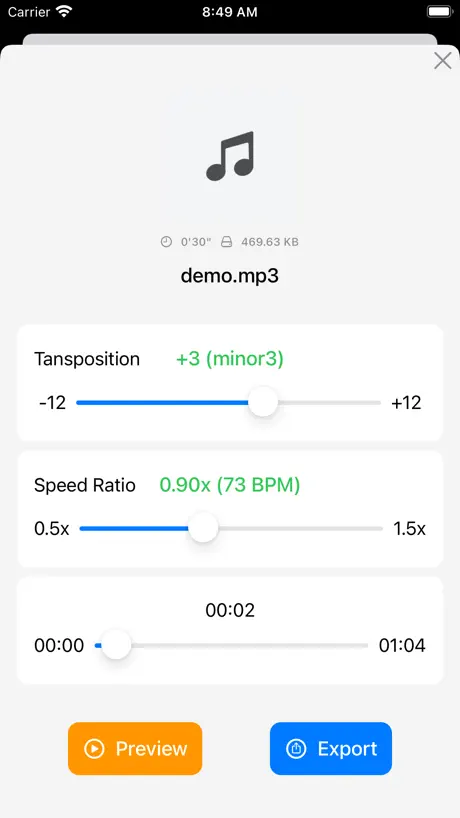
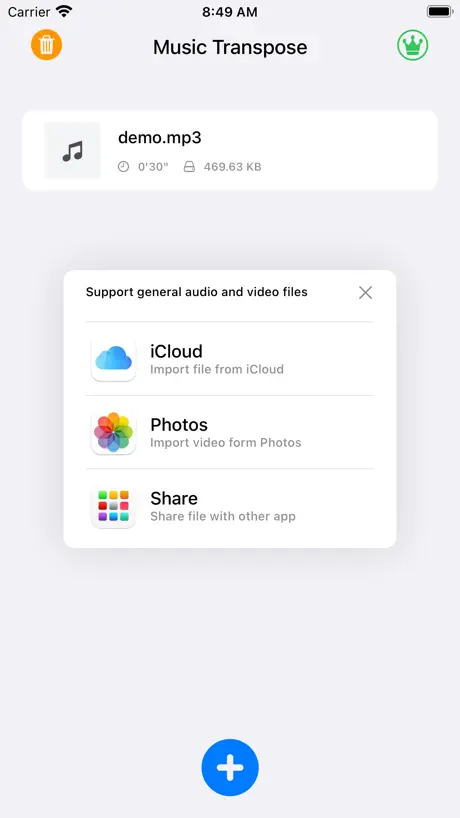
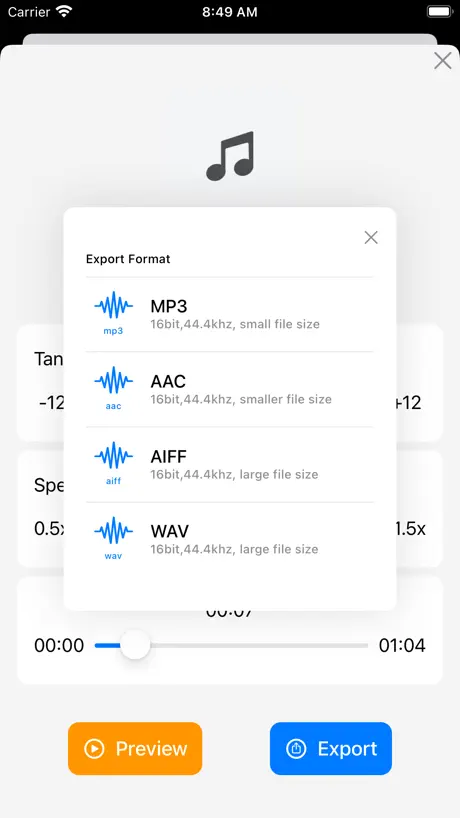
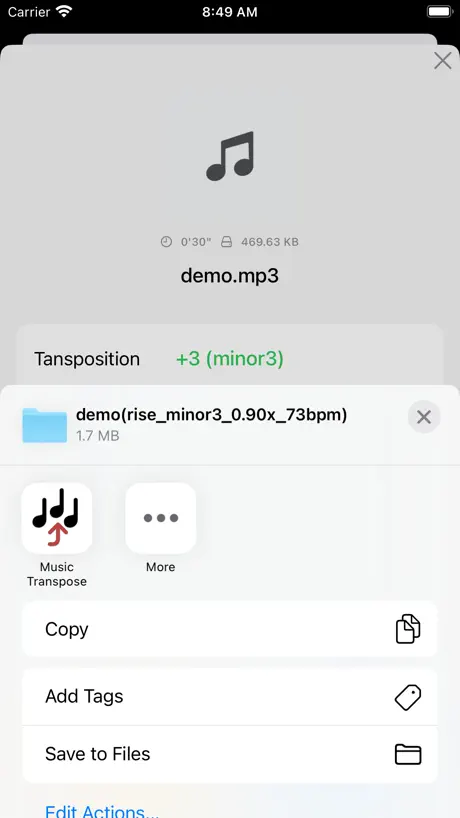
Change the key of the song
How much does Music Transpose - Key Changer cost?
Prices are current as of 6 Oct 2026.
1 one-time purchase from $24.99
In the United States, Music Transpose - Key Changer has 1 one-time purchase priced $24.99.
| Product | Price |
|---|---|
| Pro - One-Time Purchase | $24.99 |
See what Music Transpose - Key Changer costs in all 175 countries →
10+ alternatives to Music Transpose - Key Changer
| Music Transpose - Key Changer | 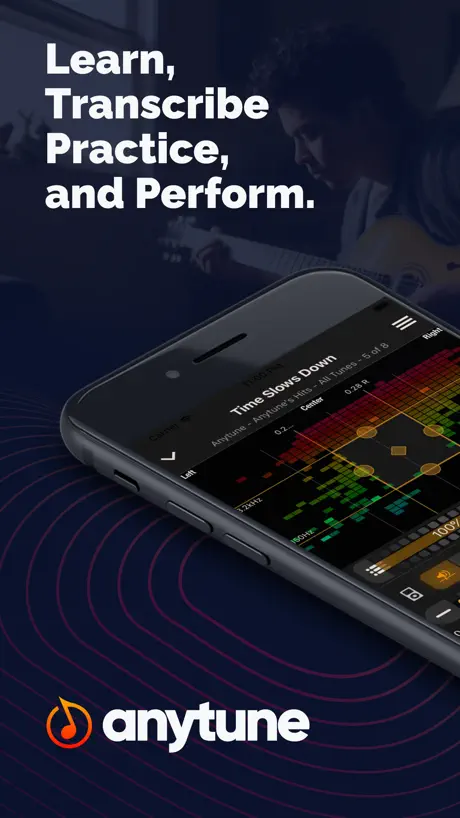  Anytune: Transcribe & Practice Anytune: Transcribe & Practice | 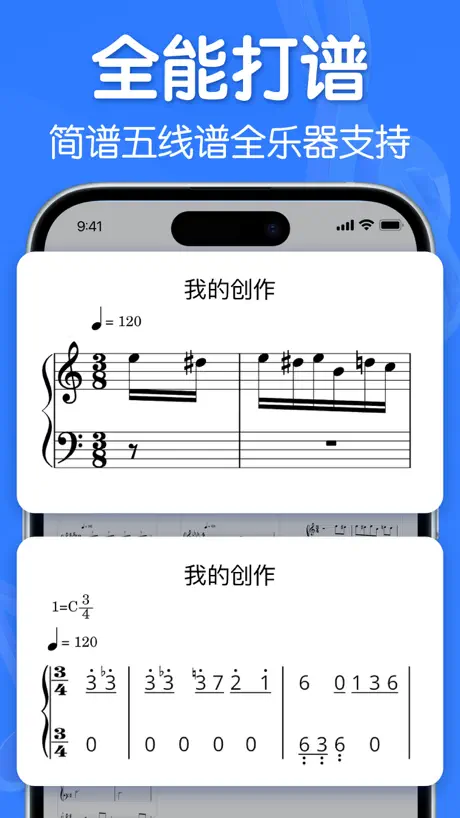  来音制谱-sheet music editing 来音制谱-sheet music editing | 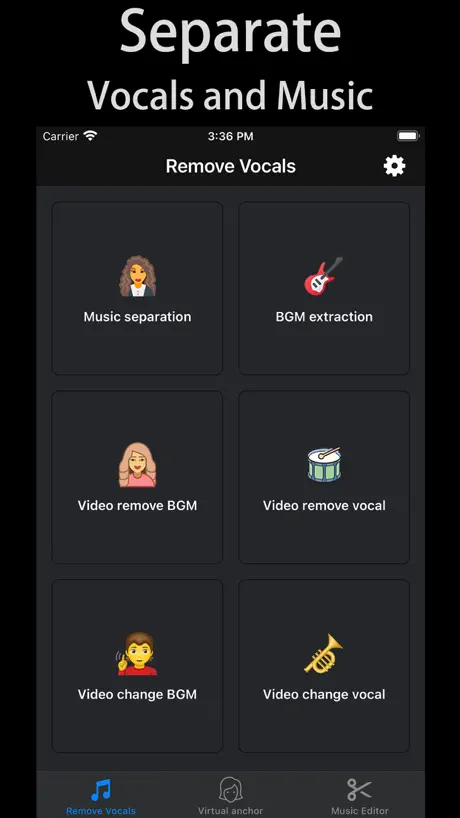  Remove Vocals-vocal extractor Remove Vocals-vocal extractor | 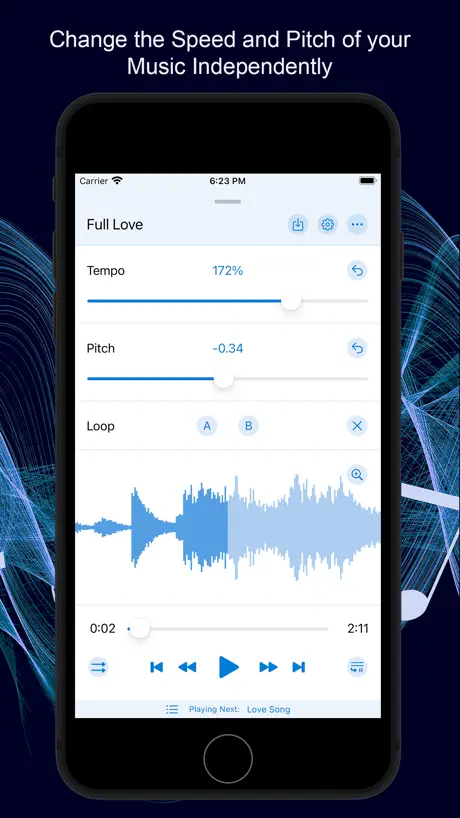  Music Speed Changer ▶▶▶ Music Speed Changer ▶▶▶ | 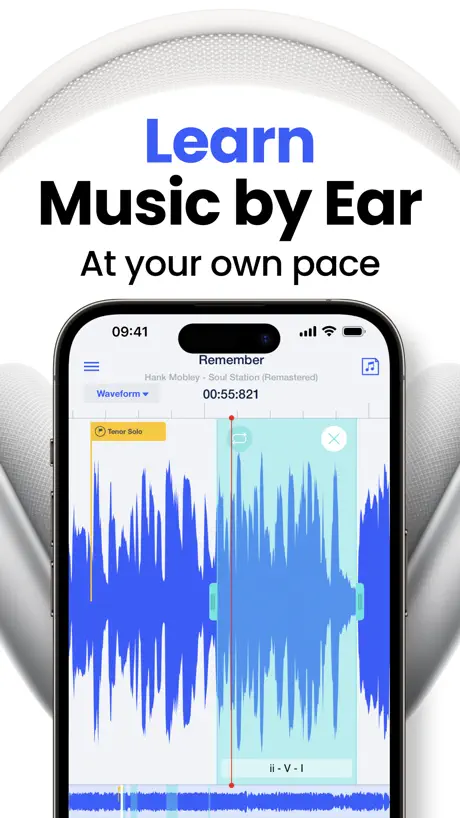  Slow Down Music | Transcribe+ Slow Down Music | Transcribe+ | 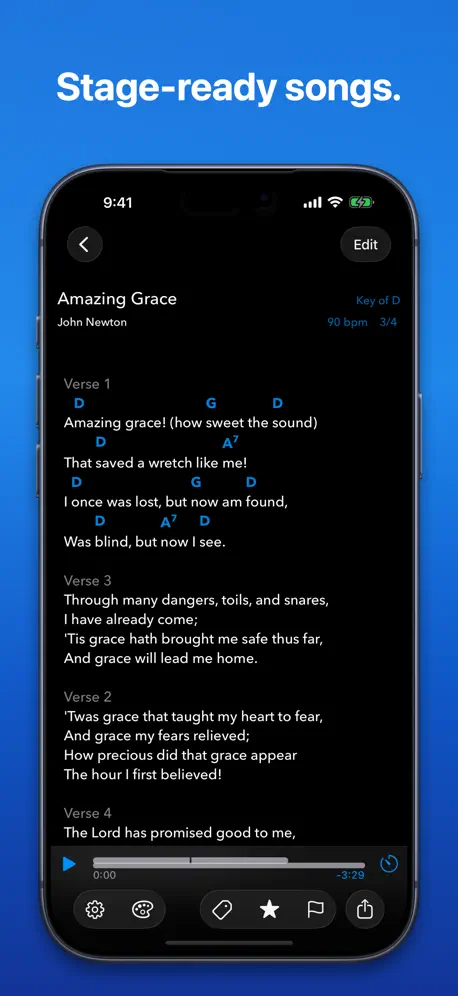  SongSheet Pro: Setlist helper SongSheet Pro: Setlist helper | 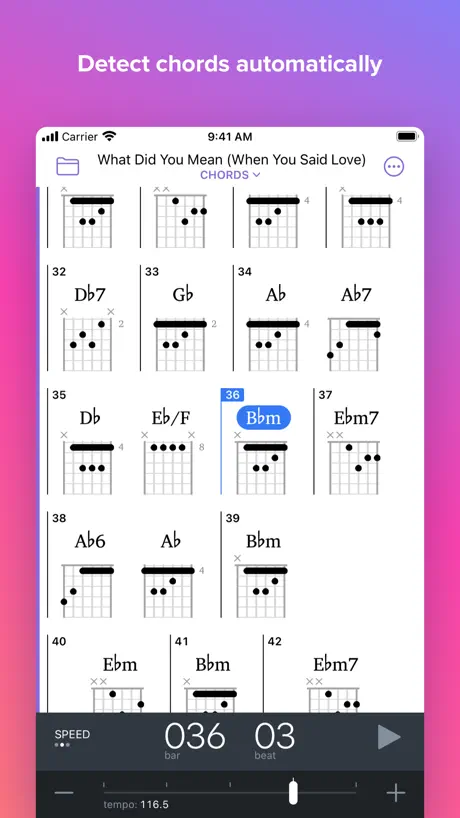  Capo - Learn Music by Ear Capo - Learn Music by Ear | 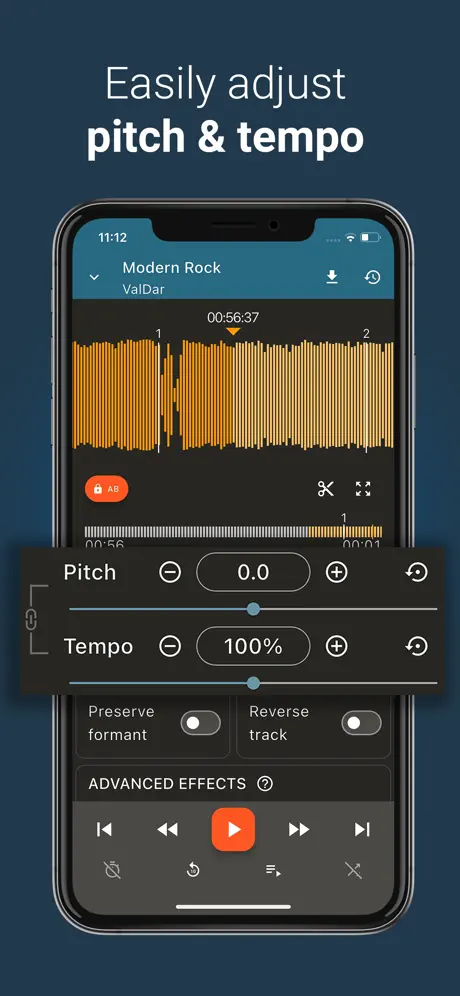  Up Tempo: Pitch, Speed Changer Up Tempo: Pitch, Speed Changer |   简谱大师-简谱作曲家写简谱作词,作曲,打谱&简谱作曲编曲软件 简谱大师-简谱作曲家写简谱作词,作曲,打谱&简谱作曲编曲软件 |   TunerLab Audio Editor TunerLab Audio Editor | |
|---|---|---|---|---|---|---|---|---|---|---|---|
| Rating / 5 | 4.7 | 4.7 | 4.8 | 4.6 | 4.8 | 4.5 | 4.7 | 4.6 | 4.7 | 4.7 | 4.8 |
| Reviews | 1.8K | 29K | 17K | 17K | 13K | 10K | 4.3K | 4.1K | 3.2K | 2.2K | 1.8K |
| Released | 2022 | 2011 | 2023 | 2021 | 2022 | 2016 | 2012 | 2014 | 2022 | 2023 | 2023 |
| Monthly price | — | — | $4.99 | — | $0.99 | $9.99 | $2.99 | $2.49 | — | $6.99 | $0.99 |
| Annual price | — | — | $39.99 | — | — | $39.99 | $29.99 | $19.99 | — | $19.99 | $2.99 |
| One-time price | $24.99 | $4.99 | $3.99 | $4.99 | $14.99 | $79.99 | $79.99 | — | $9.99 | $24.99 | $4.99 |
The going rate for each plan in United States, in its own currency, shaded from the cheapest price on the row to the dearest. Plans fewer than four in ten of the priced apps sell are left out.
Music Transpose - Key Changer reviews
4.7 out of 5, based on 1,777 reviews.
What people like
- Unlimited use is available if you pay the fee.
- It automatically detects the key of the song.
- Changing the key is very easy to do.
What they complain about
- Exports are limited to just a few seconds.
- The price feels way too high for what you get.
- It crashes or won't open your actual songs.
Works perfectly Easy to use!
This app is perfect! Gives you a free 45 second transpose and for $13 you get unlimited.
Doesn’t Work
I paid for the full app and it won’t open anything. The demo song works fine but nothing else imports into the app.
24 dollars…
Trying to transpose a song and I could only get 45 seconds unless I spent 24 dollars. Girl…
App won’t open now
The app won’t open, screen will be black for almost a minute and then go back to Home Screen. I paid for the full version. It’s an amazing app please fix this bug or glitch. I can’t even use the app now.
Du vol!
Appli factice, 29,9€ et rien ne fonctionne !!!
Good, too expensive
Quite good, I like that it reads the key and is easy to change key, but way too expensive at £25. Easier to use, but no better than free online app apps.
What is going on ?
I have paid RMB168 for life use forever and turn out only can use once for a few days ? And now I can’t use it , the one I have transpose in file can only listen for 25 sec ??? Is it a scam ?
Help
In the iPad the app is cut out pls fix it
Don't buy
$12 for nothing. My purchase will not restore. And there's no easy way to get to my Apple Music library. waste of time and money.
Sick of the "fine print"...
Download the app only to find out that it will only export 30 seconds unless you pay $13 for the full app. Bait and switch garbage. Tired of it.
awful
doesnt let you actually export the song
Music Transpose - Key Changer price by country
A one-time purchase costs $23.79 in the Philippines and $36.49 in Colombia — 1.5× more for the same thing. Below is the going rate for each plan in every country that sells it — the middle price of what the app charges there, in the country's own currency with the dollar equivalent beneath it.
| Country | One-time |
|---|---|
| Afghanistan | $24.99 |
| Albania | $29.99 |
| Algeria | $24.99 |
| Angola | $24.99 |
| Anguilla | $24.99 |
| Antigua And Barbuda | $24.99 |
| Argentina | $24.99 |
| Armenia | $29.99 |
| Australia | A$39.99$27.77 |
| Austria | €29.99$33.62 |
| Azerbaijan | $29.99 |
| Bahamas | $29.99 |
| Bahrain | $29.99 |
| Barbados | $29.99 |
| Belarus | $29.99 |
| Belgium | €29.99$33.62 |
| Belize | $24.99 |
| Benin | $29.99 |
| Bermuda | $24.99 |
| Bhutan | $24.99 |
| Bolivia | $24.99 |
| Bosnia & Herzegovina | €29.99$33.62 |
| Botswana | $24.99 |
| Brazil | R$149.90$29.86 |
| British Virgin Islands | $24.99 |
| Brunei Darussalam | $24.99 |
| Bulgaria | €29.99$33.62 |
| Burkina Faso | $24.99 |
| Cambodia | $29.99 |
| Cameroon | $29.99 |
| Canada | CA$34.99$24.47 |
| Cape Verde | $24.99 |
| Cayman Islands | $24.99 |
| Chad | $24.99 |
| Chile | CLP 29,990$30.33 |
| China | CN¥168.00$25.04 |
| Colombia | COP 119,900$36.49 |
| Congo | $29.99 |
| Congo, Democratic Republic | $24.99 |
| Costa Rica | $24.99 |
| Cote Divoire | $29.99 |
| Croatia | €29.99$33.62 |
| Cyprus | €29.99$33.62 |
| Czech Republic | CZK 699.00$32.05 |
| Denmark | DKK 199.00$29.84 |
| Dominica | $24.99 |
| Dominican Republic | $24.99 |
| Ecuador | $24.99 |
| Egypt | EGP 1,299.99$24.79 |
| El Salvador | $24.99 |
| Estonia | €29.99$33.62 |
| Fiji | $24.99 |
| Finland | €29.99$33.62 |
| France | €29.99$33.62 |
| Gabon | $24.99 |
| Gambia | $24.99 |
| Georgia | $29.99 |
| Germany | €29.99$33.62 |
| Ghana | $29.99 |
| Greece | €29.99$33.62 |
| Grenada | $24.99 |
| Guatemala | $24.99 |
| Guinea-bissau | $24.99 |
| Guyana | $24.99 |
| Honduras | $24.99 |
| Hong Kong | HK$188.00$23.95 |
| Hungary | HUF 9,990$30.48 |
| Iceland | $29.99 |
| India | ₹2,499.00$25.93 |
| Indonesia | IDR 499,000$27.89 |
| Iraq | $24.99 |
| Ireland | €29.99$33.62 |
| Israel | ₪79.90$26.20 |
| Italy | €29.99$33.62 |
| Jamaica | $24.99 |
| Japan | ¥4,000$25.32 |
| Jordan | $24.99 |
| Kazakhstan | KZT 14,990.00$32.85 |
| Kenya | $29.99 |
| Kosovo | €29.99$33.62 |
| Kuwait | $24.99 |
| Kyrgyzstan | $29.99 |
| Lao Peoples Democratic Republic | $29.99 |
| Latvia | €29.99$33.62 |
| Lebanon | $24.99 |
| Liberia | $24.99 |
| Libya | $24.99 |
| Lithuania | €29.99$33.62 |
| Luxembourg | €29.99$33.62 |
| Macao | $24.99 |
| Macedonia | $24.99 |
| Madagascar | $24.99 |
| Malawi | $24.99 |
| Malaysia | MYR 119.90$29.32 |
| Maldives | $24.99 |
| Mali | $24.99 |
| Malta | €29.99$33.62 |
| Mauritania | $24.99 |
| Mauritius | $29.99 |
| Mexico | MX$499.00$27.55 |
| Micronesia | $24.99 |
| Moldova | $29.99 |
| Mongolia | $24.99 |
| Montenegro | €22.99$25.77 |
| Montserrat | $24.99 |
| Morocco | $29.99 |
| Mozambique | $24.99 |
| Myanmar | $24.99 |
| Namibia | $24.99 |
| Nauru | $24.99 |
| Nepal | $29.99 |
| Netherlands | €29.99$33.62 |
| New Zealand | NZ$49.99$27.93 |
| Nicaragua | $24.99 |
| Niger | $24.99 |
| Nigeria | NGN 39,900.00$29.98 |
| Norway | NOK 299.00$31.18 |
| Oman | $24.99 |
| Pakistan | PKR 6,900$24.90 |
| Palau | $24.99 |
| Panama | $24.99 |
| Papua New Guinea | $24.99 |
| Paraguay | $24.99 |
| Peru | PEN 99.90$29.04 |
| Philippines | ₱1,490.00$23.79 |
| Poland | PLN 99.99$25.57 |
| Portugal | €29.99$33.62 |
| Qatar | QAR 99.99$27.47 |
| Romania | RON 129.99$27.31 |
| Russia | RUB 2,290.00$26.89 |
| Rwanda | $24.99 |
| Sao Tome & Principe | $24.99 |
| Saudi Arabia | SAR 99.99$26.66 |
| Senegal | $29.99 |
| Serbia | €29.99$33.62 |
| Seychelles | $24.99 |
| Sierra Leone | $24.99 |
| Singapore | SGD 34.98$27.33 |
| Slovakia | €29.99$33.62 |
| Slovenia | €29.99$33.62 |
| Solomon Islands | $24.99 |
| South Africa | ZAR 499.99$30.03 |
| South Korea | ₩44,000$32.77 |
| Spain | €29.99$33.62 |
| Sri Lanka | $24.99 |
| St. Kitts and Nevis | $24.99 |
| St. Lucia | $24.99 |
| St. Vincent & The Grenadines | $24.99 |
| Suriname | $29.99 |
| Swaziland | $24.99 |
| Sweden | SEK 299.00$29.78 |
| Switzerland | CHF 20.00$24.07 |
| Taiwan | NT$790.00$24.85 |
| Tajikistan | $29.99 |
| Tanzania | TZS 69,900.00$26.46 |
| Thailand | THB 999.00$29.65 |
| Tonga | $24.99 |
| Trinidad and Tobago | $24.99 |
| Tunisia | $24.99 |
| Turkey | TRY 1,299.99$26.44 |
| Turkmenistan | $24.99 |
| Turks and Caicos | $24.99 |
| Uganda | $29.99 |
| Ukraine | $29.99 |
| United Arab Emirates | AED 99.99$27.25 |
| United Kingdom | £24.99$33.06 |
| United States | $24.99 |
| Uruguay | $24.99 |
| Uzbekistan | $29.99 |
| Vanuatu | $24.99 |
| Venezuela | $24.99 |
| Vietnam | ₫799,000$30.90 |
| Yemen | $24.99 |
| Zambia | $29.99 |
| Zimbabwe | $29.99 |
Music Transpose - Key Changer FAQ
- Is Music Transpose - Key Changer free?
- Yes. The app and its basic features are free, in all 175 countries it sells in. Premium features are paid: they start from $24.99 (US), across 1 one-time purchase.
- Does Music Transpose - Key Changer have a free trial?
- No. None of its offers (US) come with a free trial.
- Where is Music Transpose - Key Changer cheapest?
- A one-time purchase costs ₱1,490.00 (≈$23.79) in the Philippines and COP 119,900 (≈$36.49) in Colombia, its cheapest and dearest countries.
- What are the best alternatives to Music Transpose - Key Changer?
- Anytune: Transcribe & Practice (4.7 from 29,104 reviews, premium from $1.99), 来音制谱-sheet music editing (4.8 from 17,181 reviews, premium from $1.99) and Remove Vocals-vocal extractor (4.6 from 16,903 reviews, premium from $4.99).
Music Transpose - Key Changer download
Last updated 6 months ago.
Music Transpose - Key Changer sells in 175 countries. It was released 4 years and 5 months ago, on 26 Apr 2022. It holds a 4.7 rating from 1,777 reviews.
Supports 31 languages: English, Arabic, Catalan, Croatian, Czech, Danish, Dutch, Finnish, French, German, Greek, Hebrew, Hungarian, Indonesian, Italian, Japanese, Korean, Malay, Norwegian Bokmål, Polish, Portuguese, Romanian, Russian, Chinese, Slovak, Spanish, Swedish, Thai, Turkish, Ukrainian, Vietnamese.
How much does Music Transpose - Key Changer make?
Third-party estimates for the last 30 days, worldwide — not the store's own figures, which Apple publishes for nobody.
Revenue by plan
- One-time 100%
Revenue by country
- China 36%
- United States 24%
- Taiwan 9%
- Hong Kong 6%