
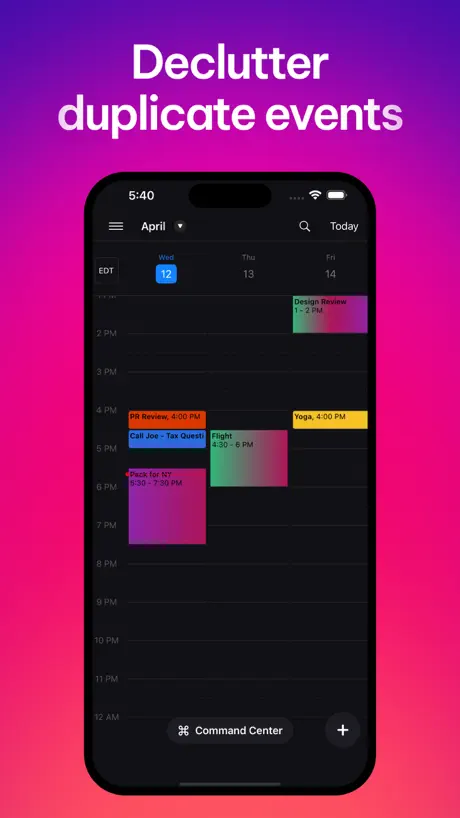
Vimcal: AI Calendar & Schedule
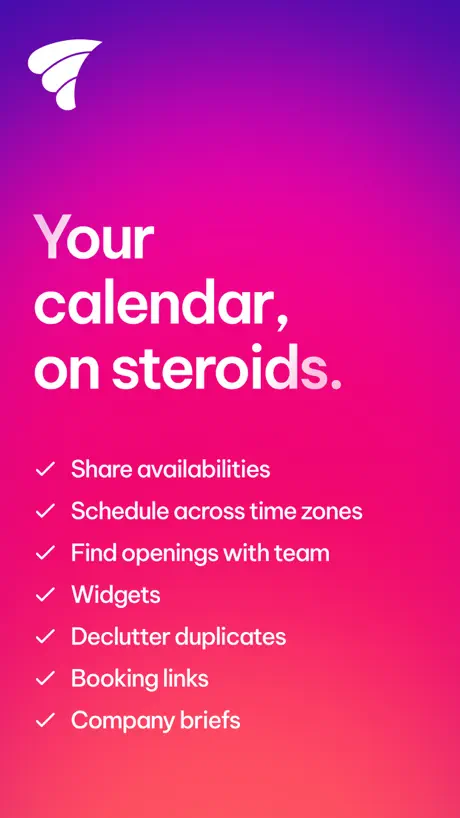
Calendar for work meetings
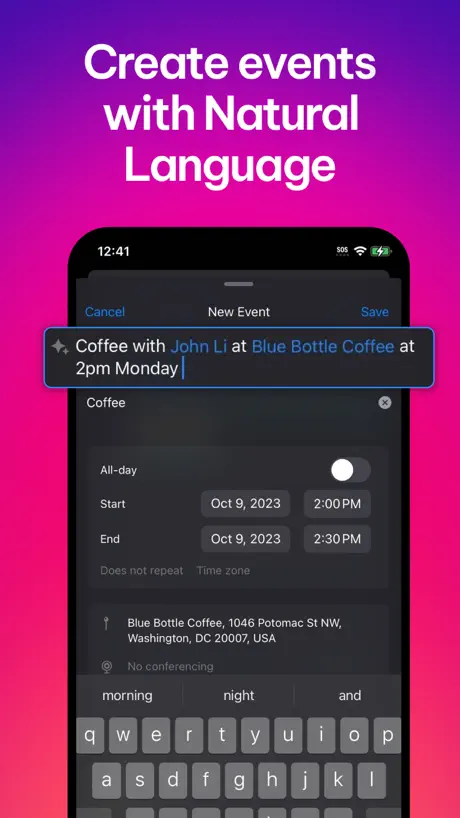
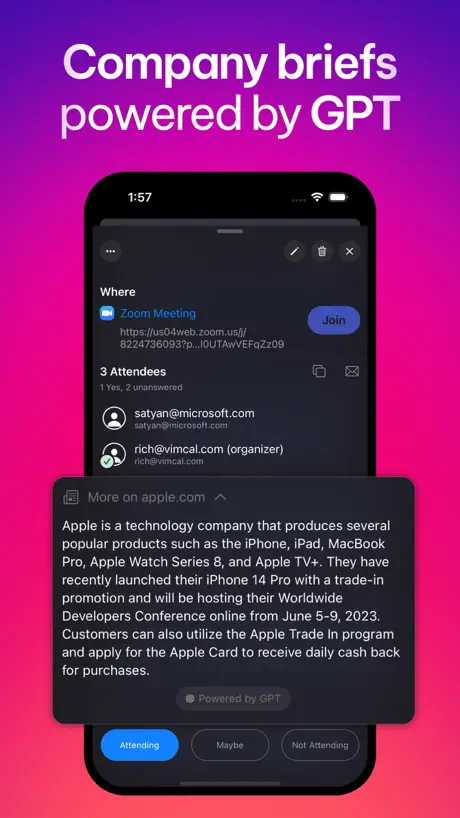
How much does Vimcal: AI Calendar & Schedule cost?
Prices are current as of 14 Nov 2026.
Vimcal: AI Calendar & Schedule has no in-app products on record in the United States.
10+ alternatives to Vimcal: AI Calendar & Schedule
| Vimcal: AI Calendar & Schedule | 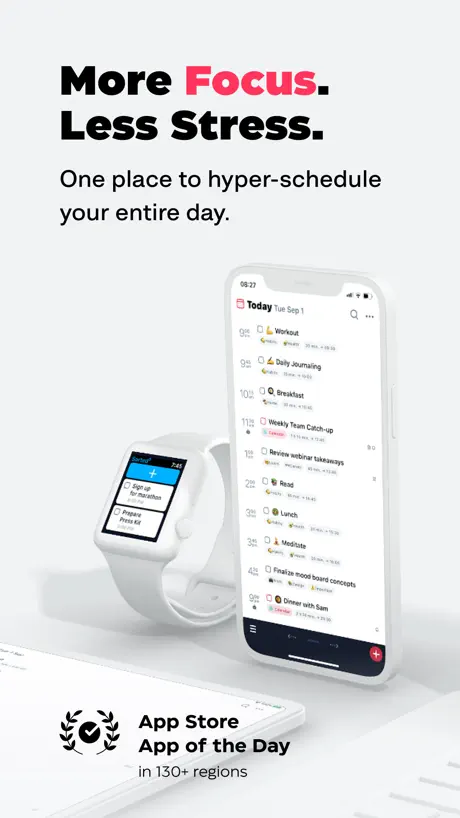  Sorted³ - Calendar Notes Tasks |   24me: Calendar・Planner & To Do | 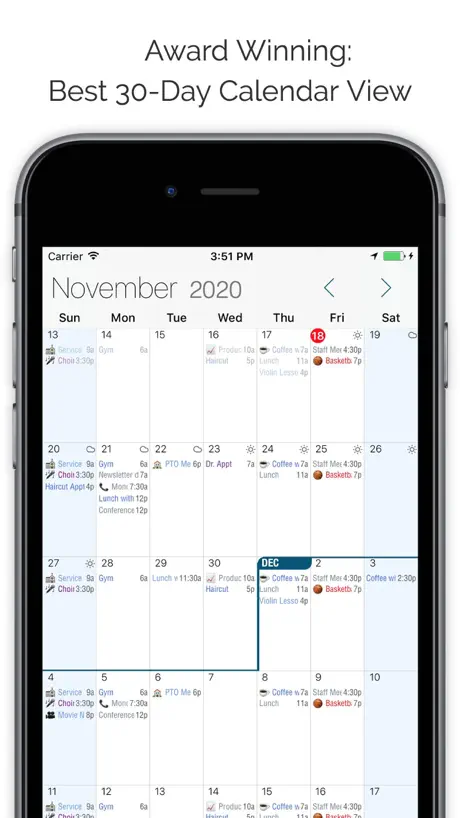  Pocket Informant | 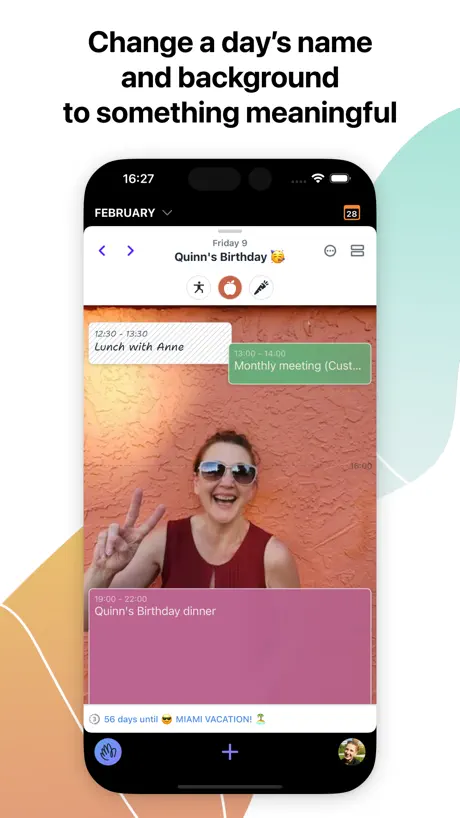  HEY Calendar | 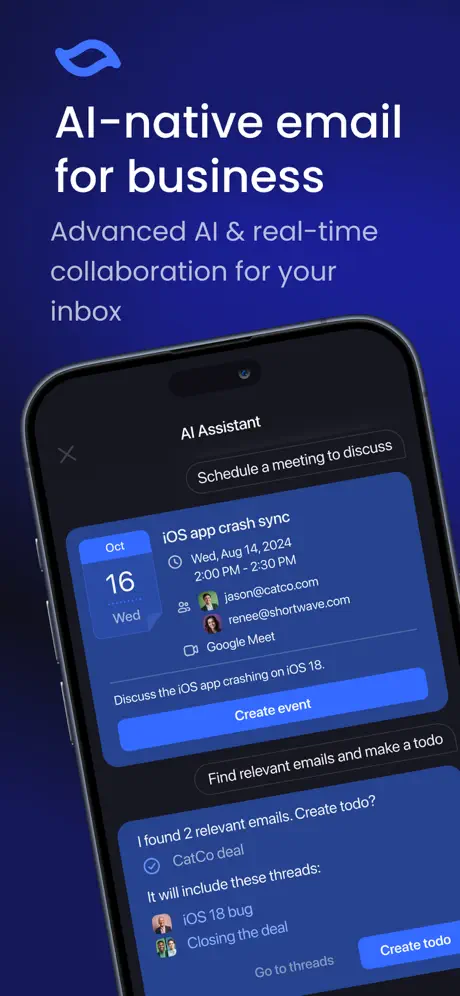  Shortwave - AI Email |   Simplified - AI Daily Planner | 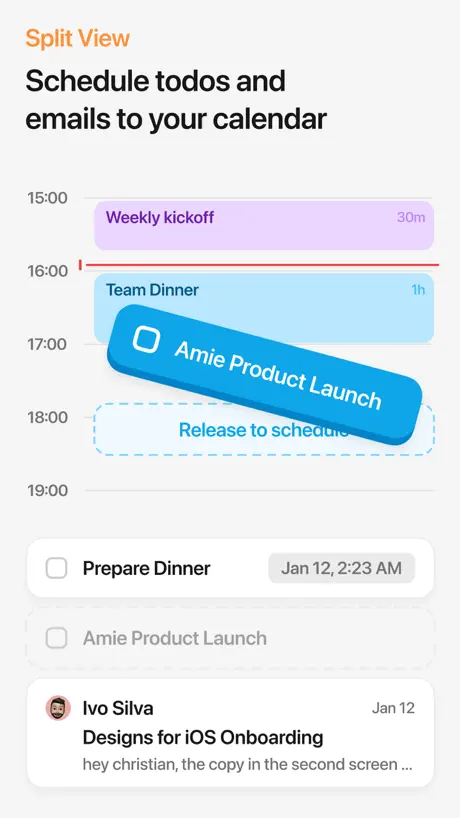  Amie - Todos, calendar |   Morgen Calendar & Planner |   SuperPlanner: Daily Planner |   Routine: Calendars & Tasks | |
|---|---|---|---|---|---|---|---|---|---|---|---|
| Rating / 5 | 4.6 | 4.7 | 4.5 | 4.4 | 4.6 | 4.7 | 4.7 | 3.7 | 4.4 | 4.5 | 4.6 |
| Reviews | 711 | 39K | 34K | 13K | 1.4K | 1.3K | 816 | 587 | 575 | 156 | 14 |
| Released | 2022 | 2018 | 2012 | 2016 | 2024 | 2022 | 2023 | 2023 | 2023 | 2022 | 2021 |
| Monthly price | — | — | $19.99 | $3.99 | — | — | $5.99 | $14.99 | — | $4.99 | — |
| Annual price | — | — | $47.99 | $29.99 | — | — | $19.99 | $120.99 | — | $29.99 | — |
| One-time price | — | $19.99 | $19.99 | — | — | — | $39.99 | — | — | $19.99 | — |
The going rate for each plan in United States, in its own currency, shaded from the cheapest price on the row to the dearest. Plans fewer than four in ten of the priced apps sell are left out.
Vimcal: AI Calendar & Schedule reviews
4.6 out of 5, based on 711 reviews.
What people like
- Saves time finding meeting slots
- Clean and intuitive user interface
- Great keyboard shortcuts for speed
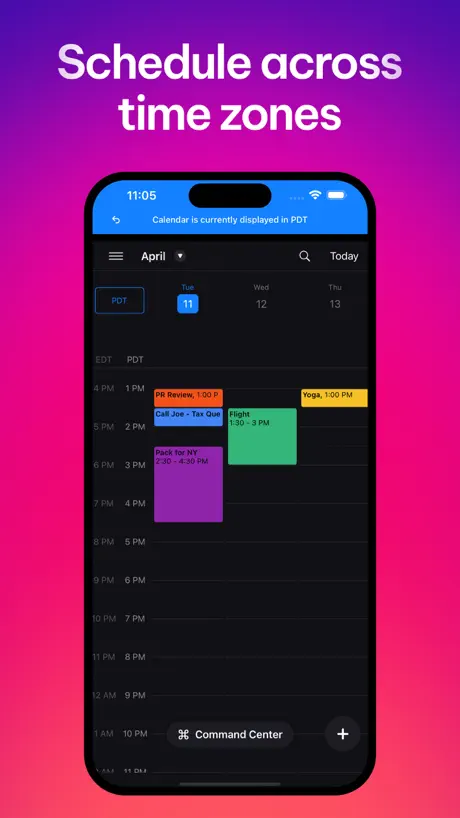
- Handles multiple time zones easily
What they complain about
- App crashes or loads very slowly
- No integration with iCloud calendars
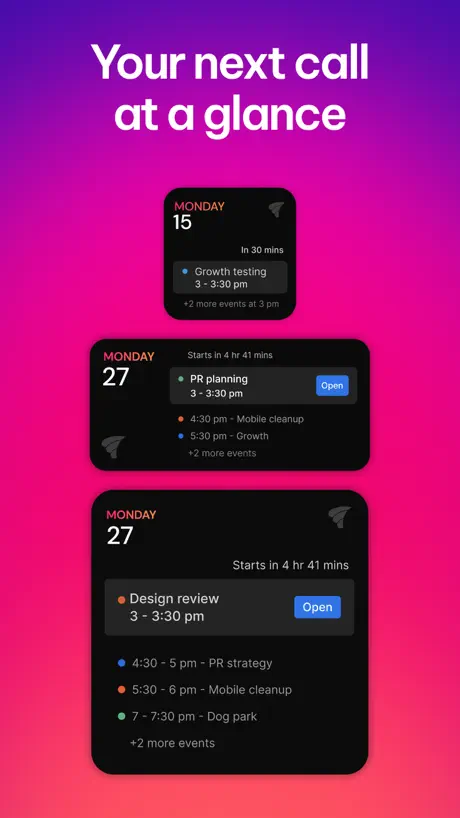
- Widgets show limited calendar events
- Text is too small to read
Nothing better
Couldn’t possibly have imagined how good this calendar app would be. The version on the computer is better than the iOS app but it’s still pretty great here. If you are a heavy calendar user, especially with multiple calendars across multiple services, you’ll wonder how you ever lived without it.
Full of bugs with no response
For the past 3 days the app is not functioning. I have been I touch with support and they confirmed. However - still no resolution and I'm a paying customer.
Missing piece…iCloud
Loved it mostly and would have stayed subscribing if iCloud calendar was integrated. Not able to manage family full calendar w/o it. Strange as to continue to not want to integrate it for over a year.
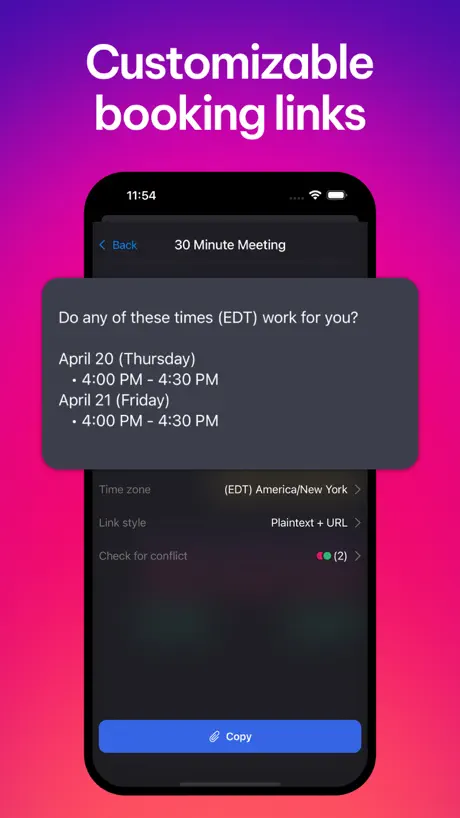
Scheduling links broken
Love the interface of Vimcal but all my scheduling links are broken. Help?
A Solid and Expensive Calendar
Vimcal is a solid calendar with few downsides. That said, innovation with the product slowed to the near standstill that it’s at now around 2 years ago. Since then the app has seen surprisingly few updates that are not “performance updates.” If Vimcal’s cost were less than what it is, this would be acceptable. However, Vimcal should be innovating in some way, given how the world has changed around the calendar product in the last 2 years and their premium price point.
Very good scheduling app
I’ve been using Vimcal for a few months and it’s completely changed how I manage my schedule. The interface is clean and intuitive, and the scheduling features save me so much time compared to other calendars. I love how fast it is and how easily I can book meetings without back-and-forth emails. It feels designed for people who live in their calendar. Vimcal has made my days more organized and less stressful, and I now rely on it daily.
Super Laggy
If you use this for more than one calendar (which is the obvious reason pay for a premium calendar app), you’d have the expectation that you can drag and drop calendar events without lag. You’d expect a snappy experience, instead of constant slowness. So frustratingly slow. The recent update made things worse.
So far so good but
I’d like to be able to feed it information and have it organize it for my calendar
No offline support
This doesn't seem possible for a modern calendar app, but I'm pretty sure there's no support for offline mode. When opening the app it takes 10+ seconds to load the events, so I turned off wifi and turned in airplane mode, quit the app, and reopened it, and sure enough after 10 or so seconds of loading, nothing showed up. Being able to see my calendar without an internet connection is a very basic table-stakes feature. Also, normally I'd ask a question like this via support before leaving a review bit there's no Help section on the website or in the app...
It’s great, but…
How come there’s no support for iCloud accounts ? Even google supports them :(
Fast!
Incredibly feature packed and fast. Similar vibe to superhuman. If you take the time to learn the shortcuts and capabilities, it could save hours per week.
App doesn’t work
Everytime I make an account and I log in it just says error occurred log out.
Room for improvement
Love the speed of scheduling. A bit buggy with time zones (it reverts to local device time zone even when trying to change it). Also could use more thoughtful UI, like list of events (eg Fantastical) — hard to see with such tiny letters.
No direction on canvas
I am a student and have access to Canvas but now way I can add that feed into VimCal
Good Calendar App, Just One Thing Missing
There is a lot that I like about this calendar app. This app is fast, easy to use, and looks good. The one thing that is missing that I really need is a full year view. I book travel events 18 to 24 months out and not having a full year view makes this app difficult for me to use. Quite honestly I'm surprised how many good calendar apps are missing such a simple thing as a full year view. To my way of thinking a calendar without a full year view is an incomplete calendar. Unfortunately I have had to switch back to an alternate calendar app with a full year view.
A must-have app for google cal users!
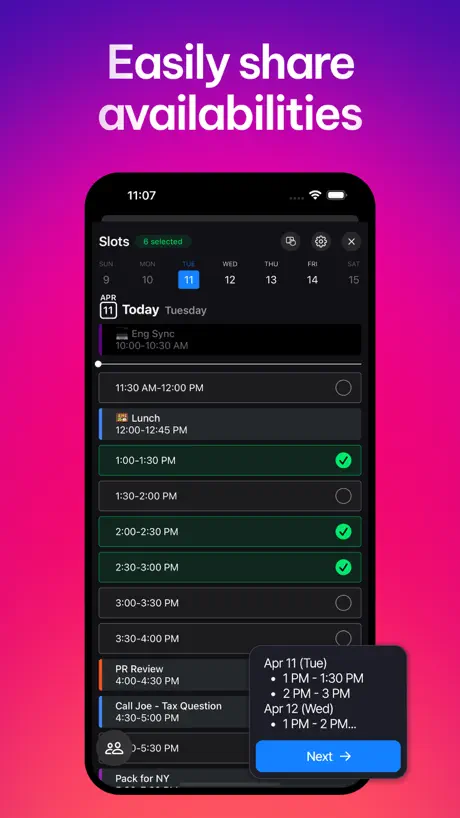
The Vimcal iOS app has several features that I find myself using over and over again - the ability to tag events with different colors makes it easy for me to grok what I have coming up at a glance - sending availability slots is a huge time saver - time zone functionality is great when I’m too lazy to do mental math Highly recommend checking out their desktop app too! Love the keyboard shortcuts there
Sign in with Google doesn't work right
Instead of giving you the typical "select an account" option when using the Sign In With Google button, it seems to be defaulting to an account on my device that isn't usable with this app (locked down by employer). I'd prefer to use my personal Google account, but don't have the option to select which profile to use when signing in - not sure how it decided the work account is the default, but since I can't get past that initial screen, I don't have any way to add/change profiles. There's some combination of signing out of all Google accounts on my device then signing back in in a specific order that might work, but it never sends to stick - once I get it displaying the right profile, it's only a few weeks before it's "stuck" on the work account again, and I'm tired of dealing with all that.
Questions
Is it unlimited to use AI for a calendar, and I do not mainly use Google or Outlook calendar but other team collaboration apps; can this app support them too?
Please fix the widget
The widget is the problem. Checked the calendar subscribing to in the location below, but it doesn't appear in the widget. Account > Preferences > Widgets & Notifications - google account
No iCal? Sorry, it’s a no for me
Nice looking app but if you’re gonna be my primary calendar app, I’m gonna need access to all my existing and future iCal entries as well.
I’m a double endorsement
…because I left and came back! Loved all aspects but had significant refresh issues. Gave Vimcal another try and the speed is real. Keep it up, team
Buggy
Clicking on date goes to the previous day. Not working properly…
great except widget
widget only shows events on your main calendar for an account - i have a bunch linked to my google account so not ideal.
No Apple Option?
Saw this mentioned so I thought I would give it a try. Downloaded and opened, bam…. Google or MS account required. Time to uninstall. Shame.
Innovative and Efficient Calendar with Sleek UI
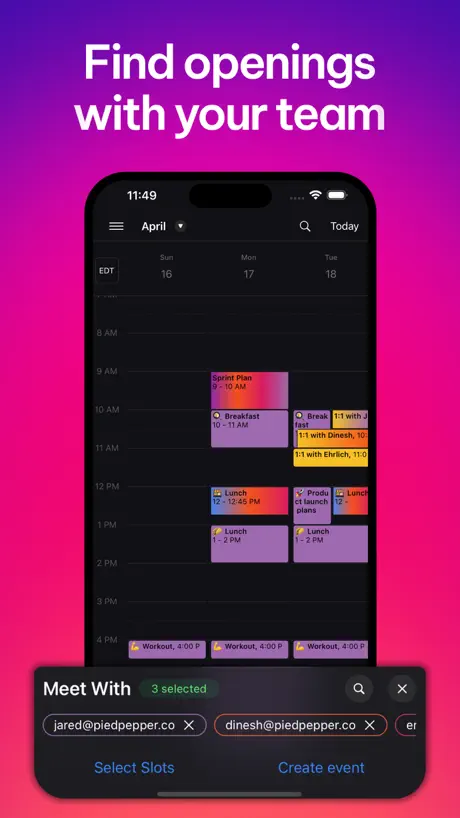
Vimcal has revolutionized my scheduling process. It’s easy to provide empty slots in the schedule for meeting scheduling. Vimcal's 'Find a Time' feature automatically suggests the best slots to meet. The keyboard shortcuts are intuitive, allowing me to navigate my schedule and schedule meetings in seconds. The 'Time Travel' feature makes scheduling across time zones effortless. The UI is clean, attractive, and organized. Vimcal's sleek and minimalist design keeps me focused, and the seamless integration with my Google Calendar ensures all my events are always up-to-date. If you're looking for a calendar app that's easy, fun 😃, powerful, user-friendly, and installs in a couple of minutes check this gem out!
App is randomly deleting meetings
The app has been randomly deleting me meetings from my calendar, and if I try to update a meeting, it deletes it. Unfortunately, it started out amazing, but something recently has gone a awry, making it almost unusable, as I’m not sure what meetings are being deleted.
Apple watch support
App is great! Can we add apple watch support?
Broken calendar link on mobile
Great calendar, but my booking link is always broken when I copy on mobile, which is frustrating.
Worse and worse
Not sure what your engineering team is doing. App crashes upon launching for the last two weeks and no update to fix it at all. You guys might just shut it down and refund. Will not renew again if this is not fixed asap
Meh Calendar
It says it's a "calendar on steroids" but that's an insult to both calendars and steroids. It's more like a sticky note on decaf. Had the widget on my home screen with stuff for the day added. But it constantly said my day was empty and wouldn't show anything added in the calendar. They make it looks cool which is why I downloaded it, but I went back to Google calendars. It does what I need which is to be able to see what's scheduled for the day when I open my phone. Disappointing app
Almost perfect
+ intuitive and snappy UI + booking features like slots and personal links are amazing + ability to send messages to calendar invites after event modifications + finding time on someone’s calendar - no integration with iOS. This would be a game changer. I’d be happy to pay $$$ - text is hard to read. It’s much smaller than other apps
Bugs with Microsoft calendars
That says it all. Very buggy and does not load quick.
The best calendar app!
Vimcal is awesome - it’s really helped organize my multiple calendars cleanly into one place. The interface is intuitive and easy to use. I can find time and schedule meetings from anywhere, it’s made the process way more efficient. it’s great to be able to launch into any platform, and customize everything.
So slow to update
Consistently takes 2-3 minutes to update my calendar. Desktop app is great .. this one, not so much.
Promising!
Since Fantasical has announced their large price jump there has been a lot of talk in Reddit about other calendar apps. I’d never heard of this app - and to find out it’s free - say what?!? I love the slots, so much faster than other apps that allow you to create openings. The lack of ICloud integration was a no-go for me. I also need a bit more color categorizing because I have 469 kids and need to see what calendar events require me to be there versus what I just need to remember and who it belongs to. Otherwise, this app is outstanding.
Major UI issues
I want to like Vimcal’s iOS app so badly. I’m an avid user of it on my Mac. I’m using this on an iPhone 14 Pro and unfortunately there are lots of UI issues, especially in “agenda” mode. Selecting calendar events is laggy. Sometimes you have to touch them multiple times for the details of an event to come up. Sometimes bringing up event details just doesn’t work at all no matter how many times you click, and you have to quit and reopen the app to make it work. Sometimes clicking one event opens another. There appears to be no way to contact Vimcal otherwise I’d be happy to share screen recordings of how this behaves on my device. There are also some very frustrating design choices - like the fact the widget doesn’t show meetings currently happening.
Easy to look up coworker calendars finally
Google calendar doesn’t easily allow you to look up coworker calendars which I need to do on a daily basis so thankful vimcal makes this super straightforward and simple. Been using the desktop version for years so thankful for the new app releases!!
Poor experience creating and editing events
Unable to book resources like meeting rooms despite giving oauth scopes to do so, poor search of directory contacts, cannot erase a location from a draft meeting once text has been entered. Did nobody QA the core functionality?
I don’t understand the hype personally
Just doesn’t like that nice. Missing a lot of features. Also it’s $150 a year. 😂😂😂 that’s utterly ridiculous.
Highly Recommend
This app has it all. My everyday tasks are so seamless now thanks to VimCal! You can organize your time more efficiently and improve productivity. I love that I don’t have to keep separate calendars to manage my school and work commitments. Everything is available in one easy to use app!
Doesn’t Work
I downloaded this app while searching for a calendar app on LinkedIn. Looked promising but doesn’t have projects like some of the better calendar apps. The biggest problem I have with this one is, there’s a button at the bottom of the screen called the command center, that opens and is supposed to allow you to add your slots personal links etc… I have to tap it twenty times, close the app, then open the app, just to get the drop down menu. I’m on a iPhone 11 ProMax. On other screens this happens as well. Not a friendly, functional or beautiful UI, I’m afraid. Back to my search.
“Sign in”
The first thing I see when launching the app is a sign in screen for Microsoft or Google. I don’t even know what you’re all about & you want me to start handing you permissions? At least offer email login so I can give you a throwaway address while I explore your product.
Vimcal: AI Calendar & Schedule FAQ
- Is Vimcal: AI Calendar & Schedule free?
- Yes. The app is free, in all 175 countries it sells in, and it sells nothing inside it.
- Does Vimcal: AI Calendar & Schedule have a free trial?
- No. None of its offers (US) come with a free trial.
- What are the best alternatives to Vimcal: AI Calendar & Schedule?
- Sorted³ - Calendar Notes Tasks (4.7 from 38,598 reviews, premium from $1.99), 24me: Calendar・Planner & To Do (4.5 from 33,934 reviews, premium from $7.99) and Pocket Informant (4.4 from 13,117 reviews, premium from $3.99).
Vimcal: AI Calendar & Schedule download
Last updated 22 days ago.
Vimcal: AI Calendar & Schedule sells in 175 countries. It was released 4 years and 1 month ago, on 23 Oct 2022. It holds a 4.6 rating from 711 reviews.
Supports 1 language: English.
How much does Vimcal: AI Calendar & Schedule make?
Third-party estimates for the last 30 days, worldwide — not the store's own figures, which Apple publishes for nobody.