
dewenwils

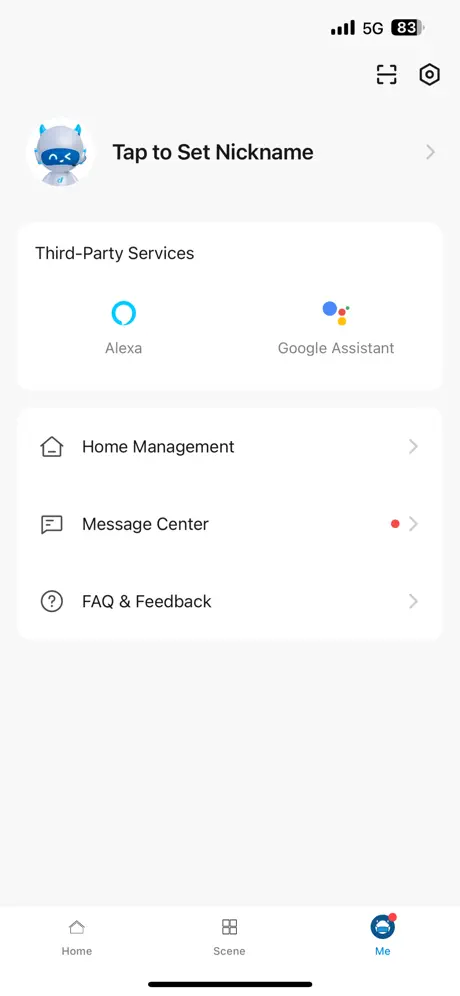
How much does dewenwils cost?
Prices are current as of 19 Nov 2026.
dewenwils has no in-app products on record in the United States.
10+ alternatives to dewenwils
| dewenwils |   MyDolphin Plus |   My Leviton |   HBN Smart | 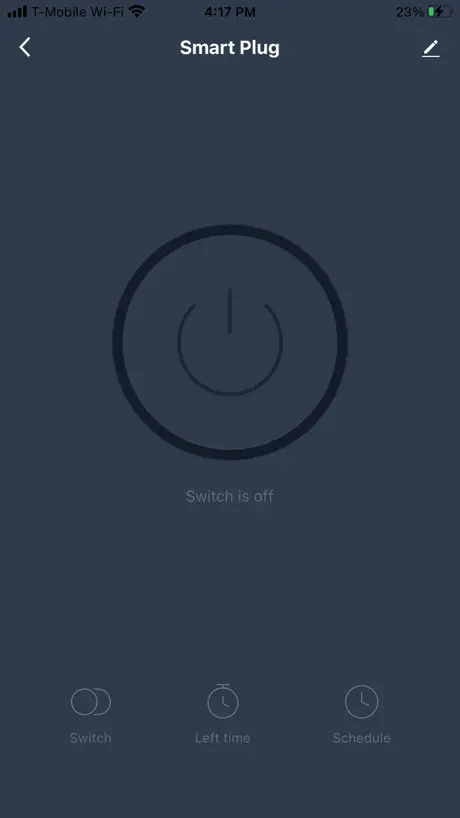  BN-LINK Smart |   RainPoint-TY |   XMcosy+ |   Beatbot |   ECO Plugs |   MOES | 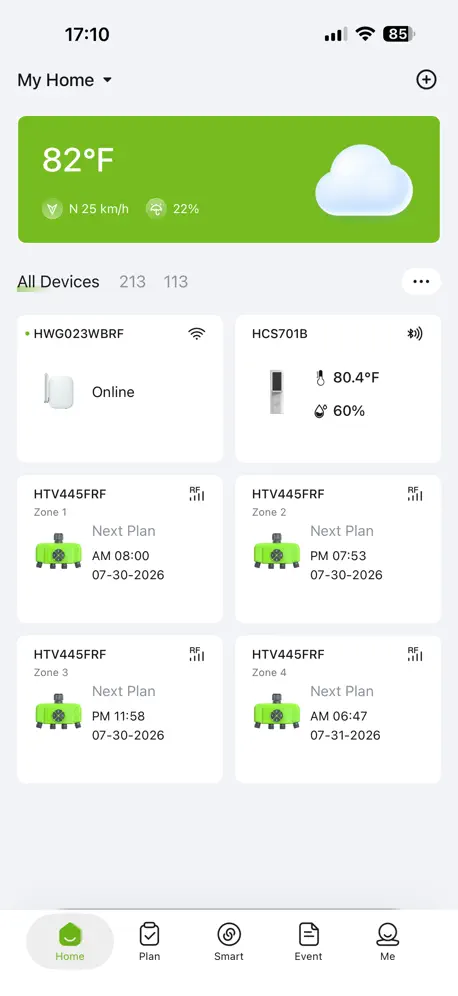  RainPoint Home | |
|---|---|---|---|---|---|---|---|---|---|---|---|
| Rating / 5 | 4.5 | 4.6 | 4.5 | 4.8 | 4.7 | 4.5 | 4.6 | 4.1 | 2.3 | 2.6 | 2.3 |
| Reviews | 251 | 19K | 7.4K | 3.8K | 2K | 1.8K | 1.1K | 577 | 318 | 240 | 139 |
| Released | 2021 | 2019 | 2017 | 2020 | 2020 | 2020 | 2021 | 2023 | 2015 | 2018 | 2024 |
dewenwils reviews
4.5 out of 5, based on 251 reviews.
What people like
- Works great for scheduling daily off signals.
- Super easy to install and connect to WiFi.
- Connects easily and works well overall.
What they complain about
- WiFi connection setup is frustrating and buggy.
- App logs you out randomly every few weeks.
- Schedule feature often fails to turn devices on.
- Device icons move around confusingly on the screen.
Great buy
I bought 2 of the 300w low voltage transformers for my landscaping lights. Everything works perfect and it was super easy to install/connect to wifi and Alexa. Highly recommend these units!
Garbage
Garbage
Good but please fix the scheduler interface
The app works well but on/off schedule by day/time is totally unordered and so hard to check for the most basic schedule
Works but missing basic features, bad privacy policy
This thing wants access to location, lan, Bluetooth, wifi password and more. No idea what random and circulate modes might be useful for. Astronomical mode wouldn’t work for me. Could use this as a timer, but could t get it to adjust for sunrise/sunset times.
Moving icons, confusing promos
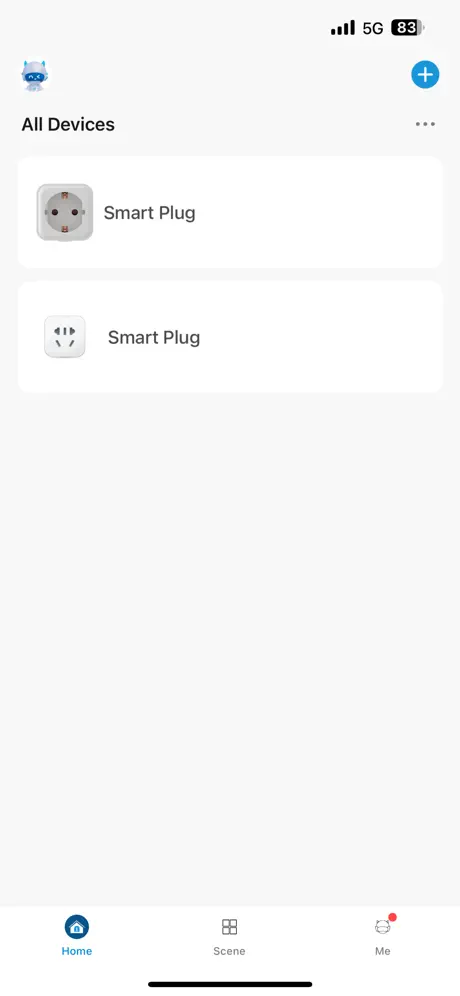
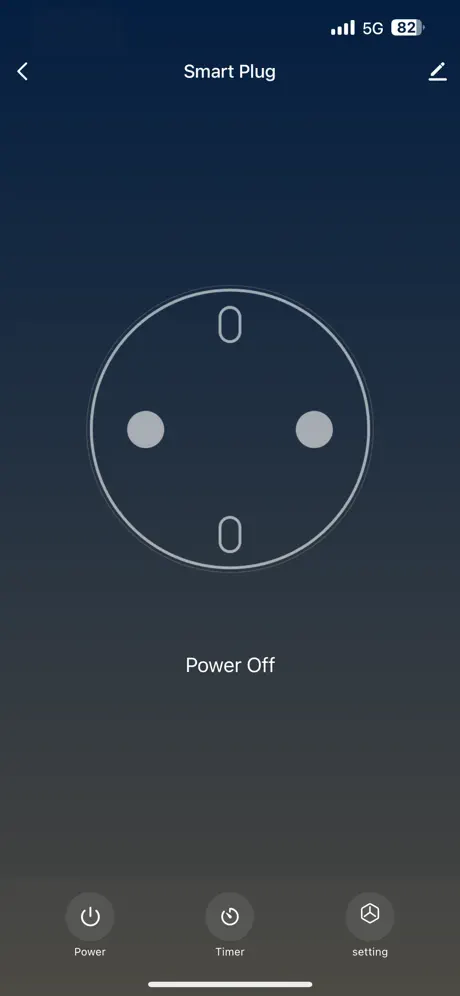
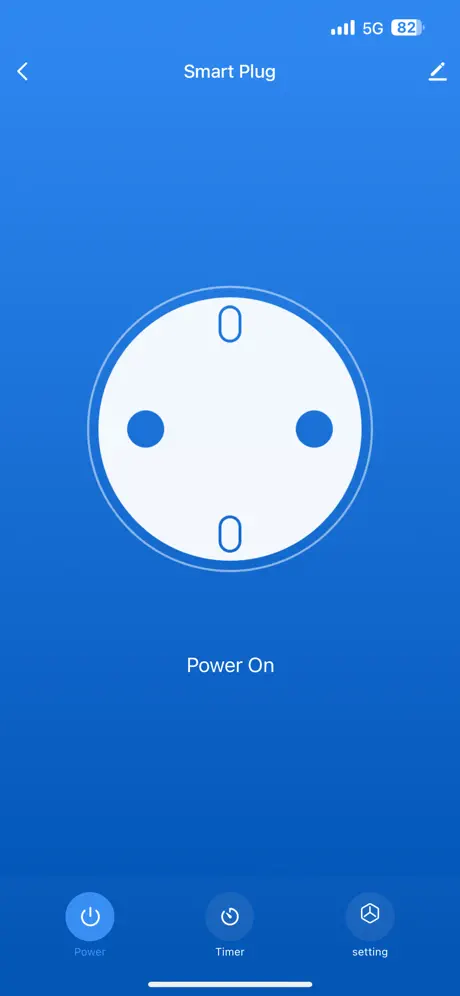
8/23/26: if you updated the Devices page to just do the On/Off from there, there would be no need to go to the full page with just a big button in the moof a full screen. Just highlight the devices that are on, and mute the devices that are off. Then, users could see at a glance from the Devices screen which devices were on or off, and control them from that one screen. Maybe long click the icon to go to the individual device to edit then name. 7/17/26: First, thank you for improving the prompts on the On/Off pages to clearly state “Tap to turn On”. That clarifies the state. Now, a few other improvements would make the app more usable. On the “All Devices” page, the icons still relocate at will. I find I inadvertently hit the wrong one because the one I wanted was just in that location a few minutes ago. Also, not sure the individual device button pages would be needed at all if the on/off status was shown on the All Devices page. As it is, on has to click on the respective device to go to its page just to see if it is on or off. You could also just go one step further and make those icons active on/off buttons. Maybe change the icon itself to show on/off. Same would apply to device icons in the respective rooms. These would make the app, and the devices they control, just that much more usable and convenient. 5/14/26: Also, why not have an indication on the “AllDevices” page showing if each is On or Off? 5/13/26: I like the convenience of the app, but it is bizarre how it behaves. There is a tiny arrow to move back to the All Devices page. Make it bigger. When going from one confusing device screen to another, the device switch locations on the All Devices page. Why would they EVER move? The prompt on the Device page is confusing. “Device Off”, with a white button on a dark blue background - what does that mean? “Power On” with a white button on a light blue background - what does THAT mean? Obviously it’s a toggle, because t the label is confusing. Even if you just added “is” in between, it would clarify the meaning. And, the background colors are NOT intuitive. You can do better.
Dewenwils app
App works great, easy to use. Like the the scheduling options. Use it to send a daily “off” signal to workshop heater so I never have to worry if I left it on, as I’m not out there everyday. Only thing missing is a feature to set a timer to turn on for a certain amount of time then go off. Thanks!!!
Lites off/on
Almost every day I have manually turn one if the two zones. The timer switch consistently turns off on its own. It’s fking annoying.
Schedule
The schedule does not work. Only the timer countdown does.
connecting to wifi was extremely frustrating. directions are awful.
after 3 hours of resetting router, reinstalling app, resetting transformer, still not connected. should not have to call isp to shut off 5 g on our wifi. frustrating to look for reset button (there is not one) every time i tried to connect to wifi, it would either say phone was not connected to internet or wifi password was wrong, neither of which was true. would not recommend
Password saving
What name does this app save the passwords under??
Dewenwill app for pool timer
Works perfect!!
Terrible
That’s the best I can do on this. The app is nothing like what I expected. All it does is turn the two circuit low-voltage transformer on and off. There is no separation of the two circuit. In fact, there’s just nothing.
Good app, could be even better
App works well. Connects easily. Would like access to add functionalities as widgets or shortcut commands. Apple Home integration would be ideal, but shortcuts would be good enough.
Seems very buggy
I’m using this app with a 3 zone WiFi landscape lighting transformer. Getting it to work was a challenge and I learned you need to change your WiFi settings to not use any privacy (“fixed” private WiFi address and disabling limit tracking seemed to work). There was no mention of how to make this work. Also now that the app is finally working the software appears to be buggy. I can turn zones on with the app but the GUI doesn’t reflect the change, and also I can’t turn zones off with the app. Honestly unsure if it’s the app or the transformer, but all in all I’m not very impressed at the moment.
Constantly logged out
Please stopped logging me out every few weeks. I use this app for my outdoor smart yard stake, which controls all sorts of outdoor lighting. It’s annoying to have friends over, wanna to turn it on and have to go through remembering my log in and password.
Schedule function terrible
Schedule function doesn’t work well. I’m able to turn lights on/off over wifi (it’s not the connection), but scheduling just doesn’t work.
Good app but still behind
It is stable and works well. Still does not have iPhone widget like basically all other smart apps for easy access to push button on off. And a few other basics. They have a great base but are falling behind by not continuing to keep up. I hope they start doing more.
Timer function Doesn’t work!
I have had two of the 240 volt pool timers for about a month, and had set up timers to control two units. The software does not turn on or off the devices when commanded to. The manual function works fine but without the timer it’s useless!!
App Stopped working
App has stopped working for my pool motor timer. I cannot set on and off times anymore. I can manually turn it off and on from the app but no way to set timers. No support or help on the website. Just email link to sales. No phone number to call.
Low Voltage Transformer SKU HSLT05W
This is awful. The download says “hit the reset button”. There is no reset button.
Incompatibility
If I had the option to use another app for running my pool pump I absolutely would use a different one. There is no link to smart home, or any other app, and this one loses the network consistently. The scenes do not activate when saved because of that, so renders the app useless other than to turn on your pool pump manually when you are standing beside it. Not what I bought it for. If you can find a different switching device for your pool pump I recommend you go that route.
dewenwils FAQ
- Is dewenwils free?
- Yes. The app is free, in all 174 countries it sells in, and it sells nothing inside it.
- Does dewenwils have a free trial?
- No. None of its offers (US) come with a free trial.
- What are the best alternatives to dewenwils?
- MyDolphin Plus (4.6 from 18,797 reviews), My Leviton (4.5 from 7,403 reviews) and HBN Smart (4.8 from 3,776 reviews).
dewenwils download
Last updated 1 year ago.
dewenwils sells in 174 countries. It was released 5 years ago, on 11 Nov 2021. It holds a 4.5 rating from 251 reviews.
Supports 11 languages: English, Arabic, French, German, Italian, Japanese, Korean, Portuguese, Russian, Chinese, Spanish.
How much does dewenwils make?
Third-party estimates for the last 30 days, worldwide — not the store's own figures, which Apple publishes for nobody.