
Web Inspector
Developer Console for Safari
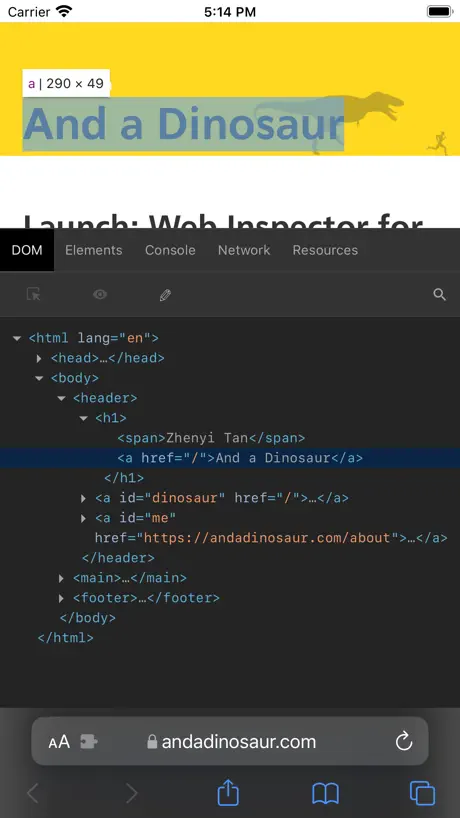
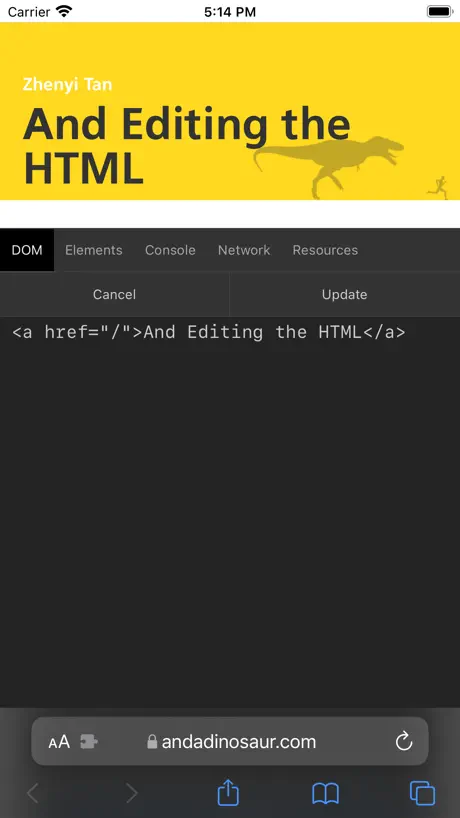
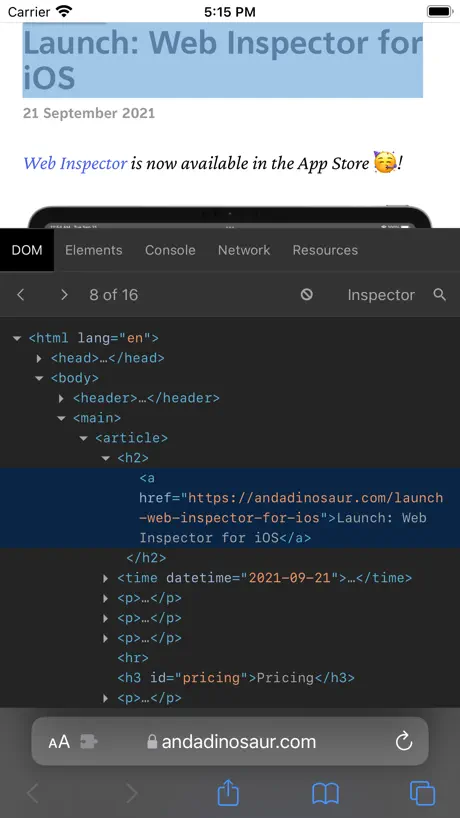
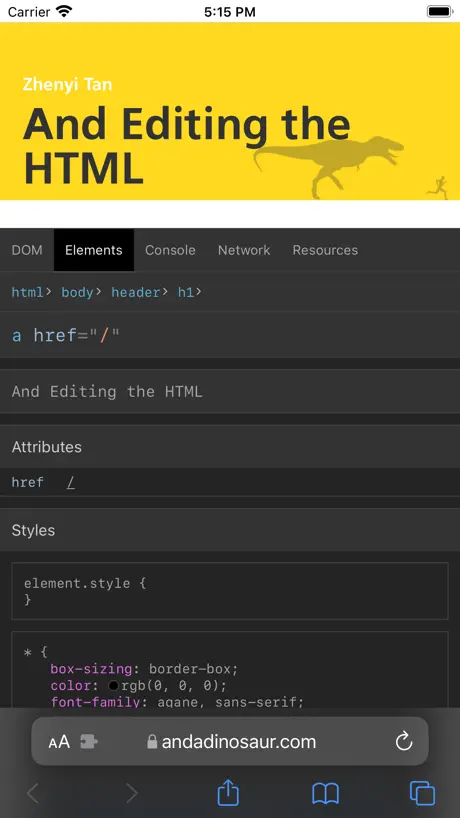
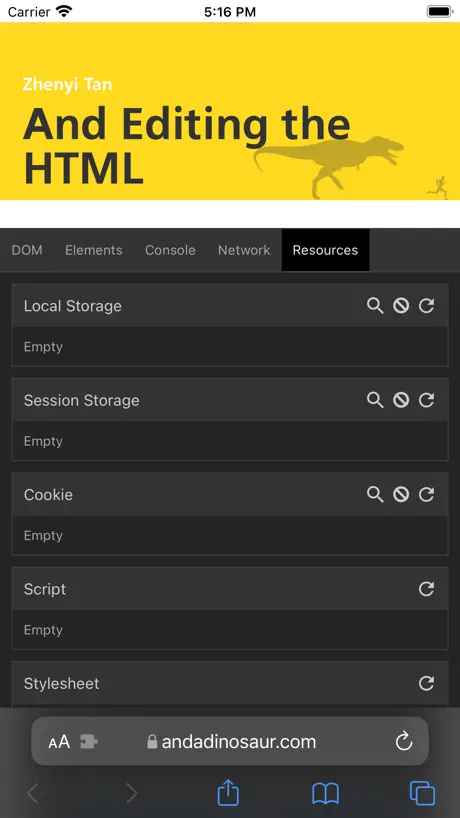
How much does Web Inspector cost?
Prices are current as of 6 Nov 2026.
Web Inspector has no in-app products on record in the United States.
10+ alternatives to Web Inspector
| Web Inspector |   xTerminal - SSH Terminal Shell |   Textastic Code Editor |   Runestone Text Editor | 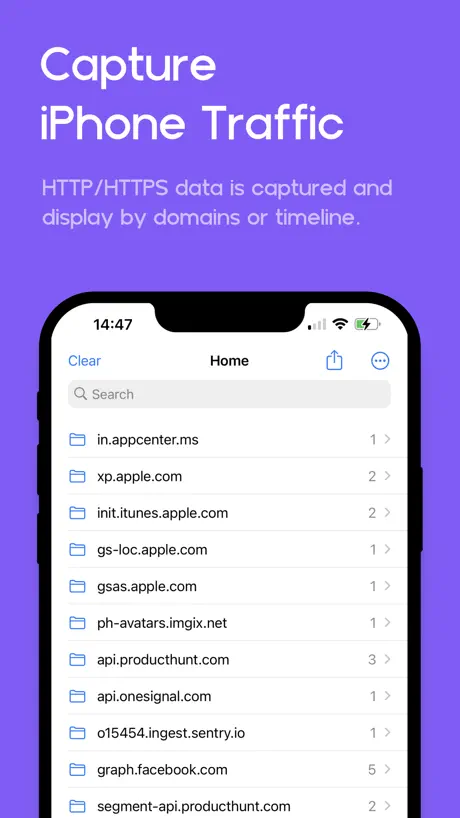  Proxyman - Capture HTTPS | 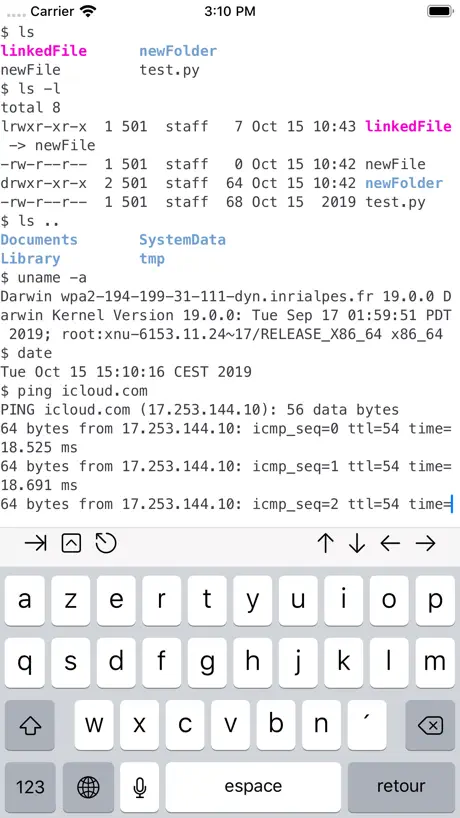  a-Shell | 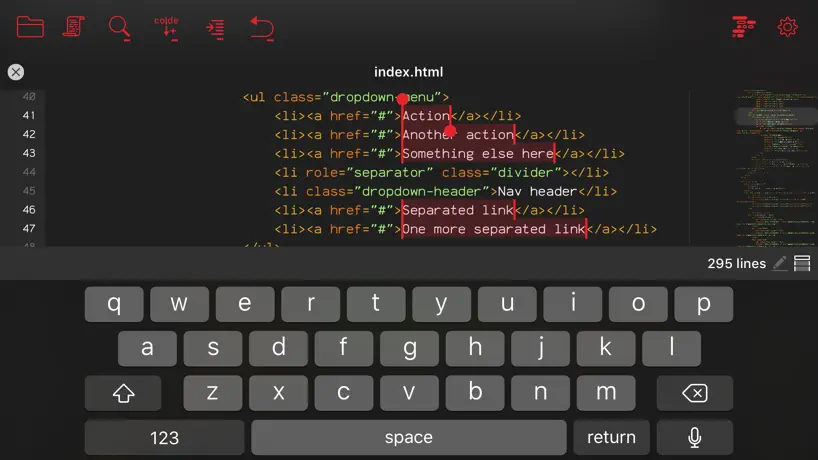  Kodex | 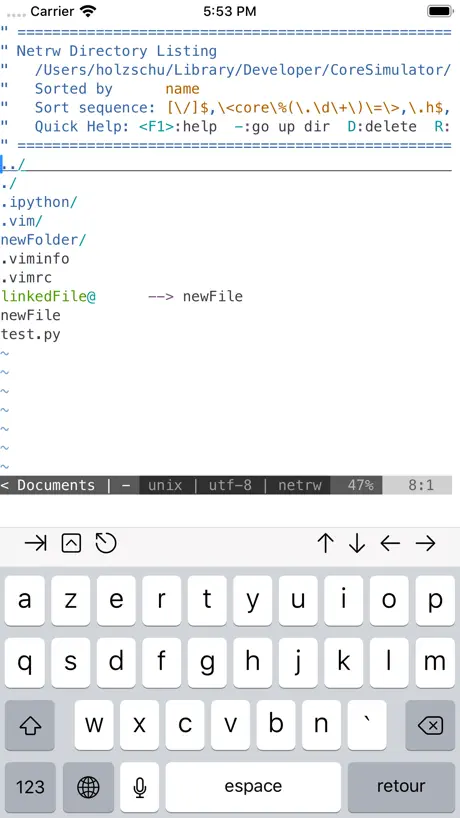  a-Shell mini |   Code Editor - Compiler & IDE |   Rev for Vercel |   Supanator: Supabase Manager | |
|---|---|---|---|---|---|---|---|---|---|---|---|
| Rating / 5 | 4.1 | 4.6 | 4.7 | 4.7 | 4.7 | 4.6 | 4.2 | 4.3 | 3.4 | 4.4 | 4.4 |
| Reviews | 887 | 8.3K | 8.1K | 5.6K | 2.8K | 2.1K | 695 | 663 | 382 | 300 | 68 |
| Released | 2021 | 2020 | 2016 | 2022 | 2021 | 2019 | 2018 | 2020 | 2022 | 2025 | 2025 |
| Monthly price | — | $6.99 | $2.99 | — | $8.99 | — | — | — | — | $2.49 | — |
| Annual price | — | $29.99 | $19.99 | — | $49.99 | — | — | — | — | $6.99 | — |
| One-time price | — | $59.99 | $69.99 | $9.99 | $69.99 | — | $4.99 | — | $3.99 | $17.99 | — |
The going rate for each plan in United States, in its own currency, shaded from the cheapest price on the row to the dearest. Plans fewer than four in ten of the priced apps sell are left out.
Web Inspector reviews
4.1 out of 5, based on 887 reviews.
What people like
- Lets you inspect elements without a Mac
- Works great for editing HTML code
- Feels familiar like desktop browser tools
- Totally free and does the job well
What they complain about
- Does not work on newer iOS versions
- Panel covers too much of the webpage
- Cannot edit CSS or add styles easily
- Crashes or fails to open sometimes
Great :)
Got the job done, amazing safari extension that let me debug some stuff without owning a Mac! Just an iPhone. My only complaint is not having a built in select all - copy / paste console output. Maybe it has one but I didn’t find it or figure it out. Regardless, this app enabled me to continue working on a project that was otherwise out of scope. Oh, AND ITS FREE 10/10
Useless
Useless. Reset after 2 seconds
Works on iOS 26 but I can't use it on iOS 9 like the photo shown
This app works on IOS 26 but it isn't working on iOS 9 in my purchases ik it's old but good app
Much harder to reach urls in the resources
Inb4
Issue, when clicking on element
When clicking on an element on the page using the inspect element cursor, the actual web inspector inspector flashes on an off page. Unable to continue using it unless you reload. Cursor doesn’t work
This thing does the job!
Even with WebKit limiting functionality (something nobody can have control over, even devs), this thing does the job! Console works, everything works pretty much exactly like a desktop browser. The only complaint I have is there's no settings capability, you can't change the fonts nor color. And it's difficult to finely choose details. Other than that, this is the only Safari Add On that does the thing!
Poor app build
Can open inspect menu but cannot exit or hide the inspect menu upon opening it therefore making it completely useless
Impressive app
This app is impressive! Only 4 stars because sometimes it lags but I would recommend this app the best to inspect elements
Can no longer copy text
Can no longer copy text, making this app much less useful
Can we get an update?
This app is great but I notice there are lots of little quality control issues where when using it’s basically tapping on the webpage behind it and creating unexpected ability to analyze content. Would love a little refresh. Would be willing to pay :)
Incredible extension!
No Mac needed or other complicated solutions to inspect elements. This is perfect and has all of the DevTools functionality I was looking for. THANK YOU!!!
doesn't work
it doesn't work
app is amazing, just one thing
i love using this, it's just annoying to close and open, it hardly works on the newer iOS versions. other than that, works flawlessly
Good, but could be better. Doesn't work on Youtube.
A much needed web inspector for iOS Safari. There are three issues that can be improved though: 1. Sometimes the web inspector just doesn't open. One review said that it's because the tab crashed, but I find that sometimes if I leave a tab open for too long the inspector also doesn't open. 2. No horizontal scrolling in the DOM viewer means that once you're 15 nested elements deep, the code gets squished to the right third of the screen with about 10 characters per line. Once you get to 20 nested elements you can't even see the code because it's offscreen. A weird oversight to have for such a useful plugin. 3. Doesn't work on Youtube.
Basically Eruda in extension form
While this appears to simply be Eruda in extension form, it seems to work on sites where a favorites bar shortcut does not, which is great. With that in mind, it seems to still have all of the same limitations that Eruda does anyway, making it an extremely barebones approximation of the real Web Inspector with limited utility.
这工具太好了
作者加油完善的更好,收费我都支持👍
Doesn’t work
Title
Perfect
This is exactly what i needed but the only bad part is…. you can edit CSS
Doesn't work anymore
Used to work great. Now when i try to open it nothing happens.
Close button
I wish it had a close button on the interface. It drives me crazy having to do back to disable it each time.
nice job! thanks a lot!
nice job! thanks a lot!
Hacker
Pretty sure this app hacks your safari passkeys
Nice, but can’t edit CSS
I appreciate the app and the developer, but it would be so much better if you could edit CSS like in desktop Safari.
Can’t resize the thing
If only I could resize this panel, then I could use it. As it is, I can’t see the page I am investigating since this covers up most of the content. Kind of useless! Sorry, so close.
debugging page is too big
The debugging page is too big and shows the debugging page, so the space for using the website is too small. If you hide the debugging page, you can't click it, you will return to the debugging page.
Free web utility--what's not to love
Perfect app everyone should make apps like this. Does exactly what it says
Tried to do a simple inspect element job
Took me about 20 minutes. Kept bugging out and crashing the tab. iOS Safari.
Add a feature
Hi I think this app can be better if you add the other features like the application tab etc please and thankyou or your welcome
IT NOT WORKING
I use this app for cookie clicker but today it just doesn’t work please fix
Help pls
How to open this app in iphone please tell me anyone
Yes
This here is the best extension, the best thing I have downloaded on my phone... 5stars
Not so good
Installed it, enabled the extension in safari’s settings, kept getting the same startup page telling me to enable the previously enabled extension, deleted it.
Pretty Great
This is an awesome extension once you figure out how to pull it up. Highly recommend adding a few more steps or instructions in the app on how to use it.
No sources tab
There isn't source tab
Buggy
Often times, I edit some text, close down the debugging page, move off the window for several minutes, come back, and the debug page doesn’t respond no matter how many times I’ve clicked it. If I refresh the page, it responds, but my work is gone and the toolbar with the pencil, eye, and arrow in the box is gone. I would prefer the bugs to be removed, and then an ability to “lock” the code so I don’t loose data upon refresh as the whole software is practically useless without it.
Could you please update!
Could you please release a quick update? I’m noticing that it’s starting to not respond to being activated through the browser. The pop up doesn’t show up and I have to close the browser and restart everything so I can use it Thanks so much in adavance :)
Stopped working a while ago. Literally does nothing.
This app does not work on new versions of ios. don't waste your time downloading.
It's so close to being exceptional
This really is impressive. It's extremely intuitive, very appealing to look at, and integrates directly with safari. It feels very reminiscent of Chrome DevTools, so you feel right at home using it. Now, the things that are missing are quite noteworthy. There's no way to edit CSS without editing the html and applying inline styles. You also cannot see all the possible styles that are inherited from the classes applied to the element. Only the computed styles. That's a pretty big deal. Furthermore, I haven't found a way to resize the panel as its much too large. I saw somewhere the dev saying you could tap and hold and drag it down, but I haven't been able to figure it out and neither have some other people, so that could be a little bit more intuitive. It also is a little buggy where the nav bar of the panel doesn't always show up. Have to close safari completely and reopen it to fix that. Frankly, the CSS and resize things are the most important. With those two things fixed, this app would be worth $$$ and I could see this being worth every penny. Safari is always a pain to debug without a mac and this helps you inspect what a lot of your clients are probably seeing. First person I've seen use safari extensions for this and it's about time.
How do I use it?
I installed the app, activated the extension, but still can’t find how to open it. There is no button anywhere. There is no tutorial on the appstore, there is nothing on the developer website. No where saying how to inspect an element or how to start usong the app.
Console doesn't work properly
Doesn't show console logs, errors, or warnings emitted from the website as advertised.
This is awesome!
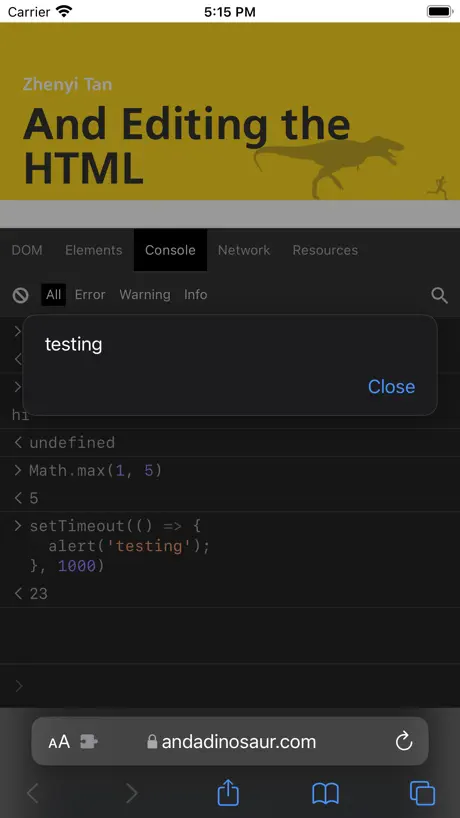
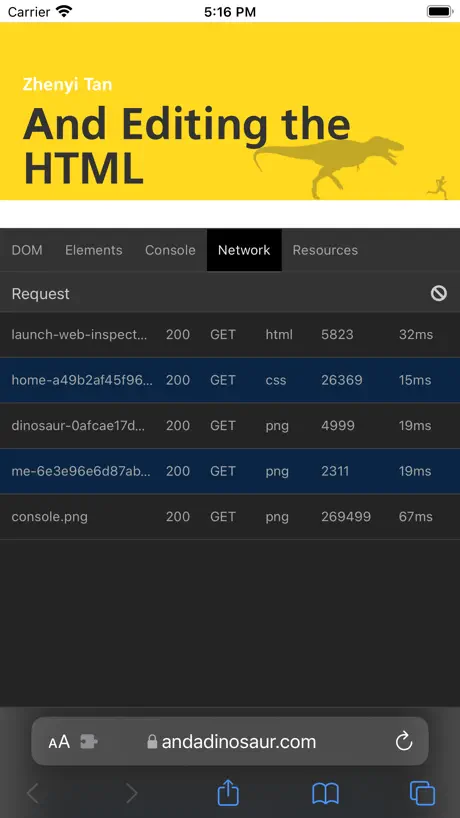
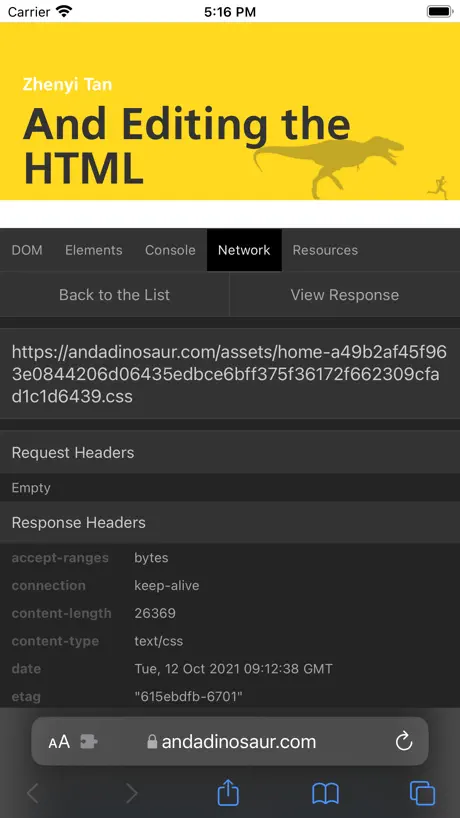
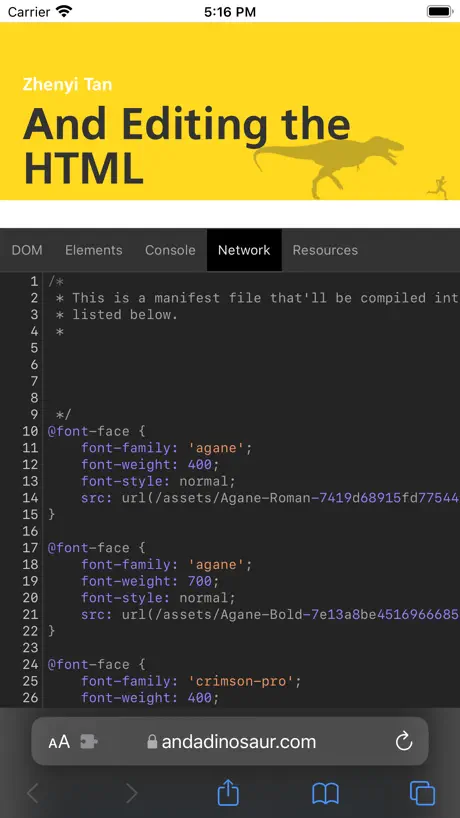
It’s a plug-in for Safari which has a few tools for debugging sites - network requests, JavaScript console, etc. It does not work in the compact tab mode, so you need to set tabs to separate tab bar.
BEWARE OF SCAM/STOLEN DATA
After being updated when the app opens and asks you to enable the extension in safari it just opens your passwords and for me directly opened my Spotify password on my iPhone. DO NOT DOWNLOAD THIS APP.
Useful!
Very useful…. But there are some usability issues. It would be nice to be able to slide view window up or down so more of the webpage was visible. Maybe this is too much to ask— auto-complete JavaScript code when typing in console would be awesome! Well done so far!
Nice idea but…
scrolling is very diffucult as it scrolls „through“ the extension, accessing DOM from JS was not possible („Unexpected identifier ‚window‘ “, „Unexpected identifier ‚navigator‘ „ etc…)
Doesn’t work with iOS 17
Unfortunately this doesn’t seem to work with iOS 17. It was great while it lasted though.
I like it
I like this because you can edit the html
Glitchy
No way to completely hide the inspect element after you’ve opened it.
Can’t edit CSS
It’s fine for as far as it goes. Editing HTML is nice. But not being able to edit the CSS is kind of a dealbreaker, because that is what’s most important for me. You can see the CSS fine, like on the desktop Inspector, but you can’t edit the values or add/remove declarations. Also, there doesn’t seem to be any way to minimize or dismiss the panel to see whatever changes you made or to screenshot the changes. You have to tap an Apply button to apply the HTML changes you make. Seems like that should be automatic, like the desktop experience. It’s got potential though, if those could be fixed.
拡張設定をONにしても進まない
私はiPhone13でios15なのにも関わらず 設定で何回見てもONになっているのに『Go to settings』と表示され先に進むことができません。 この場合どうすればよろしいでしょうか?
Missing CSS editing!
This has so much potential though!
Web Inspector FAQ
- Is Web Inspector free?
- Yes. The app is free, in all 175 countries it sells in, and it sells nothing inside it.
- Does Web Inspector have a free trial?
- No. None of its offers (US) come with a free trial.
- What are the best alternatives to Web Inspector?
- xTerminal - SSH Terminal Shell (4.6 from 8,256 reviews, premium from $6.99), Textastic Code Editor (4.7 from 8,107 reviews, premium from $2.99) and Runestone Text Editor (4.7 from 5,559 reviews, premium from $9.99).
Web Inspector download
Last updated 2 months ago.
Web Inspector sells in 175 countries. It was released 5 years and 2 months ago, on 16 Sept 2021. It holds a 4.1 rating from 887 reviews.
Supports 1 language: English.
How much does Web Inspector make?
Third-party estimates for the last 30 days, worldwide — not the store's own figures, which Apple publishes for nobody.