
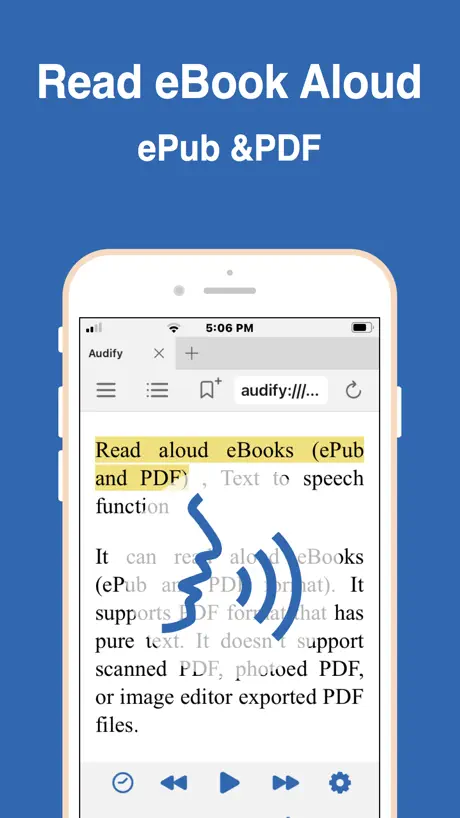
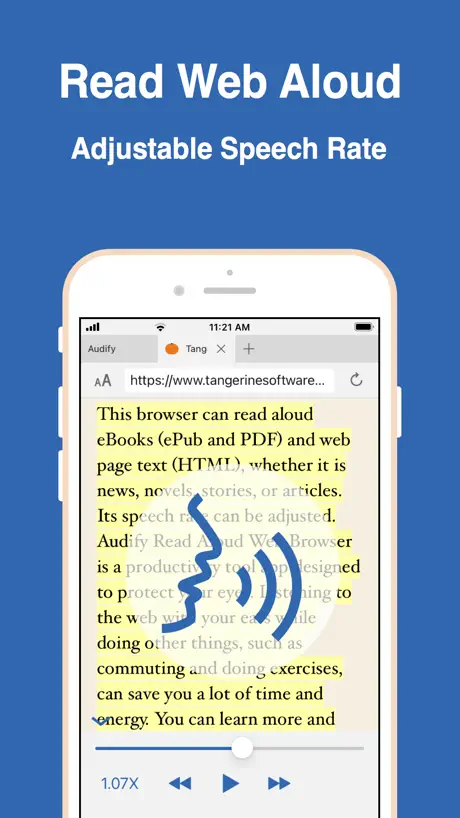
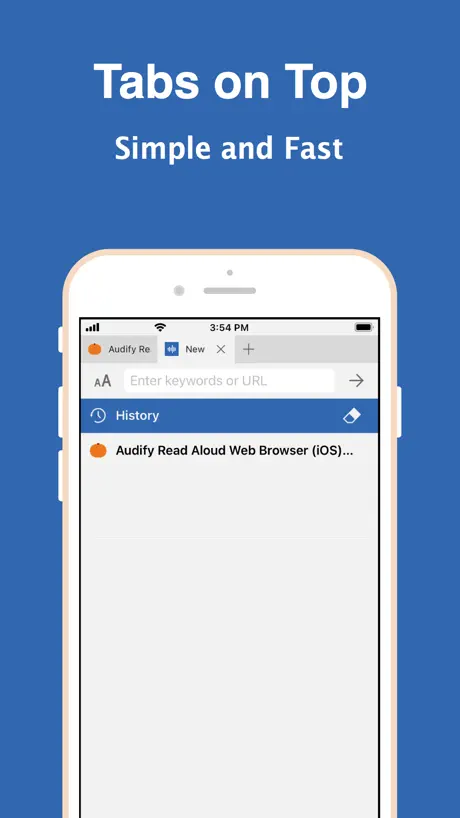
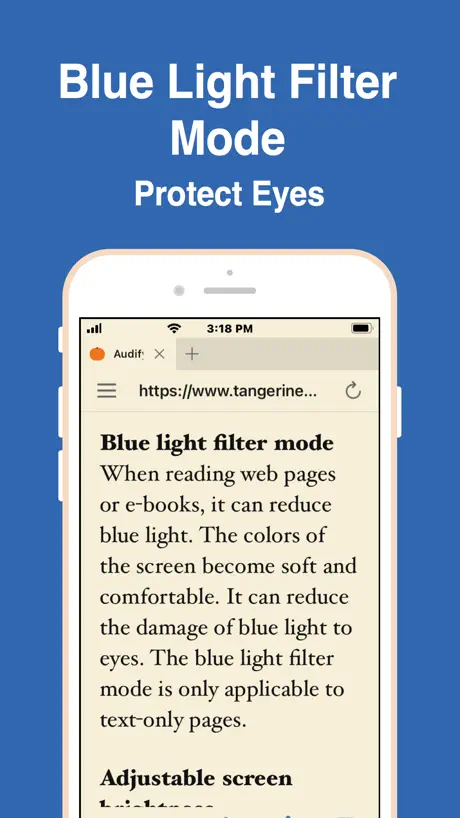
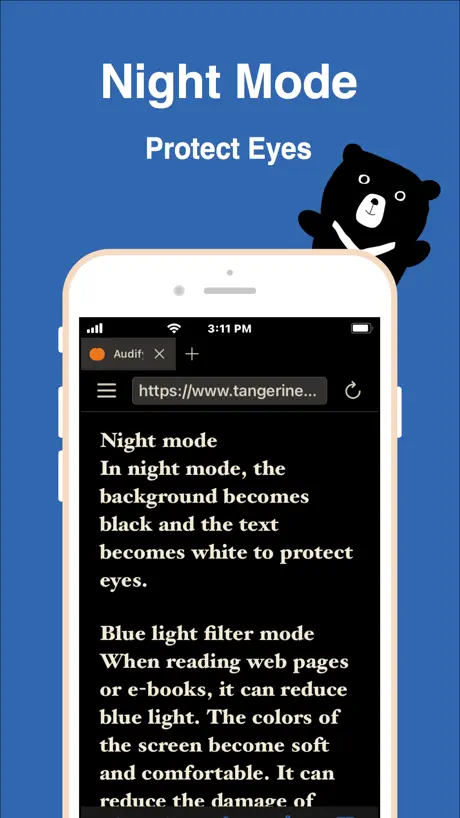
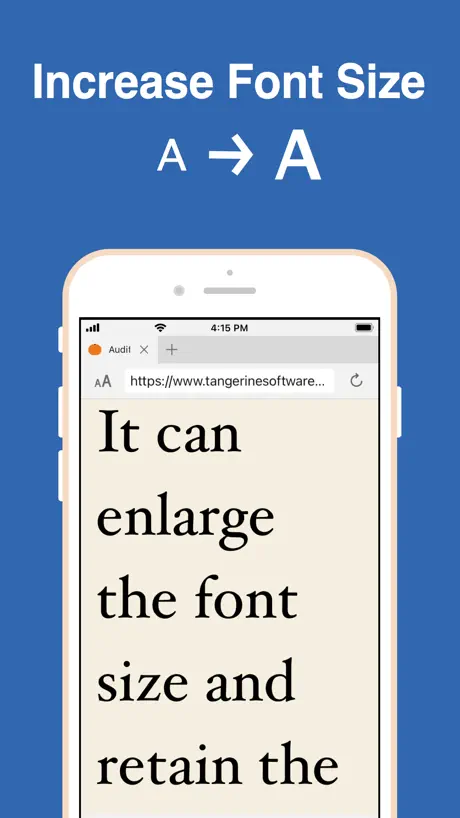
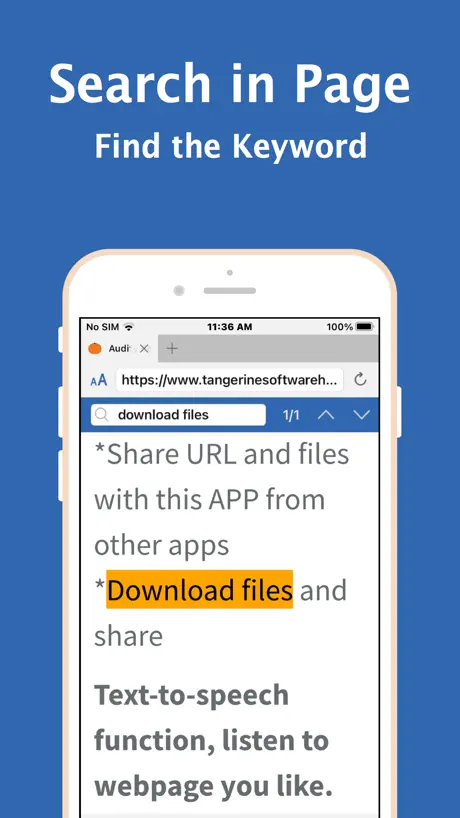
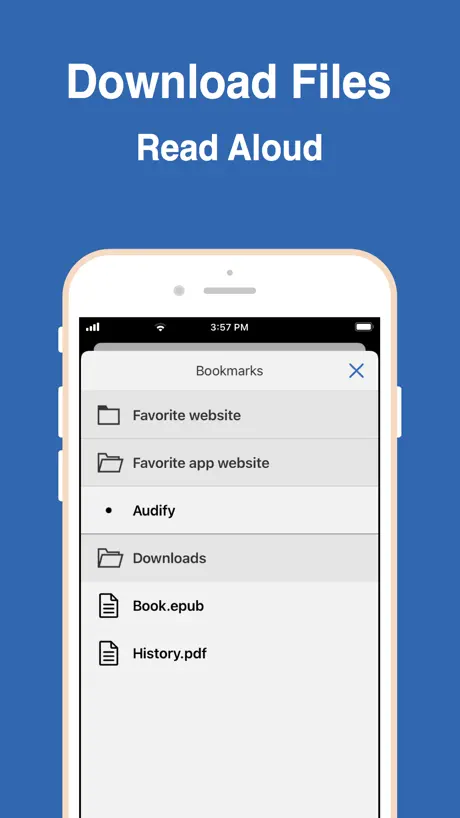
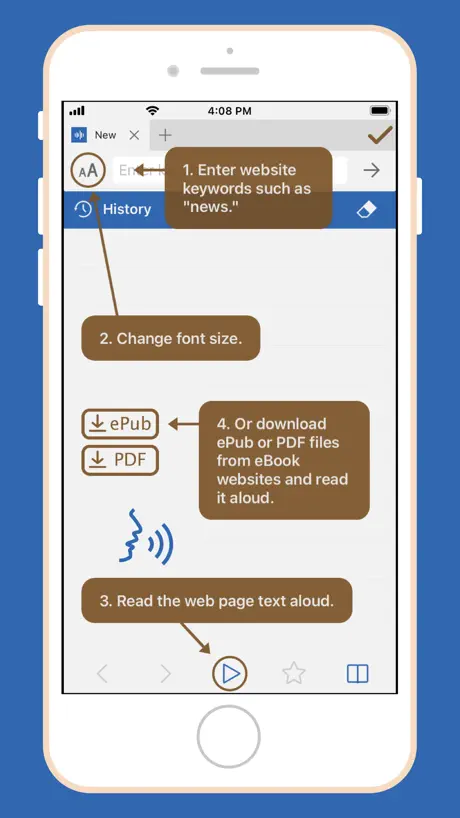
Audify read aloud web browser
ePub PDF text to speech TTS
How much does Audify read aloud web browser cost?
Prices are current as of 1 Oct 2026.
2 one-time purchases from $0.99
In the United States, Audify read aloud web browser has 2 one-time purchases priced $0.99 – 99.99.
| Product | Price |
|---|---|
| Remove Banner Ads | $19.99 |
| Buy developer a cup of coffee | $0.99 – 99.99 |
See what Audify read aloud web browser costs in all 175 countries →
10+ alternatives to Audify read aloud web browser
| Audify read aloud web browser | 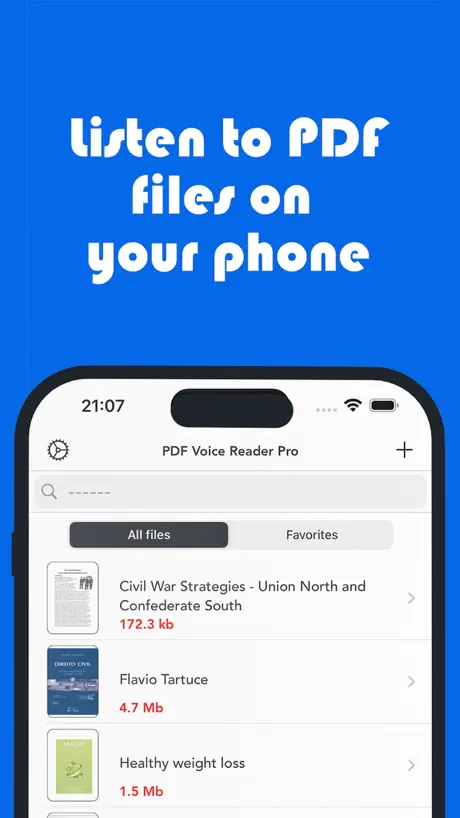  PDF Voice Reader - Docs Aloud PDF Voice Reader - Docs Aloud |   Speech Central – Voice Reader Speech Central – Voice Reader | 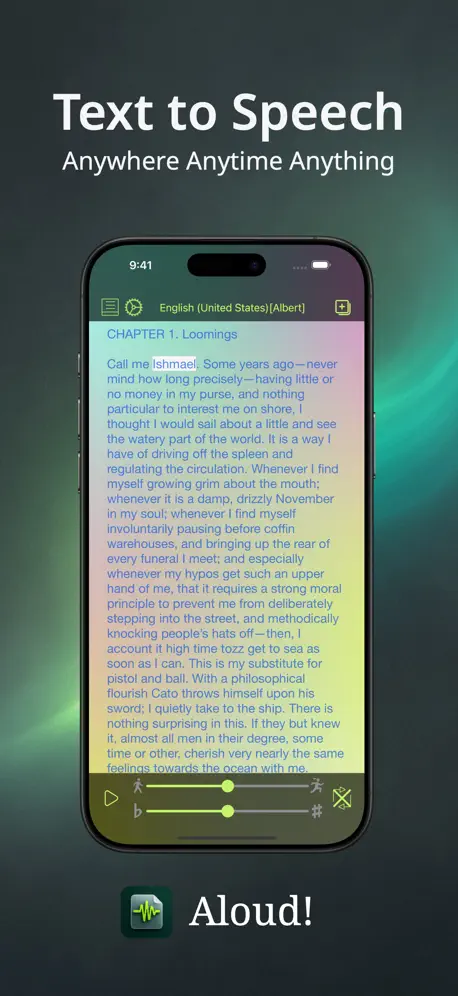  Aloud!, text to speech reader Aloud!, text to speech reader | 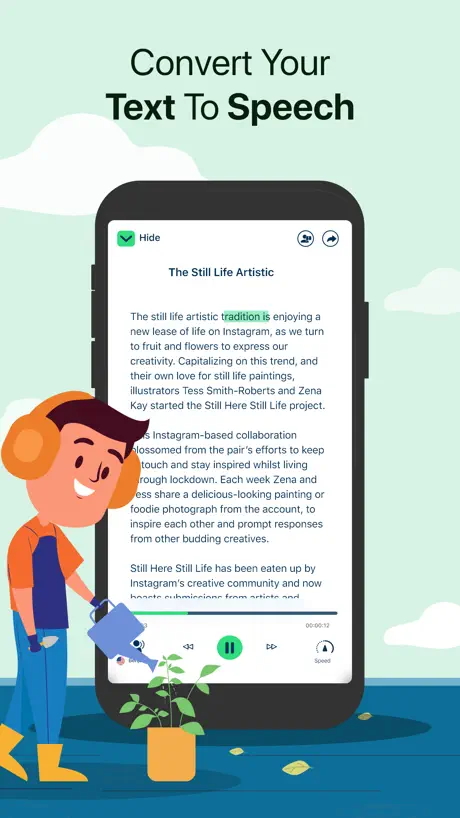  Text To Speech : Audio Books Text To Speech : Audio Books |   Text Reader - Text to Speech Text Reader - Text to Speech |   Text to Speech PDF Reader Text to Speech PDF Reader |   Narrly: Read Aloud PDF & Text Narrly: Read Aloud PDF & Text |   Speech Central - Read Out Loud Speech Central - Read Out Loud |   Text to Speech - Speaky Text to Speech - Speaky |   Listen - Text to Audio Listen - Text to Audio | |
|---|---|---|---|---|---|---|---|---|---|---|---|
| Rating / 5 | 4.6 | 4.2 | 4.5 | 4.2 | 4.0 | 4.4 | 4.5 | 4.7 | 4.3 | 4.4 | 4.4 |
| Reviews | 1.1K | 4.8K | 4.5K | 2.9K | 2.5K | 2.4K | 2.4K | 2.2K | 1.6K | 1.3K | 1K |
| Released | 2021 | 2016 | 2016 | 2014 | 2021 | 2022 | 2020 | 2024 | 2020 | 2013 | 2021 |
| Weekly price | — | — | — | — | $5.99 | $6.99 | $9.99 | — | $4.99 | — | — |
| Monthly price | — | $4.99 | — | — | $19.99 | $9.99 | $29.99 | $2.99 | $14.99 | $4.99 | $4.99 |
| Annual price | — | — | — | — | $99.99 | $59.99 | $12.99 | $9.99 | $49.99 | $19.99 | $29.99 |
| One-time price | $9.99 | $4.99 | $9.99 | $6.99 | — | — | $39.99 | $19.99 | — | $19.99 | — |
The going rate for each plan in United States, in its own currency, shaded from the cheapest price on the row to the dearest. Plans fewer than four in ten of the priced apps sell are left out.
Audify read aloud web browser reviews
4.6 out of 5, based on 1,068 reviews.
What people like
- Great for listening to novels while busy
- Developers respond quickly and fix bugs
- Affordable price for an ad-free experience
- Auto-reads next page continuously
What they complain about
- Cloudflare verification blocks access often
- App crashes or stops reading randomly
- Text skips pages without warning
- Voice pronunciation of abbreviations is wrong
Great app
Very easy to use and great app for listening to books instead of reading. Totally recommend it to everyone who listens to books on line.
Lỗi đọc trang web
Đọc được một lúc thì nó tắt luôn thoát app vô lại nó vẫn bị khá là khó chịu nên cho 1* luôn
聲音可以修改嗎?
我是使用iPad閱讀,但一直找不到可以修改聲音的方式,有嘗試操作系統設定視窗裡的下載更多聲音,接著從輔助使用那裡去修改,可是聲音一直沒有切換。 但我用Android的手機操作就有蠻多的聲音可以選擇,也可以順利切換,所以想問這有辦法解決嗎?還是說是付費的功能才有的呢?
TTS 無法更換已選的聲音
之前已提交過bug,但始終個bug都係無修補到。 TTS 選擇不同人聲時,無論選什麼都是default 那個聲音
App問題
今年開始碰上的問題,第一句唸完會突然跳到第二三十行,然後唸完幾句又會跳回一二行,本身已經無法正常使用了,本以為等幾個禮拜問題就會修正,但不知道是沒人反應還是怎麼樣,目前這個問題還在繼續。
無法下載,請詳查
iphone和ipad都無法正常的下載
出问题了
无法加载文档
Can use all day for free
Recently started glitching visually a lot more. It still played after I redownloaded it but there is a lot of lag. This is the only app I found that can do what I want for free. I will keep using it until my phone dies.
暂停一段时间后不能继续播放
暂停一段时间后不能继续播放,必须退出app再打开,还得找读到哪里了
Cloudfire captcha system
The cloudfire captcha system is making this very difficult. It keeps showing up on random sites and idk if this browser doesn’t support it or something but I can never get past it.
Favorite web audio reading app
This is my favorite app for listening to online novels. I really like the continuous reading where it automatically goes to the next page. It uses the existing voices on your phone. If anyone has any pointers on how to get better voices on my iPhone please let me know!
Đổi ngôn ngữ đọc
Nó cứ để mặc định tiếng đọc là bồ đào nha, không đổi qua ngôn ngữ khác được
有些字一直讀不出來
「實」、「寧」不一樣的文章都有發生這兩個字讀不出來的狀況,請改善,感謝。
Giọng nói tệ
iOS 18.4 rồi đấy sửa giọng nói đi
希望能改善
不知道為什麼關機了後閱讀的東西全部不見
Best epub tts
I use this every day to listen to epub books. Worth spending the money to remove the ads.
Nâng cấp phiên bản mới đi
Phiên bản trên ios cũ rồi có 7…, trên androi phiên bản 11…..64 rồi nâng cấp đi
天天用的app
這次更新仍沒有改善段落不見以及聲音變更的bug,希望下一版能改善,真的是很好用的app~
Lỗi
Bị lỗi k đọc trang tiếp theo đc. Đọc đc đubgs trang đầu xong im lìm là s
找不到聲音
出現路徑指示但就是真的找不到平常用的siri2 的聲音
Love it
This app is amazing. Lets me get other things done while still enjoying a fic!
Không đăng nhập vào trang web được
Mình vào một trang truyện đọc nhưng không cách nào đăng nhập trang web được hay tải trang để đăng nhập vào trang web được
Almost perfect
Almost everything in the app works great, except for some translating and reading the translation doesn’t work well. The features like being able to. Copy and paste the website that you wanted to read is great highly recommended.
沒有聲音
請問文字會往下跑,但卻沒有任何聲音。是什麼原因?如何排除?
Abbreviations ruining the book
I have been unable to correct quite a few aggravating abbreviations. I like to read regency period books. So, far this is what I have to put up with: Wed (wedding) pronounced WEDNESDAY No pronounced NUMBER Chap (young man) CHAPTER I pronounced CAPITAL EYE A pronounced CAPITAL A Mr. pronounced M R PERIOD and so on … I would appreciate the instructions on how to correct these issues so that I can make the corrections as I go. Thank you.
Amazing app
This is my first time actually reviewing an app, that goes to show how amazing of an app this is even if I like an app I won’t necessarily review it. This app while it doesn’t have the option to block website ads it has the ability to block redirecting so it doesn’t cause issues trying to get rid of the ads on the phone. If you set the browser up properly you don’t even need to see the screen. I currently have mine set up to where it can run on its own till the end of a novel from start to finish. I really hope (if it has it I cannot find it) for the ability to be able to delete cache because some websites put me in an infinite human verification loop and I’m told the only way to fix that is by deleting the cache. It might be a different issue but I still think it should be added.
AD player not recommended
AD player not recommended
改字聲似乎沒反應
…..
Needs improvement otherwise its perfect
Can you make pauses on every sentences longer? Or at least give an option on how long.
10/10
It’s great for anything you need read out it’s one of those apps that I redownload
Could not get to work at all
I am good with computers but I Could not get to work at all
最近會卡在網頁讀取
如題,近期突然在自動下一頁後,會卡在網頁讀取上,無法讀取完成,導致自動下一頁搭配自動朗讀的功能直接被中斷;處理方式只能手動點取停止網頁讀取才會繼續執行自動朗讀。 以邊做事邊聽來說有點擾人,被迫要中斷工作去點擊ipad讓他恢復工作。
最近變得不會自動下一頁了
下一頁跳了很久都不會開始⋯⋯ 以前很正常的,希望改進
tts add
could you add Microsoft edge tts, thank you~
阅读的时候为何只能在新的文本中显示阅读,原PDF文本更有助于阅读
阅读的时候为何只能在新的文本中显示阅读,原PDF文本更有助于阅读
能否也輸入文字或擷取照片中文字與選網頁部分文字+設定重複朗讀
剛下載,初次使用。感覺不錯。 個人有需要讀日英文耶都可讀。 但以下部分是否也可行或可增加功能? 1. 輸入文字或擷取照片中文字 2.選網頁部分文字朗讀 3. 設定重複朗讀
Has potential, not there yet
I am looking for a cheaper alternative to a different popular text-to-voice app. I really like that you can easily change the pitch as well as reading speed of your selected voice. I need to study a huge PDF instruction manual for work. It was easy to import it and open. However- the app only wants to read from the beginning. I don't need to listen to the table of contents and i really need to be able to skip around to different sections quickly. I found an option to triple tap a paragraph to read, but that did not work, it just continues to read from where it left off at the beginning of the PDF. If there is another way to do this, i could not figure it out.
Надо добавить
Не хватает функции удалить в загрузке. Сейчас там у меня много дабавлиных книг и сложно наити новою и ешо бы хотелось чтобы можно было видить добавления по дня например 1 числа добавлена книга такая такая. Вот это было бы очень круто . Я в восторге от этого приложения использую каждый день .
Bug report
許多網站最近都啟用了 Cloudflare 的機器人驗證. 但Audify 無法通過 Cloudflare 的機器人驗證.
Love it but
Can you make it so I can login into things through Google? Without it when a log in thing pops up I have to delete the app then reinstall it
Bug跟改進
常常第一句念完就直接跳過了2/3頁,有時候只是單純想用耳朵聽的話,這app就顯得很雞肋。 播放的速度只能3倍,真的有些慢了,goood同款app都能做到10倍,蘋果應該也可以。
Still the best web reader on the iOS store
Functional, non intrusive ad service and an affordable ad free experience. Also the development team is quick to respond and takes inquiries seriously. Highly recommend! Just updating the fact that the development team is still making this app better on a daily basis. You guys are 10 times better than any other web reader on the iOS store! Thank you
Only reads hearings on web page
Won't read body of writing!
Pretty good but occasionally stops
I have been using this app for writing and it works great. The pronunciation can be funny from time to time but its fairly smooth and the adjustable speed is very nice. The app holds a lot of chapters and saves your space so if you restart its all there, for the most part im very pleased with it. The only downside I find is sometimes for longer stories the app will suddenly stop reading and I have to completely restart the app. Not too hard unless I’m driving which is when I like to use it.
ISO 12.5
ISO 12.5 無法開啟文本
Audify read aloud web browser price by country
A one-time purchase costs $9.15 in Canada and $14.82 in Colombia — 1.6× more for the same thing. Below is the going rate for each plan in every country that sells it — the middle price of what the app charges there, in the country's own currency with the dollar equivalent beneath it.
| Country | One-time |
|---|---|
| Afghanistan | $9.99 |
| Albania | $11.99 |
| Algeria | $9.99 |
| Angola | $9.99 |
| Anguilla | $9.99 |
| Antigua And Barbuda | $9.99 |
| Argentina | $9.99 |
| Armenia | $11.99 |
| Australia | A$14.99$10.48 |
| Austria | €9.99$11.33 |
| Azerbaijan | $11.99 |
| Bahamas | $9.99 |
| Bahrain | $9.99 |
| Barbados | $11.99 |
| Belarus | $11.99 |
| Belgium | €9.99$11.33 |
| Belize | $9.99 |
| Benin | $11.99 |
| Bermuda | $9.99 |
| Bhutan | $9.99 |
| Bolivia | $9.99 |
| Bosnia & Herzegovina | €9.99$11.33 |
| Botswana | $9.99 |
| Brazil | R$59.90$11.48 |
| British Virgin Islands | $9.99 |
| Brunei Darussalam | $9.99 |
| Bulgaria | €9.99$11.33 |
| Burkina Faso | $9.99 |
| Cambodia | $9.99 |
| Cameroon | $11.99 |
| Canada | CA$12.99$9.15 |
| Cape Verde | $9.99 |
| Cayman Islands | $9.99 |
| Chad | $9.99 |
| Chile | CLP 9,990$10.33 |
| China | CN¥68.00$10.12 |
| Colombia | COP 49,900$14.82 |
| Congo | $11.99 |
| Congo, Democratic Republic | $9.99 |
| Costa Rica | $9.99 |
| Cote Divoire | $11.99 |
| Croatia | €9.99$11.33 |
| Cyprus | €9.99$11.33 |
| Czech Republic | CZK 249.00$11.57 |
| Denmark | DKK 89.00$13.51 |
| Dominica | $9.99 |
| Dominican Republic | $9.99 |
| Ecuador | $9.99 |
| Egypt | EGP 499.99$9.60 |
| El Salvador | $9.99 |
| Estonia | €9.99$11.33 |
| Fiji | $9.99 |
| Finland | €9.99$11.33 |
| France | €9.99$11.33 |
| Gabon | $9.99 |
| Gambia | $9.99 |
| Georgia | $11.99 |
| Germany | €9.99$11.33 |
| Ghana | $11.99 |
| Greece | €9.99$11.33 |
| Grenada | $9.99 |
| Guatemala | $9.99 |
| Guinea-bissau | $9.99 |
| Guyana | $9.99 |
| Honduras | $9.99 |
| Hong Kong | HK$88.00$11.21 |
| Hungary | HUF 4,490$13.88 |
| Iceland | $11.99 |
| India | ₹999.00$10.40 |
| Indonesia | IDR 199,000$11.09 |
| Iraq | $9.99 |
| Ireland | €9.99$11.33 |
| Israel | ₪29.90$9.74 |
| Italy | €9.99$11.33 |
| Jamaica | $9.99 |
| Japan | ¥1,500$9.53 |
| Jordan | $9.99 |
| Kazakhstan | KZT 5,990.00$13.63 |
| Kenya | $11.99 |
| Kosovo | €9.99$11.33 |
| Kuwait | $9.99 |
| Kyrgyzstan | $9.99 |
| Lao Peoples Democratic Republic | $9.99 |
| Latvia | €9.99$11.33 |
| Lebanon | $9.99 |
| Liberia | $9.99 |
| Libya | $9.99 |
| Lithuania | €9.99$11.33 |
| Luxembourg | €9.99$11.33 |
| Macao | $9.99 |
| Macedonia | $9.99 |
| Madagascar | $9.99 |
| Malawi | $9.99 |
| Malaysia | MYR 49.90$12.23 |
| Maldives | $9.99 |
| Mali | $9.99 |
| Malta | €9.99$11.33 |
| Mauritania | $9.99 |
| Mauritius | $11.99 |
| Mexico | MX$199.00$11.04 |
| Micronesia | $9.99 |
| Moldova | $11.99 |
| Mongolia | $9.99 |
| Montenegro | €9.99$11.33 |
| Montserrat | $9.99 |
| Morocco | $11.99 |
| Mozambique | $9.99 |
| Myanmar | $9.99 |
| Namibia | $9.99 |
| Nauru | $9.99 |
| Nepal | $11.99 |
| Netherlands | €9.99$11.33 |
| New Zealand | NZ$19.99$11.29 |
| Nicaragua | $9.99 |
| Niger | $9.99 |
| Nigeria | NGN 14,900.00$11.23 |
| Norway | NOK 129.00$13.44 |
| Oman | $9.99 |
| Pakistan | PKR 2,900$10.47 |
| Palau | $9.99 |
| Panama | $9.99 |
| Papua New Guinea | $9.99 |
| Paraguay | $9.99 |
| Peru | PEN 44.90$13.05 |
| Philippines | ₱599.00$9.57 |
| Poland | PLN 49.99$12.98 |
| Portugal | €9.99$11.33 |
| Qatar | QAR 39.99$10.99 |
| Romania | RON 49.99$10.75 |
| Russia | RUB 899.00$10.69 |
| Rwanda | $9.99 |
| Sao Tome & Principe | $9.99 |
| Saudi Arabia | SAR 39.99$10.66 |
| Senegal | $11.99 |
| Serbia | €9.99$11.33 |
| Seychelles | $9.99 |
| Sierra Leone | $9.99 |
| Singapore | SGD 14.98$11.70 |
| Slovakia | €9.99$11.33 |
| Slovenia | €9.99$11.33 |
| Solomon Islands | $9.99 |
| South Africa | ZAR 199.99$12.19 |
| South Korea | ₩17,000$12.56 |
| Spain | €9.99$11.33 |
| Sri Lanka | $9.99 |
| St. Kitts and Nevis | $9.99 |
| St. Lucia | $9.99 |
| St. Vincent & The Grenadines | $9.99 |
| Suriname | $9.99 |
| Swaziland | $9.99 |
| Sweden | SEK 129.00$12.91 |
| Switzerland | CHF 9.00$10.79 |
| Taiwan | NT$320.00$10.05 |
| Tajikistan | $9.99 |
| Tanzania | TZS 29,900.00$11.43 |
| Thailand | THB 399.00$11.89 |
| Tonga | $9.99 |
| Trinidad and Tobago | $9.99 |
| Tunisia | $9.99 |
| Turkey | TRY 499.99$10.20 |
| Turkmenistan | $9.99 |
| Turks and Caicos | $9.99 |
| Uganda | $11.99 |
| Ukraine | $11.99 |
| United Arab Emirates | AED 39.99$10.90 |
| United Kingdom | £9.99$13.21 |
| United States | $9.99 |
| Uruguay | $9.99 |
| Uzbekistan | $9.99 |
| Vanuatu | $9.99 |
| Venezuela | $9.99 |
| Vietnam | ₫299,000$11.53 |
| Yemen | $9.99 |
| Zambia | $11.99 |
| Zimbabwe | $11.99 |
Audify read aloud web browser FAQ
- Is Audify read aloud web browser free?
- Yes. The app and its basic features are free, in all 175 countries it sells in. Premium features are paid: they start from $0.99 (US), across 2 one-time purchases.
- Does Audify read aloud web browser have a free trial?
- No. None of its offers (US) come with a free trial.
- Where is Audify read aloud web browser cheapest?
- A one-time purchase costs CA$12.99 (≈$9.15) in Canada and COP 49,900 (≈$14.82) in Colombia, its cheapest and dearest countries.
- What are the best alternatives to Audify read aloud web browser?
- PDF Voice Reader - Docs Aloud (4.2 from 4,822 reviews, premium from $4.99), Speech Central – Voice Reader (4.5 from 4,520 reviews, premium from $9.99) and Aloud!, text to speech reader (4.2 from 2,918 reviews, premium from $6.99).
Audify read aloud web browser download
Last updated 1 month ago.
Audify read aloud web browser sells in 175 countries. It was released 5 years and 7 months ago, on 15 Feb 2021. It holds a 4.6 rating from 1,068 reviews.
Supports 26 languages: English, Czech, Danish, Dutch, Finnish, French, German, Hungarian, Indonesian, Italian, Japanese, Korean, Malay, Norwegian Bokmål, Polish, Portuguese, Romanian, Russian, Chinese, Slovak, Spanish, Swedish, Thai, Turkish, Ukrainian, Vietnamese.
How much does Audify read aloud web browser make?
Third-party estimates for the last 30 days, worldwide — not the store's own figures, which Apple publishes for nobody.
Revenue by plan
- One-time 100%
Revenue by country
- Taiwan 37%
- United States 18%
- Japan 5%
- China 5%