
GVB reis app
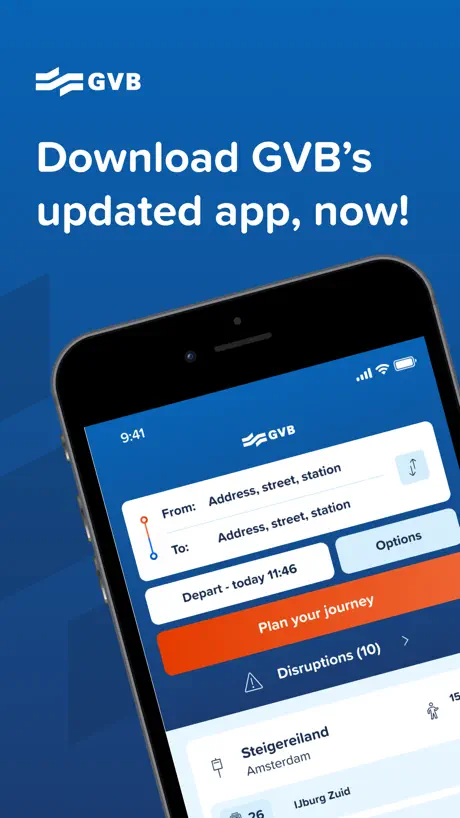
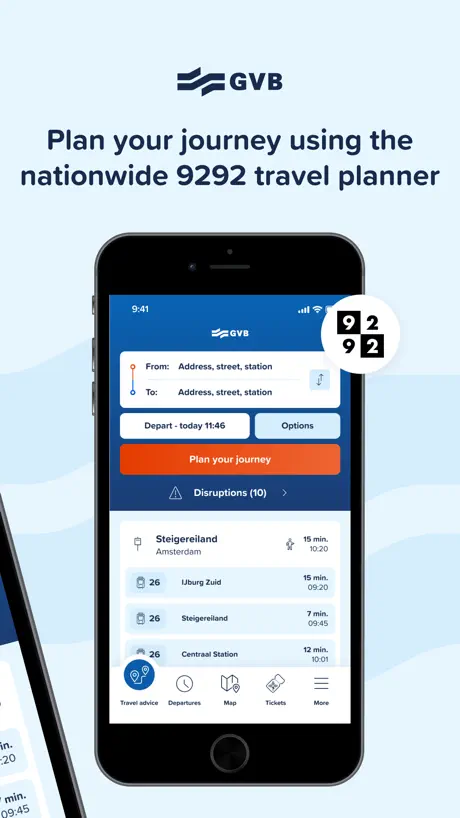
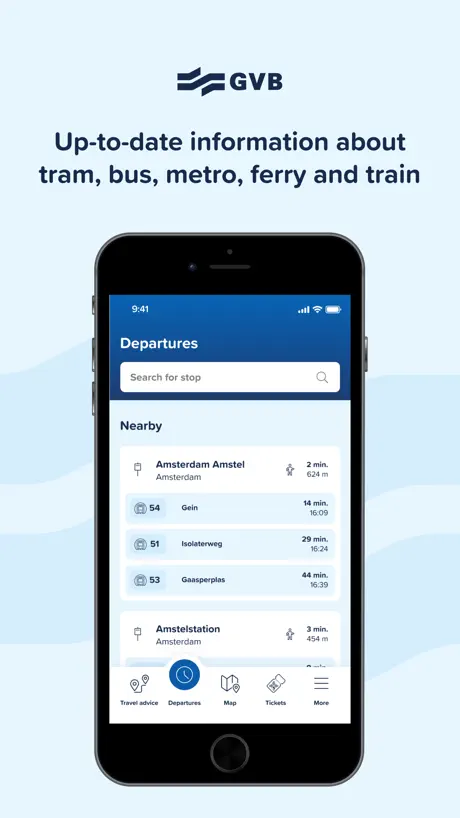
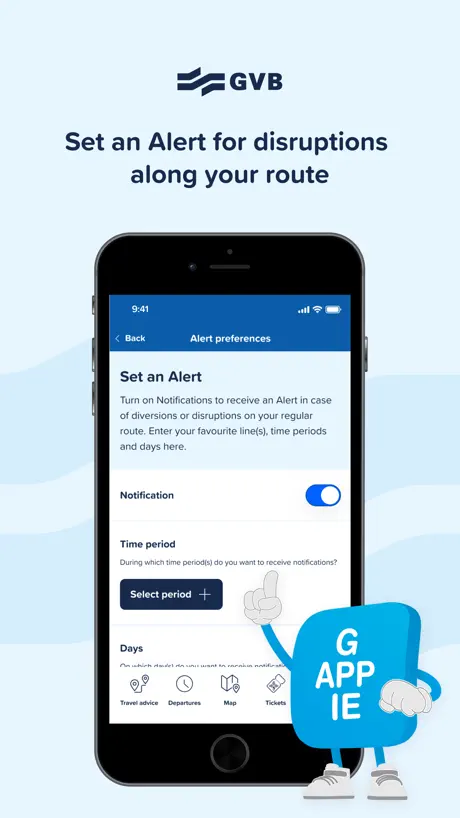
How much does GVB reis app cost?
Prices are current as of 8 Oct 2026.
GVB reis app has no in-app products on record in the United States.
10+ alternatives to GVB reis app
| GVB reis app |   NS Travel Planner NS Travel Planner | 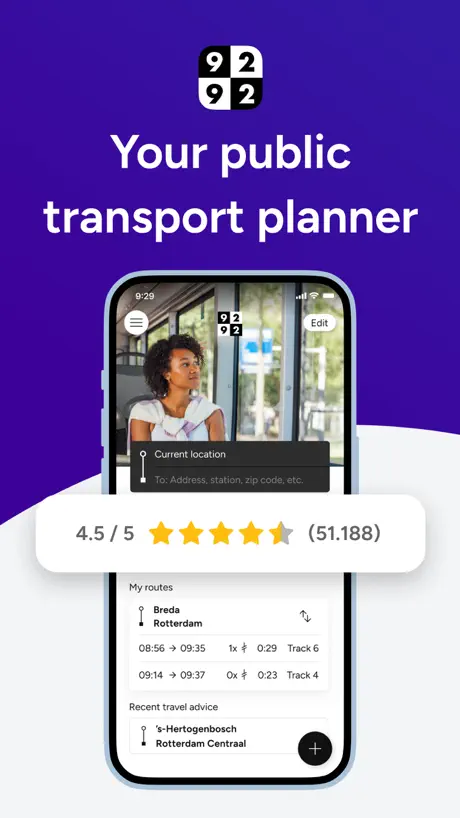  9292 travel planner + e-ticket 9292 travel planner + e-ticket |   STIB-MIVB STIB-MIVB |   NS International NS International | 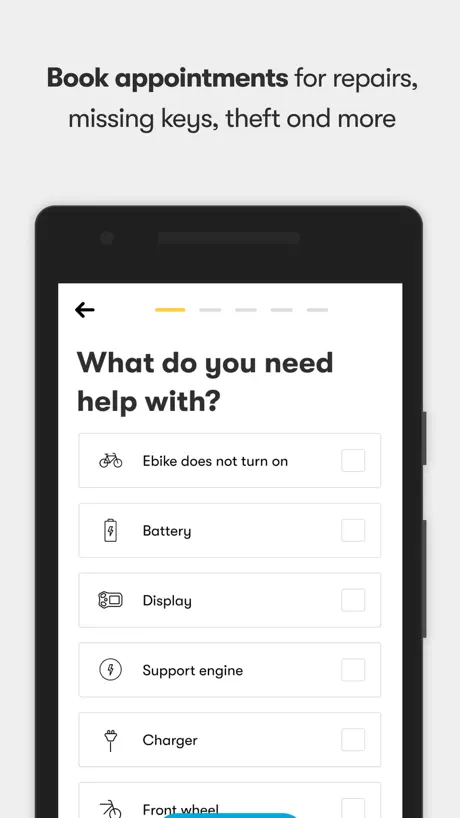  Swapfiets Swapfiets | 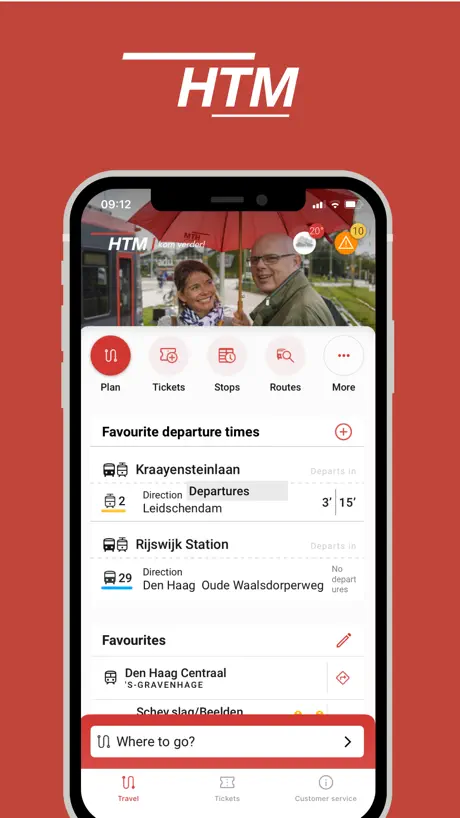  HTM info & tickets HTM info & tickets |   RET RET | 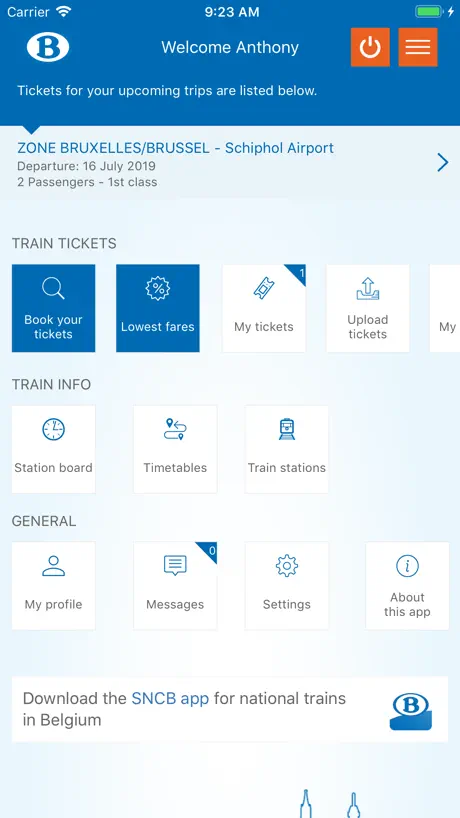  SNCB International SNCB International |   OVpay OVpay |   I amsterdam City Card I amsterdam City Card | |
|---|---|---|---|---|---|---|---|---|---|---|---|
| Rating / 5 | 4.6 | 4.6 | 4.5 | 4.3 | 4.8 | 4.6 | 4.5 | 4.4 | 4.2 | 1.9 | 2.7 |
| Reviews | 23K | 209K | 72K | 30K | 28K | 25K | 6.9K | 5.9K | 4.5K | 1.2K | 56 |
| Released | 2021 | 2010 | 2012 | 2018 | 2014 | 2018 | 2023 | 2022 | 2012 | 2023 | 2019 |
GVB reis app reviews
4.6 out of 5, based on 23,032 reviews.
What people like
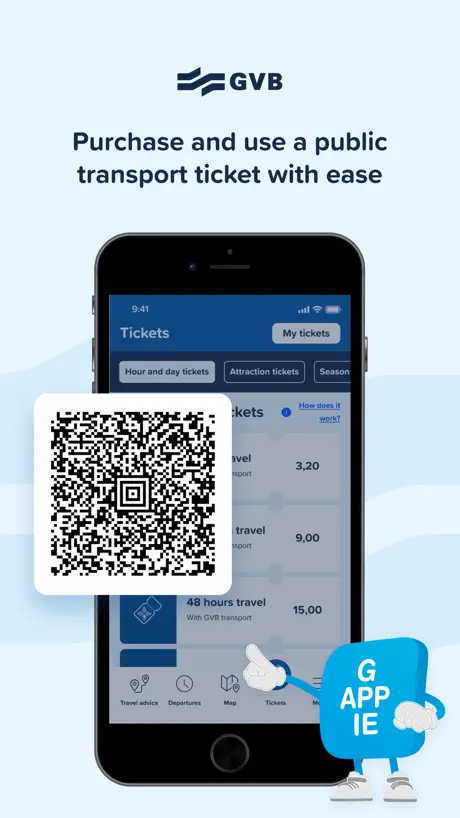
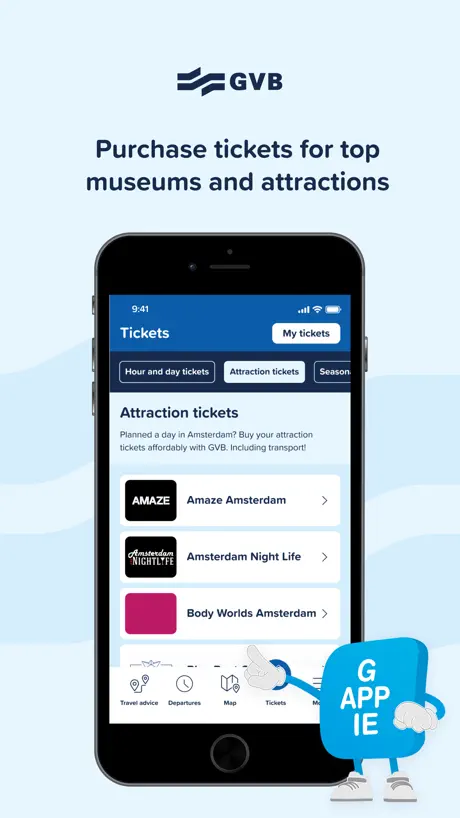
- Easy to buy tickets and passes.
- Helpful walking directions between stops.
- Simple to use even without Dutch.
What they complain about
- QR codes often fail to scan.
- App crashes during payment processing.
- Navigation is worse than Google Maps.
Fantastic
Only knowing Deutsche Bahn has made this experience even more enjoyable. I have no complains what so ever.
Pay
I paid 3 times and I can’t stop the process
Good but …….
Good but doesn’t explicitly detail what time period is 24 hours
Confusing
We are visiting and stay in amstelveen. Bought 24hrs public transport ticket for €10. It does not work and asked bus driver this ticket only for transpor station in Amsterdam. I hope I can get a refund but I wl let it go
Sign up could be easier
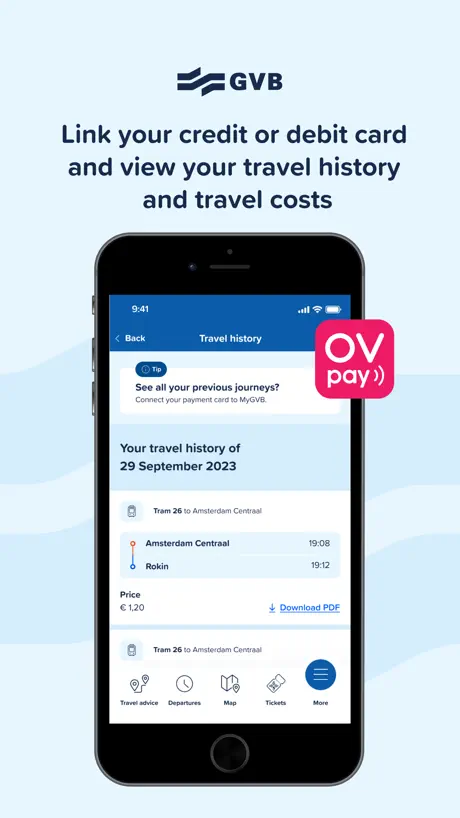
OVB pay. I got all confused with getting this hooked up with card and account. App good after sorted.
Easy
Very easy to use even when I couldn’t read the language!
DONT USE APPLE WALLET
online it will prompt you to buy a ticket and put it on your apple wallet. I found out the hard way that simply doesnt work and you have to cut your losses and buy a pass with the app
Good but could be better
I think it was pretty annoying to always search the bus metro or tram station on the map befor I put it in the navigation… A good way to shorten that would be a select on map option for navigation that would make it a lot easier… and a metro map in the app would be nice to see where the metro drive would be nice to have in the map
Poor function with QR
QR code is very hard to use. Was never able to check out with r. Recommend not to use QR
Waarom staat lijn 15 niet in overzicht???
Ik reis regelmatig van plek a naar plek b. Het liefst reis ik enkel met GVB maar ik word in een GVB app “gedwongen” om met de concurrent te gaan reizen terwijl lijn 15 naar station zuid gewoon rijdt maar staat niet in het overzicht!!! Waarom is dit?
It works fine
We used in May, 2024 and had no problems.
Wouldn’t take payment
Wouldn’t take payment
Platform
De Nederlandse versie van deze app spreekt over “platform.” Dat is Engels. In het Nederlands heet het perron.
Not ideal
App takes you to an external website to make the payment, no Apple pay. Most functions are dependent on an external web browser - makes you wonder, what is the point of the app then?
Opgeven haltes
Waarom staan de, inmiddels al geruime tijd, opgeheven haltes nog steeds in de app? Ik vind het verwarrend. ( bijv. haltes Overtoomse Sluis en JP Heijestraat (Kinkerstraat) )
Great app
Great app, helped us navigate our way around Amsterdam. We purchased a week GVB travel pass and it was very easy to navigate. It even sends you to Google maps when you need to walk between different stations
Not valid on all transit
Doesn’t work on all transit in Amsterdam as advertised. And it hardly ever works when trying to scan the barcode for a daily pass. Worst transit experience I’ve ever had.
Geen ticket, wat zonde toch
Reinig de geest en koop je fietskaartje. Fijne reis :)
More payment options
PayPal would be a great option to pay with
Struggles to read qr
A great app for travel however both myself and my partner found it quite difficult to get the QR code to scan at many of the metro turnstiles. Meaning we were stuck many times trying to get either in or out
very helpful
i was very anxious to be coming to amsterdam with the public transport however this app was really helpful in allowing me to find where to go without trouble. when you want to go somewhere it tells you how far to walk to a station and how long it will take on the transport and then how far to walk to your destination. very easy to use.
Avoid using them
Absolutely horrible app and company- hide fine print and customer service have no ability to fix errors even if you reach out to them right away - if you can avoid using them
Ticketkauf problemlos mit dem Smartphone möglich.
Ticketkauf problemlos mit dem Smartphone möglich.
Directions are almost never the best
Wife and I are in Amsterdam, so I grabbed this app and she stuck with Google Maps. Half the time you type in a place, it can’t find it. You have to go into the map, find a train or tram stop nearby, and then route to that. The problem is though, my wife found a faster route almost every single time through Google Maps and it was using a route this app didn’t even show me as a possibility. Every time the app spit out a result that was 4 changes and 30 minutes of walking, while she found a tram or bus line that was just a straight shot. Can’t buy tickets though the app either, we had to walk to Centraal and buy paper ones. No reason to use this app other than for an interactive map.
Not easy to navigate
The app fails to tell you that the tickets expire
Die App tut was sie soll
Aktuelle Verbindungen in Echtzeit, Routenplanung von A nach B. Ticketkauf mit Kreditkarte ist ok und QR Code als Fahrschein. Dazu selbst auf englisch intuitiv zu bedienen. Wir hatten ein 24 Stunden Gruppenticket für 5 Personen für 25€ als Familie gekauft und alles funktionierte problemlos.
🤓
so even if you buy a pass, it automatically scans to your apple wallet. there’s no way around it. it’s stupid
Simple idea could make this very usable
As a complete novice, I was able to buy a multi-day pass. The navigation was good enough, overall. It could benefit from auto-updating the current location as you’re moving around - which seems hit and miss at best. Switching between the route planner and the e-tickets could (should) be a single tap action in my humble opinion. Finally - in my personal experience with an iPhone 13 Pro Max, I’ve found that I have to manually set the screen to full brightness in order for the on-tram readers and the station turnstiles to be fairly reliable at reading the QR codes. I’m not sure if the APIs are available from Apple, but if they are, perhaps auto-setting the screen to full brightness when showing an e-ticket and reverting to standard brightness when switching to another part of the app (or out of the app) would be hugely helpful. As it currently stands, either I am wasting battery life by forgetting to revert the brightness (not very eco-friendly) or delaying other passengers while I fiddle with the settings (not very user friendly). I hope the feedback is received in the spirit it is intended.
Language issues
I was loving the app but when it comes to payment and verification it is all in Dutch and do not seem to be able to change to English meaning I am struggling and potentially brought what I need twice over
It keeps popping up reviews
Try to scan your ticket, doesn’t work. Look at screen to find it’s asking for you to review the app
Is this app legit ? Is it official ? Why no reviews ?
Is this app legit ? Is it official ? Why no reviews ?
Constant crash
This app keeps crashing. While the user interface seems intuitive and easy to use, it keeps crashing every time I attempt to use it.
Good, could be better
- All screens should have colorful QR icon in upper right to immediately display latest used ticket. - currently must click thru multiple menu screens to display, for many requiring reading glasses and delaying transit at tram doorway. - If only one ticket but not activated, same icon prompts to activate - once on latest used tix QR screen, have quick links to any others - QR reader worked 60% of time following GVB website directions. Another patron saw my iPhone 13 failing at all angles below reader and said it works better if phone screen is held up against source of scanner (like passport scanners). Success rate went to 100% after that, but small sample rate. Question if durability of optical scanners planned for millions of contacts etc. Assume RFID tech used on cards not possible via all phone brands, or too expensive for apps to use? - Really liked ease of tix purchase - Really liked travel planner, especially walking directions, but: 1 - should improve alignment of phone to map display, if map always has north on top, add icon showing north so user can align phone to know left from right. 2 - platform (spoor) numbers should be added and labeled clearly on street stops and app directions to ensure direction is easy to confirm 3 - if multiple trams can be used to destination, list all 4- add the colorful QR code in upper right to immediately jump to latest tix! Great app, recommend to all, but developer still has work to improve.
Needs improvement
Glad I bought a paper (72h) ticket given some of the reviews. But just for navigation this app needs a lot of work. The “map” doesn’t even show transit lines. The actual train map is buried. So I can’t see which direction the various (tram) lines are heading and Amsterdam has a very confusing layout. It also doesn’t even show all of the tram stops on the map. Like you can see the Google maps version underlying the interface but there is no “Tram” label to click on to see which trams service that stop. Google maps does a much better job.
Why
For the love of all, just make it easy not confusing for travelers. Fix your machines and let the normal travelers/tourist purchase tickets like the rest of the world. Place the machines to purchase on the trans and buses. Even the ticket machines in the train station are broke and cash only.
Fantastic for metro, trams, buses
We used it our whole with great success!!!!
Hangs if you can’t enter card validation code fast enough.
If you can’t enter credit card validation fast enough both hangs and if you try again won’t proceed. Desperately needs basic error handling code.
App works fine, but major infrastructure issues
Visited Amsterdam for a few days. Seems like half the QR code scanners I used wouldn’t scan my ticket! I was pretty much forced to buy another physical paper ticket.. tourists, avoid the app, just stick to the ticket booths.
Review pop up while on QR screen
Fine besides that
Amazing app for all the travel suggestions and booking tickets
Really helped me with all the travel suggestions and booking tickets all in one place 😇👍
Terrible! Do NOT purchase tickets within app!
Extremely difficult to use especially on a busy tram. Bought a 120 hour pass and only used about half. Waste of money! The bar code reader on most of the trams will not read the QR code within the app making it extremely difficult to get on and off the trams quickly while making all of the locals very frustrated and angry at you along with the tram operator. Do not purchase tickets within this app. So simple to use tap and pay with your credit cards. Map and planning trip within app are basically useless, use google maps.
A public transportation app with no map?
No way to see what is available. What are they thinking?
Only 2 Languages
It would be nice, to offer also the choice of German Language as the 3. Option.
No Issues
We bought the 96 hour pass. Really no issues for us. Occasionally the reader would activate Apple Pay which wouldn’t allow me to tap in. If used a different reader I could tap in and I also found if I had the back of my phone physically on the QR image on the reader it would not activate Apple Pay. So all in all I was happy with the app.
Doesn’t issue tickets in time
I went through the app to buy a pass and followed through the payment. My card got charged but my ticket says payment pending. Do not use this app to buy tickets it just takes your money!
Cannot link transit card to the app
Who designed the functionality to link OV Chipkaart to this app? Whoever did doesn’t understand how OV works at all. To connect OV to the GBV app, the app expects you to find your most recent trip and then reference your bank account to find some 18 digit code for the trip. That isn’t how OV works! OV requires you to keep a balance on the card and top up as needed. This doesn’t produce a per-ride transaction in your bank account, or even an 18 digit code for the top up. Trying to connect OV to GBV is useless. Shame, because it would be nice not to have to dig out my card all the time.
It’s ok.
I used this app for 4 days in Amsterdam, on trams and Metro. I found the app to be ok if you’re just wanting a digital solution to carrying a card around with you. BUT The readers on the tram don’t always pick up the QR code on your phone. This makes it a pain to click in or out. It’s ok on the tram, usually no one really is that bothered. It might cause issues on Metro especially late at night. There are too many steps to get to your ticket. You really should be able to put it in your Apple wallet for ease of access. But at the very least it needs to be on the landing page of the app. Otherwise, it’s ok. But needs a lot of work to make it properly user-friendly. I will use again next time I’m in Amsterdam.
GVB reis app FAQ
- Is GVB reis app free?
- Yes. The app is free, in all 175 countries it sells in, and it sells nothing inside it.
- Does GVB reis app have a free trial?
- No. None of its offers (US) come with a free trial.
- What are the best alternatives to GVB reis app?
- NS Travel Planner (4.6 from 209,278 reviews), 9292 travel planner + e-ticket (4.5 from 71,617 reviews) and STIB-MIVB (4.3 from 29,782 reviews).
GVB reis app download
Last updated 1 month ago.
GVB reis app sells in 175 countries. It was released 5 years and 7 months ago, on 14 Feb 2021. It holds a 4.6 rating from 23,032 reviews.
Supports 2 languages: English, Dutch.
How much does GVB reis app make?
Third-party estimates for the last 30 days, worldwide — not the store's own figures, which Apple publishes for nobody.