
Castify: Cast Web Videos to TV
for Chromecast/Roku/FireTV/etc
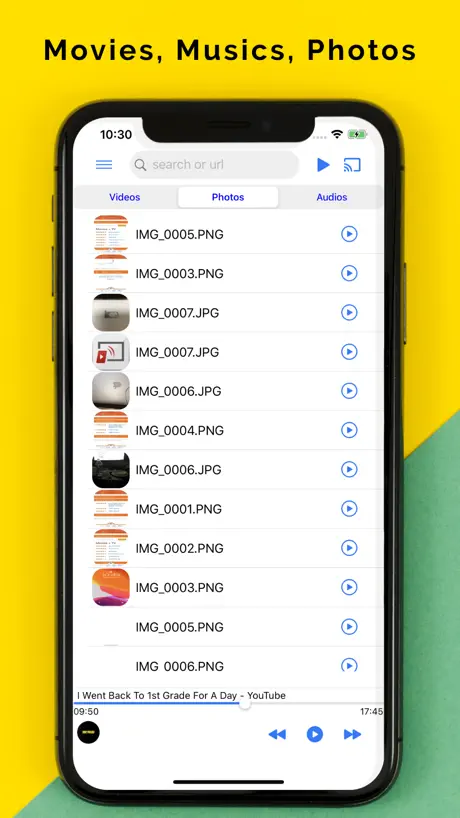
How much does Castify: Cast Web Videos to TV cost?
Prices are current as of 12 Sept 2026.
Castify: Cast Web Videos to TV has no in-app products on record in the United States.
10+ alternatives to Castify: Cast Web Videos to TV
| Castify: Cast Web Videos to TV |   Cast Web Videos to TV - iWebTV Cast Web Videos to TV - iWebTV |   Web Video Cast | Browser to TV Web Video Cast | Browser to TV |   TV Cast for Chromecast ‣ TV Cast for Chromecast ‣ | 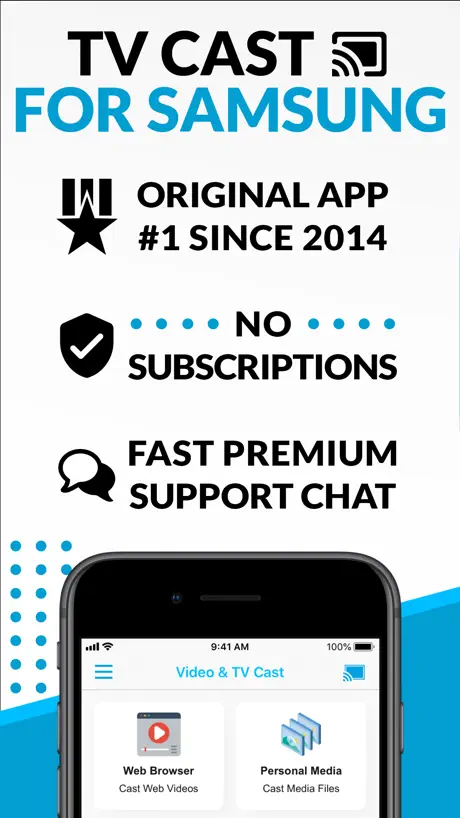  TV Cast for Samsung TV App TV Cast for Samsung TV App | 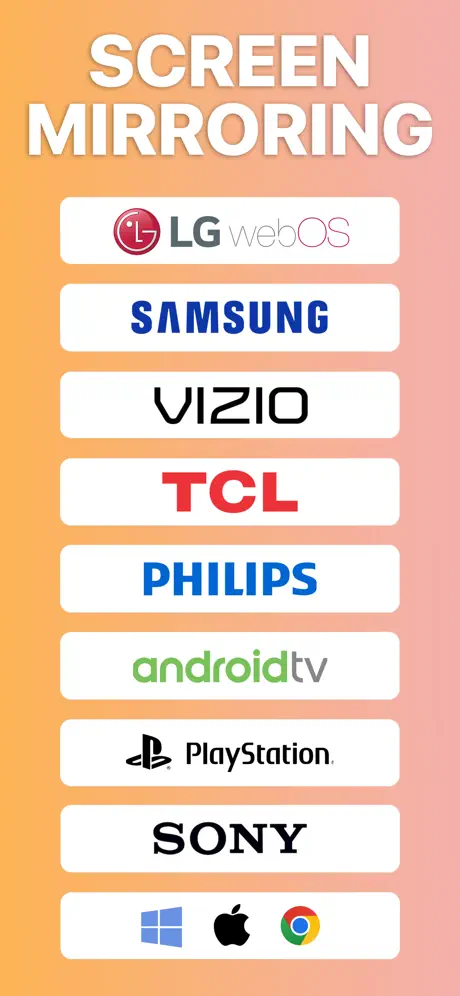  Screen Mirroring App Screen Mirroring App |   TV Cast for Roku App TV Cast for Roku App | 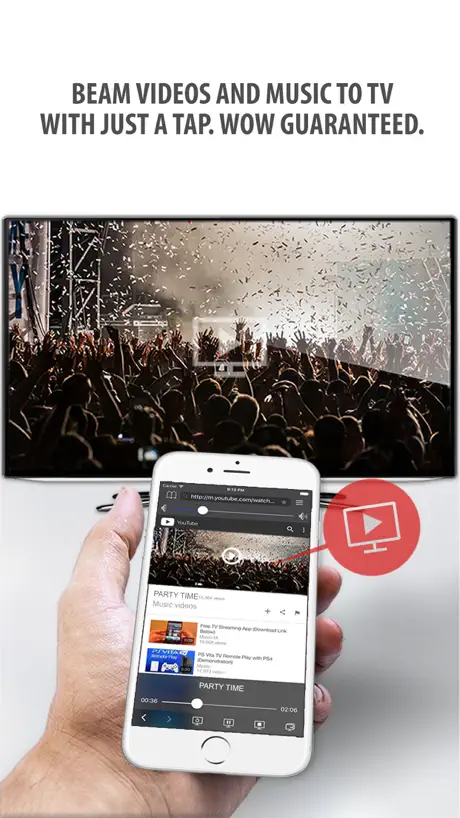  Tubio - Cast Web Videos to TV Tubio - Cast Web Videos to TV |   TV Cast for Fire TV® TV Cast for Fire TV® | 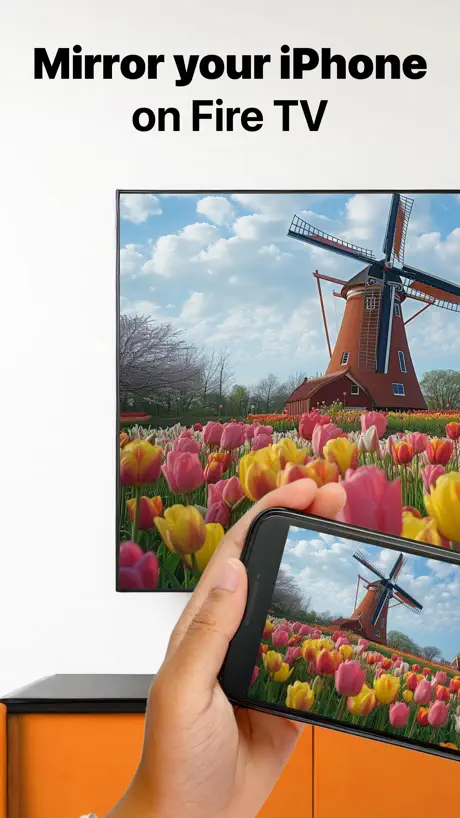  Firestick Remote & Cast FireTV Firestick Remote & Cast FireTV |   Miracast Screen Mirroring . Miracast Screen Mirroring . | |
|---|---|---|---|---|---|---|---|---|---|---|---|
| Rating / 5 | 4.1 | 4.7 | 4.8 | 4.0 | 3.9 | 4.0 | 4.3 | 3.9 | 4.0 | 3.7 | 4.0 |
| Reviews | 563 | 217K | 159K | 130K | 117K | 94K | 27K | 25K | 15K | 8.3K | 1.5K |
| Released | 2020 | 2015 | 2018 | 2014 | 2015 | 2020 | 2015 | 2015 | 2015 | 2018 | 2023 |
| One-time price | — | $3.99 | $3.99 | $9.99 | $2.99 | $9.99 | $2.99 | $4.99 | $2.99 | $23.99 | — |
The going rate for each plan in United States, in its own currency, shaded from the cheapest price on the row to the dearest. Plans fewer than four in ten of the priced apps sell are left out.
Castify: Cast Web Videos to TV reviews
4.1 out of 5, based on 563 reviews.
What people like
- Works great with Chromecast and Roku
- Blocks ads effectively for web videos
- Supports subtitles and background playback
- Completely free to use without paywalls
What they complain about
- Crashes when opening local video files
- Ads and text overlay the screen
- Does not work well after iOS updates
- iPad version lacks features found on Android
Amazing no problems
I’ve been using this app for 3 years and it’s always worked very fluently
Does not work
This app does not work anymore since I updated It used to be my favorite app. Please fix this issue.
Seems to be buggy with iOS 26
I just updated my iPhone by mistake to iOS 26. I wish I never had! Because now the video files that I’m trying to watch by using Castify to cast to my fire TV, stop and freeze after a couple of minutes, and then the whole screen disappears and I’m back to my TV home screen. This was not an issue until the iOS update. Please, people at Castify, please fix this! I loved your app, until this happened today.
Options limited
Disappointed to see that the iPad version doesn’t have the same options and features as the android version. It also doesn’t run as smoothly as the android version.
Castify
Love the app just hate seeing the writing through out the movie and the slot showing through out the movie that’s why I gave 3 starts and some movies are to dark to watch but thanks for all the free movies
Used for years now, still does what it needs to
Hope they can make version more fitted for MacBook or Mac desktops but I still use them for my iPhone and iPad to watch different variety of videos such as movies, tv shows or YouTube videos. It works ok on MacBook Air but needs improvement because you can clearly tell it’s only fitted for iPad and iPhone.
Didn’t work
I couldn’t cast to my tv. Deleted the app.
Good except for frequent crashes
I of use it and it works fine sometimes. It would have been great if the app didn’t crash frequently.
iOS crashes
Crashes on iOS 18.4 on local files. As it reads files it will kick you out to the main screen. It’s not fixed!
Good app
Good app.. and has subtitle support .. & the dev answers your questions on his Reddit group which is very helpful!
Waste of time
It won’t find my Roku device, MY Roku device. Has no problem finding all my other devices and tvs but not the one in my room so essentially useless.
Phenomenal
This app is the best. I honestly only had one issue at one point in time with it, not casting, but other than that I enjoy the fact that I can stream other apps and cast my videos at the same time. I think that’s the best part other than it being completely free And also it’s really easy to navigate.
Android version is so much better
So I use the android version before and it’s way better like can y’all add the settings that’s on the android cause like I can’t even connect to media. I’m doing everything I did on the android and it’s not working. Please add more settings options
Very good app
It can project 4k videos to apple TV and ay in background, and screen locked! It barely used much battery of my phone
can’t believe this
so i have this on my phone works fine but on my ipad it is showing me ads of nude women. i’m 12 years old and can’t sleep because of this stuff, and castify if u see this make it stop i can’t get it out of my head now
Funktioniert
Tolle App
Flakey
It worked OK then the second day I used it wouldn't work at all iphone to Toshiba fire tv so take it with a grain of salt they all want your money
Great app
I have been using the app for years now. Yes I have to watch a ad sometimes. But it’s free and it lets me stream what I want. You do need good internet speed. If you got that mostly run flawlessly.
Complete trash
Dont download its bunz!!
Incroyable
Pour une appli gratuite et sans pubs elle dépasse mes attentes, fonctionne parfaitement, or le scan des flux vidéos ne détecte pas les sous-titres, il y a quand même la recherche globale de sous-titres pour en trouver.
iPhone gets older version
My iPhone does not get the up to date app
Works
Works for random web video on my IPhone and with Roku 4k stick
Desperately needs a tutorial or user guide of some sort.
I spent the better part of an hour trying to get it to work with a Chromecast and although it connects it just spins endlessly and never actually sends the program to the television. All the help I found talks about Roku, which is not helpful. There is zero instruction in the app and on the website. This should just work, and it doesn’t.
Was Perfect
Until recently I could always play stored videos. Until now that is. Recently, anytime I open the local files. The videos start to appear and the app closes. It’s impossible to play any local files. I’ve removed and reinstalled and still have the same problem.
Works
It works sometimes it doesn’t grab in the first time but better than others that just dont at all. Also will block ads perfect🫶
Works WAY Better on Android
This is my VERY first iPhone ever (iPhone 16 Pro Max, are you open minded? Do you lib alone?) I thought most apps would work way better on iOS, but boy was I wrong.. 📱Galaxy Note 10+ (Previous phone, came out in 2019) + In Bookmarks you can make folders, reorder the bookmarks and change view mode to list or icons + Uninterrupted streaming. I can stream a site, then leave my room and come back and it still can play. And when it hits where I left, it buffers and continues to play the content without me having to open the app. (Can’t remember if I could also leave my apartment and come back and it would still stream, but I’m kinda sure it did) + Multitasking, I can minimize the app and do other things on my phone without interrupting the stream. - No single replay mode for files.. 📱iOS - No Bookmark Customization AT ALL.. - You can blow on your phone and it would interrupt the stream.. and then it will buffer and stay buffering for eternity.. - Must have the app open to stream.. Multitasking will interrupt the stream.. -Also doesn’t have a single replay mode or files.. For now I’ll be using this app, until I can find a better app and will never come back if I do.
Awesome
Could we get buttons to go back and forth when going on website?
Does the job, when needed to
It actually been working pretty good for me, when I try to connect it to my chromecast! No problem so far!
Just flat doesn’t work
Click local files. Nothing. App locks up. Try to cast nothing shows up. I don’t understand why it’s so difficult to stream a web browser to a tv.
The Best
I love this app it’s the best I ever seen. If you looking for a good app like this then look no other. This is the app.
Crashed my entire phone.
Got this app to cast some videos to a tv, and the concept looks great, it’s just that trying to load any videos on my camera roll through this app will crash the entire operating system on my phone and makes it freak out. I’m on IOS 18 on iPhone 16 pro. Would like to rate it higher but it doesn’t work
Easily the best casting app 10/10
Thank you Castify devs
Please update for ios18
Please update the app for ios 18 it has some bugs for mirroring Thanks
Castify: Cast Web Videos to TV FAQ
- Is Castify: Cast Web Videos to TV free?
- Yes. The app is free, in all 175 countries it sells in, and it sells nothing inside it.
- Does Castify: Cast Web Videos to TV have a free trial?
- No. None of its offers (US) come with a free trial.
- What are the best alternatives to Castify: Cast Web Videos to TV?
- Cast Web Videos to TV - iWebTV (4.7 from 217,288 reviews, premium from $0.49), Web Video Cast | Browser to TV (4.8 from 158,670 reviews, premium from $3.99) and TV Cast for Chromecast ‣ (4.0 from 130,089 reviews, premium from $0.99).
Castify: Cast Web Videos to TV download
Last updated 2 months ago.
Castify: Cast Web Videos to TV sells in 175 countries. It was released 6 years ago, on 9 Sept 2020. It holds a 4.1 rating from 563 reviews.
Supports 1 language: English.
How much does Castify: Cast Web Videos to TV make?
Third-party estimates for the last 30 days, worldwide — not the store's own figures, which Apple publishes for nobody.