TV Cast for Samsung TV App
Best Movie Stream Browser App
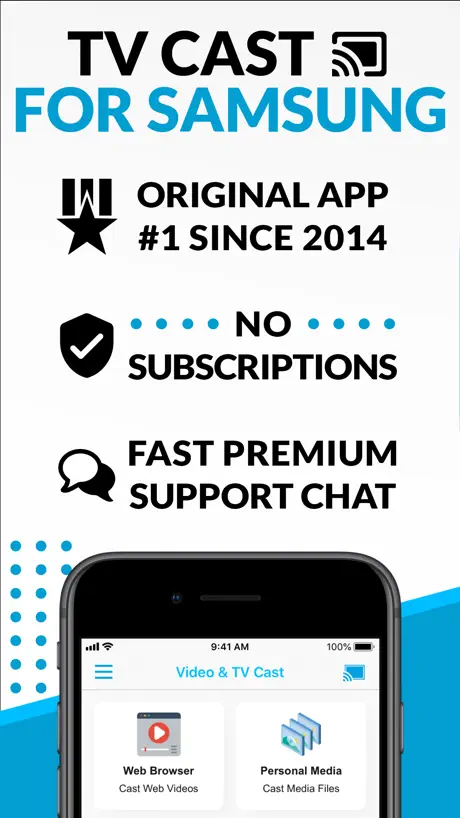

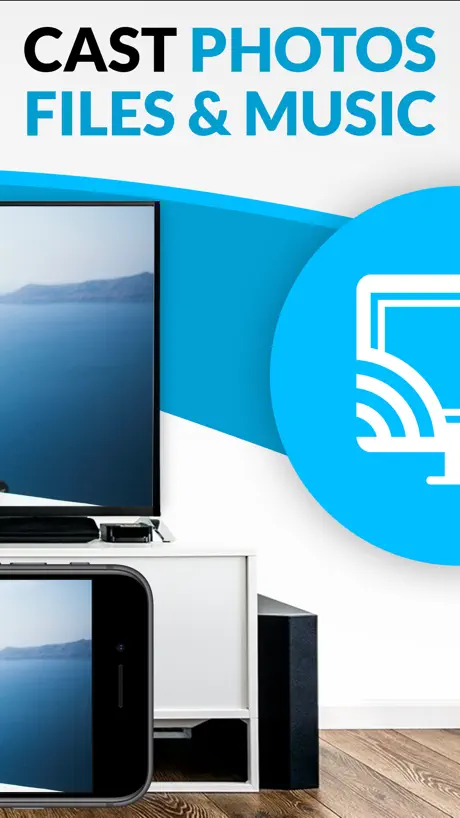
How much does TV Cast for Samsung TV App cost?
Prices are current as of 5 Oct 2026.
10 one-time purchases from $0.99
In the United States, TV Cast for Samsung TV App has 10 one-time purchases priced $0.99 – 9.99.
| Product | Price |
|---|---|
| Remove Ads (Bronze) | $0.99 |
| Remove Ads (Silver) | $1.99 |
| Ad-Blocker | $2.99 |
| Bookmarks | $2.99 |
| Change Homepage | $2.99 |
| Desktop Mode | $2.99 |
| Local Videos | $2.99 |
| Remote Playbar | $2.99 |
| Remove Ads (Platinum) | $4.99 |
| Samsung Premium | $9.99 |
See what TV Cast for Samsung TV App costs in all 175 countries →
10+ alternatives to TV Cast for Samsung TV App
| TV Cast for Samsung TV App |   Cast Web Videos to TV - iWebTV Cast Web Videos to TV - iWebTV |   Web Video Cast | Browser to TV Web Video Cast | Browser to TV |   TV Assist TV Assist |   Smart View - Screen Mirroring Smart View - Screen Mirroring |   Smart Mirror | TV & Device Smart Mirror | TV & Device |   Screen Mirroring Samsung TV Screen Mirroring Samsung TV |   Screen Mirroring MirrorMeister Screen Mirroring MirrorMeister |   LG TV Screen Mirroring Cast LG TV Screen Mirroring Cast |   AirPlay Cast AirPlay Cast | 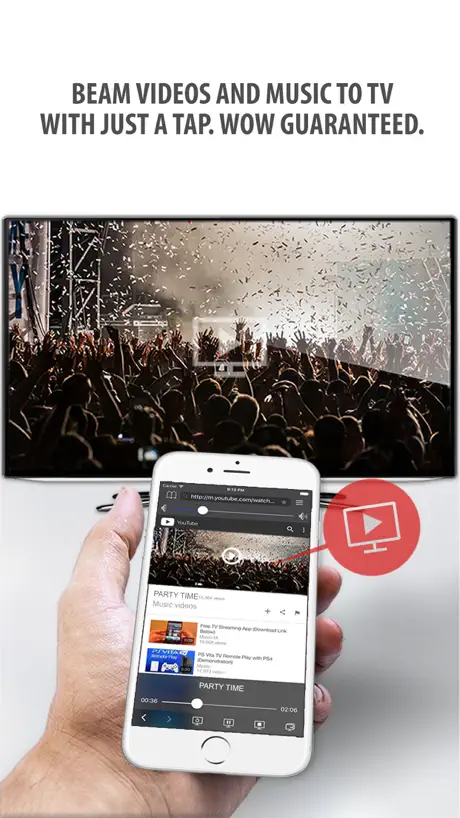  Tubio - Cast Web Videos to TV Tubio - Cast Web Videos to TV | |
|---|---|---|---|---|---|---|---|---|---|---|---|
| Rating / 5 | 3.9 | 4.7 | 4.8 | 4.4 | 4.4 | 4.2 | 4.2 | 4.5 | 4.3 | 4.1 | 3.9 |
| Reviews | 117K | 217K | 159K | 100K | 64K | 57K | 42K | 38K | 28K | 27K | 25K |
| Released | 2015 | 2015 | 2018 | 2014 | 2020 | 2019 | 2017 | 2020 | 2017 | 2022 | 2015 |
| Weekly price | — | — | — | — | $6.99 | — | $5.99 | $5.99 | $5.99 | $6.99 | — |
| Monthly price | — | $0.99 | — | — | $9.99 | $5.99 | $9.99 | $9.99 | $9.99 | — | — |
| Annual price | — | $9.99 | — | — | $19.99 | $14.99 | $14.99 | $7.99 | $29.99 | — | — |
| One-time price | $2.99 | $3.99 | $3.99 | $0.99 | $19.99 | $19.99 | $20.99 | $23.99 | $23.99 | $4.99 | $4.99 |
The going rate for each plan in United States, in its own currency, shaded from the cheapest price on the row to the dearest.
TV Cast for Samsung TV App reviews
3.9 out of 5, based on 117,074 reviews.
What people like
- The video quality looks really good.
- Some users say it works perfectly fine.
- Easy to set up initially.
What they complain about
- It often fails to connect or cast.
- Ads interrupt you constantly and annoy users.
- You pay for features that simply don't work.
Merci
Merci
Nul
Ne marche pas
TV
Canal plus
Au final ça ne fonctionne pas
L’appli se connecte facilement à la TV mais au final ça ne fonctionne pas. La vidéo se lance 3 secondes et ça s’arrête. Dommage
Bonjour
Ça marche moyen
Test
Bien Merci à vous ça marche
À
À
Très bien..
.. il ne reste plus qu’à y intégrer le choix de la langue et du ratio d’affichage et ce sera parfait
Une honte
Payant et non fonctionnel
Yess
Oui
Nulissime ! Ne fonctionne pas
Totalement indigne de Samsung . Payante et de fonctionne pas.
Gost_66
Fonctionne très bien, à voir à l’utilisation. La qualité est top.
Vv
Vv
Je découvre…
Je débute tt juste que cette appli mais le peu que j’ai vu me plait déjà beaucoup!!! Possibilité de traduire en français l’appli?
Horrible
Horrible experience
Pas mal
Pas mal
Réglage
Aucune possibilité de me connecter à la télé Samsung comment faire merciless
Nul
Nul de chez nul !!
blocker
doesn't block any of ads. it's annoying to not able to play some videos
Nul
Ne fonctionne pas du tout. Malgré des bidouillages sur le téléphone et sur la TV, rien ne fonctionne. Incompréhensible cette appli.
two pro versions unnecessarily downloaded
I unnecessarily downloaded the pro versions of TV cast for Google cast and Sony at € 6.99 both. And neither of them worked. Only TV mirror pro paid € 3.99 works. I would like to be reimbursed for my two unnecessary purchases. How to do? cordially
Garbage. Not working.
Simply DOES NOT WORK.
Affreux !!!!
Affreuse application !!!!
Nul
Rien ne marche et tout est payant finalement. Cela ne vaut même pas une étoile.
Application payante inefficace
Grosse arnaque malgré l’achat premium impossible de caster sur ma télé code erreur systématique via tf1+
TV Cast for Samsung TV App price by country
A one-time purchase costs $2.74 in Qatar and $4.55 in Hungary — 1.7× more for the same thing. Below is the going rate for each plan in every country that sells it — the middle price of what the app charges there, in the country's own currency with the dollar equivalent beneath it.
| Country | One-time |
|---|---|
| Afghanistan | $2.99 |
| Albania | $3.99 |
| Algeria | $2.99 |
| Angola | $2.99 |
| Anguilla | $2.99 |
| Antigua And Barbuda | $2.99 |
| Argentina | $2.99 |
| Armenia | $3.99 |
| Australia | A$4.99$3.47 |
| Austria | €2.99$3.36 |
| Azerbaijan | $3.99 |
| Bahamas | $2.99 |
| Bahrain | $2.99 |
| Barbados | $3.99 |
| Belarus | $3.99 |
| Belgium | €2.99$3.36 |
| Belize | $2.99 |
| Benin | $3.99 |
| Bermuda | $2.99 |
| Bhutan | $2.99 |
| Bolivia | $2.99 |
| Bosnia & Herzegovina | €2.99$3.36 |
| Botswana | $2.99 |
| Brazil | R$19.90$3.81 |
| British Virgin Islands | $2.99 |
| Brunei Darussalam | $2.99 |
| Bulgaria | €2.99$3.36 |
| Burkina Faso | $2.99 |
| Cambodia | $2.99 |
| Cameroon | $3.99 |
| Canada | CA$3.99$2.81 |
| Cape Verde | $2.99 |
| Cayman Islands | $2.99 |
| Chad | $2.99 |
| Chile | CLP 2,990$3.03 |
| China | CN¥22.00$3.28 |
| Colombia | COP 14,900$4.50 |
| Congo | $3.99 |
| Congo, Democratic Republic | $2.99 |
| Costa Rica | $2.99 |
| Cote Divoire | $3.99 |
| Croatia | €2.99$3.36 |
| Cyprus | €2.99$3.36 |
| Czech Republic | CZK 79.00$3.64 |
| Denmark | DKK 29.00$4.36 |
| Dominica | $2.99 |
| Dominican Republic | $2.99 |
| Ecuador | $2.99 |
| Egypt | EGP 149.99$2.87 |
| El Salvador | $2.99 |
| Estonia | €2.99$3.36 |
| Fiji | $2.99 |
| Finland | €2.99$3.36 |
| France | €2.99$3.36 |
| Gabon | $2.99 |
| Gambia | $2.99 |
| Georgia | $3.99 |
| Germany | €2.99$3.36 |
| Ghana | $3.99 |
| Greece | €2.99$3.36 |
| Grenada | $2.99 |
| Guatemala | $2.99 |
| Guinea-bissau | $2.99 |
| Guyana | $2.99 |
| Honduras | $2.99 |
| Hong Kong | HK$22.00$2.80 |
| Hungary | HUF 1,490$4.55 |
| Iceland | $3.99 |
| India | ₹299.00$3.10 |
| Indonesia | IDR 59,000$3.29 |
| Iraq | $2.99 |
| Ireland | €2.99$3.36 |
| Israel | ₪9.90$3.28 |
| Italy | €2.99$3.36 |
| Jamaica | $2.99 |
| Japan | ¥500$3.17 |
| Jordan | $2.99 |
| Kazakhstan | KZT 1,790.00$3.99 |
| Kenya | $3.99 |
| Kosovo | €2.99$3.36 |
| Kuwait | $2.99 |
| Kyrgyzstan | $2.99 |
| Lao Peoples Democratic Republic | $2.99 |
| Latvia | €2.99$3.36 |
| Lebanon | $2.99 |
| Liberia | $2.99 |
| Libya | $2.99 |
| Lithuania | €2.99$3.36 |
| Luxembourg | €2.99$3.36 |
| Macao | $2.99 |
| Macedonia | $2.99 |
| Madagascar | $2.99 |
| Malawi | $2.99 |
| Malaysia | MYR 14.90$3.65 |
| Maldives | $2.99 |
| Mali | $2.99 |
| Malta | €2.99$3.36 |
| Mauritania | $2.99 |
| Mauritius | $3.99 |
| Mexico | MX$69.00$3.79 |
| Micronesia | $2.99 |
| Moldova | $3.99 |
| Mongolia | $2.99 |
| Montenegro | €2.99$3.36 |
| Montserrat | $2.99 |
| Morocco | $3.99 |
| Mozambique | $2.99 |
| Myanmar | $2.99 |
| Namibia | $2.99 |
| Nauru | $2.99 |
| Nepal | $3.99 |
| Netherlands | €2.99$3.36 |
| New Zealand | NZ$4.99$2.80 |
| Nicaragua | $2.99 |
| Niger | $2.99 |
| Nigeria | NGN 4,900.00$3.68 |
| Norway | NOK 39.00$4.05 |
| Oman | $2.99 |
| Pakistan | PKR 900$3.24 |
| Palau | $2.99 |
| Panama | $2.99 |
| Papua New Guinea | $2.99 |
| Paraguay | $2.99 |
| Peru | PEN 12.90$3.73 |
| Philippines | ₱199.00$3.18 |
| Poland | PLN 14.99$3.84 |
| Portugal | €2.99$3.36 |
| Qatar | QAR 9.99$2.74 |
| Romania | RON 14.99$3.16 |
| Russia | RUB 249.00$2.97 |
| Rwanda | $2.99 |
| Sao Tome & Principe | $2.99 |
| Saudi Arabia | SAR 12.99$3.46 |
| Senegal | $3.99 |
| Serbia | €2.99$3.36 |
| Seychelles | $2.99 |
| Sierra Leone | $2.99 |
| Singapore | SGD 3.98$3.11 |
| Slovakia | €2.99$3.36 |
| Slovenia | €2.99$3.36 |
| Solomon Islands | $2.99 |
| South Africa | ZAR 59.99$3.60 |
| South Korea | ₩4,400$3.27 |
| Spain | €2.99$3.36 |
| Sri Lanka | $2.99 |
| St. Kitts and Nevis | $2.99 |
| St. Lucia | $2.99 |
| St. Vincent & The Grenadines | $2.99 |
| Suriname | $2.99 |
| Swaziland | $2.99 |
| Sweden | SEK 39.00$3.88 |
| Switzerland | CHF 3.00$3.62 |
| Taiwan | NT$90.00$2.82 |
| Tajikistan | $2.99 |
| Tanzania | TZS 9,900.00$3.74 |
| Thailand | THB 99.00$2.95 |
| Tonga | $2.99 |
| Trinidad and Tobago | $2.99 |
| Tunisia | $2.99 |
| Turkey | TRY 149.99$3.05 |
| Turkmenistan | $2.99 |
| Turks and Caicos | $2.99 |
| Uganda | $3.99 |
| Ukraine | $3.99 |
| United Arab Emirates | AED 12.99$3.54 |
| United Kingdom | £2.99$3.96 |
| United States | $2.99 |
| Uruguay | $2.99 |
| Uzbekistan | $2.99 |
| Vanuatu | $2.99 |
| Venezuela | $2.99 |
| Vietnam | ₫99,000$3.82 |
| Yemen | $2.99 |
| Zambia | $3.99 |
| Zimbabwe | $3.99 |
TV Cast for Samsung TV App FAQ
- Is TV Cast for Samsung TV App free?
- Yes. The app and its basic features are free, in all 175 countries it sells in. Premium features are paid: they start from $0.99 (US), across 10 one-time purchases.
- Does TV Cast for Samsung TV App have a free trial?
- No. None of its offers (US) come with a free trial.
- Where is TV Cast for Samsung TV App cheapest?
- A one-time purchase costs QAR 9.99 (≈$2.74) in Qatar and HUF 1,490 (≈$4.55) in Hungary, its cheapest and dearest countries.
- What are the best alternatives to TV Cast for Samsung TV App?
- Cast Web Videos to TV - iWebTV (4.7 from 217,288 reviews, premium from $0.49), Web Video Cast | Browser to TV (4.8 from 158,670 reviews, premium from $3.99) and TV Assist (4.4 from 99,607 reviews, premium from $0.99).
TV Cast for Samsung TV App download
Last updated 5 months ago.
TV Cast for Samsung TV App sells in 175 countries. It was released 11 years and 6 months ago, on 26 Mar 2015. It holds a 3.9 rating from 117,074 reviews.
Supports 1 language: English.
How much does TV Cast for Samsung TV App make?
Third-party estimates for the last 30 days, worldwide — not the store's own figures, which Apple publishes for nobody.
Revenue by plan
- One-time 100%
Revenue by country
- United States 40%
- United Kingdom 5%
- Canada 5%
- Germany 5%