
Epson FastFoto



How much does Epson FastFoto cost?
Prices are current as of 15 Nov 2026.
Epson FastFoto has no in-app products on record in the United States.
10+ alternatives to Epson FastFoto
| Epson FastFoto |   Photo Scan Plus |   Print to Size |   SlideScan by Photomyne | 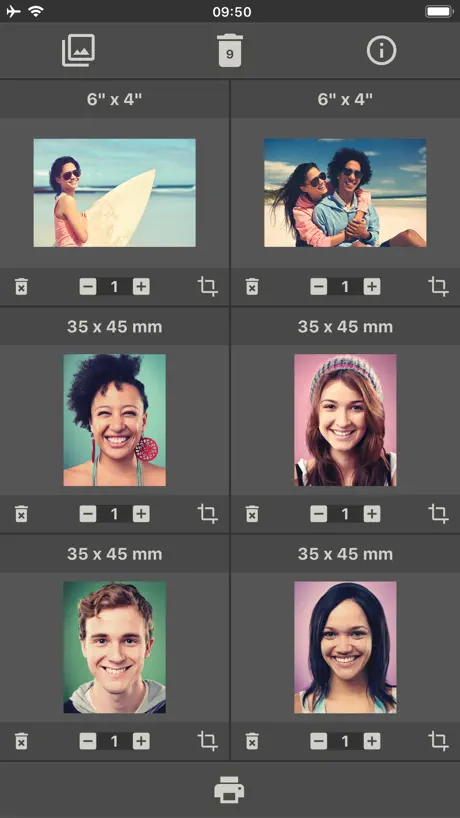  Photo Printing |   Reimagine: Scan & Enhance Pics |   Project Life |   Mylio Photos | 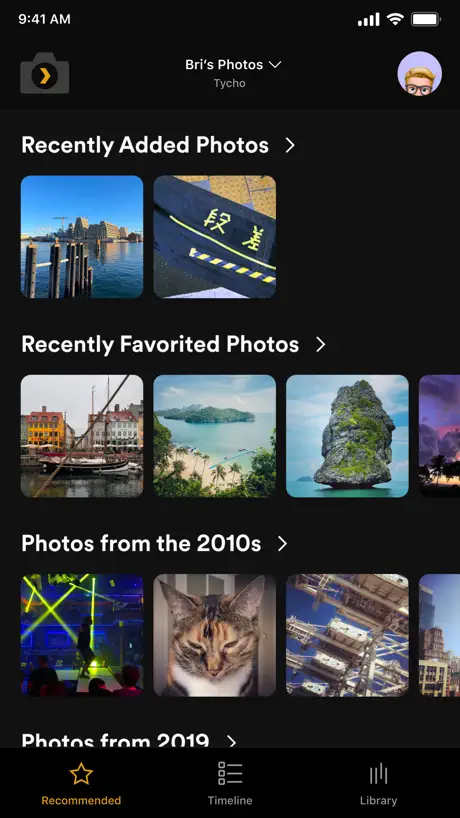  Plex Photos |   Mimeo Photos |   FOREVER® | |
|---|---|---|---|---|---|---|---|---|---|---|---|
| Rating / 5 | 4.8 | 4.7 | 4.8 | 4.5 | 4.6 | 4.8 | 4.3 | 3.9 | 1.5 | 4.4 | 4.0 |
| Reviews | 1.8K | 57K | 30K | 24K | 5.3K | 1.5K | 727 | 634 | 579 | 508 | 320 |
| Released | 2020 | 2015 | 2015 | 2019 | 2019 | 2023 | 2014 | 2014 | 2024 | 2021 | 2014 |
| Monthly price | — | $9.99 | — | $9.99 | — | $7.99 | $6.99 | $25.00 | — | — | — |
| Annual price | — | $39.99 | — | $39.99 | — | $37.00 | — | $239.99 | — | — | — |
| One-time price | — | $29.99 | — | $39.99 | $7.99 | — | $4.99 | — | — | — | $169.99 |
The going rate for each plan in United States, in its own currency, shaded from the cheapest price on the row to the dearest. Plans fewer than four in ten of the priced apps sell are left out.
Epson FastFoto reviews
4.8 out of 5, based on 1,777 reviews.
What people like
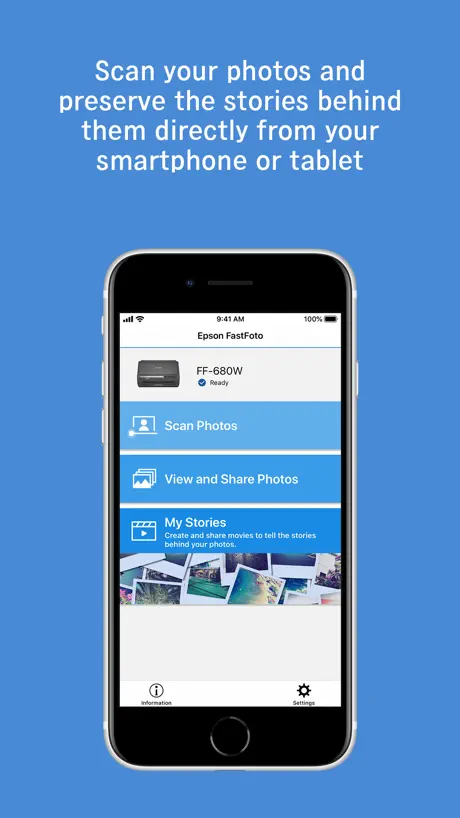
- Scans old photos quickly and easily.
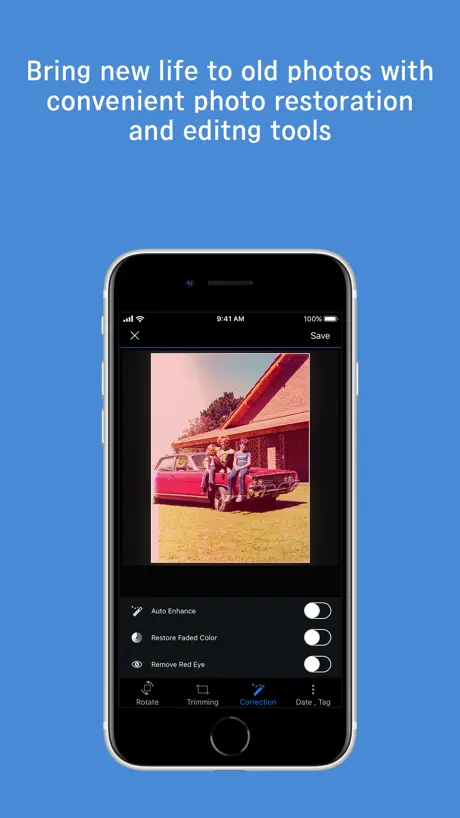
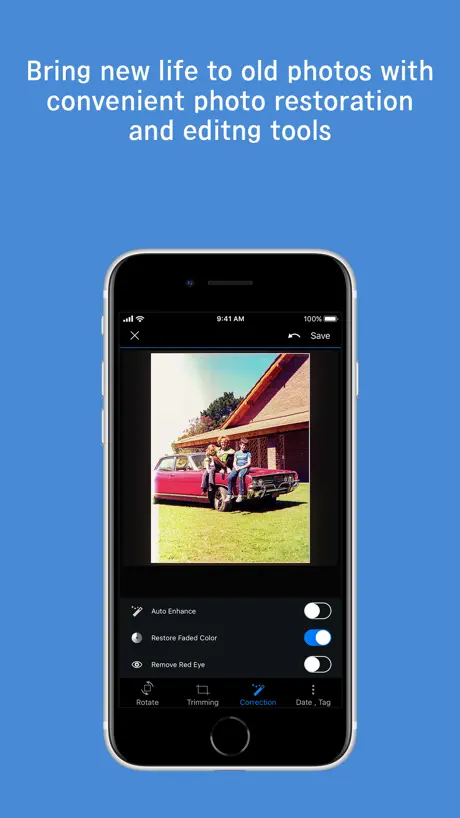
- Auto-enhances images without difficult editing.
- Lets you create movies with music.
What they complain about
- Scans save to main library, not albums.
- Wi-Fi disconnects and requires constant reconnection.
- Support link leads to Japanese website.
Epson-easy peasy 😃👍
I just bought this scanner-in order to scan 40 years (!!) of photos. Well it’s going so well-and Fast!—-Easy peasy guys—get ya an Epson ff680Wscanner today!
Not accessible
For some reason, this app is turned sideways on my iPad with smart keyboard. I’ve accessibility issues and need to use the keyboard to provide input to the app. I find it difficult to use the online screen keyboard . And if I want the app to be horizontal I have to turn the iPad on that side and then I can’t use the keyboard. Shame on you ….
Clunky, polluting app
It scans all photos into your main photo library without any way to select a destination album, so you’re left hunting and re-sorting photos with the Photos app. Really terrible UI.
Needs work
I love the scanner itself and the app is okay but it needs improvements. I hope the developers will read this and make some changes. Albums can only be sorted by months, I wish we could create our own albums to sort pictures into. Also it would be nice to save an edited picture and not be sent all the way back to the beginning first picture you scanned in and instead stay in the area you are in. Also when you make changes to the picture, like the cool enhancements it offers, you can’t undo them. I feel like that should be an option as well as being able to choose if the pictures automatically save to your phone or not besides that I have been enjoying going down memory lane and seeing all my pictures digitalized.
Awesome Epson Photo Scanner
Fantastic and Very Exciting Project scanning photos and documents!
Significant Privacy Issues
Yet another device that requires precise location information in order to connect to the product. No reason is provided. There is no valid justification for requiring it.
Scans great with frequent crashes
I use this often to scan old photos. The app provides a date and time stamp for the photos you are scanning. But after scanning it automatically saves to your iPad or iPhone camera roll. But the date is now today’s date! Please fix this Epson! The Mac app works properly. And fix the constant crashing. For such a popular printer and the Epson brand I expect much more. And after contacting Epson for support - no response. And current version now hangs up after scanning. Unusable on a new iPad Air.
When it works it’s great!
I’ve been using the FF-680W for about six months and when it’s working it’s great. However between my Mac and iPhone it’s been taking ever so long for the iPhone/Mac to Epson to talk to each other. Sometimes stalling out completely. I’ve been pulling the plug from Epson and starting over. It’s time consuming. I’ve looked for a firmware update/app update and nothing. Please fix this.
Precious memories stored forever
A must have if old photos are important to you. Fast , easy to set up and then these memories are at your fingertip for viewing anytime . Enhances the photo without any difficult editing and you can put them into individual files . Love it !!
Terrible
The Wi-Fi process for this app with the scanner is awful. First, you have to go through the entire process of reconnecting the Wi-Fi EVERY time you turn on the scanner. Second, the Wi-Fi disconnects after so long and then you have to start all over.
Pas mal, mais mérite quelques améliorations
La gestion de cartons à chaussures remplis de vieilles photos est un cauchemar et l’application associée au scanner FF–680w permet de scanner des vieilles photos rapidement et ça c’est vraiment bien. Par contre pour le traitement des images, le tri et les corrections en lots, il y a de sérieuses lacunes : - Les images ne se mettent pas automatiquement dans le bon sens (malgré le fait que cette option a été sélectionnée dans les paramètres de l’application), bien qu’il apparaît évident que les sujets humains ont la tête en bas. Il faut donc ouvrir chaque image individuellement, pour la tourner dans le bon sens, alors que ça aurait été bien plus pratique de pouvoir sélectionner des dizaines d’images à la fois pour pouvoir les orienter à droite ou à gauche d’un seul coup. - Concernant les corrections automatiques de couleur et de contraste, il faudrait pouvoir atténuer le niveau de correction car souvent, pour les vieilles photos, la correction est trop poussée et il faut repartir de l’image originale pour appliquer des corrections manuelles plus douces. - Concernant la synchronisation des photos avec iCloud : il semble que les images scannées sont automatiquement sauvegardées dans le cloud, mais pas les corrections… C’est-à-dire que lorsqu’on tourne des images mal orientées à l’endroit, cela ne apparaît pas dans le Cloud. Dès lors on se demande s’il ne vaut pas mieux abandonner le logiciel Fastfoto pour pouvoir travailler directement avec l’application Photos d’Apple (qui n’est pas extrêmement pratique non plus…), qui sauvegardera les photos correctement dans le Cloud…
Great app, but the wireless is tricky
The app works pretty well. You have to wirelessly connect to the scanner first then complete adding the scanner.
Still Broken
Says needs local network access but still won’t connect.
Organization chart not shown in Settings
Utube videos have a settings instruction on how Fast Foto will create an album for each run of photos in IPad Photos. In my settings instructions that section is missing. My settings do not resemble what is shown on instruction videos. This is a very time saving feature that I assumed was included. Disappointed
Scan to share
Love how quickly I can make all my parents photos digital to share with all my siblings as well as extended family and friends. A little tricky on connecting to my phone. Need to make sure you are on 2G when connecting.
Requires your precise location.
Didn’t get to try it because it requires you send them your precise location. Im a bit sick of these big companies collecting my data. You don’t need anyone’s location to scan an image.
It’s alright…
It works okay. No landscape mode for iPad is a giant pain. Can’t save as pdf. It took me forever to figure out it was saving the scans to my photos. Meh
満足です!
簡単だし、いいんじゃない?
No portrait mode??
I am disabled. I can not use my iPad in portrait mode because I cannot reach the top of the screen. Why is there no portrait mode? The App Support link takes me from an English app page to a Japanese web site. How is this helpful?
No Landscape Mode
😔
Easy setup! Great scanning options. Needs better delete function.
App is easy to use and connects to the scanner fantastic! Deleting pics needs attention. The app locks up if I select more than 1 scanned pic. Is there a trick I’m missing? Also, when I click on developer info or support, it’s in Japanese and I’m in the US. For your product owner user stories As a user, I’d like the option set the app to not delete photos from iPhoto for apple iPhone/iPad users. As a user, I’d like to bulk delete from the FastFoto app. ** current select all or select a few delete does not work consistently **
Doesn’t find Eason printer
Added printer to same wifi, doesn’t find it! Windows PC finds it instantly on the same wifi! Well done Epson.
Fast, aber ein gravierendes Manko…
Die App an sich ist gut und macht was sie soll, wirkt aber etwas altbacken. Was aber unheimlich nervt ist, das die App den Landscape Modus des iPads nicht unterstützt. Mit vielenFotos im Portrait Modus zu arbeiten ist wirklich mühsam. Das ist wirklich schade zumal die App zum Scannen von Dokumenten aus gleichem Haus Landscape ohne Probleme unterstützt.
Good set up instructions and works well
The app guided me through setting up the scanner to my networkWith clear concise instructions and pictures. Scanning on it and managing the photos is a breeze
No Landscape option on iPad
I am excited to try this out, been hoping that Epson would make a FastFoto app for iOS. I just downloaded installed on my iPad, but the app doesn’t switch to landscape when I have my iPad attached to a keyboard. Would really like to see the app rotate. I’ll update this review once I’ve used the app more. Used the app to scan some old Photos. Image quality is good. But the app allows you to set a date for when the pictures were actually taken, but looking at the photos in the iOS photos app the image info shows it was taken today, not on the date I specified before scanning.
Fantastic App for a fantastic product
The app lets you create your own movies from your photo collection as well as adding your music as a background. You can share and create memories with this app
Epson FastFoto FAQ
- Is Epson FastFoto free?
- Yes. The app is free, in all 81 countries it sells in, and it sells nothing inside it.
- Does Epson FastFoto have a free trial?
- No. None of its offers (US) come with a free trial.
- What are the best alternatives to Epson FastFoto?
- Photo Scan Plus (4.7 from 57,236 reviews, premium from $1.99), Print to Size (4.8 from 30,395 reviews) and SlideScan by Photomyne (4.5 from 23,740 reviews, premium from $9.99).
Epson FastFoto download
Last updated 2 months ago.
Epson FastFoto sells in 81 countries. It was released 6 years ago, on 17 Nov 2020. It holds a 4.8 rating from 1,777 reviews.
Supports 12 languages: English, Dutch, French, German, Indonesian, Italian, Japanese, Korean, Portuguese, Russian, Chinese, Spanish.
How much does Epson FastFoto make?
Third-party estimates for the last 30 days, worldwide — not the store's own figures, which Apple publishes for nobody.