
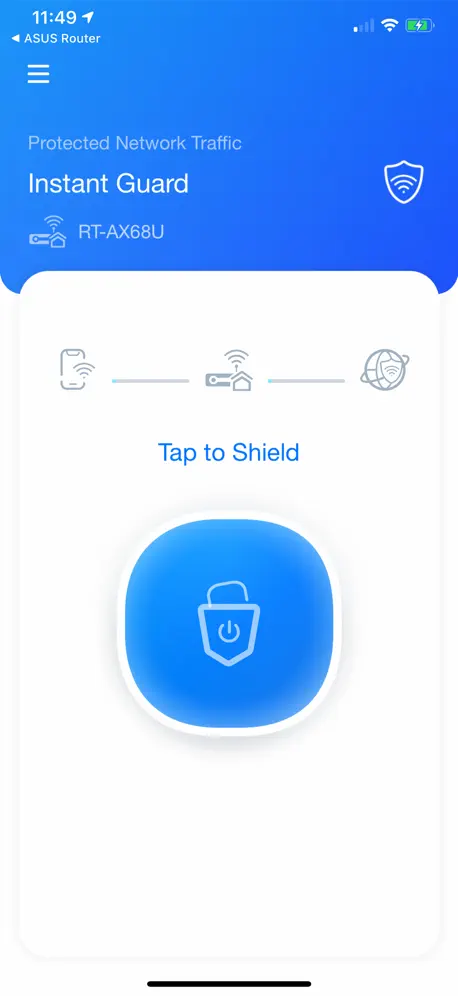
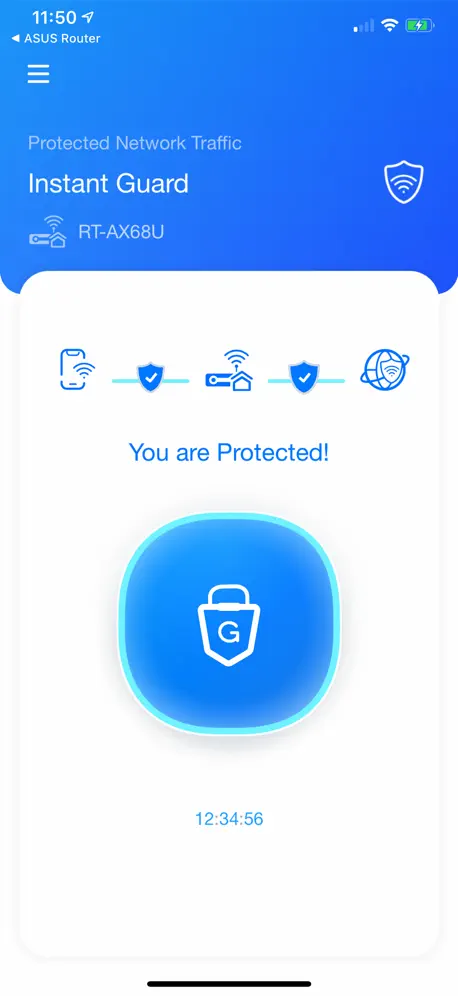
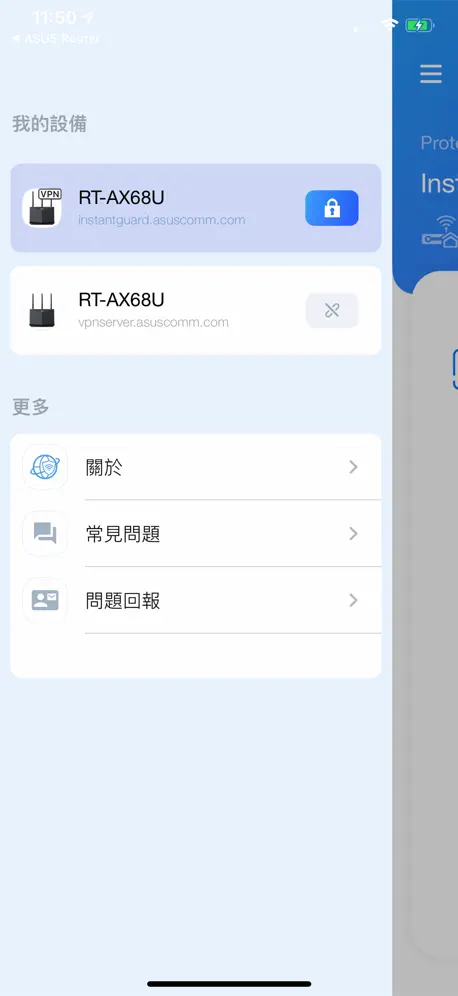
Instant Guard
One Click VPN
How much does Instant Guard cost?
Prices are current as of 7 Nov 2026.
Instant Guard has no in-app products on record in the United States.
10+ alternatives to Instant Guard
| Instant Guard | 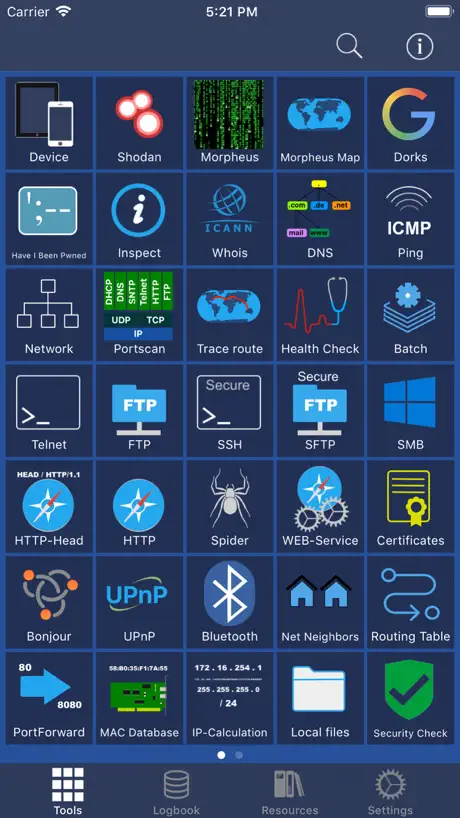  Network Toolbox Net security | 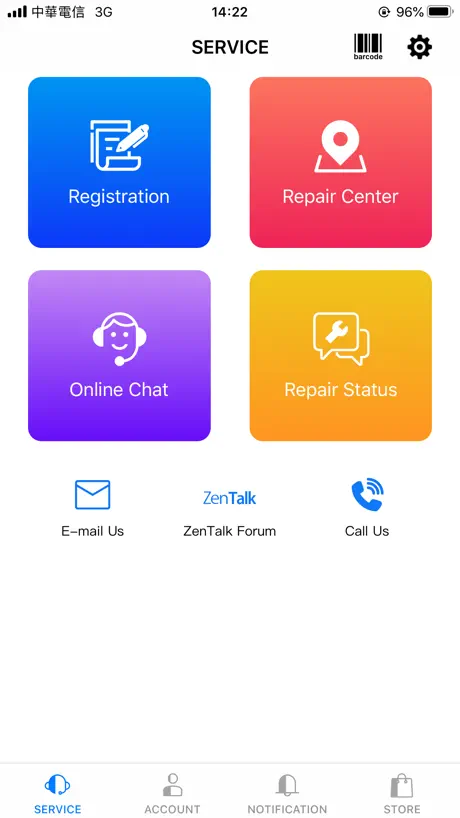  MyASUS | 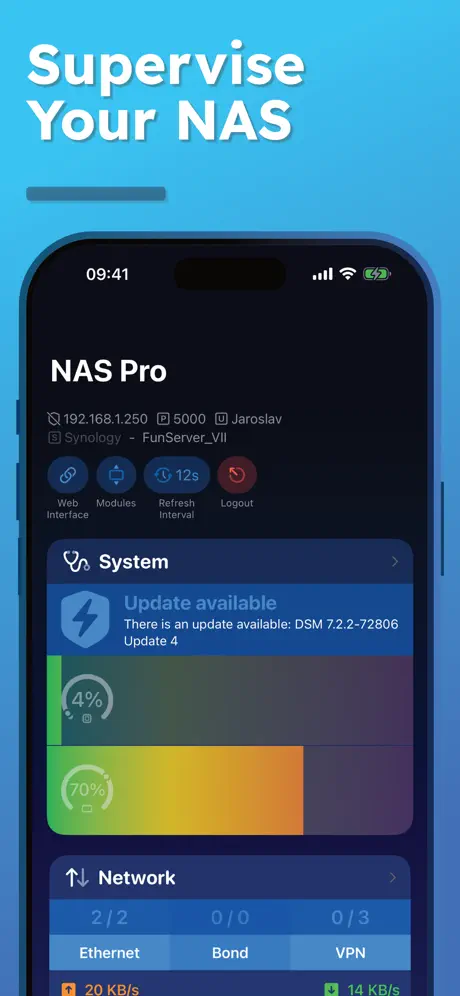  NAS Pro | 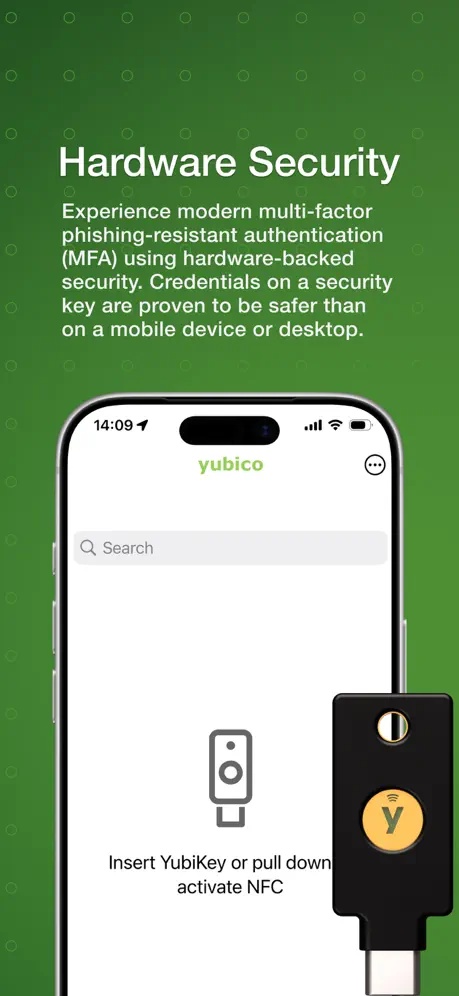  Yubico Authenticator | 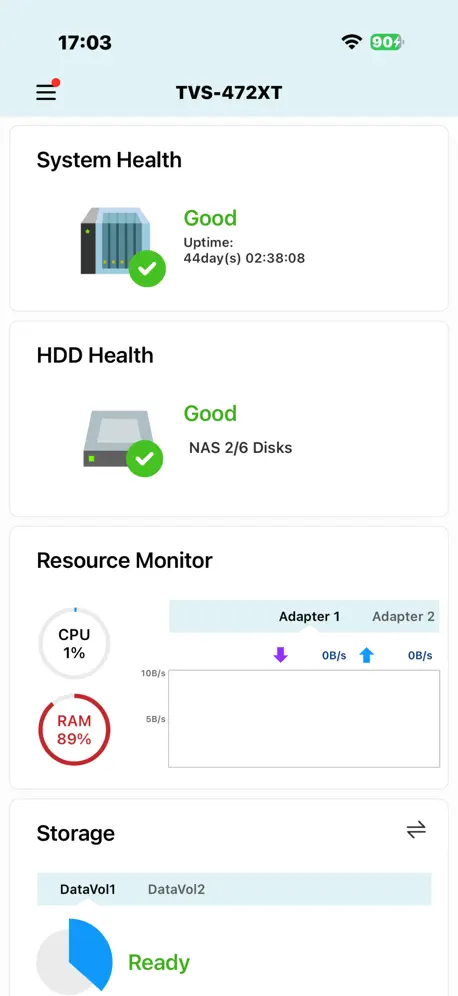  Qmanager |   NoMachine |   Synology MailPlus |   QVPN by QNAP |   QNAP Authenticator |   ASUS WebStorage | |
|---|---|---|---|---|---|---|---|---|---|---|---|
| Rating / 5 | 3.4 | 4.6 | 4.3 | 4.2 | 3.7 | 3.0 | 3.3 | 3.7 | 2.3 | 2.9 | — |
| Reviews | 224 | 6.6K | 4.3K | 958 | 892 | 585 | 414 | 234 | 97 | 47 | — |
| Released | 2020 | 2013 | 2012 | 2019 | 2019 | 2012 | 2014 | 2015 | 2018 | 2023 | 2010 |
| Monthly price | — | $9.99 | — | $2.49 | — | — | — | — | — | — | $3.49 |
| Annual price | — | $29.99 | — | $18.49 | — | — | — | — | — | — | $33.99 |
| One-time price | — | — | — | $1.99 | — | — | — | — | — | — | $49.99 |
The going rate for each plan in United States, in its own currency, shaded from the cheapest price on the row to the dearest. Plans fewer than four in ten of the priced apps sell are left out.
Instant Guard reviews
3.4 out of 5, based on 224 reviews.
What people like
- Setup is straightforward and easy
- Free value add with router
- Clean interface does its job
What they complain about
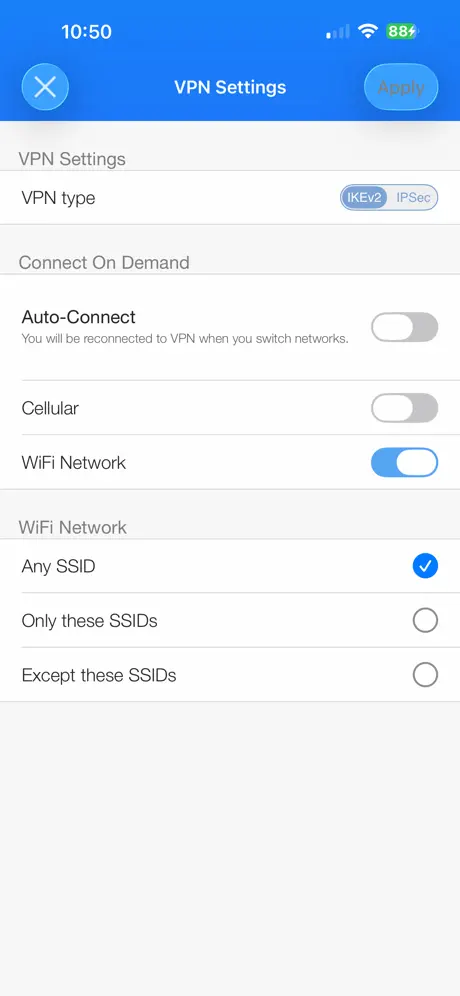
- Auto connect breaks cellular data
- Sharing feature button is missing
- Connection drops frequently on iOS
Works like it’s supposed to
Simple app does its job well
Issues with cellular data
When activated my cellular data was severely affected. The cellular connection . The phone kept showing full bars and calls could be made. It even said 5G but there was no internet. I troubleshooted with the phone company and they could not resolve it. I planned on taking the phone to Apple but decided to do a full reset first. After the reset, the issue persisted so I then checked the VPN settings. I found Instaguard’s VPN intermittently trying to connect. I decided to turn it completely off and to remove it and my internet worked again. I think that if I want to remotely manage my network, I’ll stick to port forwarding.
Not bad but hop can be better
It works fine with my iPhone/iPad and even MacBook before. But after I update my MacBook to MacOS27, it doesn’t work anymore. (Still working fine in iOS/iPadOS 27)
Needs Improvement
The auto protect feature comes on when I’m on cellular network even though the cellular toggle is switched off. This means I can’t use the auto protect function. Please fix this Asus Devs
Auto connection still conflict
iOS auto connect function still conflict on the latest version
Setup is tricky but WORKS on MACOS!
To setup you must do this IN THE CORRECT ORDER 1 - enable Instant Guard on the router and remote access. 2 - Then you install Instant Guard on the MACOS (select setup as Guest) 3 - Send your MacOs an invite to instant guard (I used my iPhone instant guard app (click Share, and then airdrop the invite) 4 - The invite will launch the Instant Guard on MacOS, and then a password field pops up (the app added it to your clipboard, just Command+V) 5 - Go to Settings -> VPN -> Instant Guard on your Mac’s settings and add that password to your configuration so it’s never prompted for again (This is a manual step)
Waisted my time
Finally my ISP helped and worked, but only one time. I've been working long time. Now I'm giving up
無法分享vpn
無法分享vpn
分享VPN功能
沒有分享VPN的按鈕
Can not share
Share function cannot work. Show up fimware cannot support.My rioter is TUF AX4200q with the latest firmware
Works great! You need fiber for this to work well.
Set-up was very straight forward. Running it on ATT Fiber with symmetrical speeds. Normally I would use nord VPN but this is a nice value add for public wifi like on airplane or lounges and what not. Would not say this is super fast. However is fast enough I can stream hbo or Netflix That being said you need a very stable connection. If you have very slow upload speeds you will have a lot of connection speeds. Fiber Symmetrical speeds is the key here. Just cause you have one gig fiber example xfinity your uploads at best is 30MBPS. Check your broadband facts to see the promised speeds and what not.
Garbage
Does not work
Good app - Split tunnelling?
Any chance to add split tunnelling?
尚需改進
iPad 連線失敗。安卓手機能用。介紹話可以分享。但新版無左分享制
Update
This app has stopped working today. Please investigate..
Easy to use, easy to configure nicely integrated VPN
Nice free value add from Asus. Works great with my router. One thing to note, even though it’s not listed in the spec, this app works with my Asus ROG Rapture GT-AXE16000. Thanks Asus!
not working with iOS 16.5.1
not working with iOS 16.5.1
フリーWiFi接続時に使用
特に小難しい設定はなく、ワンタップで使用可能。 セキュリティ保護のついでに自宅データサーバーにアクセスできるので非常に便利。
Not whats expected from ASUS
The auto protect feature is good but since the last version it ignores settings and comes on when it wants including cellular which then makes my trusted connection slow. The share feature simply doesn’t work, i can send an invite and the person can install it. From there they cant connect admin (a password i wouldnt give out) or guest - good idea but pointless unless it works.
Why not support RT-AX3000
Why is it supported by RT-AX58u but not by RT-AX3000? Aren't they the same model?
VPN options setting
Excellent job. Thank you.
Won’t connect
Cannot establish a connection.
Like good start; router is amazing
Like managed to get it working, but after restarting my iPhone, other than that router is amazing hopefully software will be sorted soon
iPhoneでは使えるが、
iPadとMacBookではインストールできるものの接続できない。 iPhoneでは非常にスムーズに繋がるだけにとても残念。
No luck on Mac Studio
The app will install and run, but will not connect on wireless or wired.
Update fixed iOS 17
Working again with latest update.
iOS 16.5 incompatible
Won’t connect via cellular when using iOS 16.5.
不安定
外で利用してるのですが、途中でインターネットができなくなります
Connection Drops
The idea of offering a free vpn through your router is fantastic but I noticed the connection drops and I have to reconnect over and over which makes it less usable. I don’t think this is a hard fix as other vpns are already doing such.
5/5
Secret unlimited VPN with purchase of certain asus routers
Doesn't work
I mean like it works when it wants to super buggy app, lots of issues
Can’t share.
So you go to the asus faq and it tells you how to share instant guard. But when you go to share it there is no button in the app to share or make it shareable. I just spent 400 on this router and it’s already getting on my nerves.
It’s ok
It works well enough, but not particularly useful. If it had features such as auto connect, connect on connection to WiFi with exception lists, or firewalled to prevent internet traffic if not connected. As it is, limited and a bit pointless.
Works great
My only request is to provide the ability to automatically connect to the vpn anytime you leave the home network. If you check out the adguard app you’ll see how they can automatically connect to the vpn when you leave a network.
Terrible app with terrible support
I installed Instant Guard on my iPad Pro and I could not get it to work at all. I looked at the Instant Guard log on my RT-AX92U router and observed that the router rejected my remote iPad connection for some reason. I then installed Instant Guard on an Android phone and had no problems whatsoever established a VPN connection with the host router. I then attempted to contact Asus tech support to resolve my problem with the iOS version of the app, but I found that contacting Asus tech support is an overwhelming task. For example, it’s required that you provide the router’s serial number before you can proceed, but I am currently over a thousand miles from the router with no way to get and provide this irrelevant information. Update: I just received this irrelevant response from useless Asus tech support: Thanks for sending us feedback. If you forgot your router’s login username or password, you will not be able to retrieve your username and password because ASUS do not save/collect related information. To reconfigure your login credentials, you can reset your router manually by pressing the hardware button on your router.
Worked before
Stop working
Ac68u 不支援可惜
Ac68u 不支援可惜
Family sharing
I look forward to be able to share my vpn with family members.
No ability to share connection
The most recent update said that there was a ability to share your secure connection. This button does not exist.
Router not detected
ASUS router is not deleted automatically. I need to install ASUS router app to be detected in instant guard
Overall, a good easy VPN solution
If not wanting to set up a dedicated VPN solution Instant Guard is fairly decent. Easy to set up on an ASUS router with it baked in. Easy configuration of connection and simple clean application interface. Once set up the VPN toggle in settings is enabled as it should be. Key thing missing is the Shortcuts widget to allow for Home Screen One touch enabling and disabling of VPN or automation capabilities.
Great expectations with crappy user experience
I loved the idea, but it dont work properly. Sometimes it works only on local network sometimes it’s the opposite. No proper logging of errors. No much option to adjust the configuration to fix it. Bad user experience
Instant Guard FAQ
- Is Instant Guard free?
- Yes. The app is free, in all 173 countries it sells in, and it sells nothing inside it.
- Does Instant Guard have a free trial?
- No. None of its offers (US) come with a free trial.
- What are the best alternatives to Instant Guard?
- Network Toolbox Net security (4.6 from 6,612 reviews, premium from $2.99), MyASUS (4.3 from 4,255 reviews) and NAS Pro (4.2 from 958 reviews, premium from $1.99).
Instant Guard download
Last updated 5 months ago.
Instant Guard sells in 173 countries. It was released 5 years and 11 months ago, on 17 Dec 2020. It holds a 3.4 rating from 224 reviews.
Supports 24 languages: English, Czech, Danish, Dutch, Finnish, French, German, Hungarian, Italian, Japanese, Korean, Norwegian Bokmål, Polish, Portuguese, Romanian, Russian, Chinese, Slovenian, Spanish, Swedish, Thai, Turkish, Ukrainian, Vietnamese.