
Sticker Calendar: Time Planner
Schedule, Reminders & Tasks
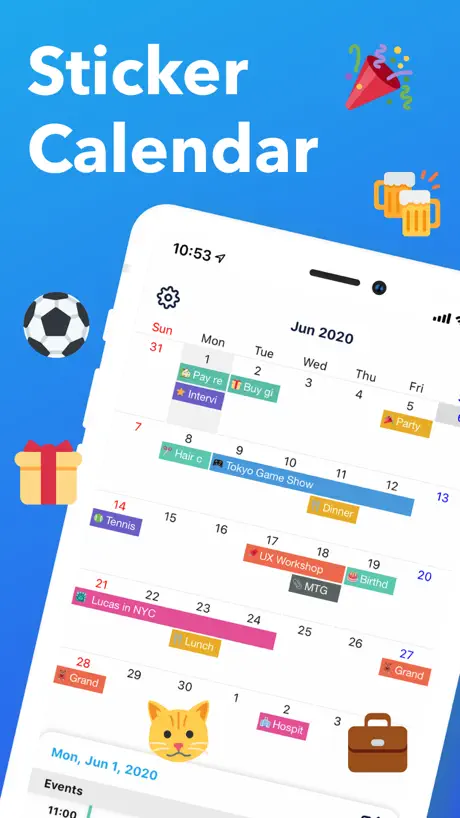
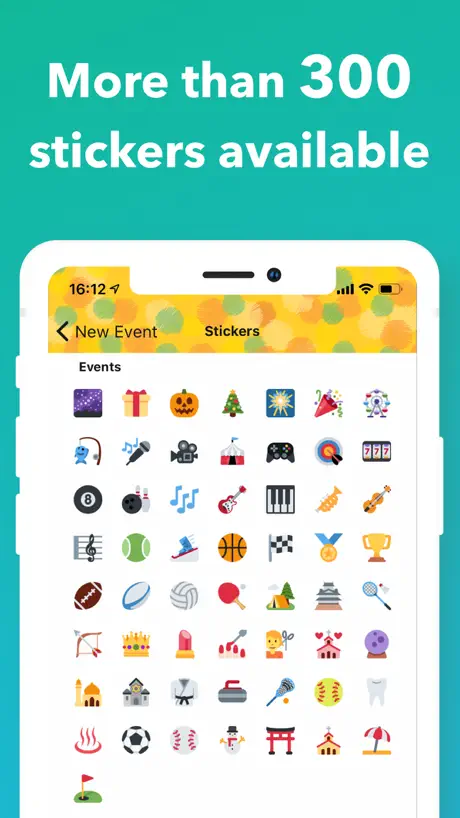
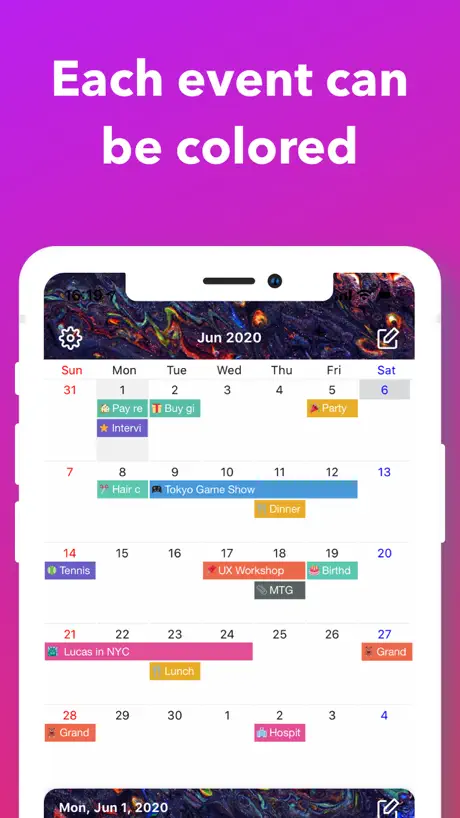
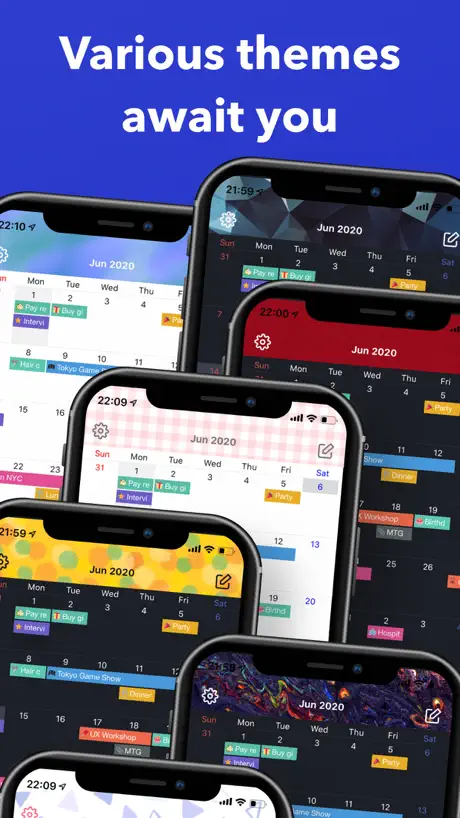
How much does Sticker Calendar: Time Planner cost?
Prices are current as of 6 Oct 2026.
2 subscriptions from $0.99
In the United States, Sticker Calendar: Time Planner has 2 subscriptions priced $0.99 – 7.99. It comes with a 7 days free trial.
| Subscription | Period | Price |
|---|---|---|
| Ad-Free Premium (1 month) | MonthlyTrial: 7 days | $0.99 |
| Ad-Free Premium (1 year) | AnnualTrial: 7 days | $7.99 |
See what Sticker Calendar: Time Planner costs in all 175 countries →
10+ alternatives to Sticker Calendar: Time Planner
| Sticker Calendar: Time Planner |   Chouchou Calendar | Cute Vibes Chouchou Calendar | Cute Vibes |   もくもくちゃんカレンダー もくもくちゃんカレンダー |   ももちースケジュール帳 可愛い共有スケジュール管理アプリ ももちースケジュール帳 可愛い共有スケジュール管理アプリ |   My Calendar: Planner & Agenda My Calendar: Planner & Agenda |   おとなのカレンダー - すぐに使えるシンプルなスケジュール帳 おとなのカレンダー - すぐに使えるシンプルなスケジュール帳 |   Calendar Z Calendar Z |   Awesome Calendar Lite Awesome Calendar Lite |   ハッピースケジュール シンプルでかわいい、カレンダー ハッピースケジュール シンプルでかわいい、カレンダー |   P714星球Calendar P714星球Calendar |   Vertical Planner:Calendar,Todo Vertical Planner:Calendar,Todo | |
|---|---|---|---|---|---|---|---|---|---|---|---|
| Rating / 5 | 4.4 | 4.6 | 4.7 | 4.7 | 4.7 | 4.2 | 4.1 | 4.0 | 4.4 | 3.4 | 4.3 |
| Reviews | 884 | 21K | 19K | 8.8K | 8.1K | 3.2K | 3K | 2.9K | 2.9K | 1.1K | 552 |
| Released | 2020 | 2018 | 2019 | 2021 | 2022 | 2015 | 2015 | 2011 | 2018 | 2012 | 2021 |
| Monthly price | $0.99 | $2.49 | — | $2.49 | $1.99 | — | — | — | — | — | $2.99 |
| One-time price | — | $8.99 | — | $1.99 | $8.99 | $3.99 | $1.99 | $6.99 | $4.99 | $0.99 | — |
The going rate for each plan in United States, in its own currency, shaded from the cheapest price on the row to the dearest. Plans fewer than four in ten of the priced apps sell are left out.
Sticker Calendar: Time Planner reviews
4.4 out of 5, based on 884 reviews.
What people like
- Syncs perfectly with your iPhone calendar.
- Cute stickers make planning visually fun.
- Clean design is easy to read.
What they complain about
- App crashes and shows a blank white screen.
- Recurring events fail to save or copy.
- Notifications make the app close unexpectedly.
自分にあってるアプリ
すごい使いやすくて、見やすく、iPhoneのカレンダーとも連動出来るから助かってます❤️
直してほしい!
使いやすくてずっと使っていたのに、急にメモ欄の入力がひらがなしかできなくなりました。濁点も打てない。早急になんとかしてほしいです!
コピペ
毎週とか、良くある用事は、コピペが出来たら良いなー。と思います。
時刻入力のバグ
予定を入れたい日付を選択して入力画面を立ち上げると、何故か翌日の0:00がデフォルトになっており、日付を1日戻さないといけない。 時刻の入力も終了時間を入力しようとするとその前に入力した開始時間がリセットされてしまい、もう一度入力し直す必要がある。 今使ってるアプリのサ終にあわせて他のアプリを探しているところだが、1年以上アプデされてないアプリを使うのも避けた方が懸命なのかもしれない…
使いやすいですが。
使いやすいですし、スタンプもたくさんあって可愛いです。 ただ予定の通知を入れようとるとすぐアプリが落ちます。問い合わせしても返答はきません。 あと同じ予定を入れたいときにコピー機能がないので、それができると嬉しいです。
とっても、使いやすくて
"大の"お気に入り"
Ne fonctionne plus
J’ai un écran blanc plus de calendrier.
少し惜しい
---追記25/1/9--- 新しい予定の保存が出来なくなりました。 既存の予定は編集、保存出来ます。 シンプルに困るので対応をお願いします。 ----------------- 今まで使っていたカレンダーアプリの仕様変更のため代わりのアプリとしてこちらを利用開始しました 基本的に必要十分ではあるのですが、以下対応いただけたら嬉しいです ・特定の月のカレンダーをすぐに開ける ┗現在一月ずつ戻るしかないので、年の選択、月の選択で過去未来のカレンダーにすぐに飛べるようになると助かります ・タイトルなし、スタンプのみで予定が書ける ┗スタンプのみを貼りたい時があるので、対応してもらえたら嬉しいです ・スタンプ種類の増加 ┗スタンプのみで書けるようになった場合には、スタンプも増えたら嬉しいです 今のところこちらのアプリが一番自分に合うので今後もお世話になります
予定の開始時間が2行で表示される
見た目シンプルで、スタンプで予定の属性が一目でわかるのが良い。スタンプが男性でも使いやすい見た目で、他のアプリにない良さがある。 残念なのが、下部の日時表示がズレて「18:0」「0」と2行で表示されてしまう点。地味に気になってしまう。(開始日が太字になっている影響でオフセットされている?)iPhone15Pro使用です。広告のアプリの画面ではそうなっていないので、軽修正で改善されたり、文字サイズ変更設定が追加されたりすることを願いします。
good
It was really good and I love it so much. This will come in handy.
Can’t see the stickers
I can’t see the stickers I’m putting on the calendar and that’s the only reason I downloaded this so I can plan visually and not with words. Not sure what I am doing wrong
種類は少ない
スタンプの種類は他のアプリの方が多く、使い勝手も良いかな 仕事とプライベート、趣味のカレンダーを使い分けしたくて入れていますが、一番項目が少ない仕事用となって居ます
微妙
これまで使ってたカレンダーアプリが変わってしまうので、代替アプリを探し中。 スタンプを先に設定して、そこから予定を入れられるとスタンプを使いやすくなるかな… あと、予定の履歴から同じ内容の予定を引っ張り出して別日に設定とか それとウィジェット欲しいですね。 1ヶ月分のカレンダー表示できるやつ。 これらが解消されれば星5に変えても良いです。
大変使いやすいのですが
カレンダーに予定を『繰り返し』設定で保存をしようとすると何故か保存が出来ません。 何度か試しましたが駄目でした。 友人の誕生日などをメモしておきたいので、少し不便です。 iOS14にアップデートをしたのですが、何か関係があるのでしょうか?
スタンプ
スタンプだけで簡単に入力したり、パッと見て把握できるようなカレンダーがよかったが、求めていたものではなかった。使用感としてはクマのシンプル版って感じ。 スタンプのみ表示も、タイトルをスペースにしちゃえばできたけど、バックカラーは入っちゃうみたい。
いいけど
他のに比べてデザインとかシンプルで見やすい 今バグが起きてるのかわからないけど、1日に二つの用事予定を入れられない あとスタンプが学校とか教科書とか病院とか学生にも使いやすいスタンプが増えるといいです
使いやすくてかわいいです
今までいろんなカレンダーアプリを試してきましたが、最終的にはこちらのカレンダーに落ち着きました! 使いやすいだけでなく、着せ替えテーマがとても可愛くて気に入ってます😊
繰り返しの予定が登録できない
毎月第一金曜に予定を入れると土曜に、 第一土曜に予定を入れると、日曜に、 というように、翌日に予定が入れられるので、全然使えません。アンストしました…
Bug
Je note des rdv et l’appli bug Sinon tout est plutôt sympa
Can’t get it to work
I can’t get this app to load for nothing I have multiple iPhones and iPads and everything else and all I get is a white screen it just crashes
スタンプが可愛い
スタンプが好みで、見易くダウンロードしましたが、スタンプが限られた数しか表示されません。 又、特定のスタンプ何種類かを押すとスケジュールに反映されません。 何故でしょうか?iPhoneを使用していますが、対応していないスタンプがあるのでしょうか?
Always crash
Tried to delete and reinstall multiple times but theres always a white screen pop up makes the app unusable ….. 🥲
Some bugs
Sometimes it’s had to set time, the time it takes and display, laged by an hour. When I’m editing, the app closes by itself.
Sticker Calandar
Cannot find stickers!
Sticker Calendar: Time Planner price by country
A monthly subscription costs $0.72 in Canada and $1.60 in Hungary — 2× more for the same thing. Below is the going rate for each plan in every country that sells it — the middle price of what the app charges there, in the country's own currency with the dollar equivalent beneath it.
| Country | Monthly | Annual |
|---|---|---|
| Afghanistan | $0.99 | $7.99 |
| Albania | $0.99 | $9.99 |
| Algeria | $0.99 | $7.99 |
| Angola | $0.99 | $7.99 |
| Anguilla | $0.99 | $7.99 |
| Antigua And Barbuda | $0.99 | $7.99 |
| Argentina | $0.99 | $7.99 |
| Armenia | $0.99 | $9.99 |
| Australia | A$1.99$1.43 | A$12.99$9.35 |
| Austria | €0.99$1.15 | €8.99$10.45 |
| Azerbaijan | $0.99 | $9.99 |
| Bahamas | $0.99 | $8.99 |
| Bahrain | $0.99 | $8.99 |
| Barbados | $0.99 | $9.99 |
| Belarus | $0.99 | $9.99 |
| Belgium | €0.99$1.15 | €8.99$10.45 |
| Belize | $0.99 | $7.99 |
| Benin | $0.99 | $9.99 |
| Bermuda | $0.99 | $7.99 |
| Bhutan | $0.99 | $7.99 |
| Bolivia | $0.99 | $7.99 |
| Bosnia & Herzegovina | €0.99$1.15 | €8.99$10.45 |
| Botswana | $0.99 | $7.99 |
| Brazil | R$6.90$1.35 | R$49.90$9.78 |
| British Virgin Islands | $0.99 | $7.99 |
| Brunei Darussalam | $0.99 | $7.99 |
| Bulgaria | €0.99$1.15 | €8.99$10.45 |
| Burkina Faso | $0.99 | $7.99 |
| Cambodia | $0.99 | $8.99 |
| Cameroon | $0.99 | $9.99 |
| Canada | CA$0.99$0.72 | CA$9.99$7.24 |
| Cape Verde | $0.99 | $7.99 |
| Cayman Islands | $0.99 | $7.99 |
| Chad | $0.99 | $7.99 |
| Chile | CLP 990$1.06 | CLP 9,990$10.69 |
| China | CN¥8.00$1.19 | CN¥58.00$8.62 |
| Colombia | COP 4,900$1.57 | COP 39,900$12.76 |
| Congo | $0.99 | $7.99 |
| Congo, Democratic Republic | $0.99 | $7.99 |
| Costa Rica | $0.99 | $7.99 |
| Cote Divoire | $0.99 | $9.99 |
| Croatia | €0.99$1.15 | €8.99$10.45 |
| Cyprus | €0.99$1.15 | €8.99$10.45 |
| Czech Republic | CZK 29.00$1.39 | CZK 199.00$9.56 |
| Denmark | DKK 9.00$1.40 | DKK 69.00$10.73 |
| Dominica | $0.99 | $7.99 |
| Dominican Republic | $0.99 | $7.99 |
| Ecuador | $0.99 | $7.99 |
| Egypt | EGP 49.99$0.98 | EGP 399.99$7.84 |
| El Salvador | $0.99 | $7.99 |
| Estonia | €0.99$1.15 | €8.99$10.45 |
| Fiji | $0.99 | $7.99 |
| Finland | €0.99$1.15 | €8.99$10.45 |
| France | €0.99$1.15 | €8.99$10.45 |
| Gabon | $0.99 | $7.99 |
| Gambia | $0.99 | $7.99 |
| Georgia | $0.99 | $9.99 |
| Germany | €0.99$1.15 | €8.99$10.45 |
| Ghana | $0.99 | $9.99 |
| Greece | €0.99$1.15 | €8.99$10.45 |
| Grenada | $0.99 | $7.99 |
| Guatemala | $0.99 | $7.99 |
| Guinea-bissau | $0.99 | $7.99 |
| Guyana | $0.99 | $7.99 |
| Honduras | $0.99 | $7.99 |
| Hong Kong | HK$8.00$1.02 | HK$58.00$7.40 |
| Hungary | HUF 499$1.60 | HUF 3,490$11.16 |
| Iceland | $0.99 | $9.99 |
| India | ₹99.00$1.04 | ₹799.00$8.42 |
| Indonesia | IDR 19,000$1.08 | IDR 129,000$7.32 |
| Iraq | $0.99 | $7.99 |
| Ireland | €0.99$1.15 | €8.99$10.45 |
| Israel | ₪2.90$0.96 | ₪29.90$9.90 |
| Italy | €0.99$1.15 | €8.99$10.45 |
| Jamaica | $0.99 | $7.99 |
| Japan | ¥150$0.95 | ¥1,300$8.24 |
| Jordan | $0.99 | $7.99 |
| Kazakhstan | KZT 499.00$1.10 | KZT 4,990.00$10.99 |
| Kenya | $0.99 | $9.99 |
| Kosovo | €0.99$1.15 | €8.99$10.45 |
| Kuwait | $0.99 | $7.99 |
| Kyrgyzstan | $0.99 | $8.99 |
| Lao Peoples Democratic Republic | $0.99 | $8.99 |
| Latvia | €0.99$1.15 | €8.99$10.45 |
| Lebanon | $0.99 | $7.99 |
| Liberia | $0.99 | $7.99 |
| Libya | $0.99 | $7.99 |
| Lithuania | €0.99$1.15 | €8.99$10.45 |
| Luxembourg | €0.99$1.15 | €8.99$10.45 |
| Macao | $0.99 | $7.99 |
| Macedonia | $0.99 | $7.99 |
| Madagascar | $0.99 | $7.99 |
| Malawi | $0.99 | $7.99 |
| Malaysia | MYR 4.90$1.21 | MYR 39.90$9.83 |
| Maldives | $0.99 | $7.99 |
| Mali | $0.99 | $7.99 |
| Malta | €0.99$1.15 | €8.99$10.45 |
| Mauritania | $0.99 | $7.99 |
| Mauritius | $0.99 | $7.99 |
| Mexico | MX$19.00$1.12 | MX$179.00$10.57 |
| Micronesia | $0.99 | $7.99 |
| Moldova | $0.99 | $9.99 |
| Mongolia | $0.99 | $7.99 |
| Montenegro | €0.99$1.15 | €6.99$8.13 |
| Montserrat | $0.99 | $7.99 |
| Morocco | $0.99 | $7.99 |
| Mozambique | $0.99 | $7.99 |
| Myanmar | $0.99 | $7.99 |
| Namibia | $0.99 | $7.99 |
| Nauru | $0.99 | $7.99 |
| Nepal | $0.99 | $9.99 |
| Netherlands | €0.99$1.15 | €8.99$10.45 |
| New Zealand | NZ$1.99$1.16 | NZ$14.99$8.77 |
| Nicaragua | $0.99 | $7.99 |
| Niger | $0.99 | $7.99 |
| Nigeria | NGN 1,500.00$1.13 | NGN 12,900.00$9.76 |
| Norway | NOK 9.00$0.97 | NOK 99.00$10.71 |
| Oman | $0.99 | $7.99 |
| Pakistan | PKR 300$1.08 | PKR 2,200$7.93 |
| Palau | $0.99 | $7.99 |
| Panama | $0.99 | $7.99 |
| Papua New Guinea | $0.99 | $7.99 |
| Paraguay | $0.99 | $7.99 |
| Peru | PEN 4.90$1.46 | PEN 34.90$10.42 |
| Philippines | ₱49.00$0.78 | ₱499.00$7.98 |
| Poland | PLN 4.99$1.35 | PLN 39.99$10.78 |
| Portugal | €0.99$1.15 | €8.99$10.45 |
| Qatar | QAR 2.99$0.82 | QAR 29.99$8.24 |
| Romania | RON 4.99$1.10 | RON 39.99$8.85 |
| Russia | RUB 99.00$1.15 | RUB 699.00$8.09 |
| Rwanda | $0.99 | $7.99 |
| Sao Tome & Principe | $0.99 | $7.99 |
| Saudi Arabia | SAR 4.99$1.33 | SAR 34.99$9.33 |
| Senegal | $0.99 | $9.99 |
| Serbia | €0.99$1.15 | €8.99$10.45 |
| Seychelles | $0.99 | $7.99 |
| Sierra Leone | $0.99 | $7.99 |
| Singapore | SGD 0.98$0.78 | SGD 9.98$7.92 |
| Slovakia | €0.99$1.15 | €8.99$10.45 |
| Slovenia | €0.99$1.15 | €8.99$10.45 |
| Solomon Islands | $0.99 | $7.99 |
| South Africa | ZAR 19.99$1.25 | ZAR 149.99$9.37 |
| South Korea | ₩1,100$0.82 | ₩11,000$8.20 |
| Spain | €0.99$1.15 | €8.99$10.45 |
| Sri Lanka | $0.99 | $7.99 |
| St. Kitts and Nevis | $0.99 | $7.99 |
| St. Lucia | $0.99 | $7.99 |
| St. Vincent & The Grenadines | $0.99 | $7.99 |
| Suriname | $0.99 | $8.99 |
| Swaziland | $0.99 | $7.99 |
| Sweden | SEK 9.00$0.94 | SEK 99.00$10.32 |
| Switzerland | CHF 1.00$1.23 | CHF 8.00$9.88 |
| Taiwan | NT$30.00$0.95 | NT$290.00$9.21 |
| Tajikistan | $0.99 | $8.99 |
| Tanzania | TZS 2,900.00$1.10 | TZS 22,900.00$8.66 |
| Thailand | THB 29.00$0.86 | THB 299.00$8.91 |
| Tonga | $0.99 | $7.99 |
| Trinidad and Tobago | $0.99 | $7.99 |
| Tunisia | $0.99 | $7.99 |
| Turkey | TRY 39.99$0.83 | TRY 349.99$7.22 |
| Turkmenistan | $0.99 | $7.99 |
| Turks and Caicos | $0.99 | $7.99 |
| Uganda | $0.99 | $9.99 |
| Ukraine | $0.99 | $9.99 |
| United Arab Emirates | AED 2.99$0.81 | AED 29.99$8.17 |
| United Kingdom | £0.99$1.34 | £7.99$10.83 |
| United States | $0.99 | $7.99 |
| Uruguay | $0.99 | $7.99 |
| Uzbekistan | $0.99 | $8.99 |
| Vanuatu | $0.99 | $7.99 |
| Venezuela | $0.99 | $7.99 |
| Vietnam | ₫29,000$1.12 | ₫249,000$9.60 |
| Yemen | $0.99 | $7.99 |
| Zambia | $0.99 | $9.99 |
| Zimbabwe | $0.99 | $9.99 |
Sticker Calendar: Time Planner FAQ
- Is Sticker Calendar: Time Planner free?
- Yes. The app and its basic features are free, in all 175 countries it sells in. Premium features are paid: they start from $0.99 (US), across 2 subscriptions.
- How much does Sticker Calendar: Time Planner cost per month?
- Ad-Free Premium (1 month) is $0.99 (US). The annual plan works out cheaper per month: $7.99 a year.
- Does Sticker Calendar: Time Planner have a free trial?
- Yes — a 7 days free trial (US).
- Where is Sticker Calendar: Time Planner cheapest?
- A monthly subscription costs CA$0.99 (≈$0.72) in Canada and HUF 499 (≈$1.60) in Hungary, its cheapest and dearest countries.
- What are the best alternatives to Sticker Calendar: Time Planner?
- Chouchou Calendar | Cute Vibes (4.6 from 20,810 reviews, premium from $2.49), もくもくちゃんカレンダー (4.7 from 18,698 reviews) and ももちースケジュール帳 可愛い共有スケジュール管理アプリ (4.7 from 8,779 reviews, premium from $1.99).
Sticker Calendar: Time Planner download
Last updated yesterday.
Sticker Calendar: Time Planner sells in 175 countries. It was released 6 years and 3 months ago, on 11 Jun 2020. It holds a 4.4 rating from 884 reviews.
Supports 2 languages: English, Japanese.
How much does Sticker Calendar: Time Planner make?
Third-party estimates for the last 30 days, worldwide — not the store's own figures, which Apple publishes for nobody.
Revenue by plan
- Annual 67%
- Monthly 33%
Revenue by country
- Japan 42%
- Thailand 26%
- United States 15%
- France 4%