
Overlap: World Clock
Time Converter
How much does Overlap: World Clock cost?
Prices are current as of 14 Nov 2026.
Overlap: World Clock has no in-app products on record in the United States.
10+ alternatives to Overlap: World Clock
| Overlap: World Clock | 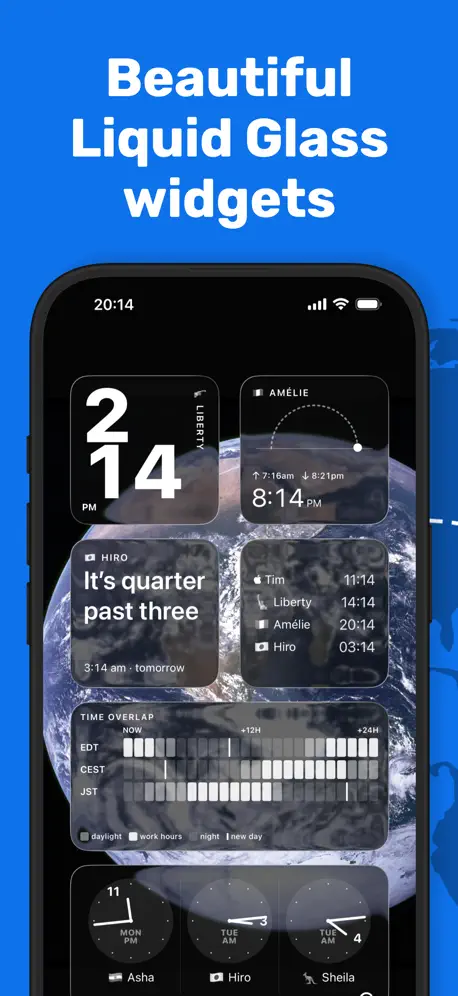  World Clock Time Zone Widget | 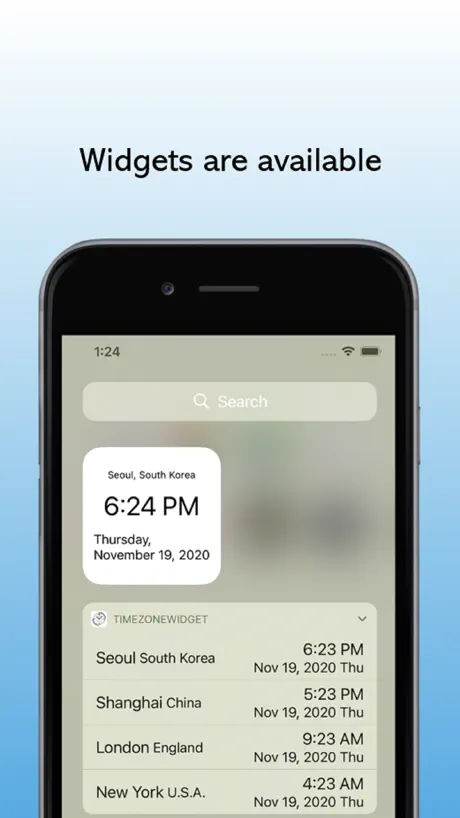  World Clock-Timezone Converter | 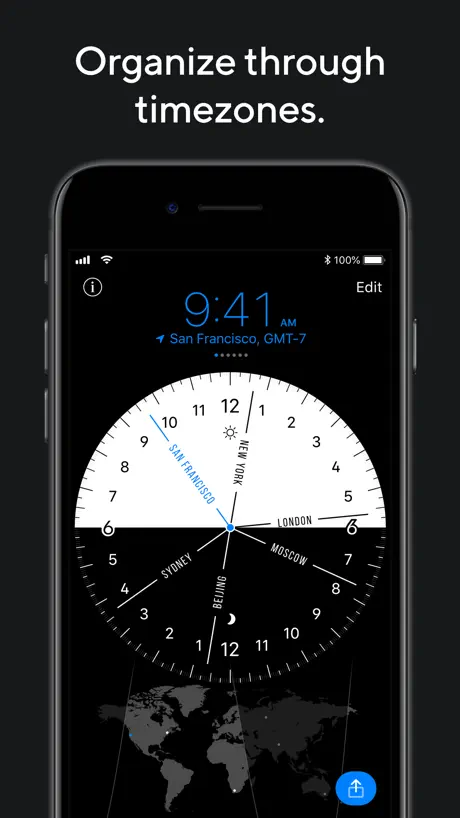  World Clock Pro: Convert Time | 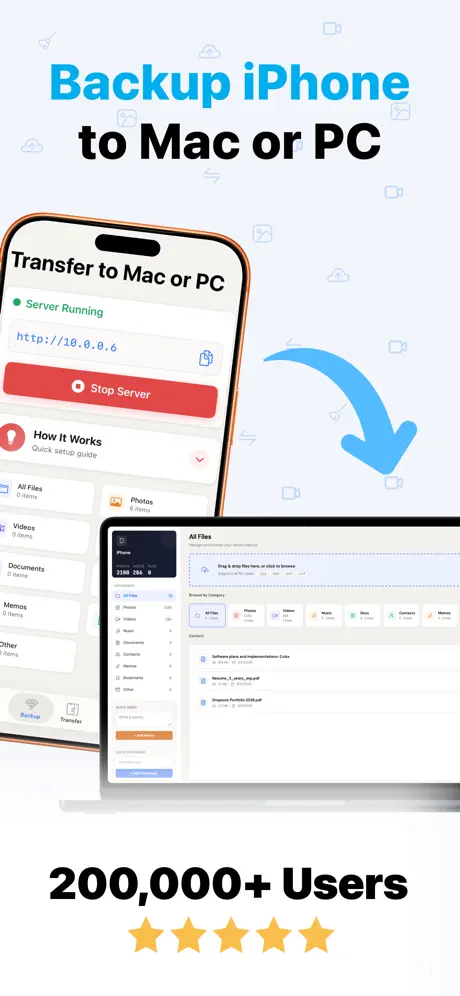  Air Share: Backup or Copy Data | 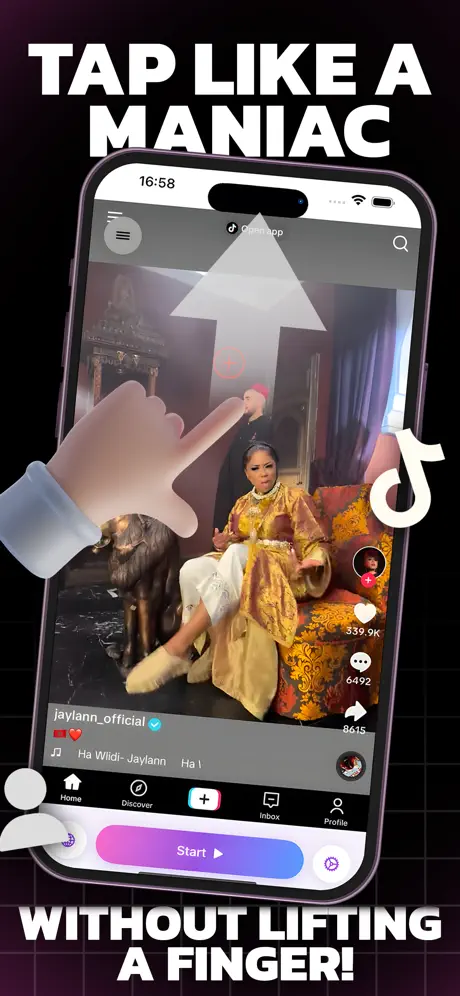  Auto Tap & Swipe on Screen |   Null AI - Detect AI Media |   Air Finder - find my device |   3D Lidar Scanner: Room Planner |   Click Counter by Clicker |   Create QR Codes Reader | |
|---|---|---|---|---|---|---|---|---|---|---|---|
| Rating / 5 | 4.8 | 4.7 | 4.8 | 4.7 | 4.3 | 4.7 | 4.5 | 4.7 | 3.3 | 4.9 | 4.8 |
| Reviews | 3K | 64K | 5.4K | 4.1K | 630 | 464 | 344 | 142 | 78 | 49 | 39 |
| Released | 2020 | 2014 | 2018 | 2015 | 2017 | 2025 | 2025 | 2023 | 2025 | 2024 | 2025 |
| Weekly price | — | — | — | — | $1.99 | $4.99 | $9.99 | $4.99 | — | — | — |
| Monthly price | — | $1.99 | — | $2.99 | — | — | $19.99 | $9.99 | — | — | — |
| Annual price | — | $19.99 | — | $11.99 | $12.99 | $29.99 | $39.99 | — | — | — | — |
| One-time price | — | $59.99 | — | — | $19.99 | $7.99 | — | $19.99 | — | — | — |
The going rate for each plan in United States, in its own currency, shaded from the cheapest price on the row to the dearest.
Overlap: World Clock reviews
4.8 out of 5, based on 3,035 reviews.
What people like
- Beautiful and clean interface design
- Great for finding meeting overlaps
- Simple and intuitive user experience
- Fantastic customer support team
- Works reliably every single time
What they complain about
- Widgets often show blank or nothing
- App crashes consistently on launch
- Uses too much CPU power
- No easy way to delete cities
- Cannot set night shift time ranges
The most useful app anywhere.
Anybody who has an ocean between them and the person on the other end of the line or comm link: this is the app you need.
Is this thing a bitcoin miner?
When not on screen, this simple app consumes 40-50% CPU easily. Why?
The most elegant timezone app
Love everything about this app except there’s no way to customize the colors of anything. Mine is stuck on dark mode which is not bad. Beautiful, simple and elegant app otherwise.
Good concept but slow
It’s a good concept and I like some of the UI but it’s incredibly slow to load and always spins whenever you click it.
App is a bit confusing
A little bit of confusion but the U.I and elements designed on the app are amazing especially the buttons. Only problem I have is how I can add time zones from any location instead of having the default. It’s a really good app and I have been thinking a in-app tutorial you can accept or deny to walk you through the app would help a whole lot.
Rodriguez City Land
World Clock
For something so simple it’s not at all intuitive
I think there’s something wrong with it. I’m on Mac OS 15.5
Everything is great except that it sometimes crashes
As title. I love everything about the app - interface design is really nice for such an app, the drag interaction to move the time is slick, and the fact that it is free - except that it sometimes crashes. 4 star for me.
Looks good but doesn’t work for me
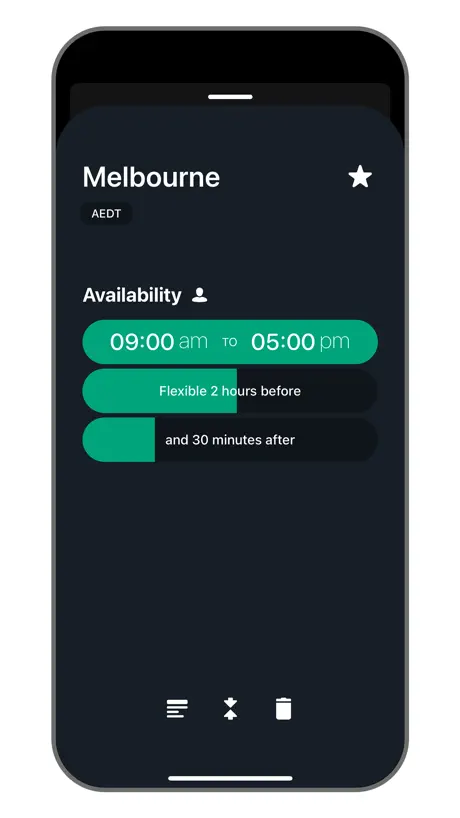
The app looks nice UI wise, but I could not set my availability time from 2pm to 3am, that would reset to start and end 3am. It seems that the start time needs to always be on the same day. For people like myself working night shifts this doesn’t work at all.
Widget implementation
Very cool idea; though the widget of the app doesn’t work, just blank.
Great App!
This app is beautiful and very handy for checking the time in different places and time zones. I like that I can change the name of places for a more personalized experience. Also, customer support is fantastic.
Time Change
The app does not adjust for the time change. I’ve lost a couple of major clients because this app displayed the wrong time because it failed to take into account daylight savings. This is not good!
key features missing
this is an extremely great app for people like me that have to deal with a large amount of timezones but I really need to reorder the timezones in the app! Also I wonder how is the mechanism of summertime dealt with?
Excellent app, now CRASHING on M4 iPad Pro 13"
Please fix. App now crashes consistently on launch. This is one excellent app I need constantly. Thank you!
Huh?
Nicely updates the time, in different cities, as you swipe right or left. Bizarrely, there seems to be no way to delete a location. Also, tapping the Overlap icon does nothing; just get a blank wave. 🤷🏾♂️
Just what I was looking for!
Thoughtful and intuitive interface that elegantly addresses a deceptively challenging problem. I love how you can spin through time to a future meeting.
Widget does not work
Nice app but without the widget it’s not really that useful to me. Really wish the widget worked.
Amazing but has bugs
Best app (imo) for covering multiple timezones. There are some glitches. I regularly see duplicated timezones and cities I haven’t added. Not sure how or why it happens, but when you log in sometimes you see more than you want. Only reason it’s 4* and not 5*.
Read below why two not five
Dang, I miss the times when Overlap supported entering actual timezones (like EST, CST or PST) instead of just names of cities. There’s this group of people on the internet called streamers who don’t want to reveal their location FOR A REASON! They’ll tell you just the timezone, only sometimes the state they are in. Imagine asking them ”what city are you in” - you’ll get banned eventually! There’s also corporations spanning multiple timezones that hold zoom/teams meetings. The appointment is at 2pm PST basta! Nobody cares or knows what cities the dozens of participants are in. I know that there was a time when Overlap supported timezones - what was riding you to remove that (or if it’s still there why is it unintuitive)? While the UI is actually nice and likeable the lack of actual timezone overlapping makes it for me a nogo to use this app at all!
Decent all
The widget doesn’t show anything. I have to click on it so it can open to show the times. The color scheme could be better. I have a couple of other world clocks that I would rather use.
Pls never discontinue this app!
I use this pretty much every day for my scheduling across global time zones. So glad this exists, so clean and minimal
What Happened
I use the app somewhat infrequently, when I’m trying to coordinate meetings across regions. I opened the application today and can only gaze in dismay — what happened? It was a simple, easy enough to configure and use interface that did the job. Now I’m seeing all manner of wavy lines that perhaps look pretty, but are completely non-functional in quickly figuring out when I can talk with someone elsewhere in the world. Big step backwards.
Lovely and useful
Easy app to use. Easy on the eyes. It's gorgeous and helpful in so many ways.
Confusing
They changed their beautiful Logo. Hacked. It's not straightforward to use either. Not a piece of software I anticipate with joy. Think about that.
Great to have, but sometimes freezes.
I like it a lot as I have clients in different time zones. Unfortunately it often freezes with a spinning rainbow ball but restarting the program works. I contacted Moleskin but they say there is no problem. It freezes on three different computers for me, so they are wrong. :(
Perfect App.
I couldn’t think of a way to make it better, which is rare. It just works. Every time.
Most painful UI I've ever seen
My teams are span litterally across the globe from California to New Dehli and good time zone display is the must. This is not one of them
Timezone blindness solution - I use this often!
Have been working remotely across mutliple continents for many years, and mapping time zones has been my achilles heel - like... it's embarrassing. This app has saved me from looking like a huge dolt and missing meetings probably a hundred times now. Two requests though! Please include the local name of the time zone (such as BST - British Summer Time rather than just GMT 1). I prefer the intimacy of a local name to the colder professionalism of a global standard whenever possible - just a small detail that can build rapport. Second request, maybe less attractive, but when I drag my finger or mouse across a location to change times, it would be nice to see how 24hrs is mapped within the location card. That way I can jump to the time I'm looking for instead of trying to feel for it without measure. Thanks for this app!
I would upgrade my review if…
This app is really functional. It helps me and does what it intended to do. Design is okay. User experience? i think I needs to be improved. UI? It might need some minor improvements. Where I have my complain is that the app unexpectedly deletes your time setups. Like, it feels there’s a bug. I set up the times for seven cities, and the app keeps deleting after some time, my time slots. Developers: Could you please fix that?
Excellent app but recently I'm no longer see the Widget feature
I really liked the app and I have been placing the Widget on my mac screen for a long time. However, the widget disappeared and I can't add it back anymore
Looks and feels awesome
That is so simple idea, but the UI looks fantastic
Gives the illusion of usability without delivering
For instance - it’s easy to add cities but no clue how to remove them. - easy to add the same city multiple times… why??? The UI is nice but UX is not there yet.
Pretty app but missing common features
I tried this app recently and yes it has a beautiful UI, but sometimes that can also lead to the form over function problem. For one I could not figure out how reorder the cities in my list or delete the ones I don’t want. There was also some excessive splashy notifications that could be honed down.
Disappointing
what a shame that this app has nothing of the sleek style of my Moleskine Calendar app. Poor colours and fonts . I deleted it after a day.
有待改进
概念很好,但是产品有瑕疵,它总是自动添加我不需要的时区,并且重复显示
I love this app
I love the layout, I love how easy and user friendly it is. It helps me so much with juggling time as I work with people across the globe. Thank you, Overlap! Edit: this review originally talked about how PST was wrong by one hour. I found out there is PST and PDT and we are currently not even doing PST, PDT is in effect. This is a user error for not understanding that PST is not a year round time zone. Sorry for the confusion !
Don't get this
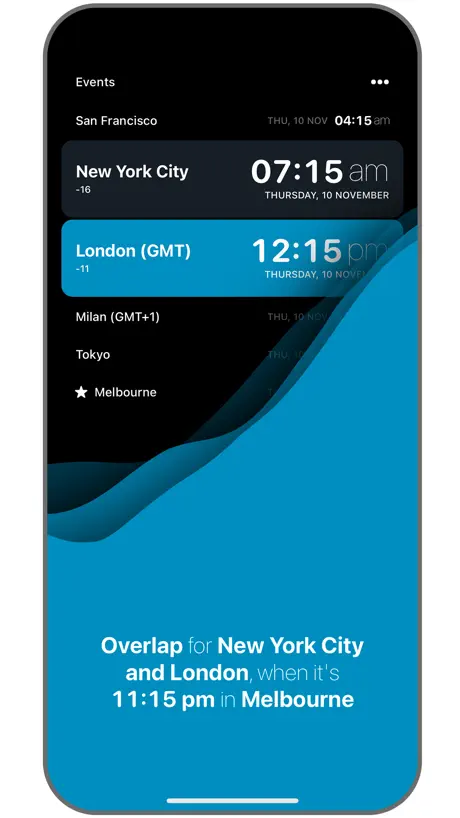
There I was trying to choose a time for a video conference with someone in LA. Thought to myself Overlap should help me with that. But all I got were some pretty subtley coloured bars and no way to interpret them. I really could not understand what the app thought it was telling me. The screenshots suggest there is a graph but I could see no graph. So I just did a head calculation based on LA being 8 hours behind me. ¯\_(ツ)_/¯
Great Time Zone Tracker
What I like most about this app is that I can manipulate the time of day to compare across numerous time zones and determine best times for meetings and calls for folks working around the globe. I just wish the time manipulation was made easier than sliding a zone of time. I'm in need of something faster to use to speed up my determination of when it's convenient to schedule events.
It’s really tricky to find the location I’m looking for…
Not sure why this is an issue for an app that’s focused on geography, but it’s actually a struggle to find the city/location I’m after. For example, I typed in California, nothing comes out; I typed in New York, loads of locations came up and those are very unknown names that I’m wary of choosing the wrong city… could you please improve this?
Pretty app, uses LOTS of system resources.
I love the user experience and design of this app. It's a pleasure to use. However, for being (what appears to be) a small and simple app, it uses lots of CPU, typically in the top three for my system (and I'm a computer worker running heavy processes). I'll have to find something that uses less resources.
Simple but Good App
Does what it says and nothing more. App keeps it promise. Thank you for developing a great app.
SHould have read the review
Poor atempt at a useful app. the screen shots look good, but the app apears to be unstable and crashes at different points. It lasted about 4 hours total on my mac. Ill stick to the websites i use for this for now.
An advice
Excellent app! It will be even more excellent if the labels can be showed in the main face in place of the standard offers.
Widgets do not work
They do not load and the widgets were the goal for installing this app
Simple & invaluable
There are many many time zone converters on the market but this one seems to have stuck with me as my go-to for many years. It has a good UI, and lets me quickly find times where we (like the name says) have overlapping time slots with other markets I’m trying to coordinate calls with. Does what it says on the tin!
Pretty hard and awkward to use
I appreciate this is a free app but also I expected better from Moleskine.
helpful
It helps to quickly check the time overlap! I am wondering if it is possible to switch the sliding directions. Imho slide left should be the past and to the right the future. Currently it is the oposite and somehow everytime I slide it feels wrong.
Solid bones, a couple questions
An app like this should be intuitive to set up and read, and for me it absolutely is. It also should be simple and legible, and for the most part it is. I do find the undulating, overlapping blocks of color confusing. They move in response to the user scrolling through the calendar, indicating that they somehow represent the overlapping available hours on display— but they don’t seem to. Makes an otherwise elegant UX confusing. More urgently, though, there needs to be an option to display a 24-hour clock for a given location. Since so many countries refer to a 24 hour clock, it’s essential for the convenience of so many prospective users. Thank you so much for making and maintaining this lovely app and for considering my feedback!
Overlap: World Clock FAQ
- Is Overlap: World Clock free?
- Yes. The app is free, in all 175 countries it sells in, and it sells nothing inside it.
- Does Overlap: World Clock have a free trial?
- No. None of its offers (US) come with a free trial.
- What are the best alternatives to Overlap: World Clock?
- World Clock Time Zone Widget (4.7 from 64,074 reviews, premium from $1.99), World Clock-Timezone Converter (4.8 from 5,420 reviews) and World Clock Pro: Convert Time (4.7 from 4,101 reviews, premium from $1.99).
Overlap: World Clock download
Last updated 2 months ago.
Overlap: World Clock sells in 175 countries. It was released 6 years and 3 months ago, on 30 Jul 2020. It holds a 4.8 rating from 3,035 reviews.
Supports 11 languages: English, French, German, Italian, Japanese, Korean, Portuguese, Russian, Chinese, Spanish, Turkish.
How much does Overlap: World Clock make?
Third-party estimates for the last 30 days, worldwide — not the store's own figures, which Apple publishes for nobody.