Auto Tap & Swipe on Screen
Utilities

Auto Tap & Swipe on Screen
Abdessamad Hergoum · released 10 Jul 2025 · Open in App Store ↗

Revenue 30d not estimated
Downloads 30d not estimated
Rating 4.69 461 reviews

No in-app products collected for this app.

Rating
Taiwan28%1274.91
United States21%994.56
Vietnam10%464.93
Hong Kong9%434.63
China7%324.88
South Korea6%285.00
Malaysia2%94.56
Canada2%84.25
Singapore2%74.29
Australia1%64.17
United Kingdom1%54.00
India1%55.00
Saudi Arabia1%54.80

The store shows a different set in every country

Description

Boost your productivity and save time with TapFlow!

TapFlow is your personal assistant for automating routine actions on your favorite websites. Whether you need to refresh a page, tap a button, or perform simple repetitive tasks, TapFlow makes it effortless—all within a secure, built-in browser.

Key Features:

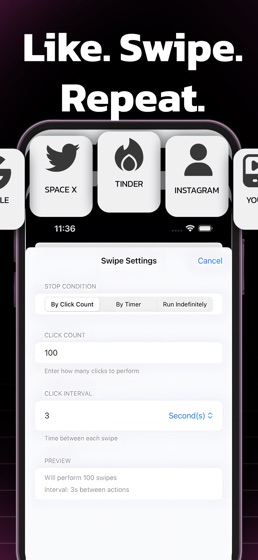
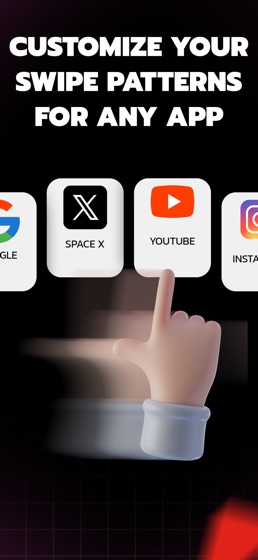
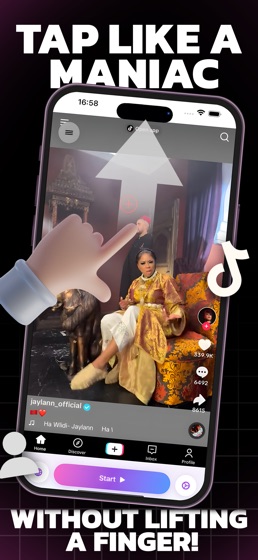
Customizable Automation: Easily set up tap, swipe, or refresh actions for any website.

Flexible Scheduling: Choose intervals and repetition counts to match your workflow.

Safe & Secure: All automation happens inside the app’s private browser—your data stays private.

Intuitive Interface: Designed for simplicity, so you can get started in seconds.

Usage Insights: Track your activity and optimize your routines.

Premium Upgrade: Unlock unlimited actions and advanced features.

Perfect For:

Monitoring live updates (sports, news, stock tickers)

Refreshing web dashboards

Repeating simple web tasks

Saving time on daily routines

Why TapFlow?

No more manual refreshing or repetitive tapping. TapFlow streamlines your web experience, helping you focus on what matters most.

Download TapFlow today and take control of your web productivity!

Note:

TapFlow is designed for use within its built-in browser and does not automate other apps or system functions, in accordance with App Store policies.

you need a paid subscription. Prices may vary by country and are subject to change without notice. Prices are clearly displayed in the app.

Payment will be charged to your iTunes account at confirmation of purchase.

Your subscription will automatically renew unless auto-renew is turned off at least 24 hours before the end of the current period.

Your account will be charged for renewal within 24 hours before the end of the current period.

You can manage your subscriptions and turn off auto-renewal by going to your Account Settings in the iTunes Store.

If offered, if you choose to use our free trial, any unused portion of the free trial period will be forfeited when you purchase a subscription to that publication, where applicable.

Privacy Policy : https://sites.google.com/view/abdo-hergo-pp/home

Terms of Use: https://sites.google.com/view/abdohergo-terms/home