Camo Camera
Webcam for Mac and PC
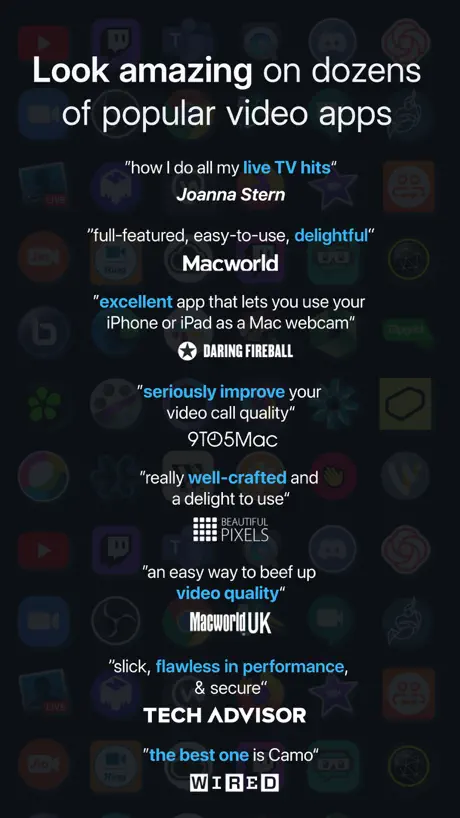
How much does Camo Camera cost?
Prices are current as of 9 Sept 2026.
Camo Camera has no in-app products on record in the United States.
10+ alternatives to Camo Camera
| Camo Camera | 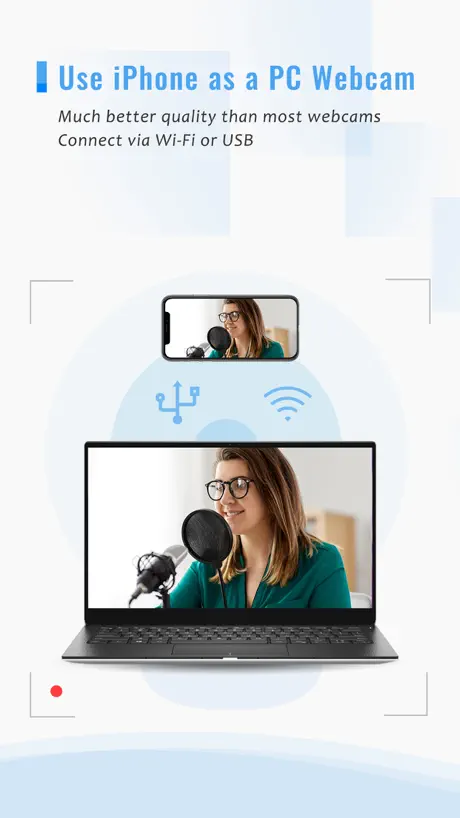  iVCam Webcam iVCam Webcam |   Remote Mouse Remote Mouse | 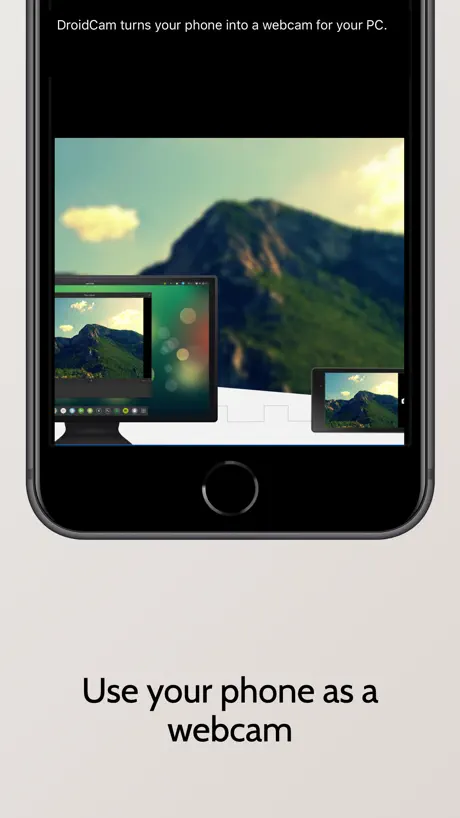  DroidCam Webcam & OBS Camera DroidCam Webcam & OBS Camera |   ApowerMirror- Screen Mirroring ApowerMirror- Screen Mirroring |   AirDroid Cast-screen mirroring AirDroid Cast-screen mirroring |   TikFinity Mobile - Alerts&TTS TikFinity Mobile - Alerts&TTS |   Mixing Station Mixing Station |   Screen Mirroring: LetsView Screen Mirroring: LetsView |   NDI HX Camera - Stream Capture NDI HX Camera - Stream Capture |   HollyAudio HollyAudio | |
|---|---|---|---|---|---|---|---|---|---|---|---|
| Rating / 5 | 4.6 | 4.5 | 4.6 | 4.6 | 3.0 | 4.6 | 4.6 | 4.4 | 2.9 | 4.5 | 2.1 |
| Reviews | 25K | 148K | 108K | 14K | 13K | 11K | 5.3K | 2.6K | 2.5K | 1.6K | 546 |
| Released | 2020 | 2016 | 2010 | 2020 | 2017 | 2021 | 2024 | 2019 | 2019 | 2024 | 2022 |
| Monthly price | — | — | $1.49 | — | $19.99 | $2.49 | $9.99 | $6.99 | $5.99 | $4.99 | — |
| Annual price | — | $7.99 | $13.99 | $4.99 | $39.99 | $19.99 | $59.99 | — | $29.99 | $19.99 | — |
| One-time price | — | $24.99 | $1.99 | $12.99 | $20.99 | — | $8.99 | $6.99 | $9.99 | — | — |
The going rate for each plan in United States, in its own currency, shaded from the cheapest price on the row to the dearest. Plans fewer than four in ten of the priced apps sell are left out.
Camo Camera reviews
4.6 out of 5, based on 25,152 reviews.
What people like
- Great control over camera settings
- Uses phone as high quality webcam
- Easy to set up and use
What they complain about
- Drains battery super fast
- Connections drop randomly often
- Causes crashes on Windows
Very efficient
Very much useful
Inconsistent
If anyone has other recommendations I’m all ears. Randomly cuts out, fails to connect, sometimes works awesomely and sometimes takes 30 minutes to find connections
Took a bit of setup but works perfectly
It took a bit of setup but it does exactly what I need. I’m very happy with it.
Every time I open it asks to rate
It should be optional
Gen 2 iPad
It’s unfortunate I can’t download it on my old Gen2 iPad. Would be a great cheap option for a second monitor or a monitor for my Raspberry Pi. There must be millions of old iPad kicking around desperately looking for a second life rather than going to landfill.
Quality and controls
This is by far one of the best if not the best studio app for media record, recording, audio photos, WebCam video, chat, streaming , record,meetings and more I have discovered and I could not be any happier of the things that I have created as there’s always room for innovation and improvement, including performance, I am more than satisfied with how detail all labels are and how easy to read and understand the overall system settings and controls are, I spent my time recommending, studio as I go with some friends and they are also as far as I see in here happy users, thankyou.
Badd update
I struggle with microphone ever since I updated Now I doesn’t use phone microphone anymore unless computer microphone and with mine there is noise in it
Wish it were more reliable
Connections are constantly timing out between my phone and my pc stream
Jesse
One Only Woman
Works great
It’s relatively simple, 52-year-old Gen X figured it out. It’s good so far for streaming YouTube and TikTok. The only reason he got three stars is because I can’t stream with The yet and that’s what I want to do.
STREAMER HERE
Yoooo it’s HotQuesoDip Yes sir him himself, this app lets you use your phone and will save you a lot of time super simplistic and easy to use, I enjoy this app been using it for 3 years now the quality is like no other. Trust me when I say you will never need a expensive camera, I use my iPhone 13 Pro and it’s like a 4k camera best app in the market, I only use the free version but if they send me the upgraded version I will let y’all know, stop by the stream I’m live on twitch everyone is welcome yeeeeee sir let’s go gg!!! TEXAS BABY!!
Fallas
Últimamente da mucho problema para conectar mi iPhone como webcam
Last update
Super perfect app in every aspect u can imagine with a lot of free options than other apps I think it's the best of them But in the last update battery usage is insane and my phone gets so hot hope they'll fix it.
Doesn’t show up on PC
It doesn’t work for my PC Jesus
Connection problem
I have to keep reconnecting just works weird. Has my phone in to slots one never works the other goes through my computer so it did not work for what I needed. The ai kept reading it’s my phone so I had to buy a camera anyway. They advertise that you can use your phone.
You Want This App
I lead yoga classes over Zoom and was using my iPhone as a participant for the camera but always disliked the vertical rectangle view it created. I then learned I could flip the iPhone around and use the camera lens in the Continuity Camera mode on Apple devices, but then the Center Stage built in feature in Apple products kept zooming in and out and not displaying full frame. That’s when I came to learn of Camo- you can control all aspects of the camera in your iPhone to act as a remote camera to your Mac. Love this app!
LAG
The lag is so bad it’s literally unusable. I’m talking 10 MINUTES delayed lag.
It works
It’s a reliable means to do video conference calls I use my iPhone and mount it to the top of my display. There have been no issues. I only wish I was better looking on the camera😏
Poor Quality
Doesn’t always connect via usb at the worst times like when i am ready to record or livestream. I have to improvise with Camo
Перестали работать эффекты……….
Несколько обновлений назад, уже достаточно давно просто перестали работать БЕСПЛАТНЫЕ встроенные эффекты, такие как beauty, invisible и тыак далее. Очень жаль. Для меня это было важно (((((( Пожалуйста пофиксите(((
Good software
No bugs. Works great
Had to FACTORY RESET MY COMOUTER
DO NOT INSTAL THIS ON YOUR COMPUTER Just had to completely factory reset my entire computer. I JUST got my computer and everything was FINE till THIS APP started acting up.
Cameo quality
I’ve used Cameo for a few years now, and I am totally impressed by the ability to use my iPhone with the Cameo Studio camera and settings. to record my English language learning tutorials.
Uses A LOT of battery
Needs an option to turn off (not just dim) the display, otherwise the app consumes a ton of battery and can drain my phone within an hour.
Awesome when it works.
The scan QR code will randomly not pull up the camera even when permissions are enabled. It’s good when it works but you spend so much time trying to fix it.
love it
Good
Audio Only mode for iPad is non-existent?
That was supposed to be a big addition to this app and its just not a thing when you’re connected to iPad? WHY?? You’re draining my phone’s battery for what reason.
Great and functional free tier
Can’t ask for more it’s slick, works great and doesn’t demand money with menaces. I’ll probably buy the pro version just cos there not horrible about free users
App has begun crashing
App crashes after maybe 10 minutes consistently, or a least closes and phone goes into Lock Screen. On both 14 Pro Max and iPhone SE. Now unusable for meetings
Якість
На жаль трішки якість зʼїдає без ліцензії але якщо говорити загалом то дуже класно!
The best free app on the internet?
This app works so well! Even the free version slowed you to use your phone as an HD camera without a watermark. Highly recommend!!
BS software
Glitches constantly
Really good little app to use your phone as a webcam
Does what it says on the tin. Would love it to have the option of some preset zoom/pan settings
MacBook Air didn’t show camo studio app
MacBook did not show camo studio app so how to connect with Mac book Camo camera install in the iPhone
Decent
Absolutely love the app but…. Absolutely fries my battery 50% to 6% battery within 1 hour of camera @ 720p 30fps
nice but pricey
for what i’m doing 720p isn’t enough. and it’s pricey to buy pro, but i’m absolutely loving it. works perfectly and easily.
Cellphone OverHeat
Crash anytime on windows and cellphones overheat… Is a great app but… Don’t works correctly on windows and cellphones
Great app
Can disconnect at times which can be frustrating but apart from that it works fine
Barely useful
All I honestly wanted was an app that would facilitate using my iPhone as a webcam on windows. First off the program on windows is needlessly obtuse. The image is unnecessarily zoomed in and I don’t see anyway to fix it. Recording video doesn’t seem to use the iPhone mic even though there is an option to use either of the two. The underlying tech seems to work fine, I’m just baffled by the experience.
Great app so far
The app does what its supposed to do.. very little input lag over wifi. I have yet to make it work plugged in but the video over wifi gives you more mobility I have one problem although… for some reason there is no way to lock the camera rotation from portrait to landscape… it is very annoying when you’re trying to film at a certain angle and the camera flips by itself Is there something im missing ???
Best app of its kind!!
Flawless!! 5/5
Wireless connection
Do you guys really need to fix this? The wireless connection never works.
Works seamlessly
Recommended!
pretty clunky
pretty clunky
Meh
Doesn't run in background... Microphone is mono and low quality... I was hoping to pass through the wide spectrum iPhone mic for asmr...
Awesome
Awesome app great effects recommended highly
DONT WASTE YOUR MONEY
As soon as I tab out of the software and full screen into another application the footage goes from flawless to sub 1 frame per second. The usb cord and ports I use are of high quality and the pc I own has high enough hardware that this shouldn’t be even considered as a potential problem. It’s a waste of cash and you might as well just buy a normal webcam.
Great app
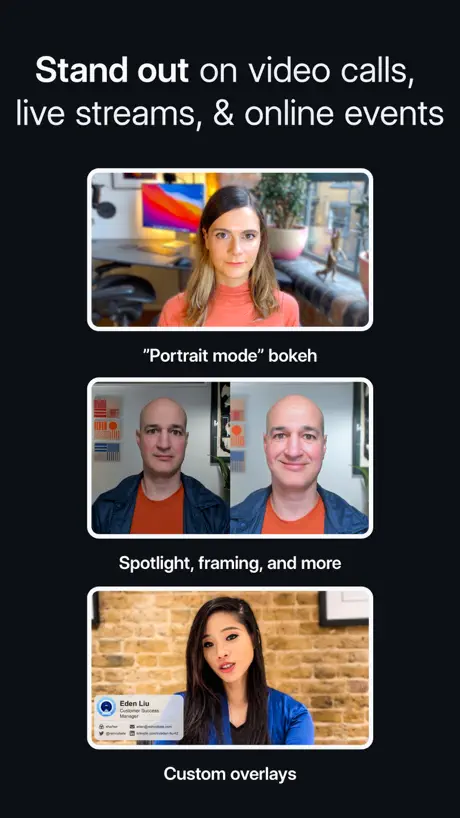
Really good app, love the control it gives you over cameras you plug into your Mac. I think the bokeh could be a *tiny* bit better - there's still a bit of fuzziness between the edges of the subject and the background. But other than that it's fabulous.
Muy básico
Con la versión free solo te dejan ver que puede hacer, todas las opciones buenas son de paga, mejor usa la cámara sin la aplicación y es mejor
its great
it look good , not a bad
Camo Camera FAQ
- Is Camo Camera free?
- Yes. The app is free, in all 175 countries it sells in, and it sells nothing inside it.
- Does Camo Camera have a free trial?
- No. None of its offers (US) come with a free trial.
- What are the best alternatives to Camo Camera?
- iVCam Webcam (4.5 from 147,796 reviews, premium from $7.99), Remote Mouse (4.6 from 108,331 reviews, premium from $0.99) and DroidCam Webcam & OBS Camera (4.6 from 13,599 reviews, premium from $4.99).
Camo Camera download
Last updated 3 months ago.
Camo Camera sells in 175 countries. It was released 6 years and 2 months ago, on 16 Jul 2020. It holds a 4.6 rating from 25,152 reviews.
Supports 13 languages: English, Arabic, Dutch, French, German, Italian, Japanese, Korean, Portuguese, Russian, Chinese, Spanish, Swedish.
How much does Camo Camera make?
Third-party estimates for the last 30 days, worldwide — not the store's own figures, which Apple publishes for nobody.