TracingMat
How much does TracingMat cost?
Prices are current as of 10 Sept 2026.
TracingMat has no in-app products on record in the United States.
10+ alternatives to TracingMat
| TracingMat | 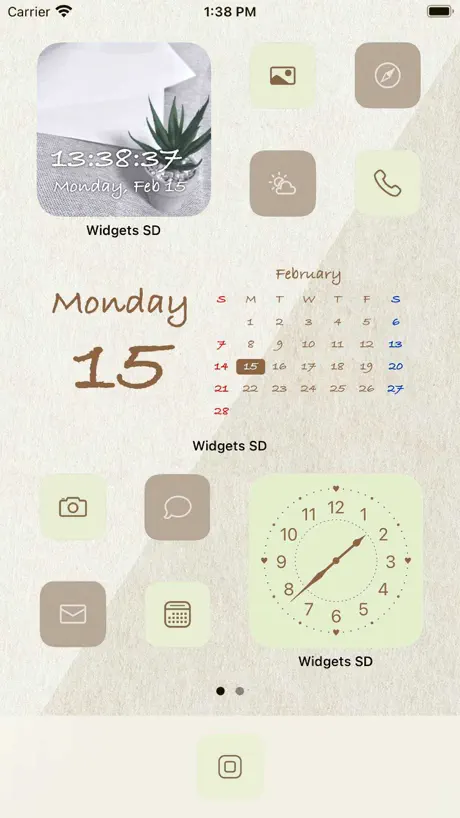  Widgets SD - Photo & Calendar Widgets SD - Photo & Calendar |   LETTY-Font change, cute text LETTY-Font change, cute text |   IsTalk - Talk Analysis IsTalk - Talk Analysis | 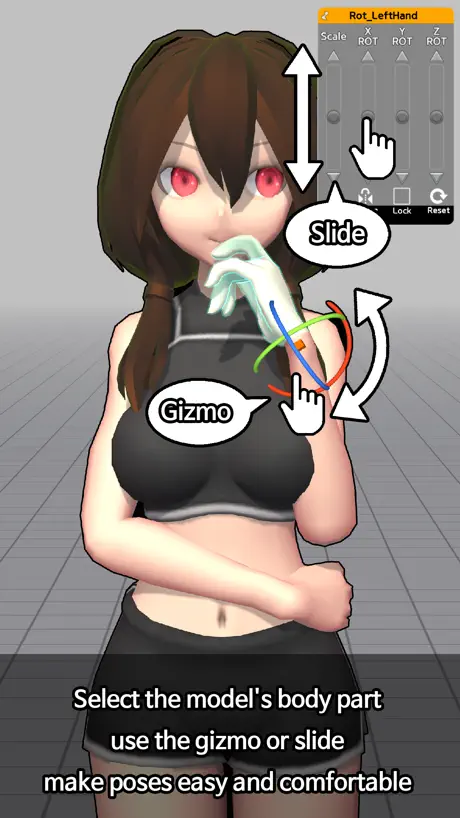  Easy Pose -Best Posing App Easy Pose -Best Posing App | 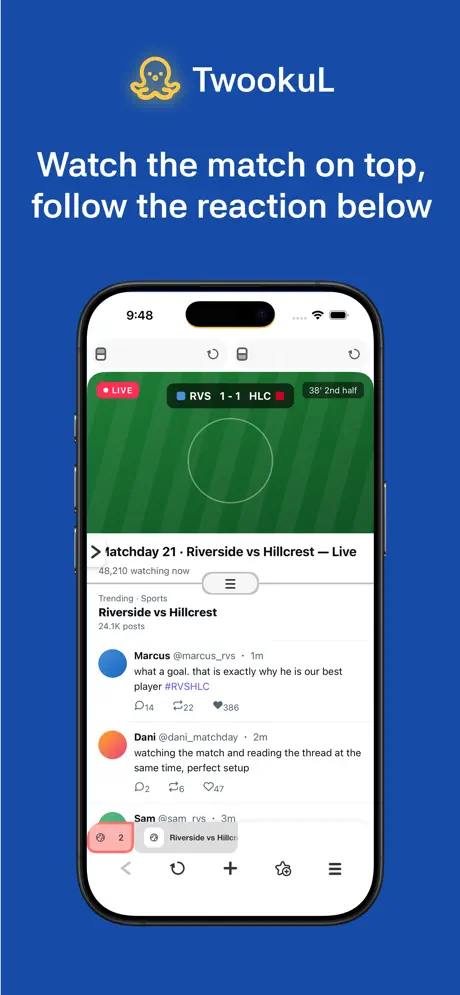  Split Screen Browser - TwookuL Split Screen Browser - TwookuL | 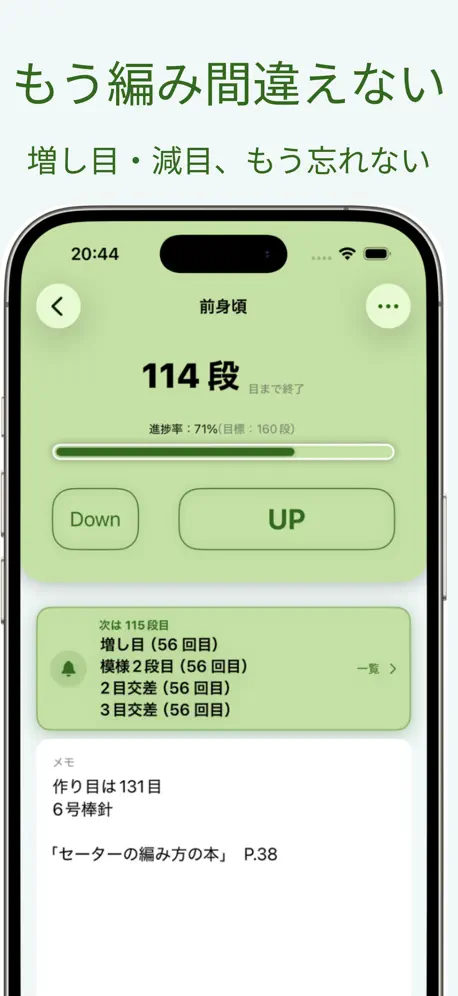  編み物カウンター2 編み物カウンター2 |   Photo Holder Photo Holder | |
|---|---|---|---|---|---|---|---|---|
| Rating / 5 | 4.1 | 4.3 | 4.5 | 4.5 | 4.0 | 4.3 | 4.7 | 3.9 |
| Reviews | 107 | 35K | 7K | 7K | 5K | 881 | 800 | 28 |
| Released | 2020 | 2020 | 2019 | 2021 | 2018 | 2020 | 2021 | 2024 |
| Monthly price | — | $2.99 | — | $2.99 | — | — | $1.99 | — |
| Annual price | — | $19.99 | — | $22.99 | — | — | $24.99 | — |
| One-time price | — | $24.99 | — | $3.99 | $2.99 | — | — | — |
The going rate for each plan in United States, in its own currency, shaded from the cheapest price on the row to the dearest. Plans fewer than four in ten of the priced apps sell are left out.
TracingMat reviews
4.1 out of 5, based on 107 reviews.
What people like
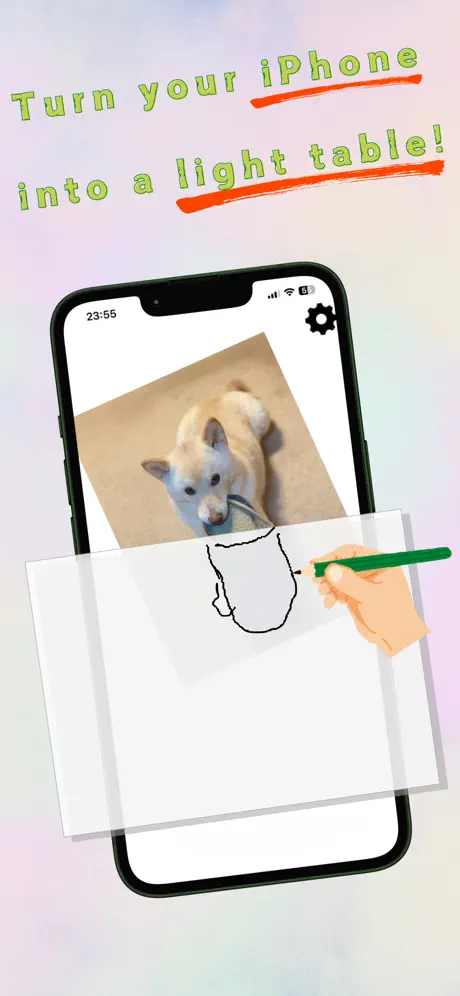
- Turns your tablet into a handy lightbox.
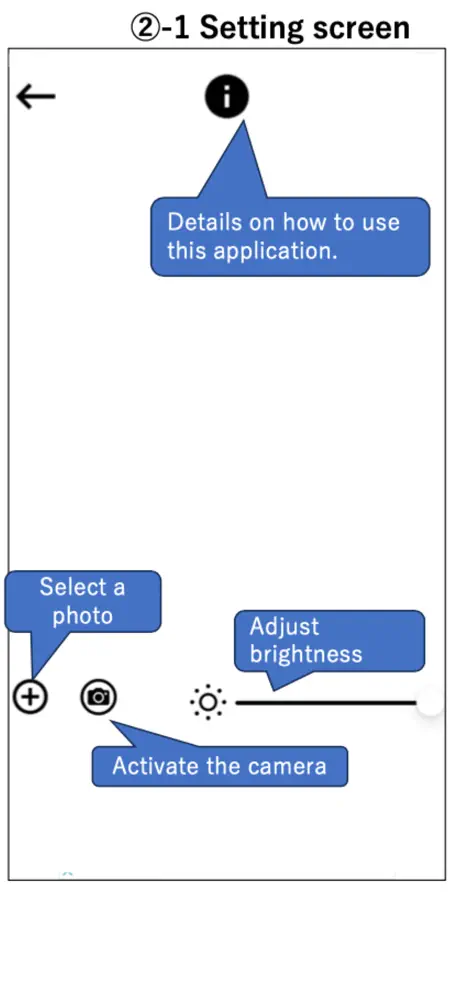
- Easy brightness control helps with tracing details.
- Completely free without annoying monthly subscriptions.
What they complain about
- Ads block your view and distract you.
- Images slide around while you try to trace.
- Instructions are confusing and hard to find.
The apps really good
Helped me do my levers shirt really good app
Dupa
Co chwilę się rusza i nic się nieda odrysować
It works and it’s free
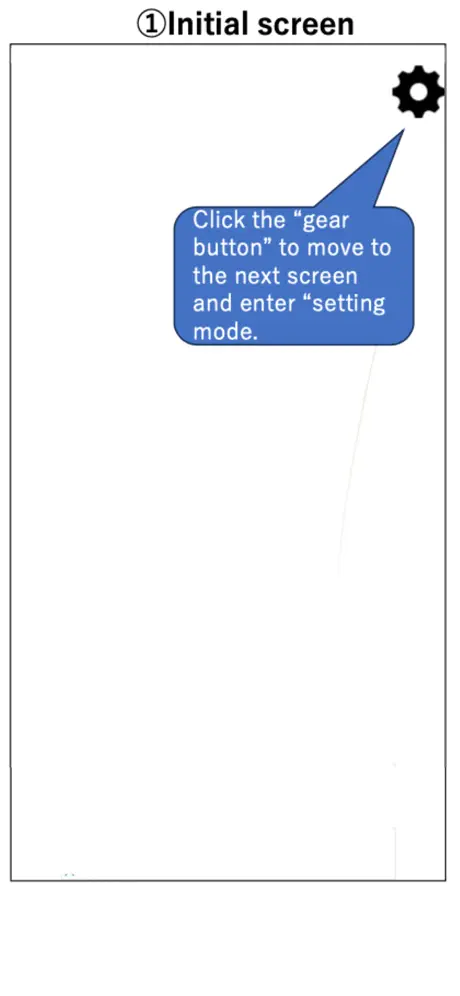
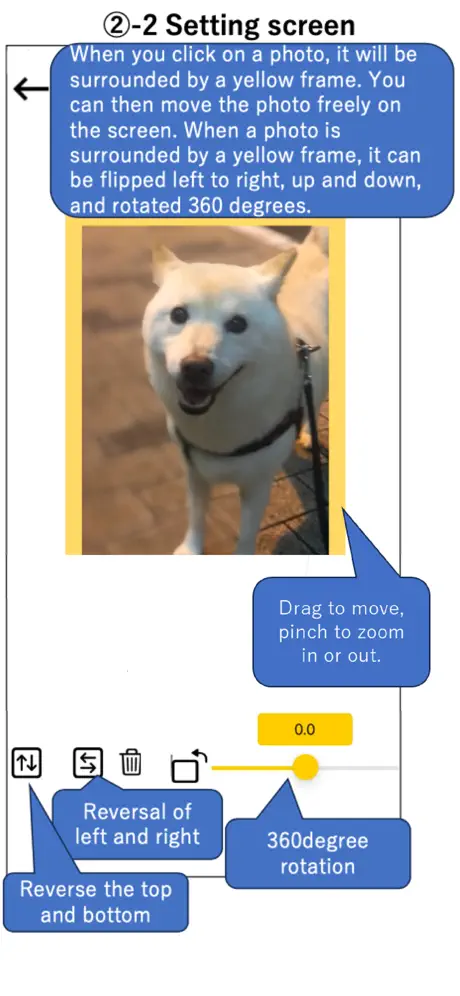
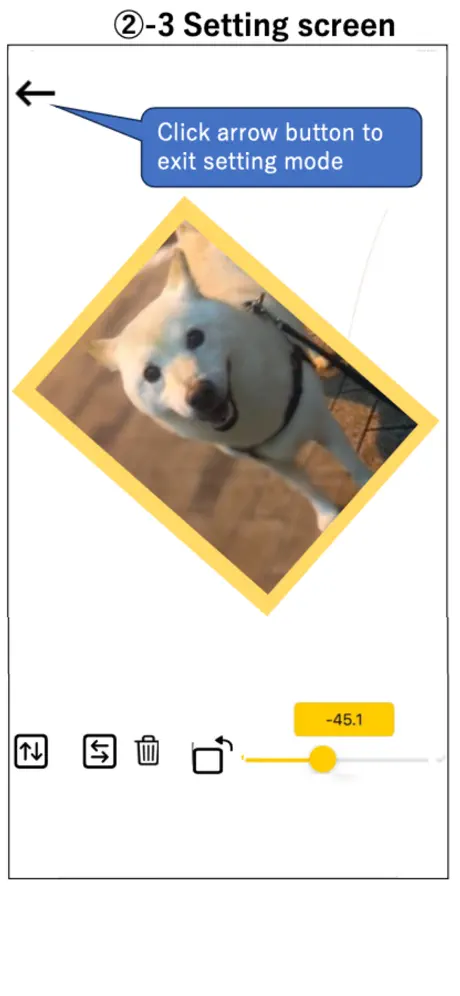
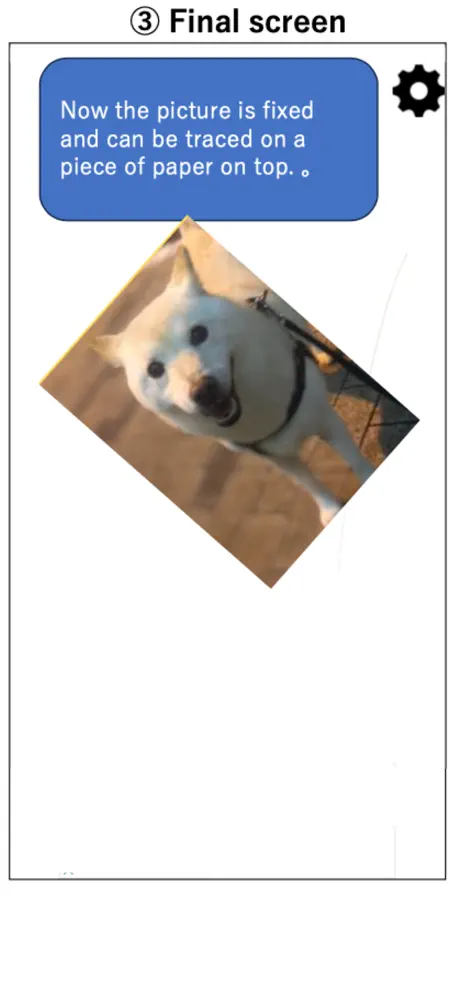
It took a few minutes to figure out how to work it, but it does what I need it to. A tap on the photo allows you to resize and rotate as needed, then you can press the back button to “lock” the screen. My biggest issue with the tracing screen was the little advertisement on it, so I had to be careful not to touch it since safari would open up the ad site. I wish it had some settings for adjusting contrast and highlights too, but I just edited my photo separately then uploaded it to this app to trace. Overall, it’s simple and it works and it’s free. A lot of the other apps are extremely expensive and not worth the weekly subscription for my occasional tracing needs - so thank you!
Ehh
I’m trying to trace but all it does is move 2 / 5
中の上
一回タップしちゃったりとかしたら動くしサイズが大きくなるからそこが惜しい点 ダブルタップとかにしたら良好
めっちゃ良い
まさにこんなアプリを探してました。 刺繍の下絵をに布になぞり書きするために使っています。ありがとうございます。
Can’t Zoom Photos
Worthless
Needs work but does what is intended
The instructions on this are pretty well non existent. That being said. With a little bit of playing around you can quickly figure out how to get it working. A little better design to help see how to use the app and this would be perfect to me. But even at that it WORKS!
Infuriating
I want to like this so much. With a few tweaks it'd be perfect. As it stands, it tests my patience every time I use it. Pros, it's simple and easy to use. You can adjust the screen brightness, zoom in and out on the picture. All that is great, but... The other tracing apps want you to pay for them by subscribing to a monthly plan. That's the only reason I didn't give this a 1 star. It truly is free, except it has an ad at the bottom of the screen that pulls up a webpage if you touch it, which you will because it's a tracing app. Make me watch an ad when I open the app. I don't care, but just don't put a clickable ad right in the middle of the screen. At least make the screen lock the ad in place too. You can lock the screen, but I still find myself swiping the screen or tapping the ad or hitting the settings button. I use this for simple line drawings to get the form down. Even doing something as simple as that I am taken out of my drawing two or three times minimum. I want this app, only I want it to completely lock the screen with the only way to unlock is by swiping a sliding bar at the bottom. That's it. So simple. That would be perfect. I will pay money right now for that app.
最高
とても便利です!
Thank you!
I use this all the time for art projects. It’s so simple and helpful. You’re awesome for making this and keeping it free with such minimal ad intrusion.
動きます
全然動いてイラつく
It is ok
I’m giving this a four star cause it kept sliding into my different apps
めっちゃおすすめ!
アプリ内だけで明るさを調節できるのと、固定したり、設定モードにしたりするのが一タップでできるのが良い! おすすめです!
バナーは止められない
確かに画面は固定できるが、画面上下にあるバナーは触るとリンクへ飛んでしまうので意味ない。
すごくいいけど
画像を固定できるのはすごくいい。 ただ、全画面に画像を表示させると広告が重なってその部分が見えなくなってしまうのが残念。 広告なしの有料版を出す予定はないでしょうか?
いーい
みんな星一だけど普通に良くない?
Doesn’t work at all
Trying to use the app, but the instructions aren’t clear. I uploaded a pic, & it’s not transparent so I can trace it. There’s no way to use this app. I don’t understand. There’s only 3 controls on screen - 1. Brighten or darken screen (but doesn’t create transparency).. 2. Camera. & 3. The Gear icon - which just brings up a poorly written few paragraphs kind of explaining things, but not really. There aren’t controls on screen to get me to a point in the app where I can actually try tracing anything. What is this? Why is it still in the App Store, it doesn’t actually do anything. (????) • Deleting now.
Works well
I just wish there was a way to pay a one time fee to remove the ads so I can use more of my screen at a time.
とてもいい
買い切り有料版を出して欲しい
下位互換
書く度に画像が動いて使いにくい
Hi
Nice app to use
Pointless app
Pointless app to trace photos with paper
Simple and effective tracing app where photos don’t move while drawing
This is EXACTLY what I was looking for in simplicity and functionality. Sometimes I trace the outline of something and then do the details myself later but doing it on my iPad or iPhone is very frustrating because the picture keeps resizing. This app takes care of that. Not only do the images lock in place but you can easily adjust the brightness to make it very very bright. If you’re looking for something simple and effective for tracing using actual paper on your iPad then give this a try.
A headache
If you want to import a drawing-try to trace it and then have it shift around and changes, this is for you
Great!
Just what I was looking for. I sketch a lot on my iPad and I wanted to move my sketch to paper. So super useful. I didn’t realize that you could tap the image and more features would pop up. It’s even more useful than I thought it was! I’m a watercolor artist and it’s so much easier to sketch in the iPad and then transfer to paper before painting vs redrawing again. :) Thanks to the developer for responding to my review with help. You are amazing!
Great!
A very convenient way to turn your tablet or phone into a lightbox. Useful for converting your digital linework into traditional. Simple but effective!
TracingMat FAQ
- Is TracingMat free?
- Yes. The app is free, in all 175 countries it sells in, and it sells nothing inside it.
- Does TracingMat have a free trial?
- No. None of its offers (US) come with a free trial.
- What are the best alternatives to TracingMat?
- Widgets SD - Photo & Calendar (4.3 from 35,312 reviews, premium from $2.99), LETTY-Font change, cute text (4.5 from 6,996 reviews) and IsTalk - Talk Analysis (4.5 from 6,953 reviews, premium from $1.99).
TracingMat download
Last updated 1 month ago.
TracingMat sells in 175 countries. It was released 6 years and 8 months ago, on 6 Feb 2020. It holds a 4.1 rating from 107 reviews.
Supports 2 languages: English, Japanese.
How much does TracingMat make?
Third-party estimates for the last 30 days, worldwide — not the store's own figures, which Apple publishes for nobody.