LEGO® Builder: 3D Instructions
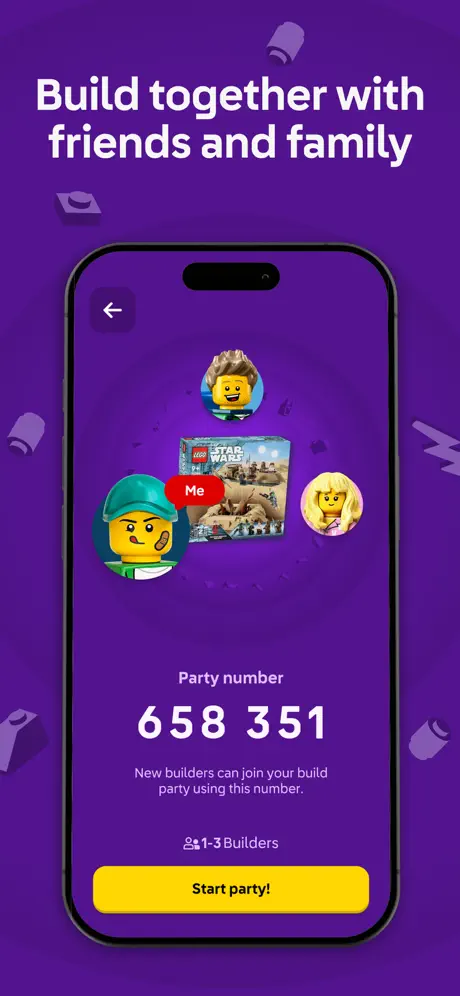
Build solo or as a team.
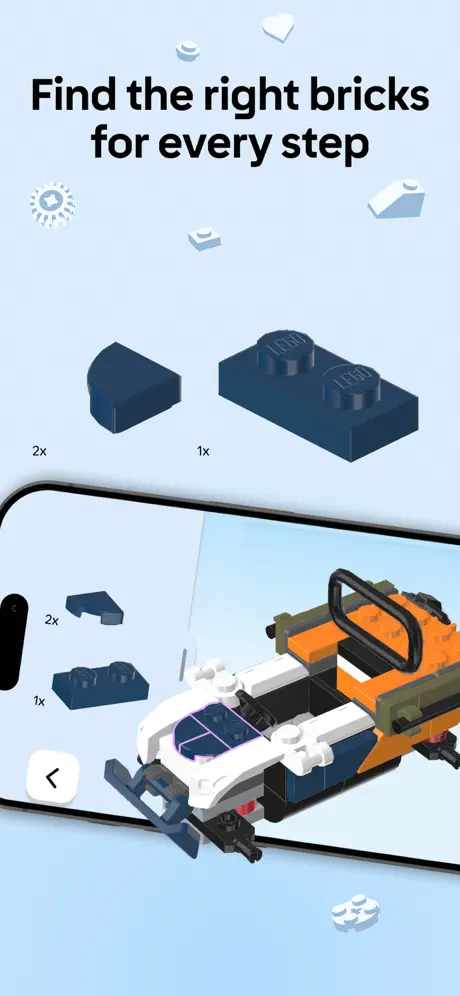
How much does LEGO® Builder: 3D Instructions cost?
Prices are current as of 7 Nov 2026.
LEGO® Builder: 3D Instructions has no in-app products on record in the United States.
10+ alternatives to LEGO® Builder: 3D Instructions
| LEGO® Builder: 3D Instructions |   Amazon Kids Parent Dashboard |   Brickit: Your Brick Collection |   Yoto: Music, Stories, Sleep |   Card Value Scanner for Pokemon |   Colorify: Coloring Book Maker |   Elf Cam - Santa's elf tracker |   BrickScan: AI Minifig Scanner |   Crunchyroll Manga |   Minno - Kids Bible Videos |   omgbricks for LEGO Sets | |
|---|---|---|---|---|---|---|---|---|---|---|---|
| Rating / 5 | 4.8 | 4.4 | 4.5 | 4.7 | 4.7 | 4.6 | 4.4 | 4.8 | 4.4 | 4.5 | 4.8 |
| Reviews | 748K | 65K | 62K | 59K | 42K | 16K | 14K | 3.2K | 2.5K | 2.1K | 1.2K |
| Released | 2019 | 2024 | 2019 | 2018 | 2023 | 2025 | 2020 | 2022 | 2025 | 2013 | 2023 |
| Monthly price | — | — | $6.99 | — | — | — | $3.99 | $7.99 | $17.49 | $10.99 | $4.99 |
| Annual price | — | — | $44.99 | — | $24.99 | $39.99 | $3.99 | $54.99 | $174.99 | $69.99 | $49.99 |
The going rate for each plan in United States, in its own currency, shaded from the cheapest price on the row to the dearest. Plans fewer than four in ten of the priced apps sell are left out.
LEGO® Builder: 3D Instructions reviews
4.8 out of 5, based on 747,981 reviews.
What people like
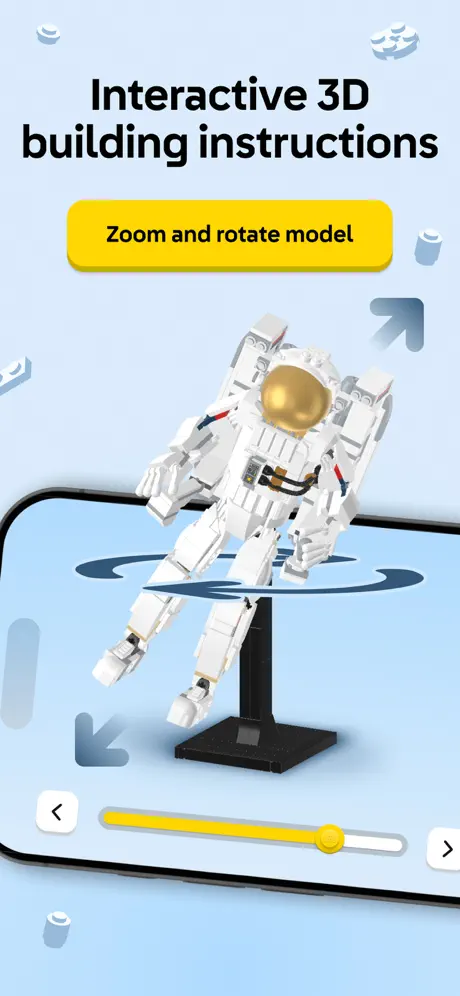
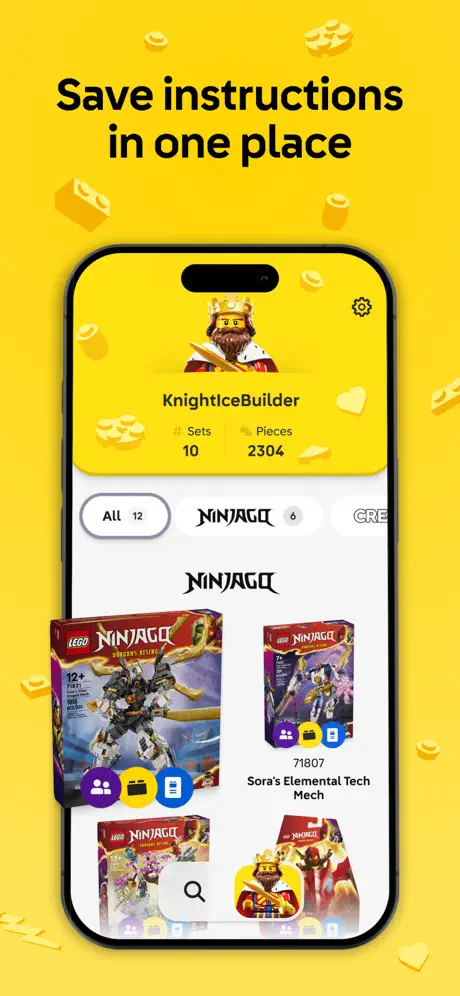
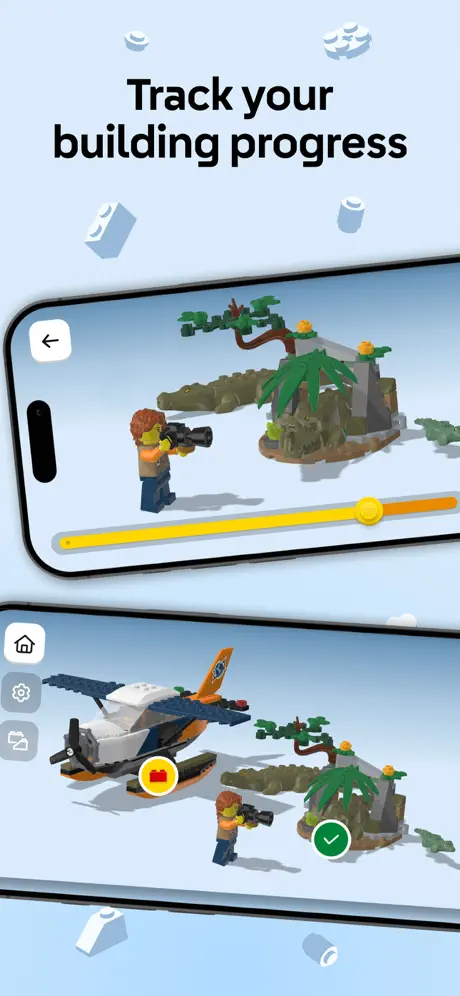
- Great 3D rotation helps understand steps
- Perfect backup if you lose paper book
- Helps spot mistakes and check colors easily
What they complain about
- Takes forever to load and freeze
- New layout is messy and confusing
- Instructions do not save for offline use
- App feels slow and laggy while building
So help full and fun!!!!
I love this game it’s really fun and helpful,I love you can build together❤️❤️❤️❤️❤️❤️❤️❤️❤️
Lego
Nicht Tolle App
Bring back the old sounds!
I really miss the old sound effects in this app! The classic chimes for clicking the arrow and finishing a step were so satisfying and felt like part of the Lego experience. The new sounds just don’t feel right. Please bring back the old sounds or give us an option in the setting to turn them back on!
Latest update is terrible
I have large print on my phone and can’t even get past the login screen as unable to enter my year of birth due to the display not fitting onscreen. It was great. Also the icons randomly all over the screen of your builds is too much and confusing and hard to select from. Need an option to choose being able to display and search from a list of items like before.
Unnecessary
This app is unnecessary unless you are building with friends or family
Nolan
That was great !!!!!!
Not 3d anymore
This app is a carbon copy of the book and now useless for my dyslexic son. He used to be able to rotate the picture instructions to help his brain make sense of it. Please advise if we can revert back to old app.
Amazing
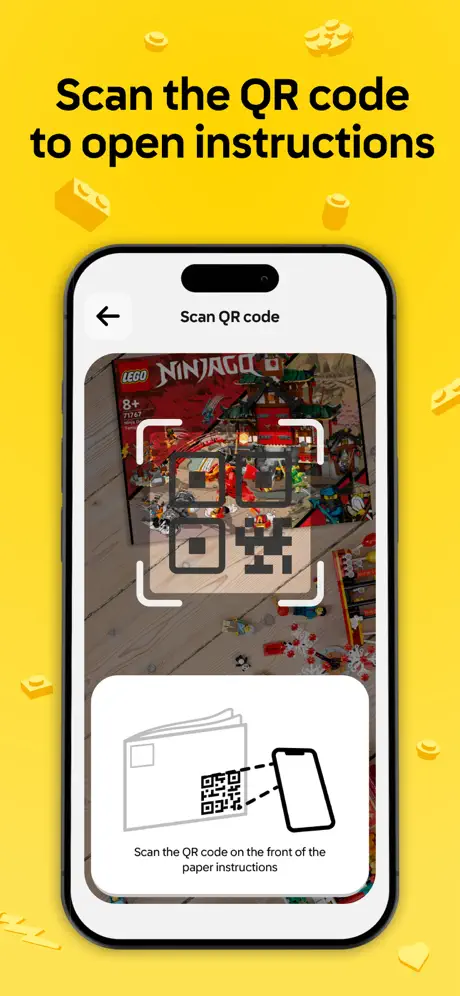
Works great on my iPhone 8. The QR code to scanner camera feature works great no problems at all scan. The QR code is perfectly. The only problem with this website is it doesn’t have older sets so I cannot look up the instructions on this sadly, but everything else works amazing
Slooooooowwwwwww
it takes forever to load
The good rate
This is a really good game you got to build and build
About the app
Cool but I prefer the instruction books
Stupid
Can’t delete this junck takes to much storage
4/5
It wood be good if you could do more stuff
Nouvelle mise à jour qui bugue
Impossible d’ajouter des qr code de notice pour récupérer des points insider, l’appli demande l’autorisation à l’appareil photo dans les paramètres mais cette fonctionnalité n’existe pas dans les paramètres.
criticism and praise
Pros and cons. Pros: The apps UI is good I like that they have 3d instructions too Cons: There is not 3d instructions for every set Old sets (2011 and before) can only be found in search, how are we gonna know to search for it even the 2d instructions are really dark and hard to follow imo Even some recent sets aren’t here , example: pre vizla’s Mandalorian starfighter (9525) Overall it’s decent. But if you’re looking to build old sets , SORRY, BUT GET OUTTA HERE
Awesome,
Building with this app is so great. Being able to rotate and zoom in is fantastic! I’ll never use paper instruction manuals again!
So Upset
I live in a location with bad internet. So, I drove to an area with good connectivity so I could download the instructions. Worked great. Went home a few hours later and opened the app and instructions to build. No go. Why? For some crazy reason Lego doesn’t store the instructions locally. So I can’t build the BrickLink Art Factory kit. So disappointed.
Great app but one complaint
The app is absolutely amazing and I love the variety of sets included but I have one little thing that i would like to bring up. The set catalogue only goes back to a certain point. Especially when you consider older collectors who have some sets beyond what is shown. It would be nice if they could expand the years of sets provided. Thanks
Glorified pdf viewer
At least for bricklink instructions the advantage over a regular pdf viewer is incredibly slim. One thing that makes it actively worse is that the app does not cache downloaded instructions so you get hit with a huge download every time you resume a build.
Stupid
The way you have it set up to show what Lego you’ve done in this big area where you have to scroll around in circles is so stupid. Just change it back to a list. It was much better.
It’s good
Really good I hate the instructions
Awful scan experience
I am using iPhone 13 and the scan experience for adding my new set is really awful. The camera cannot read the small QR code on the front page at all. When I tried to move closer, the QR code became completely blurry and unreadable. I know iPhone 13's camera is out of date, but this should not be the reason for not being able to scan. Please make the QR code bigger and clearer!
Good but …
You need to have step numbers on the app that corresponds with the physical book as well as the ability to add a bookmark
Me as a Lego fan thought it was going to be grate
I thought it was going to be grate because it’s Lego but I was wrong all you do is just press a button and it starts billing 😡
Technical issues
Attempting to add a set to my insider points but it will not add and is cutting in and out every time I try and scan the barcode on the front.
Lego
It is a great app no adds the instructions are great I love it
Why did they change the layout
The new Layout is one of the worst things I’ve ever seen who would want to go from list, to a random layout that you have to zoom in and zoom out and look around when you could just have it in the list. worst update ever. Please go back to the list form
It’s beautiful
So I wanted to create this Lego set and when I saw it I thought it was easy but after it was kinda hard and that’s why I rated it a 4 star Lego set.
Bring back the old app.
Love this app. Have for ages. But since the update and the app has changed how to see my sets. It’s not okay. It’s extremely messy. At least have an option to see my sets the old way.
Long loading time
Every time I enter, it takes so long to load fix it up and I will change my mind on the new review to 5 star
Great
So good
App does not even open
The app will not even load up. Just a yellow screen. Would not recommend this app.
great but wish there were more
its very helpful to see if you made a mistake or see what color is the actual lego piece l the the only issues i have with the app is how slow it is, and i wish there was a animation for how lego peices with mechanism should move.
Yararı
Çok iş görüyor lego’yu yaparken
Latest update/the way you see your sets
This new way to see your sets is absolutely horrible all in a scroll around motion is the worst I love this app but this make it hard to go through what I have please change back or have options of how to display them also when are you going to allow us to add more then one of the same set so we can have accurate Lego pieces and set counts as o have multiple sets that I have two or even more of and I want to acutely count them thanks
Jgytbtyugygubgbyi
Guybygu
Keeps Crashing
I open the app to use. I click on my brick set to starting building. While it’s loading the set the app glitches and then freezes and I have to close it completely it to try and restart it and it still won’t work. I’ve tried updating the app, my phone, turning my phone off and on and deleting the app and still nothing
App don’t work
App don’t work with the new update
Rewind
Please undo the last update
This is a good app
It is great and helps me a lot because it’s a 3d model meaning that I can see every side. The issue is when I was building with my sister she went ahead to build a different part which made the app think the part that I was doing had already been done. This meant that it didn’t show me some of the instructions meaning that I got confused. It would be better if each person could do separate parts of the build at the same time without this happening.
Amazing
If you lose your original instructions book this is the perfect app for you
Lego builder
It takes so long to load.
Alan Whittle
Very good but would be good if the manuals had a page number with a page number shortcut / index so I can return to a chosen place. Alan Leo Lego builder
Building with the app is just, weird
Loads of unnecessary animations, makes looking up instructions an enormous chore: I want to look at the instructions, if I wanted Lego animations I would go to youtube.
Poor update
The recent update to change the homepage is awful. My sets are laid now out in a random order, not grouped by theme, and finding the one you want is frustrating. End user experience and beats some “designer” idea that might look good but is awful to use. Go back to the lists organised by theme please!! My other frustration is new sets that have no QR code and cannot be added to the app - why?!
Good app
Does everything it’s supposed to
Great app until the update 😑
I’m usually not fussed enough to make a review but my goodness the updated version is the WORST! Please please please bring back the old layout this one is horrible!
Um
I think it’s really good cause you can see the bricks visually which makes it much easier to understand the instructions. The only problem is that it’s a bit laggy
App does not sync with iOS app
Phone app works much better, the iPad app does not sync data/account with iPhone app
Great app for building new set collection UI sucks though
The app is great for building especially the 3D but the new set collection UI is quite confusing nothing is organised it takes forever to find the set your looking for in your collection especially with a large amount of large sets before it was in a list organised by theme and you could sort by theme is was useful and comprehendible you can’t even switch the views which would make it a lot better.
LEGO® Builder: 3D Instructions FAQ
- Is LEGO® Builder: 3D Instructions free?
- Yes. The app is free, in all 172 countries it sells in, and it sells nothing inside it.
- Does LEGO® Builder: 3D Instructions have a free trial?
- No. None of its offers (US) come with a free trial.
- What are the best alternatives to LEGO® Builder: 3D Instructions?
- Amazon Kids Parent Dashboard (4.4 from 65,368 reviews), Brickit: Your Brick Collection (4.5 from 61,645 reviews, premium from $6.99) and Yoto: Music, Stories, Sleep (4.7 from 59,032 reviews).
LEGO® Builder: 3D Instructions download
Last updated 1 month ago.
LEGO® Builder: 3D Instructions sells in 172 countries. It was released 6 years and 11 months ago, on 5 Dec 2019. It holds a 4.8 rating from 747,981 reviews.
Supports 21 languages: English, Czech, Danish, Dutch, French, German, Greek, Hungarian, Italian, Japanese, Korean, Norwegian Bokmål, Polish, Portuguese, Romanian, Chinese, Slovak, Spanish, Swedish, Turkish, Ukrainian.
How much does LEGO® Builder: 3D Instructions make?
Third-party estimates for the last 30 days, worldwide — not the store's own figures, which Apple publishes for nobody.