
Apai Genie
爱随拍
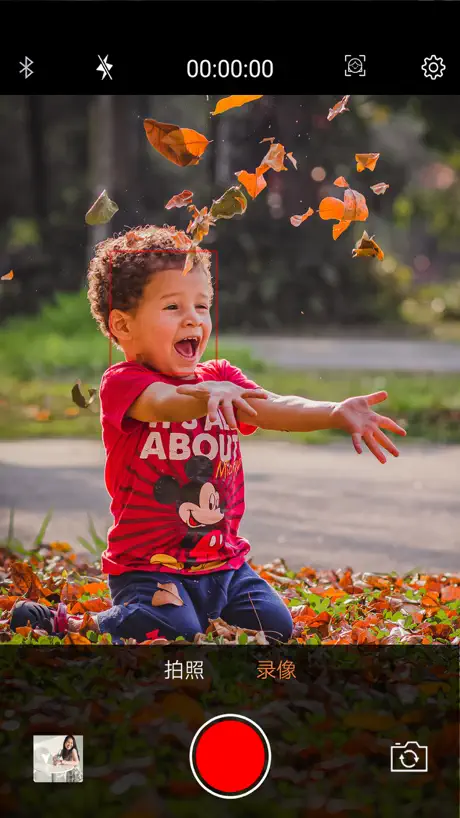
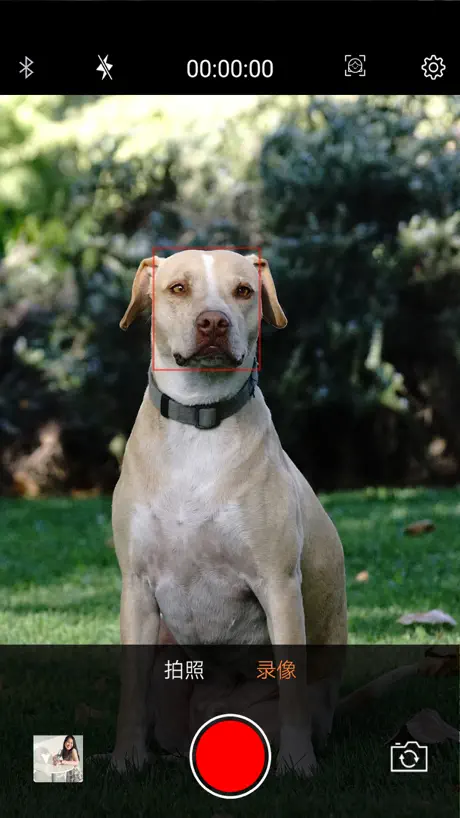
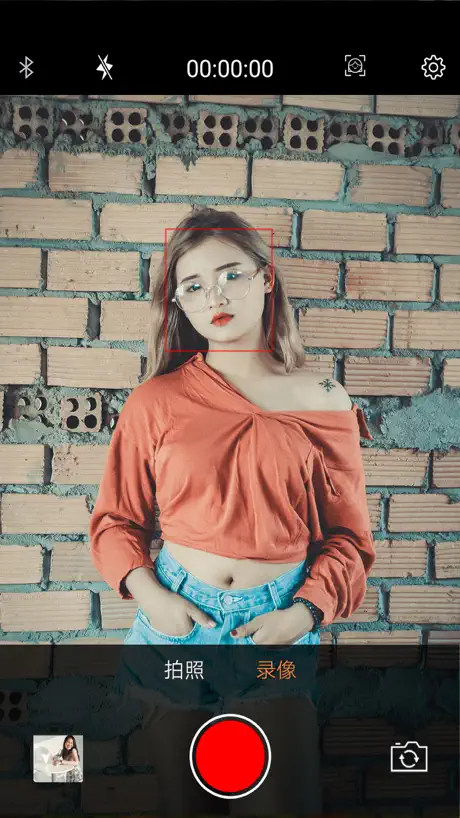
How much does Apai Genie cost?
Prices are current as of 27 Oct 2026.
Apai Genie has no in-app products on record in the United States.
10+ alternatives to Apai Genie
| Apai Genie |   Captions AI for Videos - Dubs | 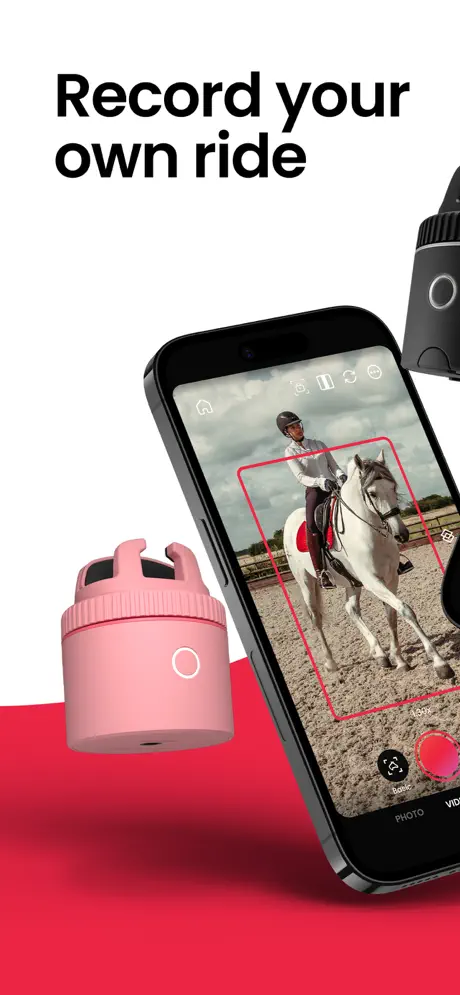  Pivo Track | 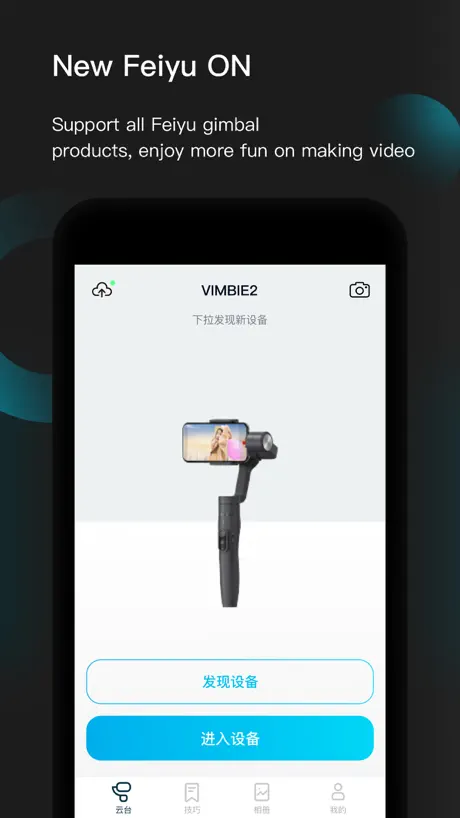  Feiyu ON |   GoPlus Cam | 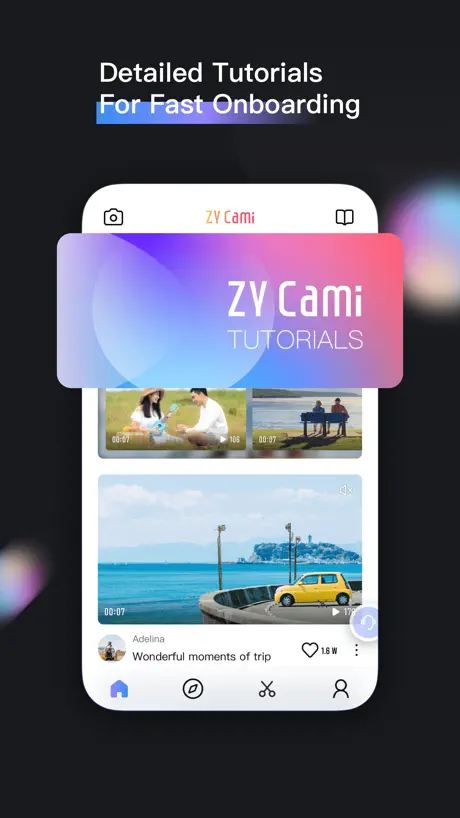  ZY Cami |   Gimbal Show |   Remote Shutter: camera connect |   Souing |   Gimbal Play |   Parrot Teleprompter | |
|---|---|---|---|---|---|---|---|---|---|---|---|
| Rating / 5 | 2.4 | 4.5 | 4.7 | 2.1 | 2.2 | 2.8 | 3.0 | 3.4 | 3.5 | 3.3 | 3.5 |
| Reviews | 533 | 7.5K | 4.4K | 2.1K | 1.6K | 1.6K | 671 | 238 | 232 | 166 | 97 |
| Released | 2019 | 2023 | 2021 | 2016 | 2015 | 2020 | 2022 | 2013 | 2020 | 2017 | 2015 |
| Monthly price | — | $8.99 | $24.99 | — | — | $1.99 | — | — | — | — | — |
| Annual price | — | $39.99 | — | — | — | $19.99 | — | — | — | — | — |
| One-time price | — | $14.99 | — | — | — | $3.99 | — | $4.99 | — | — | — |
The going rate for each plan in United States, in its own currency, shaded from the cheapest price on the row to the dearest. Plans fewer than four in ten of the priced apps sell are left out.
Apai Genie reviews
2.4 out of 5, based on 533 reviews.
What people like
- Connects automatically without manual pairing hassle
- Tracks your face smoothly while recording
- Works well with TikTok and Instagram
- Great for hands-free social media videos
What they complain about
- Video quality looks grainy and bad
- Does not work for video calls
- Motor noise gets picked up by mic
- App forces you to use its camera
It works instantly upon installation!
Press the power button 3 seconds upon turning it on and the A.I. makes everything work seamlessly from there! The photos and videos simply have a different look since no one is holding your devices. What is really cool for taking photos is the 3 second countdown to snap the shot!
You can’t just use your camera or video you have to use the lame filtered camera that makes no sense
Don’t bother
It okay
Idk the lightning is something bad maybe it’s because it’s night. But overall it’s good I like it it’s fun it follows u. I think u can use it professional way but it’s fun for children
Doesn’t follow face
It kept turning away from my face lol
Poor camera quality
I like this, it works pretty fine, how ever i hate that i can’t use my actual camera. Instead i have to use this app, i have an iPhone 16 and the photo quality looks like an android.
Crystal
I’ve honestly seen such bad reviews but I love making Instagram reels and tiktoks with my gimbowl and it honestly works like a charm. I love it.
Terrible
Everything about this product is so bad.
Works so far...
Just got this today, quick turnaround. When I installed the app, I was shocked by the negative reviews, I got real concerned. I treated it immediately and not only did it work, I was able to connect to my TikTok, Zoom and Facebook. So far, the quality looks good. I have a 4 side because it’s battery operated and I prefer a rechargeable battery, Potter than that, works great!! IOS user
Follow
If it would just follow me completely it would be perfect. It will decide to go completely 180 at times during movements. Other than that I think it would fantastic if they could update that little thing.
Very Non-intuitive
In short, this app does more than most reviews here imply, but the user experience is so counter-intuitive most users think they’re stuck before they really are. It can be used with the apps it claims; however, instead of seeing those apps as options, you must start a “broadcast” with this app, THEN open the app you want. At that point the device will track faces displayed. This makes sense for hosting a stream, where the user is the “presenter.” It does not work well with video calling apps (like FaceTime) where the screen is dominated by the other caller. The app/device then tracks their face, essentially giving them remote control! Basically, if you need to record or stream and don’t have a camera operator, this will help. It does not work well to keep one caller in frame for a video calling-type app. (Unless you put that person in primary display, which defeats the purpose of video calling, i.e. seeing who you’re talking to.)
WOW! I LOVE IT
I always had to ask people to take pictures and videos of me. This tri pod saved me a big hassle and it’s so convenient. The tracking system is amazing, it completely changes the way I create media
The greatest waste of money I’ve ever spent
Gimbowl is just a piece of plastic that will hold your phone. The software works erratically. I lost patience after 20x attempting to video a simple unboxing video. Just an expense phone holder.
Does it job
I enjoy it so far. Fairly simple to use. Just turn Bluetooth on, and then use the app (don’t look to connect in Bluetooth settings). I think the tracking could work a bit better. Not sure if it cause I’m a darker skin tone. I’ve just noticed that lighter skin tones get tracked a bit faster. Besides that great device.
Качество видео портит
Снимаю на айфон 11 через это приложение и видео выглядит ужасно , с фронтальной камеры ещё хуже . Хотя через стандартное приложение качество 🔥🔥🔥
Брал для Ватсапп. Не адаптировано для видеозвонков. Нет возможности указать за каким обьектом следить.
Fonctionne très bien ! Parfait
Je l’utilise avec onfleek360
ZERO STARS
Trash. New batteries put in and it doesnt turn on. I flipped the batteries different ways as well n it wont even turn on. The bluetooth button is right next to the “X” exit app button so u exit the app every time. Waste of $$$
Vale o preço
O aplicativo funciona direitinho, a imagem é de ótima qualidade, bom custo benefício!
:/
I hate that this only works while using the app, which is disappointing please fix your product :(
Remove the automatic “beauty filter”
I’m not sure what others are using this app for but really I just think it’s a fun little gadget, nothing more. My biggest complaint is that when using the app to take pictures/record video there is an automatic FaceTune feature that slims the face, nose, etc. and after changing all the settings to remove this feature, it automatically resets every time I use the app. A huge reason I don’t use the app is because of this facetune feature, it is such a headache to adjust everything each time.
Work great
I have read the reviews stating it doesn’t pair however if you read the instructions it says you don’t need to manually pair it. Open the app wait a few seconds, the app connects to it and you can start recording. Works great have made a number of videos already. Thank you to the developer.
Return this before opening
Bought it through Boing Boing and specifically asked customer service if it would work with FaceTime. Was told yes. But no.
Worked for me
Maybe they fixed the glitches, but I was able to go Live on Facebook very easily. It does have some problems with supporting iPhone 11 max. It tipped over a couple of times. It tracks slowly, but does track.
Low quality video
The concept is cool but the low quality videos makes it of no use for what I intended it for
Problem
It is not compatible with some models of smart selfie bases and does not recognize the base and does not connect
Works great!
I received the gimbowl today and downloaded the app. I am extremely happy it works for me especially after reading some of the comments on here.
Doesn’t work
The app shuts down when I hit record
Fun
It’s fun and easy to do, it does have a couple mistakes but it’s really fun to do.
Quality
This device works great, but the picture quality is horrible!!! 😩 looks like something from a boost mobile flip phone back in the 2000s.
I love this app But...
In the app it shows WhatsApp for live broadcast, the issue is, I would love for this app to work while in a Video call. Keeping it all private of course, having this app to work with the camera while in a Video call would be pretty Amazing. Please add this feature.
Odd Bluetooth setup but Works!
It actually works well for video recording or picture taking. I struggled to connect it the device to my Bluetooth, I figured out you can’t configure it, it automatically connects to your phone through the app, once you open the app, tap on video and press on the Bluetooth icon (all while the gimbOWL is on with a flashing light) and then your phone will be set up properly. I haven’t tried streaming or anything but the pairing with the device worked and it works with recording and that’s what I was actually after so 👍👍
Terrible app
Some of the app functions are hidden by the iPhone's speaker cutout. Useless.
Pleasantly Surprised
I was initially a little concerned about what to expect with both the Gimbowl device and the Apai Genie app after reading so many negative reviews. But since I was ordering the device on Amazon, which would let me return it if it didn’t work, it felt like it was a risk-free chance to take. And I’m so happy I tried it out!! I had no expectation this would be a miracle gadget, only that it could identify my face and then rotate to follow me as I move. In fact, I was expecting that I would have to do my recordings in the Apai app itself, which might impact quality. But to my surprise, everything works exactly as I’d want, with the app running in the background the way a screen recorder would. And it allows me to use ANY app that I want to record my video. I had no trouble using the native camera app on an iPhone. My only caution is that because the tracking software works like a screen recorder, if you go into Snapchat, any profile that you open willGet a notification that you screen recorded the conversation or image until you turn it off.Which seems simple, but it’s easy to forget if you open the app and then go record a snap, and then casually start scrolling through the snaps people have sent you. I had threeFriends who had seven or more notifications back to back that I was screen recording the conversation. Otherwise I’ve really enjoyed the app.I didn’t have any trouble with the audio picking up the sound of the motor, nor did I have the issues getting the software started once it connects to Bluetooth. The only thing I wish would be to find an affordable device that does almost exactly the same thing, but instead of tracking my face, it will track a Bluetooth clip or something on my collar so that even if my face isn’t turned toward the camera, the device knows where to point. But that’s not a fault of this app. Apai Genie does exactly what it claims to do.
Think of these twice!!!
Well the app is good for the ones of you are looking for just an app to blog in different platforms except: FaceTime; Google Duo; Skype; pretty much the rest that is not interested to “vlog”. So without the rest is limited for what is capable to do. If the developer decides for “ in app purchases “ DON’T WASTE YOUR MONEY.... Needs those improvement...
Would be great if...
When I record and wear my Bluetooth ear buds, it doesn’t pick up in the video. I sound far away and it picks up the movement sounds of the Apai Genie.
I love this app!
I freaking love this app and the trackpod! Helped me so much with TikTok vids😫🔥
Don’t purchase
Trash. Literally won’t connect to Bluetooth. Even though I’m in the app and my Bluetooth is on. It can’t find the device.
Уберите автозапуск записи видео
Приложение хорошее, только уберите автоматичную запись видео на 3,2,1. Это очень мешает. Либо сделайте чтобы можно было выключить эту функцию
Transmissão por redes sociais
Temos de usá-lo p transmissão em WhatsApp, Facebook, e outros
It works but the noise is too much
I bought this thing to do panning while recording video, after granting all permissions, the Bluetooth connected fine. I managed to take photos & videos. It lost me. A few times but overall it worked. I also was able to make it work with the iPhone 11 Pro native camera app. I got this for around $20 bucks & delivered as I expected for this price!
Connettion
蓝牙连接问题,如果它可以在facebook instagram whatsapp之类的应用程序上运行,请解决该问题,这将是超级直播
Face time
Will not work with face time at all. I looked up where it says it will but that is dead wrong disregard that line because it kept trying and it just spins around and around never locking on me. Wast of time.
Not bad at all
Got this today and impressed with what it can do. Need to find some more ways to use it but should be fun. Would like to be able to use it when on a video call. Make it all the better.
Ok but...
I’ve not been using this long with my new iPhone 11 max. The phone does get pretty hot and the battery does deplete fast. Not sure where all that power is going as the motor is driven by 3 AA batteries, so it’s just driving the camera. The main problem I have is that it will only track the face - you can’t designate anything else. Shame, as I wanted to use it to track my hand whilst I work. The tracking is generally smooth, but let down by the tendency of the phone holder to wobble at the end of the sweep.
Recording quality seems poor and motor noise is loud
I thought this was a good alternative to the expensive ones on the market and wanted to try this before splashing out. The motor can be heard on recording on the iPhone 11, so can only record with phone upside down or with the phone horizontal. The recording quality on the app seems grainy or snowy but for the price what more did I expect.
Not able to connect
I bought the Gimbowl and got this app. I thought I had to connect with Bluetooth but all I had to do was launch this app and my new Gimbowl started to work! Yay!
Ugh
So I purchased the stand mdevice so I had an option to record hands free and the device can move along with recording. Had I had read the reviews about this app I would not have purchased the device. The picture and video quality are just awful. And it’s sad because if you used your own phone camera/video it won’t move because it only works with the app. The only benefit, it’s the right size to record stuff with your own phone, say for example I use mine to show pages in a book. However using the app for any pic or video quality is a no. If someone cares about this app they would revise and consider people who are buying this model, not getting ripped off with the app quality if you care about your business and reputation. Just saying dude. Fix this and do better.
Pretty good little app
Good little app although only tested for about 10 minutes just to briefly try it. Works great with the 360• object tracker. Btw, does not hack or heat up your phone like that other reviewer said, as I am using mine to write this now. What a knob!
Too simple in comparison with Pivo
I tought the app so simple. Just take photo and make video. Should be more kind of way to produce photo (like make a panoramic photo or take a pic with a lot that’s called manyme in Pivo).
Good but...
The app is quite good but should have options for live streaming on Facebook or YouTube. Otherwise the gadget is unusable.
Apai Genie FAQ
- Is Apai Genie free?
- Yes. The app is free, in all 175 countries it sells in, and it sells nothing inside it.
- Does Apai Genie have a free trial?
- No. None of its offers (US) come with a free trial.
- What are the best alternatives to Apai Genie?
- Captions AI for Videos - Dubs (4.5 from 7,455 reviews, premium from $6.99), Pivo Track (4.7 from 4,445 reviews, premium from $24.99) and Feiyu ON (2.1 from 2,092 reviews).
Apai Genie download
Last updated 4 years ago.
Apai Genie sells in 175 countries. It was released 7 years ago, on 8 Nov 2019. It holds a 2.4 rating from 533 reviews.
Supports 5 languages: English, French, Portuguese, Chinese, Turkish.
How much does Apai Genie make?
Third-party estimates for the last 30 days, worldwide — not the store's own figures, which Apple publishes for nobody.