
KeyLinker
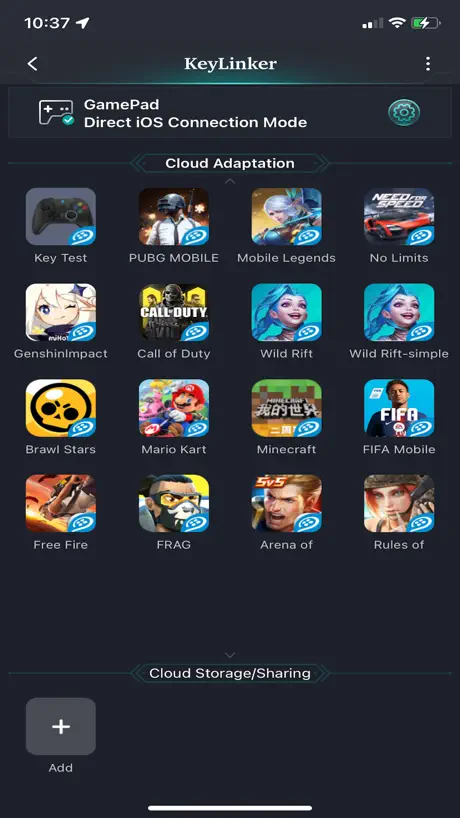
How much does KeyLinker cost?
Prices are current as of 6 Nov 2026.
KeyLinker has no in-app products on record in the United States.
10+ alternatives to KeyLinker
| KeyLinker |   ShootingPlus V3 |   GameSir |   Flydigi Game Center | 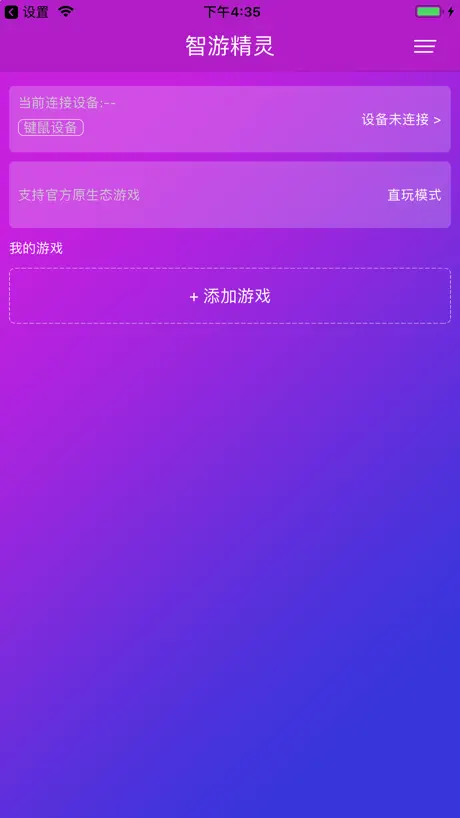  智游精灵 |   BEITONG Gaming Hall | 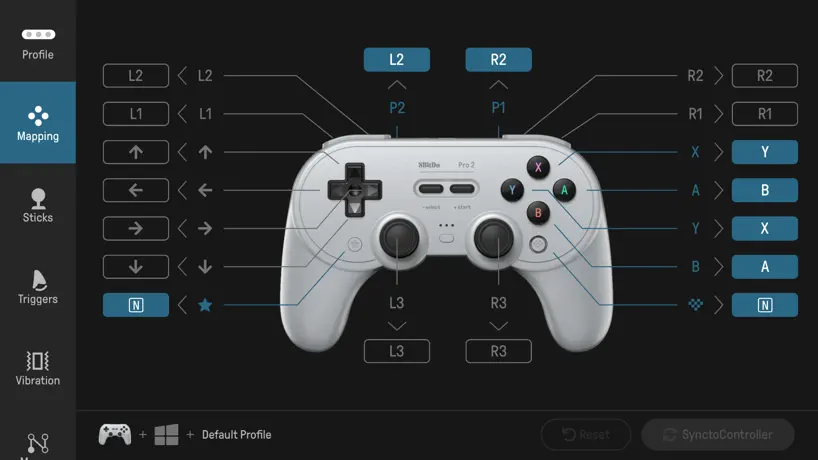  8BitDo Ultimate Software | 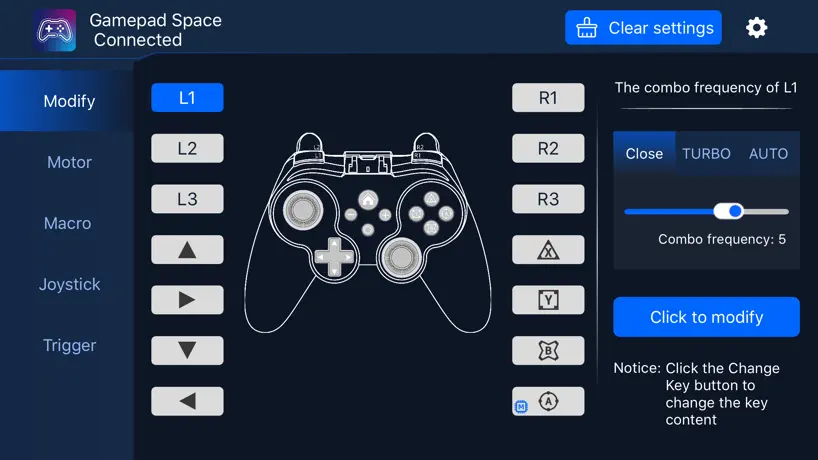  Gamepad Space |   Mobapad |   reWASD Mobile |   QMacro | |
|---|---|---|---|---|---|---|---|---|---|---|---|
| Rating / 5 | 2.4 | 2.3 | 2.4 | 2.1 | 2.2 | 2.3 | 2.4 | 2.2 | 3.0 | 3.5 | 2.8 |
| Reviews | 264 | 12K | 6.5K | 2.9K | 1.6K | 1.4K | 843 | 331 | 76 | 51 | 5 |
| Released | 2019 | 2018 | 2018 | 2019 | 2019 | 2019 | 2021 | 2022 | 2022 | 2021 | 2019 |
KeyLinker reviews
2.4 out of 5, based on 264 reviews.
What people like
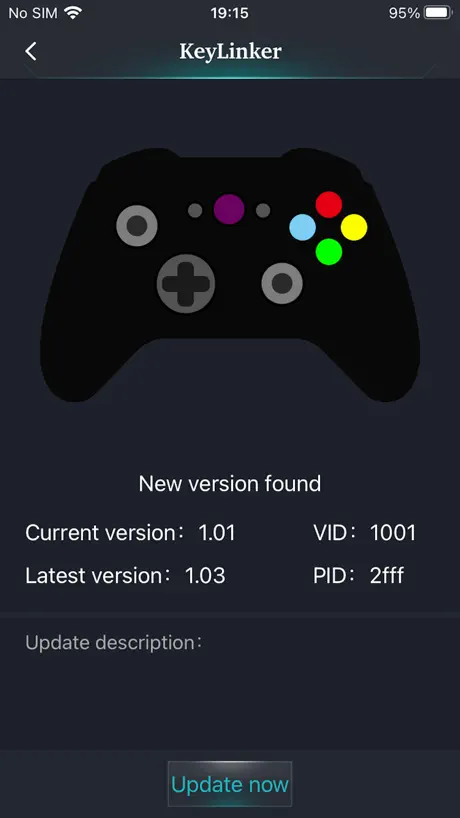
- Easy to connect and update
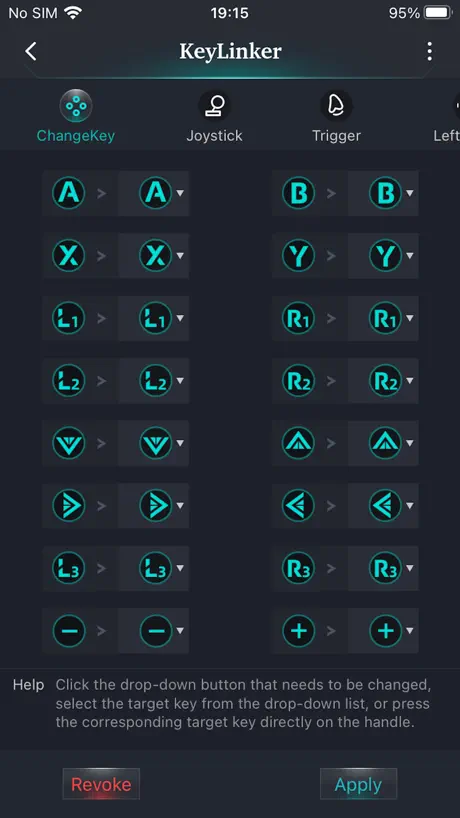
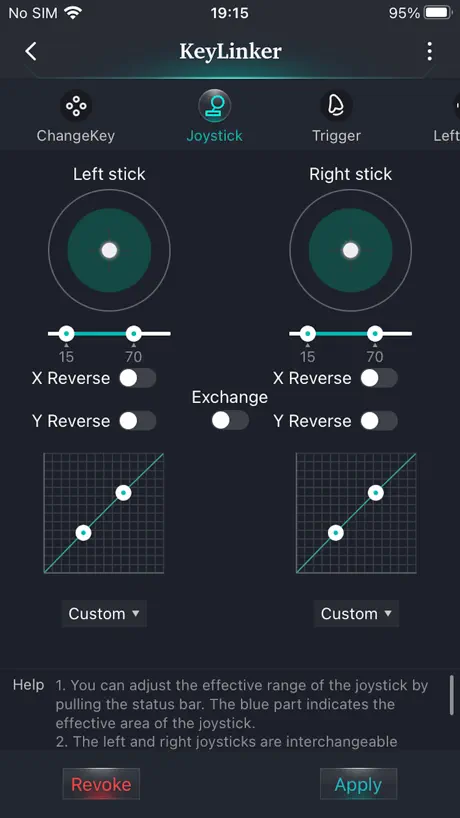
- Highly customizable controller settings
- Great for remapping buttons
What they complain about
- Connectivity issues frustrate many users
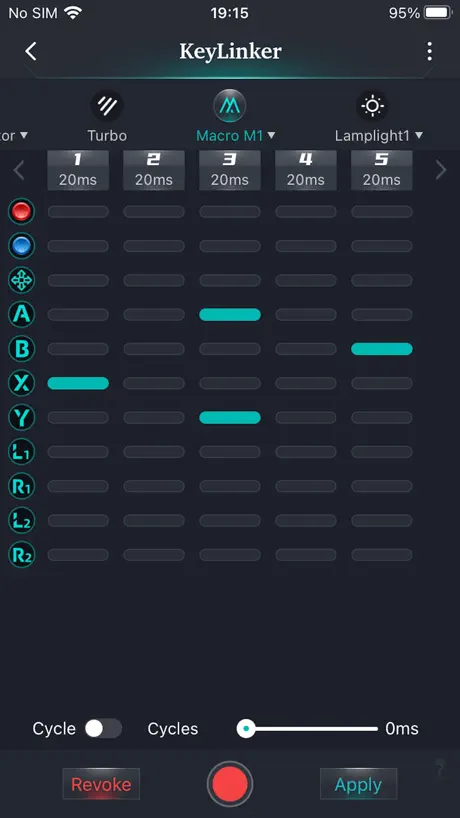
- Macro features feel broken and unreliable
- UI is cluttered and confusing
Hyperion 3
Works as it should, downloaded and updated my Hyperion 3 for the Nintendo switch 2.
Useless
It detected my dishwasher but not my controller that was on
星露谷
星露谷怎么连?
宏录制后无法循环
录制好后,点击循环,无法做到。每次姐结束都要再按一次,完全变成手动
无法获取云资源是为什么
why
Worked perfect for Hyperion 3
I installed and updated my Hyperion 3 Switch 2 joycons in less than a minute. Worked perfect.
Don’t install it
The app works for the controller but the main issues is you start getting those mcafee virus scan pop ups once you install it
Pretty good
Overall great app but has a few flaws with macros. Only allows increases/decreases of 5ms and only goes down to 20ms. Also seems to mess up my macro time to time when I press it.
宏不能实现自循环!!!
体验感很差 循环已经打开了还是不能实现自循环 要人工一直按按钮
三角洲
怎么连接苹果手机打三角洲啊
Hyperion 3 Switch 2
App works great with no hiccups for the Hyperion 3!
No PS5
Not seeing PS5 controller either in search mode or connected
Please add wired keyboard and mouse support
……………
ios16无法连接手柄
在ios16最新版中无法使用本软件连接AL-J20手柄,可以搜索到但是点击连接后没有反应无法连接。尽快解决吧
Needs Work
There’s a banner at the top of the app that obscures the menu bar. Not sure who thought that was a good idea. Controller customization works as it should when the menus are accessible and readable. It’s be great if some updates were made to improve the UI and usability.
Worked on NYXI Hyperion 3
I downloaded this app for the new NYXI switch 2 controllers to connect and update firmware with my switch 2 and surprisingly it worked so I was pleased
Can’t get past bluetooth
I am using a switch pro controller and it is not showing up.
色々対応
様々なコントローラーのカスタムに対応していて汎用性が高いです 近頃の不満はLED搭載のコントローラーの色変更をする時に、調色の数値をスライドとかで変えれるようにして欲しいです タップ連打するのは疲れるし時間がかかるので それに加え、LEDの明るさと呼吸パターンの速度を数値化して欲しいです 左右でバラつきを出したくないと思った時に分かりずらいので
can i play efootball??
3
您的软件怎么找不到我的ps4啊
怎么找不到呢
Works as expected
Helped me remap my cosmicbyte controller.
Buttons
Could be my mistake but also tutorial could be a bit better. I was using it to play COD mobile I would press “Y or X” whatever it is for you, it would quit the game as if I swiped up from bottom to top and I went into the app to try and change it but I don’t think it’s possible and if so how? And could we make the app easier to use?
我对这个软件的建议
建议添加这两个选项: 1.在USB连接电脑时默认使用Switch协议; 2.在XInput协议连接下使用任天堂按键布局。 还有就是制作一个更简洁的图形界面。
链接不上
手机蓝牙已经连上了,打开App就是显示未连接。玩游戏倒是能用
系统高不能用
根本用不了,ios16和17都用不了,开发者快点更新出来,已经用了好久了,一更新系统就用不了,开发者能不能用心优化
No stick calibration
It’s the best app ever and works on my iPhone 6 but one issue I have stuck drift and the app has one single feature missing,no stick calibration! Please fix this I was playing fortnite when I started spinning in circles due to the controller thinking a was pulling it to the left! Please add a calibration for the sticks! Other than that great app
I can’t find my controller
👎
1
电脑端怎么下载
蓝牙连得上但是app里没有显示
是更新了吗怎么连不上了 前段时间还能连
固件推送太慢
机械师g1的新固件什么时候才能推送啊,几个月前的问题现在都还没修复,无线模式震动微弱
Works 😤
crying cause you didn’t implement my improvements 😫
X10
Won’t connect to app
Impressed
Connecting was easy came up right away. Map keys very easily except a few that were not listed, but this was all given in directions it came with to do so manually without app or anything, app makes it simple incase u forget how.. Lots of features for a app like this.. impressed Again change up where it can read all buttons/back buttons and it’s lit.
Ok
First the controller. I’ve had it for a while(not that long) now and it works fine except I can only use one back button, if I try to use two or more the controller gets overwhelmed and it just puts in a bunch of different buttons very confusing process to program back buttons. The left joystick already broke if you play adventure games or shooting games like fortnight or Mario odyssey don’t get after awhile of holding the joy stick up instead of walking your normal speed you walk 0.0001 mph.😡 I feel like your not nyxi if not your apps bad
为什么一直都连不上?
为什么
Works with ELISWEEN Switch Pro Controller
Very easily detects, connects, and updates multiple Elisween Switch Pro controllers. Haven’t tried programming buttons but I haven’t needed to.
Turbo won’t turn off
if you purchased this item. return it. it’s cheap and developers didn’t do well on the app. the settings won’t let me turn off turbo, only thing i can do is change the lighting. money wasted. please don’t buy this.
Good app but please provide a firmware update for the chaos Hall effect joysticks
I like this app as it is easy to use but I noticed if you go on zero deadzone mode the joysticks cannot go to the full edges on gamepad tester making them unusable. Please provide a firmware update to fix the joystick calibration please as this would greatly improve this controller. Thanks!
连接不上
我两个手柄怎么都连接不上 软件里的蓝牙都扫描不到我的手柄
没有虚拟触控啊
在app里面能按了有反应,但是无法唤出虚拟触控界面咋回事,这就导致其他地方都用不了
Everything works as expected and then some
This app works great with my Etchpower wireless controller for the Nintendo Switch. I had no trouble connecting to my controller. I love how customizable this app is. I especially like how you can adjust the lights on the controller from the app. I also love that I can customize inactivity auto-shut down timer and even set to infinite (never turns off unless you manually do it). Note for those of you who just bought this controller I recommend checking the auto-shutdown setting (located in the “other” header) before you attempt to customize the controller on this app. Also to get the rainbow color or the actively changing between 9 colors with breathe feature you have to set manually it through the controller buttons. To change the lighting on controller press and hold the turbo button and double click the left or right analog stick (L3 or R3) to switch between modes and flashing rainbow color. Hold turbo and single click left or right stick to change colors. I wish the app had these light features available.
Controller app
It needs an update because I have a controller that needs this app and when I click on turbo, it just kicks me out needs a big update please update this app asap
循环功能不能用
看到我看到我!试了很多遍保存更新但就是没办法循环!!
App keeps crashing
i was super excited to finally get a new controller for my switch just in time for TOTK to come out and I got to pick my color the first time and set it to breath and i wanted to turn off the breathing affect and now the app just keeps crashing so my settings for my RGB colors is stuck with no way to change it… Very bummed out.
怎么把安卓直连模式改成ios模式
求解
Ouestion
Does ps4 controllers work in this app
The worst waste of money
The only thing the app does for my controller witch I only had for a day, is connect it to my phone and nothing else. If I press any button available in it, it will not do anything. The only thing it does is connect, and disconnect my controller. Can’t even use it
Need additional functions
Overall very good application. However, it needs to have additional functions to add plus and minus keys into the macro. This is also the primary reason for my return.
为什么连上手柄了,但是软件里显示的是smis1s,设置不了
雷神g35
Please add support for Mfi controllers
Using the standard apple joystick APIs would be better as not all controllers connect via Bluetooth.
KeyLinker FAQ
- Is KeyLinker free?
- Yes. The app is free, in all 175 countries it sells in, and it sells nothing inside it.
- Does KeyLinker have a free trial?
- No. None of its offers (US) come with a free trial.
- What are the best alternatives to KeyLinker?
- ShootingPlus V3 (2.3 from 11,872 reviews), GameSir (2.4 from 6,530 reviews) and Flydigi Game Center (2.1 from 2,906 reviews).
KeyLinker download
Last updated 29 days ago.
KeyLinker sells in 175 countries. It was released 7 years and 3 months ago, on 5 Aug 2019. It holds a 2.4 rating from 264 reviews.
Supports 6 languages: English, German, Japanese, Korean, Russian, Chinese.