
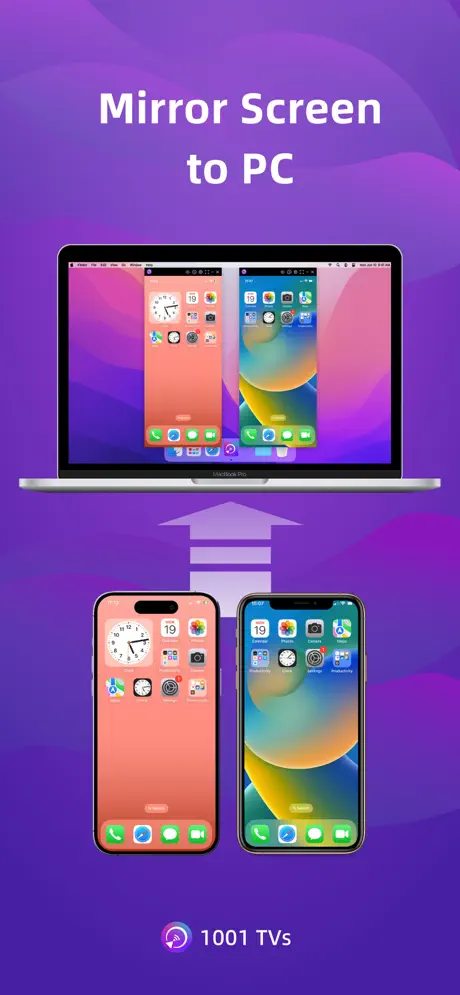
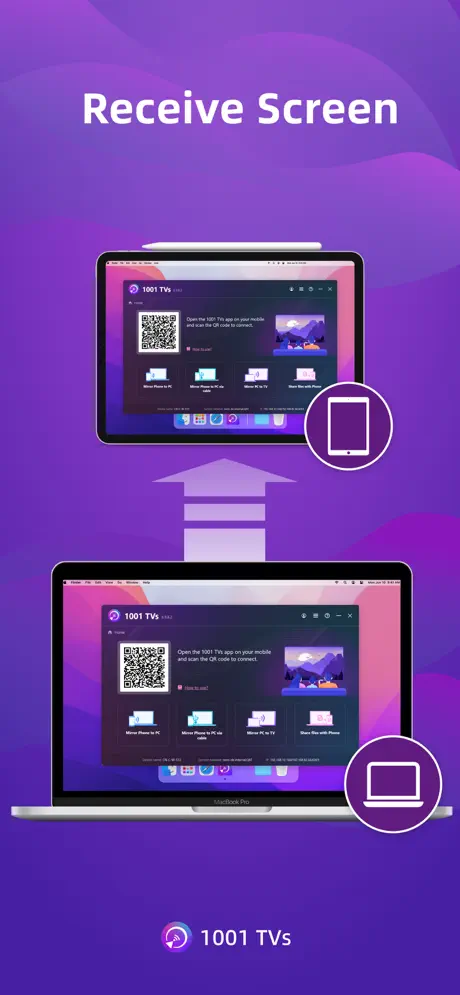
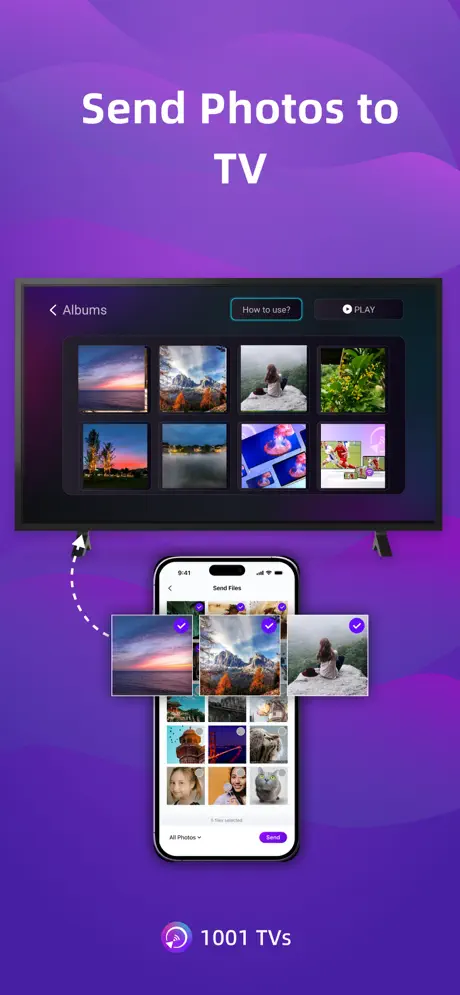
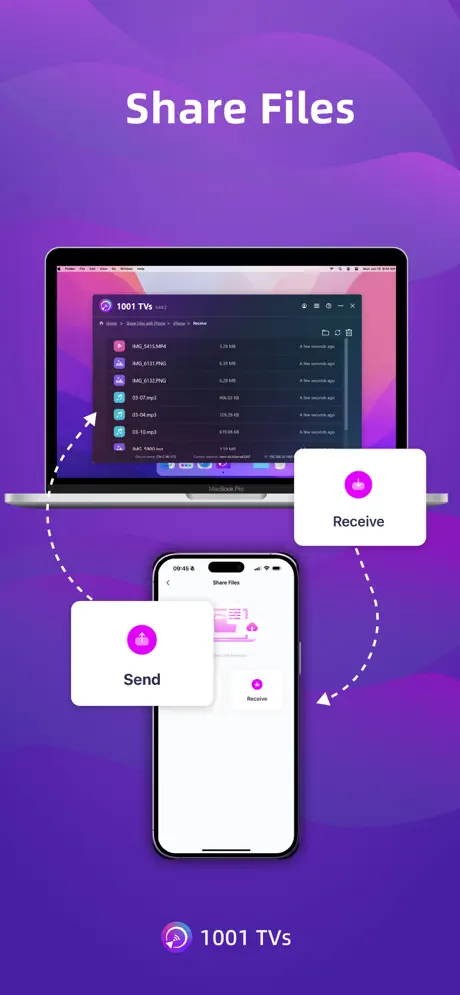
Screen Mirroring - 1001 TVs
Screen Share & Cast to TV
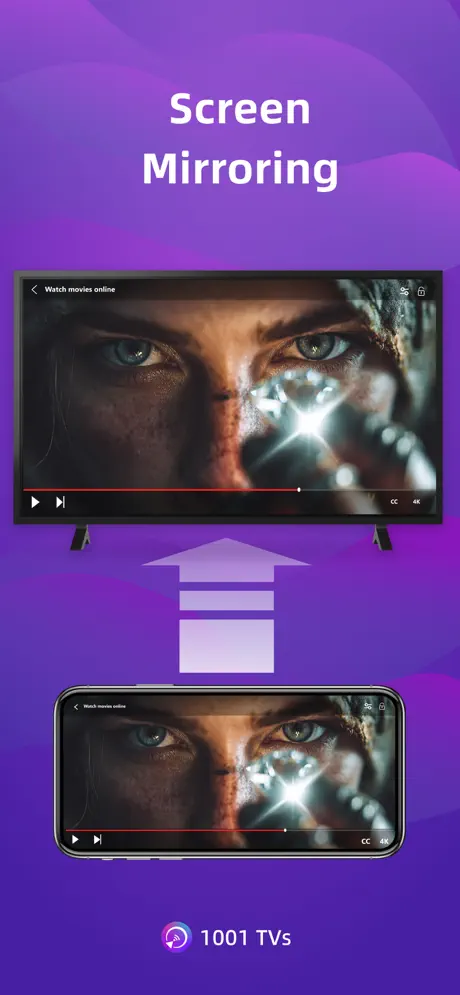
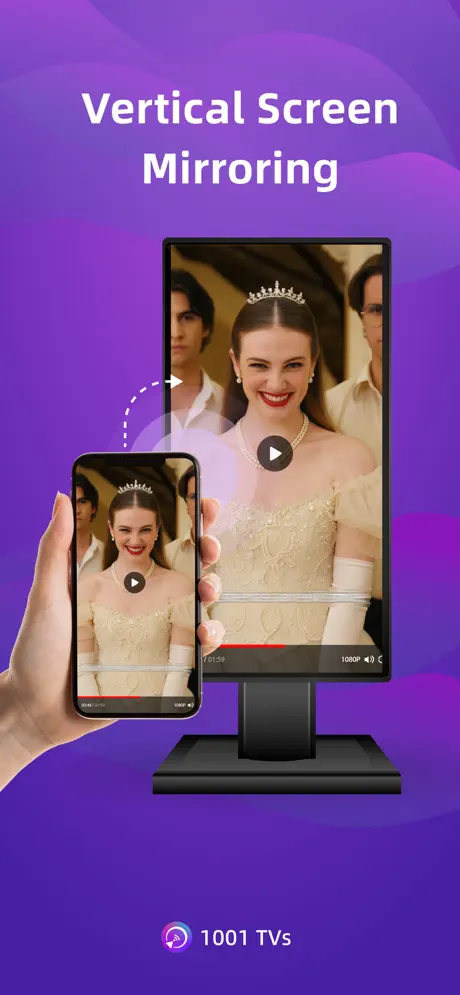
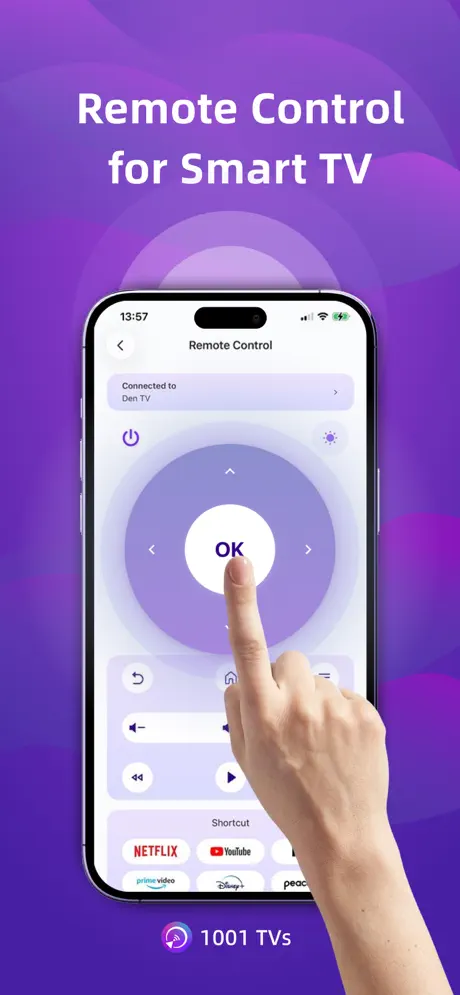
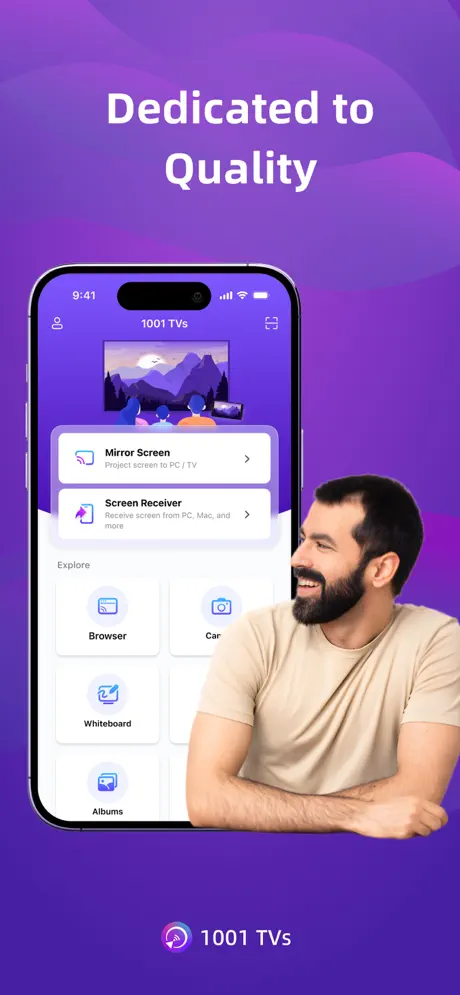
How much does Screen Mirroring - 1001 TVs cost?
Prices are current as of 27 Sept 2026.
5 subscriptions from $4.99
In the United States, Screen Mirroring - 1001 TVs has 5 subscriptions priced $4.99 – 19.99. It comes with a 3 days free trial.
| Subscription | Period | Price |
|---|---|---|
| Weekly Subscription | Weekly | $4.99 |
| Monthly Subscription | Monthly | $7.99 |
| Exclusive Yearly Offer | Annual | $19.99 |
| Special Yearly Offer | Annual | $19.99 |
| Yearly Subscription | AnnualTrial: 3 days | $19.99 |
1 one-time purchase from $69.00
In the United States, Screen Mirroring - 1001 TVs has 1 one-time purchase priced $69.00.
| Product | Price |
|---|---|
| Lifetime Access | $69.00 |
See what Screen Mirroring - 1001 TVs costs in all 175 countries →
10+ alternatives to Screen Mirroring - 1001 TVs
| Screen Mirroring - 1001 TVs |   Screen Mirroring - TV Cast Screen Mirroring - TV Cast |   Screen Mirroring – Chromecast Screen Mirroring – Chromecast |   Screen Mirroring ⋆ Miracast TV Screen Mirroring ⋆ Miracast TV |   MagiConnect T-Cast TCL Remote MagiConnect T-Cast TCL Remote |   Screen Mirroring · TV Cast Screen Mirroring · TV Cast |   ApowerMirror- Screen Mirroring ApowerMirror- Screen Mirroring |   Miracast: Screen Mirroring TV Miracast: Screen Mirroring TV |   AirDroid Cast-screen mirroring AirDroid Cast-screen mirroring |   Screen Mirroring・Smart TV Cast Screen Mirroring・Smart TV Cast |   Screen Mirroring:PigeonCast Screen Mirroring:PigeonCast | |
|---|---|---|---|---|---|---|---|---|---|---|---|
| Rating / 5 | 4.2 | 4.5 | 4.1 | 4.5 | 4.4 | 4.5 | 3.0 | 4.5 | 4.6 | 4.2 | 4.7 |
| Reviews | 7.3K | 103K | 77K | 28K | 27K | 27K | 13K | 12K | 11K | 4.1K | 3.7K |
| Released | 2019 | 2020 | 2019 | 2020 | 2018 | 2023 | 2017 | 2024 | 2021 | 2024 | 2025 |
| Weekly price | $4.99 | $3.99 | — | $3.99 | — | $6.99 | — | $6.99 | — | — | — |
| Monthly price | $7.99 | $3.99 | — | $9.99 | $1.99 | — | $19.99 | — | $2.49 | — | $6.99 |
| Annual price | $19.99 | $29.99 | — | $39.99 | — | $29.99 | $39.99 | $24.99 | $19.99 | — | $19.99 |
| One-time price | $69.00 | $34.99 | $9.99 | $19.99 | $5.99 | — | $20.99 | $29.99 | — | — | $59.99 |
The going rate for each plan in United States, in its own currency, shaded from the cheapest price on the row to the dearest. Plans fewer than four in ten of the priced apps sell are left out.
Screen Mirroring - 1001 TVs reviews
4.2 out of 5, based on 7,326 reviews.
What people like
- Works well for daily use.
- Supports many different devices.
- Developer fixes bugs very fast.
- Simple to set up quickly.
What they complain about
- Audio often fails to transmit.
- Forces subscription after free trial.
- Video lags and feels choppy.
- Customer support ignores your questions.
Amazing
Not only does the app work great but I had feedback and they made updates to the app overnight ! Wow!
Scam app
Just another scam app
فهود
مضبوووووط
Pretty good
5 stars if the audio worked!
紅果
適用拿來投屏看app電視會卡住 讓我猶豫是否該訂閱
Súper
Esta aplicación me dejó sorprendido es muy buena, muy recomendable al 100%, fácil de usar y resultados increíbles
Thought I was getting a virus
So tried to use this on a Bach trip and it kept crashing my phone out. Might sue for emotional damage. Would give -3 stars if it allowed. Thanks.
Beer
L
差评
搜索不到,或者怎么搜索,问客服不理人、无语
TV App
I can't forward or rewind a video I uploaded to the TV app.
Solid app
It gets the job done.
I paid for the premium version and it he app doesn’t work
It’s saying the app doesn’t support my iPhone18 pro max…
It does work.
I gave this app a try with the Lifetime License - I was happy to see a Fire TV receiver app in the Amazon appstore. However, it’s an outdated version of the receiver app and did not work. I was able to (after a lot of searching, trial, and error) sideload the most recent version of the Android TV app on my Fire Stick, and it works as intended. I love that the screen can be rotated, because I like streaming my vertical phone screen to a vertical display. My only disappointment is that for a paid app, the latency (even on a 5 GHz Wi-Fi network) is noticeable. If I try to use the “Immersive Reading” feature in the Kindle for iOS app, audio is fine, but text highlighting clearly lags behind my phone’s native screen. Are there any planned improvements regarding wireless latency?
直播的时候特别特别卡
一直显示解码器重新打开
很卡
電視投屏非常卡重啟都沒有用
Worked perfectly for me
I used this app to stream/mirror my iPhone 14 Pro Max to my TiVo (chromecast) device. Install the app on the TiVo, install the app on the phone and the away you go. There is a subscription requirement for $20 for the year isn’t too bad for an app that actually works well, I’ve paid more and gotten less in the past from other apps.
It
It’s a trap. Since you purchased the it won’t work
音画不同步
请问为什么音画一直不同步,很想继续订阅,但这个问题不解决的话投屏都没法看东西了
模糊了总是出问题
慎入吧
還在試用3天內,不會使用,如有下載付費,請幫忙取消,謝謝
還在試用3天內,不會使用,如有下載付費,請幫忙取消,謝謝
给力
投屏问题解决了 用起来还是蛮不错的 功能蛮多很方便 传输很快 值得推荐
Audio
Audio will not work with IOS Apple devices! Scanning the QR code after the app was paid for is inconvenient !
.
Платное🙄🤬
I couldn’t
Get it to work for us, might be pilot error
Predatory practices
App may work, but the predatory practice of acting like the App is free only to open it up and realize you have to pay a subscription is awful.
Fantastic app!
I can mirror my phone to other devices, eg. MacBook or atv and so on. It is so useful and effective. And it is not expensive. I love it!
You have to start a free trial to use it on an iPad
You have to do a free trial to cast from the iPad to the tv…. Kinda sucks
投影
投影常常會卡
Đừng
Như loon
竟然还要收钱
我们相当于给你做试验品
Super stable!
As a short video maker I can say this app is one of my daily utilities, it's stable and it has almost support for all device out there.
Misleading app
Requires subscription to access full features , laggy as hell. It’s definitely more than a 3 second delay plus requiring a subscription for that delay is horrendous
Great App, It does what it says!
Finding an app to do the broadcasting or screen mirroring and etc for iPhones or iOS devices is super hard. I am happy this one has done the job for me whenever there was a need. So the only limitation now seems to be a small downgrade to the destination screen on the video quality like if you can connect to the source with 1080p pixel density, you will get a 720p video quality on the destination screen. If this issue gets resolved, I would give this app a five star and I would also subscribe from year to year base to the lifetime base membership.
ruim
funciona so uma vez nas outras vezes da problema e fala que nao consegue conectar e mandar tentar novamente
就只能投屏不能操作鸡肋
如题
Amazing!
I can use to mirror my phone screen to any devices. It even can mirror to the Tesla screen like the CarPlay!
Deceptive
Presents as free but forces in app payment of $20 per year to use. Total scam
Apple Music 無法播放
如題
Not a Stable Image
Not A Very Stable Image For 19.99$
Para tuzagı
Saçma sapan bir uygulama ücreti almıyorlar yaptığınız işi ben
Screen mirroring works
Works fine on my tv, good video quality
Worst devise to mirron opine I have ever used
I've tried miltimul times to use this app to mirror my iPhone and every single time it has been delayed, choppy, made me scan a qr code that didn't work and made me want to kill myself. Do not recommend to a African kid that has never seen technology in his life.
無聲音
蘋果手機投屏後電視沒聲音
投屏MacBook
iPhone的游戏画面投屏到MacBook上的分辨率怎么那么低?
聲音是從手機出來
如題 我是用蘋果13連接海爾電視 有連接成功但是聲音怎麼是從手機出來不是電視呢
Simply amazing.
There’s not much screen mirroring apps that truly works well, but this one is a master, and it can even transfer files! 🥹
Scam
You have to pay to use and won’t even mirror video which is the whole reason I downloaded it. It will play the audio but the screen freezes every time.
轉向
請問此鏡像 可以自動轉向嗎 我投屏到銀幕上面但是無法轉向
無法使用
無法使用,試了蘋果手機跟平板都無法連結上,且都在電視、手機、平板都在同一網域上。 想要退費,聯繫客服的方式也不友善。 如果可以正常使用的話,想必5星也是非常合理,可惜了
Ses
Sadece görüntümü geliyor ?? Görüntünün sesi aktarılmıyor!!!
Screen Mirroring - 1001 TVs price by country
A weekly subscription costs $0.37 in Egypt and $6.25 in Israel — 17× more for the same thing. Below is the going rate for each plan in every country that sells it — the middle price of what the app charges there, in the country's own currency with the dollar equivalent beneath it.
| Country | Weekly | Monthly | Annual | One-time |
|---|---|---|---|---|
| Afghanistan | $2.99 | — | $12.00 | $3.59 |
| Albania | $2.59 | $4.09 | $10.49 | $3.19 |
| Algeria | $1.79 | — | $7.09 | $2.19 |
| Angola | $2.99 | — | $12.00 | $3.59 |
| Anguilla | $2.99 | — | $12.00 | $3.59 |
| Antigua And Barbuda | $2.99 | — | $12.00 | $3.59 |
| Argentina | $1.19 | $1.89 | $4.69 | — |
| Armenia | $2.19 | $3.49 | $8.59 | $2.69 |
| Australia | A$6.00$4.23 | A$9.00$6.34 | A$29.00$20.42 | A$88.00$61.97 |
| Austria | €3.00$3.42 | €5.00$5.69 | €19.00$21.64 | €60.00$68.34 |
| Azerbaijan | $2.19 | — | $8.79 | $2.69 |
| Bahamas | $2.99 | — | $12.00 | $3.59 |
| Bahrain | $2.49 | $3.95 | $9.89 | $2.99 |
| Barbados | $2.99 | — | $12.00 | $3.59 |
| Belarus | $1.69 | $2.59 | $6.49 | $2.09 |
| Belgium | €3.00$3.48 | €5.00$5.81 | €19.00$22.07 | €59.00$68.52 |
| Belize | $3.09 | $4.89 | $12.49 | $3.79 |
| Benin | $1.89 | — | $7.19 | $2.29 |
| Bermuda | $2.99 | — | $12.00 | $3.59 |
| Bhutan | $2.99 | — | $12.00 | $3.59 |
| Bolivia | $1.89 | $2.90 | $7.29 | $2.29 |
| Bosnia & Herzegovina | €3.00$3.42 | €5.00$5.69 | €19.00$21.64 | €3.69$4.20 |
| Botswana | $2.09 | — | $8.19 | $2.59 |
| Brazil | R$9.00$1.73 | R$19.00$3.66 | R$49.00$9.44 | — |
| British Virgin Islands | $2.99 | — | $12.00 | $3.59 |
| Brunei Darussalam | $2.95 | — | $11.90 | $3.59 |
| Bulgaria | €3.00$3.42 | €5.00$5.69 | €19.00$21.64 | — |
| Burkina Faso | $1.89 | — | $7.39 | $2.29 |
| Cambodia | $1.79 | $2.79 | $6.89 | $2.19 |
| Cameroon | $2.09 | — | $8.09 | $2.59 |
| Canada | CA$5.00$3.55 | CA$9.00$6.38 | CA$24.99$17.72 | CA$89.00$63.12 |
| Cape Verde | $2.49 | — | $9.79 | $2.99 |
| Cayman Islands | $2.99 | — | $12.00 | $3.59 |
| Chad | $2.49 | — | $9.69 | $2.99 |
| Chile | CLP 2,190$2.27 | CLP 3,190$3.31 | CLP 8,190$8.50 | — |
| China | CN¥8.00$1.19 | CN¥18.00$2.67 | CN¥78.00$11.59 | CN¥198.00$29.42 |
| Colombia | COP 6,500$2.00 | COP 10,500$3.22 | COP 26,500$8.14 | COP 7,900$2.43 |
| Congo | $2.99 | $4.99 | $12.00 | $3.59 |
| Congo, Democratic Republic | $2.99 | $4.99 | $12.00 | $3.59 |
| Costa Rica | $3.59 | $5.79 | $14.49 | $4.39 |
| Cote Divoire | $2.99 | $4.99 | $12.00 | $3.59 |
| Croatia | €2.00$2.28 | €3.00$3.42 | €8.00$9.11 | €2.49$2.84 |
| Cyprus | €2.00$2.28 | — | €19.00$21.64 | €2.49$2.84 |
| Czech Republic | CZK 59.00$2.76 | CZK 89.00$4.16 | CZK 249.00$11.65 | CZK 799.00$37.37 |
| Denmark | DKK 29.00$4.42 | DKK 49.00$7.47 | DKK 129.00$19.66 | DKK 35.00$5.34 |
| Dominica | $2.99 | — | $12.00 | $3.59 |
| Dominican Republic | $1.99 | $3.19 | $7.99 | $2.39 |
| Ecuador | $2.49 | $3.99 | $9.99 | $2.99 |
| Egypt | EGP 19.00$0.37 | EGP 39.00$0.75 | EGP 89.00$1.72 | EGP 22.99$0.44 |
| El Salvador | $2.39 | $3.79 | $9.29 | $2.89 |
| Estonia | €2.00$2.28 | €4.00$4.56 | €19.00$21.64 | €2.49$2.84 |
| Fiji | $2.99 | — | $12.00 | $3.59 |
| Finland | €3.00$3.42 | €6.00$6.83 | €19.00$21.64 | €3.69$4.20 |
| France | €3.00$3.42 | €5.00$5.69 | €12.99$14.79 | €50.00$56.95 |
| Gabon | $2.99 | — | $11.99 | $3.69 |
| Gambia | $2.99 | — | $12.00 | $3.59 |
| Georgia | $1.89 | $2.89 | $7.19 | $2.29 |
| Germany | €3.00$3.42 | €5.00$5.69 | €19.00$21.64 | €70.00$79.73 |
| Ghana | $1.29 | $2.09 | $5.19 | $1.59 |
| Greece | €2.00$2.32 | €4.00$4.64 | €9.00$10.44 | €2.49$2.89 |
| Grenada | $2.99 | — | $12.00 | $3.59 |
| Guatemala | $2.59 | — | $10.49 | $3.19 |
| Guinea-bissau | $1.99 | — | $7.95 | $2.39 |
| Guyana | $2.99 | — | $12.00 | $3.59 |
| Honduras | $2.09 | $3.39 | $8.39 | $2.59 |
| Hong Kong | HK$29.00$3.70 | HK$39.00$4.97 | HK$109.00$13.90 | HK$399.00$50.89 |
| Hungary | HUF 699$2.22 | HUF 1,150$3.66 | HUF 3,150$10.01 | — |
| Iceland | $5.79 | — | $23.49 | $6.95 |
| India | ₹99.00$1.03 | ₹159.00$1.66 | ₹439.00$4.58 | ₹1,499.00$15.63 |
| Indonesia | IDR 19,500$1.09 | IDR 34,500$1.93 | IDR 93,000$5.20 | IDR 295,000$16.48 |
| Iraq | $3.09 | $4.89 | $12.49 | $3.79 |
| Ireland | €3.00$3.42 | €5.00$5.69 | €19.00$21.64 | €3.69$4.20 |
| Israel | ₪19.00$6.25 | ₪29.00$9.54 | ₪69.00$22.70 | ₪21.50$7.07 |
| Italy | €3.00$3.42 | €4.00$4.56 | €19.00$21.64 | €69.00$78.59 |
| Jamaica | $2.59 | $4.09 | $10.49 | $3.19 |
| Japan | ¥400$2.54 | ¥690$4.38 | ¥2,180$13.85 | ¥7,000$44.46 |
| Jordan | $1.95 | $3.09 | $7.69 | $2.39 |
| Kazakhstan | KZT 690.00$1.56 | KZT 1,150.00$2.60 | KZT 3,150.00$7.11 | KZT 849.00$1.92 |
| Kenya | $1.69 | — | $6.69 | $2.09 |
| Kosovo | €2.99$3.41 | — | €12.00$13.67 | €3.59$4.09 |
| Kuwait | $3.79 | $5.95 | $14.90 | $4.59 |
| Kyrgyzstan | $2.99 | $4.99 | $12.00 | $3.59 |
| Lao Peoples Democratic Republic | $2.99 | — | $12.00 | $3.59 |
| Latvia | €2.00$2.28 | €4.00$4.56 | €9.00$10.25 | €2.49$2.84 |
| Lebanon | $2.99 | $4.99 | $12.00 | $3.59 |
| Liberia | $2.99 | $4.99 | $12.00 | $3.59 |
| Libya | $1.19 | — | $4.39 | $1.49 |
| Lithuania | €2.00$2.28 | — | €9.00$10.25 | €2.49$2.84 |
| Luxembourg | €3.00$3.42 | €6.00$6.83 | €19.00$21.64 | €3.69$4.20 |
| Macao | $2.99 | $4.99 | $12.00 | $3.59 |
| Macedonia | $1.89 | $2.95 | $7.39 | $2.29 |
| Madagascar | $1.39 | — | $5.39 | $1.69 |
| Malawi | $2.99 | — | $12.00 | $3.59 |
| Malaysia | MYR 6.00$1.47 | MYR 19.00$4.66 | MYR 29.00$7.11 | MYR 99.00$24.26 |
| Maldives | $2.99 | — | $12.00 | $3.59 |
| Mali | $1.89 | — | $7.49 | $2.29 |
| Malta | €2.00$2.28 | €4.00$4.56 | €19.00$21.64 | — |
| Mauritania | $2.99 | $4.99 | $12.00 | $3.59 |
| Mauritius | $1.89 | $2.95 | $7.29 | $2.29 |
| Mexico | MX$49.00$2.77 | MX$79.00$4.47 | MX$199.00$11.25 | MX$699.00$39.51 |
| Micronesia | $4.89 | — | $19.49 | $5.89 |
| Moldova | $2.09 | $3.29 | $8.19 | $2.59 |
| Mongolia | $2.99 | $4.99 | $12.00 | $3.59 |
| Montenegro | €1.00$1.16 | — | €7.00$8.12 | €1.29$1.50 |
| Montserrat | $2.99 | — | $12.00 | $3.59 |
| Morocco | $2.09 | $3.29 | $8.29 | $2.59 |
| Mozambique | $1.89 | $2.99 | $7.49 | $2.29 |
| Myanmar | $1.00 | — | $3.99 | $1.29 |
| Namibia | $2.29 | — | $8.89 | $2.79 |
| Nauru | $4.49 | — | $17.90 | $5.39 |
| Nepal | $1.19 | — | $4.79 | $1.49 |
| Netherlands | €3.00$3.42 | €5.00$5.69 | €19.00$21.64 | €69.00$78.59 |
| New Zealand | NZ$6.00$3.39 | NZ$9.00$5.08 | NZ$29.00$16.38 | — |
| Nicaragua | $1.69 | — | $6.49 | $2.09 |
| Niger | $1.99 | — | $7.95 | $2.39 |
| Nigeria | NGN 650.00$0.49 | NGN 1,150.00$0.87 | NGN 3,150.00$2.37 | NGN 790.00$0.59 |
| Norway | NOK 39.00$4.10 | NOK 69.00$7.26 | NOK 169.00$17.77 | NOK 599.00$62.99 |
| Oman | $3.00 | $4.89 | $12.00 | $3.69 |
| Pakistan | PKR 179$0.65 | PKR 309$1.12 | PKR 840$3.03 | PKR 219$0.79 |
| Palau | $2.99 | — | $12.00 | $3.59 |
| Panama | $2.29 | $3.59 | $8.89 | $2.79 |
| Papua New Guinea | $2.99 | — | $12.00 | $3.59 |
| Paraguay | $2.09 | $3.39 | $8.29 | $2.59 |
| Peru | PEN 7.00$2.06 | PEN 19.00$5.59 | PEN 39.00$11.47 | PEN 8.50$2.50 |
| Philippines | ₱79.00$1.26 | ₱139.00$2.22 | ₱359.00$5.74 | — |
| Poland | PLN 8.00$2.08 | PLN 19.00$4.95 | PLN 39.00$10.16 | PLN 139.00$36.20 |
| Portugal | €2.00$2.28 | €4.00$4.56 | €19.00$21.64 | €2.49$2.84 |
| Qatar | QAR 19.00$5.22 | QAR 19.00$5.22 | QAR 59.00$16.21 | QAR 19.00$5.22 |
| Romania | RON 7.00$1.55 | RON 19.00$4.20 | RON 39.00$8.63 | — |
| Russia | RUB 149.00$1.77 | RUB 249.00$2.95 | RUB 599.00$7.11 | RUB 2,000.00$23.73 |
| Rwanda | $1.29 | $1.99 | $4.90 | $1.59 |
| Sao Tome & Principe | $2.99 | — | $12.00 | $3.59 |
| Saudi Arabia | SAR 8.00$2.13 | SAR 19.00$5.07 | SAR 39.00$10.40 | SAR 139.00$37.07 |
| Senegal | $2.19 | — | $8.59 | $2.69 |
| Serbia | €1.89$2.15 | — | €7.19$8.19 | €2.29$2.61 |
| Seychelles | $2.99 | $4.99 | $12.00 | $3.59 |
| Sierra Leone | $2.99 | — | $12.00 | $3.59 |
| Singapore | SGD 4.00$3.15 | SGD 6.00$4.72 | SGD 19.00$14.96 | SGD 69.00$54.33 |
| Slovakia | €2.00$2.28 | €4.00$4.56 | €9.00$10.25 | — |
| Slovenia | €2.00$2.32 | €4.00$4.65 | €19.00$22.07 | €2.49$2.89 |
| Solomon Islands | $2.99 | — | $12.00 | $3.59 |
| South Africa | ZAR 29.00$1.78 | ZAR 49.00$3.00 | ZAR 139.00$8.52 | — |
| South Korea | ₩3,200$2.36 | ₩6,200$4.57 | ₩16,200$11.94 | ₩60,000$44.21 |
| Spain | €2.99$3.41 | €4.99$5.68 | €12.99$14.79 | €49.00$55.81 |
| Sri Lanka | $1.29 | $1.99 | $4.89 | $1.59 |
| St. Kitts and Nevis | $2.99 | — | $12.00 | $3.59 |
| St. Lucia | $2.99 | — | $12.00 | $3.59 |
| St. Vincent & The Grenadines | $2.99 | — | $12.00 | $3.59 |
| Suriname | $2.99 | — | $12.00 | $3.59 |
| Swaziland | $2.99 | — | $12.00 | $3.59 |
| Sweden | SEK 39.00$3.94 | SEK 69.00$6.96 | SEK 169.00$17.05 | — |
| Switzerland | CHF 4.00$4.83 | CHF 7.00$8.44 | CHF 19.00$22.92 | CHF 59.00$71.17 |
| Taiwan | NT$120.00$3.78 | NT$190.00$5.98 | NT$590.00$18.58 | NT$1,999.00$62.94 |
| Tajikistan | $2.99 | — | $12.00 | $3.59 |
| Tanzania | TZS 4,200.00$1.58 | — | TZS 17,500.00$6.59 | TZS 5,100.00$1.92 |
| Thailand | THB 49.00$1.47 | THB 89.00$2.67 | THB 229.00$6.86 | THB 799.00$23.93 |
| Tonga | $2.99 | — | $12.00 | $3.59 |
| Trinidad and Tobago | $3.39 | — | $13.49 | $4.09 |
| Tunisia | $1.69 | — | $6.69 | $2.09 |
| Turkey | TRY 79.00$1.62 | TRY 199.00$4.07 | TRY 599.00$12.25 | TRY 1,999.00$40.87 |
| Turkmenistan | $2.99 | — | $12.00 | $3.59 |
| Turks and Caicos | $5.49 | — | $21.90 | $6.59 |
| Uganda | $1.79 | — | $7.19 | $2.19 |
| Ukraine | $1.39 | $2.19 | $5.39 | $19.00 |
| United Arab Emirates | AED 9.00$2.45 | AED 19.00$5.18 | AED 49.00$13.35 | AED 189.00$51.50 |
| United Kingdom | £3.00$3.97 | £5.00$6.62 | £19.00$25.17 | £69.00$91.39 |
| United States | $4.99 | $7.99 | $19.99 | $69.00 |
| Uruguay | $3.89 | $6.19 | $15.49 | $4.69 |
| Uzbekistan | $1.09 | $1.79 | $4.39 | $1.39 |
| Vanuatu | $2.99 | — | $12.00 | $3.59 |
| Venezuela | $2.99 | — | $12.00 | $3.59 |
| Vietnam | ₫30,000$1.16 | ₫51,000$1.97 | ₫138,000$5.32 | — |
| Yemen | $2.99 | — | $12.00 | $3.59 |
| Zambia | $2.99 | — | $12.00 | $3.59 |
| Zimbabwe | $1.19 | — | $4.69 | $1.39 |
Screen Mirroring - 1001 TVs FAQ
- Is Screen Mirroring - 1001 TVs free?
- Yes. The app and its basic features are free, in all 175 countries it sells in. Premium features are paid: they start from $4.99 (US), across 5 subscriptions and 1 one-time purchase.
- How much does Screen Mirroring - 1001 TVs cost per month?
- Monthly Subscription is $7.99 (US). The annual plan works out cheaper per month: $19.99 a year.
- Does Screen Mirroring - 1001 TVs have a free trial?
- Yes — a 3 days free trial (US).
- Where is Screen Mirroring - 1001 TVs cheapest?
- A weekly subscription costs EGP 19.00 (≈$0.37) in Egypt and ₪19.00 (≈$6.25) in Israel, its cheapest and dearest countries.
- What are the best alternatives to Screen Mirroring - 1001 TVs?
- Screen Mirroring - TV Cast (4.5 from 103,194 reviews, premium from $1.99), Screen Mirroring – Chromecast (4.1 from 77,362 reviews, premium from $9.99) and Screen Mirroring ⋆ Miracast TV (4.5 from 27,705 reviews, premium from $3.99).
Screen Mirroring - 1001 TVs download
Last updated 1 month ago.
Screen Mirroring - 1001 TVs sells in 175 countries. It was released 7 years and 4 months ago, on 28 May 2019. It holds a 4.2 rating from 7,326 reviews.
Supports 42 languages: English, Arabic, Burmese, Khmer, Czech, Danish, Dutch, Finnish, French, German, Greek, Hebrew, Hindi, Hungarian, Icelandic, Indonesian, Italian, Japanese, Kazakh, Korean, Kyrgyz, Lao, Malay, Malayalam, Mongolian, Nepali, Norwegian Bokmål, Persian, Polish, Portuguese, Romanian, Russian, Chinese, Slovak, Slovenian, Spanish, Swedish, Thai, Turkish, Ukrainian, Urdu, Vietnamese.
How much does Screen Mirroring - 1001 TVs make?
Third-party estimates for the last 30 days, worldwide — not the store's own figures, which Apple publishes for nobody.
Revenue by plan
- Annual 53%
- Weekly 37%
- Monthly 9%
- One-time 1%
Revenue by country
- United States 25%
- Saudi Arabia 12%
- Taiwan 6%
- Turkey 4%