
Clicker - Presentation Remote
Control your slides wirelessly
How much does Clicker - Presentation Remote cost?
Prices are current as of 27 Oct 2026.
Clicker - Presentation Remote has no in-app products on record in the United States.
10+ alternatives to Clicker - Presentation Remote
| Clicker - Presentation Remote | 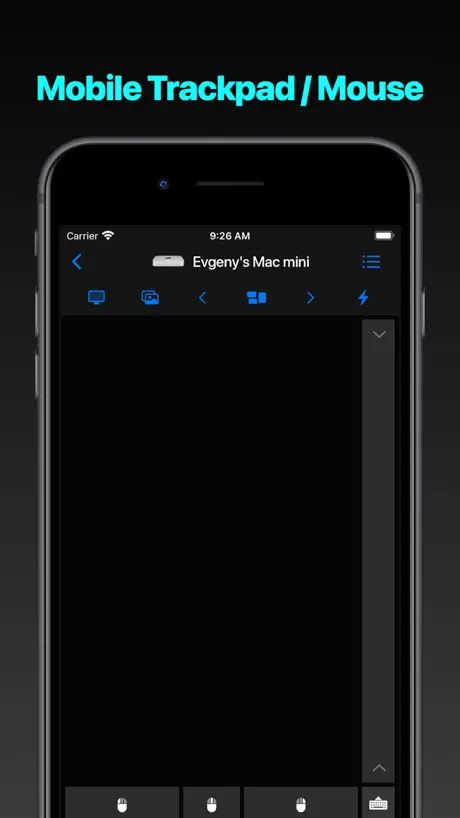  Mouse · Keyboard | 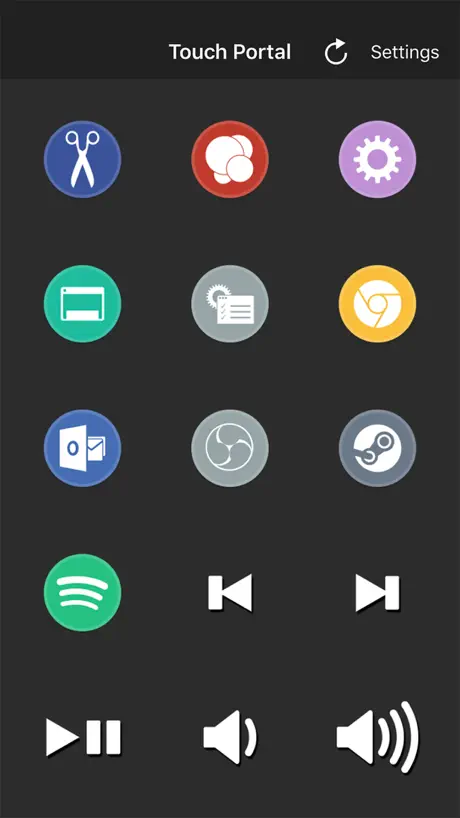  Touch Portal | 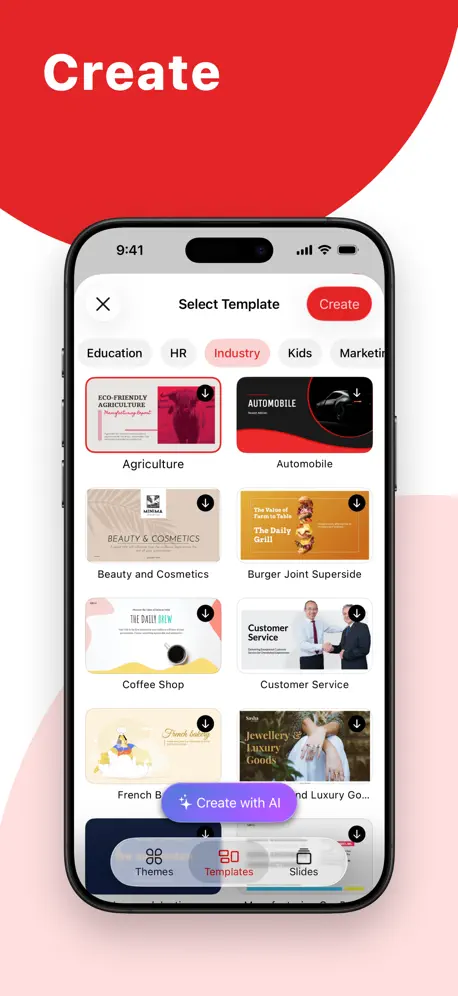  Zoho Show: Presentation Maker | 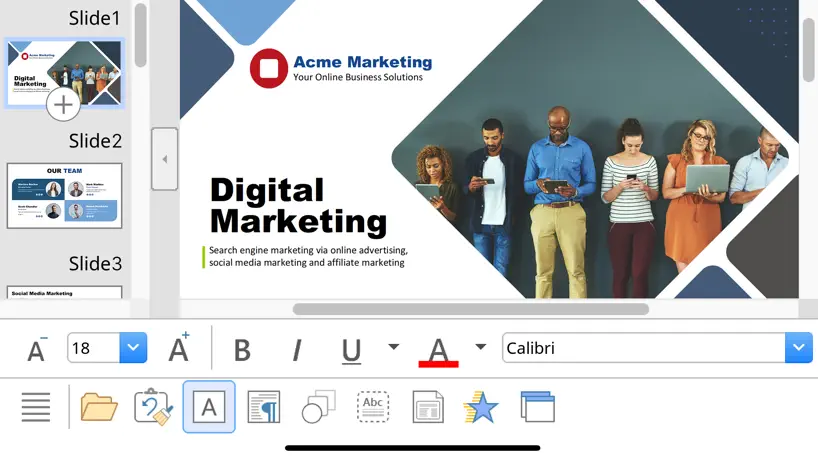  SoftMaker Presentations | 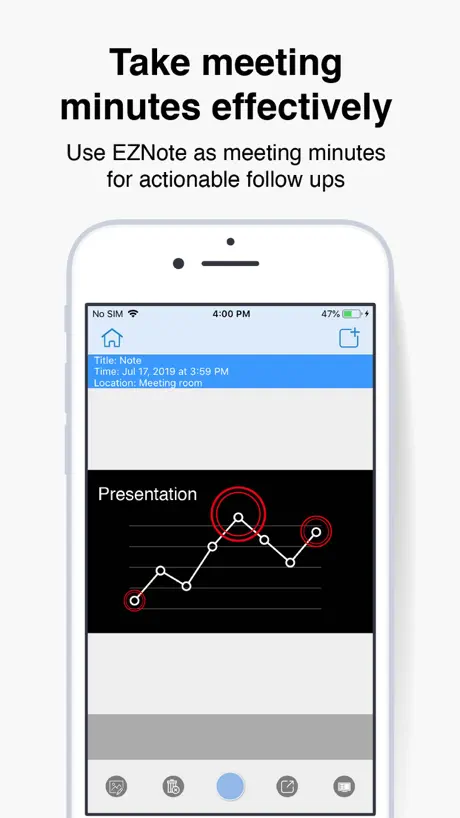  EZCast Pro |   VMouse - VNC Remote Mouse | 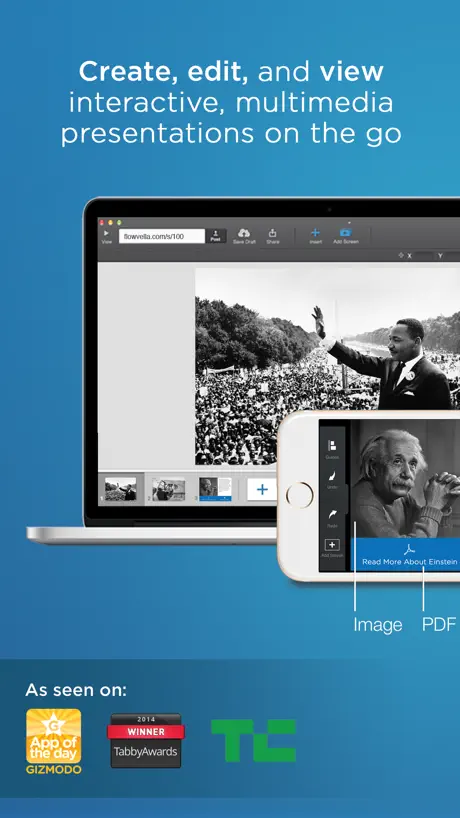  FlowVella Presentation App | 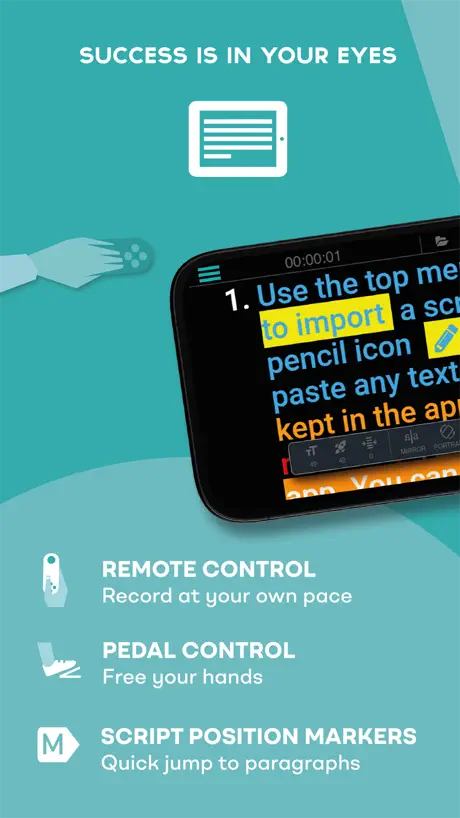  TeleprompterPAD |   Extron Control |   Clicker – Presentation Remote | |
|---|---|---|---|---|---|---|---|---|---|---|---|
| Rating / 5 | 3.8 | 4.7 | 4.5 | 4.3 | 4.6 | 2.2 | 4.3 | 3.5 | 3.3 | 4.0 | 2.0 |
| Reviews | 349 | 11K | 2.6K | 956 | 625 | 345 | 180 | 172 | 109 | 42 | 4 |
| Released | 2019 | 2020 | 2018 | 2018 | 2022 | 2014 | 2017 | 2013 | 2020 | 2012 | 2024 |
| Monthly price | — | — | — | — | $1.49 | — | — | $19.99 | — | — | — |
| Annual price | — | — | — | — | $13.49 | — | — | $99.99 | — | — | — |
| One-time price | — | — | $0.99 | — | — | — | $3.99 | $0.99 | — | — | — |
The going rate for each plan in United States, in its own currency, shaded from the cheapest price on the row to the dearest.
Clicker - Presentation Remote reviews
3.8 out of 5, based on 349 reviews.
What people like
- Works perfectly with PowerPoint and Google Docs
- Easy to set up and use quickly
- Much cheaper than buying a physical remote
What they complain about
- Upgrade buttons don't work at all
- Setup instructions are confusing and hard to follow
- Connection fails frequently on many devices
Great app
I like the app
Doesn’t Work?
I wanted to like this but it doesn’t seem to want to connect.
Funciona no gratuito
Mas não consigo comprar o pro Plus ou pro para iOS
Devs may have died
The don’t care anymore. It’s been years since there was the problem with purchasing the pro versions. This was the best app but I honestly think the devs are all dead.
In-app purchases
Unable to purchase in-app purchases. The links do not work.
But…….
How do I get the pro version
So inoperable
Instructions are too complicated and difficult to understand. Not your usual load ‘n go Apple App.
Great app but needs something more
This works great, but it does not support all software, such as Canva. That was a big bust for me. If you could please add Canva, it would awesome. So no hate, because this is an amazing app and I recommend this app for anyone who use Google Slides, or PowerPoint
No puedo hacer la compra
No puedo comprarla, los enlaces no funcionan en la aplicación. Por favor arreglen esa parte. Quiero comprar la versión plus.
No way to upgrade
Seems like a good app for free. I’d like to upgrade but the pro and pro plus and restore purchases buttons on the iPhone app appear to be not functioning.
It even turns on the video!
Great
Can’t upgrade
We love the basic app but when we click “start using pro plus” nothing happens upon clicking the button. We’d like to give you money but can’t. 😃
Ferramenta excepcional
Recursos excelentes que certamente melhorarão a qualidade das minhas apresentações. O único ponto negativo é que os botões para adquirir as versões Pro não estão funcionando.
Love the app but can’t upgrade
Upgrade buttons don’t work within app, can’t purchase in Apple App Store nor online.
Seems great but it won’t let me upgrade
No way to contact developer. I’d love to upgrade.
Free simple clicker works
Works great for simple left right clicker.
App doesn’t work
It doesn’t offer any functionality. Nothing works, the advance keys don’t work. Nothing. Don’t bother downloading.
Good app but…
Great app. Just doesn’t allow me to purchase pro plus
Can’t upgrade to Pro/Pro Plus
Every time I got to try to upgrade, on either iPad or iPhone, nothing happens when I click the upgrade button - the touches don’t register or something. Help me give you some money by fixing this!
Upgrade?
Hey! I cannot upgrade to Pro version - nothing happens when I am trying to upgrade!
In app purchases but worth it
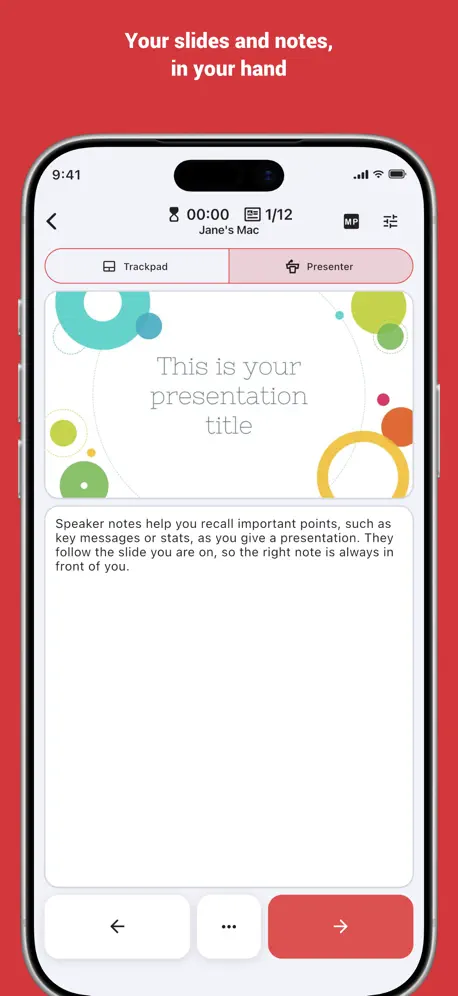
My main purpose in getting this app is to us it as a remote for PowerPoint presentations. It does exactly what I need it to. I like being able to see the current slide and my notes. Sometimes my slide advance is slow, but it may just be my Wi-Fi.
NOT FREE!!!!!
You have to put in credit card info to get anything to work. This is a scam.
Excellent App
So far, the app works as described; I would like to have the ability to turn off the speaker notes if there are none; this way, on a tablet, the preview is larger. Thank you.
Deceptive
They don’t bother to tell you until you have it completely set up and configured that an in-app purchase is required to make this usable.
Ok
Makes you pay for the simple things but easy to navigate
Good
The app is very good. It works smoothly and is easy to set up. I highly suggest
Unclear payment requirement
The app requires you to give credit card info to a third party that automatically bills after 14 days, not even as a subscription to the service but as some strange 3rd party music streaming platform. Guess I’ll try to find something else.
helpful for presentations
pretty easy to use, works well. really wants you to buy the premium
Okay, but missing important features
I give it 3 stars thus far, but may increase it. Right now pro plus does many helpful things, but I miss: Some way to see the next slide To annotate on a slide that I see on my iPad (not a blank screen) Some way to use the Apple Pencil to write on a slide Also, that the writing doesn’t lag so badly
It works
It is easy to set up and it does what it says it will do. It allows you to use your phone as a clicker.
Malware warning in attempt to download desktop application
My antivirus ZoneAlarm does not like the desktop app - multiple malware alerts.
Very nice app to use
My only suggestion is to enable the volume button when the screen is turned off.
Won’t work
It won’t let me connect
Where has this been all my life?? Add notes to google slides??
LOVE LOVE LOVE! I’ve purchased 2-3 cheap little clickers and always leave them in a bag or in my office. I won’t leave my phone! Huge timesaver! One request... I would LOVE to see the notes in google slides! 🙏🏻👏🏻
Insist on Credit Card!!!
You cannot use this unless you give them your credit card upfront. The “free” is only good for a five-day trial after which it is $40 a month. None of this was clear to me upfront. Have wasted a lot of time getting desktop program downloaded etc. Very disappointed.
Clicker app
Works great in class! I can stand at the back and run my slides. Wish it would connect automatically.
Unable to upgrade
Great concept and free version works fast and well, so much so that I wanted to upgrade, but I when I click on the button to upgrade it doesn’t let me.
Works Great!!!
Free version works great. Makes we want to buy the Pro and Plus versions now to get the advanced features!
iPad Pro and iPhone 13 don’t sync
Had high hopes this would work. Updated all iOS to ensure compatibility but my iPad Pro and iPhone 13 won’t connect. Will mot connect manually either. Wanted to use my iPad for presentations on the go, just more convenient…guess that ain’t happening.
Great Clicker! Wish I could see notes!
This is a fantastic clicker. It is so great to use while teaching. I wish I could see my notes on google slides. I hope that update comes soon
Hey Dev need some help
I tried to unlock the functionality and upgrading to the pro side and when I click the button nothing happens. The button changes color but nothing comes up or shows how much it would be to purchase.
Very useful tool!!!
If you are a presenter, this is an awesome app to have. It works with Microsoft PowerPoint, The Document Foundation Libre Office and Google Docs. It works flawlessly and it’s a way more affordable than buying a remote. The Pro Plus features are highly recommended. It’s so awesome that I have both iPhone and Android versions. My congratulations to the developer, keep up the good work! Can’t wait to see future additions to this already phenomenal tool.
Not awesome
Cannot get this to sync with MacBook Pro
Excellent Except One Vital Flaw
The app is working great. Setup is blazing fast. The interface is clean and intuitive. The reason I’m giving it 4 stars is because the app doesn’t support the usage of physical volume buttons for navigating between slides. As a presentation clicker this is a must have feature. Some other remote mouse apps has this feature. If this app adds this feature then I can say with confidence that this is the best app for presentation clicker.
Instructions not included
Instructions are not included with software had to copy the instructions from the separate link on the website. Does give an error upon opening that it’s not safe. That’s a concern as not many know how to allow ports and apps in the firewall allow settings on Windows 10. Should also have the ability to decide if you want to see notes or hide notes on the app Overall it’s nice. For those who are not tech savvy, it may be difficult to setup. Update: was able to get clicker to work. But found the issue was WHERE the file was downloaded/extracted to. Company policy does allow to extract program to desktop, so had to manually move folder to c drive and create a shortcut. Recommend to create an exe to set up properly. Also, purchased pro only to have to pay again for pro plus so I could preview the presentation. Would be nice to have a laser pointer, but not necessary.
Clicker - Presentation Remote FAQ
- Is Clicker - Presentation Remote free?
- Yes. The app is free, in all 175 countries it sells in, and it sells nothing inside it.
- Does Clicker - Presentation Remote have a free trial?
- No. None of its offers (US) come with a free trial.
- What are the best alternatives to Clicker - Presentation Remote?
- Mouse · Keyboard (4.7 from 11,364 reviews), Touch Portal (4.5 from 2,622 reviews, premium from $0.99) and Zoho Show: Presentation Maker (4.3 from 956 reviews).
Clicker - Presentation Remote download
Last updated 29 days ago.
Clicker - Presentation Remote sells in 175 countries. It was released 7 years and 5 months ago, on 26 May 2019. It holds a 3.8 rating from 349 reviews.
Supports 10 languages: English, French, German, Hindi, Japanese, Portuguese, Russian, Chinese, Spanish, Ukrainian.
How much does Clicker - Presentation Remote make?
Third-party estimates for the last 30 days, worldwide — not the store's own figures, which Apple publishes for nobody.