
tranScreen
Screen Casting Expert


How much does tranScreen cost?
Prices are current as of 25 Oct 2026.
tranScreen has no in-app products on record in the United States.
10+ alternatives to tranScreen
| tranScreen |   Remote for Android TV | 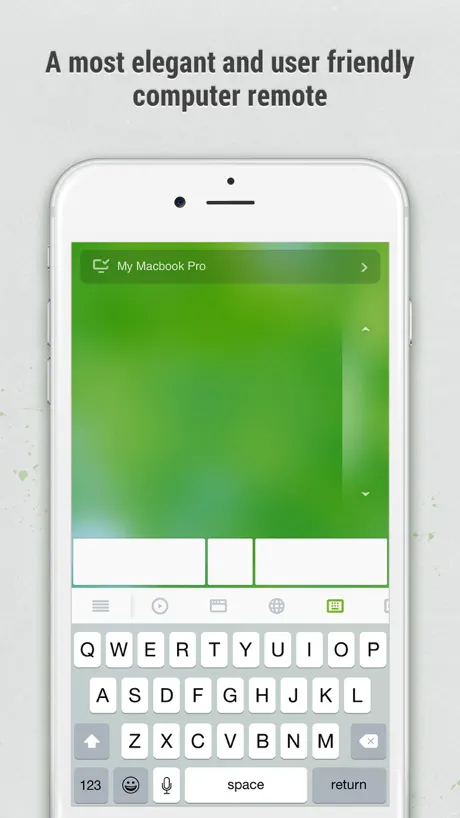  Remote Mouse | 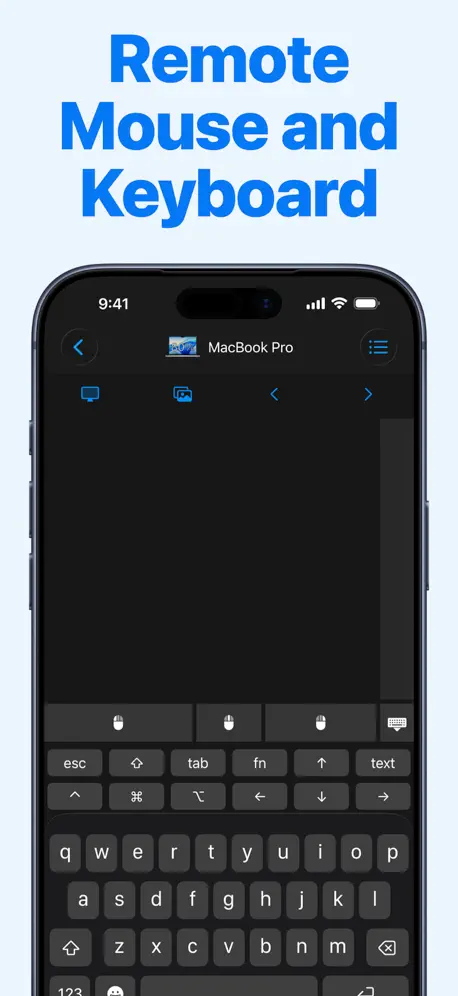  Remote, Mouse and Keyboard | 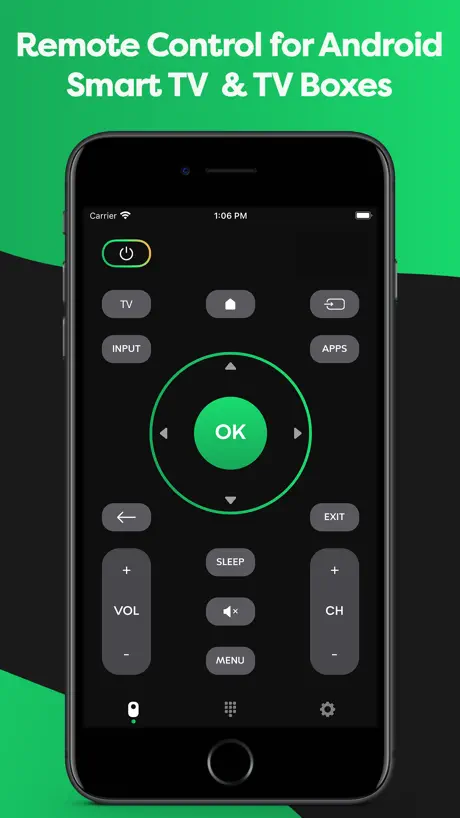  Remote Control for Android TV |   Miracast: Screen Mirroring TV |   Screen Mirroring・Air TV Cast |   Screen Mirroring・TV Cast App | 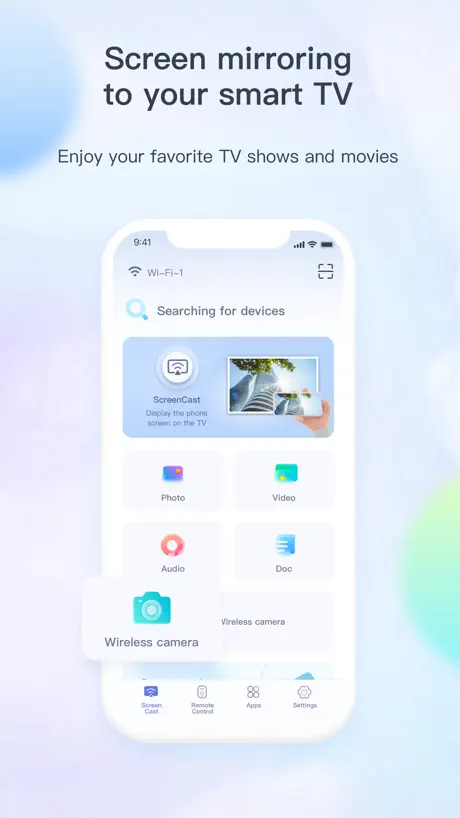  TV Casting |   HY300 4K Smart Projector Guide |   Mobile Mouse Bluetooth Remote | |
|---|---|---|---|---|---|---|---|---|---|---|---|
| Rating / 5 | 2.3 | 4.5 | 4.6 | 4.5 | 4.5 | 4.5 | 4.3 | 4.3 | 2.3 | 1.3 | 3.0 |
| Reviews | 336 | 158K | 109K | 47K | 20K | 14K | 4.7K | 4.6K | 213 | 13 | 10 |
| Released | 2019 | 2023 | 2010 | 2013 | 2022 | 2024 | 2024 | 2023 | 2022 | 2026 | 2026 |
| Weekly price | — | — | — | $4.99 | — | $6.99 | $6.99 | $6.99 | — | — | — |
| Monthly price | — | — | $1.49 | $3.99 | — | — | — | $2.99 | — | — | — |
| Annual price | — | $8.99 | $13.99 | $9.99 | — | $24.99 | $29.99 | $29.99 | — | — | — |
| One-time price | — | $19.99 | $1.99 | $19.99 | $4.99 | $29.99 | $35.99 | — | — | — | — |
The going rate for each plan in United States, in its own currency, shaded from the cheapest price on the row to the dearest. Plans fewer than four in ten of the priced apps sell are left out.
tranScreen reviews
2.3 out of 5, based on 336 reviews.
What people like
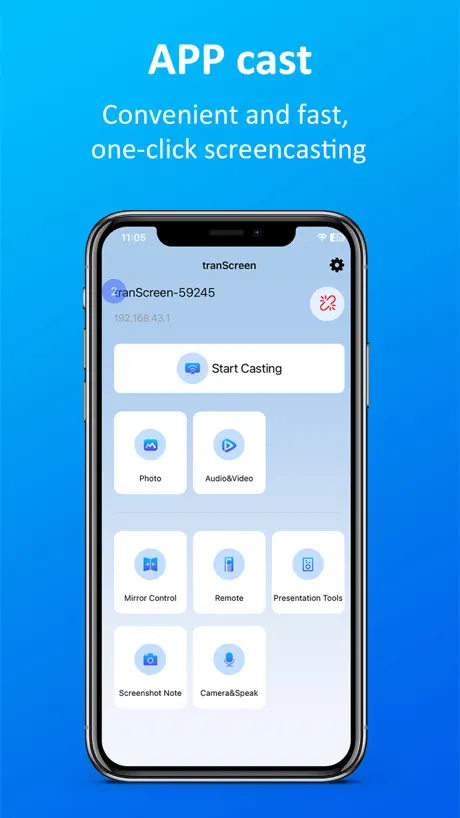
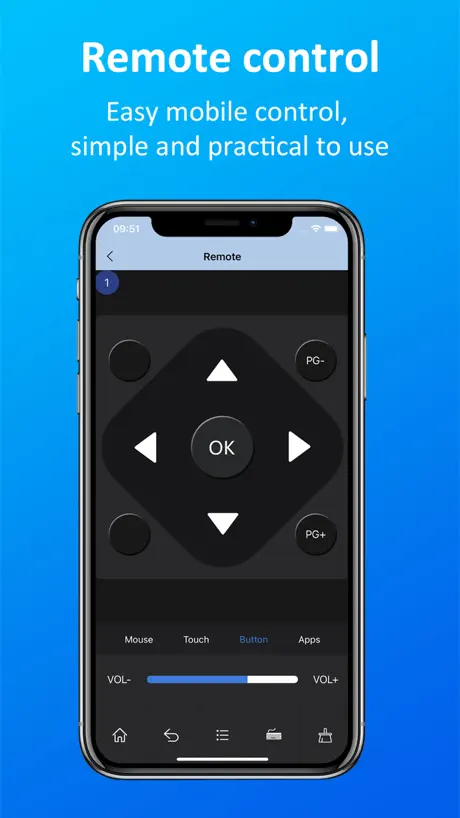
- Works great as a remote replacement
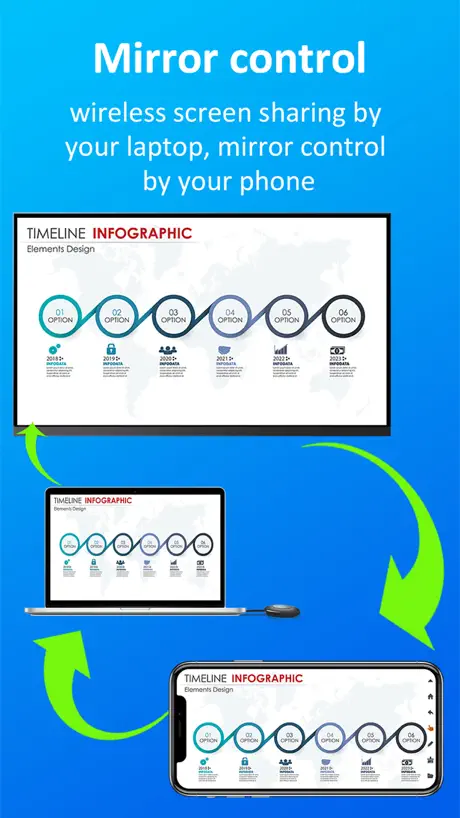
- Lets you see screen from other rooms
- Saves you when you lose your remote
What they complain about
- PC version is impossible to uninstall
- Connectivity drops and lags constantly
- Removed touch controls and mouse features
Muito top app!!
Trava um pouco quando agente ta espelhando, usando o cll pra controlar o projetor todo, a função controle remoto funciona perfeito
Doesn’t Work
Got it to work yesterday, today it won’t. Should have known seeing how negative the reviews are for the app.
Thank you
I lost my controller so I’m glad about this app. I would’ve made it 5 stars but my projector has been out of focus for so long lol and on the app the options are there but it doesn’t work for me. Every other button works :( thanks though
option removed.
I can’t change to quality of the screen no more on the app at first there where a setting on trans screen app where I click on it and it pops up a menu on my projector screen to change audio and quality and some more stuff now it’s gone it’s just a remote which is useless for a remote app.
Balright
I like the app but now it doesn’t even register my projector anymore. I tried to reconnect the Wi-Fi on my phone and even found a way to reconnect the Wi-Fi in the projector, i even reinstalled the app aswell and yet the problem still occurs so far I haven’t been able to use my projector
Loved it
Well, I did love this app. I used it when I lost my remote for my MagCubic projector. It worked great, better than the remote even. But at some point my projector got stuck in the starting screen and I wasn’t even able to use the home button. Using one of the apps it offered you was a big help and I was able to use it like normal. It let you switch through apps really easy but now the only option it offers is is the generic remote, with the buttons you’d see on the remote. So if you’re looking for genuinely just another remote replacement it’s great but after they changed it. I won’t be using it anymore unless they change it back. (Please change it back….)
Magcubic
Excuse me this device does not show where my magcubic thing is!
。
请问电脑mac怎么下载使用, 电脑点不开
Bring back all the remote features
Use the the app for my project for Netflix but can’t anymore because all the remotes have been removed apart from the normal remote.
苹果17拍的无法播放
我别的手机拍摄的都可以,17拍摄的放不出来希望改进。
Great
Does everything you need to do for a projector.
Horrible update
Why did you guys update the app so it couldn’t work anymore??
Good but doesn’t really connect
I use this app sometimes since it’s the only one I can find that can connect to my projector , but 98% of the time my projector doesn’t show up and when it does (only 2 times) it’s really laggy, please fix this.
New update is bad
They’ve gotten rid of the touch pad which means you’re left to control via screen mirroring which is not calibrated properly
Magic cubic projecter
I was freaking out that I lost my controller to the projector. And this app works perfectly on the touch screen part thank you!!
New update 👎 4/1/26
What good is an update if you take all the essential features away? Mouse? Touch? The remote no longer functions properly either! Why add a power button that doesn’t work? Can you put it back to the way it was PLEASE!
Would not find device
Tried multiple times, would connect my iPad and iPhone to HY300 via Bluetooth, but this app would not find the device. Tried the ip address and still nothing. All the YouTube videos made this look really promising
Works but buggy
It works great when it does connect but most of the time my projector don’t even show up on the app I keep refreshing and still nothing when everything is perfectly fine the projector is connected to my home WiFi and so is my phone but it still bugs out please fix it
Works Well
The app works better than the actual projector remote😆
Обновление
Вы убрали сенсор, мышь… верните!!!!!
☹️
Não é tão bom assim
Funciona bem por um tempo
Fica se desconectando sozinho
Love this App!
This app is amazing! I can actively see the tv screen on my phone while I’m in the other room. This makes life so much easier. Especially, after taking my sleeping meds and lying down. If I don’t like the sleep music playing on YouTube, I can actively be productive, and lazy at the same time. It’s perfect for a Taurus. 🐂
UNSAFE AND DOESN'T WORK 👎👎👎
if you own a PC, for the love of God DO NOT install this application. besides the fact that it just doesn't work, it took me hours to figure out how to remove it completely from my computer. it purposefully disables user permissions which means you have to manually go to every single file in administrator mode (which compromises the safety of your pc) and give yourself permissions (which is extremely tedious and dangerous [and should not be allowed for the 'developers,' if you can even call them that, to do]). then once you modify every file you will realize that it cannot be deleted because it is "open in another application." this application does not appear in task manager, background applications, control panel, startup applications, or ANYWHERE in the pc besides the file location itself. the 'developers' make it almost impossible to uninstall on purpose, which is very, very sketchy. for the safety of your computer, phone, and sanity, never download this garbage.
Как оформить подписку?
Пробный период закончился. Не понимаю как как можно оформить подписку и получить код.
Great for missing remote controls
My son lost the remote for our MagCubic project but this has enabled us to use it again
Doesn’t work
Doesn’t connect at all
连接失败
安卓系统连接不上,没有反应,扫码之后出现ip也点击没有反应
😎
Bro I can’t find the IP on my projector helppppp😭 I need lots of help
Terrible
This app does not tell you it will charge you $40 when you download it
希望可以改进,iOS设备连了投影,就上不了网了
如题,即便我是手机,有蜂窝网络,但是连上wifi就会走wifi的流量,这样挺蠢的。不过主要是我司没有无门槛的公用wifi,导致要给每个投影建自己的热点让设备连上。
Works well
Great app works well
Data does not connect
This app doesn’t connect to my projector. It worked ONCE. Somehow!
安装后无镜像反控
镜像反控还没实现吗?
Throw away what ever you need this app for
App doesn’t work
tranScreen FAQ
- Is tranScreen free?
- Yes. The app is free, in all 175 countries it sells in, and it sells nothing inside it.
- Does tranScreen have a free trial?
- No. None of its offers (US) come with a free trial.
- What are the best alternatives to tranScreen?
- Remote for Android TV (4.5 from 158,364 reviews, premium from $3.99), Remote Mouse (4.6 from 109,234 reviews, premium from $0.99) and Remote, Mouse and Keyboard (4.5 from 46,561 reviews, premium from $3.99).
tranScreen download
Last updated 4 months ago.
tranScreen sells in 175 countries. It was released 7 years and 3 months ago, on 7 Aug 2019. It holds a 2.3 rating from 336 reviews.
Supports 16 languages: English, Arabic, French, German, Indonesian, Italian, Japanese, Korean, Malay, Polish, Portuguese, Russian, Chinese, Spanish, Thai, Vietnamese.
How much does tranScreen make?
Third-party estimates for the last 30 days, worldwide — not the store's own figures, which Apple publishes for nobody.