
Categorizr: Receipt Scanner
Track Expenses and Inventory
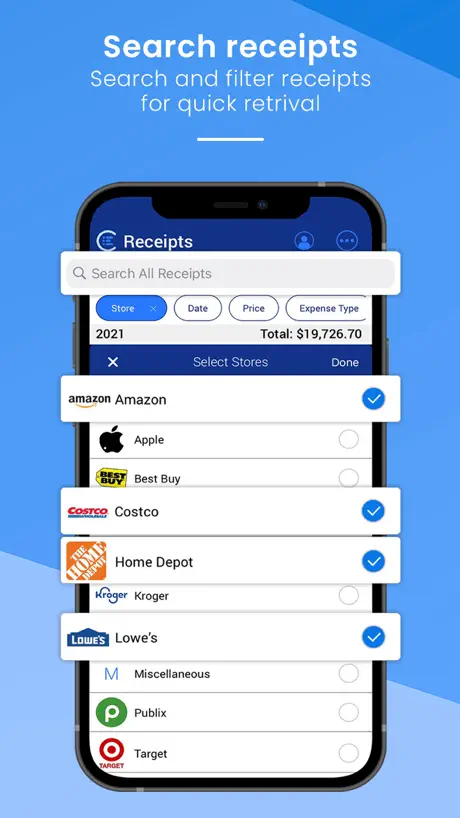
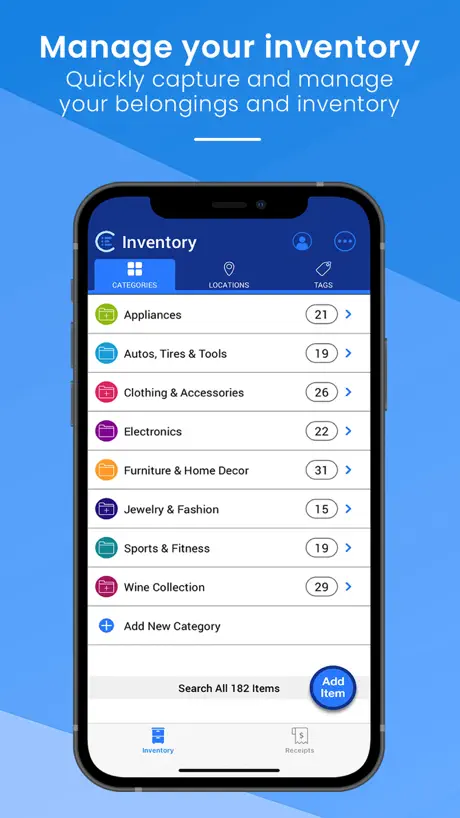
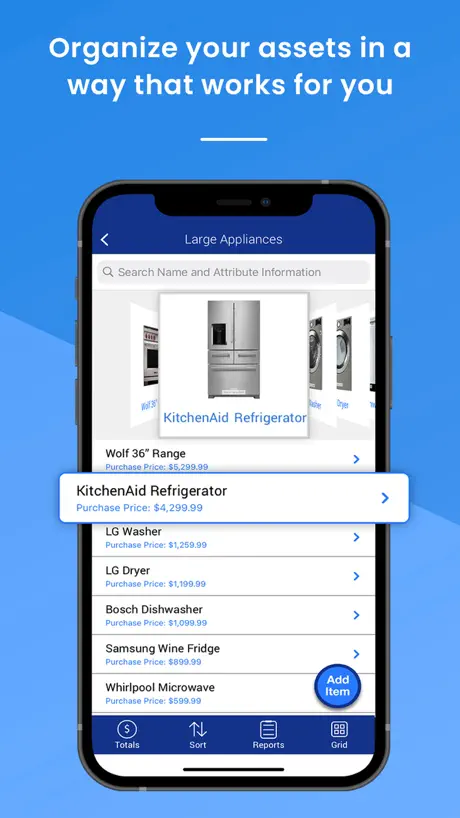
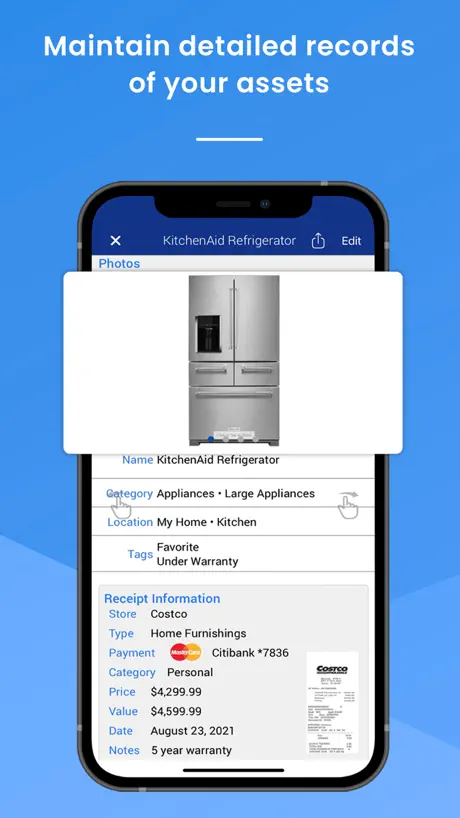
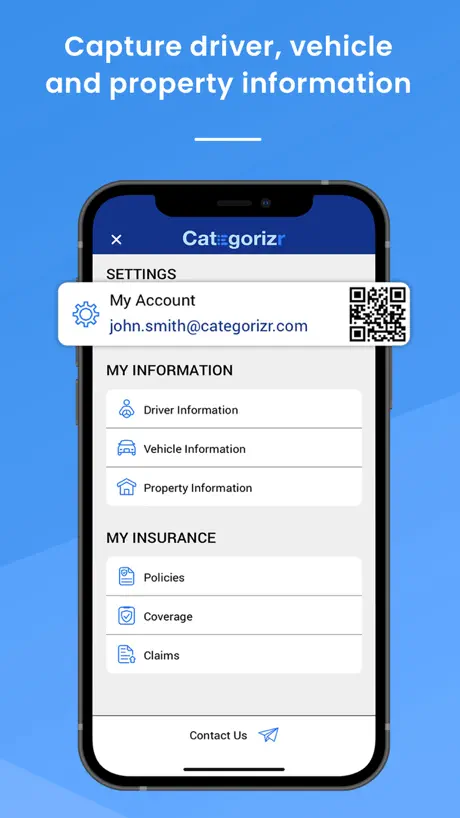
How much does Categorizr: Receipt Scanner cost?
Prices are current as of 13 Nov 2026.
Categorizr: Receipt Scanner has no in-app products on record in the United States.
10+ alternatives to Categorizr: Receipt Scanner
| Categorizr: Receipt Scanner | 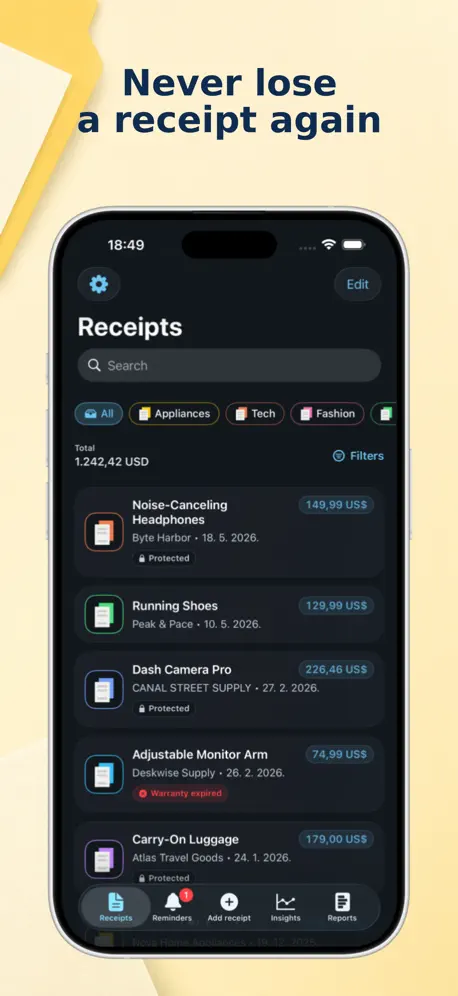  Keep Receipt |   QuickReceipts Smart Scanner | 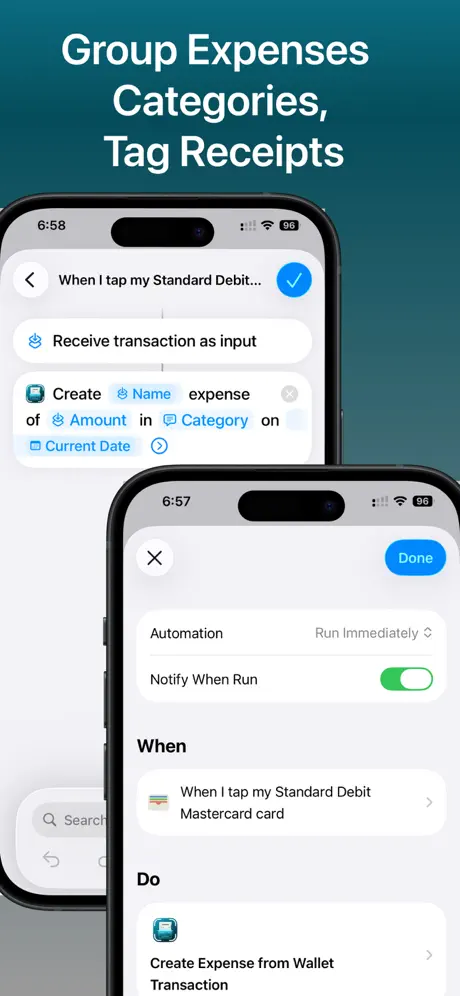  Smart Receipt Scan: Receiptly |   Receipt Organizer & Keeper |   AI Receipt Scanner: Smart Scan |   Stitch - Receipt Tracker |   Receipt Canada |   Receipts: Mileage, Tax Tracker |   Receipt Organizer : ReceiptBox |   Receipt Scanner Money Tracker | |
|---|---|---|---|---|---|---|---|---|---|---|---|
| Rating / 5 | 4.7 | 4.7 | 4.8 | 4.3 | 4.7 | 4.4 | 4.3 | 4.5 | 5.0 | 5.0 | 1.0 |
| Reviews | 152 | 2.1K | 2K | 175 | 47 | 40 | 27 | 15 | 13 | 3 | 2 |
| Released | 2019 | 2019 | 2020 | 2020 | 2025 | 2021 | 2022 | 2020 | 2019 | 2024 | 2025 |
| Monthly price | — | $2.99 | $6.99 | $9.99 | — | — | — | — | — | — | — |
| Annual price | — | $24.99 | $69.99 | $99.99 | — | — | — | — | — | — | — |
The going rate for each plan in United States, in its own currency, shaded from the cheapest price on the row to the dearest. Plans fewer than four in ten of the priced apps sell are left out.
Categorizr: Receipt Scanner reviews
4.7 out of 5, based on 152 reviews.
What people like
- Totally free with no monthly fees
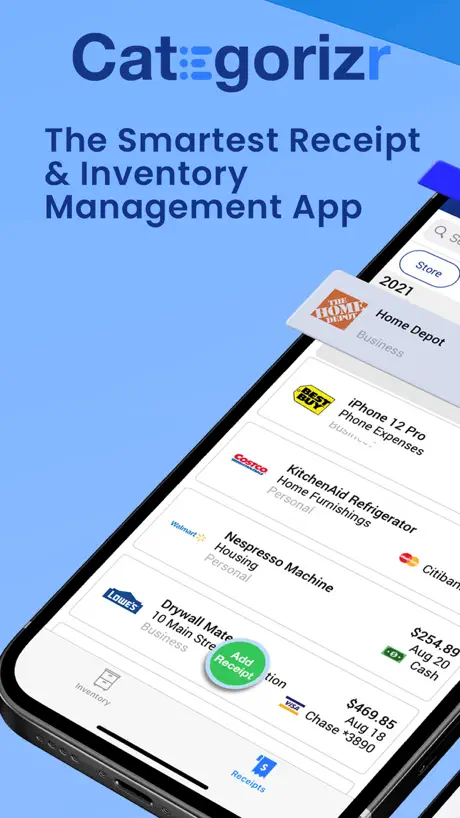
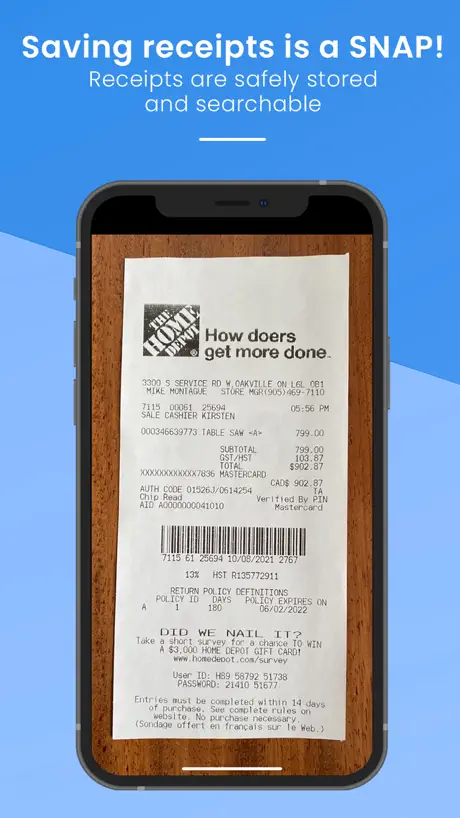
- Scans receipts and fills details automatically
- Exports data easily to CSV files
What they complain about
- Dates often get mixed up
- App glitches and kicks you out
- Support is impossible to reach
Fastest receipt scanner
so easy to use and really helps keep me organized with the millions of receipts i get a day
problem with APP
cant contact developer
Free receipt scanner
Finally found a free receipt scanner that is smart, so I don’t have to input all the details. Will keep pictures of the receipts so I don’t have to keep the paper copy. I don’t need fancy accounting software like other apps. Could look a little more aesthetic and doesn’t recognise logos.
Couldn’t edit date.
Just downloaded the app and started to explore how to add items. After the scan, most info were recorded correctly, but the dates were often incorrect, as it seems to interpret the date as date/month/year. So when the receipt says “3/5/2024”, it’s recorded as “May 3, 2024”, and it can not be edited, and I couldn’t find any setting that might be able to change this. Tried to contact the support but for some reason the message failed to send, even though it was a message box in their website……
Useful and effortless
This app makes organizing receipts extremely simple with easy scanning, accurate text recognition and smart categorization. It organizes receipts in categories that are personal to my preferences making is more user friendly and useful. It’s easy to use every day and the more I use it the more I learn about its features. This has been one of the easiest and most useful apps I’ve used on the App Store.
Great app
I downloaded your app yesterday and overall it’s been very helpful in helping me to organize my receipts. I didn’t realize an app like this even existed, and it makes reconciling my accounts very easy. One issue I came across is when the app takes the photo of the receipt and uploads the info, it can transpose the date in the receipt. For example, it will say October 8 when the receipt’s date is August 10. I am not sure if you are aware of this already or not, but it happened to me several times yesterday as I was scanning. Thanks so much for the app otherwise it’s great!
Perfect
Does exactly what I need it to. The developer of the app is a hero
Love it
The thing I love about this app is you don’t have to pay monthly and it still can be exported easily to a CSV file. The only complaint I have is I wish you can choose where the photos would be saved. It saved them to the camera roll and I wish I could save it under a certain file so that it doesn’t clutter. The camera roll.
Fantastic App
Easy to use, very streamlined, best receipt scanner/ expense tracker I’ve used.
Trying it for now
I really like this app the layout and the details are perfect you can categorize by store and by what topic it is I’m using it for receipts and it’s perfect you can use it for inventory of anything though! The only problem I have is that it glitches me out of the app which is a bummer because this exactly what I was looking for ! Gonna try it out for a month or so and update
MUST HAVE!
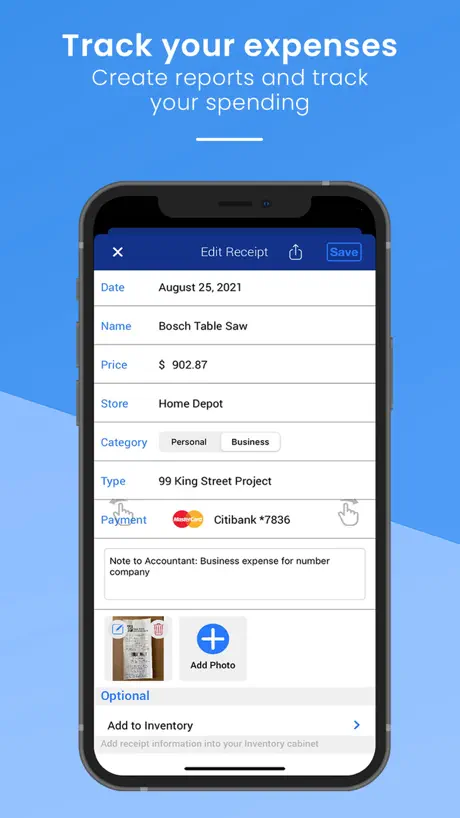
This is a GREAT app to have to simply scan your receipts for tax purposes. I love that there is no charge for this app, & that the app can separate each expense into its own category on a summary sheet. Each receipt you scan, automatically saves to your gallery plus it saves within the app. I’ve tested out other receipt scanner apps, by far this is the best yet!
Amazing Detail
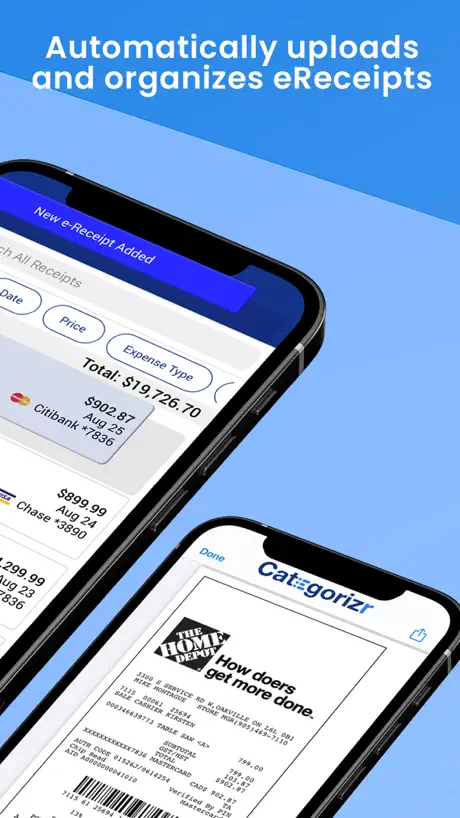
This app does more than just scan my receipts and allows me to retrieve my email receipts. It Automatically fills many of the areas by reading the receipt. Great for my Ministry a Pastor. I am told that soon it will be able to sync with my iPad. Great app!!
Love it
I’m really surprised there are not more reviews because this is the best app I have found so far. I also like that they don’t force you to give any information in order to use the app. More than happy to upgrade later if I find it useful
Categorizr: Receipt Scanner FAQ
- Is Categorizr: Receipt Scanner free?
- Yes. The app is free, in all 175 countries it sells in, and it sells nothing inside it.
- Does Categorizr: Receipt Scanner have a free trial?
- No. None of its offers (US) come with a free trial.
- What are the best alternatives to Categorizr: Receipt Scanner?
- Keep Receipt (4.7 from 2,116 reviews, premium from $2.99), QuickReceipts Smart Scanner (4.8 from 1,990 reviews, premium from $6.99) and Smart Receipt Scan: Receiptly (4.3 from 175 reviews, premium from $9.99).
Categorizr: Receipt Scanner download
Last updated 23 days ago.
Categorizr: Receipt Scanner sells in 175 countries. It was released 7 years and 8 months ago, on 9 Mar 2019. It holds a 4.7 rating from 152 reviews.
Supports 1 language: English.
How much does Categorizr: Receipt Scanner make?
Third-party estimates for the last 30 days, worldwide — not the store's own figures, which Apple publishes for nobody.