
SolarWinds Service Desk
How much does SolarWinds Service Desk cost?
Prices are current as of 21 Nov 2026.
SolarWinds Service Desk has no in-app products on record in the United States.
10+ alternatives to SolarWinds Service Desk
| SolarWinds Service Desk |   Mitel Connect | 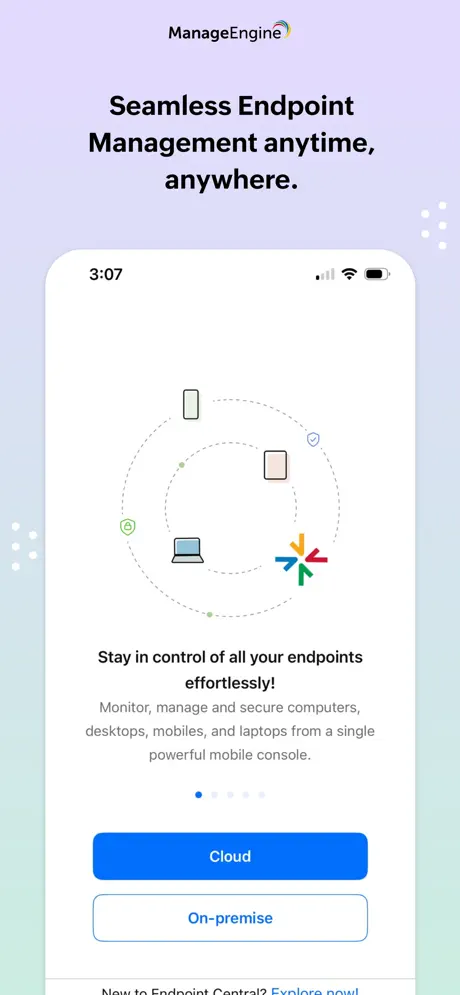  Endpoint Central | 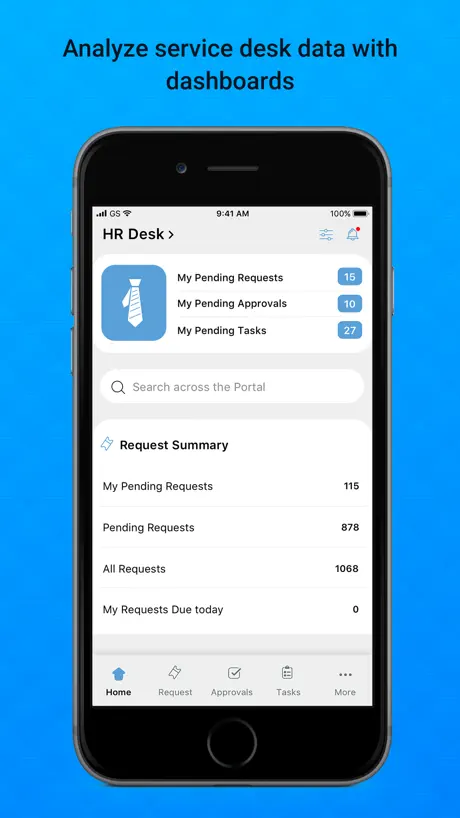  ServiceDesk Plus | Cloud | 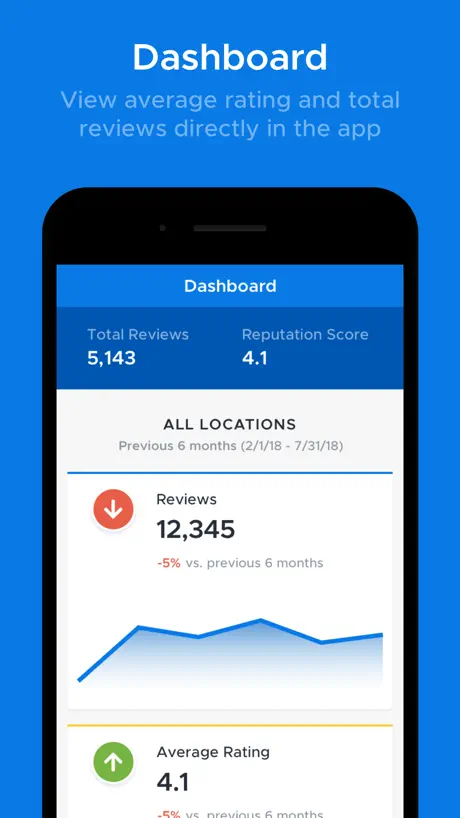  ReviewTrackers | 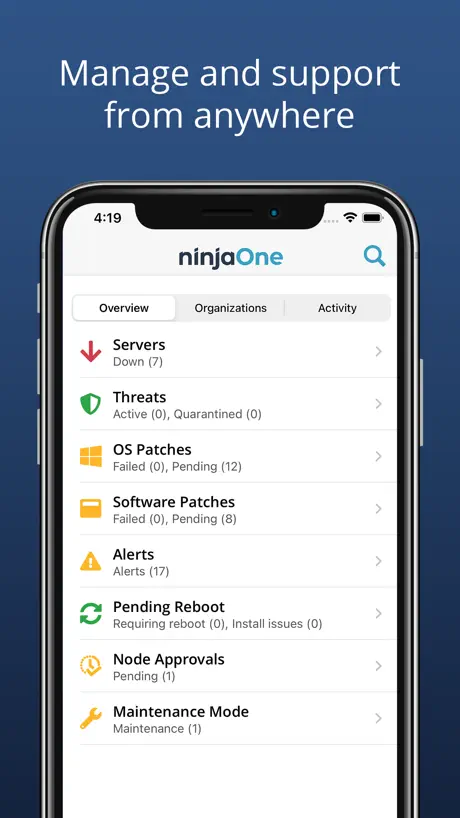  NinjaOne Mobile |   iVUE AppSuite |   ManageEngine MDM Self Service |   Kudos® |   IntelliShift In The Field |   MaintainIQ for iPhone | |
|---|---|---|---|---|---|---|---|---|---|---|---|
| Rating / 5 | 4.6 | 4.5 | 4.8 | 4.6 | 4.8 | 2.6 | 2.5 | 3.8 | 3.4 | 4.6 | 4.9 |
| Reviews | 471 | 5.5K | 1.2K | 1.1K | 363 | 139 | 110 | 83 | 45 | 14 | 7 |
| Released | 2019 | 2017 | 2016 | 2012 | 2017 | 2019 | 2014 | 2013 | 2013 | 2020 | 2019 |
SolarWinds Service Desk reviews
4.6 out of 5, based on 471 reviews.
What people like
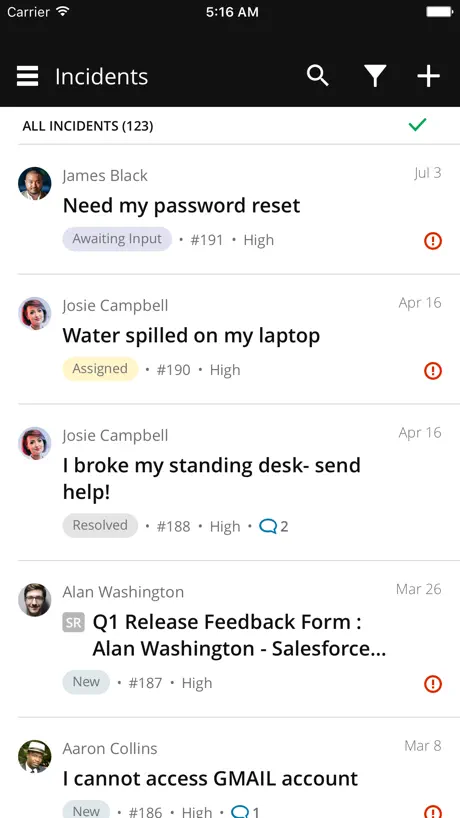
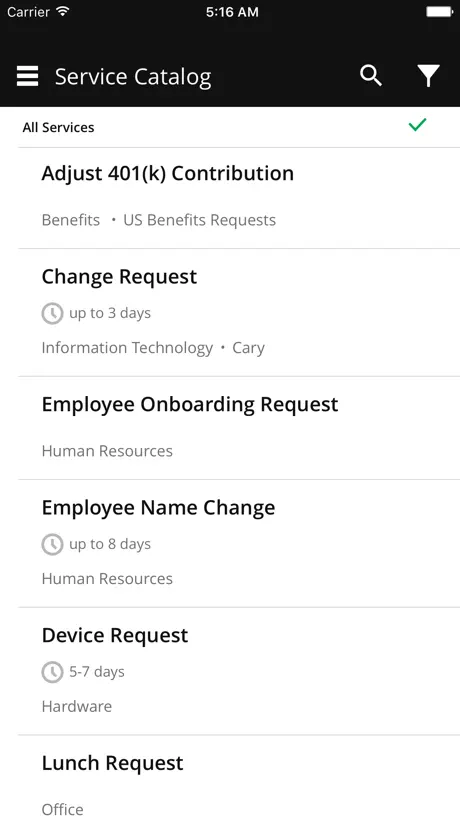
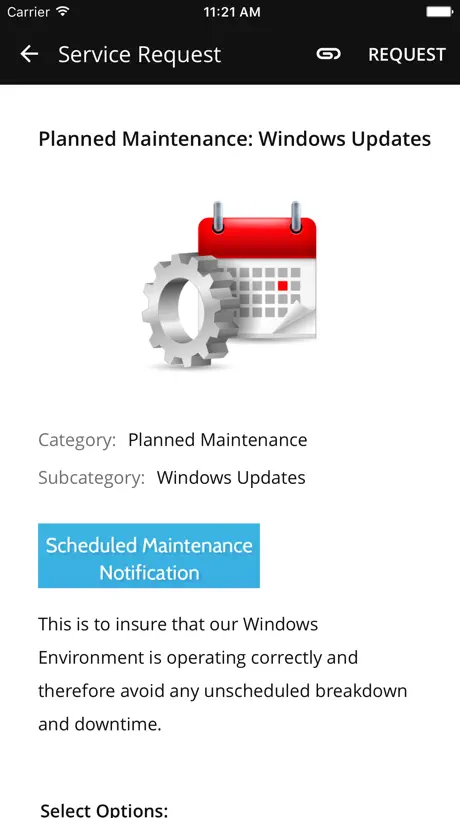
- Makes creating tickets while on the go easy
- QR scanner helps quickly find asset details
- Runs smoother and faster than the web version
What they complain about
- Keeps crashing to a blank white screen
- Notifications are delayed by hours or days
- Cannot close photo attachments without restarting app
Easy to access
Quick and handy to assign IT tickets
Photos issue with the latest release
Issue Description: When I open a photo attached to any ticket, there’s no option to close it and return to the ticket details. The only way to proceed is by closing the entire application, which is inconvenient and prevents me from checking the same or another ticket efficiently. Request: Please investigate and resolve this issue to allow users to close the photo view and return to the ticket details without restarting the application.
Bug
Every time I click into an attachment, I can’t get out of it unless I close the app and re-open. Unable to click on the back arrow in the top left corner, on iPhone 16. Otherwise the app is laid out well and easy to manage on the go.
Broken
Used to work great now no longer connects to server.
Could be a really good app
Really useful, could definitely use a dark mode.
Great program
Works well and they listen to feedback
No customer support
No support whatsoever
Perfect but one little glitch
Sometimes when opening the app (if I had it open before or I’m clicking on a notification) it goes to a blank white screen that never loads and freezes, need to close out and re-open the app
Blank Screens Often
My team and I often see a blank white screen when you open the app from a notification or just opening it. The app has to be closed and reopen constantly in order to refresh information. Please resolve!
Great when it works
When it works it’s fantastic. It allows me to offer IT support when I’m away from my desk for one reason or another. However myself and my colleagues regularly open the app to be confronted with an all white screen, and the only way to get rid of this screen is to force close the app. It has been this way for a couple of years now. As with the desktop version of the Service Desk, it feels like there is an extremely small team working on this product, so there are often rough edges that never get fixed.
It’s a very useful app
I appreciate the stability and ease of use of the app. Allows me to track my and my team’s work items and progress and update tasks quickly and efficiently
App issues
A few days ago everything in the app changed. Where it opened and looked like an app designed for a smart device, now it opens and operates like a website being viewed in desktop compatibility mode. When adding a note I have to select a box type my note then click the box again, but the post button doesn’t show up. I have to click somewhere else on the screen so that the button shows up again. Also the giant x right above the menu button is in a horrible spot since it is easy to hit and logout.
Responsive, well laid out
The mobile app is very quick to respond even on older hardware, and is easy to navigate. Only issue is that when a notification is received for a ticket, tapping the notification only opens the app… doesn’t lead to the actual ticket on question, so you need to remember what ticket it was and manually find it.
App Keeps Closing Automatically
On the current version as of 12/26/2021, the application with automatically close after every incident I update (add details, assignee, etc.) an incident. I wish we had the ability to add a configuration item to tickets through the app as well. Other than this and the constant closing after every note entry, it’s solid. I think this has potential to really help IT departments being able to update incidents/tickets on the fly without needing to bust out their laptop.
White screen crash
I am constantly having to force close the app. If I leave the app to move to another one when I come back, it just loads a white screen. Recently, I have even experienced the app blinking out to a white screen while I am using it. When it is working and I can access the futures it’s fantastic! It has everything I need to address and my helpdesk on the go. Enhancement request: -Read only dashboard in the app. -an option to open links to incidents in the app instead of the browser version.
Works better than web app sometimes.
This app works flawlessly for me. Makes it easy to make tickets on the run and runs super smooth. Feel like it runs better than the web app at times. If you use Solarwinds as a ticketing system, this app immensely betters the experience for resolving tickets and making tickets on the move.
Pictures don’t upload
Ever since this changed to Solarwinds, I can no longer upload pictures from my cell phone into the ticket. This functionality helped us tremendously and worked when it was Samanage.
Problems section.
I’d like to be able to view the Problems section from the mobile app, as that’s what a large part of my job entails. Not sure why we can see just about every other section besides Problems from the app.
Worked better before the latest IOS update
Notifications are delayed by days and hours. App works while it’s open but still seems broken compared to how good it worked before IOS17
Great app
Very useful, I wish however I could see the audit trail from the app.
ServiceDesk mobile app provides real-time, frontline support
The ServiceDesk mobile App is an outstanding product providing significant productivity improvements for our HELPDESK front-line services. There are only a couple things you cannot do from the app, otherwise Id give it five stars.
Search is awful
It’s Incident searching engine is gravely unreliable. Giving your results of everything BUT what you are searching for.
Excellent application for service desk
SW service desk mobile application is really useful to respond quickly for incidents. I also love the fact that they have a QR reader for the computers/ asset management. Easy to get the computer info with one quick scan even if the computer is off. In overall, it is ideal for any IT department.
Huge improvements over the old Samanage app with a couple drawbacks
The solar winds version of this app is leaps and bounds ahead of the old samanage version in terms of both features and performance, but one of the recent updates has caused some weird issues that I can only assume are permission based. I have full admin access as a technician on the site, but I can not even reassign or check off a task if it’s not directly assigned to me or a group I’m in. This is only an issue on the app, but honestly it’s still so much better than it was previously so it still gets 4 stars.
Solid but …
The app is solid and reliable. It needs more functionality such as being able to add tasks to an incident. It also should include preferences, such as not defaulting the current user as the requester when adding a new incident within the app, and copying the title of the last incident. Take care of these things and I’ll update the rating.
App won’t let me sign in
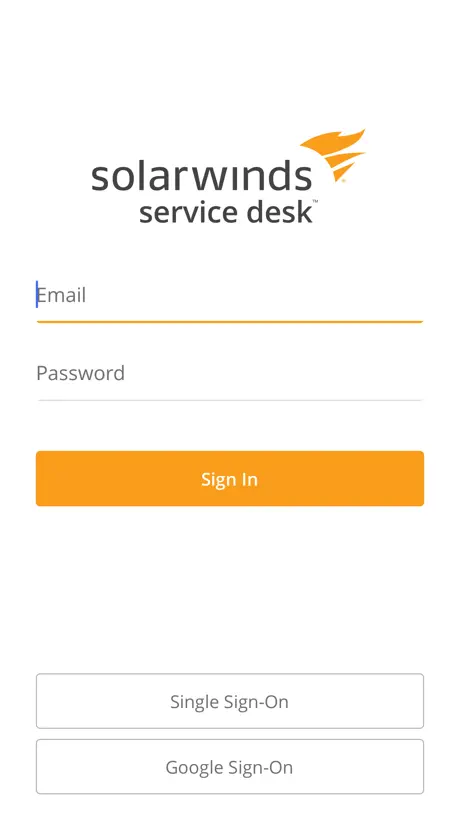
Our agency uses service Desk portal, but the app only works for other staff but not me. I have a new iPhone12 and app still won’t let me sign in with my work credentials. Not even Single-signon. Please help. Sharon Mayher
Works good
App works good but incidents are delayed
Enhancements needed
Add ticket number to banner notifications, fix it where if you tap and the is open in the background , go to that ticket, don’t just bring up the app
Awesome
Friendly to use and dummy proofed
Huge improvement over Samanage app
Amazing work you guys are doing on this. The ONLY thing missing is iOS notifications for incidents!! Then it’ll be 5 stars.
Keep the Improvements Coming
Keep the improvements coming! Would be 4 stars but Lack of time tracking entry is a big issue for our team, ability to add tasks is missing and ability to open various attachment types and export to other apps on phone is missing. Allowing toggle between agent and user app modes would be nice.
Great productivity tool + keeps getting better
I was one of the users who used the previous app which was outdated and needed serious TLC. The new app is great and new features are constantly being added. Recommendation - integrate the CMDB and inventory into the app
Needs work / buggy
Replying to users as a tech is buggy, the scrolling doesn’t work correctly if you type a long enough message to fill the viewport. Have to assume there are more issues as well, but I don’t use it much.
A much needed improvement vs the older app
Better look and feel, more functionality, better performance = nicely done guys.
SolarWinds Service Desk FAQ
- Is SolarWinds Service Desk free?
- Yes. The app is free, in all 175 countries it sells in, and it sells nothing inside it.
- Does SolarWinds Service Desk have a free trial?
- No. None of its offers (US) come with a free trial.
- What are the best alternatives to SolarWinds Service Desk?
- Mitel Connect (4.5 from 5,480 reviews), Endpoint Central (4.8 from 1,166 reviews) and ServiceDesk Plus | Cloud (4.6 from 1,129 reviews).
SolarWinds Service Desk download
Last updated 2 months ago.
SolarWinds Service Desk sells in 175 countries. It was released 7 years and 4 months ago, on 2 Jul 2019. It holds a 4.6 rating from 471 reviews.
Supports 1 language: English.
How much does SolarWinds Service Desk make?
Third-party estimates for the last 30 days, worldwide — not the store's own figures, which Apple publishes for nobody.