GeoGebra 3D Calculator
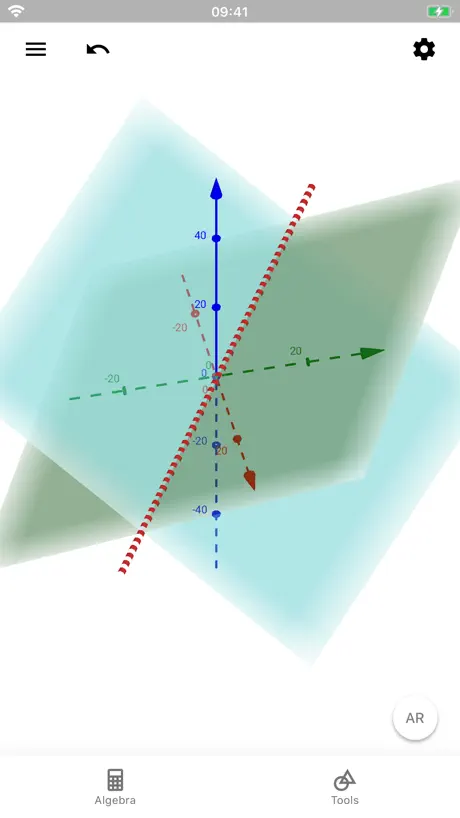
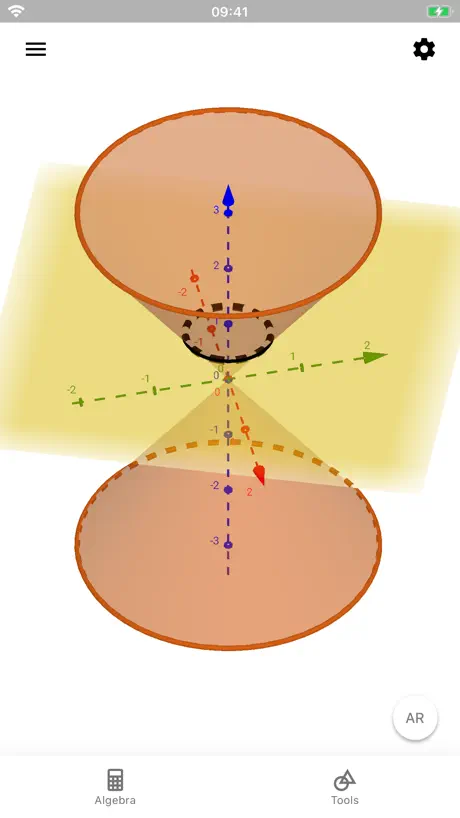
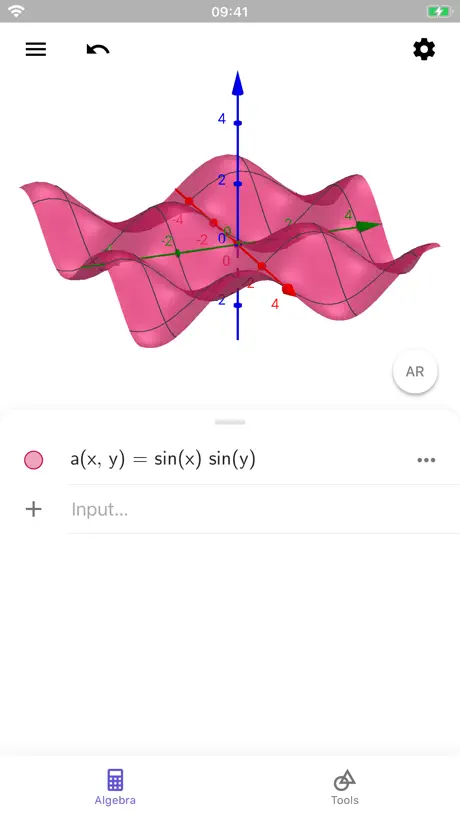
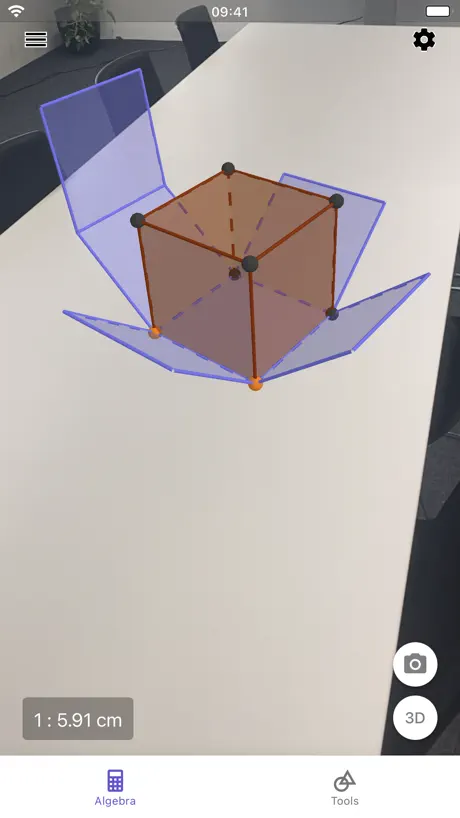
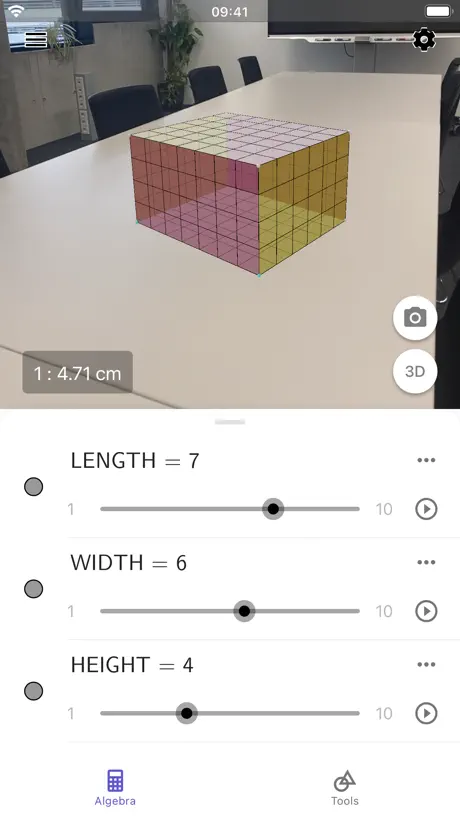
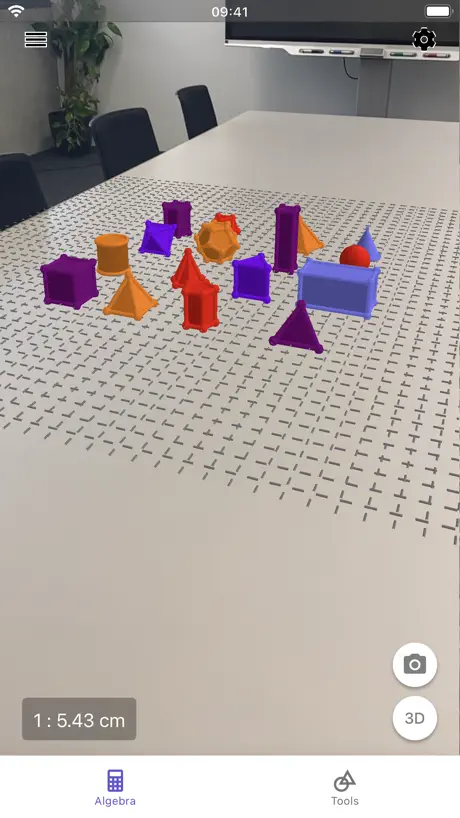
How much does GeoGebra 3D Calculator cost?
Prices are current as of 11 Sept 2026.
GeoGebra 3D Calculator has no in-app products on record in the United States.
10+ alternatives to GeoGebra 3D Calculator
| GeoGebra 3D Calculator |   Physics Lab AR Physics Lab AR |   Periodic Table: Chemistry 2026 Periodic Table: Chemistry 2026 |   Maple Calculator: Math Solver Maple Calculator: Math Solver |   启航教育-专注考研辅导28年 启航教育-专注考研辅导28年 |   Desmos Graphing Calculator Desmos Graphing Calculator |   笔袋-打印5分 笔袋-打印5分 |  启航教育HD 启航教育HD | 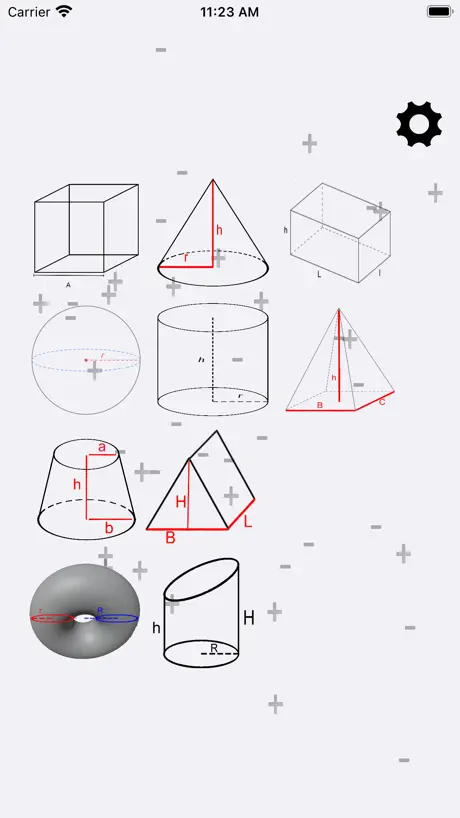  Volume and Geometry Volume and Geometry |   Symbolab Graphing Calculator Symbolab Graphing Calculator | 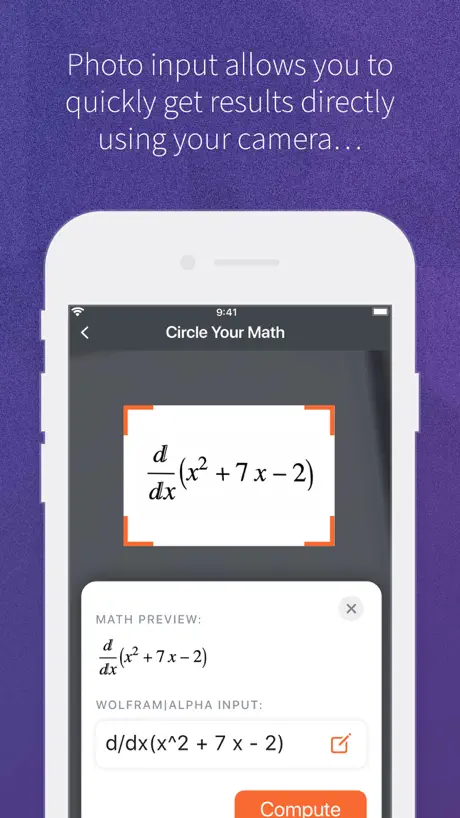  WolframAlpha WolframAlpha | |
|---|---|---|---|---|---|---|---|---|---|---|---|
| Rating / 5 | 4.4 | 4.8 | 4.8 | 4.7 | 3.9 | 4.4 | 4.8 | 2.0 | 4.5 | 4.5 | 3.3 |
| Reviews | 1.4K | 163K | 39K | 7.8K | 5.8K | 4.4K | 4.1K | 1.3K | 1.1K | 780 | 543 |
| Released | 2019 | 2017 | 2019 | 2019 | 2017 | 2013 | 2023 | 2020 | 2017 | 2018 | 2012 |
| Monthly price | — | $1.49 | $0.99 | $6.99 | — | — | — | — | — | — | $9.99 |
| One-time price | — | $1.99 | $14.99 | — | $999.99 | — | $9.99 | $17.99 | $0.99 | — | — |
The going rate for each plan in United States, in its own currency, shaded from the cheapest price on the row to the dearest. Plans fewer than four in ten of the priced apps sell are left out.
GeoGebra 3D Calculator reviews
4.4 out of 5, based on 1,410 reviews.
What people like
- Totally free with no ads
- Great for visualizing 3D shapes
- AR feature is really cool
What they complain about
- Keeps crashing and won't open
- Hard to type on phones
- Some graphs show up blank
我的数分三重积分有救了
好用,输入函数一秒出立体图形,我真哭了,太好用了
Seriously the only decent looking app on the store, but…
But the fact that I can’t set the y axis as the vertical axis in the app—which should have been one of the most basic features implemented from the start—and can only do it in the web browser version is seriously infuriating. I don’t understand why anyone wants to have the z axis be the vertical axis. Having the y axis be vertical in both the 2D and 3D is far more intuitive for me.
Nice graphics & Colors!
I think how the app is so detailed with asking what type of math equation you’re trying to solve. The colors and graphics are great but the app works better on a PC than cellphone.
升级完怎么重要的功能全被吞了
为什么不能切换成别的坐标系?不能隐藏底下的xOy平面???网页版都好好的,为什么APP长这样了?
程序有恶性 bug
在对数模拟运算中,变量动画一旦播放就无法停止,滑屏、暂停按钮都不好使
非常方便
不收费,画图清晰明了,使用方便易操作,还有AR功能,简直拯救了我的解析几何
可能会锁机
有一个模式无法退出,直接给手机锁死了,等了好几个小时才好
Second review
Yes, typing on iPhone does not work adequately. However, you can type on a desktop or an iPad and then share the file to your phone and then open it in AR… while this is a bit of an extra step, the AR functionality is so good I’ll tolerate it.
闪退
我之前下了一次,因为内存原因删掉了。现在下回来点进去就闪退,希望开发者好好改一下bug。给2星因为挺好用的。
进入考试模式后怎么退出呢?
上次好奇的进入考试模式,怎么也退不出去,最后用苹果死机重启的方法恢复的
Things to know
I downloaded GeoGebra 3D Calculator while helping my younger brother study for a geometry unit, and it ended up being way more useful than I expected. Being able to rotate and explore 3D graphs with touch controls made some of the concepts easier to visualize compared to static textbook diagrams. I also liked that you can quickly adjust equations and immediately see how the shapes change in real time. There’s definitely a small learning curve if you’ve never used graphing tools before, but after a little experimenting it became pretty intuitive.
wqqq
根本不能退出考试模式
体验
希望能出一个详细的教程,新手不知道该如何使用,只能茫然的摸索,耗费很长时间,但是软件功能的确很好,创新地将书中的几何图形转化为立体,增强使用者的空间想象感
反馈
app闪退无法进入
今天闪退了呀
以前用的好好的,今天一打开就闪退,希望修复一下,真的很好用
超级棒
加油作者
App is dysfunctional on Ipad pro 12.9 inch
The App is not functioning on Ipad pro 12.9 inch, I have been trying to open it but it does not open.I even uninstalled the app and then reinstalled yet it is not opening. kindly look into it.
图像不对
z=x^2+y^2和z=根号下x^2+y^2图像反的,输入一个出现的是另一个的图像
ios端相交曲线功能无法使用,点击无反应
pc网页版的都正常,唯独ios不行,而且ios端点径无法自己调
为啥打开就闪退
都没用到功能
很好用
直观的展示了多元函数图像,解决了我心中的困惑
不兼容iOS16.3
闪退闪退闪退
软件很好用,但是ipad打不开了,ipados 16.3.1
如题
绘图还是很复杂,三位封闭图形还是很难定义
就比如我需要求一个三重积分,是有一个三维椭圆以及两个平面所定义的,椭圆的方程是x^2+y^2/4+z^2/9<=1,同时0<=z<=1,我在计算器里根本画不出来,连图像都没有 也有可能是我菜吧,但是这个定义方式我也没在任何帮助里找到教程啊,使用这个软件是为了方便绘图理解三维体积的,也不是为了学习画图的啊,还要单独去学一下软件如何画图的话我要这个计算器干嘛?
保存
1、怎么保存我的输入,我的历史记录。这个很重要 2、怎么导出成动图,以及怎么导出我的代数式
The Best
The beat app out there.
闪退
所有软件iPad pro 2022全部闪退
图
为啥用不了工具的那些图形啊
Strumento potente, ma ancora instabile
Da correggere il crash quando si cerca di estrudere in prisma oppure in piramide una figura piana e da aggiungere strumenti funzionanti e più efficaci per la rotazione e lo spostamento dei solidi. Grazie.
不等式の描写ができない
|x|+|y|+|z|≤1やx+2y+3z≤1などが表示されない。x≤1など簡単なものでさえも謎の方眼が表示されるだけで、領域が図示されない。
Like a Charm!
Used it on my windows computer (desktop version), now using it on my iPad 6th gen. Does its charm and works perfectly fine! Really appreciate the AR feature! It helps a lot to visualize the functions I input.
根本打不开
打开直接闪退
Good app
The app is best for high school to college students. The application is very good, although it is better on the computer than on the cell phone, they should improve the interface in the cell phone app. Sometimes it closes for no reason and that's frustrating. I suggest the option of small video tutorials for a better understanding.
有一个函数不能绘出。
函数y=x^x还不能画出,希望能尽快解决这个问题
Great but a few suggestions
Really great tool however i think it could be even better: -a little better ease of access -Add more options for multivariable calculus -Add option for changing colors for rates of change -add a dictionary or reference guide
闪退
闪退 进不去
Pretty good but 3 dimension input is faulty
I like the app, but I wanted to show my students how a helix worked. Once I enter in a z-component, or really just a third component, into the function inputs, I just get a blank graph.
the Best AR-3D EDUCATIONAL APP
One of the best apps of all time! excellent treasure of features for visualisation are industry-leading; simplicity and polyfunctioning is amazing
IT CRASHES!!!!!!!!!!!!!!!!!!!
作图像时,直接闪退!!!!!
いいけど
陰関数は入力出来ないのか?
Excellent 3D grapher app👍.
This is a feature-rich and a very useful app for any STEM student/teacher. The app is totally free without any IAPs which is hard to believe. It’s easily one of the best 3D graphing calculator apps on the App Store. 👌💯 I have few ideas/requests for the developers’ consideration: 1. An option to change the background colour 2. Split view 2D graphics with 3D graphics on iPad 3. Ability to take a photo in AR mode.
Crashes a lot
The idea is good, and it has worked fine for me on their website, but whenever I try to use the input field the app immediately crashes
使いこなせてないだけかもだけど
履歴って残りませんか?
GeoGebra 3D Calculator FAQ
- Is GeoGebra 3D Calculator free?
- Yes. The app is free, in all 175 countries it sells in, and it sells nothing inside it.
- Does GeoGebra 3D Calculator have a free trial?
- No. None of its offers (US) come with a free trial.
- What are the best alternatives to GeoGebra 3D Calculator?
- Physics Lab AR (4.8 from 162,935 reviews, premium from $0.99), Periodic Table: Chemistry 2026 (4.8 from 39,032 reviews, premium from $0.99) and Maple Calculator: Math Solver (4.7 from 7,776 reviews, premium from $6.99).
GeoGebra 3D Calculator download
Last updated 1 month ago.
GeoGebra 3D Calculator sells in 175 countries. It was released 7 years and 6 months ago, on 26 Mar 2019. It holds a 4.4 rating from 1,410 reviews.
Supports 78 languages: English, Afrikaans, Albanian, Amharic, Arabic, Armenian, Azerbaijani, Bambara, Basque, Bangla, Bosnian, Breton, Bulgarian, Burmese, Khmer, Catalan, Croatian, Czech, Danish, Dutch, Esperanto, Estonian, Faroese, Finnish, French, Galician, Georgian, German, Greek, Hebrew, Hindi, Hungarian, Icelandic, Indonesian, Irish, Italian, Japanese, Kannada, Kazakh, Korean, Latvian, Lithuanian, Macedonian, Malay, Malayalam, Marathi, Mongolian, Nepali, Norwegian Bokmål, Norwegian Nynorsk, Persian, Polish, Portuguese, Romanian, Russian, Sanskrit, Serbian, Chinese, Sinhala, Slovak, Slovenian, Spanish, Swedish, ty, Tajik, Tamil, Telugu, Thai, bo, Turkish, Uyghur, Ukrainian, Urdu, Uzbek, Vietnamese, Welsh, Xhosa, Yiddish.
How much does GeoGebra 3D Calculator make?
Third-party estimates for the last 30 days, worldwide — not the store's own figures, which Apple publishes for nobody.