Dolby On: Record Audio & Video
Record & Edit: Music and Voice
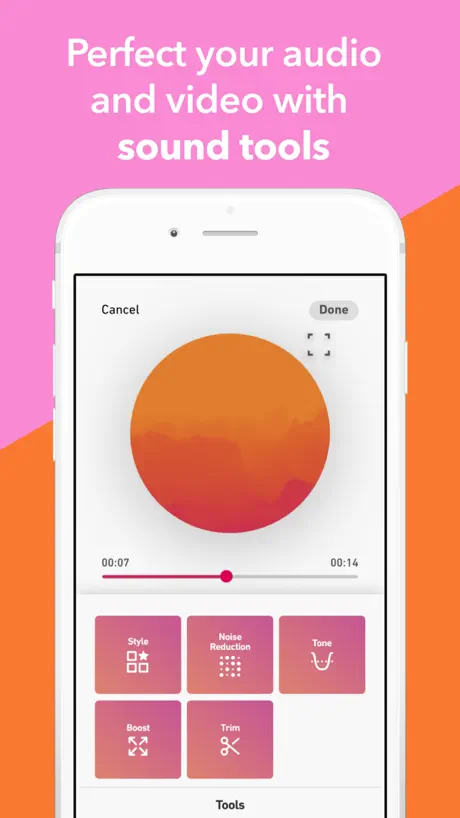
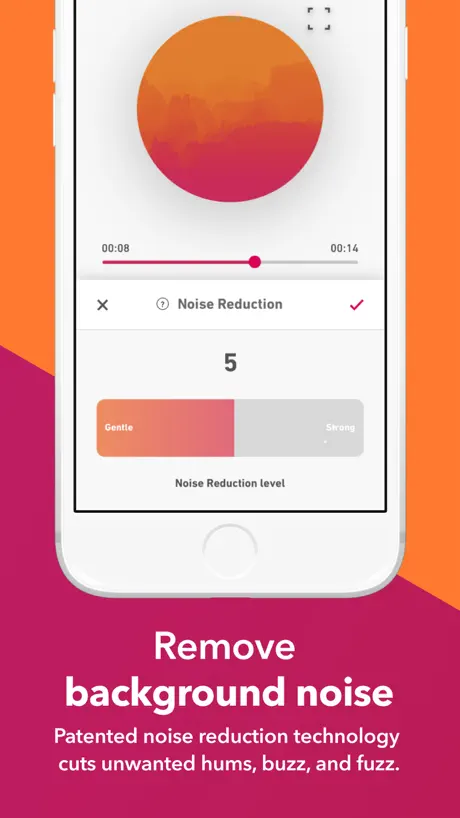
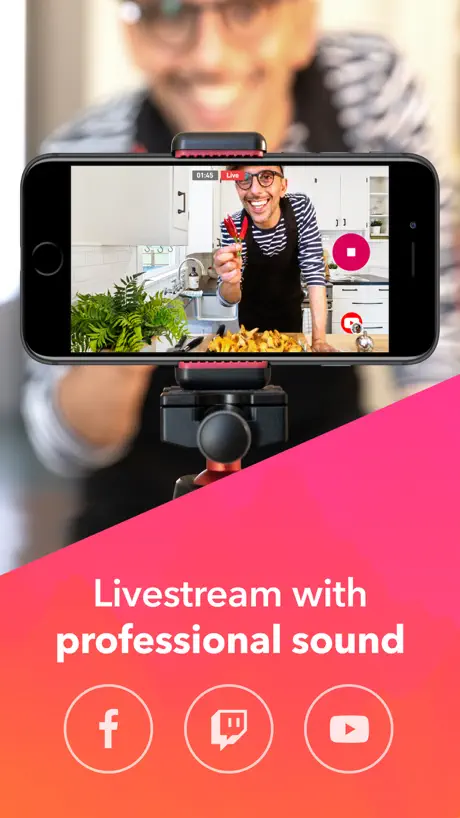
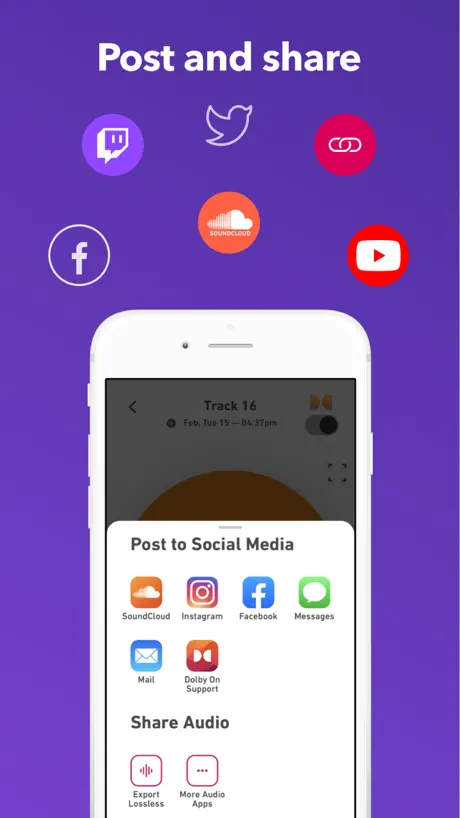
How much does Dolby On: Record Audio & Video cost?
Prices are current as of 5 Nov 2026.
Dolby On: Record Audio & Video has no in-app products on record in the United States.
10+ alternatives to Dolby On: Record Audio & Video
| Dolby On: Record Audio & Video | 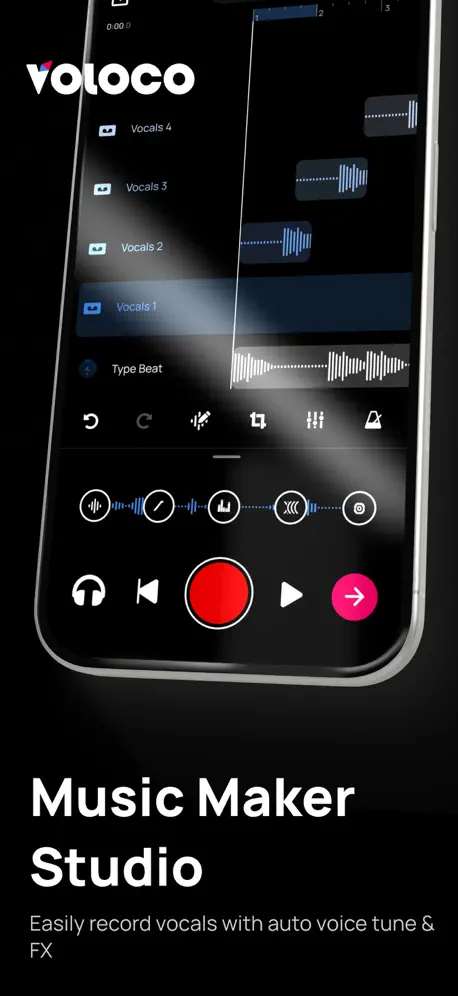  Voloco: Vocal Recording Studio | 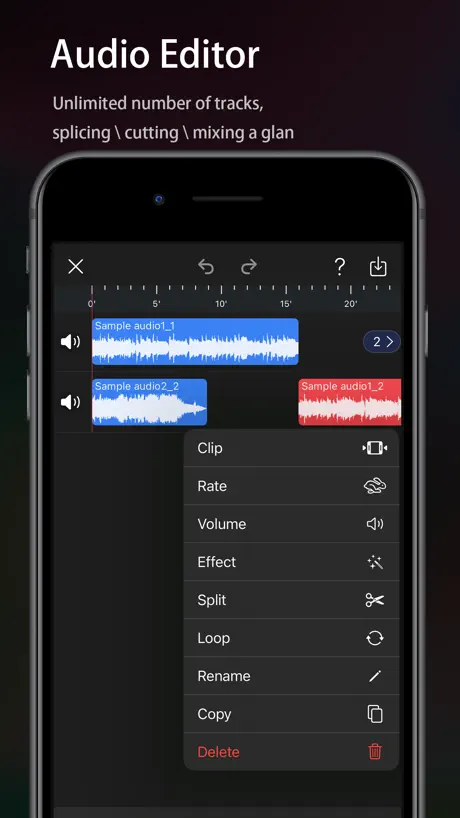  Audio Editor - Music editor |   EZAudioCut - Audio Editor Lite |   SoundLab - Audio Editor | 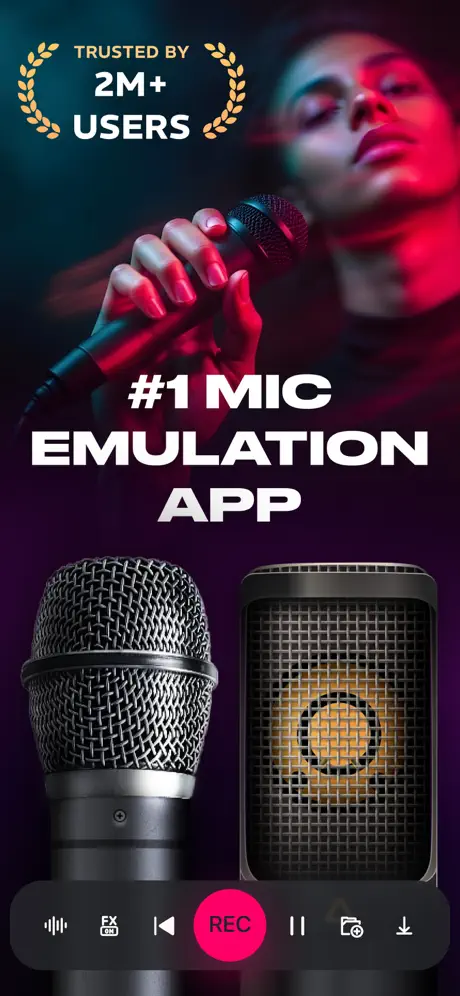  Microphone Live-Voice Recorder | 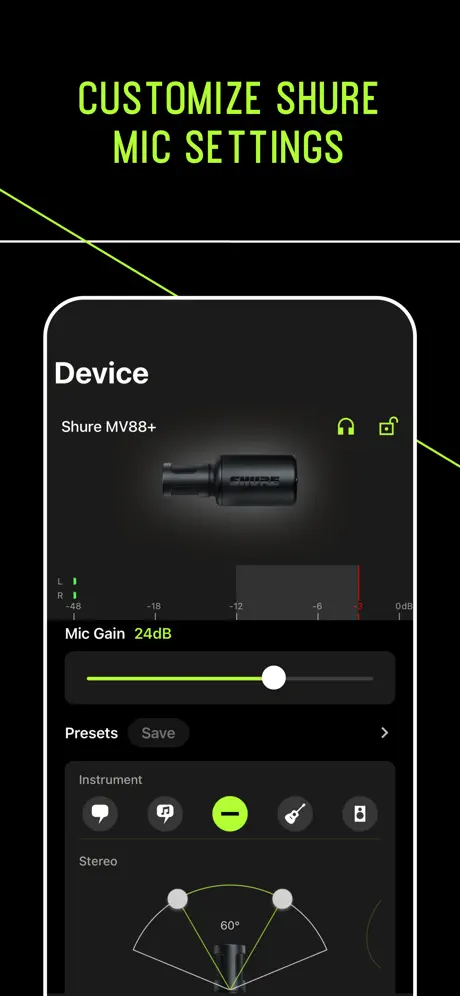  MOTIV Audio | 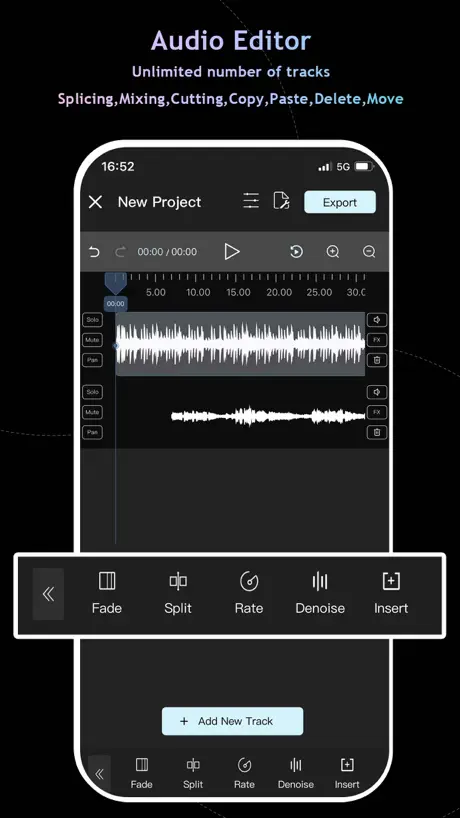  Audio Editor : Audiolab | 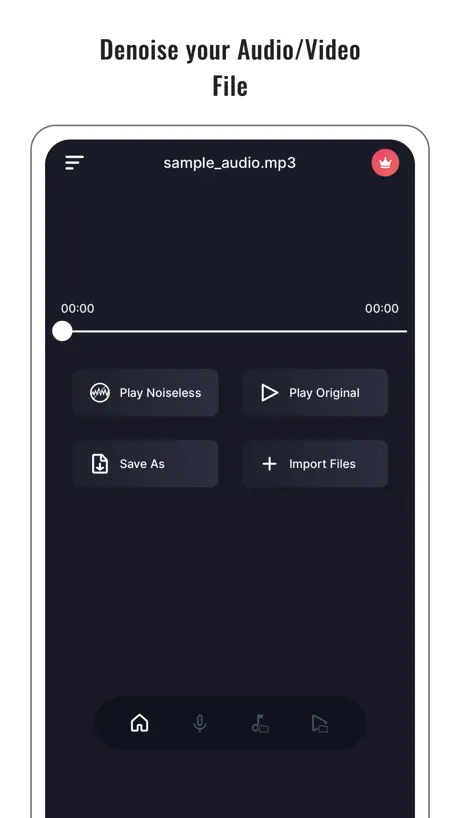  Audio Noise Reducer & Recorder |   WavePad Music and Audio Editor |   LALAL.AI: Vocal Remover | |
|---|---|---|---|---|---|---|---|---|---|---|---|
| Rating / 5 | 4.8 | 4.7 | 4.6 | 4.8 | 4.6 | 4.6 | 4.6 | 4.4 | 4.6 | 4.6 | 4.3 |
| Reviews | 20K | 256K | 163K | 54K | 38K | 27K | 13K | 11K | 10K | 8.7K | 1.7K |
| Released | 2019 | 2015 | 2020 | 2017 | 2020 | 2020 | 2015 | 2023 | 2019 | 2010 | 2023 |
| Monthly price | — | $11.99 | $0.99 | — | $3.99 | $9.99 | — | $4.99 | $9.99 | $1.99 | — |
| Annual price | — | $59.99 | $3.99 | — | $19.99 | — | — | $19.99 | $39.99 | — | — |
| One-time price | — | $5.99 | $39.99 | $8.99 | $49.99 | — | — | $39.99 | $4.99 | $4.99 | $14.99 |
The going rate for each plan in United States, in its own currency, shaded from the cheapest price on the row to the dearest. Plans fewer than four in ten of the priced apps sell are left out.
Dolby On: Record Audio & Video reviews
4.8 out of 5, based on 20,403 reviews.
What people like
- Makes recordings sound much clearer and better.
- Interface is simple and easy to use.
- Completely free with no hidden costs.
What they complain about
- Exports often fail or get stuck.
- Adds unwanted fade in and out effects.
- Video and audio sync is unreliable.
Best recording app ever! highest quality audio and video
This is the best app ever used to record basic audio and video on my phone I have used this app on multiple devices phones tablets and it seems to noticeably give a discernibly higher level of quality to the recordings of both video and audio
I made a recording how do I find that goddamn file
I should’ve practiced what recorded a narrative by my wife, which I hope to put into written text, but I cannot find the file anymore and there seems to be no way clearly how to do it. I’m sure that younger and more able and more modern people than I can figure it out. I’ve had computers since 1986 but I cannot figure this app out so I think I’ve lost whatever we recorded. I’m sure it has great sound, and I had high hopes for it. I’m sure there are other people out there who find it perfectly fine. I’m just not up to it. ********** I’m deleting it. I don’t have time for this.
DOLBY ON
WHY IS MY DOLBY ON CRASHING
Voiceover for blind people Accessibility problems
That sounds great but those of us who are Blind cannot use this app very easily as none of the buttons are labeled which is a simple fix. When this is fixed I'll change my review to five stars thank you
Recording Format
Simple settings for recording formats
Nermin Osmanović
The best app to record live jams, and share amongst band members. Mixing, EQing is flawless and it works on Android and iPhone platforms! Kudos Dolby!
APP CRASHED AGAIN
No rely on this app to save your recording. Back them up!
Review
It’s nice to record on the go however there’s sometimes issues with airdrop
Audio Video Sync Issues!!
I’ve been using this for months and now with the latest update and video syncing issues, making it unusable!! What the heck?!
Better than BandLab on IOS??
If I send another review, it means they’re better than Ableton. And that’s saying too much. Update: We need a Dolby DAW immediately; ad verbatim. I love what the companies provides: It’s that it is time for the company to expand on the creativity of audio production. Money can be made from that. Love from someone who loves what this corporation has done over year at a time; From home stereos to audio playback in our headphones 💙 Send a reply when the DAW releases.
Great audio and video
I love this app! It’s very user friendly and the sound quality is absolutely amazing!
Interferes with intro
With no way to turn it off, it creates a fade in and fade out volume on tracks without asking, in my case this has nuked the beginning of the track and end of the track. This basically ruins whatever it touches. I have no idea why they would put this in place and offer no way to turn it off! 1 star, if that.
👍
It’s a good app records good too
Share feature does not work
Recording is fine and easy, but when I try to share my recordings I get nothing. Clicking on ‘Messages’ does absolutely nothing and if I try to email I can fill in the destination address but when I hit ‘send’ the menu disappears and doesn’t actually send anything. Very frustrating that something that should be so basic just doesn’t work at all.
No AirPods Pro Support for “share audio”
So I really embarrassed myself when I just tried to show off this Dolby On app to my wife. I was so impressed with the audio recording test I just made, that I had to show her. After explaining to her all of the rich history of Dolby (from my life experiences), all the way back to simple Dolby NR, through to Dolby C NR, the how the HX Pro improved cassette quality even more, and so on. And she also acknowledged that the brand Dolby always seems to show up around cutting edge sound technology. Then I tried to demonstrate a recording. Now everyone knows that the best way to experience Dolby technology, is with quality headphones or IEMs. Well we each have our AirPods Pro, and obviously I want to listen WITH her, so we both pair up to my iPhone 17 Pro Max to give a listen! It’s pretty embarrassing and disappointing, after all that hype about Dolby pushing audio technology forward, the app apparently doesn’t even support share audio, or any way that we could find to listen together. So needless to say we each had to listen individually. This makes it pretty difficult to compare and talk about particular parts of my recording. For about 10 seconds I thought about us sharing one pair, each with one channel, one pod. But that kind of defeats the whole purpose doesn’t it? Besides I couldn’t even figure out who’s to use. Mine are way too big for her ears, and hers falls out of mind immediately. Dolby, could you please update your app for SharePlay support? It might be a good idea to include PartyMode too. And it’d be nice to have a player or nice transport controls too. Also I want to simulate cassette noise, and the ability to demonstrate how each version of Dolby NR works to mitigate that noise. Thanks.
Perfect for cleaning up rehearsal recordings
I use this to clean up the rough mixes from our band practice recordings. They’re inherently pretty rough recordings with lots of mic bleed, weird, overtones, and generally horribly balanced recordings. But as soon as I drop them into Dolby On and run them through the right processing, they instantly sounded way better. I’m not gonna release these tracks, but they’re way better to share with bandmates so we can actually hear how we’re doing in practice.
Terrible!
Exporting a recording doesn’t ever work. The app doesn’t automatically save files to the device so exporting is necessary to do anything with the recording. It’ll just queue up and “something went wrong” perpetually stuck and thereby useless.
Easiest VOLUME BOOST GOING available!
I haven't found a simpler way to solve a very common problem increasing sound volume. It happens to the moment you upload your track and you can then boost it even more really useful to a very simple to use if there was one thing it would be a very basic room type Reverb that's it. Other than that absolutely no complaints. I would recommend this to anybody.
Multiple select and share not available
I strongly urge you to implement a 'multiple select and share' option in the app. Additionally, enabling file sharing through iTunes to PC is essential. Without these features, the ability to record within the app is significantly diminished, as users should be able to easily share and transfer multiple files to their computers. This enhancement would greatly improve functionality and user experience.
It’s not too bad
The reason i say this is because I love the fact you guys are giving out this tool for free and don’t need people to pay for it but it would be great if instead of using a headphone or proper microphone, I could speak into the iPad or iPhone and it picks up more sound.
This app is special.
It’s rare for such a simple utility to create so much value and meaning in your life. Over the years, I’ve used it to record little piano improvisations, moments I otherwise would have lost. It sounds silly to say about an app, but I’m grateful it exists. Thank you for helping me relive all of those moments.
Watermarked my camera videos
Completely ruined videos I recorded by adding a 3 second watermark. I was literally recording from my camera app not even Dolby and it stamped its ugly watermark in all my videos. Awful awful awful. I can’t say my true opinion here but I’m sure you can guess what four letter word I’m thinking.
best free for recording
nice app
Rate
Excellent
Good audio quality, but video preview feels too zoomed in
Audio quality is good. However, there's a drawback when it comes to recording video. While using the app on iPhone, the video preview fills the entire screen, leaving no top or bottom margins during recording. This makes the image appear very zoomed in, which makes it difficult to properly frame shots or maintain headroom. In comparison, the iPhone's native Camera app shows a more accurate framing with visible top and bottom margins. Dolby On’s full-screen preview makes it feel like part of the video is being cropped out, which can be frustrating for anyone trying to shoot well-composed videos. It would be really helpful if the app offered an option to adjust or match the video preview to the actual recording dimensions.
Phenominal
Excellent app for recording guitar riffs in Dolby sound
Bussing sound
Too much of buzzing sound
Funny and irritating
Well it is funny and irritating at the same time, that the more you export and delete the tracks, the more space gets added up. I was cleaning up the app to reclaim some space in my Iphone and saw that dolbyon is occupying 32GB. So I decided to bulk export tracks in highest quality using multiple select option in the app and exported to my external Drive. Post that i deleted those specific tracks from the DolbyOn library. I was hoping to see a 10-11GB reduction post this, but boom, the occupied space increased from 32 gb to 42 gb. To add on, there is no option to clear the app cache manually. So now a space saving exercise is further adding up GBs of data. Why are the exported tracks getting saved in app cache forever? How on earth I am supposed to clear 40GB of data while only 5GB of space is remaining in my iphone, if it keeps on adding up every time i export? App developers- Please implement a solution to manually clear cache from the app settings, or atleast automatically delete the cache once the track is exported and saved!! Although I am a regular user and simply love the app for what it does, but a 4 star rating for the same due to the above reason.
Why only Mono?
iPhones can record in stereo so why limit this app?
Useful, but many features get in the way
It sucks not being able to make edits while “on” is turned off (and, side note, the switch for turning it off feels rather unresponsive). I’m just trying to use this to record and export high quality sound recordings, so the extra filters and whatnot that are automatically applied (and no settings to disable this) make things a bit annoying to use. However, the software is very useful, I’ve gotten good value out of it.
The most amazing app
The boost in quality and clearness after putting my song through this app is actually insane. I don’t know what I would do without this wonderful service + it’s super easy to edit / trim etc. Love it so much.
Middling
Weak de-esser, when exported it adds a fade in/out to any recording for no foreseeable reason. I really don’t get why they’d add that. You also can’t mass export files. It’s been that way for several years. It’s essentially a decent audio- cleaning app with added features they don’t tell you about that are designed to be actively hostile
!!!
Muy bueno. Why? Because I said so.
Needs an update
Used to be a great app that really enhanced the sound quality of recordings. Unfortunately, for me at least, it no longer works since upgrading to ios17.
It is good I love it thank you
Good love it
Amazing app for recording
Get it
MONO ONLY
to the ‘person’ who said in the previous review that they could record in stereo… shut up mate. From the app FAQ….’ As of today, Dolby On records in mono. Once the recording has been captured, Dolby On automatically applies stereo widening to the recording along with de-essing, normalization, compression, and fades. So no, it can’t do stereo. Lies.
Lucky me lucky you !!!
Kindly add record in background feature as well. Slide over other apps wud be like a pie on top. Kudos, the interface, the grahics so awesome . Noise filtering job, cud also be a great technical topup . Please dont charge for a premium for this .
Disappointed.
I’ve put this on my Samsung tablet. The most annoying thing for me is the white noise. If I increase the noise function it just lowers the volume. it records every single sound even across the road from my flat. It’s either all or nothing.
Sounds clear and nice, not true stereo
Stereo has to be stereo Good separation Fortunately, this app only causing mono and then add a wider sound but it’s not stereo. That’s why it fails. Otherwise the sound is lovely and clear, but I do have an app which does record stereo but not as clear as I do a lot of recording sometimes do not have my surround sound microphone with me.
Dolby on
Thank you, my favorite app and the greatest app in the world! I'm pleased with the improvements; the app is now much easier to use for the blind. However, we're facing a major problem that we hope you'll fix urgently. The app doesn't pick up distant sounds. We need it in nature to record all sounds, and it's my official app; I don't switch to others because they're unreliable. We await a prompt fix.
Ew
Ew
Audio recordings are deleted!
The app is good but my audio recordings are being deleted. I don't understand why! Could you help me to recover my voice recordings? It's my work.
Can’t handle large recordings
99 minutes, tried to stop recording and “something went wrong”, recording lost. Useless.
Problem to share with SoundCloud
Impossible to share song from Dolby on to SoundCloud Uploading doesn’t work
Makes recording easy
Easy to publish video , simple filters that are effective
Video and audio out of sync
The most famous name in sound can’t get the app to sync video and audio. There’s a problem with how the app outputs and things are slightly out of time. Sounds great tho!
Good but…
Why there’s fade-in and fade-out effect added by default. App is great but this is issue that I’m facing currently. Not sure if I’ve to do some tween in settings but found nothing..
Livestream does not work on iPad
Great app but the livestream option is not available on iPad. Does not say that here or on the developers website so I contacted their support team and they told me it was removed from iPads.
No option to adjust levels & Phone calls interrupt recordings
Love the simplicity and the UI of this app - it feels good to have a professional audio recorder that’s free in the palm of your hand. I pair this with 2 Rode Wireless Go mics and various adapters to record audio for podcasts. Though I received a phone call and it lost 30 minutes of my recording displaying an error. There’s no option to adjust the recording level either (something the Rode Reporter App has already). This would be my new go to app for HQ audio and would replace the Rode app. But without these two features I’m not sure it’ll become my staple app for recording.
Dolby On: Record Audio & Video FAQ
- Is Dolby On: Record Audio & Video free?
- Yes. The app is free, in all 173 countries it sells in, and it sells nothing inside it.
- Does Dolby On: Record Audio & Video have a free trial?
- No. None of its offers (US) come with a free trial.
- What are the best alternatives to Dolby On: Record Audio & Video?
- Voloco: Vocal Recording Studio (4.7 from 256,395 reviews, premium from $5.99), Audio Editor - Music editor (4.6 from 163,257 reviews, premium from $0.99) and EZAudioCut - Audio Editor Lite (4.8 from 53,775 reviews, premium from $8.99).
Dolby On: Record Audio & Video download
Last updated 3 months ago.
Dolby On: Record Audio & Video sells in 173 countries. It was released 7 years and 2 months ago, on 4 Sept 2019. It holds a 4.8 rating from 20,403 reviews.
Supports 1 language: English.
How much does Dolby On: Record Audio & Video make?
Third-party estimates for the last 30 days, worldwide — not the store's own figures, which Apple publishes for nobody.