
UniFi Protect
Professional Scalable Security
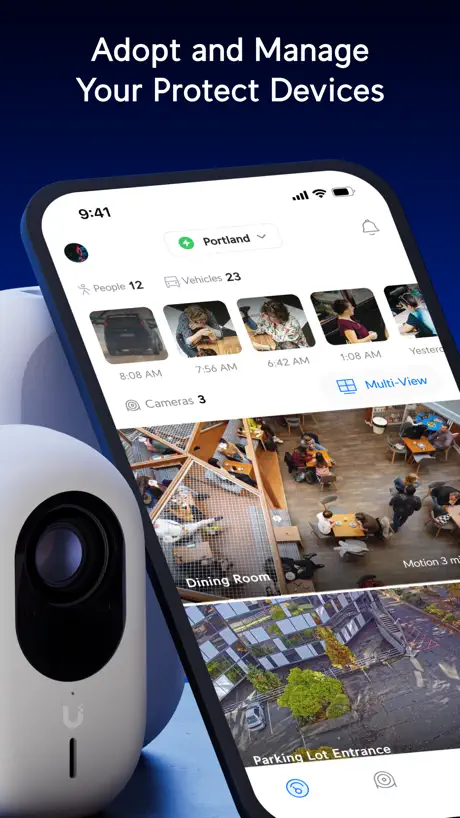
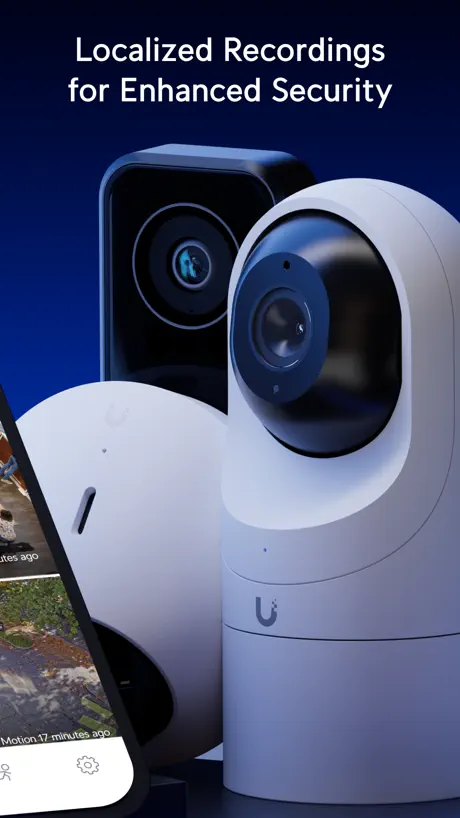
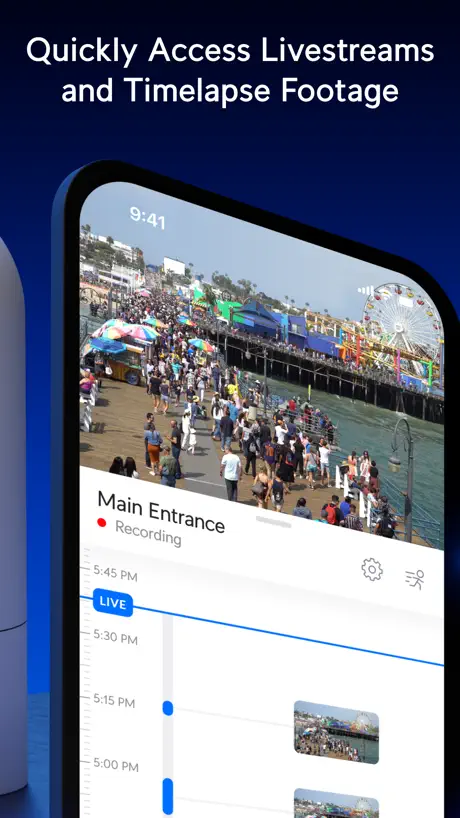
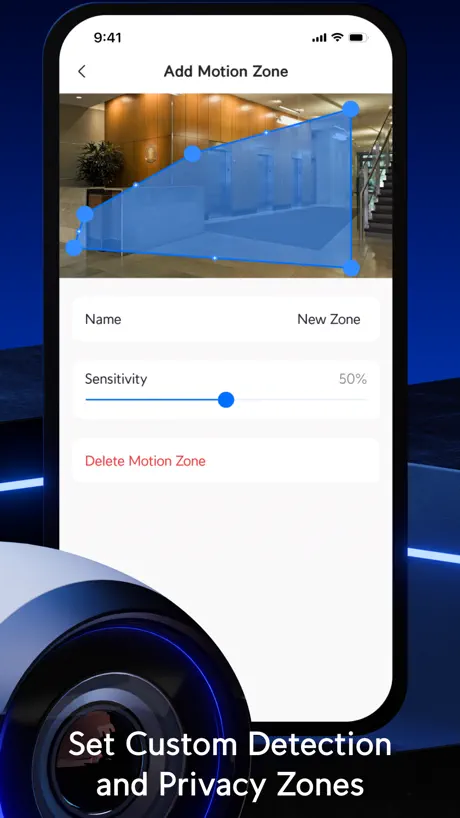
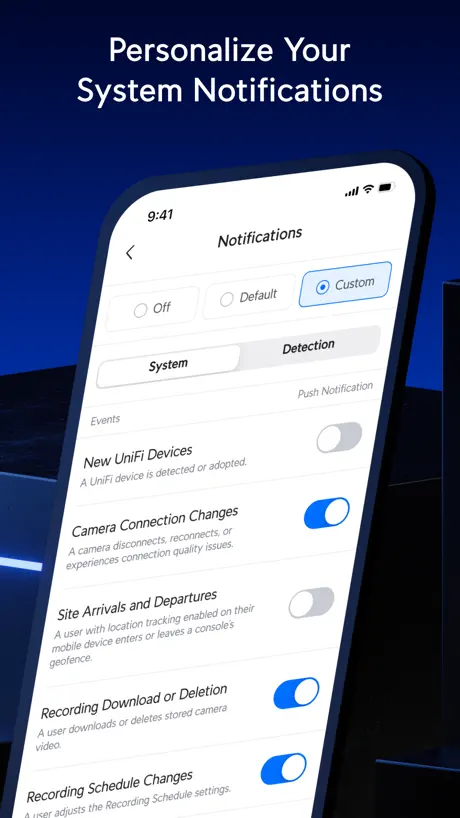
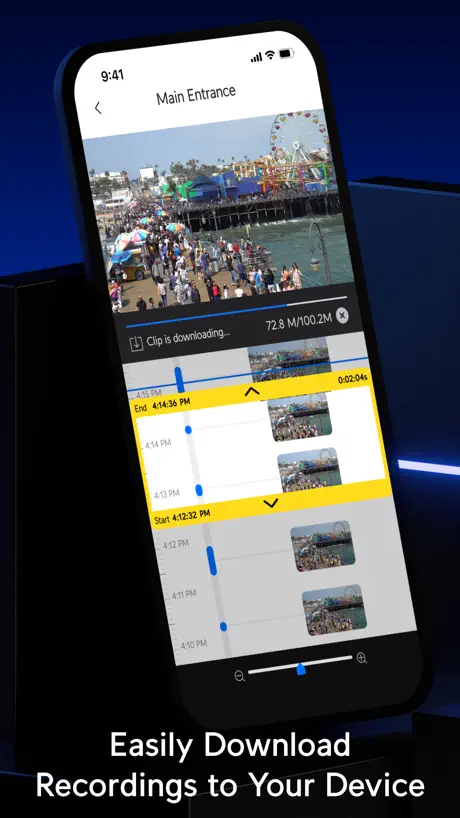
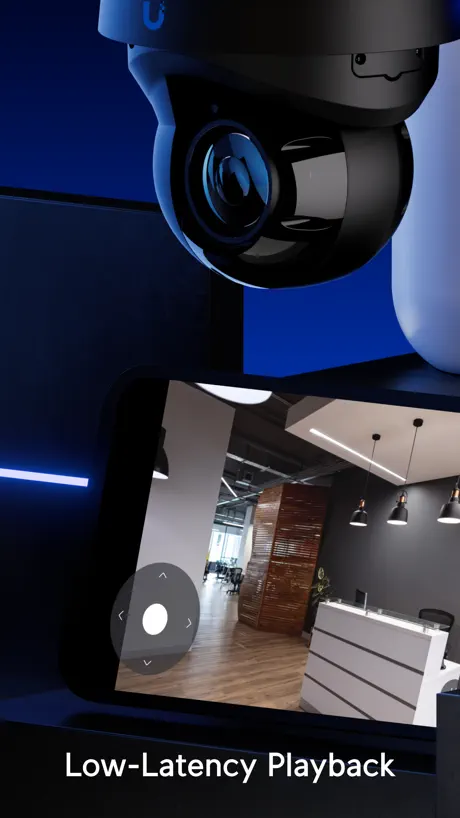
How much does UniFi Protect cost?
Prices are current as of 11 Sept 2026.
UniFi Protect has no in-app products on record in the United States.
10+ alternatives to UniFi Protect
| UniFi Protect |   Total Connect 2.0 Total Connect 2.0 |   iAquaLink iAquaLink |   Aqara Home Aqara Home |   Meross Meross |   Pentair Pool Pentair Pool |   Home Assistant Home Assistant |   Virtual Keypad Virtual Keypad |   Lutron App Lutron App |   Control4 for OS 3 Control4 for OS 3 |   Control4 Control4 | |
|---|---|---|---|---|---|---|---|---|---|---|---|
| Rating / 5 | 4.8 | 4.6 | 4.7 | 4.6 | 4.5 | 4.6 | 4.7 | 4.3 | 4.8 | 3.1 | 3.6 |
| Reviews | 142K | 334K | 108K | 46K | 36K | 25K | 21K | 13K | 7.2K | 1.1K | 101 |
| Released | 2018 | 2011 | 2011 | 2018 | 2017 | 2019 | 2017 | 2011 | 2014 | 2019 | 2025 |
| Weekly price | — | — | — | — | $1.99 | — | — | — | — | — | — |
| Monthly price | — | — | — | — | $1.99 | — | — | — | — | — | — |
| Annual price | — | — | — | — | $1.99 | — | — | — | — | — | — |
| One-time price | — | — | — | — | $3.49 | — | — | — | — | — | — |
The going rate for each plan in United States, in its own currency, shaded from the cheapest price on the row to the dearest.
UniFi Protect reviews
4.8 out of 5, based on 141,719 reviews.
What people like
- Picture quality is excellent and clear.
- System is easy to install initially.
- Notifications arrive fast and accurately.
What they complain about
- Constantly loses connection to cameras.
- Video loads incredibly slow even locally.
- AI falsely alerts on harmless motion.
- Forced two-factor login blocks quick checks.
UNIFI
I love everything they do.
Can’t enlarge thumbnails no good reason
No Option to enlarge AI enhanced thumbnails. Clicking on them just starts lo res video clip
Getting buggy
It’s getting buggy lately. Not able to connect .
Why did you remove animal detection?
This was a key feature for me. Whatever model you switched to for training is awful. The detections are error riddled, it can’t tell the difference between a doormat and a package, and you removed the animal detections. Seriously bring that back.
Sam Hanna
Good system - but unfortunately, there’s not a way to easily toggle cameras on and off if you don’t want them working. You have to go into every individual camera and it is not very intuitive or easy. So for example, if you have people over your house and you want to turn off certain cameras and leave other ones on you have to go through each camera individually. With all their technology they haven’t figured out a way to create a menu to just let you toggle things on and off.
Robust, Fast & Secure
I am beyond impressed with the UniFi security ecosystem. The hardest (time consuming) part of the whole system is properly configuring the gateway to create the desired networks, other than that everything else is plug and play. The camera picture quality is top notch, the alerts are fast and accurate. The UniFi Protect app is super easy to use and brings all the configuration settings you need into a simple interface.
Unifi Good / Ringing Doorbell Bad
Love my unifi systems but the protect app is such a cluster when trying to get to a ringing doorbell to talk to the person. Seems like 9 out of 10 times I end up looking at the clip of someone pressing the doorbell instead of actually being able to talk to the person. Not sure why it’s so damn hard to get this feature right.
Animals
Animals are not always identified properly
So close
It has an awesome multi-view mode but you can’t rearrange the cameras! It picks the camera I care least about and makes it the largest. So stupid!
Full screen issue
Something changed? You used to be able go from ‘portrait’ image of a camera to a landscape image that filled the whole of the iPhone screen - importantly you could turn the iPhone to landscape either way and it would self adjust. NOT NOW. The landscape image is fixed - only one way up, so you now find your camera image upside down rotating the iPhone one way and correct the other way - why? This is terribly frustrating. Additionally, you used to be able to tap the screen and turn the iPhone to get to landscape - now you have to find a ‘button’ to instigate the full screen - why? Both are time consuming and unnecessary.
Love these cameras.
We use these cameras, mainly for security, on all 4 sides of our home. In addition, I love that we’re able to watch the wildlife, too! We’re watching a mother deer with her two still-spotted babies, plus others, right now!
Avoid if possible
Constantly and consistently loosing camera connections, do not use if this is important monitoring
Less stable lately
I leave this running long-term on an iPad to monitor a doorbell and it was a great solution initially after the last few releases, I have noticed sometimes what I’m seeing on the screen isn’t what is actually happening on the outside and I realize that it just freezes occasionally, and there is no indication that it has partially crashed when you go to the gallery all of the thumbnails are black and you need to restart it to resume your video feed it. It’s a pity because it was rock solid when I installed it.
Clunky
Not consistent. Wouldn’t recommend. Loading time is horrible.
Almost great
Some cameras don’t export. Have called the help desk with no resolution. AI smart detection is smart-ish. If I did it all over again I probably would have went Blue Iris.
Ease of use
Fantastic app, easy to use
Lots of bugs in alarm manager
I have 15 cams between g5 and g6 and I for the door sensors, superlink gateway, the whole 9. Well I removed my Ring alarm systems that just always worked to replaced this. The Audible alarm when the door sensors is inconsistent at best. It goes off while the alarms are off or doesn’t go off when it needs to. I wish never ripped out the Ring System, otherwise CCTV works fine.
Worth the money!
Uni-Protect and of coarse the uni system they monitor are simple to install and Fantastic to manage on the app. I’m not an electrician nor a tech support guy but this app and the hardware involved is as good as it gets.
Far from intuitive
The app’s layout is really convoluted, it doesn’t align with how an end customer would actually use it. I think the unifi apps in general need a high level rethink, starting with understanding the end user better and then working from there - a top down approach. Rather than a bottom up approach where it appears to have been engineering led followed by adjustments to accommodate the customer.
Laggy
I have a 10Gb network and pulling up video feed, searching for events or detections is a pain, even while on the local network. It’s even worse on the computer for some reason! You guys HAVE to fix this.
Better
This product gets better and better. Still wish it could filter out spider webs…
Stop Asking for Reviews
Instead of seeing my cameras the app froze all to deliver a message asking me to rathe this so here you are. FIX THE AUTO LOGOUT ON HOME NETWORKS AND FORCED 2FA EVERY HOUR. Would give 0 stars but it’s not an option neither is to never be bothered with leaving a review so this is the only way to make it go away.
Hate the spotlight 'feature'
thanks- got it sorted out
Cams keep going offline
Unifi seems like a great product- in theory. However, my cameras keep going offline for no reason which requires me to uninstall and reset them manually each time. And the app is buggy and takes an eternity to load.
Slow
I have a full UniFi WiFi 6 network with excellent density. I also have a dream machine pro. Everything if nice and fast except this app. There is a serious delay in reviewing in-process activity. Otherwise it’s really good. That delay, though, is enough for someone to start kicking in my door before I get eyes on the threat and that’s not good.
Mr
Tired of having to troubleshoot it, when it is working it’s great.
Thousands of unwanted alerts
Where’s the AI to detect and make this system useful. Right now. It’s just junk and simply not with the cost. Photos are grainy. Tens of thousands of photos of gentle motions cause it to alert. A typical story of crying wolf.
Starting to get bloated
Finally figured out how to turn off the useless Spotlight feature, much better now.
Worst UI for playing videos. Plus slow and buggy
There are so many things wrong with this app. The main focus being the video playback. We have already solved how to do good video playback. What on earth was the thought process behind making this mess of playback? A vertical scroll bar that moves uncontrollably? A squeeze to slow down? Just use the normal playback controls. Then there are the bugs. So often you have to reopen the app to actually get it to load. And when you do get it to load it’s incredibly slow. Even if you have just watched something and rewind it, it has to load that again, or it never does and you have to reopen the app. This app is in dire need of a new UI I’m on an iPhone 17 by the way. Also the PC UI shares the same issues.
3 stars for reliable, but nothing else
“Auto” playback quality will ALWAYS choose “very low quality” regardless of being on WiFi with a 700Mb/s link speed or very fast mobile day. Choosing high quality is not a sticky setting or default-able. Seeing critical details is always a multi step process. Timeline doesn’t show current time consistently on screen, you have to enable burned-in video timestamps to have a decently navigate-able timeline experience.
Great app, BUT
I’ve been using Unify protect for about a year and U have 7 cameras. As you would expect there are time when there is a lot of activity on my property. This includes our Landscaper, us cutting grass and other actives that take place, which we are usually notified about. I would be nice it there was a more straight forward way to eliminate the clip the cameras take without having to do it individually. I’m sure there are other small issue but overall I think the app it pretty great.
Reolink and AI port - no go
Three AI ports - multiple Reolink cameras - some brand new. Tried multiple configurations. Appears to only work at 1 camera at 2K per AI port. 50% of what AI port is supposed to handle and 50% less cost efficiency. Looking to move to another NVR.
Generally okay but iOS configuration needs work
While app does work. Setting up motions zones in iOS as well as configuring push notifications etc. is flaky. I’ve had to go to the web to actually make changes stick. It wouldn’t delete motion zones nor stop using global settings for some areas of the config. Evidently poorly tested.
Buggy
Very buggy support for Doorbell Lite! Not sure how it passed QA
Unable to leave the device
Why can’t I leave the device if I don’t want access anymore. It’s not mind. Sounds like a privacy issue
Perfect
Awesome in every way!
nul
très nuuuuuuuuuuuuuuuul
Best app for my camera
Je ne suis pas gêner de donner 5 étoiles
3 Dots with ONVIF Cameras
Upgraded to Ubiquiti and wanted to use the AI feature via ONVIF. brought AI port . Works fine on desktop and is paired to record smart events only at HQ quality. Whenever i choose the playback of a smart events in the app though the 3 dots appear trying to load the stream but never does. Disappointing as desktop is fine.
Suggestion
While the app works as intended, I’d like gesture controls in some areas to make it feel intuitive. For example, in “Detections” while playing the videos there is currently no way to gesture to play next or previous video. How about add that so it works like the “Photos” app, which is natural way to handle any media on a smart device. Same could be done for the “Cameras” to jump between different devices. The current icon to go back and selecting another camera seems outdated.
THIS NVR HAS THE BEST SETUP 👍👍
This is truly plug & play. Then options are so easy to set up if desired‼️
Find Anything section remains empty even though detections are recorded
After the update, the “Find Anything” section remains empty even though detections are showing on the main screen.
So much better than my old system.
So far, I am loving the functionality of this system. Very intuitive and simple to navigate. Scrolling through the timeline is seamless. The only feature that I wish they could add tomorrow is the ability to temporarily silence notifications.
Dev’s broke it
This was a great app until it was updated and now you constantly need to enter the 2FA at really inconvenient times. During an emergency or detection alarm you want to quickly check a camera but now there is a random, but guaranteed badly timed additional step of having to check your 2FA app if you actually have the Yubi key with you or request an email. Kills the use case if detections to the app. You may as well go and check what happened in person or use web console which doesn’t request 2FA. If the app is the only available option you are left wondering what was detected. I understand the need for security but over zealous dev’s have made the app pointless.
Not bad
I would appreciate PIP and the ability to unmute by pressing the volume up button. Thanks.
Phenomenal
Phenomenal camera system. Always on, great pictures, I feel safe.
App Crash
2022 iPad Air, App crashes if left open on tablet which is our use-case.
Events are a bit tricky
Great app overall. Just have difficulty getting to the important parts of detected events. It’s not as intuitive as it could be. I find myself either over shooting the event, or starting way before, when looking at it from the timeline view.
Works Well
The app works quite well. It would be great to include an option in the app to pause notifications for a period of time.
App loose connection
On the cam even do im on the same network and a big 3 sec delays and only 1080p on 4 k g4 pro camera … changed the option and best is 1080
UniFi Protect FAQ
- Is UniFi Protect free?
- Yes. The app is free, in all 174 countries it sells in, and it sells nothing inside it.
- Does UniFi Protect have a free trial?
- No. None of its offers (US) come with a free trial.
- What are the best alternatives to UniFi Protect?
- Total Connect 2.0 (4.6 from 334,361 reviews), iAquaLink (4.7 from 107,725 reviews) and Aqara Home (4.6 from 45,640 reviews).
UniFi Protect download
Last updated 27 days ago.
UniFi Protect sells in 174 countries. It was released 8 years and 1 month ago, on 15 Aug 2018. It holds a 4.8 rating from 141,719 reviews.
Supports 20 languages: English, Arabic, Catalan, Czech, Danish, Dutch, French, German, Greek, Italian, Japanese, Korean, Norwegian Bokmål, Polish, Portuguese, Russian, Chinese, Spanish, Swedish, Turkish.
How much does UniFi Protect make?
Third-party estimates for the last 30 days, worldwide — not the store's own figures, which Apple publishes for nobody.