
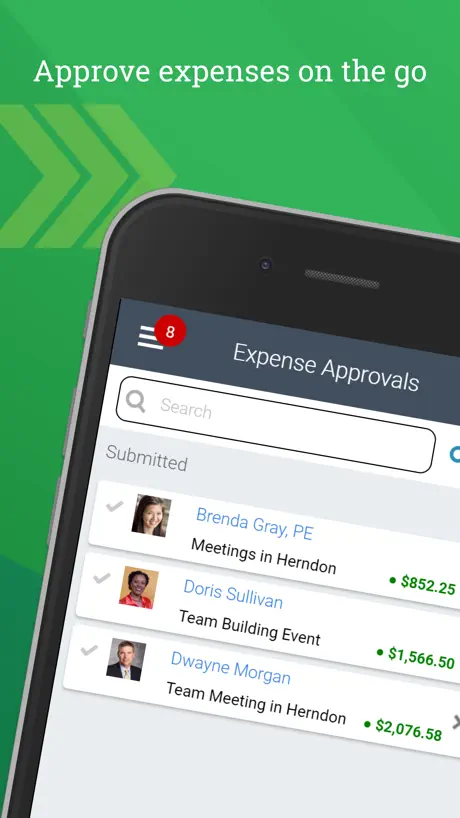
Deltek T&E for Vantagepoint
Time & expense entry+approval
How much does Deltek T&E for Vantagepoint cost?
Prices are current as of 14 Nov 2026.
Deltek T&E for Vantagepoint has no in-app products on record in the United States.
10+ alternatives to Deltek T&E for Vantagepoint
| Deltek T&E for Vantagepoint |   Holman Insights |   Autodesk Forma |   Egnyte | 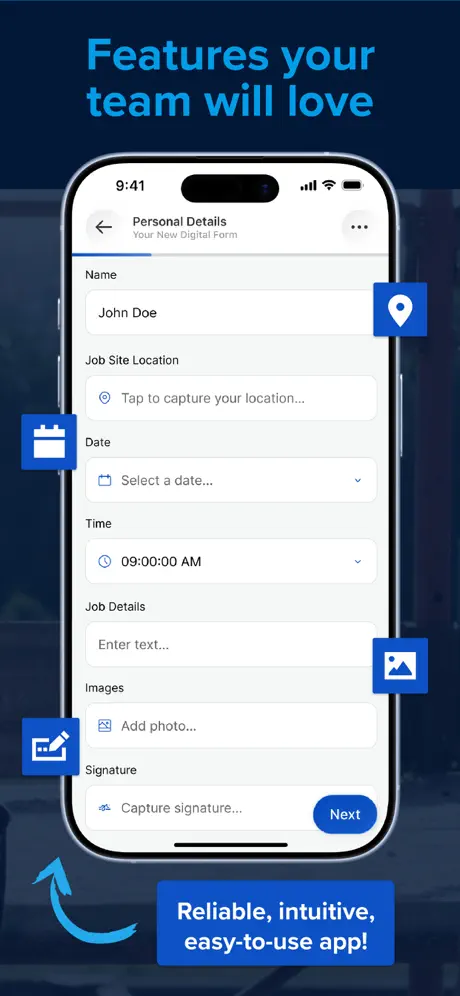  GoCanvas - Business Forms | 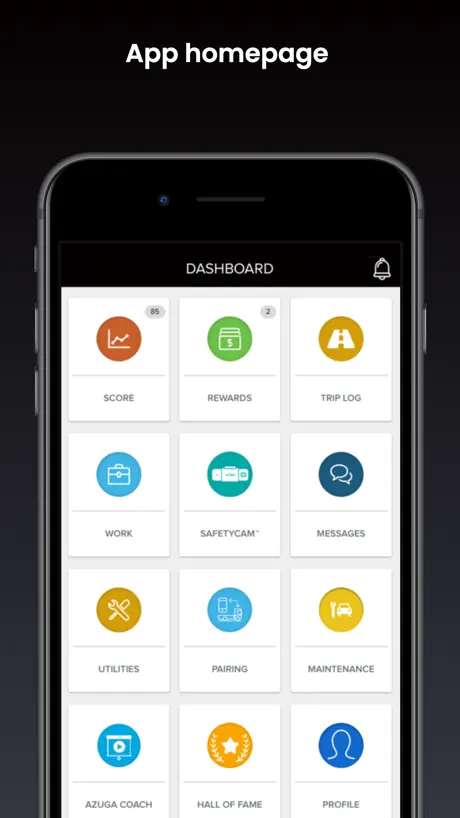  Azuga FleetMobile | 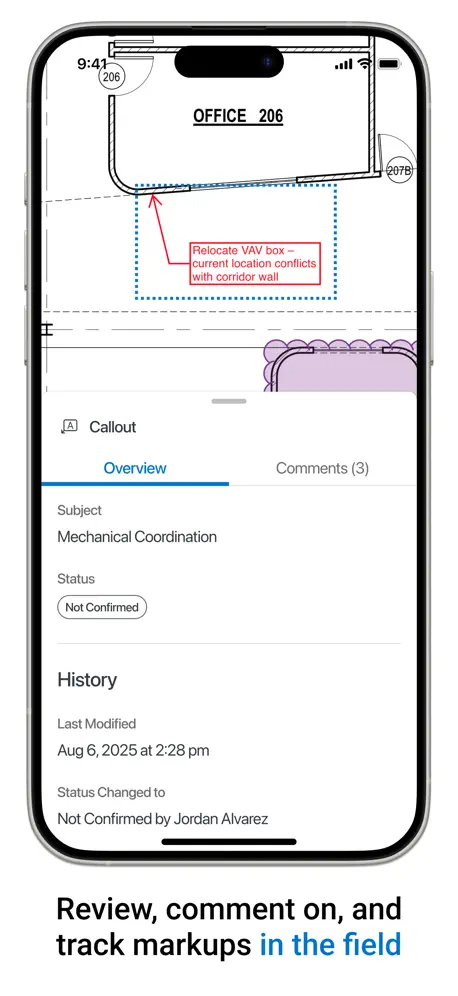  Bluebeam |   Haystack Business Cards |   Fulcrum GIS field data capture |   ArcGIS Field Maps |   eFleets Mobile | |
|---|---|---|---|---|---|---|---|---|---|---|---|
| Rating / 5 | 4.4 | 4.7 | 4.7 | 4.8 | 4.7 | 3.8 | 1.6 | 4.4 | 4.1 | 2.4 | 2.2 |
| Reviews | 6.9K | 34K | 24K | 15K | 2.1K | 1.3K | 485 | 437 | 192 | 98 | 39 |
| Released | 2019 | 2016 | 2012 | 2010 | 2011 | 2015 | 2019 | 2014 | 2011 | 2020 | 2017 |
| Monthly price | — | — | — | — | $111.99 | — | — | — | $19.99 | — | — |
The going rate for each plan in United States, in its own currency, shaded from the cheapest price on the row to the dearest. Plans fewer than four in ten of the priced apps sell are left out.
Deltek T&E for Vantagepoint reviews
4.4 out of 5, based on 6,943 reviews.
What people like
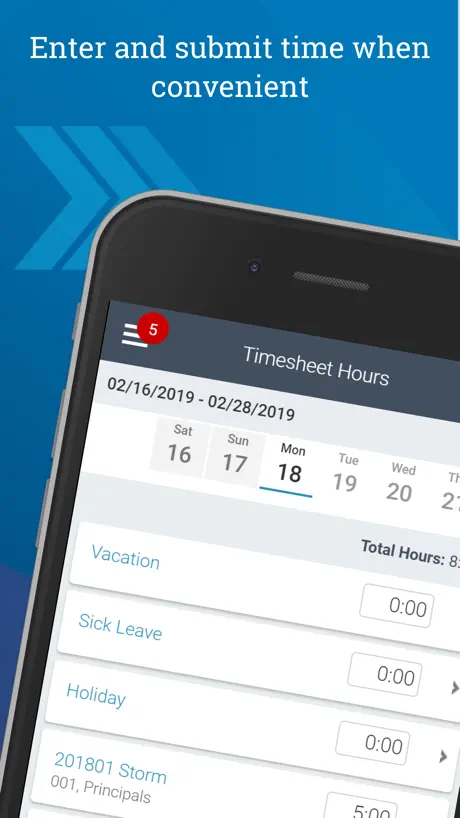
- Entering time is fast and easy.
- Much better than competitor apps.
- Simple, clear, and intuitive interface.
What they complain about
- Login process is annoying and confusing.
- App crashes or glitches randomly.
- Keeps logging you out unexpectedly.
- No auto-save wastes your time.
Excellent. MUCH easier than its web counterpart.
I find the this app’s big brother, the desktop web app to be un-intuitive and awkward, while this app is obvious, fast and easy to use. It takes only a few seconds to enter my time in this app. The developers of the desktop web app should look at this and consider updating the UI to work as this does.
Always signs you out
Whoever designed this app deserves to be executed
Sign-in Annoying
Pretty capable app, but signing in is annoying. Even though I have FaceID enabled I still need to put in my Verification Code.
Timesheet and Expense Line Approvals
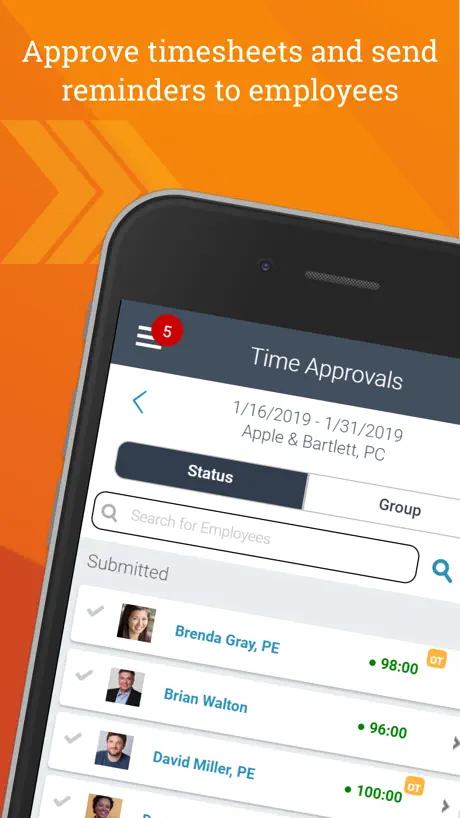
why is there still no timesheet and expense line item approvals? Please implement these.
Heltek
Picks the most inconvenient times to glitch e.g. 01:30 hrs when you are trying to input your hours before the long weekend. Then it works for a couple weeks. Then Heltek on Earth again. Almost but not-quite entirely UNfool-proof. Must I give a star? Grudgingly. 2) 2026 A new version or just new icon? Appears Friday. Time for worksheet. No sign in path. No update notice. Just a new icon that I can’t get into. Heltek strikes again.
Fast and easy
Great app
Crashes and is unreliable on IOS devices
They have excellent customer service who speaks English clearly and articulates well. Good structure however lacks consistency, and will crash. Also it will sign you out for wanting you to update your password however it wont tell you that. So you put in your password and then it locks you out.
Show a week total
Show a week total of hours when at the end of the time card. Annoying to go back and add up all the hours before submitting
Occasionally useful
Except when it won’t let you login because it ignores your pin and won’t let you login normally. Great. So now it asked me to sign an expense account with my password but it won’t take my password the password I used to login
Different
The app info looks so different from web based.
Easy and fast
It’s really easy and fast way better than other applications
Not great.
Incredible UN user friendly
Decent app but could use some improvements
Just downloaded this app to start using on my iPad that I have situated next to me at all times at my desk. There are a few first impression improvements I would make right off the bat. 1) Optimization for iPad users: the text, icons, and input fields are very small on iPad - the Submit - Save - New Line buttons in the bottom right corner are tiny and I accidentally tap submit when trying to save. 2) Optimization for iPad: I use an Apple Magic Keyboard attachment for my iPad that has a trackpad - for some reason or another, the app doesn’t allow me to click anything using the trackpad/cursor, I have to use my finger for everything. 3) Scroll Wheel for time selection: Allow users to type in the type directly instead of using the scroll wheel selector, or better yet, allow both input methods. 4) An autosave feature. I find myself closing out of the app (which is easy to do on iOS devices unintentionally) without saving and have to reenter time.
So much worse than the desktop/online version
This is so difficult to see the week at a time, all hours together. Why can’t they just make the display like the PC version? So many other apps are so much more usable.
Re-downloaded; can’t use
The app re-downloaded after a period of non-use. After re-entering all my log-in information, it wanted me to again set a pin. Unfortunately, only 1-6 show as options— no 7-0 nor a back button to correct an error nor submit.
Timesheet
Easy to use, great visual, superior app.
Endless Loading Circle
I sign in and all it does is buffer endlessly. I have to keep a second Android phone for no reason other than to run Deltek.
Payroll
The app itself is fine, I’ve never had any issues with it. I wish you were able to view your payroll information on the app. Because of password changing policies I can never remember what mine is to log in on my browser to see, I would rather be able to use Face ID to log in easily to see pay information.
Could be improved
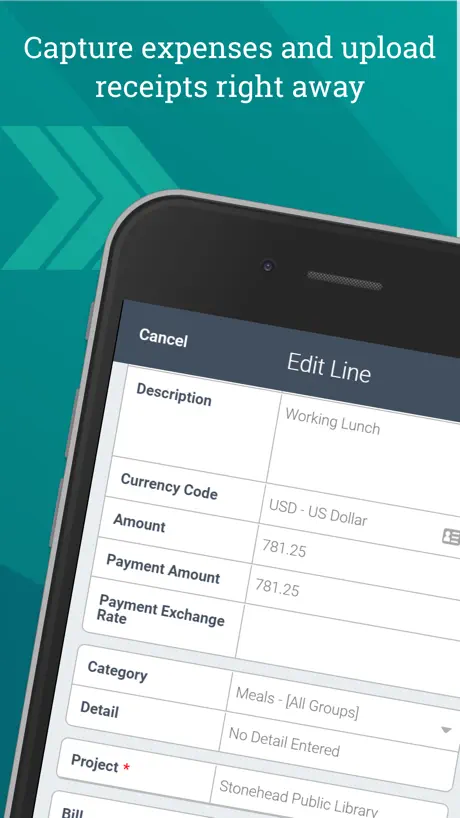
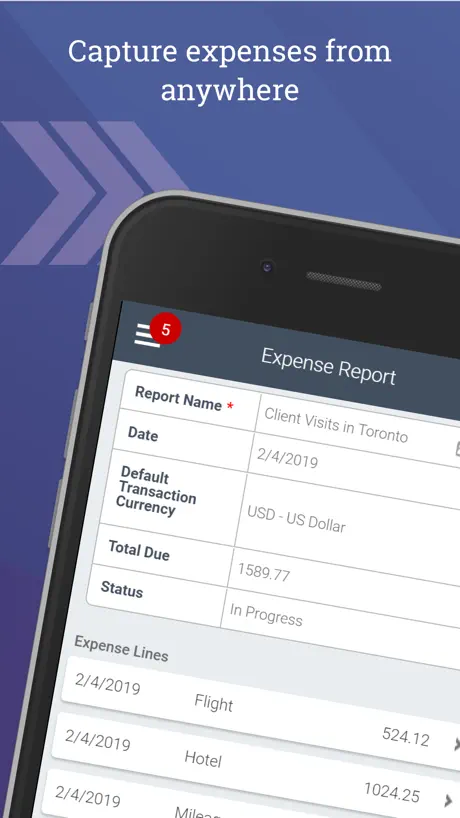
Deltek VP’s OCR is pretty decent, but it does not match the expense lines to a credit card import worth a flip. Also, you lose work a lot of time if your phone suspends in the middle of editing certain pages because every entry has to be saved or submitted. Seems like other systems, like expensify or concur, integrate between mobile app and desktop a little better. Permissions for approvals and certain screen accesses are not the same between mobile and desktop. The UI is pretty intuitive overall, but there just seem to be a few glitchy functions.
Not a fan
There are too many problems with this app to write them all out here. I’d be happier if it just worked all the time and I was able to get access to open it.
Nice
So much better than some competitor products I’ve used.
Disappointing
Constantly updating and logging you out 10/10 do not recommend for your company go through another service that’s more stable
Save
When you press done, the software should automatically save. A separate button is a waste of time. Clunky
Having trouble logging in
This app won’t let me in right away, have to do all of this just. to get into my account. Enter my 4 digit code just to have it tell me it’s wrong, then it sends me to the windows authorization page to turn it on, then to go to the next page to enter my work email address to go to the password page then go to the next to enter my 4 digit code twice just to get into my account
Awful interface
Had to do my timesheet and it was such a waste of time, literally it’s not even worth to download or use
It’s easy to use.
Makes entering your time fast.
Frustrated
NOT user friendly or obvious what to do. Not clear results or easy to review or edit your input. I would Not use this or recommend it if my company didn’t force us to use it.
New format
The New format is Great!
Vision
Vision is better
App is a failure
There is absolutely nothing intuitive about this app. The icons make ZERO sense. If I could, I would fire the person responsible for this app.
Absolute garbage
Junk
Deltek T&E for Vantagepoint FAQ
- Is Deltek T&E for Vantagepoint free?
- Yes. The app is free, in all 175 countries it sells in, and it sells nothing inside it.
- Does Deltek T&E for Vantagepoint have a free trial?
- No. None of its offers (US) come with a free trial.
- What are the best alternatives to Deltek T&E for Vantagepoint?
- Holman Insights (4.7 from 34,167 reviews), Autodesk Forma (4.7 from 24,382 reviews, premium from $49.99) and Egnyte (4.8 from 15,278 reviews).
Deltek T&E for Vantagepoint download
Last updated 1 month ago.
Deltek T&E for Vantagepoint sells in 175 countries. It was released 7 years and 8 months ago, on 24 Feb 2019. It holds a 4.4 rating from 6,943 reviews.
Supports 1 language: English.
How much does Deltek T&E for Vantagepoint make?
Third-party estimates for the last 30 days, worldwide — not the store's own figures, which Apple publishes for nobody.