
The Burst App
Bring photo bursts to life!
How much does The Burst App cost?
Prices are current as of 17 Nov 2026.
The Burst App has no in-app products on record in the United States.
10+ alternatives to The Burst App
| The Burst App |   GIF Maker by Momento |   Photo Timer+ |   Lively - Photos to GIF | 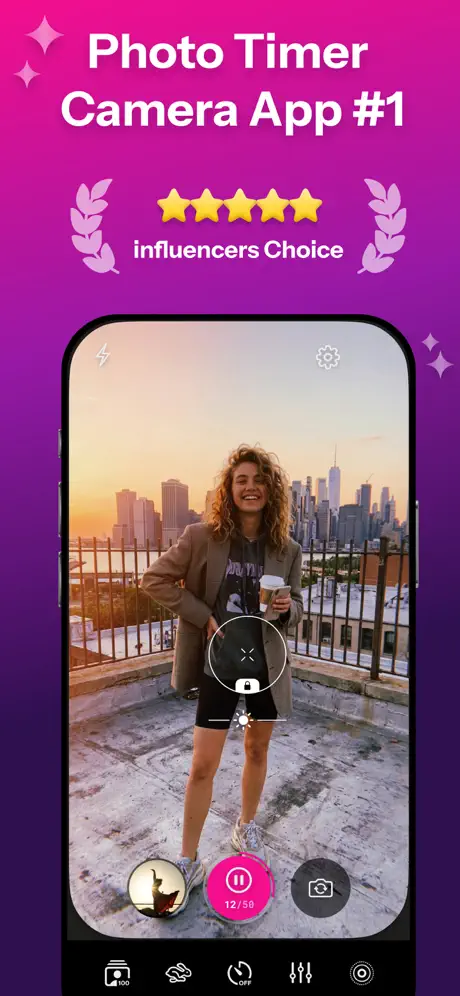  Photo Timer Camera: Lenspal | 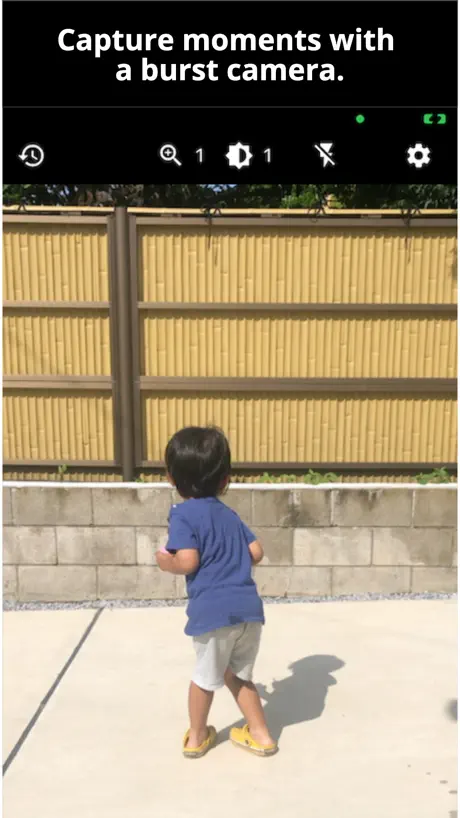  SmartShot - Burst Cam |   TrueFrame AI: Video Enhancer |   Burst HD - Super Burst Camera |   Burst select camera |   Photo Burst Maker: BurstBuddy |   Burst: Photo to GIF Maker | |
|---|---|---|---|---|---|---|---|---|---|---|---|
| Rating / 5 | 4.4 | 4.6 | 4.7 | 4.5 | 4.5 | 4.5 | 4.6 | 3.8 | 4.4 | 4.7 | — |
| Reviews | 229 | 76K | 18K | 6.5K | 1.1K | 155 | 90 | 15 | 8 | 6 | — |
| Released | 2018 | 2016 | 2012 | 2015 | 2023 | 2023 | 2025 | 2014 | 2024 | 2024 | 2015 |
| Weekly price | — | $2.99 | — | — | $3.99 | — | — | — | — | — | — |
| Monthly price | — | $9.99 | — | — | $12.99 | — | — | — | — | — | — |
| Annual price | — | $39.99 | — | — | $39.99 | — | — | — | — | — | — |
| One-time price | — | — | $0.99 | $4.99 | $69.99 | — | — | — | — | — | — |
The going rate for each plan in United States, in its own currency, shaded from the cheapest price on the row to the dearest. Plans fewer than four in ten of the priced apps sell are left out.
The Burst App reviews
4.4 out of 5, based on 229 reviews.
What people like
- Super easy to use with one tap
- Clean interface that just works as promised
- Shows file size before you save it
What they complain about
- Video speed is too fast and unchangeable
- Forces you to grant full photo access
- App crashes or gets stuck in loops
- Videos loop instead of playing straight through
Simple and Effective!
Straightforward app that does exactly as promised. Very easy to use. Turned my burst photos into a GIF with one tap. Thanks!
Too invasive
There’s is no reason for this app to require access to all photos and videos. If you only provide the selected burst, you’re unable to use the app.
Great, but
It’s a bit hard for one person to use, turning ian object, while manipulating the camera button is impossible, a little timer to let you get set up would be helpful. It’s a cool app nonetheless
It’s alright
It is an amazing concept but it needs some feature and most importantly, bug and usage improvements I help raise the overall user experience. Though is is still a great app!
Easy to use but doesn't do much
The animation is too fast and there is no way to control the speed. I dare say that different phones take bursts at different rates. I have an iPhone XR
Very simple to use
It would be great if you could adjust the FPS of the output. Currently the video seems a bit sped up.
Doesn’t work
No point downloading because it just plain doesn’t work
To the creator.
The burst transfer to video is quite good. The bad thing is that the video you made replay for three times. I hope the creator of this app can make more settings, for example, the speed of the video, special effects, green or blue screens for backgrounds and much more!
Can’t Disable Loop/Bounce
Works, but the video is a loop or bounce of the burst on repeat. I just want a video of the burst from beginning to end. Hard-coding a loop or bounce into the video makes for a long video with a large file size.
BEST & EASIEST APP!!!
For ME, Only using the burst mode can you get that 1, amazing shot out of hundreds.. for example, trying to make newly born granddaughter laugh, out of 400+ burst.. there was only 1 perfect picture where she not only smiled, but she opened her eyes which is priceless.. Not wanting to delete all the other pictures or spend the time deciding which ones I want to keep, I can keep them all in a video.. 2 ideas though would be nice.. 1) having hundreds of bursts, it’s a pain having to click on video & then click on the button to STAY HERE.. if a user doesn’t want to stay there, I’m sure they know how to get out of the app.. for me clicking STAY HERE 500 times is a pain & waste of time.. 2) Speaking of converting all ones burst to videos.. it would be GREAT to set the app in a mode where it CONVERTS ALL BURTS INTO A VIDEO instead of clicking 3 buttons each time then sliding over to do the same over & over again.. Still.. Great App! Saved me hours if not days going through them all.. I’ll be using the app for life as I create bursts.. thank you
Doesn’t work
Seems like a great concept. But I’m stuck in a loop trying to view my photos. Can’t get past that point. Delete and move on.
Doesn't work
I tried this app on my iphone x 11.3.1 and no pictures/video appears at all. I can't do anything with the app.
More features
Dope app man but add a feature so you can alter the speed sheit
Am I missing something?
I’m trying to use the app and wanted to only allow access to selected photos. There seems to be a loop within the app that hat I can’t get past where it is showing options to allow access to selected photos, all photos, or none. I tried choosing the option for selected photos but the check mark then moves to the all photos option. After trying several times to get past this step without success I was willing to let it have access to all photos but the app still won’t move on to the next step. Why give the options of using selected photos if they the app won’t work?? Also, why won’t the process move along now that I’m allowing it to use all photos??
Fun!
This has been really fun to play with. It works best in burst photos with many shots not just a handful (which makes total sense). Some of my very very old burst mode photos don’t seem to work, but that is probably an issue with old burst photos not the app.
Not working on 6s
Looked promising and simple, but does not work on iPhone 6s. Gets stuck once Photos are selected, even restart does not resolve issue. Deleted it instantaneously.
Simple and Powerful
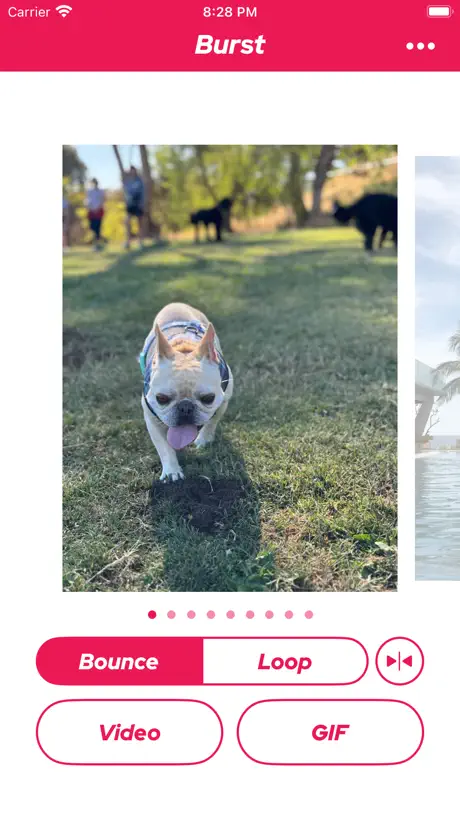
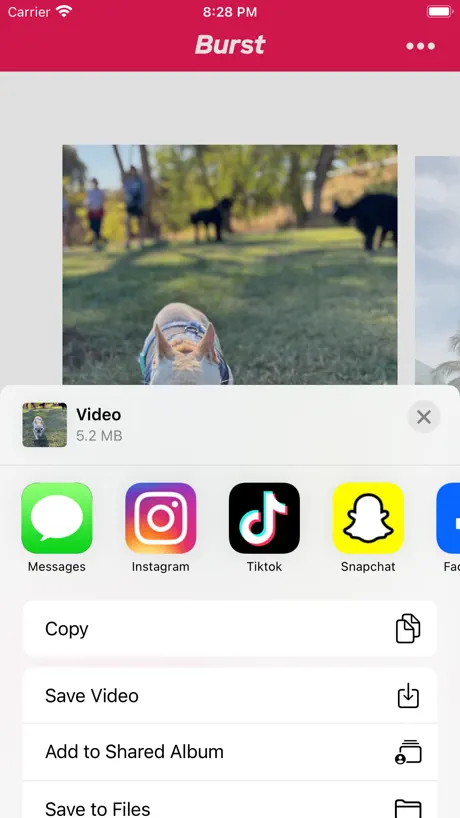
Great app to convert burst captures to animated GIF and video. Let’s you see the file size before you decide to save the animation!
Crashes when I press GIFS
I’ve used burst before and when I press video it will not get rid of my last photo I used so I can’t make another one; it will just bring me to the screen where I can save the old burst. Also when I press GIFS the app just crashes. I really liked this app so hopefully it can get fixed and I can give a better rating. The app is updated & still does the same thing.
This is a neat app
Super neat, clean and intuitive. Whoever made this knows what they are doing!
Jammed*
Doesn’t want to create a burst without access to all photos. Given an option of selecting particular photos, it doesn’t allow the software to advance
Useless app
Only like one of my bursted photos will load on the app and it’s not even the one I wanted to turn into a video. Even after deleting and downloading the app again nothing changed. Major fixes are needed for this app to be enjoyable.
Too Many Photos
Asks for too broad photo permissions, and won’t operate with limited access
Zero usability.
You know what would be helpful? A way to import an burst image. Unknown if this app can actually do as it claims and convert files to gif or video since it seems to lack any obvious function to allow the acquisition of files to manipulate. Fail.
The Burst App FAQ
- Is The Burst App free?
- Yes. The app is free, in all 175 countries it sells in, and it sells nothing inside it.
- Does The Burst App have a free trial?
- No. None of its offers (US) come with a free trial.
- What are the best alternatives to The Burst App?
- GIF Maker by Momento (4.6 from 76,222 reviews, premium from $2.99), Photo Timer+ (4.7 from 17,824 reviews, premium from $0.99) and Lively - Photos to GIF (4.5 from 6,473 reviews, premium from $4.99).
The Burst App download
Last updated 2 months ago.
The Burst App sells in 175 countries. It was released 8 years and 8 months ago, on 20 Mar 2018. It holds a 4.4 rating from 229 reviews.
Supports 1 language: English.
How much does The Burst App make?
Third-party estimates for the last 30 days, worldwide — not the store's own figures, which Apple publishes for nobody.