
Singpass
Your trusted digital identity
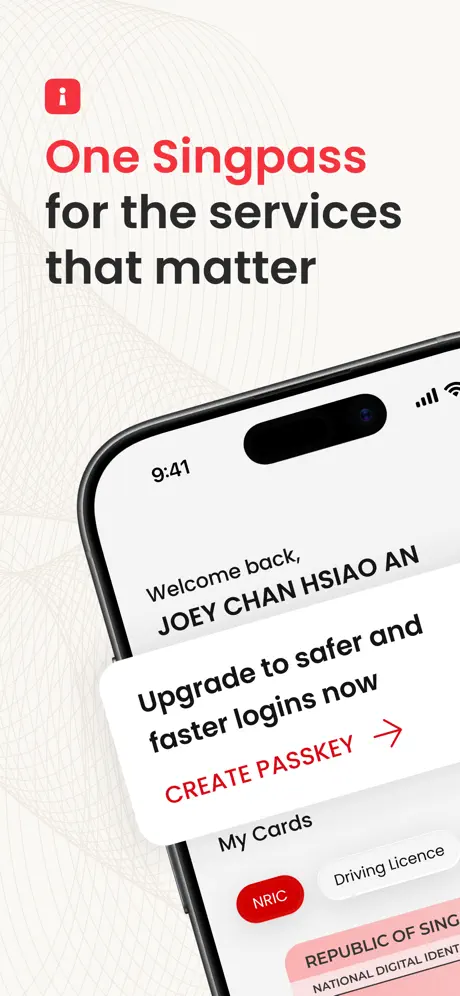
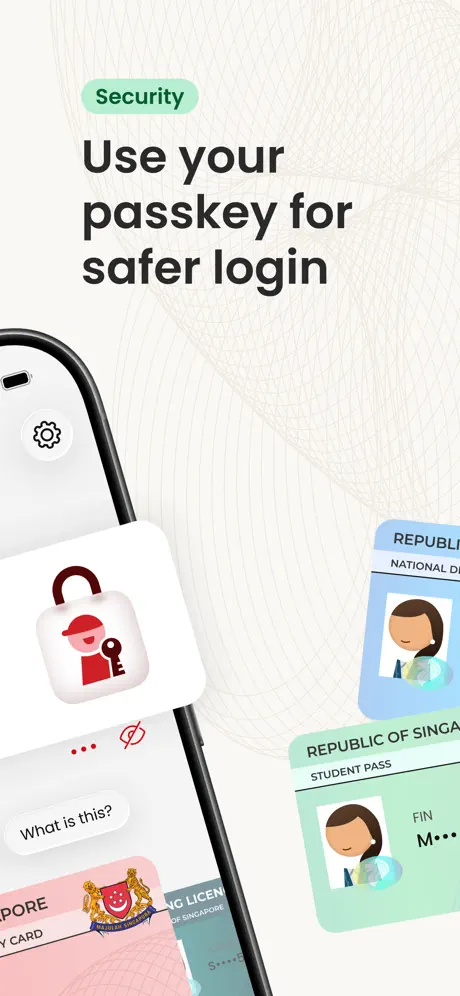
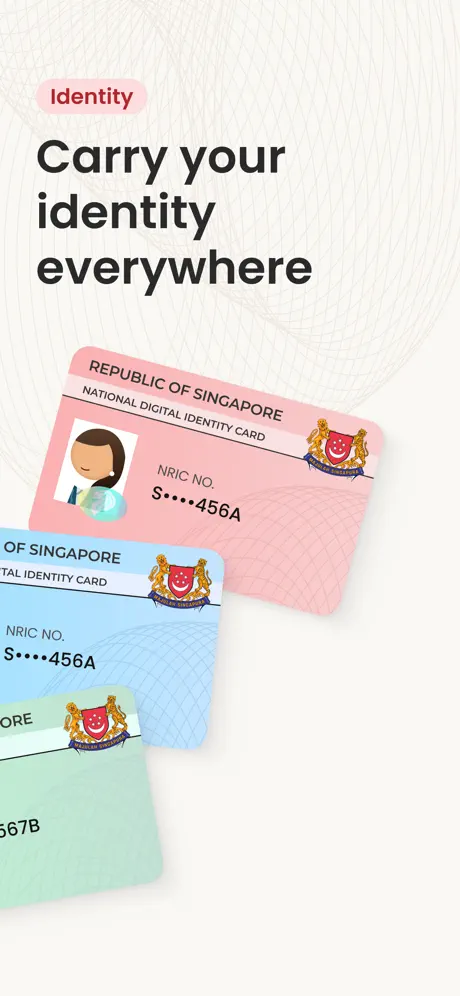
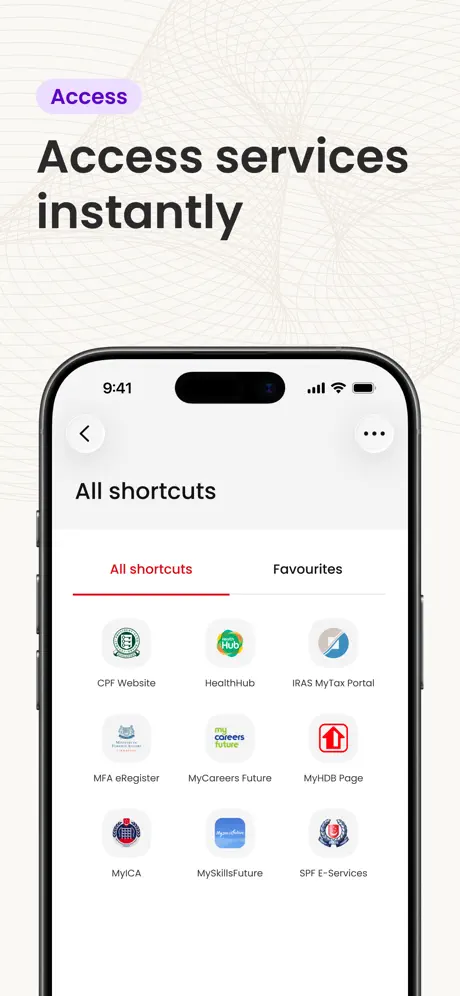
How much does Singpass cost?
Prices are current as of 9 Sept 2026.
Singpass has no in-app products on record in the United States.
10+ alternatives to Singpass
| Singpass |   OneService-Serving Your Estate OneService-Serving Your Estate |   INFOTECH HRMS INFOTECH HRMS |   FWMOMCare FWMOMCare |   OneNS OneNS |   BIPO HRMS v2 BIPO HRMS v2 |   Gnowbe - training, onboarding Gnowbe - training, onboarding |   QuickHR QuickHR | |
|---|---|---|---|---|---|---|---|---|
| Rating / 5 | 4.8 | 4.5 | 3.8 | 3.4 | 4.6 | 2.8 | 3.9 | 2.9 |
| Reviews | 319K | 10K | 4.3K | 863 | 730 | 534 | 155 | 112 |
| Released | 2018 | 2015 | 2016 | 2020 | 2022 | 2019 | 2016 | 2017 |
Singpass reviews
4.8 out of 5, based on 319,236 reviews.
What people like
- Very fast transaction speeds
- One stop shop for SG
- App is quick and responsive
What they complain about
- Drains your phone battery fast
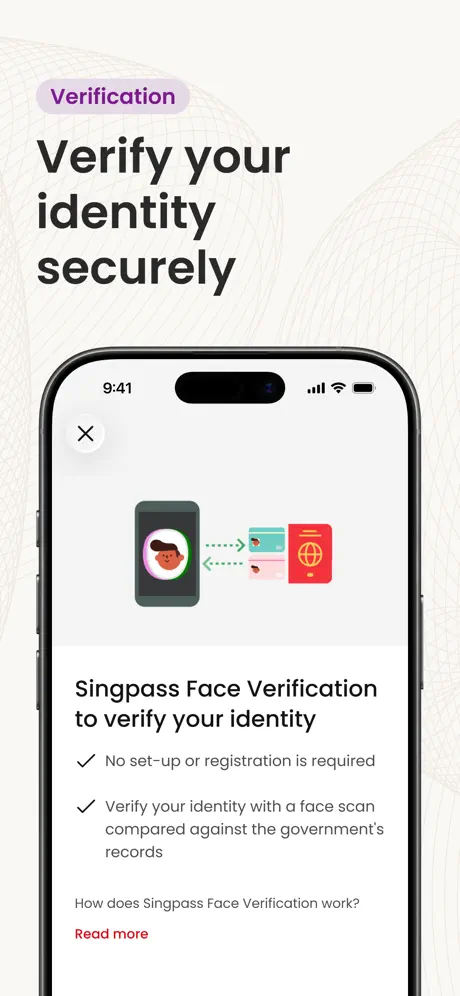
- Face scan fails for seniors
- No password expiry warnings
Works perfectly fine
App is quick and responsive. QR scans login are pretty fast.
Bureaucratic burden
The app updates only monthly. But everything needs to be validated using it. Every bureaucracy has a separate app for different purposes. The system is good at making things more complicated.
Error Message
These few days unable to connect to myICA.
Face Scan
Not able to face scan even the camera setting is on.
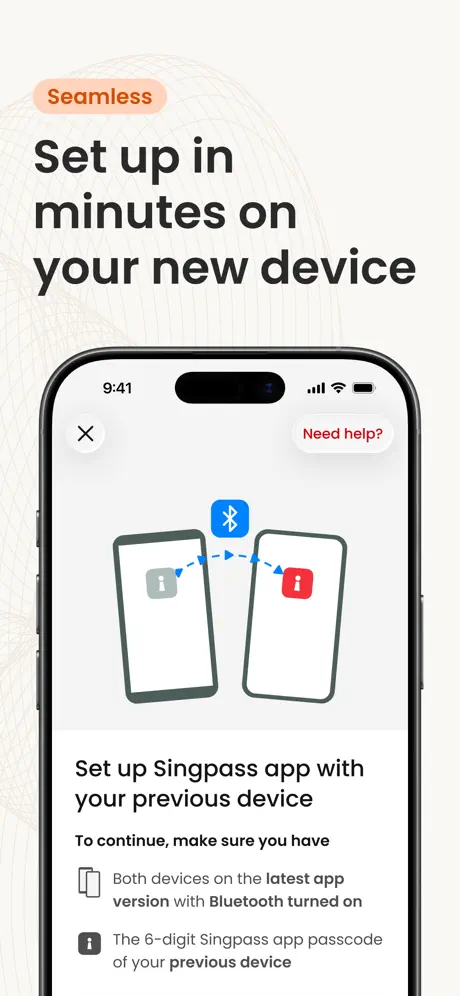
Why need access to Bluetooth?
This is a violation of my privacy. I don’t see why it is necessary to allow this app access to my device Bluetooth. Not using it anymore.
10
10
Feedback on patient experience
Patient experience @ AMU hospital ward
Allow default hiding of full NRIC number
All’s good but when opening up my NRIC on the app, would prefer if there’s an option to hide the full NRIC number by default rather than having to click on the “eye” to hide it every single time
Unable to proceed
I’m living overseas with no singapore mobile number. I cannot change my address to overseas because it requires a pin. That pin is sent only to sg address. There is no fingerprint or face recognition on mobile. It just loops and there is no way of getting things done. Extremely frustrating for locals living overseas
Login issues.
As above Unsure if login was successful. Had to login numerous times as though the website was not genuine
Shankar
Good
Background Battery Drainage
The app sucks away battery in the background. The accumulated background usage easily hits 2 hrs a day, taking up 10-20% of battery life. This causes unnecessary aging to the battery.
Repeated request for facial scan
The one time password input is good enough all this while. ACCRA insisting to use facial scan create monumental difficulty for a 76 yr old senior. 1) New iphone has no singpass camera function. 2) Singpass transferred back to old phone. 3) Singpass requested face scan. Face scan failed after many attempts. Reason likely due to change in look due to aging and drooping eyelids and facial skin. 4) Tried many times calling singpass +65 6335 3533 ( as provided in singpass website). Called FAILED REPEATEDLY. I used to take pride in spore public service. For an important app like singpass, i am deeply disappointed in my sunset years, to experience a decline in the level of service provided to the public especially with apparently no consideration for the difficulties encountered by seniors.
Useful but
Please stop adding unrelated features and reduce the spam notifications. Just do the one thing well: sign in. All the other stuff just gets in the way.
Not as simple as it cud be
Having difficulty trying to reset my password
Battery usage in latest version
Not sure if it is only my problem. The battery consumption is incredibly high. 10% in half day.
Access blocked ! Why ??
I was accessing from sg but yet m blocked.Despite VPN not enabled . Is unacceptable !
Log out
I was log out a few days ago out of no reason and I had to reinstall the SingPass again.
NO PRE-WARNING FOR PASSWORD EXPIRY
This app has all the great features as a wallet for all things you need for identity verification. Unfortunately, it DOES NOT COME with a PRE-ALERT about your coming password expiry. I was totally stuck having to go through the entire registration process after my password expired, when I needed to use the app while others gotta wait for me to get everything updated. Such inconvenience COULD HAVE BEEN AVOIDED, if users are prompted to change password when their expiry date is near. Please work on this.
chinese
language need chinese
this app is amazing
one stop shop for all things in SG. thank u guys
Battery drainage after passkey update
Singpass app running in the background after passkey update. I have turned off background app refresh but it is still running in the background!! Draining almost 50% battery overnight. Please fix the issue.
Password
Abit confusing as use health buddy and banks but like 2 different passwords for I
Frequently have difficulty in checking out
Error message to check network, sometimes need to keep clicking retry for it to check out.
不支持中文
什么时候能支持中文就好了
Hhh
Very fast transaction
Battery drainage
Background battery drainage after passkey update
app unable to scan qr
after updating the app unable to scan qr.
Hangs a lot
Needs to refresh, can’t check out often
The HealthHub
The Health Hub is missing on main page.
Health app
Excellent
App running in background draining battery
The app is running in the background for 2 hours plus, draining the phone battery for 15-20% overnight, please fix the issue, thanks.
Log in difficulty after Apps update
Last time easily log in using pass pass, i cant figure out how to log in now
Great but more be done..
The app is great with the inclusive of myinfo but more can be done! I cannot really comprehend why the redirect are to websites instead of native apps? I have the CPF apps but why SingPass redirects me to the web? Can give options for user to choose?
Good
Good
Battery draining fast!
After updating and enabling the passkey a few days ago, the app has been draining my phone battery fast in the background. Please fix this issue. Thank you!
不能进入网银
搞不清账号和用户名!
It is good
I like this app
Passkey feature too aggressive
Created a passkey for Singpass as per screen instructions, only to find Singpass aggressively set itself as THE passkey app to be used everytime I tried to pull up my other password manager for Autofill fields. Very frustrating. Unfortunately I had to deactivate the passkey feature for Singpass as this disrupts too much of my online activities.
Good
Good for everythings
SingPass make hacker easier life!
This app is easily compromised by hacker, controls the telco line. Perform transactions without people knowing. Hacker controlling my SingPass even though I reset, suspended so many times. Why must have this Stupid app. Where is the security, backup plan. Want people compulsory to use SingPass. Now my life is in hacker hand, my SingPass is fake, not perform properly. I may end my life again because of SingPass. Hate SingPass to the max. Hacker entered my CPF, HDB controlling government system. No one believes what I am facing. Hate SingPass to the max.
Singpass FAQ
- Is Singpass free?
- Yes. The app is free, in all 175 countries it sells in, and it sells nothing inside it.
- Does Singpass have a free trial?
- No. None of its offers (US) come with a free trial.
- What are the best alternatives to Singpass?
- OneService-Serving Your Estate (4.5 from 10,308 reviews), INFOTECH HRMS (3.8 from 4,322 reviews) and FWMOMCare (3.4 from 863 reviews).
Singpass download
Last updated 1 month ago.
Singpass sells in 175 countries. It was released 7 years and 11 months ago, on 20 Oct 2018. It holds a 4.8 rating from 319,236 reviews.
Supports 4 languages: English, Malay, Chinese, Tamil.
How much does Singpass make?
Third-party estimates for the last 30 days, worldwide — not the store's own figures, which Apple publishes for nobody.